Choose a style
Explore outfit presets and find a look you like.
AVACLIK · AI STYLIST
Explore adult looks: choose clothing, select a color or describe your idea with AI.
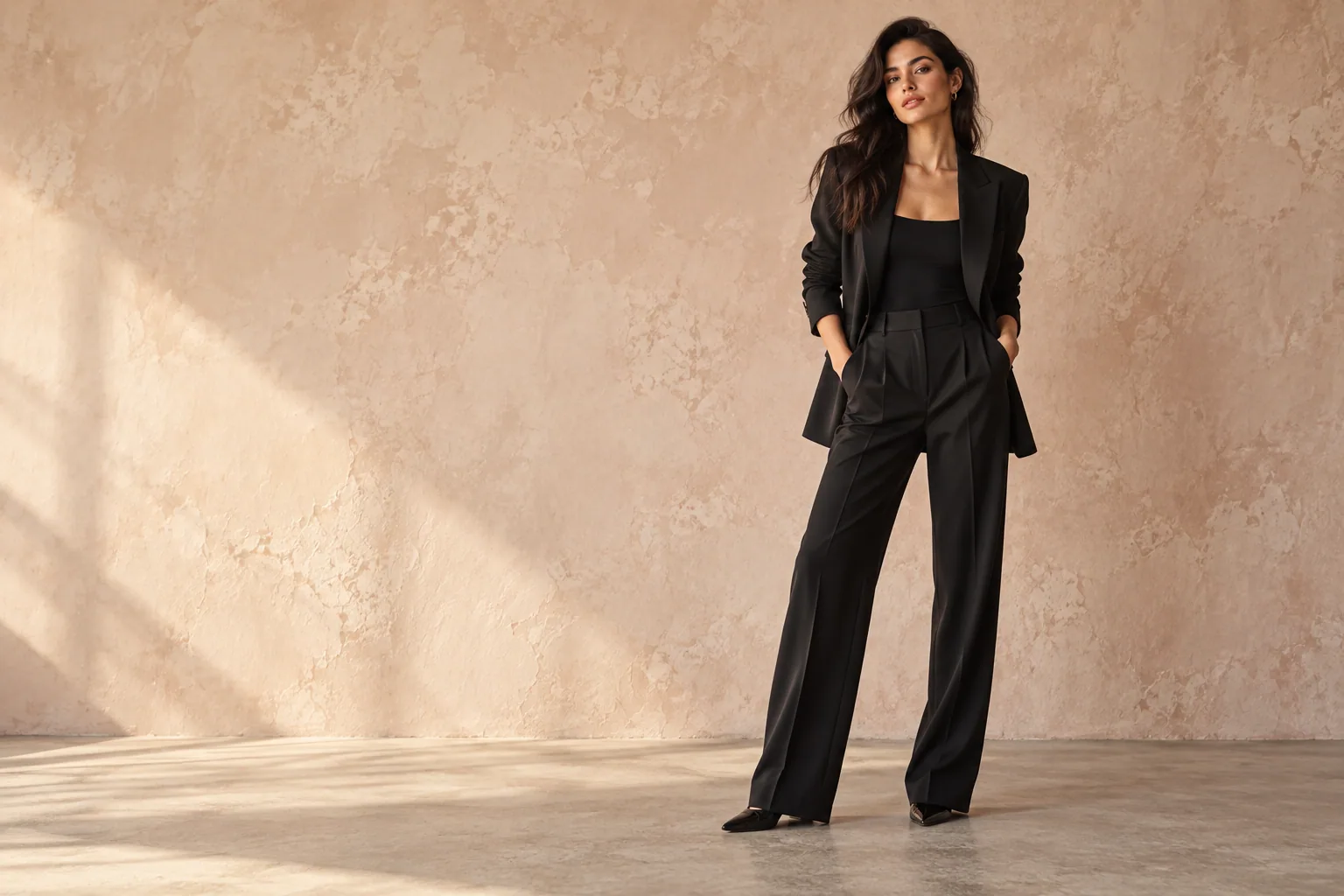 Editorial illustration
EDITING RESULTS
See how an outfit can change the feel of a photo.
Examples will appear here when photos are added.
ABOUT THE TOOL
Change clothing in a photo using presets or your own description. Explore looks ranging from everyday and evening styles to lingerie options for adults.
You can specify details such as color, fabric and silhouette or add a clothing reference photo. AI results can differ from your description or original image; exact fit and details are not guaranteed.
Explore outfit presets and find a look you like.
Use your own description to specify the garment, color and details.
Add a clothing image to guide the new look.
Select a color and explore how it changes the look.
HOW IT WORKS
Choose a photo of a consenting adult.
Open the outfit tool and pick a preset, color or input method.
Start the edit, review the image and save it.
MORE POSSIBILITIES
Explore styles using one photo while keeping the original. Results depend on the image quality, pose and settings.
Open editor ↗Illustrative imageAVACLIK / STUDIO
AvaClik helps adults explore clothing and creative looks. This page may contain explicit examples; editing capabilities depend on the selected tool and service rules.
Explore a new look in a personal photo.
Experiment with silhouette and style.
Try new combinations of color and clothing.
PREPARE YOUR PHOTO
Start with a clear image where the person and clothing are visible. Consider the camera angle, lighting and areas covered by hands or objects.
Choose a preset or describe the garment, color and fabric. If you use a reference, select an image where the clothing is clearly visible.
Check the fit, clothing edges and hands after editing. If the result differs from your idea, adjust the description or try another source photo.
AVACLIK / TOOLS
Keep editing your photo with other AvaClik tools.
FAQ
Open the editor, upload a photo, choose the outfit tool, select an option and start the edit.
Yes. You can choose a color; results depend on the option and original image.
No. The image helps you explore a look but does not guarantee actual garment size or fit.
Yes. Use images of consenting adults and follow the service rules.
The editor shows the cost before you start. Tokens may be required.
AvaClik is intended for adults and offers adult styling options. Available capabilities and results depend on the tool settings and service rules.