Remove an object
Remove a distracting item and inspect the reconstructed background.

AVACLIK / AI CORRECTION
Remove distractions, correct images and restore photos with AI. AvaClik is an editor for adults 18+.
 Illustration, not an editing result
AVACLIK / TOOLS
Choose an action in AI Correction. Results depend on the photo and the option selected.
Remove a distracting item and inspect the reconstructed background.
Try removing an unwanted person from the scene.
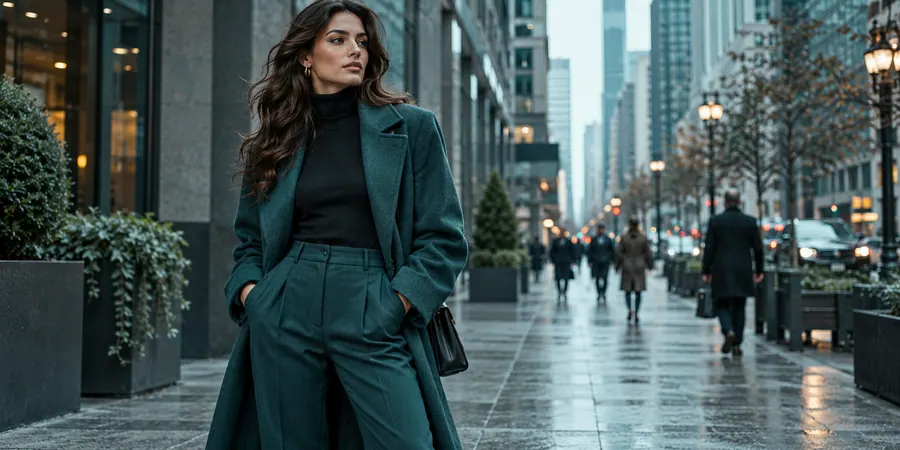
Process inscriptions and other text elements.

Remove visual clutter and small distractions.
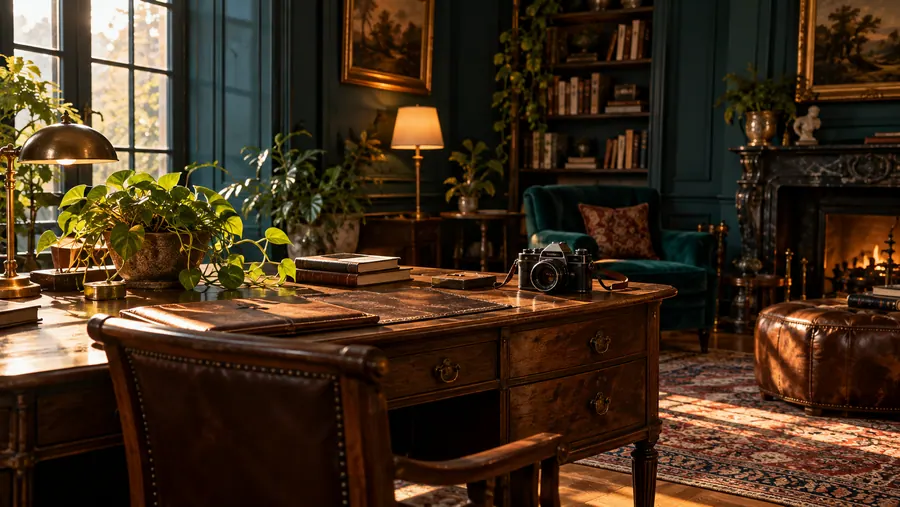
Try correcting light, color and visible flaws.
Reduce reflections and bright glare in an image.

Try repairing damage in an old photo.
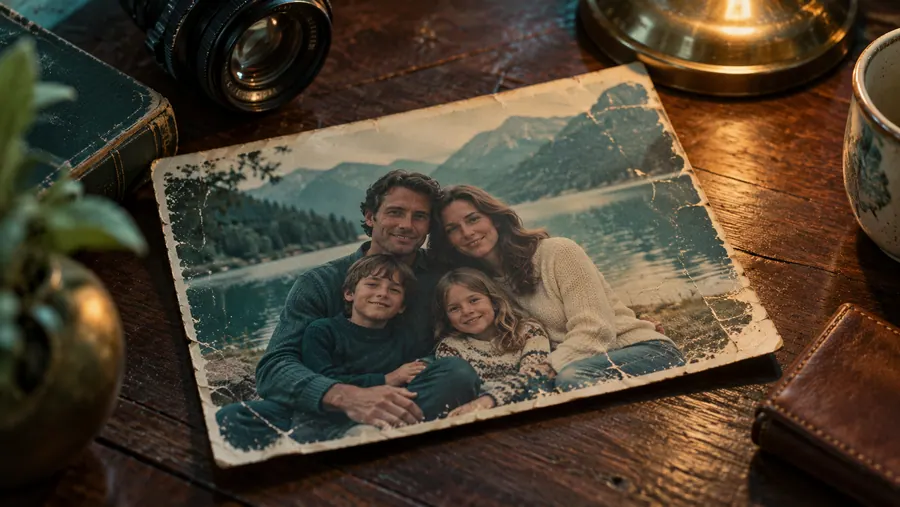
Only edit images you have the rights to use.

Illustration, not an editing result
AVACLIK / IDEAS
Remove distractions around the person.
Try cleaning up unwanted background details.
See whether visible damage can be repaired.
Illustration, not an editing result
AVACLIK / EXAMPLES
Explore real editing examples from AvaClik.
Before and after examples will appear here.
AVACLIK / HOW TO
Choose an image you have the right to edit.
Open AI Correction and select the appropriate option.
AI creates a new version of the image.
Check fine details and download the result.
AVACLIK / CHOOSE
| Task | Option | What to check |
|---|---|---|
| Unwanted item | Remove an object | Reconstructed background |
| Person in background | Remove a person | Edges and surrounding scene |
| Damaged photograph | Restore a photo | Faces and fine details |
| Reflections or glare | Remove glare | Lighting and natural appearance |
AVACLIK / PHOTO STUDIO
Correction can help focus attention on the main subject. AI may alter details or approximate obscured areas, so compare the result with the original before use.
Open editor →Illustration, not an editing resultAVACLIK / TIPS
Reconstructed areas may differ from the original scene.
Pay attention to eyes, hands and small details.
Only upload photos you are allowed to edit.
AVACLIK / TOOLS
AVACLIK / FAQ
It offers options to remove objects, people, text and glare, and to clean up or restore photos.
Yes. Choose Remove object and review the result after processing.
No. AI interprets the image, so the background and details can change.
The token cost is shown in the editor before you start.
Use images you have rights to and photos of adults with their consent.