PAYMENT GUIDE
How to pay with Telegram Stars
Four clear steps, from choosing a pack to topping up your AvaClik balance.
Open editor ↗How to top up with Telegram
Telegram may look different depending on your device and app language. Amounts in the images are examples.
1Connect Telegram
Sign in to AvaClik. If Telegram is not connected yet, open your account → Sign-in methods and connect the account you will pay from.
2Choose a pack
Select Top Up, choose a token pack or subscription and select Telegram Stars. Choose Continue to payment, then Open payment.
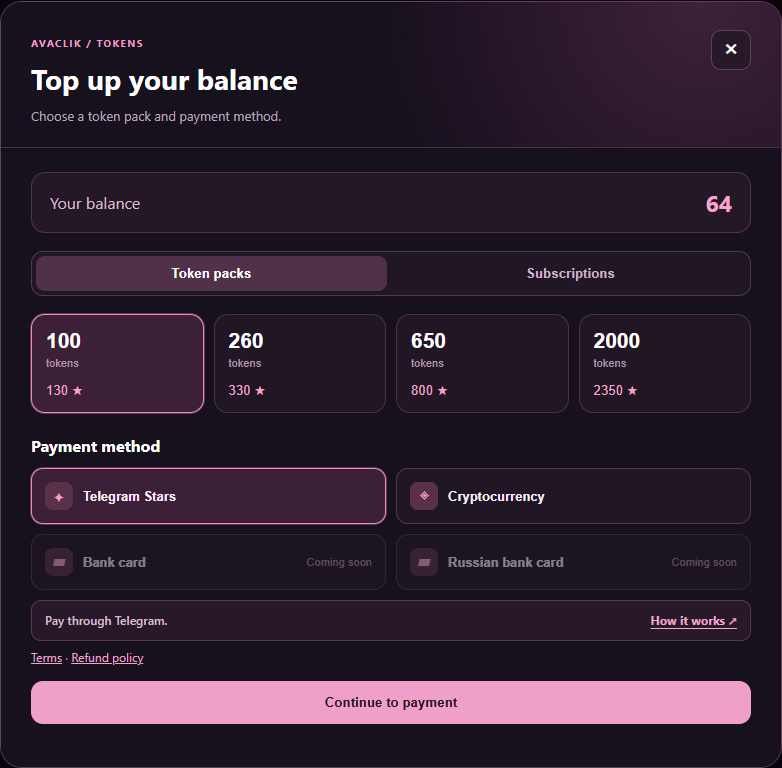
3Pay the invoice in the bot
Open the AvaClik bot using the same Telegram account. If Telegram shows a Start button, tap it. Check the pack and Stars amount, then tap Pay and confirm the payment.
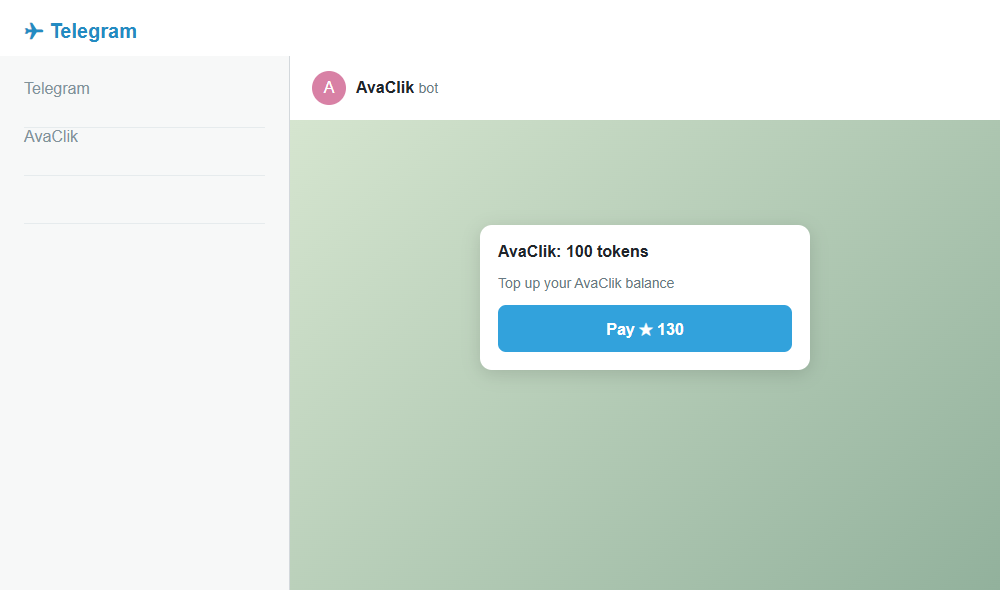
Check the amount and confirm
In Telegram, check the pack and the Stars amount, then confirm your purchase. If you do not have enough Stars, top up first.
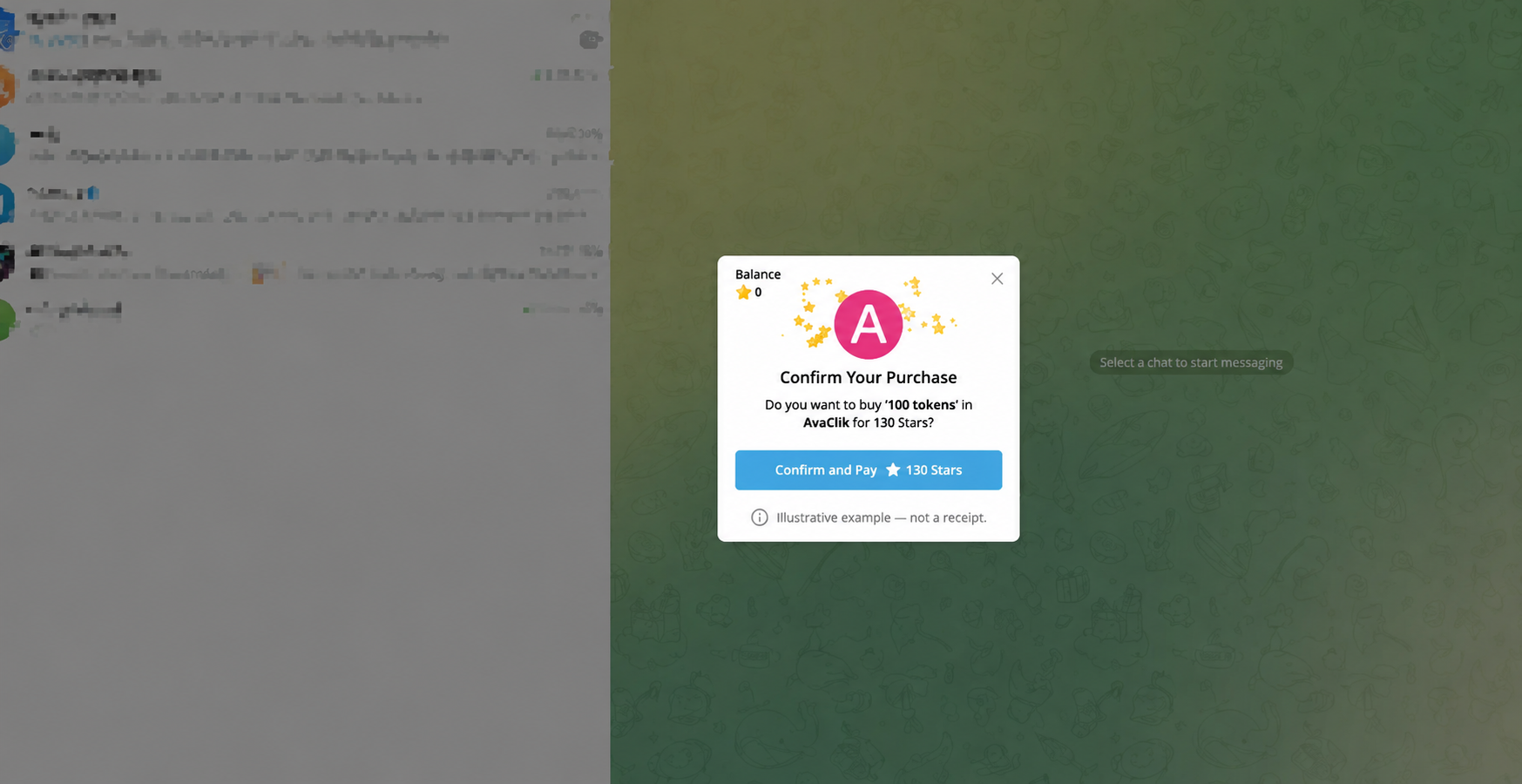
4Return to AvaClik
After payment is confirmed, return to the editor or your account. Tokens will appear in your balance; a subscription will be active or scheduled.
TELEGRAM STARS
How to buy Telegram Stars
If you do not have enough Stars, you can buy them before paying. Menu names and payment options depend on your device and region.
1Open Telegram settings and choose My Stars.
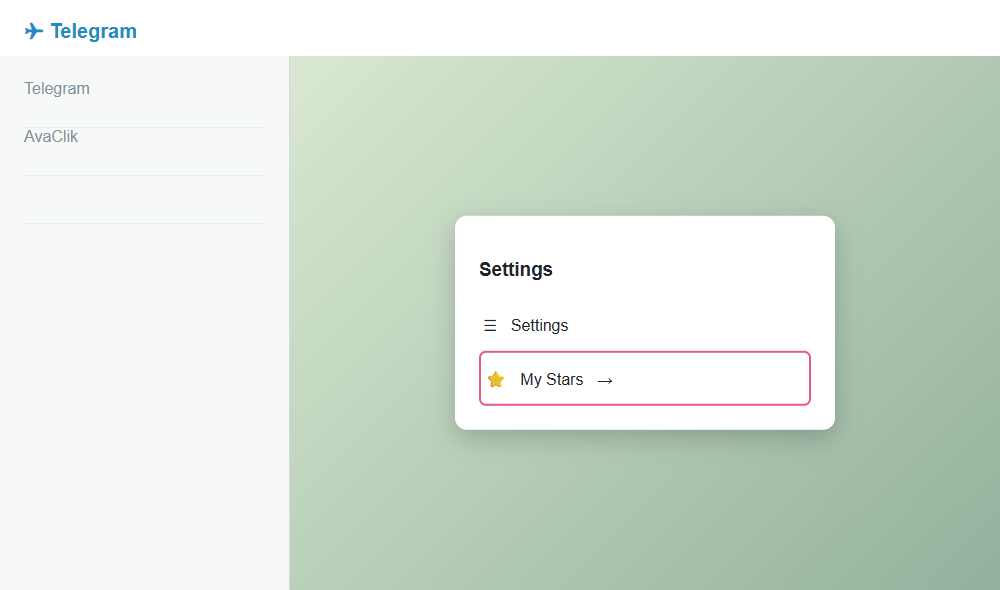
2Select Top Up Balance.
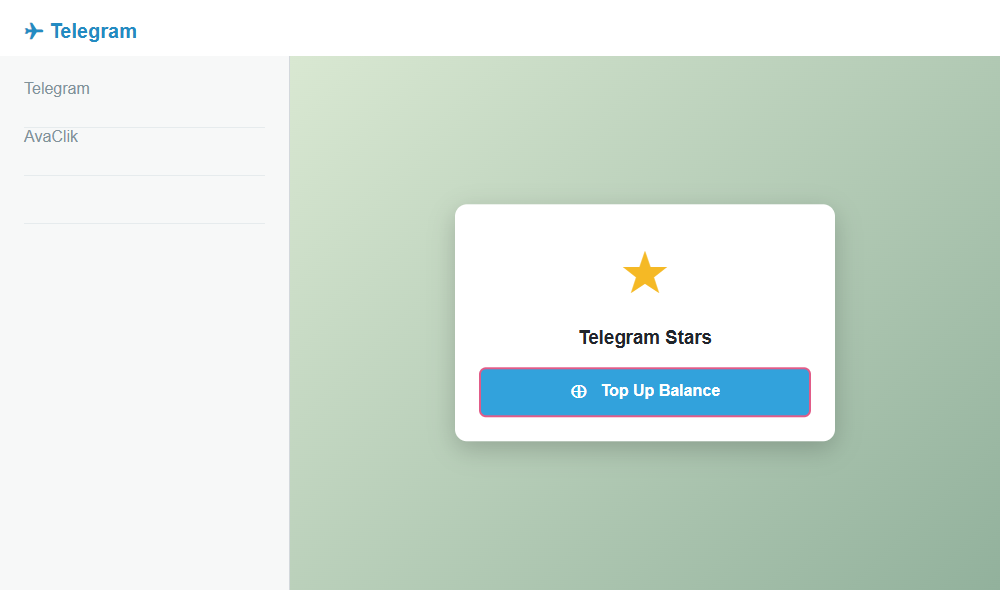
3Choose a Stars package and check its price.
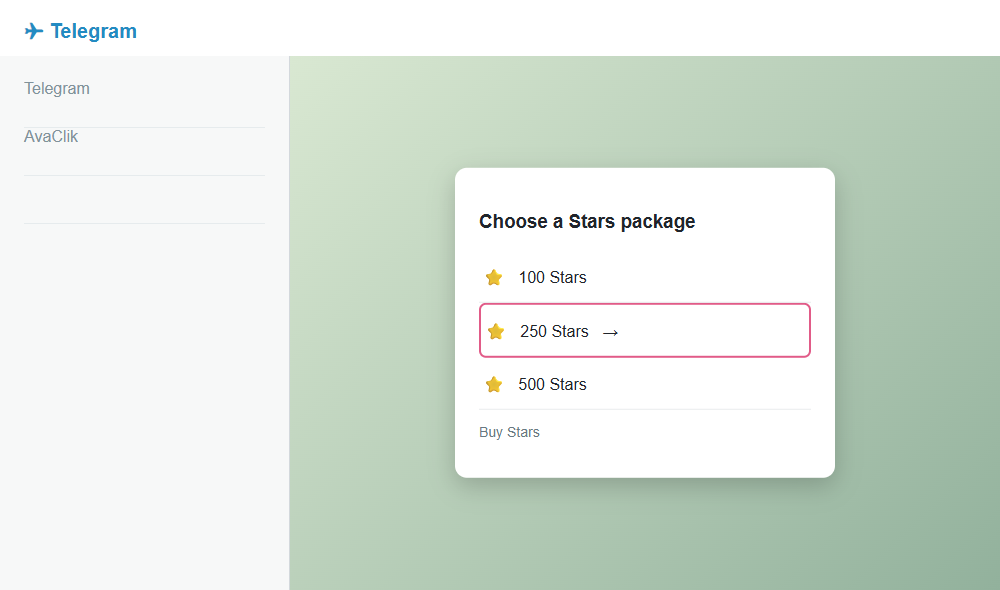
4Select an available payment method and confirm the purchase. Return to the AvaClik invoice and pay it.
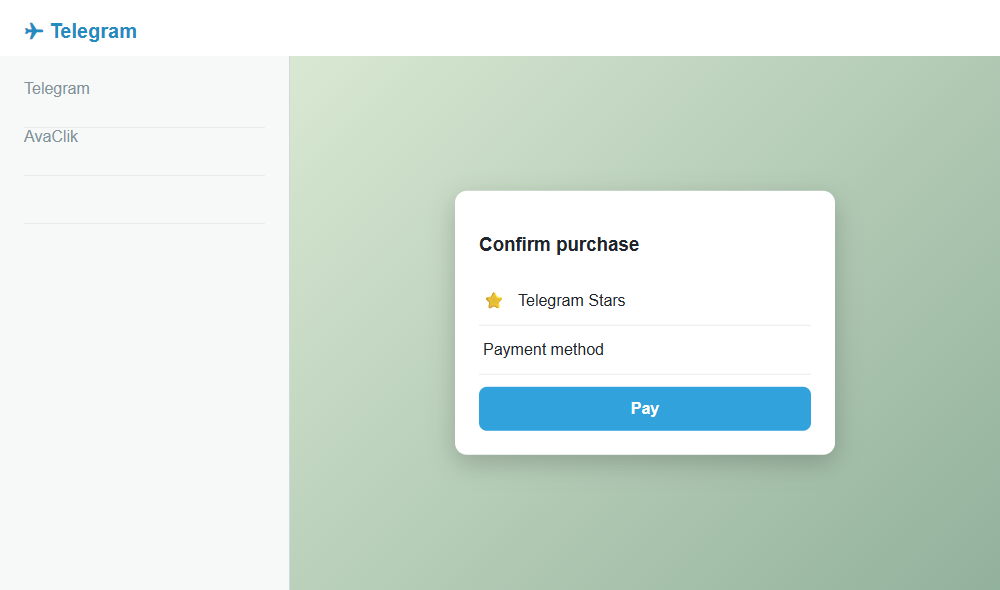
After payment, return to AvaClik and check your balance. Buying Stars alone does not pay your AvaClik order.
Top up Stars using an option offered by Telegram, or go to Telegram Settings → My Stars. Then return to the invoice and confirm payment. Buying Stars alone does not pay for your AvaClik pack. Available methods and fees depend on your region, device and payment provider.
FAQ
Need help?
The bot did not open+
Make sure Telegram is installed and signed in to the account connected to AvaClik. Return to the payment window and select Open payment.
The invoice expired+
Return to AvaClik and create a new invoice. If an invoice was already sent, check the bot chat first.
I paid but my balance did not change+
Wait a moment and refresh the page. If the tokens are still missing, contact support and include your Telegram receipt. Never send passwords or login codes.