✦
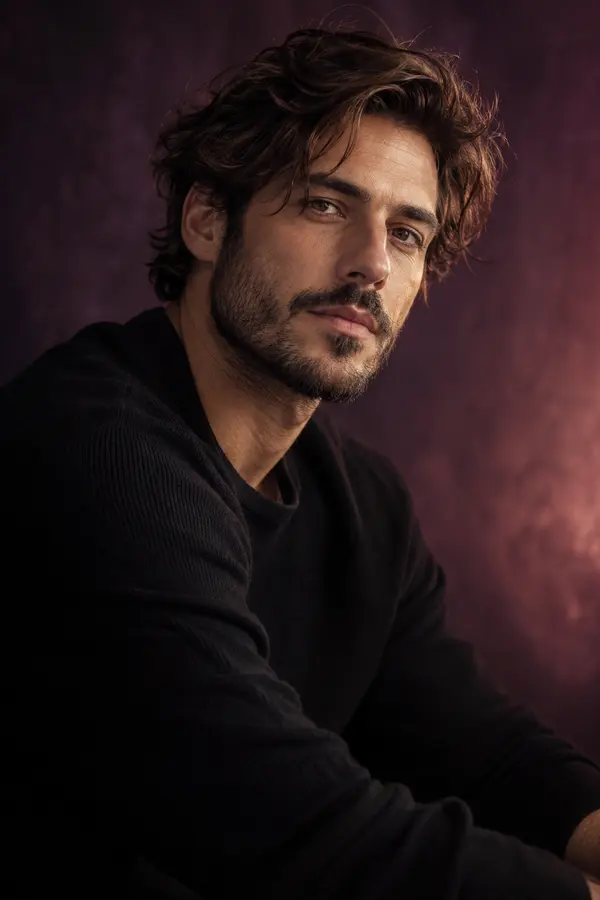
Light stubble
Try a subtle stubble style on your portrait.
AVACLIK · AI BEARD STUDIO
See a different beard or stubble style on your photo. Choose a preset and adjust the color in the AI editor for adults.
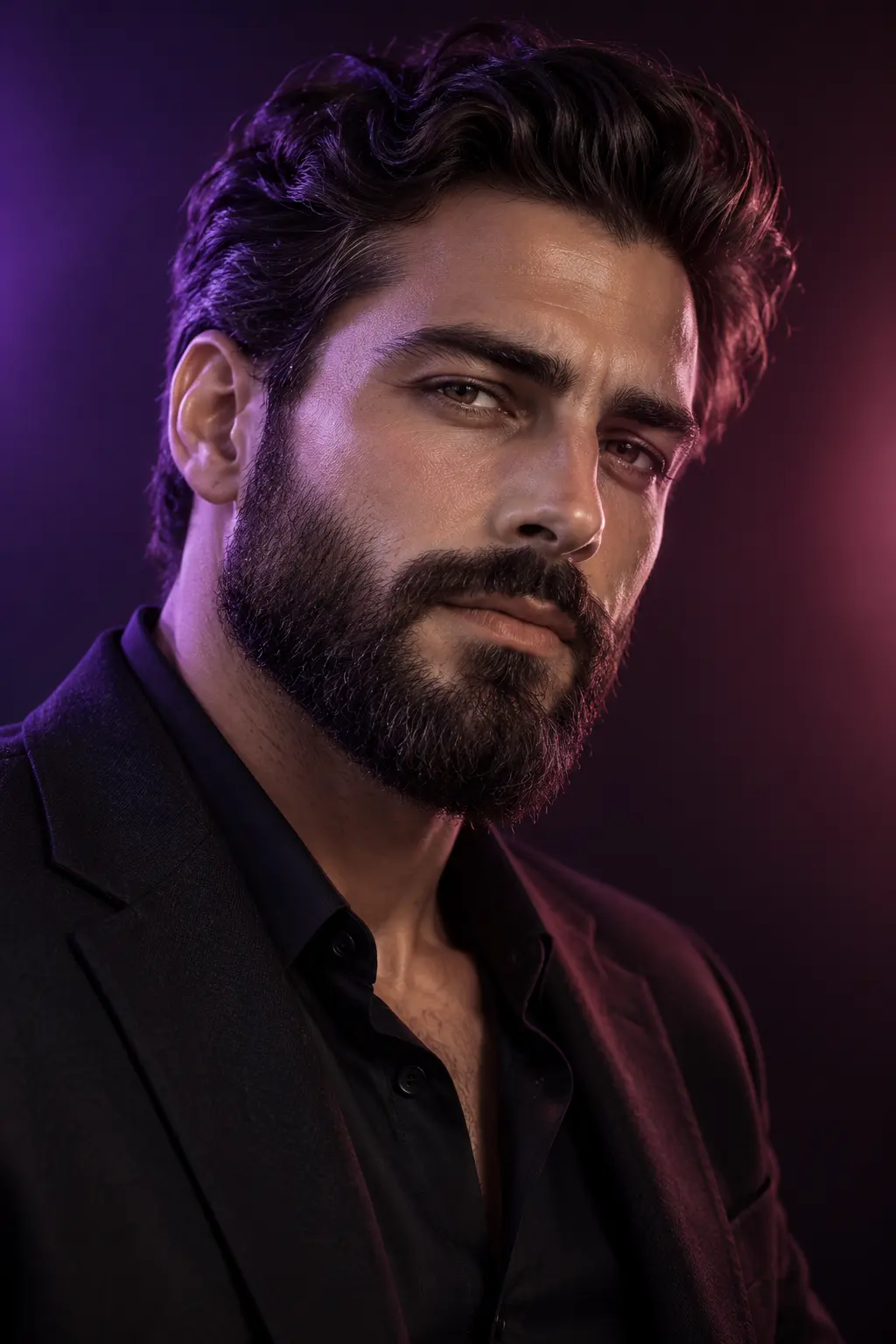 Illustration, not an editing result
AVACLIK / BEARD STUDIO
Choose a beard or stubble style for an adult portrait and adjust the color. AI creates a new version of the photo. Results depend on the original image and chosen style, so review the details after editing.
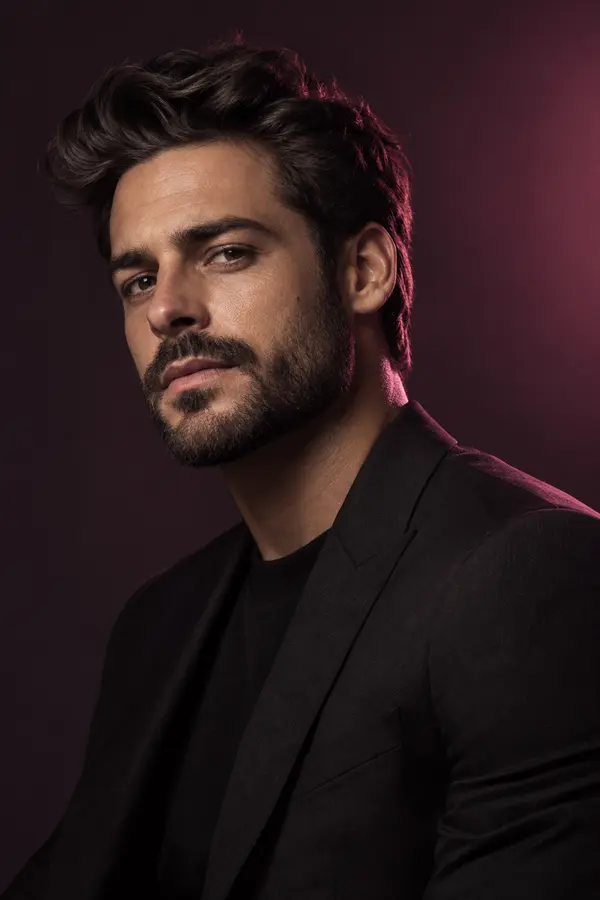
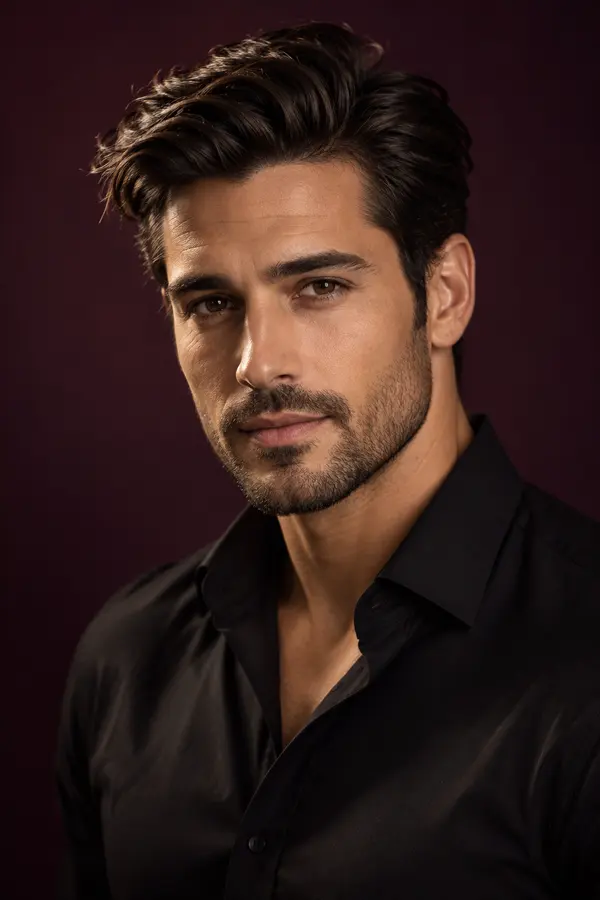
Illustration, not an editing result
AVACLIK / EXAMPLES
Explore examples of beard and stubble changes on photos.
Before and after examples will appear here.
AVACLIK / HOW TO
Try a beard or stubble on a portrait and compare the overall look. A photo helps you explore an idea; a real beard may look different.
Choose a clear photo of a consenting adult.
Open the Beard tool, select a preset and adjust the color if needed.
Start the edit, check the details and save the image.
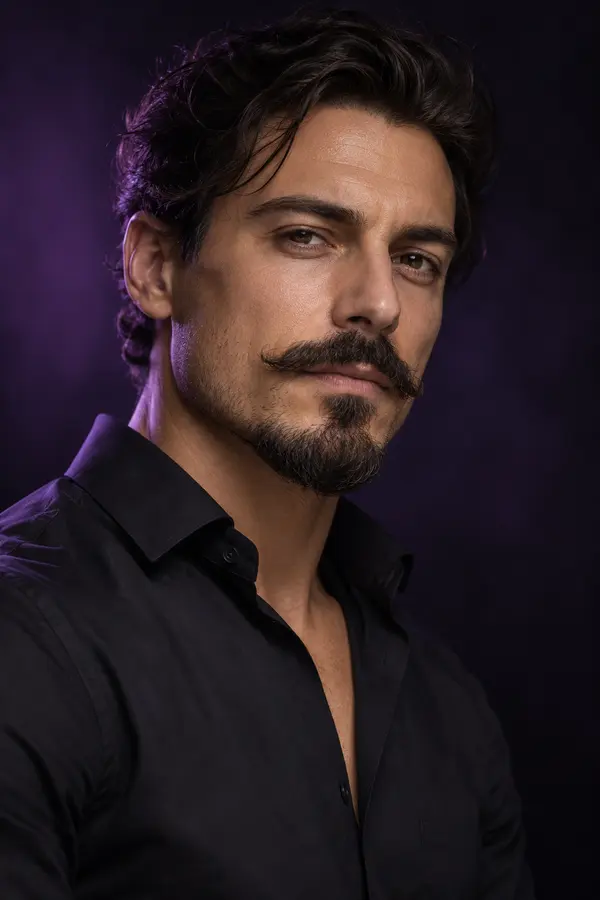 Illustration, not an editing result
AVACLIK / BEARD
Choose a beard or stubble style for an adult portrait and adjust the color. AI creates a new version of the photo. Results depend on the original image and chosen style, so review the details after editing.
Open editor →AVACLIK / IDEAS
See how facial hair changes the mood of a portrait.
Explore a different look in the editor for adults.
Use the result as a visual reference when discussing a style.
Illustration, not an editing result
AVACLIK / TIPS
Choose an image showing the cheeks, chin and jawline clearly.
Soft light makes it easier to evaluate the outline and color.
Check the beard edges, lip area and how the color matches the hair.
AVACLIK / TOOLS
FAQ
Yes. Upload a photo and choose a beard preset in the editor.
Yes. The presets include stubble and several beard shapes.
Yes. Choose a color or a natural shade in the tool.
The token cost is shown in the editor before you start.
The image is a visual idea; real growth and hair density may differ.
AVACLIK / AI STUDIO