✦
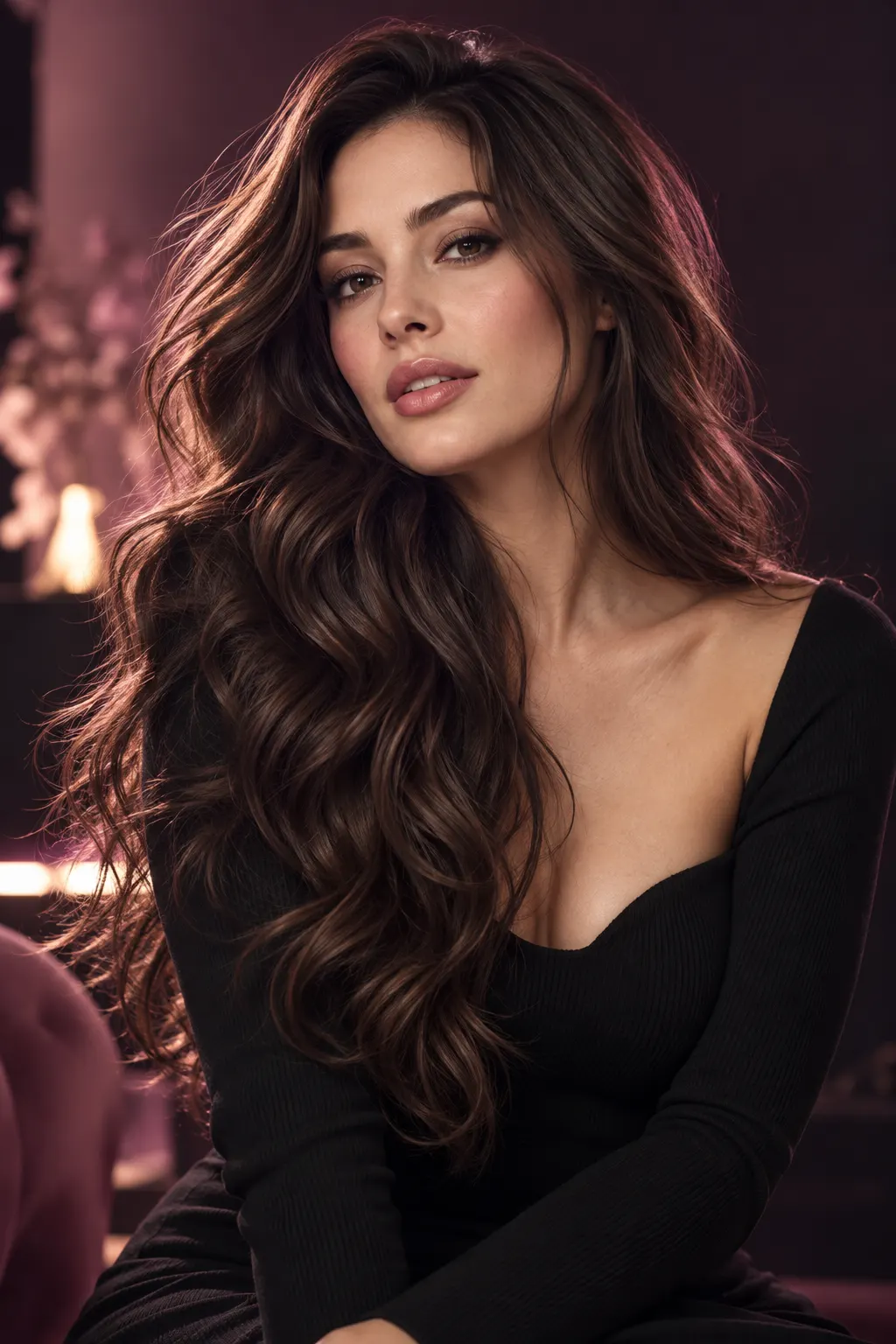
Natural makeup
Try a soft everyday look.
AVACLIK · AI MAKEUP STUDIO
Explore different makeup looks on your photo. Choose a style and create a new portrait in the AI editor for adults.
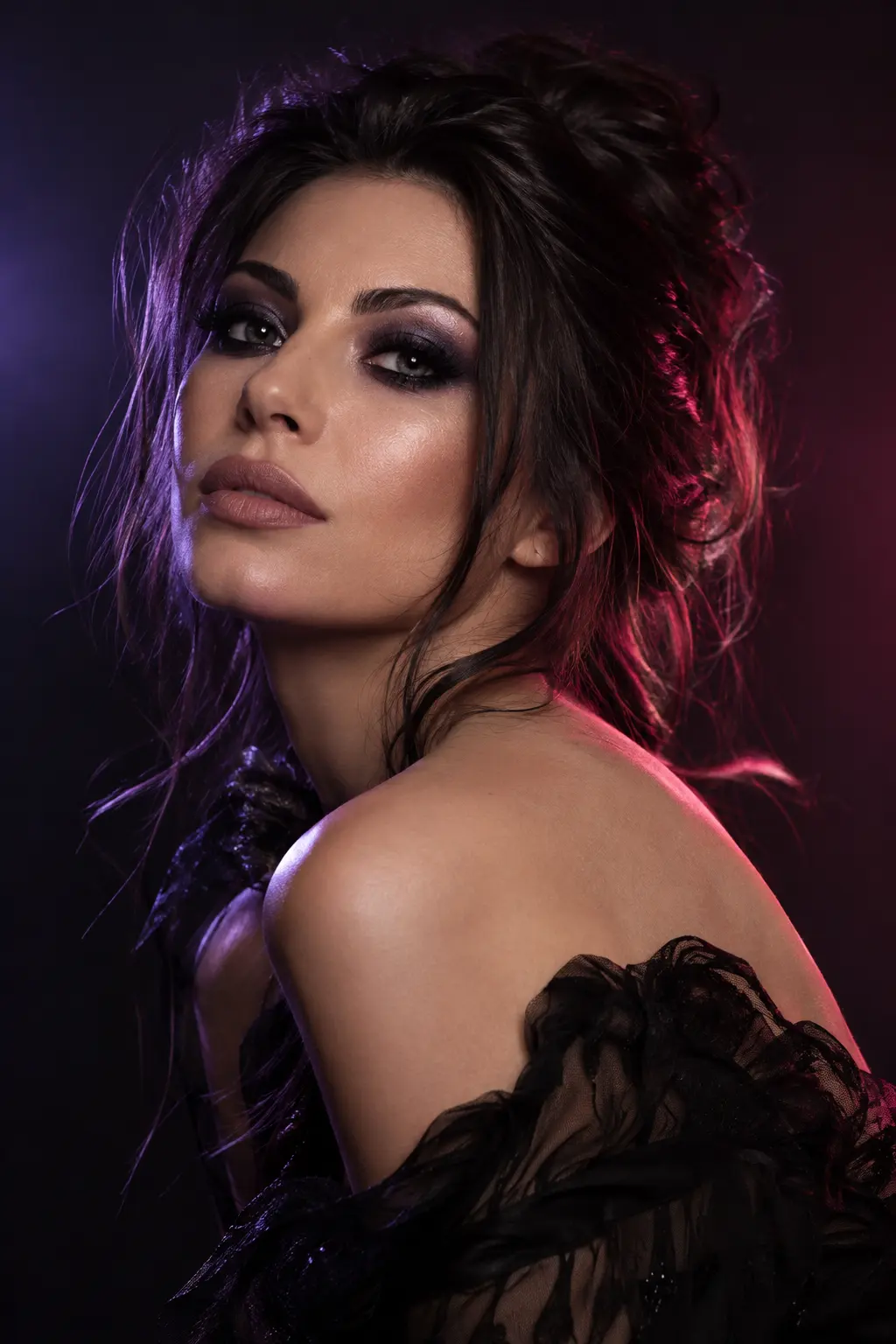 Illustration, not an editing result
AVACLIK / MAKEUP STUDIO
Choose a ready-made makeup look for an adult portrait. AI creates a new version of the photo. Results depend on the original image and chosen style, so review the details after editing.
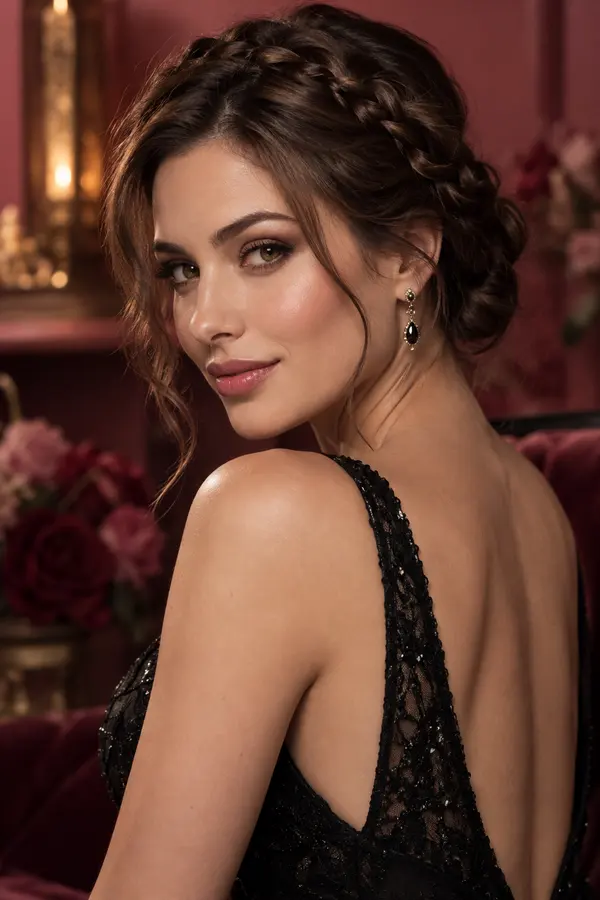
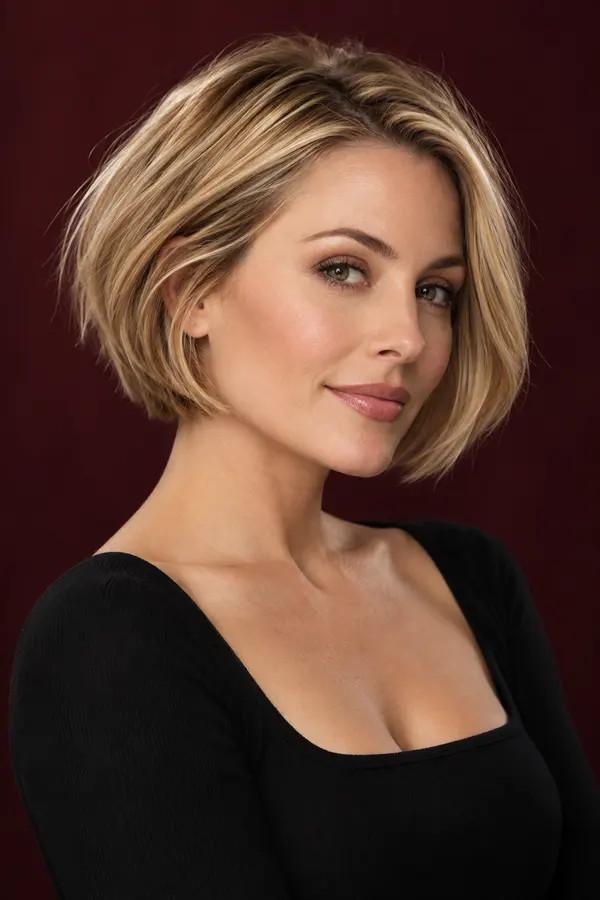
Illustration, not an editing result
AVACLIK / EXAMPLES
Explore examples of makeup changes on photos.
Before and after examples will appear here.
AVACLIK / HOW TO
Try another makeup style on a portrait and compare the look. A photo helps you explore an idea; makeup on real skin may look different.
Choose a clear photo of a consenting adult.
Open the Makeup tool and select a preset.
Start the edit, check the details and save the image.
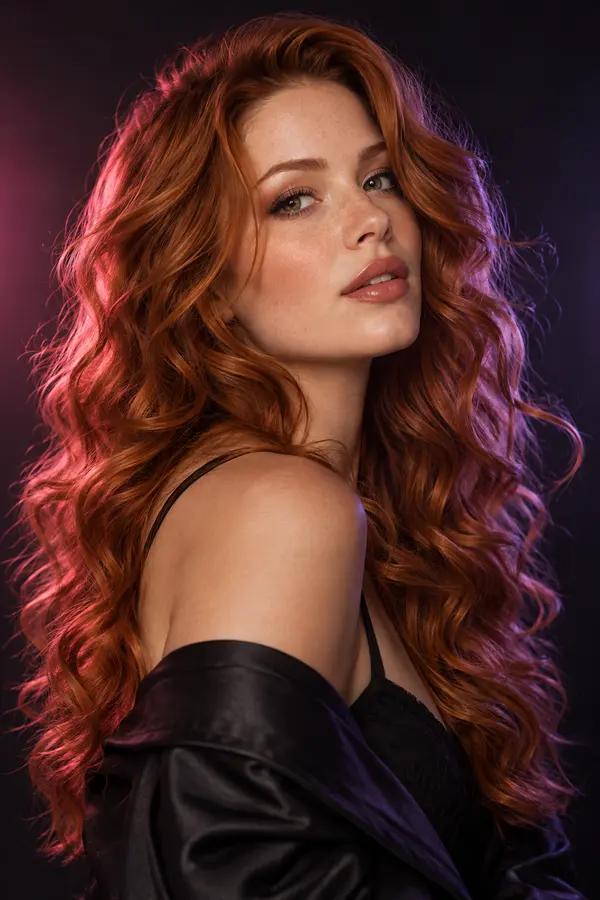 Illustration, not an editing result
AVACLIK / MAKEUP
Choose a ready-made makeup look for an adult portrait. AI creates a new version of the photo. Results depend on the original image and chosen style, so review the details after editing.
Open editor →AVACLIK / IDEAS
See how makeup changes the mood of a portrait.
Explore a different look in the editor for adults.
Use the result as a visual reference when discussing a look.
Illustration, not an editing result
AVACLIK / TIPS
Choose an image where the eyes and lips are easy to see.
Even light helps you evaluate makeup details and colors.
Check the makeup edges, skin tone, eyes and lips.
AVACLIK / MAKEUP STUDIO
Open the editor and select the Makeup tool.
Open editor →AVACLIK / TOOLS
FAQ
Yes. Upload a photo and choose a makeup preset in the editor.
The editor includes ready-made looks such as natural makeup and smokey eyes.
Yes. Choose a clear photo where the face is easy to see.
The token cost is shown in the editor before you start.
The image is a visual idea; actual makeup on skin may differ.
AVACLIK / AI STUDIO