✦
Choose a hairstyle
Explore ready-made styles for women and men.
AVACLIK · AI HAIR STUDIO
Try a different hairstyle on your photo. Choose a style, adjust the color or use a reference image in the AI editor for adults.
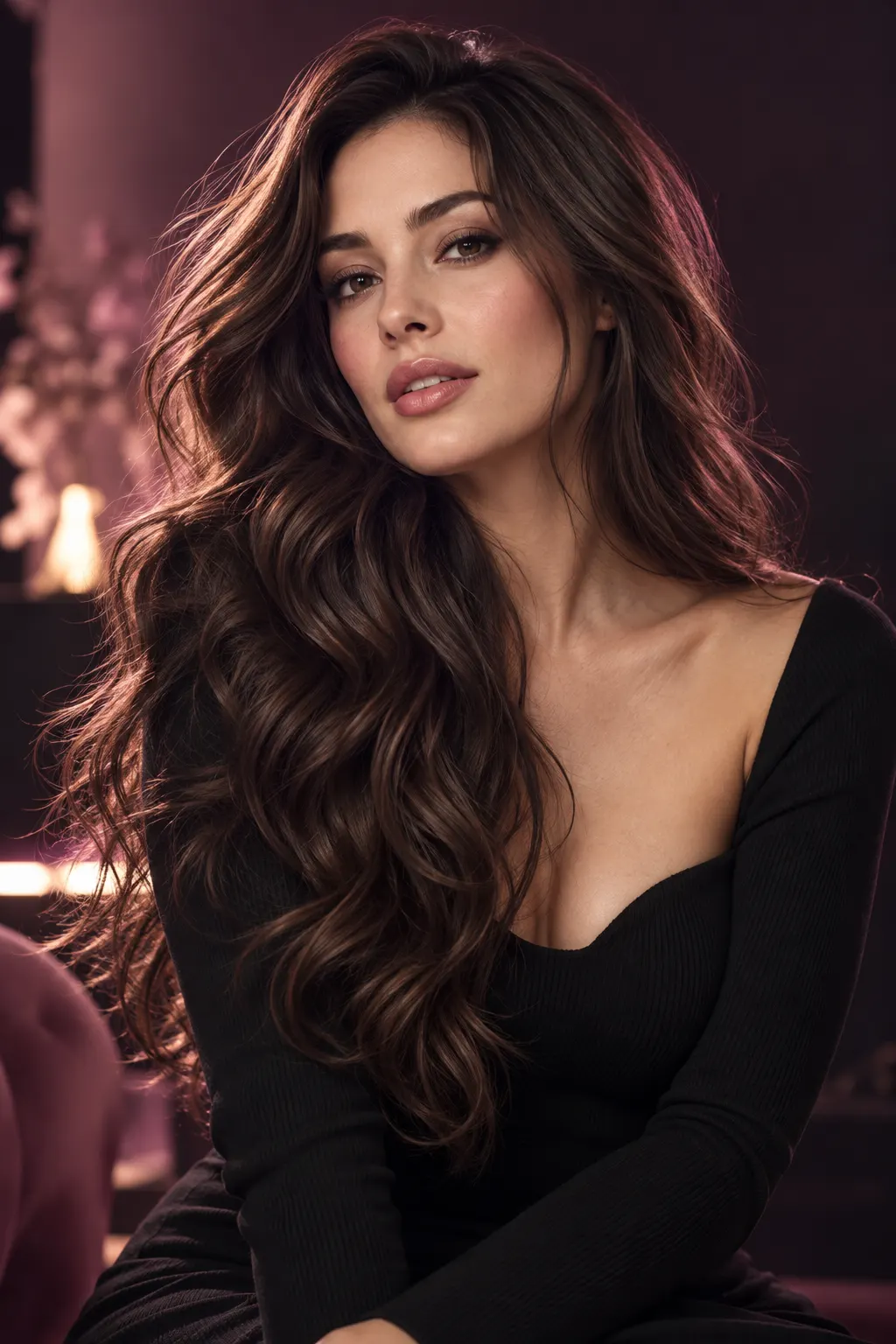
Illustration, not an editing resultAVACLIK / HAIR STUDIO
Explore a new look for an adult using ready-made hairstyles or a reference photo. Results depend on your source photo and chosen style, so review the details after editing.
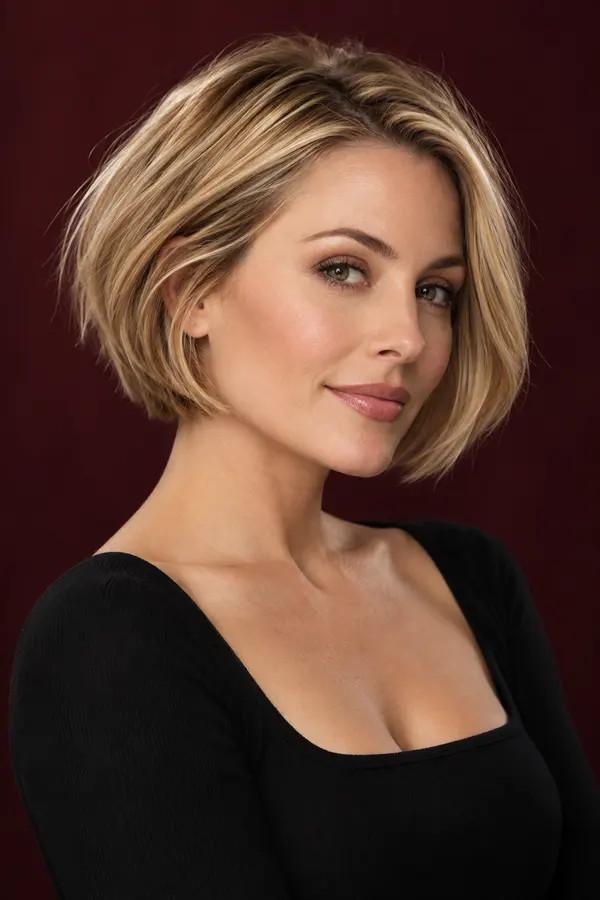
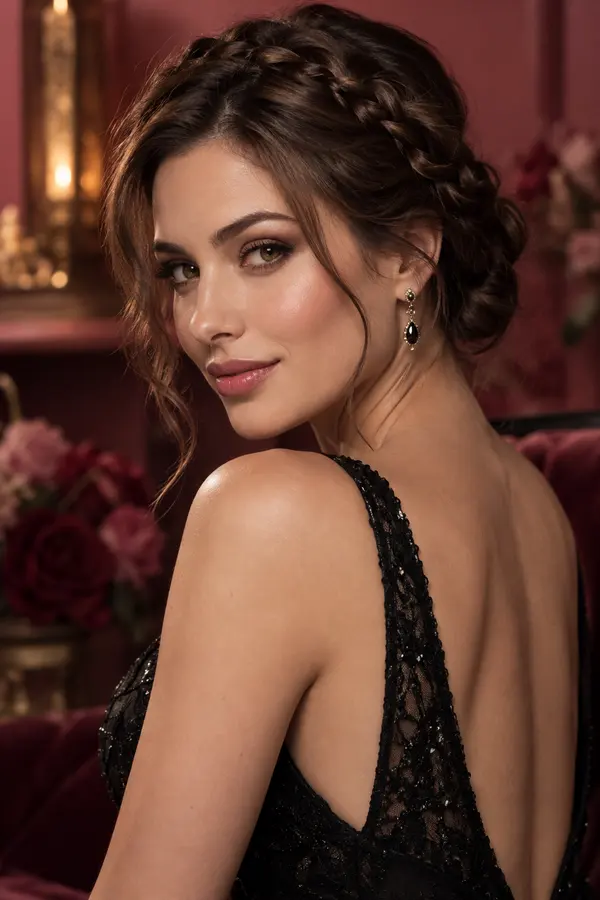
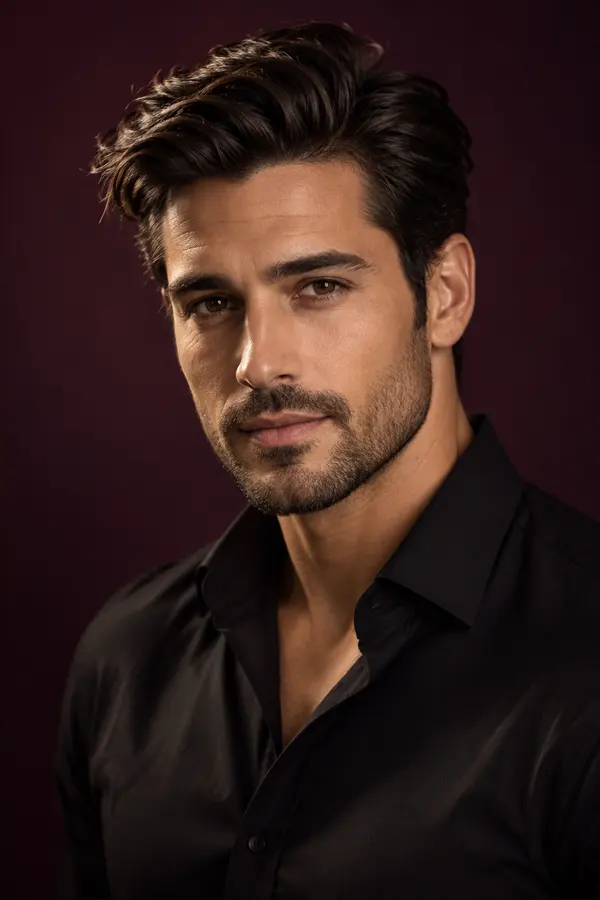
Illustration, not an editing result
AVACLIK / EXAMPLES
Explore examples of hairstyle and hair color changes on photos.
Before and after examples will appear here.
AVACLIK / HOW TO
Try another hairstyle on a portrait and compare the overall look. An image can help communicate an idea, but a real hairstyle may look different.
Choose a clear image of a consenting adult.
Open the hairstyle tool, select an option and adjust the color if needed.
Start the edit, check the details and save the image.
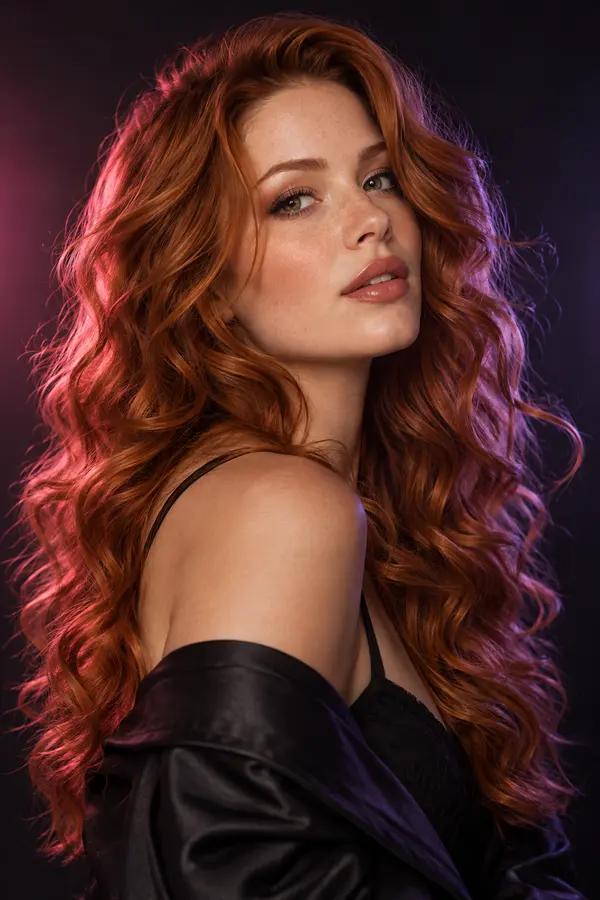 Illustration, not an editing result
AVACLIK / HAIR
Explore a new look for an adult using ready-made hairstyles or a reference photo. Results depend on your source photo and chosen style, so review the details after editing.
Open editor →AVACLIK / IDEAS
See how a different hairstyle changes the mood of a portrait.
Explore a hairstyle for an adult look and continue editing.
Use the image as a visual reference to discuss with a stylist.
Illustration, not an editing result
AVACLIK / TIPS
Choose an image where the face and hair are easy to see.
Choose a clear second photo showing the hairstyle you want.
Check the hairline, strands near the face and the chosen shade.
AVACLIK / HAIR STUDIO
Open the editor and choose the Hairstyle tool.
Open editor →AVACLIK / TOOLS
FAQ
Yes. Choose a color in the tool or keep the original shade.
Yes. Add a second photo showing the hairstyle you want.
Yes. The tool includes styles for women and men.
The token cost is shown in the editor before you start.
Not always. Results depend on the source image and the model, so review the details.
AVACLIK / AI STUDIO