✦
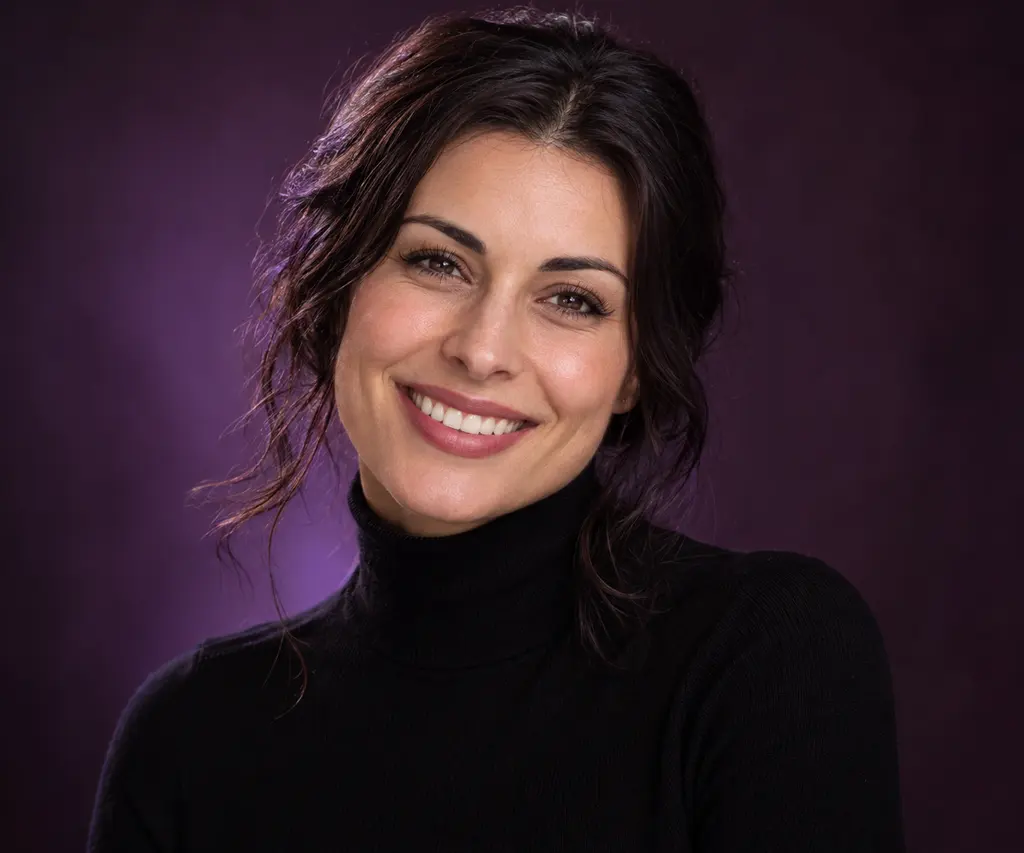
Gentle smile
Give a portrait a soft, friendly expression.
AVACLIK · AI EXPRESSIONS
Try a smile, a serious look or another expression on your portrait. Choose a preset in the AI photo editor for adults.
Illustration, not an editing resultAVACLIK / EXPRESSION STUDIO
Choose a ready-made expression for a photo of an adult. AI creates a new version of the image. Results depend on the original photo and the selected preset, so review facial details after editing.
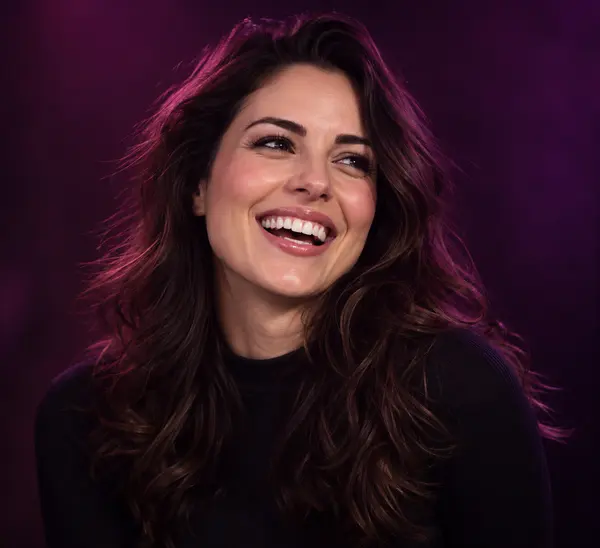
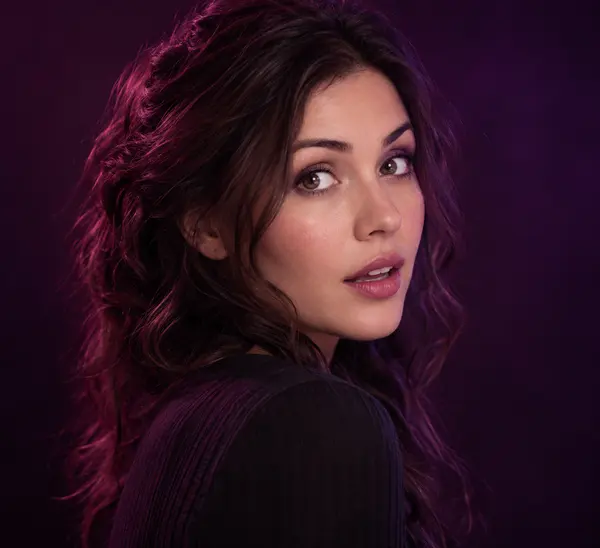
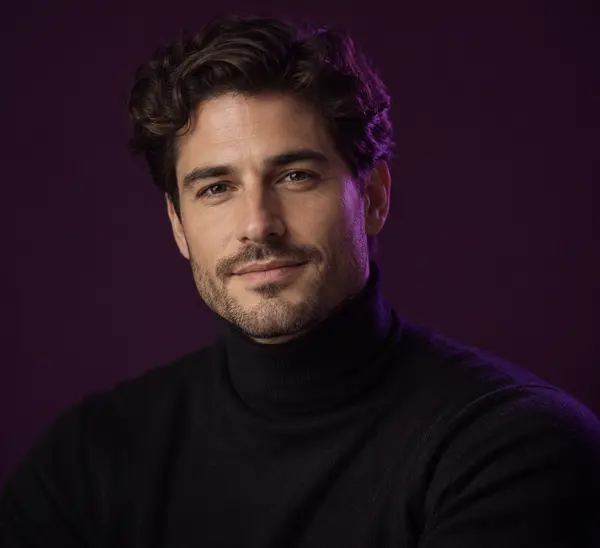
Illustration, not an editing result
AVACLIK / EXAMPLES
Explore examples of facial expression changes on photos.
Before and after examples will appear here.
AVACLIK / HOW TO
Try several expressions on a portrait and compare the mood. AI can change facial details, so review the result carefully.
Choose a clear photo of a consenting adult.
Open the Emotions tool and select a preset.
Start the edit, check the details and save the image.
Illustration, not an editing resultAVACLIK / EXPRESSION
Choose a ready-made expression for a photo of an adult. AI creates a new version of the image. Results depend on the original photo and the selected preset, so review facial details after editing.
Open editor →AVACLIK / IDEAS
Choose a mood for a personal photo.
Explore a different expression in the editor for adults.
Try several expressions on the same source image.
Illustration, not an editing result
AVACLIK / TIPS
Choose a photo where the eyes and mouth are easy to see.
Even light makes facial details easier to assess.
Check the smile, eyes, facial features and overall appearance.
AVACLIK / EXPRESSION STUDIO
Open the editor and select the Emotions tool.
Open editor →AVACLIK / TOOLS
FAQ
Yes. Upload a photo and choose a smile preset in the Emotions tool.
Ready-made options include smiles, laughter, surprise and serious expressions.
Yes. Choose a clear photo where the face is easy to see.
The token cost is shown in the editor before you start.
Not always. AI may change details, so check the result before saving.
AVACLIK / AI STUDIO