01
A different look
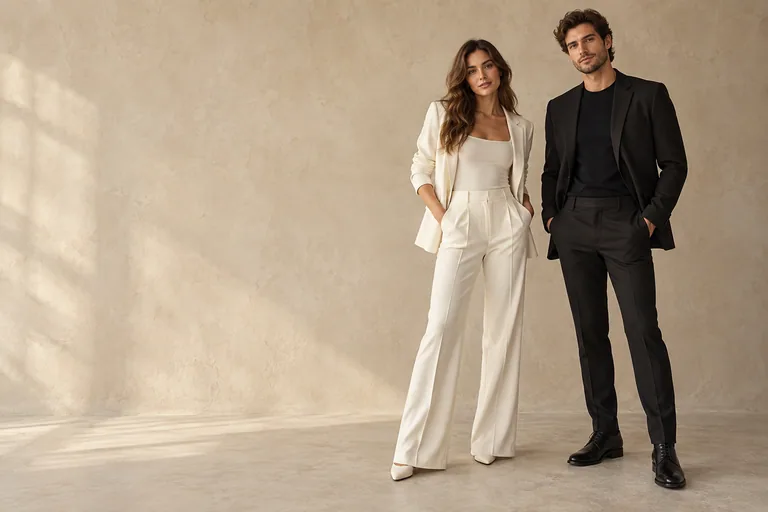
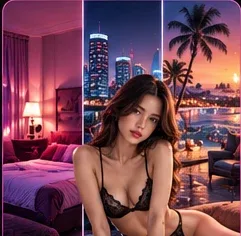
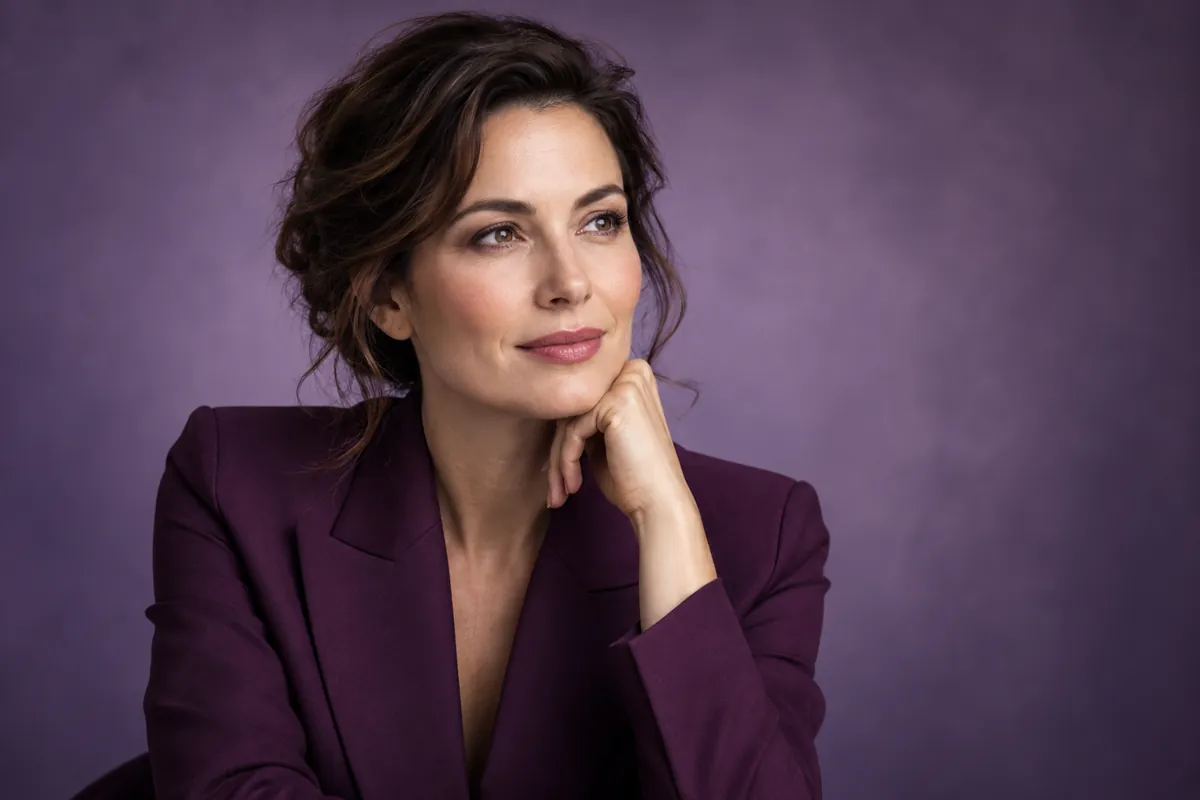
Describe colors, details and the mood of a look.
AVACLIK · PROMPT-BASED PHOTO EDITING · 18+
Upload your own photo or an authorized adult image and describe the change. Edit the outfit, background, lighting or portrait details on an existing photo. Adult and NSFW photos are supported within service and model rules.
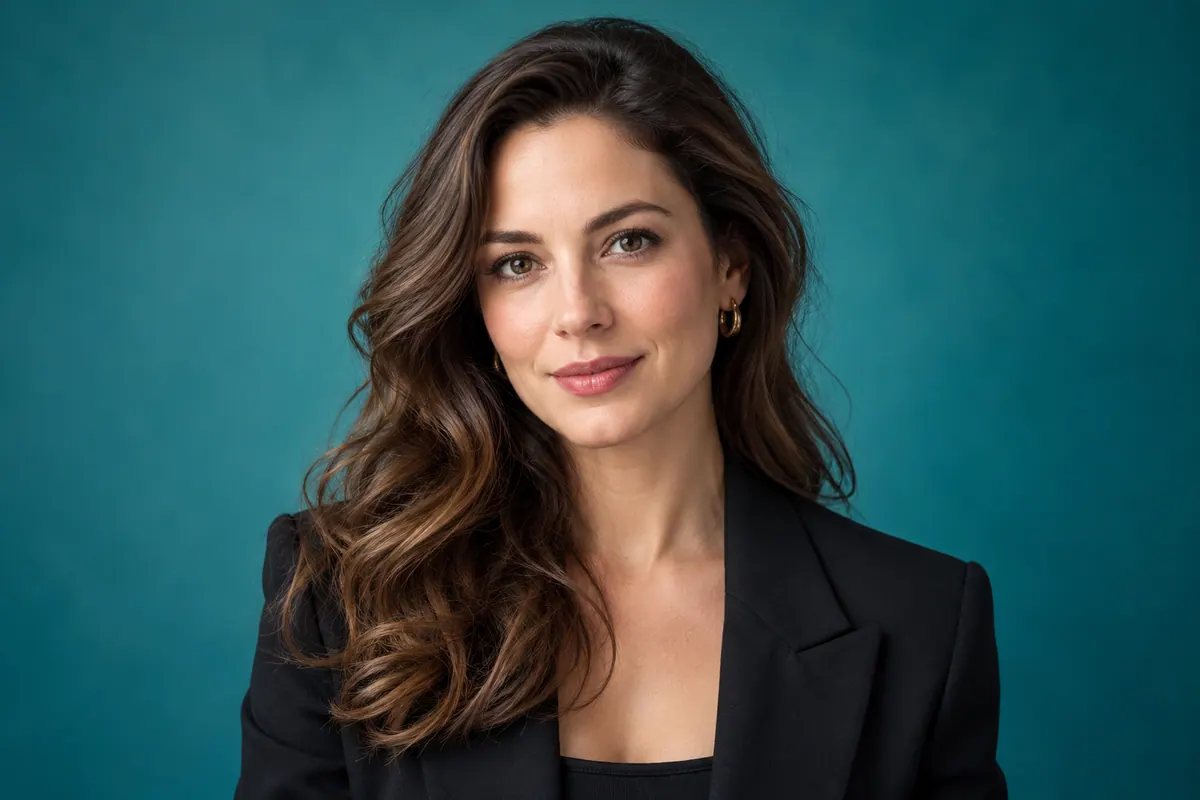
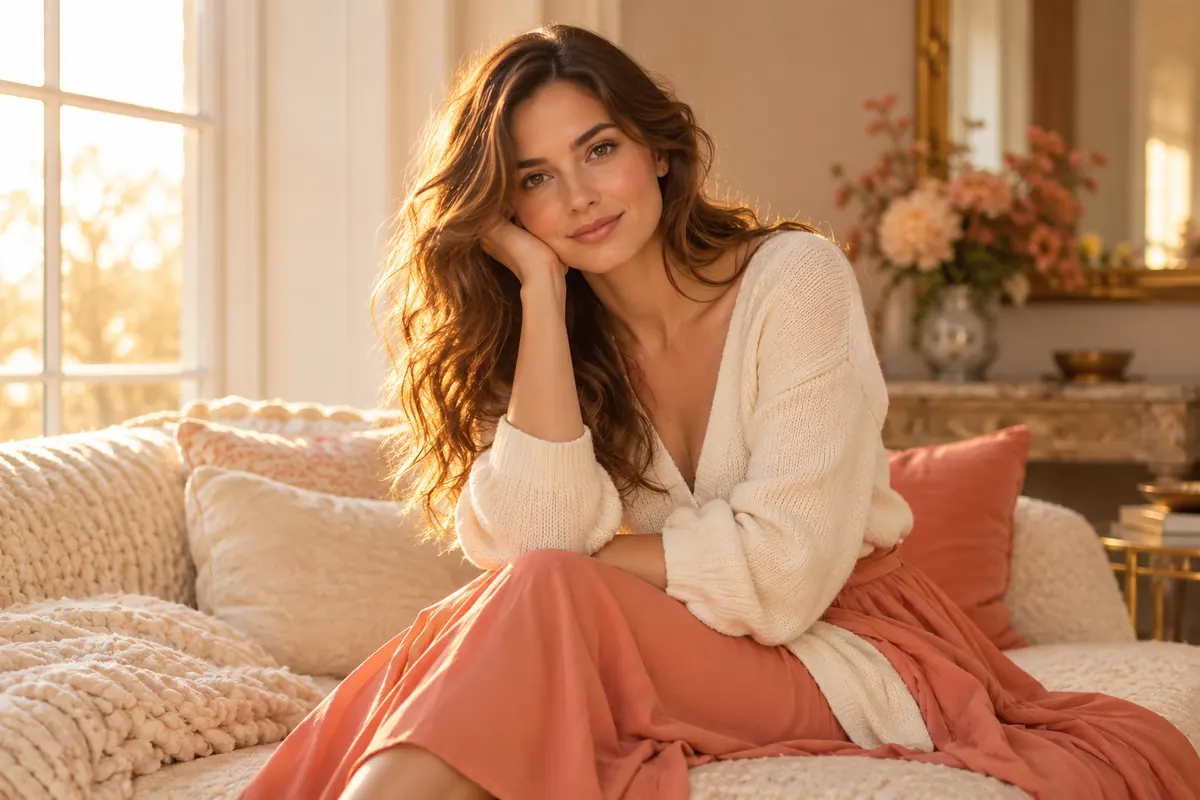
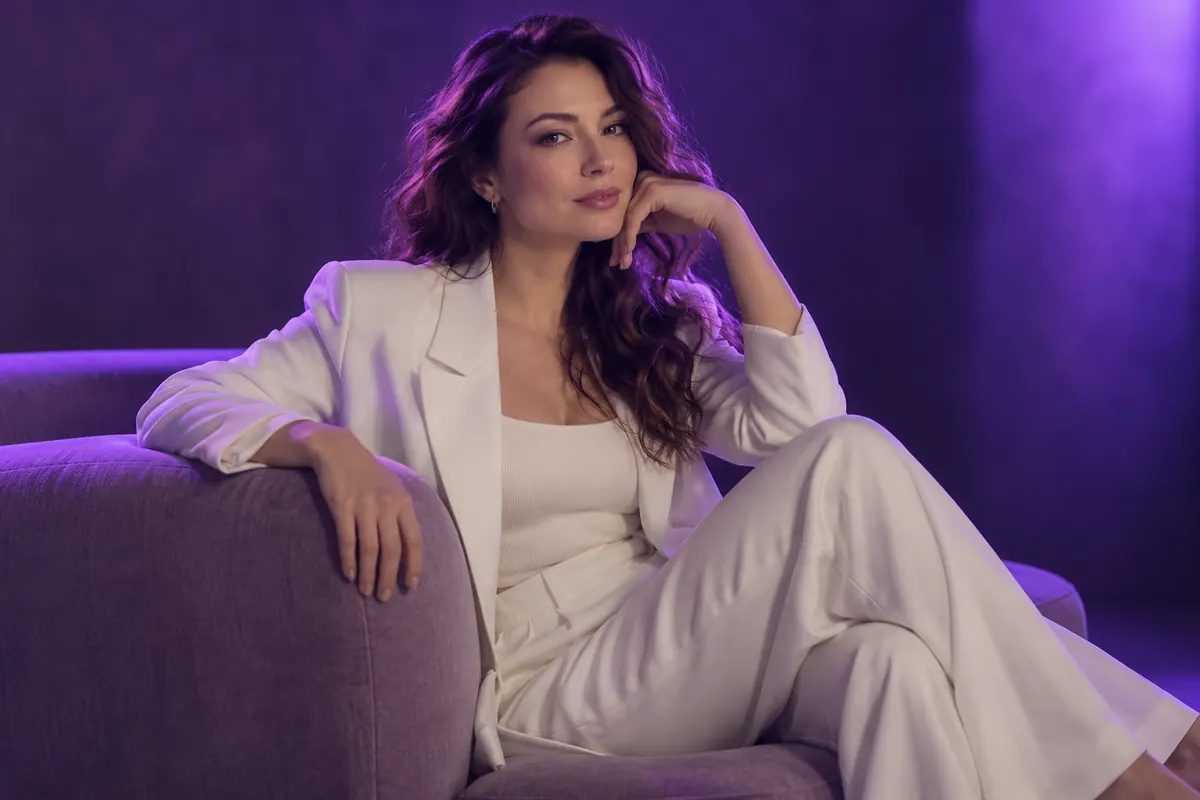
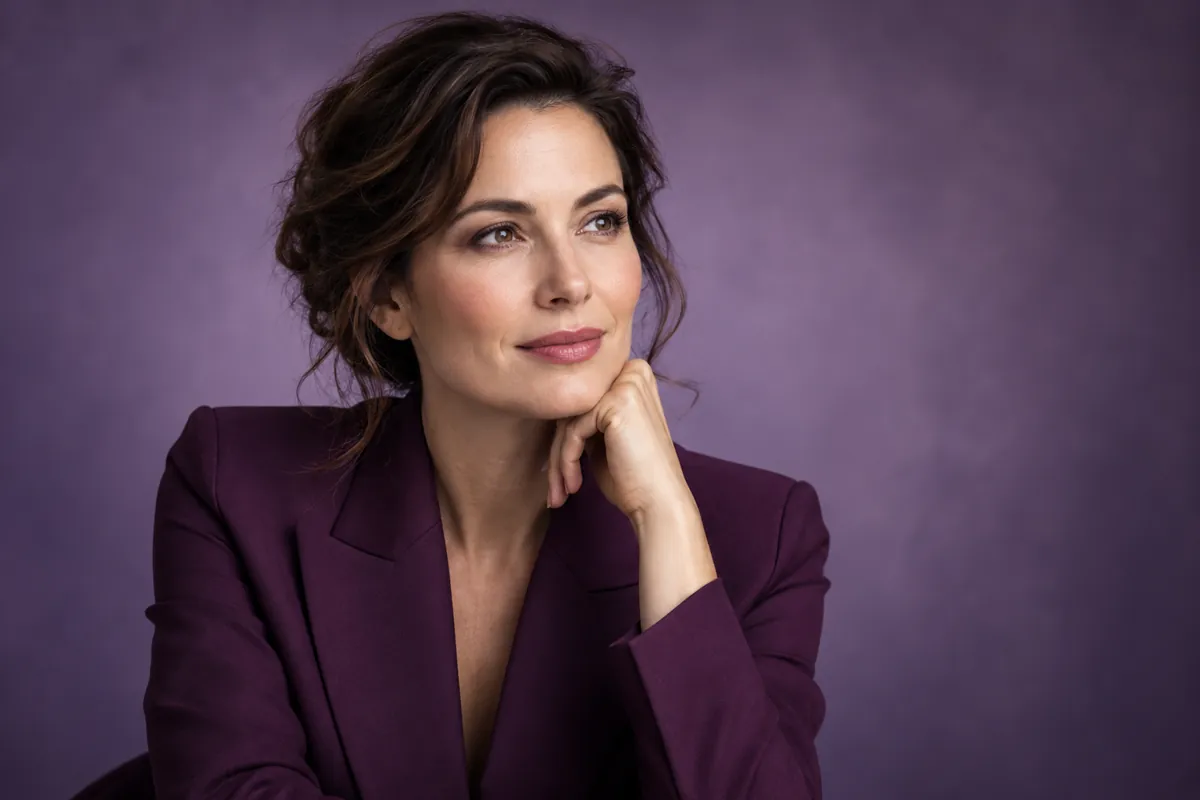 Illustration, not an editing result
Photo + ideaEdit an existing image
Your wordsNo complex prompt
New versionReview the details
18+With consent
IDEAS TO EXPLORE
These illustrations suggest creative directions. They are not AvaClik editing results.
Describe colors, details and the mood of a look.
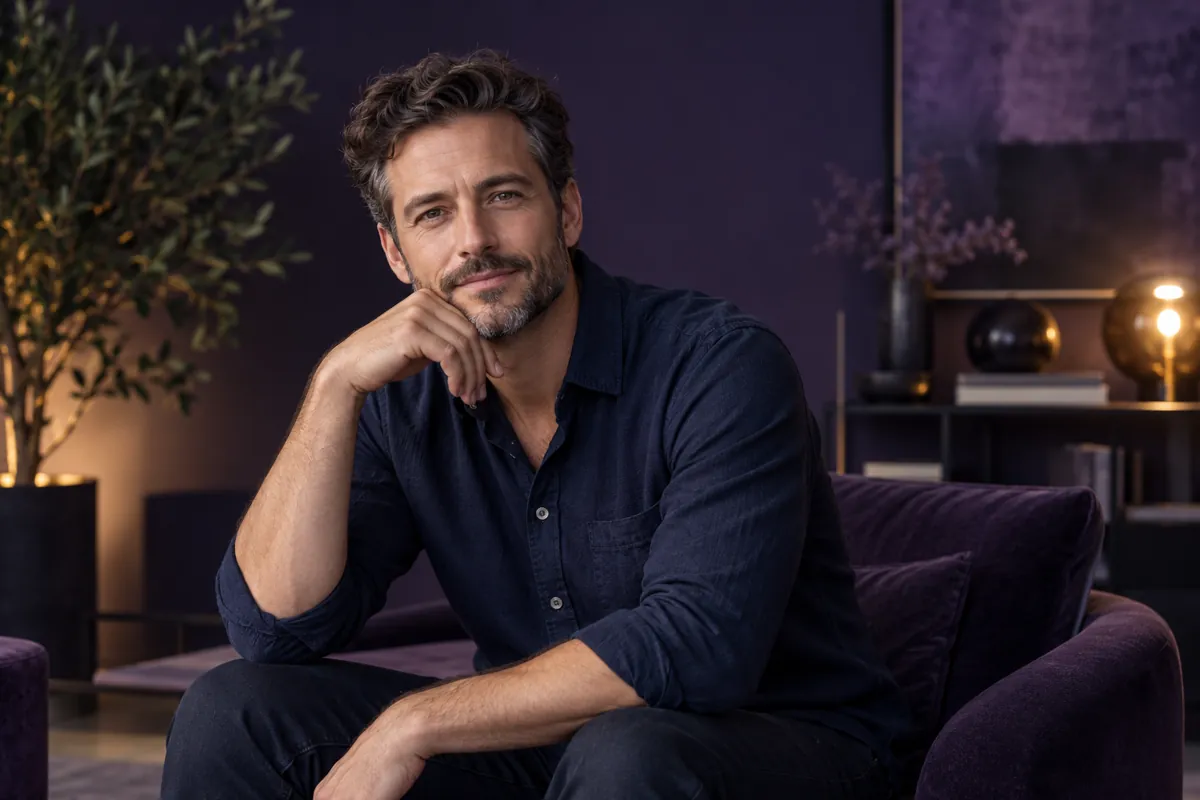
Explain the portrait details you want to change.
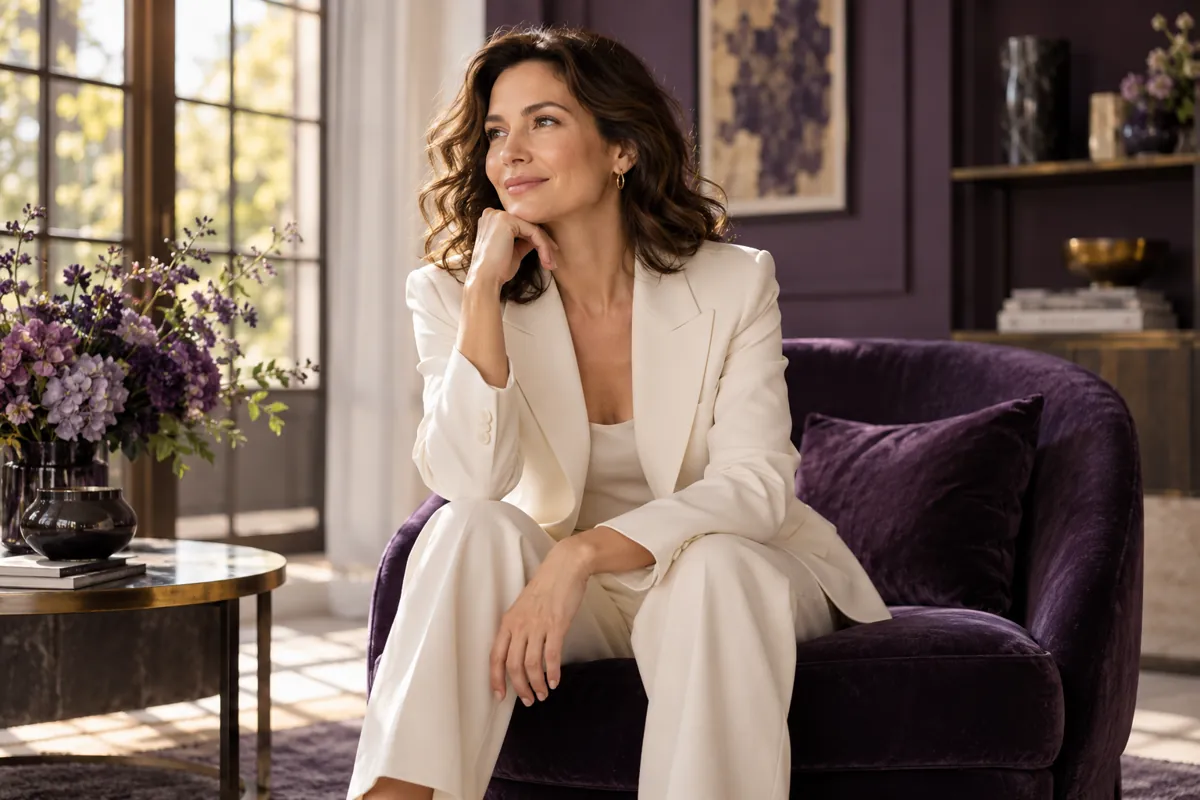
Specify a garment, fabric and desired color.
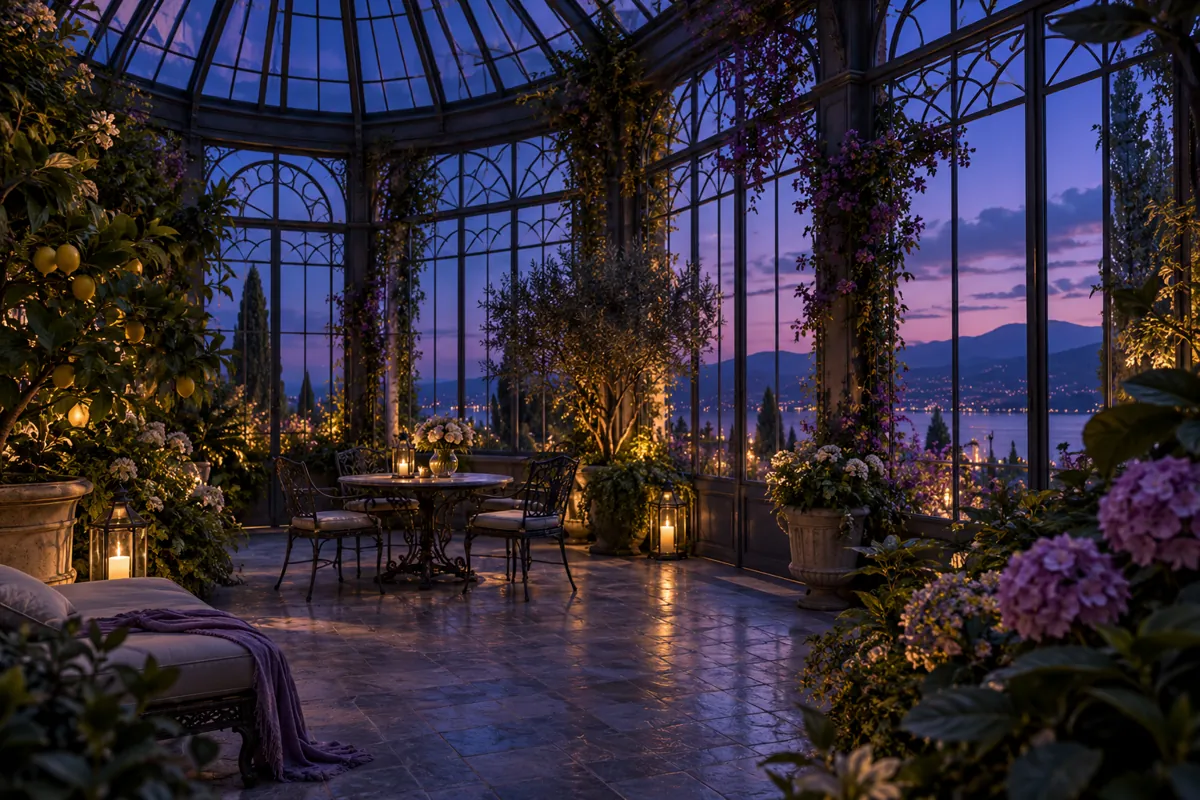
Describe a place, perspective and atmosphere.
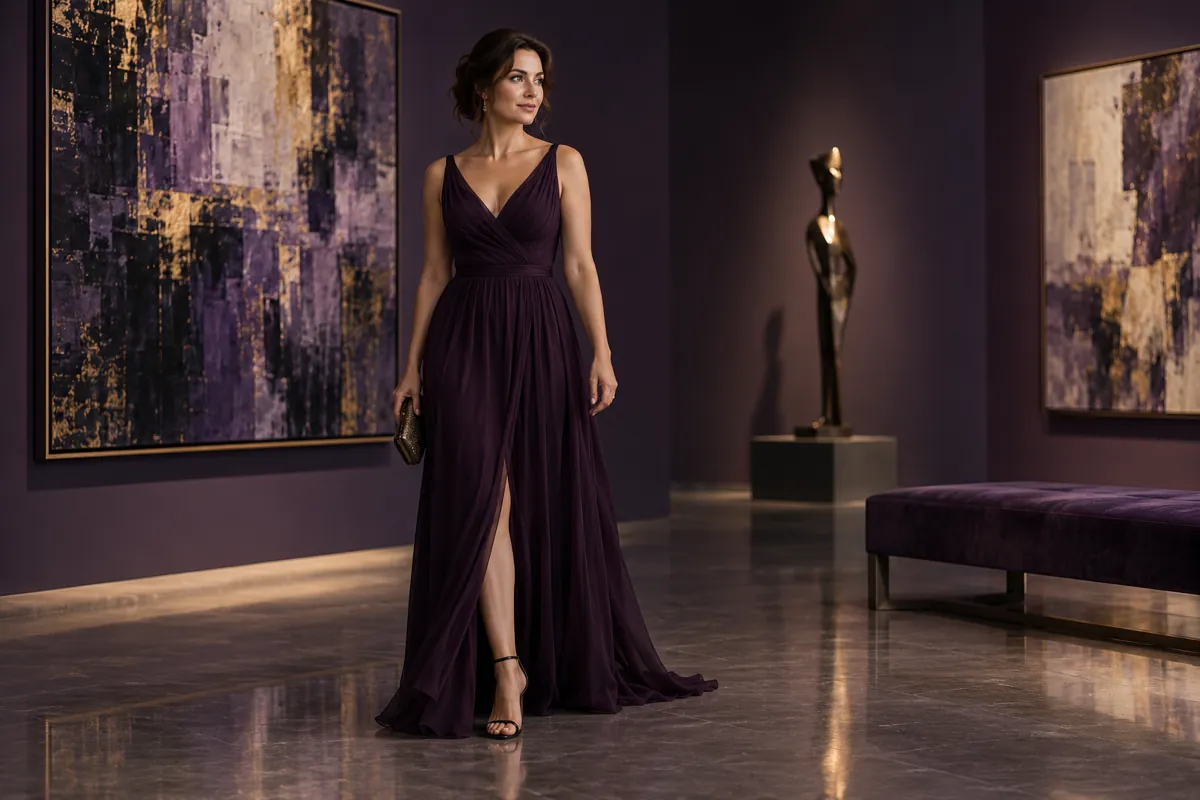
Ask for soft, evening or studio lighting.
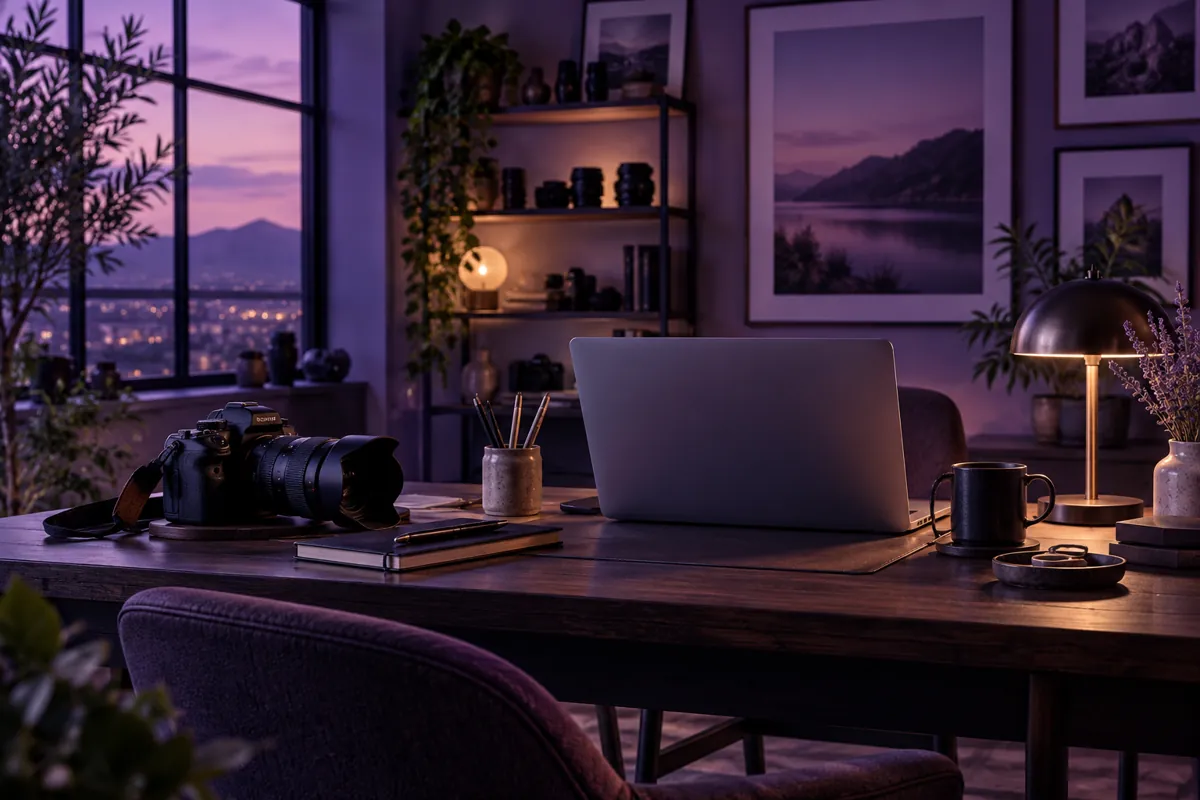
Explain your task and important constraints.
These are prompt ideas, not a promise of exact results for every image.
REAL EXAMPLES
Pairs from the AvaClik library show original photos and edited versions.
EXPLORE THE POSSIBILITIES
Start with a concrete action: change a color, replace the setting or add a particular detail. You do not need to describe everything already in the photo.
Specify important details you want to keep: face, pose, clothes or composition. This conveys intent but does not guarantee pixel-perfect preservation.
AI creates a new version of your photo. Inspect the face, hands, background and small details before another edit or download.
HOW IT WORKS
The editor shows the cost before you start. Creating from scratch is a separate tool.
Choose a photo of a consenting adult.
Open AI by prompt and explain what to change.
Check the token cost and wait for the result.
Inspect details and save the version you prefer.
FOR YOUR IDEAS
Start with an existing image and a specific idea.
Explore a different visual treatment for your portrait.
Edit adult looks with participants’ consent.
Describe a combination of details beyond a ready-made preset.
EXAMPLE REQUEST
A useful request explains the action, the result and what you want to preserve.
Change the jacket to dark lilac, keeping its cut and fabric texture. Keep the face, hair, pose and background unchanged.
A wording example, not a guarantee of exact execution.
Describe your own edit ↗REVIEW YOUR IMAGE
Inspect features, fingers and small details.
Check elements that you asked AI to preserve.
Make sure new details fit the rest of the image.
For consenting adultsThe editor supports explicit adult photography within the service and model rules. You must have participants’ consent and the right to use the images.
Content rulesKEEP EDITING
Use a dedicated tool for a specific editing task.
FAQ
Upload your photo, open AI by prompt, describe the change and start processing.
Yes. This tool edits an uploaded image. Use Create image to generate from scratch.
No. Start with a simple action and specify important details.
Exact preservation is not guaranteed. Always review the new version.
Yes, for authorized images of consenting adults and within service and model rules. This tool edits an uploaded photo; it does not promise unrestricted processing or exact preservation of every detail.
Yes. Open the editor in a mobile browser.
The editor shows the token cost before you start.
Check for conflicting instructions and try a more specific edit. Another edit may require tokens.
AVACLIK / PROMPT STUDIO
Upload an image and tell AI what you want to change.
Open editor ↗