Fast
2 tokensFor an initial version of your idea and experiments.
AVACLIK · TEXT TO IMAGE · 18+
Create a new adult image from a text prompt: describe the character, outfit, setting and light, then choose quality and aspect ratio. AvaClik is for adults 18+; service and model content rules apply.
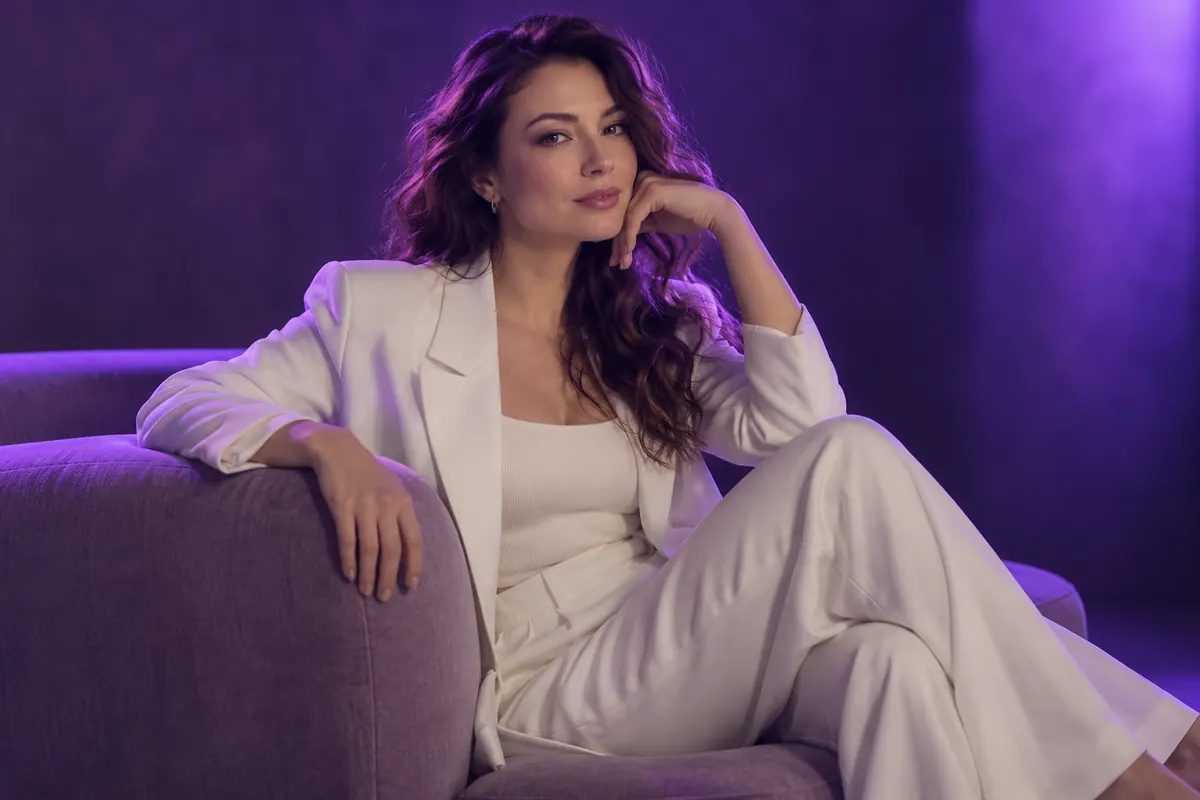 Illustration, not an editing result
AVACLIK
Create imageFrom textNo source photo
QualityFast or Super
FramingChoose a ratio
18+Adults only
YOUR RESULTS
Examples added by the site owner appear here. Decorative illustrations are labeled separately.
AVACLIK / QUALITY
Choose speed or a higher output resolution before generation.
For an initial version of your idea and experiments.
For creating images at a higher resolution.
POSSIBILITIES
Describe an adult character, outfit, setting and mood. These images illustrate ideas.
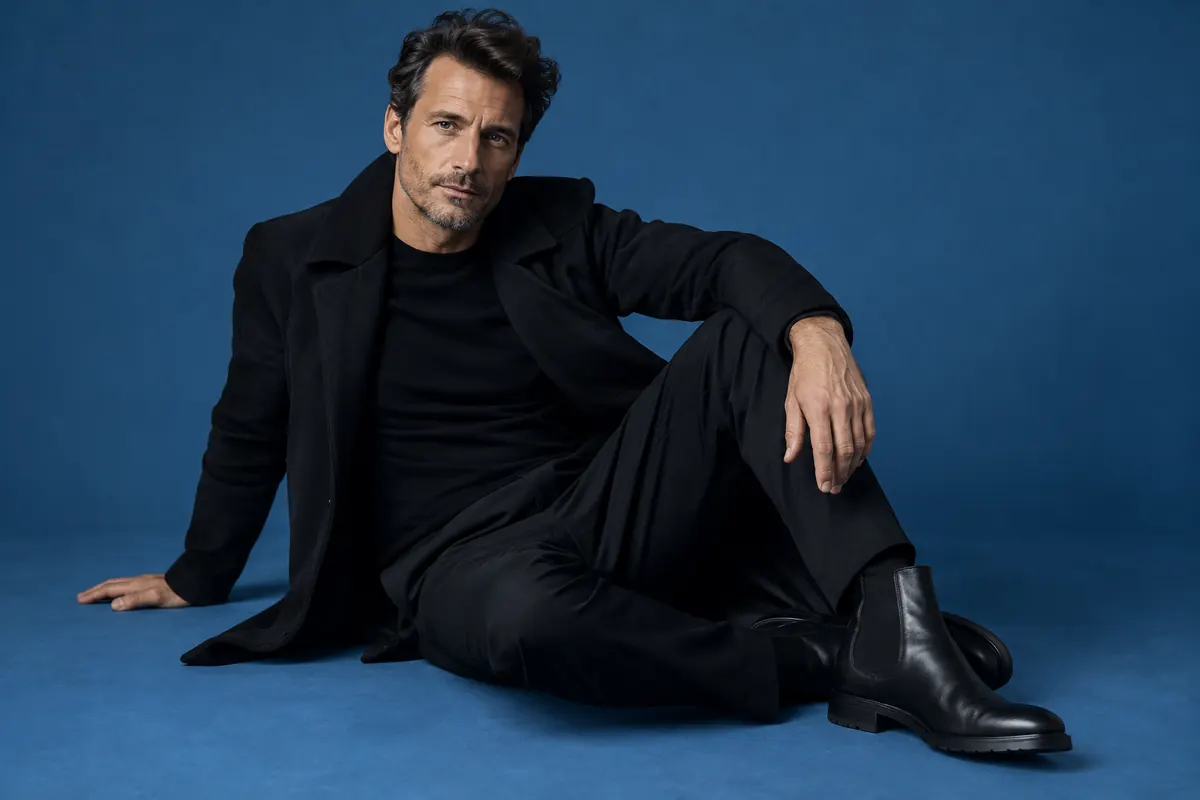
Describe the appearance, expression and pose of an adult.
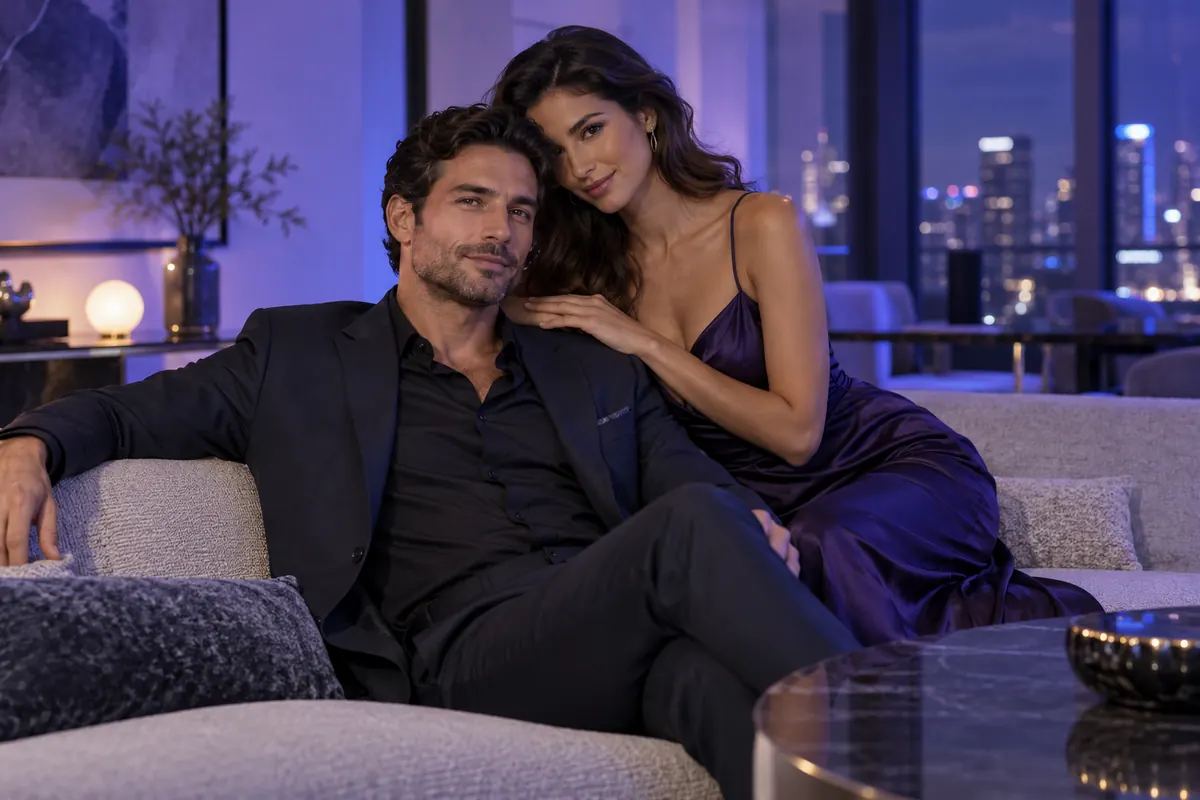
Specify colors, materials and details of the look.
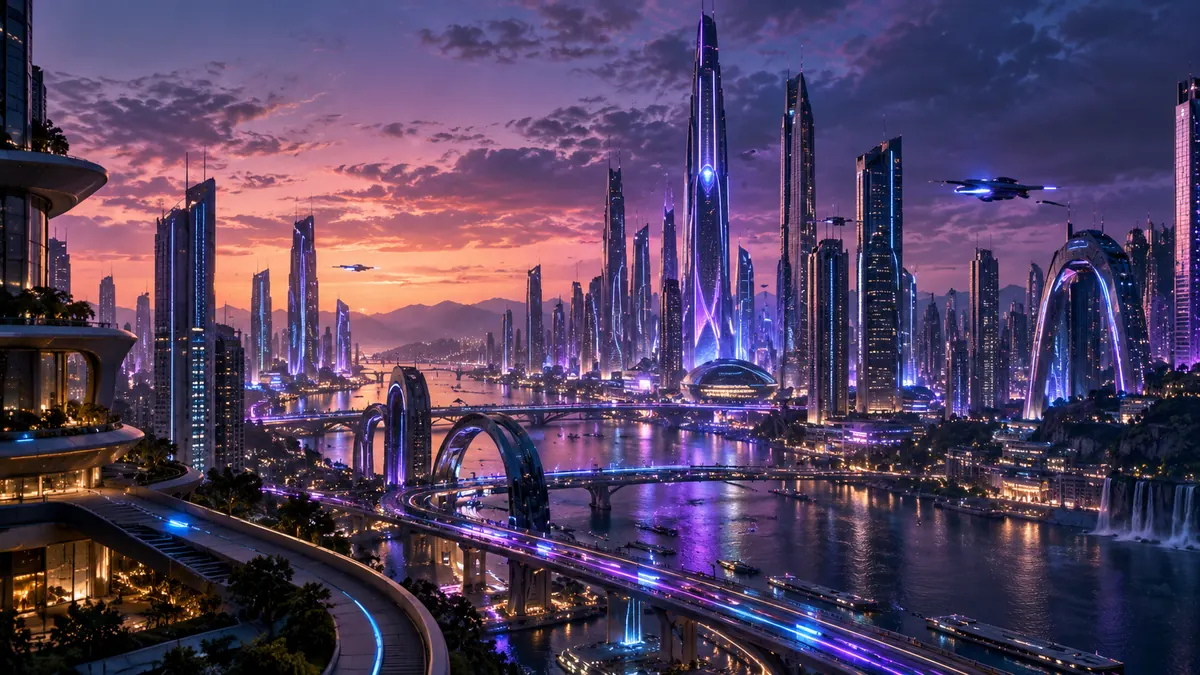
Describe a location, room or landscape.
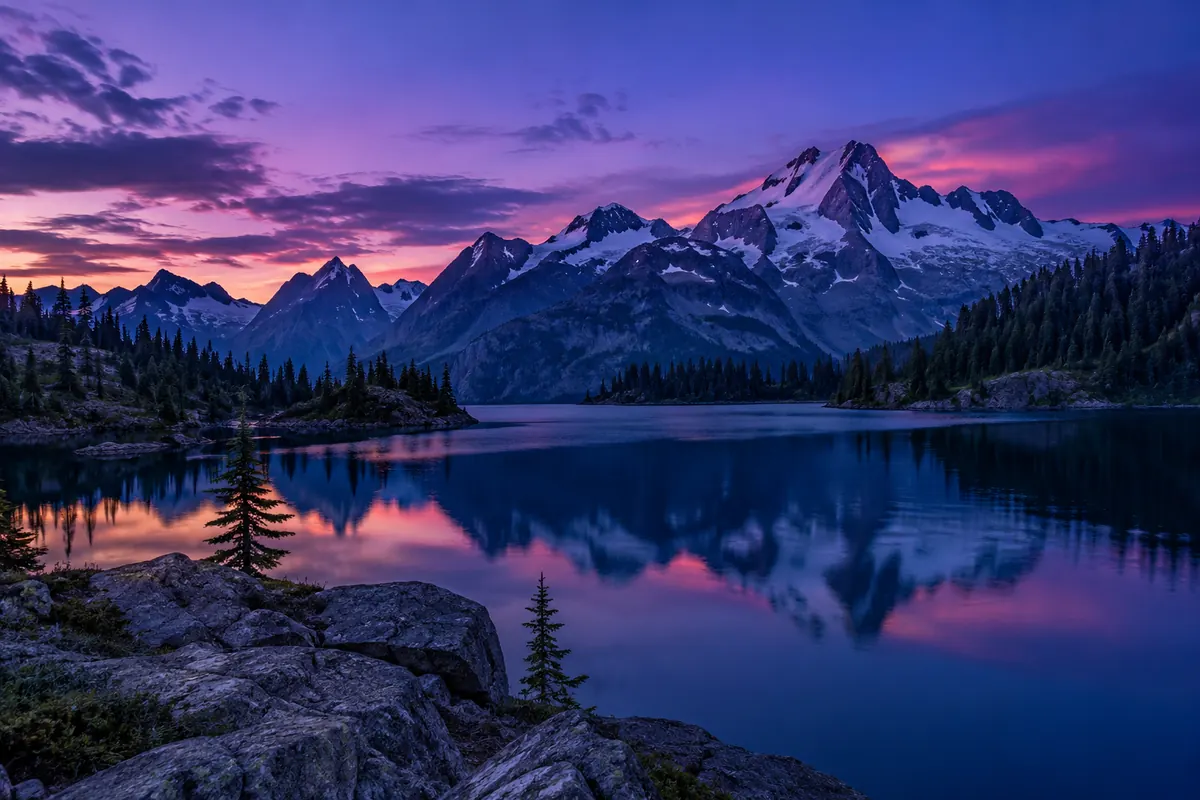
Choose the time of day, lighting and atmosphere.
Illustration, not an editing result
HOW IT WORKS
You do not need an original photo to create a new image.
Go to the editor and choose image creation.
Describe an adult character, scene and details.
Select quality and aspect ratio.
Review the result and download your image.
FOR YOUR IDEAS
Use your description to guide the creative process.
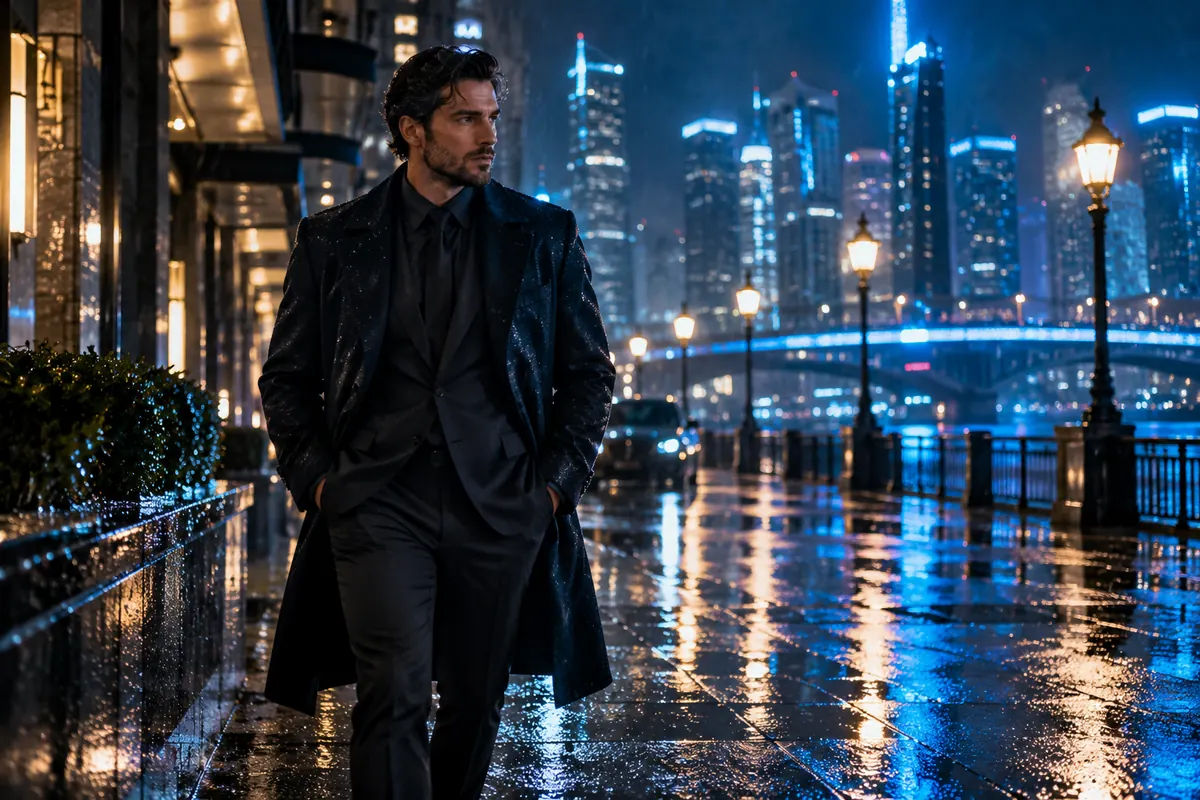
Plan an adult character and their style.
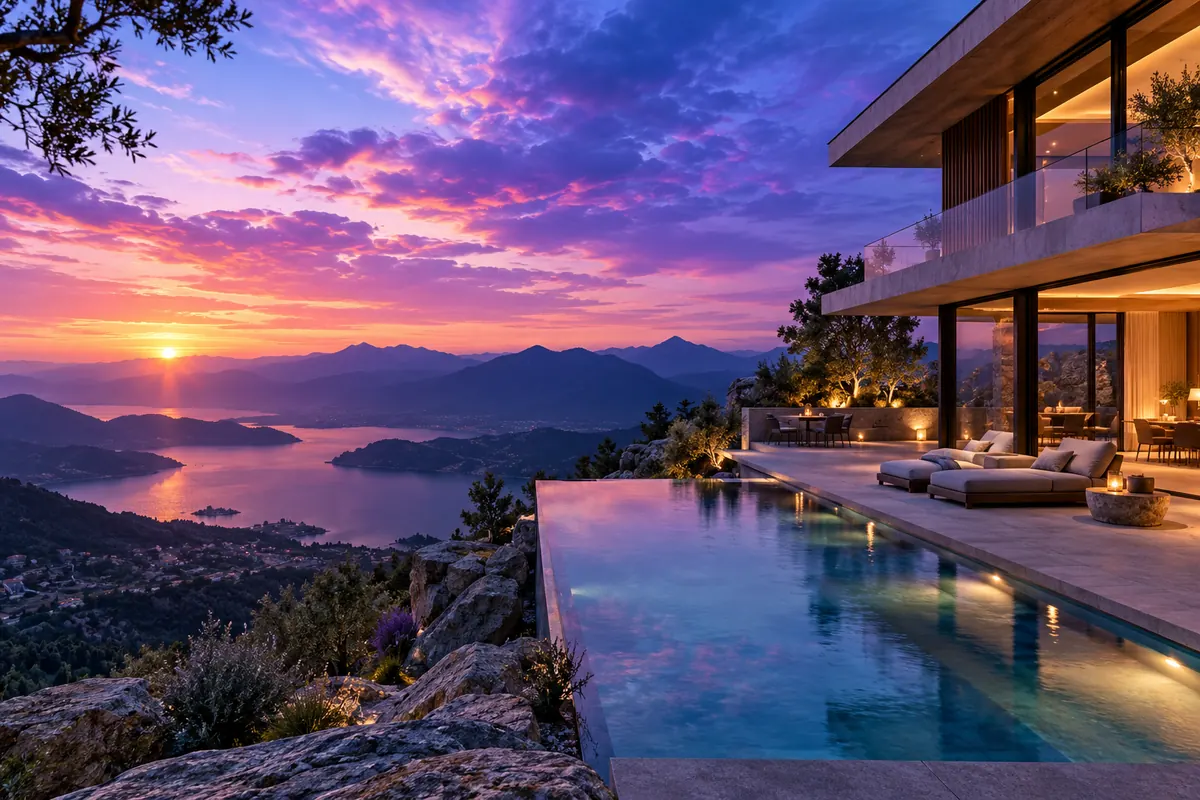
Combine setting, light and atmosphere.
Create illustrations for your own ideas.
Illustration, not an editing result
ABOUT THE TOOL
AvaClik supports image creation for an adult audience, including explicit depictions of adults within the service rules. All characters must be adults.
Results depend on your prompt, quality settings and model restrictions. Service rules apply to every request; an exact match to your idea is not guaranteed.
Open editor ↗
PHOTO PREPARATION
Describe an adult character, action and composition.
Specify clothing, background, lighting and visual style.
Check image details before saving.
QUESTIONS AND ANSWERS
Adult image creation is supported within service and model rules. NSFW does not mean unrestricted: all depicted people must be adults, and some requests may be rejected.
No. Create generates a new image from your description.
Fast costs 2 tokens. Super is 2K and costs 10 tokens. Check the current price in the editor before starting.
Yes, select an available aspect ratio before generation.
AI interprets your request; individual details may differ.
Use the other editor tools to change an uploaded photo.
AVACLIK / AI PORTRAIT
Open Create, describe your idea and choose your settings.
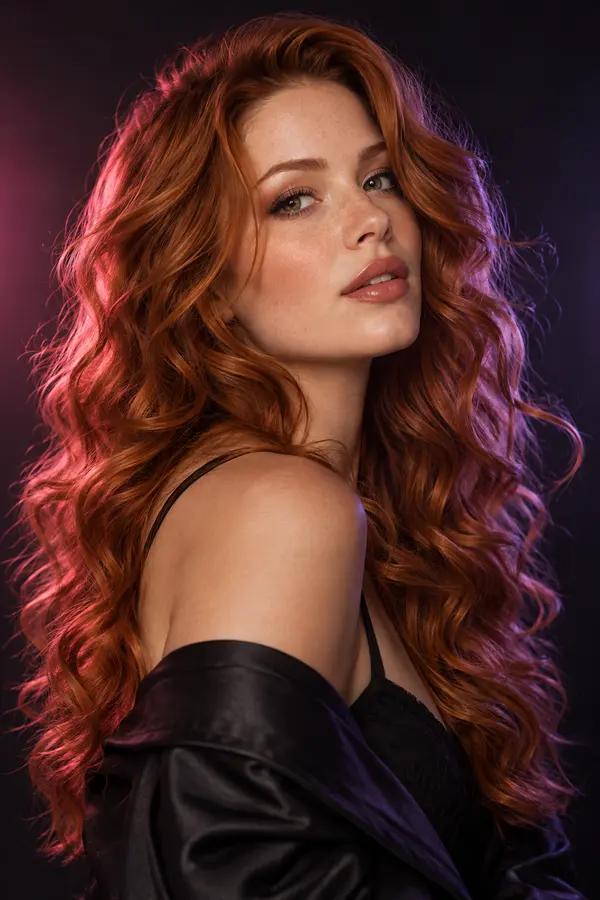 Change hairstyle↗
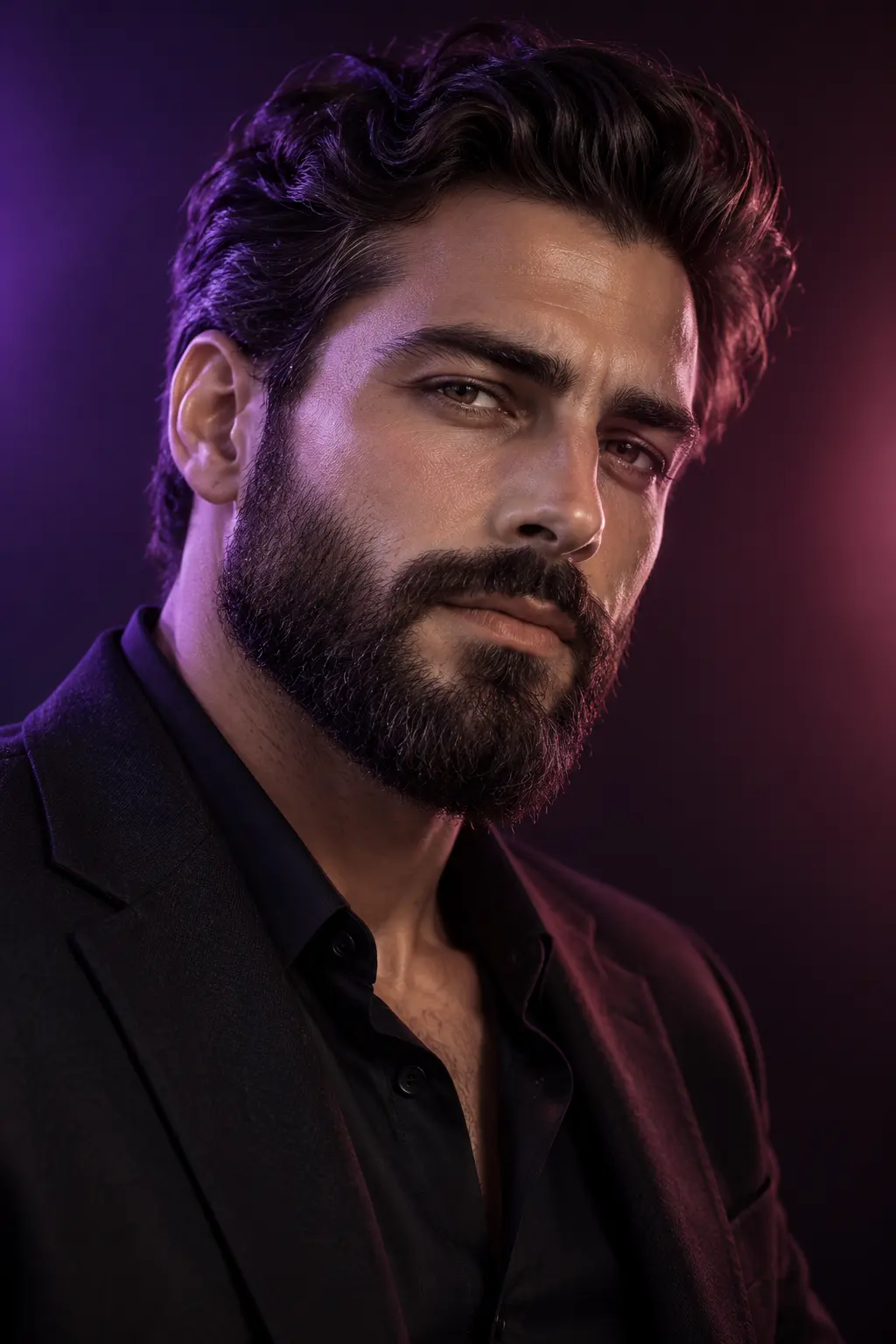 Change beard↗
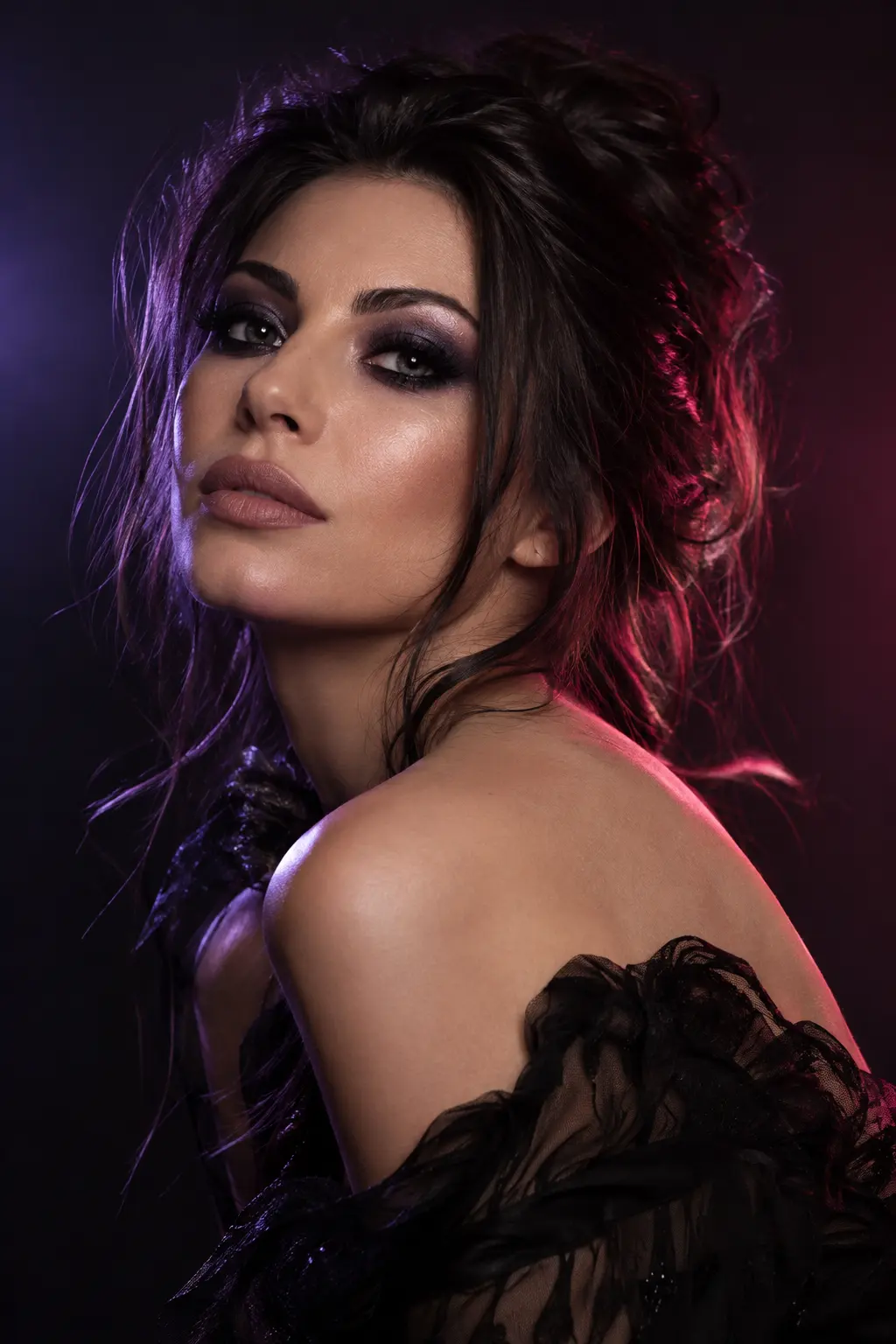 Try makeup↗
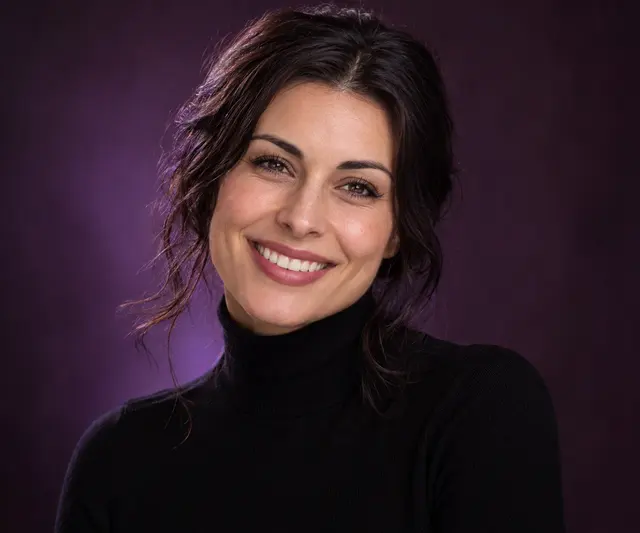 Change expression↗
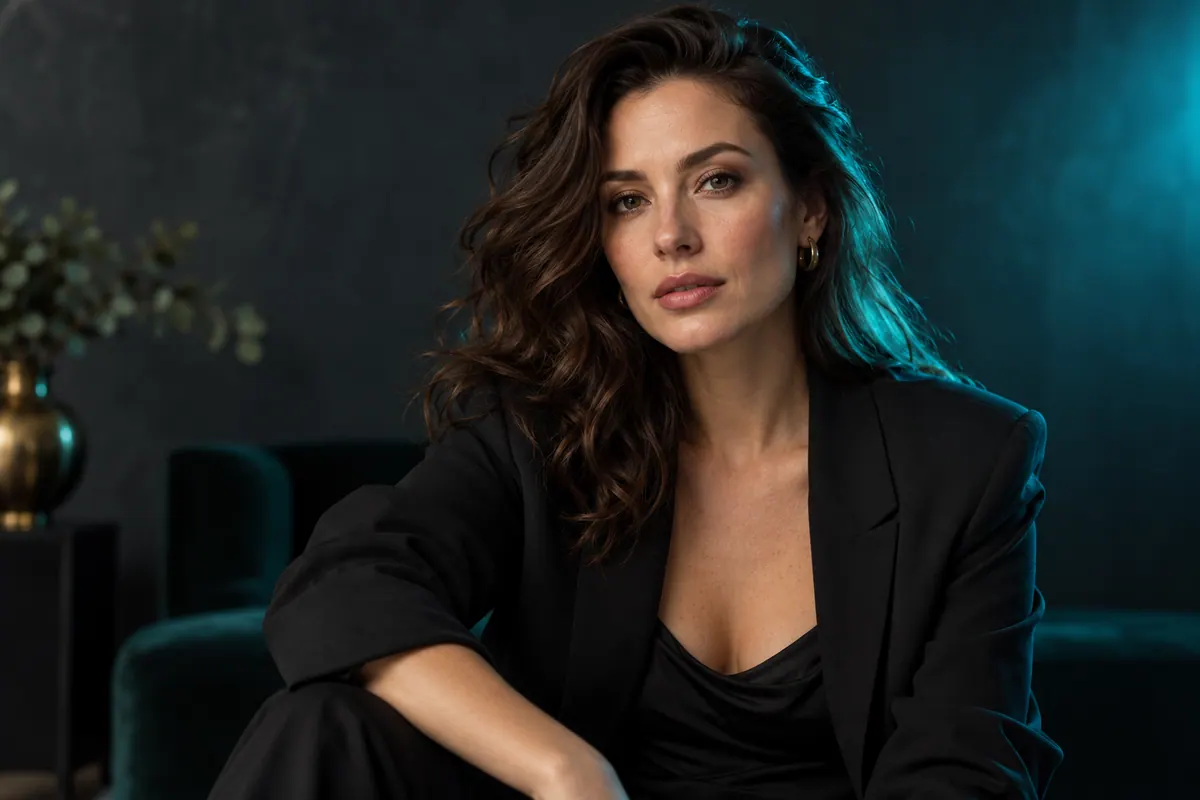 AI photo correction↗
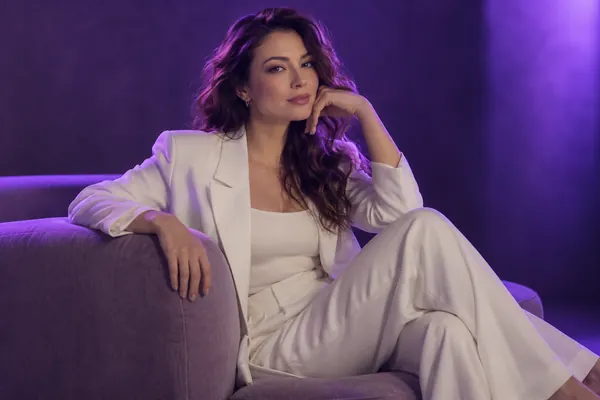 All tools↗