01
Daylight
Try soft natural illumination.
AVACLIK · AI PORTRAIT
Choose a lighting style and create a new atmosphere with AI. AvaClik is for adults aged 18 and over.
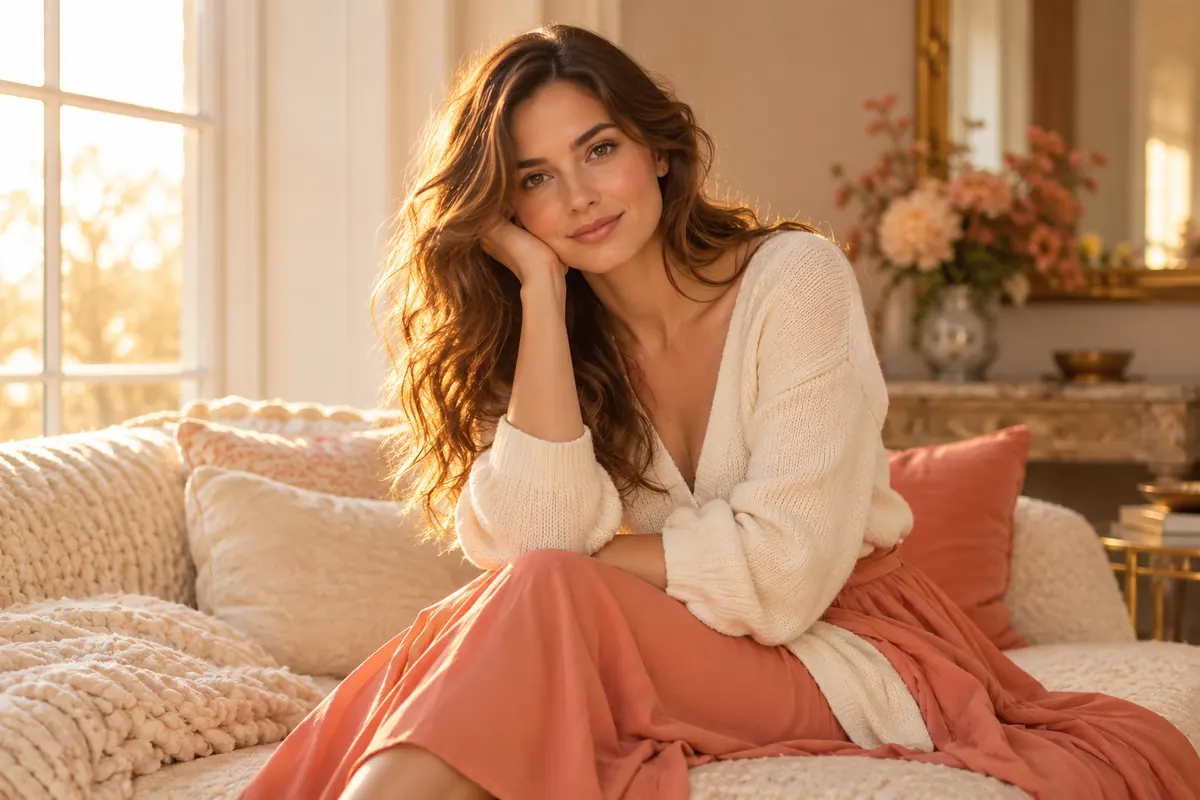 Illustration, not an editing result
Lighting stylesChoose a preset
OnlineDesktop and mobile
PreviewCheck the result
Adults only18+ and consent
YOUR RESULTS
Compare original portraits with results made in the editor.
Examples will appear once photos are added. Meanwhile, try the tool with your own photo.
Open editor ↗POSSIBILITIES
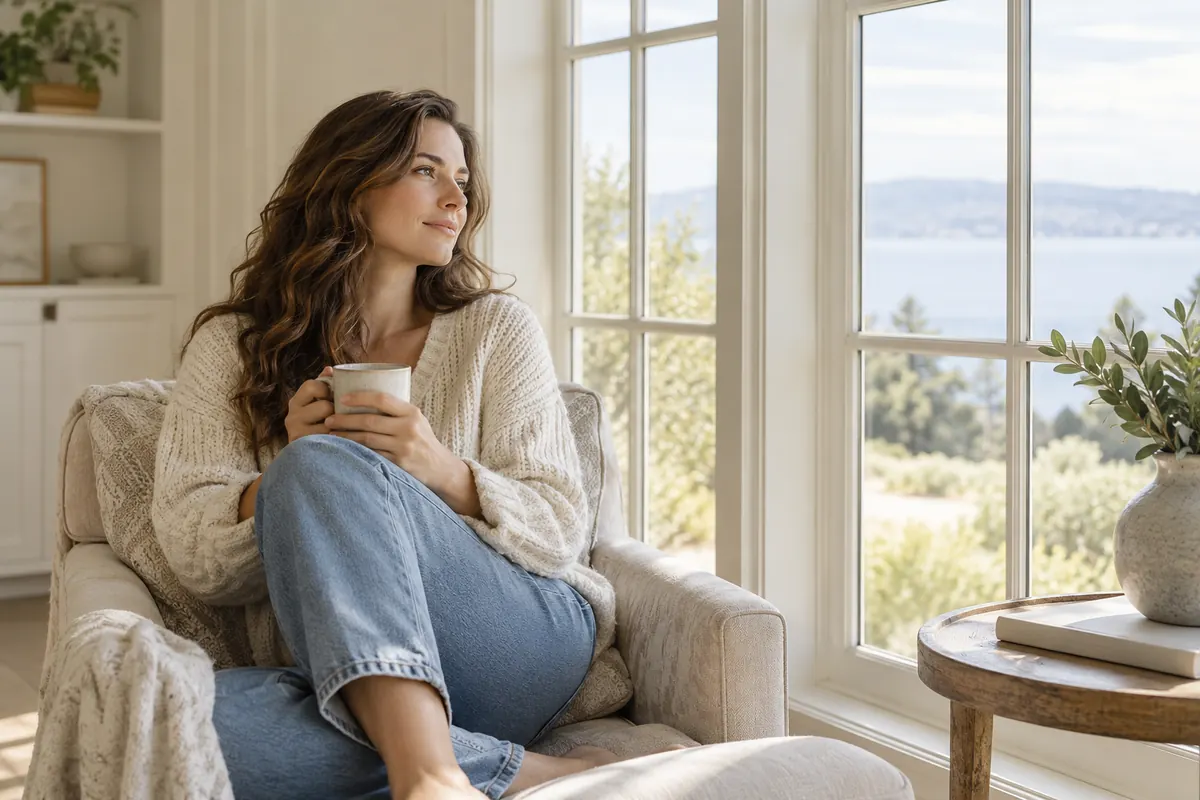
Choose a preset in the Lighting tool. The images below are illustrations.
Try soft natural illumination.
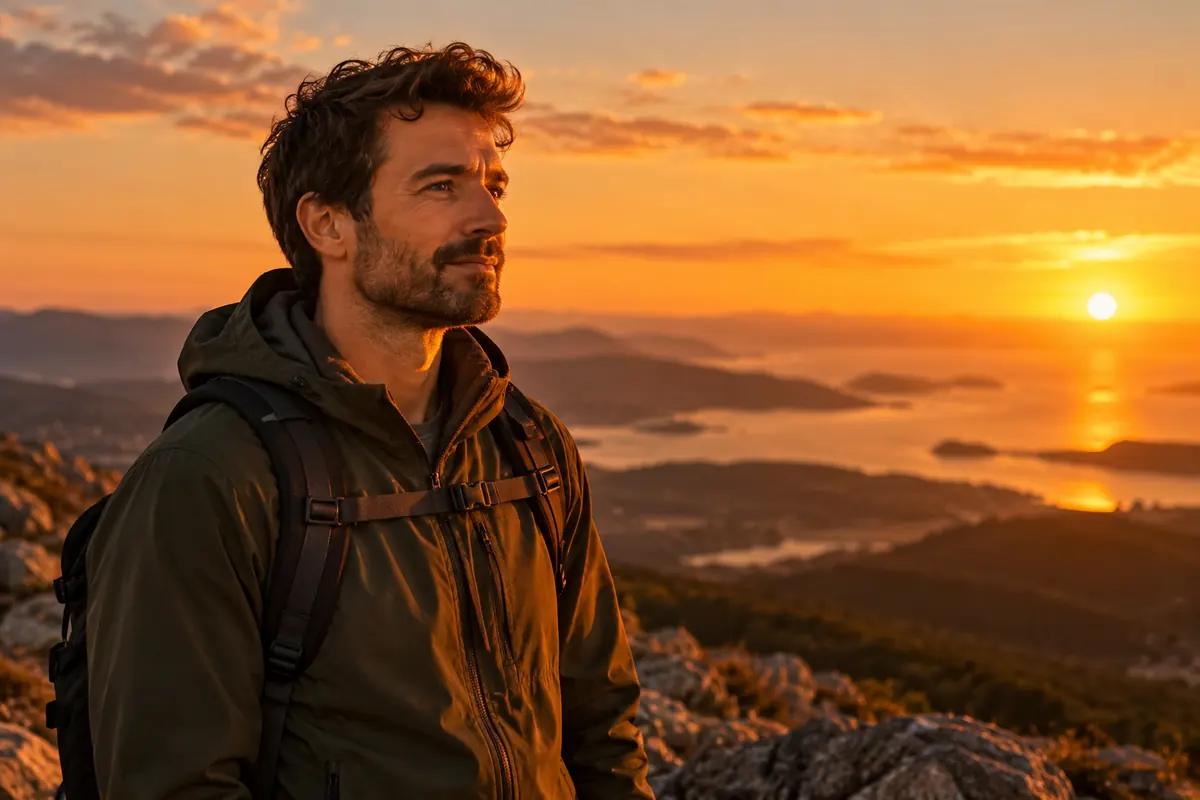
Create a warm sunset atmosphere.
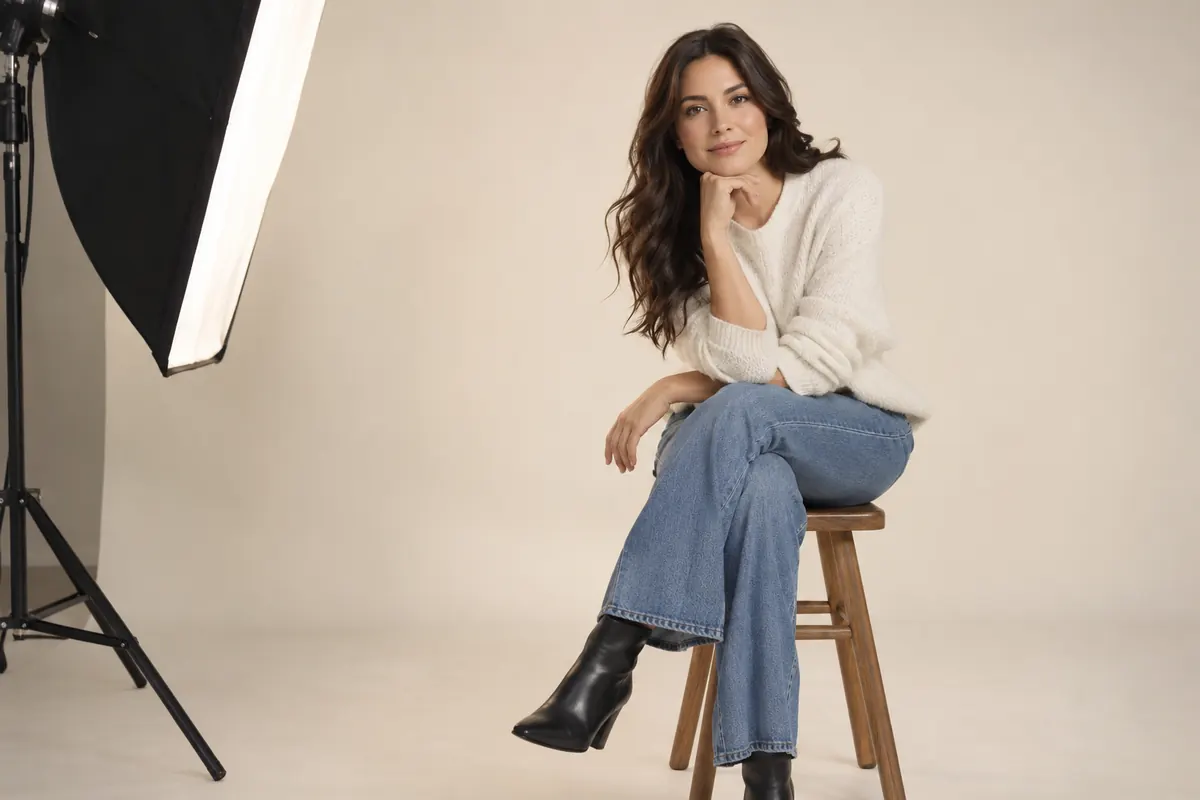
Try a studio-inspired look.
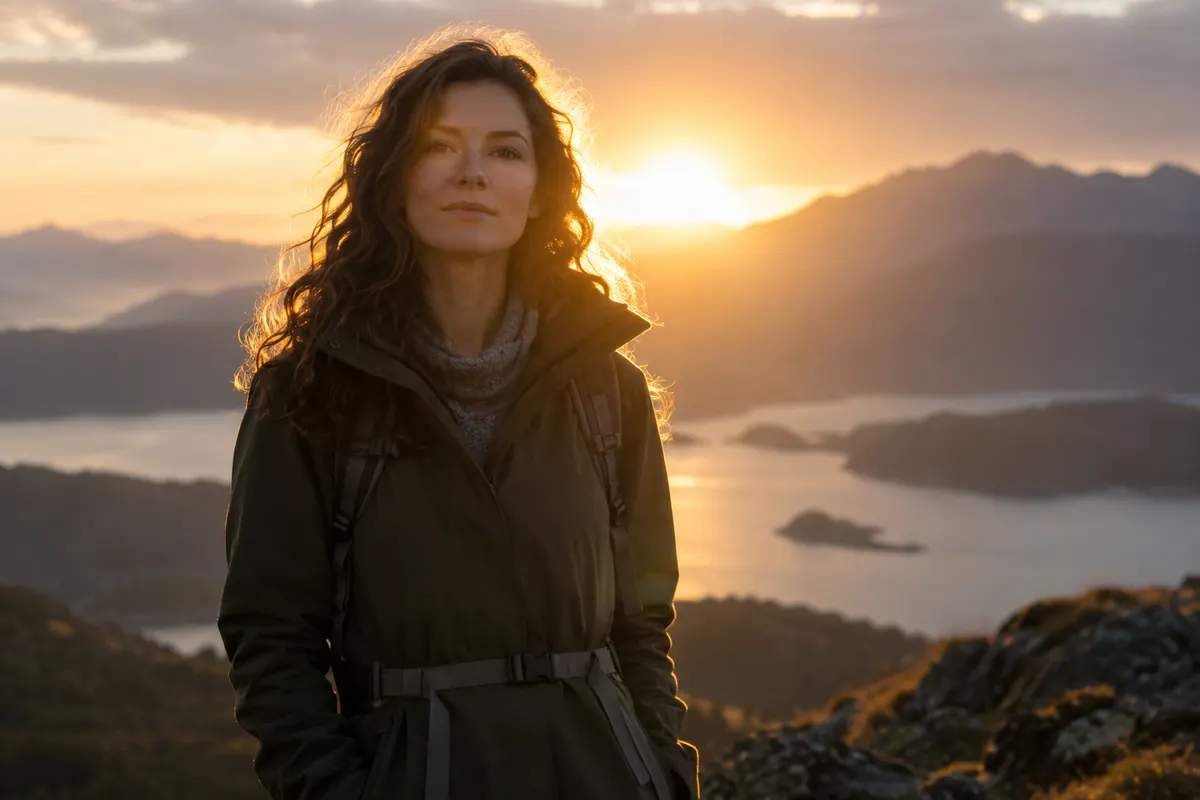
Add atmosphere around your subject.
Illustration, not an editing result
HOW IT WORKS
Upload a photo and choose a lighting preset.
Choose a consenting adult’s photograph.
Find the tool in AI tools.
Select a lighting style and run the edit.
Check the light and details, then download.
FOR YOUR IDEAS
Lighting can change the mood of a photograph.
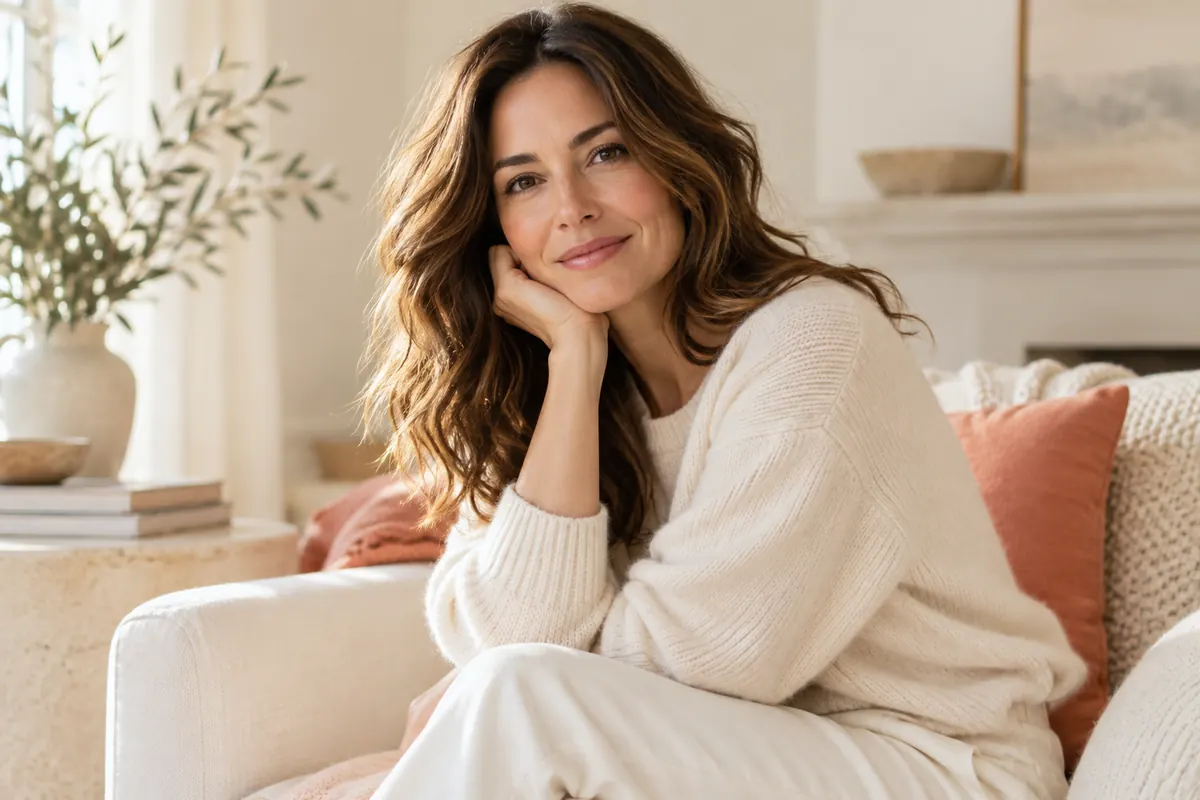
Try soft light for a portrait.
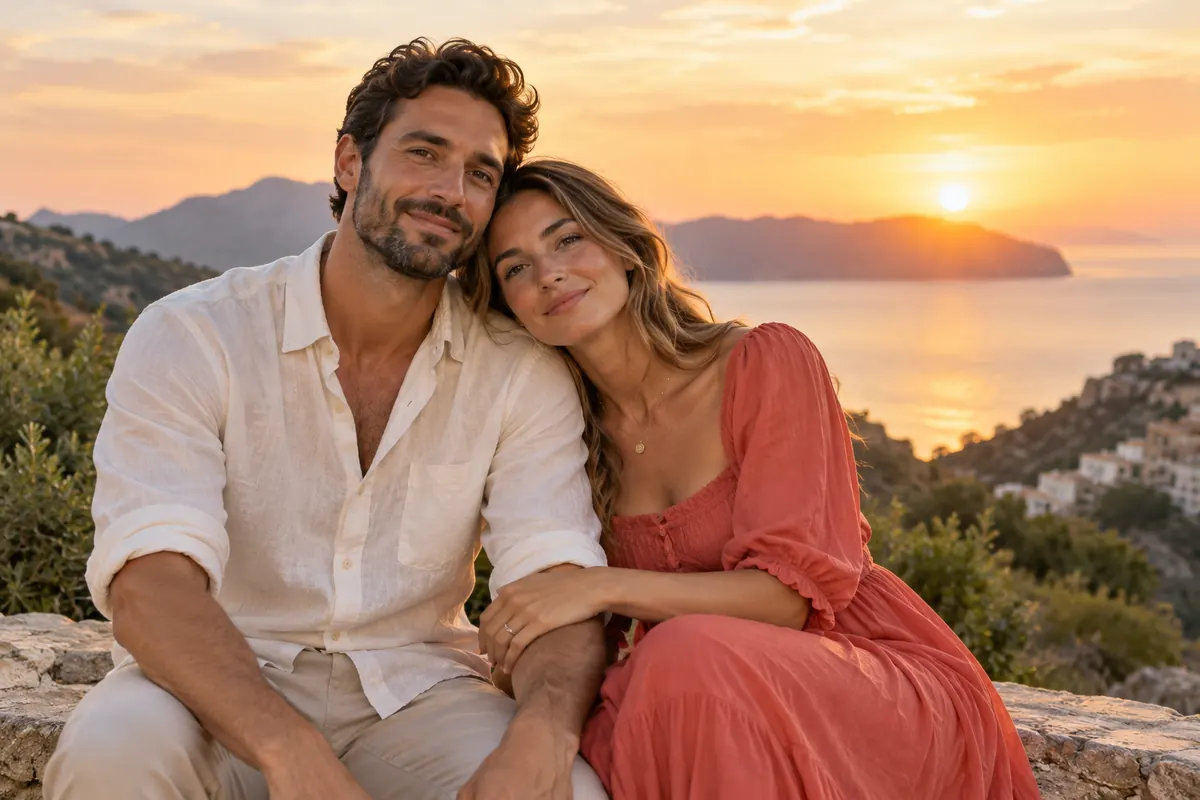
Create an atmosphere for your idea.
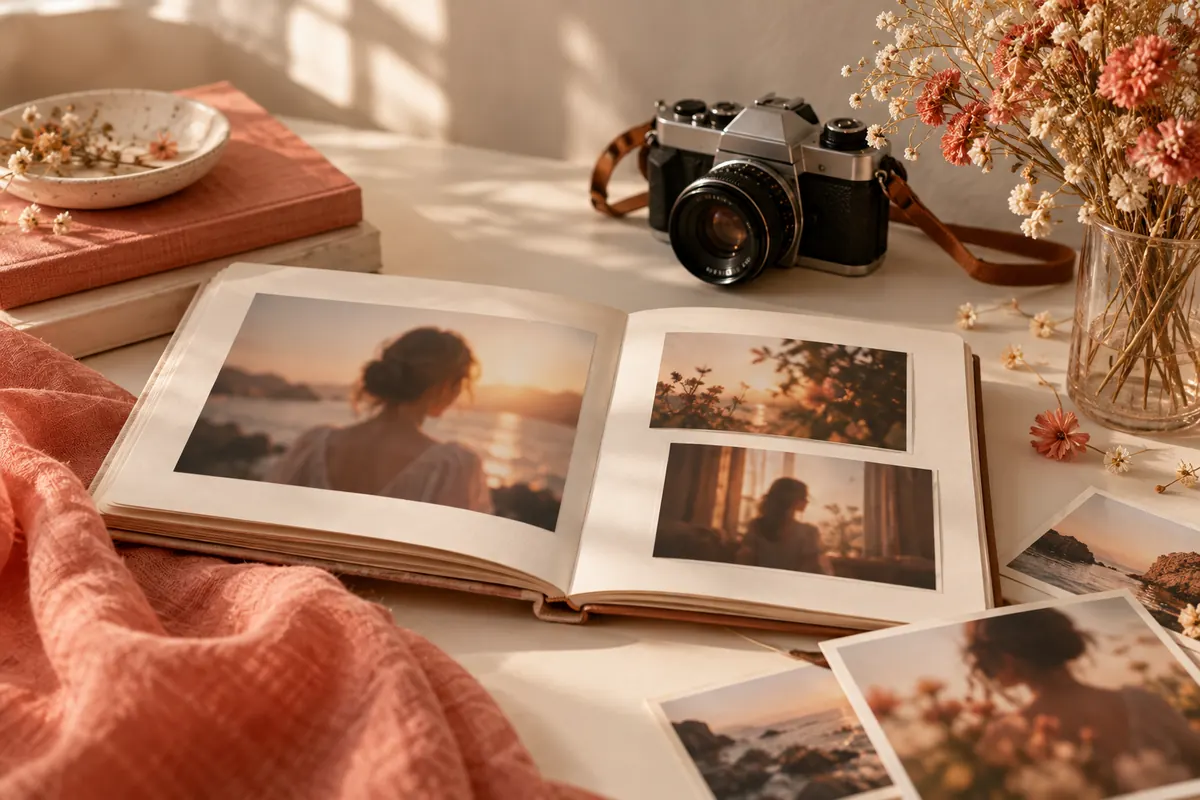
Experiment with warm evening light.
Illustration, not an editing result
ABOUT THE TOOL
AI adjusts lighting based on your chosen preset. Results depend on the source photo, lighting style and arrangement of subjects.
Review the output: light, shadows and colors may differ from the original.
Open editor ↗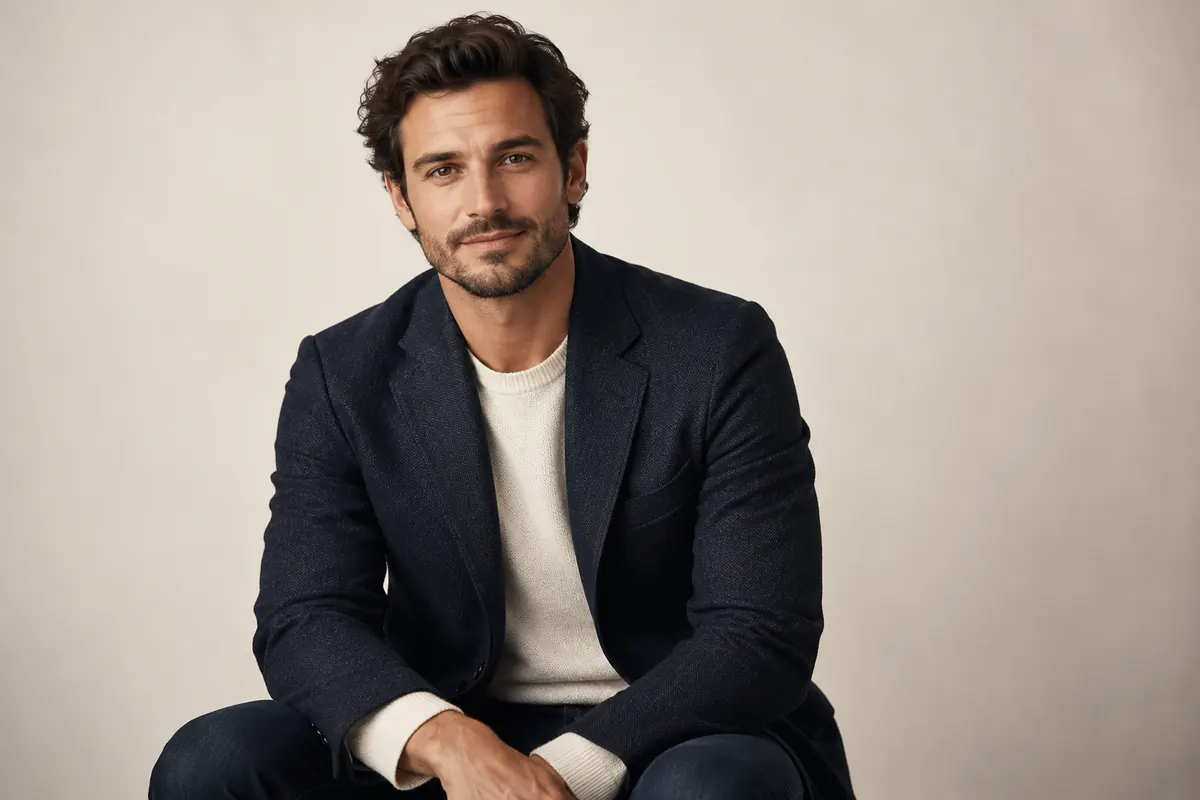
PHOTO PREPARATION
Start with an image with visible details.
Compare lighting on the face, clothing and background.
Use photos of consenting adults with the necessary rights.
QUESTIONS AND ANSWERS
Upload your photo, open Lighting and choose a preset.
Try the golden hour preset and review the result.
Background details and lighting may change; review the result.
Clear photos of adults with visible details.
The token cost is shown in the editor before processing.
Only with the adult person’s consent and rights to use the image.
AVACLIK / AI PORTRAIT
Open the editor, upload a photo and choose your light.