01
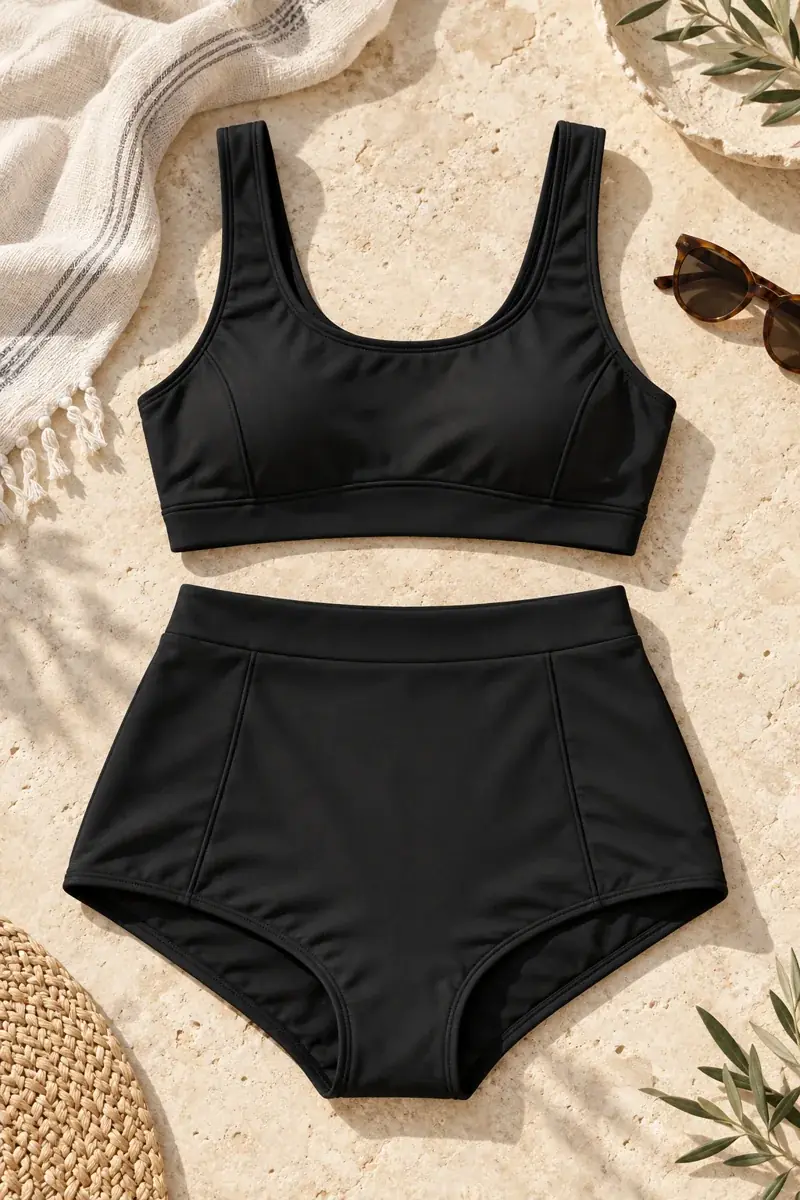
Bikinis and two-piece sets
Describe the top and bottom cut. Check how the outfit fits the pose and lighting.
AVACLIK / SWIMWEAR STUDIO · 18+
Try a different bikini or one-piece swimsuit on your own photo. Describe the style, choose a color and review a new version. AvaClik is an adult photo editor for consenting adults 18+; service and model rules apply.
Try in the editor ↗Explore the clothes changer ↗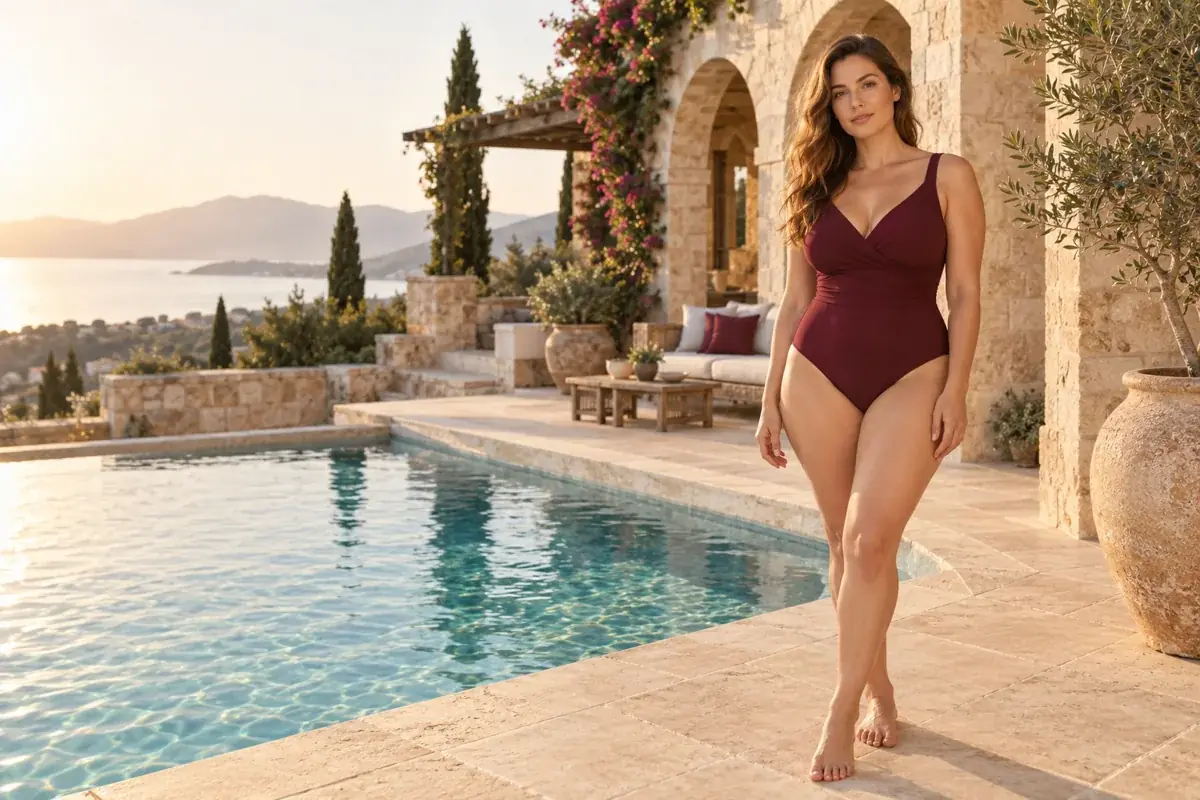
AVACLIK / COLLECTION
From a two-piece set to a one-piece suit: start with the silhouette, then refine color and fabric.
Describe the top and bottom cut. Check how the outfit fits the pose and lighting.
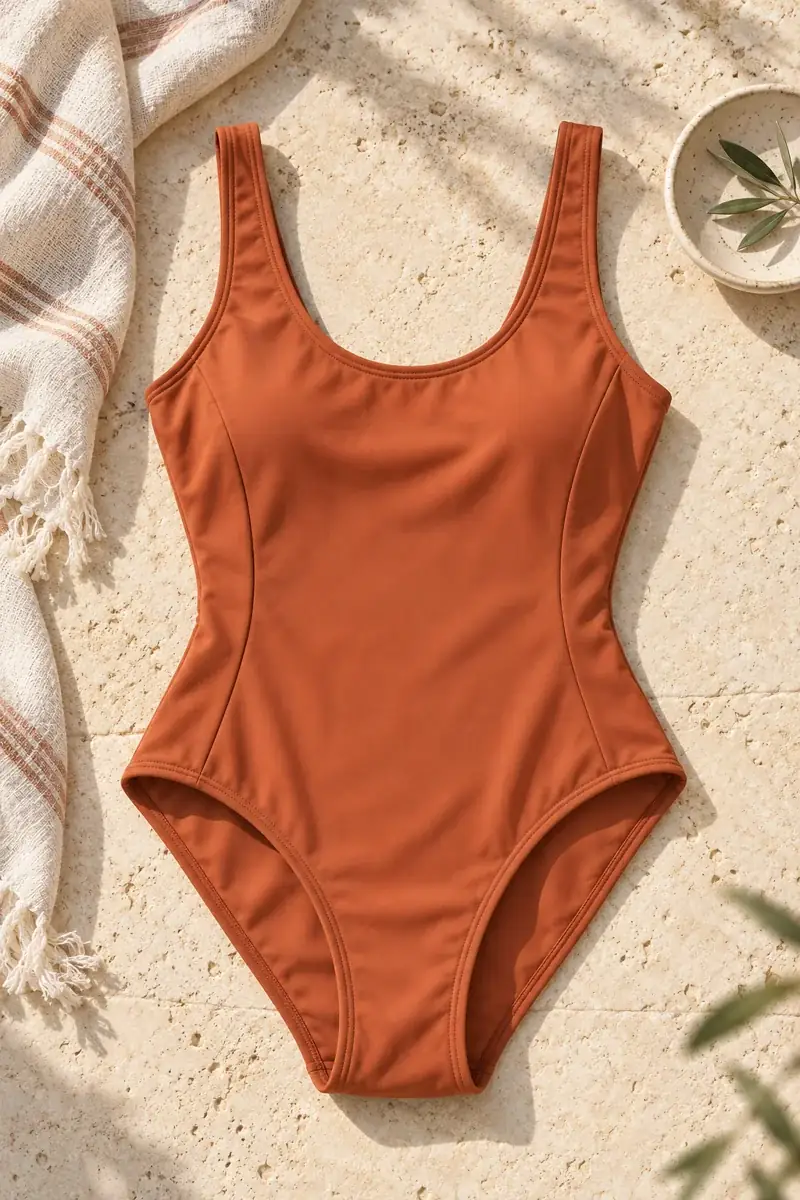
Explore a classic or sporty silhouette. Review the fabric edges and details in the new version.
Illustration, not an editing result
AVACLIK / EXAMPLES
Pairs from the AvaClik library show the source and the new version. Editorial illustrations are not real editing results.
AVACLIK / HOW IT WORKS
Open the browser editor on desktop or mobile without installing an app.
Use a clear image of an adult with permission for the intended edit.
Open Clothes, choose an available look or describe the cut and color.
Compare versions, check garment fit, hands, fabric and background, then download the version you like.
AVACLIK / POSSIBILITIES
Specify the change and list important details you want to preserve.
One-piece, two-piece, sporty or classic: describe the silhouette you want.
Use the color control or specify a shade in your description.
Pose and framing affect the result. Hidden details cannot be reconstructed exactly.
AVACLIK / EDITORIAL
Compare different looks on a familiar photo. AI creates a new version of the image, so sizing, texture and small garment details can differ. It is not a prediction of how a real swimsuit will fit your body.
Try in the editor ↗AVACLIK / PHOTO TIPS
A clear source and a specific request make the new version easier to review.
Use a waist-up or full-length image showing the relevant outfit area.
Strong shadows and blur make fabric and garment edges harder to interpret.
Review hands, anatomy, clothing edges, shadows and nearby objects.
AVACLIK / TOKENS
Another edit may require additional tokens. Buying a pack does not guarantee a particular result.
Cost depends on the selected action. The editor shows the token price before processing; exact garment reproduction is not guaranteed.
Plans and tokens ↗AVACLIK / QUESTIONS
Yes, if you are an adult and hold the image rights. Editing another person requires their consent for the intended use.
Describe the desired cut in the clothing tool. Available presets and results depend on current models and rules.
Yes, within service and model rules. Adult support does not mean unrestricted or guaranteed processing of every request.
No. AI try-on is a visualization; sizing, fabric and details may differ.
Yes. Open the editor in a mobile browser.