50 mejores sugerencias para editar fotos con IA: ejemplos para copiar y pegar
50 sugerencias de edición fotográfica con IA listas para copiar, para retratos, atuendos, fondos, iluminación, cabello, maquillaje, edición corporal, restauración y resultados realistas, con consejos prácticos para su conservación.
En este artículo
Abre la herramienta de AvaClik relacionada con esta guía y pruébala con tu foto.
Las indicaciones para la edición de fotos con IA funcionan mejor cuando se comportan como un breve resumen de retoque: indica qué debe cambiarse, describe el resultado en términos visuales concretos y nombra los detalles que deben permanecer intactos. Los ejemplos a continuación están escritos para fotos subidas, no para la generación de texto a imagen. Puedes copiarlos tal cual, reemplazar los detalles entre corchetes o usarlos como punto de partida para tu propia edición.
El objetivo no es que todas las indicaciones sean largas, sino eliminar la ambigüedad. Una indicación útil suele contener tres ideas: cambia esto, haz que se vea asíy mantén estos detalles iguales. Si el resultado aún no es el adecuado, acorta la solicitud y protege los elementos más importantes de forma más explícita.
Change [one thing] to [specific result]. Keep [face / pose / framing / background / other important details] unchanged. Match the original lighting, perspective and photographic texture.Puedes probar cualquiera de estas indicaciones en el Editor de fotos con IA AvaClik por indicaciónPara una explicación más detallada de la estructura de las indicaciones, consulta: Cómo escribir indicaciones de edición de fotos con IA que realmente funcionen.
Cómo usar estas indicaciones de edición de fotos con IA
- Sube una imagen original nítida que tengas derecho a editar.
- Elige la indicación que más se acerque a tu objetivo.
- Reemplaza todo lo que esté entre corchetes con tus propios detalles.
- Mantén la línea de preservación si la identidad, la pose, el encuadre o el fondo son importantes.
- Genera la edición e inspecciona el rostro, las manos, los bordes, la iluminación y los pequeños detalles a tamaño completo.
- Si algo no relacionado cambió, revisa solo esa parte de la indicación en lugar de reescribir todo.
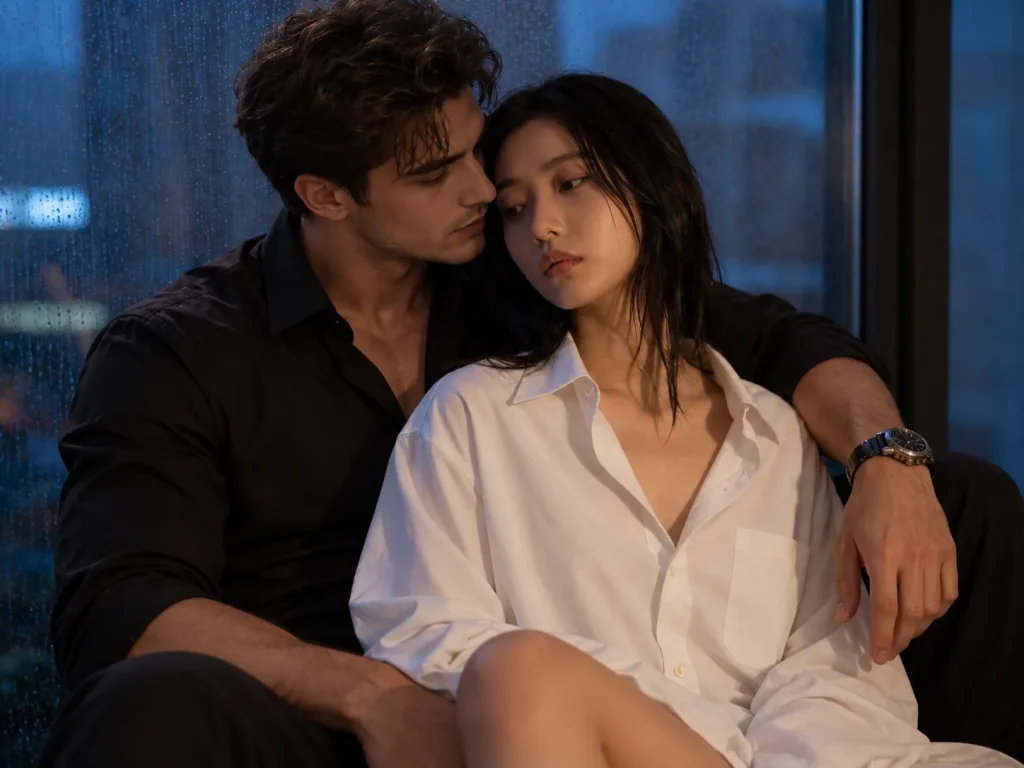
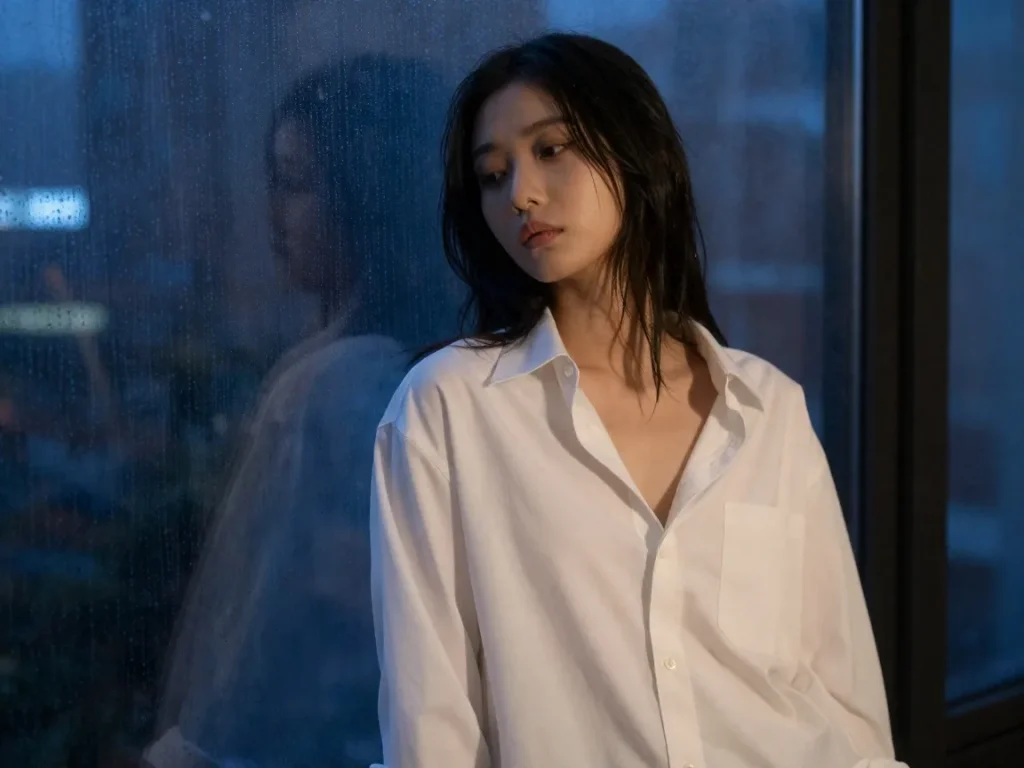
1. Indicaciones para retoque de retratos
Es fácil exagerar con las ediciones de retratos. Si deseas un resultado creíble, solicita pequeñas correcciones y protege explícitamente la identidad, la forma del rostro y la textura natural de la piel.
Retouch the portrait lightly: even out skin tone, reduce temporary blemishes and harsh shine, and soften under-eye shadows. Keep the person’s face shape, facial features, freckles, pores, hairline, expression and age unchanged; preserve realistic skin texture and the original lighting.
Usa esto cuando quieras una limpieza sin el aspecto artificial de un filtro de belleza.
Turn this photo into a clean professional headshot with a neutral studio background, soft front-side lighting and natural contrast. Keep the person’s identity, facial proportions, hairstyle and expression recognizable; preserve realistic skin and avoid changing the apparent age.
Si la imagen original está muy recortada, pide que se mantenga el mismo encuadre en lugar de inventar hombros o ropa.
Soften the harsh facial shadows and balance the exposure while keeping the same direction of light. Do not change the face, hairstyle, expression, pose, clothing or background; keep the result photographic and natural.
Esto es más seguro que pedir que “embellezcan el rostro”.
Make the eyes look slightly clearer and better lit without changing their shape, size, color or position. Keep the face and all other features exactly as close to the original as possible; avoid heavy sharpening or artificial glow.
Las instrucciones sutiles reducen la posibilidad de que se pierda la identidad.
Remove only temporary blemishes and small skin distractions while keeping permanent features such as moles, freckles, fine lines and natural texture. Do not reshape the face or smooth the skin excessively.
Ideal para retoques realistas donde los detalles permanentes de la identidad son importantes.
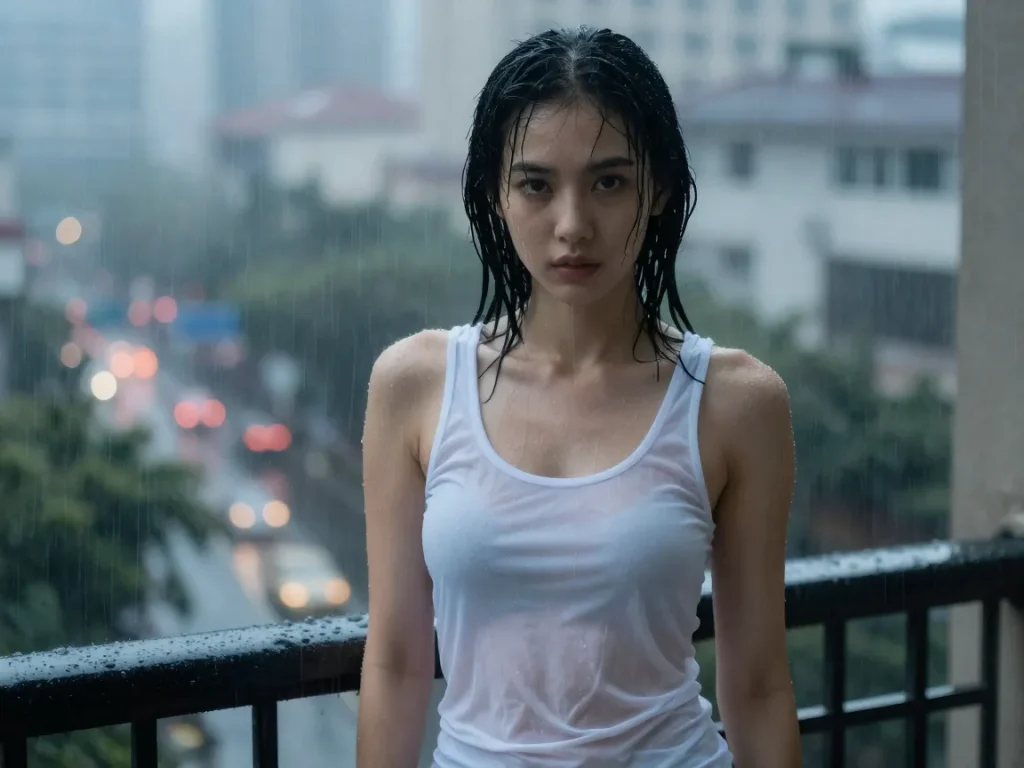
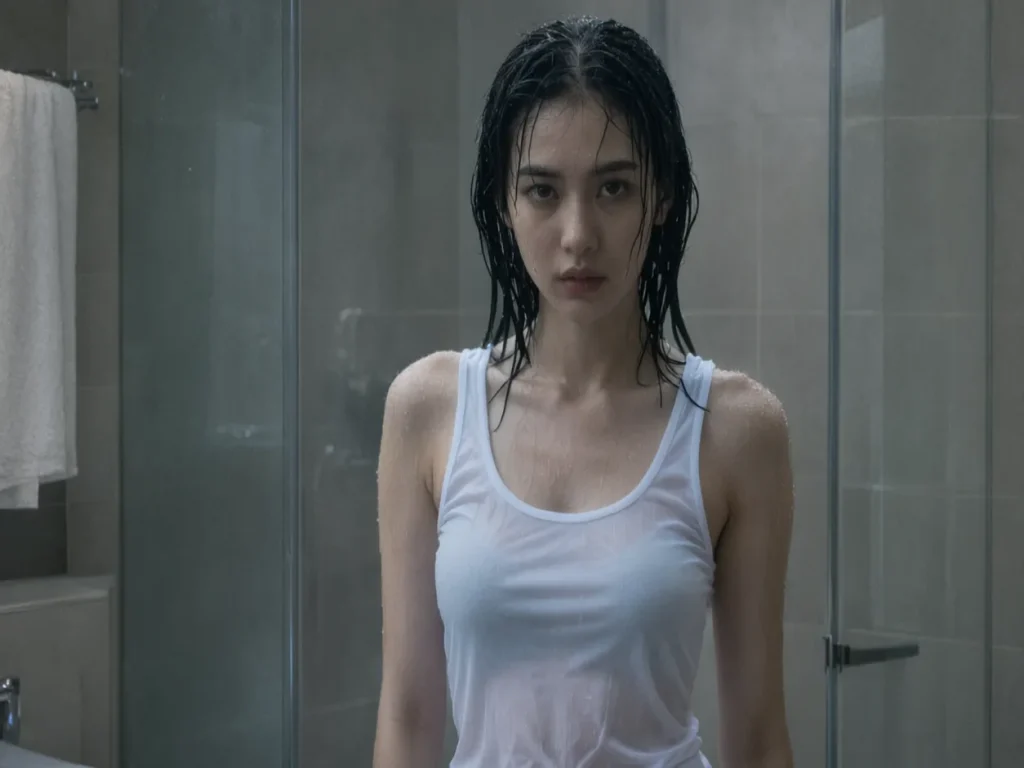
2. Indicaciones sobre la ropa
Las ediciones de ropa son más efectivas cuando se describe la prenda en lugar de solo mencionar el estilo. Mencione el material, el corte, el color y el ajuste, y luego proteja el rostro, las proporciones corporales, la pose y el entorno.
Replace the current top with a fitted black leather jacket with realistic seams, subtle texture and natural folds. Keep the person’s face, body proportions, pose, hands, hairstyle, background and camera angle unchanged; match the original lighting and shadows on the jacket.
Las palabras «pliegues realistas» y «que se ajustan a la iluminación original» ayudan a que la nueva prenda se integre con la fotografía.
Change the outfit to an elegant black evening dress with clean tailoring and realistic fabric drape. Keep the face, hairstyle, body shape, pose, hands, jewelry, background and framing unchanged; make the dress follow the existing body position naturally.
Si los brazos originales se superponen al atuendo, inspeccione cuidadosamente los bordes y los dedos.
Replace the current shirt with a relaxed white linen button-up shirt, slightly textured and naturally wrinkled. Keep the person, pose, face, body proportions, trousers, background and lighting unchanged.
Palabras como lino, satén o mezclilla ofrecen una guía visual más útil que «premium».
Change only the outfit to modern neutral streetwear: an oversized charcoal hoodie and clean black trousers. Keep the same face, hairstyle, body proportions, pose, shoes, background, lighting and crop.
«Cambiar solo el atuendo» es útil cuando todo lo demás ya está correcto.
For this consenting adult portrait, replace the outfit with tasteful black lingerie suitable for a boudoir photoshoot. Keep the adult subject’s face, body proportions, pose, hairstyle, room, camera angle and lighting unchanged; use realistic fabric, straps, shadows and fit.
Úselo solo con sujetos adultos e imágenes que tenga derecho a editar y con su consentimiento.
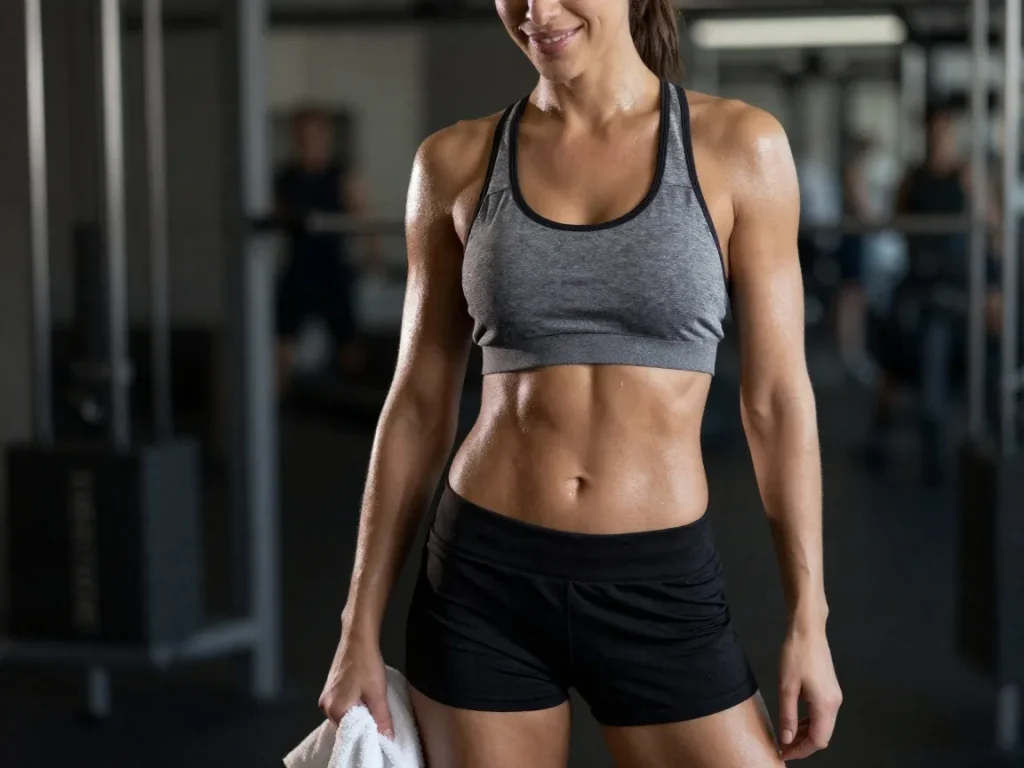
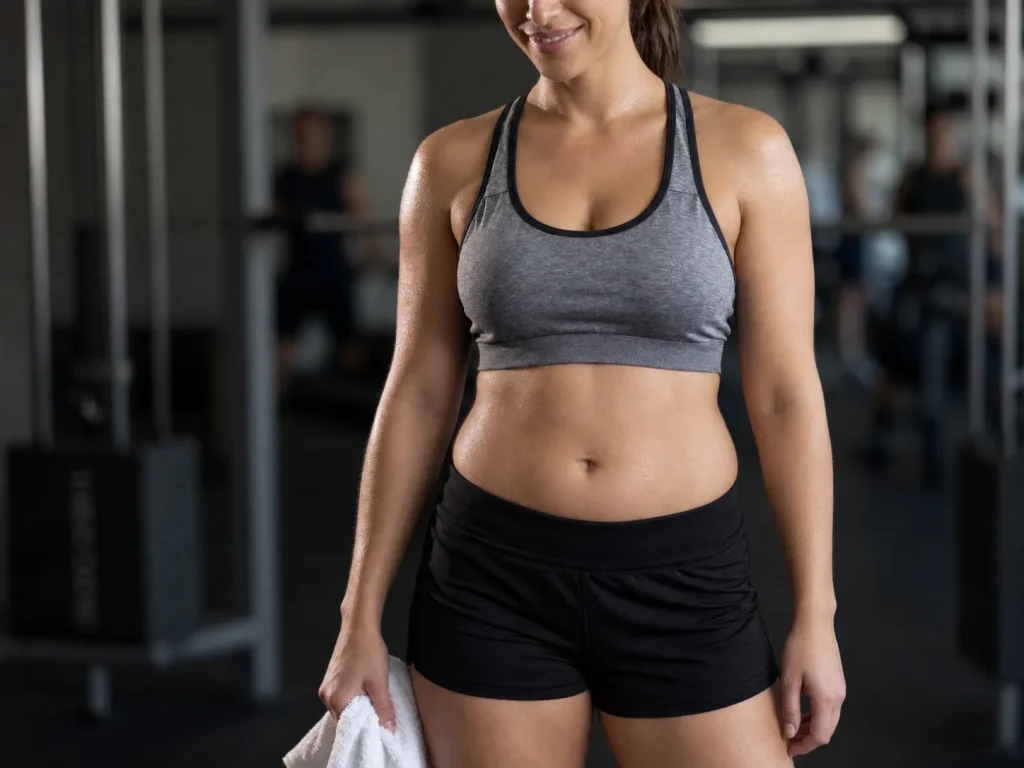
3. Indicaciones para el reemplazo de fondo
Al reemplazar un fondo, describa el nuevo entorno e indique al editor cómo debe integrarse el sujeto en él. La perspectiva, la profundidad de campo, la temperatura del color y las sombras de contacto son tan importantes como el fondo mismo.
Replace only the background with a modern luxury apartment at night: dark wood, large windows, soft warm practical lights and a subtle city view. Keep the person, face, outfit, pose, camera angle and framing unchanged; match the new room’s light direction to the subject without over-relighting the face.
Un fondo creíble no debe hacer que la persona parezca pegada.
Replace the background with a realistic beach at sunset, warm sky near the horizon and soft reflected light. Keep the person, clothing, pose and framing unchanged; preserve natural edge detail around hair and match the subject’s shadows to the scene.
Los bordes del cabello son un buen punto de referencia para evaluar si la composición se ve natural.
Replace the background with a seamless warm-gray photography studio backdrop. Keep the subject, face, clothing, pose, crop and lens perspective unchanged; add only a subtle realistic floor shadow where appropriate.
Útil para retratos de productos e imágenes de perfil.
For this consenting adult portrait, replace the room with an upscale hotel bedroom suitable for a tasteful boudoir photoshoot: soft lamps, neutral bedding and warm low-contrast light. Keep the adult subject’s identity, body proportions, pose, outfit and framing unchanged.
La solicitud debe ser fotográfica, en lugar de describir una escena completamente nueva.
Replace the background with a realistic city street at night after rain, with soft storefront light and subtle reflections on the pavement. Keep the subject, pose, outfit, face and camera perspective unchanged; make the color temperature and edge lighting consistent.
Si buscas realismo, pide reflejos sutiles en lugar de luces de neón dramáticas por todas partes.
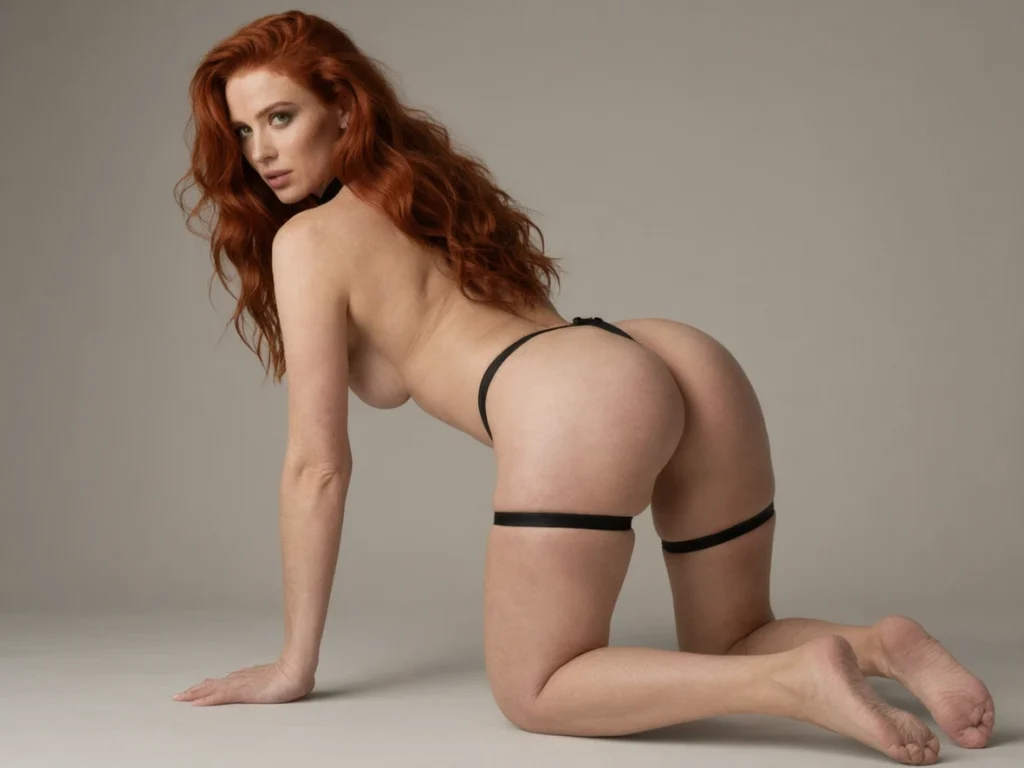
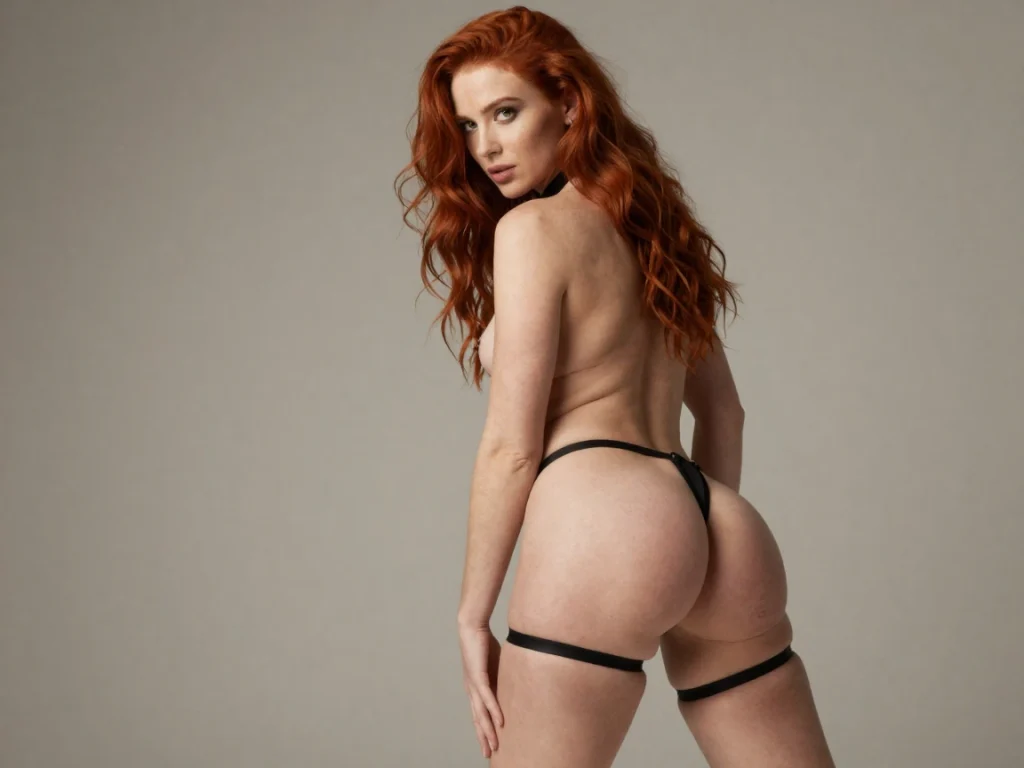
4. Indicaciones sobre iluminación y color
Las indicaciones sobre iluminación deben describir la dirección y la calidad, no solo el ambiente. «Luz cálida y suave desde la izquierda de la cámara» es más útil que «iluminación cinematográfica».
Relight the portrait with soft natural window light coming from camera-left, with gentle shadow falloff and realistic skin highlights. Keep the face, expression, pose, outfit, background and framing unchanged; avoid dramatic color shifts.
Dirección + suavidad + qué conservar suele ser suficiente.
Shift the scene toward believable golden-hour lighting with warm highlights and slightly cooler shadows. Keep the subject, face, clothing, environment and composition unchanged; do not add a fake sun flare unless it fits the existing camera angle.
Evita el «naranja por todas partes»; la verdadera hora dorada aún tiene zonas neutras y frías.
Correct the mixed color cast so skin tones look natural and the scene feels lit by one coherent source. Keep the face, pose, clothes, background and exposure balance unchanged; preserve realistic contrast.
Ideal para fotos de interiores con contaminación de color verde o naranja.
Make the lighting lower-key and more dramatic using one soft side light, but retain detail in the eyes and skin. Keep the person’s identity, expression, pose, clothing and background unchanged; maintain realistic shadow density.
Especifica «conservar detalles» para que el resultado no oculte el rostro en negro.
Apply a subtle high-end editorial color grade: controlled contrast, natural skin tone, slightly muted background colors and no heavy filter. Keep all geometry, face, clothing and lighting direction unchanged.
Las indicaciones de corrección de color no deben convertirse accidentalmente en un cambio de estilo completo.
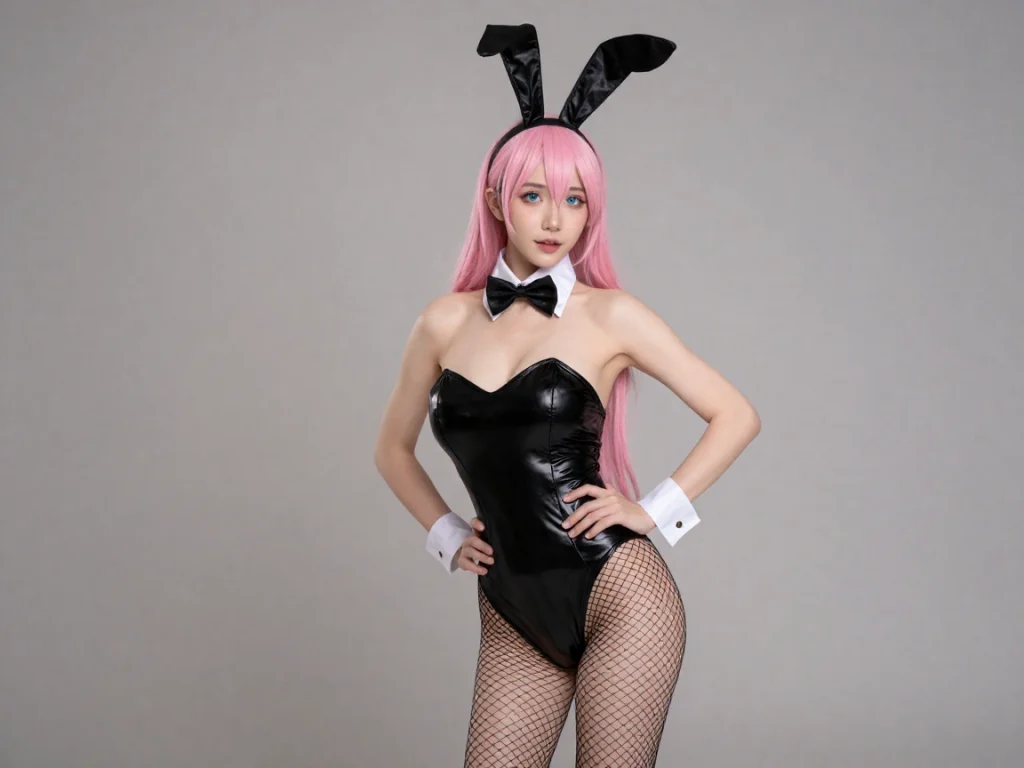
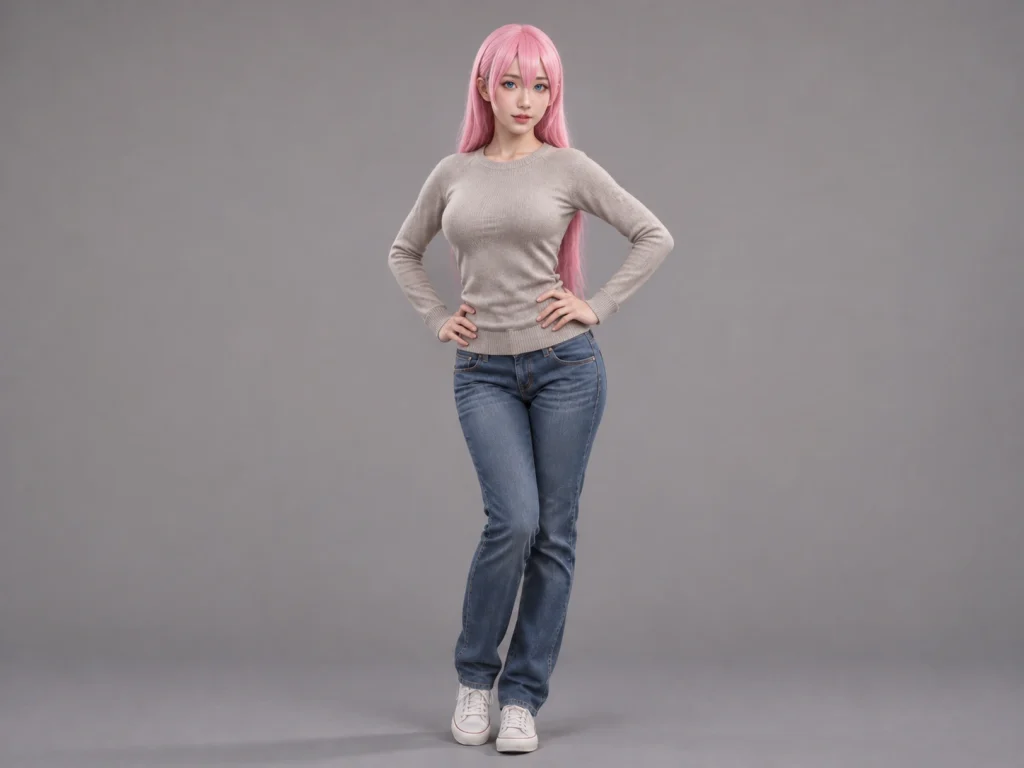
5. Indicaciones de peinado y maquillaje
Los cambios de peinado y maquillaje pueden alterar rápidamente la percepción de la identidad. Protege las proporciones faciales y especifica el estilo solicitado en lugar de pedir una transformación genérica de «glamour».
Change the hairstyle to long, natural loose waves while keeping the same hair color and realistic strand texture. Keep the face, forehead shape, eyebrows, expression, body, outfit, pose, background and lighting unchanged.
La línea del cabello y la forma de la frente son puntos de referencia útiles para la identidad.
Change only the hairstyle to a clean chin-length bob with natural volume and realistic individual strands. Keep the face, hair color, expression, body, outfit, pose and background unchanged.
Si el cabello original cubre los hombros, revise los bordes de la ropa reconstruida.
Add tasteful evening makeup: subtle eyeliner, defined lashes, natural skin finish and muted rose lipstick. Keep the face shape, eye shape, nose, lips, skin texture, hair, expression and lighting unchanged.
Pida que el maquillaje se aplique sobre el rostro existente, no una «transformación de belleza».
Reduce heavy makeup to a clean natural look while preserving the same person and facial structure. Keep realistic skin texture, brows, eye shape, hairstyle, expression and lighting unchanged.
Útil para corregir un retrato con demasiado maquillaje.
Change only the lipstick to a classic deep red with realistic lip texture and edges. Keep the lips’ shape, teeth, face, skin, makeup, hair and everything else unchanged.
Las ediciones de una sola variable son las más fáciles de evaluar.
6. Indicaciones para agregar, eliminar y limpiar objetos
Las ediciones de objetos deben identificar la ubicación y la textura de reemplazo. Si se elimina algo, indique al editor qué debería continuar detrás.
Remove the small clutter items from the table behind the subject and reconstruct the visible table surface and wall naturally. Keep the person, face, clothing, pose, lighting, camera angle and all other objects unchanged.
La instrucción de reconstrucción es importante después de la eliminación.
Remove the background person on the far left and reconstruct the wall and floor behind them naturally. Keep the main subject, framing, lighting and all other scene details unchanged.
Úselo solo cuando la persona a eliminar sea claramente identificable por su posición.
Add realistic black sunglasses to the subject, correctly aligned to the face with believable reflections and shadows. Keep the face proportions, hairstyle, expression, pose, outfit, background and lighting unchanged.
Los accesorios pequeños necesitan consistencia en la escala, la alineación y la sombra.
Add a thin silver necklace that follows the neck and collarbone naturally, with subtle reflections matching the original light. Keep the face, body, outfit, pose and background unchanged.
Evita términos vagos como «joyería de lujo» a menos que realmente quieras un cambio de diseño importante.
Remove visible dust and spots from the mirror while keeping the reflection, person, room, lighting, crop and mirror geometry unchanged. Do not alter the subject’s face or body.
Una buena indicación para la limpieza especifica tanto el defecto como el contenido que debe conservarse.
7. Indicaciones sobre el cuerpo, la pose y el encuadre
Las ediciones de la pose y el cuerpo afectan a más geometría que un simple retoque. Haz que el cambio solicitado sea sutil, descríbelo físicamente e inspecciona las manos, las articulaciones, la tensión de la ropa y la geometría del fondo posteriormente.
Improve the posture slightly by bringing the shoulders back and making the stance look more upright and natural. Keep the face, body proportions, clothing, hands, background, camera angle and overall pose recognizable; do not make the body slimmer or more muscular.
«Ligeramente» importa cuando se busca una corrección en lugar de una nueva pose.
Adjust the upper-body pose so the shoulders are turned a little more toward the camera while keeping the head position and expression natural. Preserve identity, body proportions, outfit, hands, background and framing.
Inspeccione los pliegues de la prenda alrededor de los hombros después de la generación.
Adjust the visible arm into a more relaxed natural position beside the body. Keep the face, torso proportions, clothing style, other limbs, background and camera perspective unchanged.
Evite solicitar una anatomía exacta que esté oculta en la fuente.
For this consenting adult photo, make a subtle natural waist refinement while preserving the person’s overall body type and proportions. Keep the face, pose, clothing, hands, background, lighting and perspective unchanged; avoid exaggerated anatomy.
Use un lenguaje moderado si el realismo es importante.
Expand the image to a 4:3 composition by extending the existing environment naturally around the subject. Keep the person, face, body, clothing, pose and existing central content unchanged; continue perspective, lighting and textures consistently.
Útil cuando necesite más espacio alrededor de un retrato existente.
8. Indicaciones de restauración y calidad
Las indicaciones de restauración deben proteger el carácter histórico o fotográfico de la fuente en lugar de convertir cada imagen antigua en un retrato sintético moderno.
Restore this faded photo by improving contrast, reducing color cast and repairing minor dust or scratches. Keep every person’s identity, expression, clothing, pose, framing and period-appropriate photographic character unchanged; do not invent modern details.
La restauración debe preservar la imagen original, no reinterpretarla.
Reduce visible JPEG blocking and edge artifacts while preserving natural detail. Do not reshape the face, change skin texture, alter text, add objects or modify the composition.
Útil para imágenes web que se ven pixeladas a tamaño completo.
Reduce chroma noise and coarse grain in the dark areas while preserving real texture and fine details. Keep the subject, face, lighting mood, color, background and framing unchanged; avoid waxy skin.
La reducción de ruido no debe suavizar la piel.
Improve perceived sharpness slightly on the eyes, hair and important edges without adding halos or changing facial features. Keep skin texture natural and leave the composition, color and lighting unchanged.
Las opciones «ligeramente» y «sin halos» mantienen la solicitud moderada.
Repair the small damaged area at [location] by reconstructing the surrounding texture naturally. Keep the rest of the image, people, text, objects, colors and framing unchanged.
Siempre identifique la región dañada en lugar de solicitar una regeneración completa de la imagen.
9. Sugerencias creativas pero fotográficas
Una edición creativa puede parecer una fotografía real. Base la solicitud en una iluminación, materiales y comportamiento de la cámara creíbles, en lugar de usar palabras como «obra maestra», «8K» y «ultra detallado».
Give the photo a restrained 35mm film look with gentle grain, slightly softer highlight roll-off and natural color separation. Keep the person, face, pose, clothing, background and composition unchanged; avoid heavy vintage filters.
Un auténtico estilo cinematográfico suele ser sutil.
Add the feeling of a rainy evening outside the existing window: realistic droplets on the glass and soft cool exterior reflections. Keep the person, face, room, pose and interior lighting unchanged; do not cover the subject with fake rain.
Describe dónde encaja el efecto.
Restyle only the lighting to resemble direct but flattering on-camera flash in a dark indoor environment, with realistic falloff and shadows. Keep the subject, face, pose, outfit, room and framing unchanged.
El flash tiene un comportamiento de sombra específico; preserva la escena.
Give the existing photo a polished fashion-editorial finish through subtle color grading, clean contrast and controlled texture. Keep the same subject, face, pose, outfit, background and camera angle; do not redesign the scene.
Un «acabado editorial» debe ser una capa final, no una imagen nueva.
For this consenting adult portrait, create a tasteful warm boudoir photography look using soft directional lamp light, natural skin texture and gentle contrast. Keep the adult subject’s identity, pose, body proportions, room and framing unchanged.
Se trata de un ajuste de estilo, no de una instrucción para inventar contenido explícito.
10. Indicaciones de precisión y conservación
Estas indicaciones son útiles cuando la edición en sí es sencilla, pero conservar todo lo que la rodea es el verdadero desafío.
Change only the [object or garment] from [current color] to [new color]. Preserve its shape, material, folds, logos, reflections and shadows, and keep every other part of the image unchanged.
Excelente plantilla para comprobar si el modelo respeta el alcance.
Make the requested edit to [target] only. Preserve the person’s identity as closely as possible: keep facial proportions, eye shape and spacing, nose, lips, jawline, hairline, skin marks and expression consistent with the uploaded photo.
Para más detalles, consulte la guía específica para rostros idénticos: guía para conservar el mismo rostro.
Change the environment around the product to [new setting], but keep the product itself, its proportions, logo, label text, packaging colors and visible reflections unchanged. Match the new scene’s lighting without redrawing the label.
El texto y los logotipos merecen una protección explícita.
Apply only [requested adjustment]. Keep the exact crop, camera angle, subject position, horizon, object placement and negative space unchanged; do not zoom, outpaint or reframe the image.
Útil cuando un editor cambia constantemente el lienzo.
Apply the requested edit while keeping the result photorealistic: preserve natural skin texture, believable fabric folds, correct anatomy, coherent shadows, realistic reflections, consistent perspective and the original camera character.
Esto funciona bien como restricción final después de la instrucción de edición principal.
Cómo convertir estos ejemplos en tus propias indicaciones
No copies una indicación a ciegas si tu imagen es diferente. Mantén la estructura, pero reemplaza las partes importantes. Un resumen de edición útil generalmente responde a cinco preguntas:
- Objetivo: ¿Qué parte de la imagen debe editar el modelo?
- Resultado: ¿En qué se debe convertir exactamente ese objetivo?
- Detalles visuales: ¿Qué colores, materiales, luz o configuración definen el resultado?
- Preservación: ¿Qué debe permanecer reconocible o inalterado?
- Verificación de la realidad: ¿Qué relaciones físicas deben seguir siendo creíbles?
Si el primer resultado cambia el rostro, lee: Cómo mantener el mismo rostro al editar fotos con IASi parece artificial, utiliza las técnicas de: Cómo obtener resultados realistas con la edición de fotos con IASi ya tiene un resultado deficiente y necesita diagnosticarlo, consulte: Cómo corregir errores en la edición de fotos con IA.
Preguntas frecuentes
¿Funcionan mejor las indicaciones más largas para la edición de fotos con IA?
No automáticamente. Una indicación más larga solo ayuda cuando las palabras adicionales reducen la ambigüedad. Diez palabras específicas pueden ser más útiles que un párrafo de adjetivos de estilo vagos.
¿Debo especificar qué elementos deben permanecer sin cambios?
Sí, cuando esos detalles son importantes. El rostro, la pose, el recorte, el fondo, los logotipos, el texto, las proporciones corporales y la iluminación son elementos que se suelen conservar.
¿Puedo usar estas indicaciones en AvaClik?
Sí. Están diseñadas para la edición de fotos mediante indicaciones. Abre el Editor de fotos con IA AvaClik por indicación, sube una imagen que puedas editar y adapta la indicación a la imagen original.
¿Por qué a veces cambia el rostro durante una edición no relacionada?
La edición generativa puede redibujar más partes de la imagen que el elemento que pretendías cambiar. Realiza una edición a la vez, protege la identidad explícitamente y compara el resultado con el original a tamaño completo.
¿Cuántas variaciones debo generar?
No hay un número fijo. Si el primer resultado es similar, ajústalo. Si el resultado es estructuralmente incorrecto, simplifica la indicación antes de generar más versiones de la misma solicitud ambigua.
¿Puedo usar indicaciones para ediciones con contenido para adultos?
AvaClik admite la edición con contenido para adultos según las normas de su servicio. Utilice únicamente temas para adultos, obtenga el consentimiento y los derechos necesarios, y asegúrese de que la indicación se ajuste al uso permitido del servicio.
Conclusión final
Las mejores indicaciones para la edición de fotos con IA no son frases mágicas. Son instrucciones claras. Mencione un cambio, descríbalo visualmente, proteja los detalles importantes y, a continuación, evalúe el resultado como un editor, en lugar de aceptar el primer resultado a ciegas. Los 50 ejemplos anteriores son puntos de partida útiles, pero la indicación más eficaz es la que se adapta a la imagen que tiene delante.
Cuando esté listo para probar uno, abra el editor de fotos AvaClik basado en indicaciones, comience con un solo cambio y refine únicamente lo que el primer resultado muestre de forma incorrecta.
Probar en AvaClik
Prueba este método en AvaClik
Sube una foto que tengas derecho a editar, aplica los cambios y revisa el resultado.
Prueba estas indicaciones en AvaClik ↗