50 Melhores Dicas de Edição de Fotos com IA: Exemplos de Copiar e Colar
50 sugestões de edição de fotos com IA, prontas para uso, para retratos, roupas, fundos, iluminação, cabelo, maquiagem, edição corporal, restauração e resultados realistas — com dicas práticas de preservação.
Neste artigo
Abra a ferramenta do AvaClik relacionada a este guia e teste na sua foto.
As instruções de edição de fotos por IA funcionam melhor quando se comportam como um breve briefing de retoque: diga o que deve ser alterado, descreva o resultado em termos visuais concretos e nomeie os detalhes que devem permanecer intactos. Os exemplos abaixo foram escritos para fotos carregadas, não para geração de imagem a partir de texto. Você pode copiá-los como estão, substituir os detalhes entre colchetes ou usá-los como ponto de partida para sua própria edição.
O objetivo não é tornar cada instrução longa. O objetivo é eliminar a ambiguidade. Uma instrução útil geralmente contém três ideias: altere isto, faça com que fique assime mantenha estes detalhes iguais. Se o resultado ainda divergir, encurte a solicitação e proteja os elementos mais importantes de forma mais explícita.
Change [one thing] to [specific result]. Keep [face / pose / framing / background / other important details] unchanged. Match the original lighting, perspective and photographic texture.Você pode experimentar qualquer uma dessas sugestões no Editor de Fotos com IA do AvaClik por SugestãoPara uma explicação mais detalhada da estrutura das sugestões, consulte Como Escrever Sugestões de Edição de Fotos com IA que Realmente Funcionam.
Como usar essas sugestões de edição de fotos com IA
- Carregue uma imagem de origem nítida que você tenha o direito de editar.
- Escolha a sugestão mais próxima do seu objetivo.
- Substitua tudo o que estiver entre colchetes pelos seus próprios detalhes.
- Mantenha a linha de preservação se a identidade, a pose, o enquadramento ou o fundo forem importantes.
- Gere a edição e inspecione o rosto, as mãos, as bordas, a iluminação e os pequenos detalhes em tamanho real.
- Se algo não relacionado mudou, revise apenas essa parte da solicitação em vez de reescrever tudo.
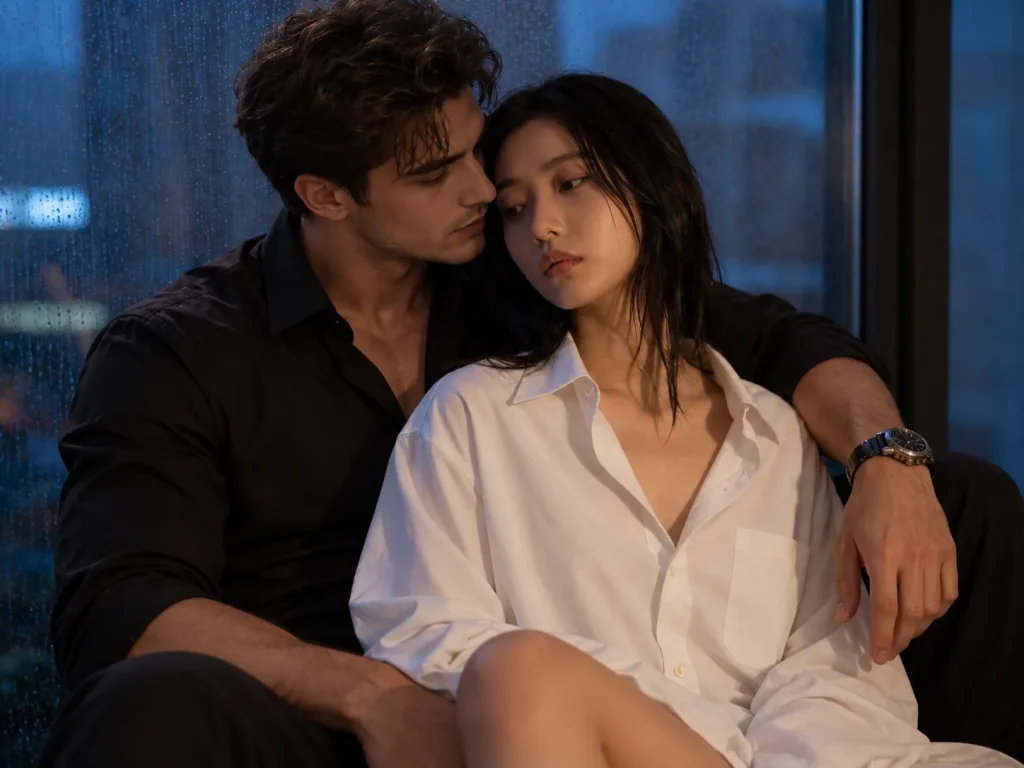
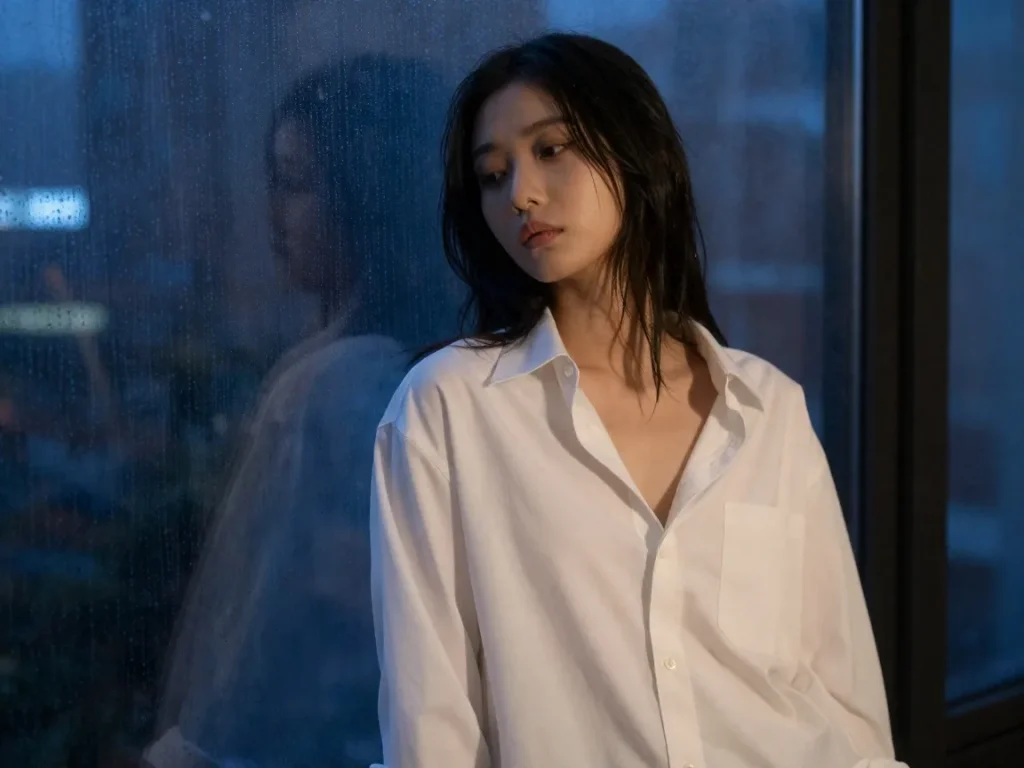
1. Solicitações de retoque de retrato
É fácil exagerar nas edições de retrato. Se você deseja um resultado convincente, peça pequenas correções e proteja explicitamente a identidade, o formato do rosto e a textura natural da pele.
Retouch the portrait lightly: even out skin tone, reduce temporary blemishes and harsh shine, and soften under-eye shadows. Keep the person’s face shape, facial features, freckles, pores, hairline, expression and age unchanged; preserve realistic skin texture and the original lighting.
Use esta opção quando quiser uma limpeza sem a aparência artificial de «filtro de beleza».
Turn this photo into a clean professional headshot with a neutral studio background, soft front-side lighting and natural contrast. Keep the person’s identity, facial proportions, hairstyle and expression recognizable; preserve realistic skin and avoid changing the apparent age.
Se a imagem original estiver muito recortada, peça para manter o mesmo enquadramento em vez de inventar ombros ou roupas.
Soften the harsh facial shadows and balance the exposure while keeping the same direction of light. Do not change the face, hairstyle, expression, pose, clothing or background; keep the result photographic and natural.
Isso é mais seguro do que pedir para “deixar o rosto mais bonito”.
Make the eyes look slightly clearer and better lit without changing their shape, size, color or position. Keep the face and all other features exactly as close to the original as possible; avoid heavy sharpening or artificial glow.
Instruções sutis reduzem a chance de perda de identidade.
Remove only temporary blemishes and small skin distractions while keeping permanent features such as moles, freckles, fine lines and natural texture. Do not reshape the face or smooth the skin excessively.
Bom para retoques realistas onde detalhes permanentes da identidade são importantes.
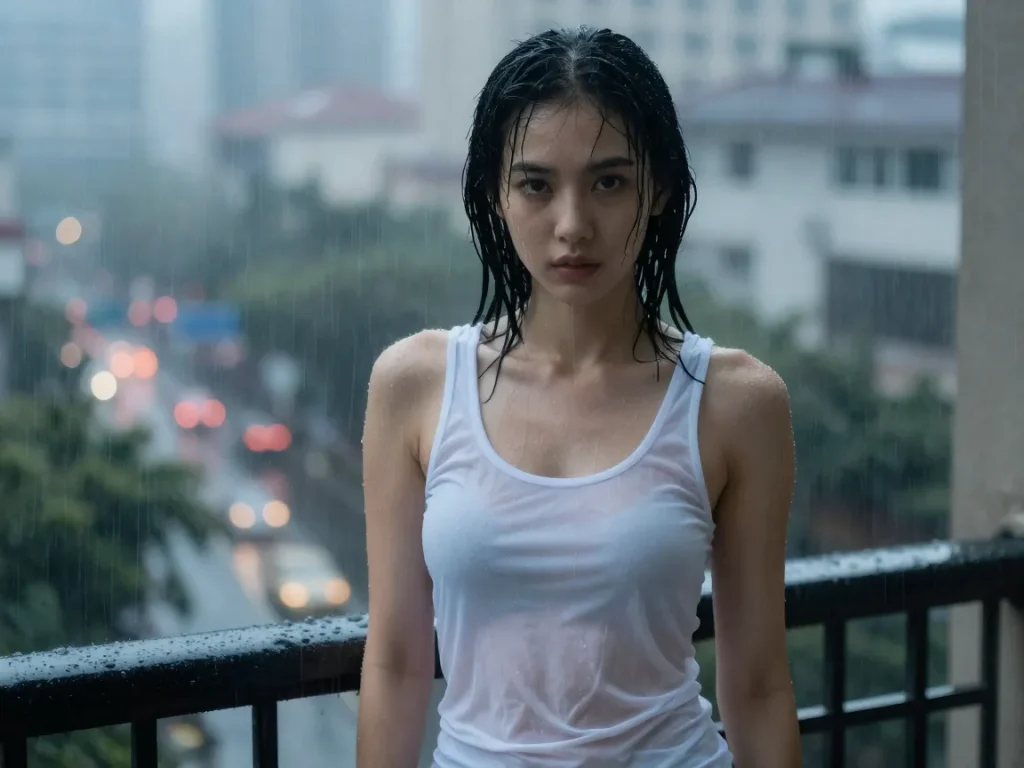
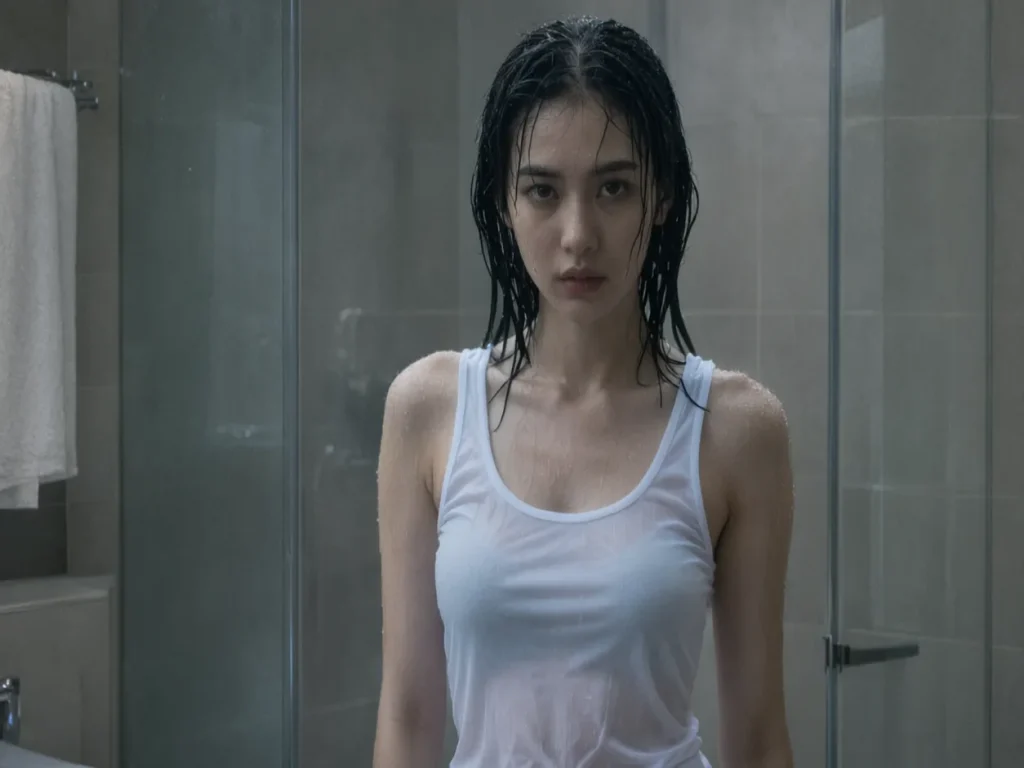
2. Sugestões de roupas e vestuário
As edições de roupas são mais eficazes quando você descreve a peça em vez de apenas mencionar o estilo. Mencione o material, o corte, a cor e o caimento, e proteja o rosto, as proporções do corpo, a pose e o ambiente.
Replace the current top with a fitted black leather jacket with realistic seams, subtle texture and natural folds. Keep the person’s face, body proportions, pose, hands, hairstyle, background and camera angle unchanged; match the original lighting and shadows on the jacket.
As palavras “dobras realistas” e “combinar com a iluminação original” ajudam a peça a se encaixar na foto.
Change the outfit to an elegant black evening dress with clean tailoring and realistic fabric drape. Keep the face, hairstyle, body shape, pose, hands, jewelry, background and framing unchanged; make the dress follow the existing body position naturally.
Se os braços originais se sobrepõem à roupa, inspecione as bordas e os dedos com atenção.
Replace the current shirt with a relaxed white linen button-up shirt, slightly textured and naturally wrinkled. Keep the person, pose, face, body proportions, trousers, background and lighting unchanged.
Palavras que descrevem o material, como linho, cetim ou jeans, fornecem uma orientação visual mais útil do que «premium».
Change only the outfit to modern neutral streetwear: an oversized charcoal hoodie and clean black trousers. Keep the same face, hairstyle, body proportions, pose, shoes, background, lighting and crop.
«Alterar apenas a roupa» é útil quando todo o resto já está correto.
For this consenting adult portrait, replace the outfit with tasteful black lingerie suitable for a boudoir photoshoot. Keep the adult subject’s face, body proportions, pose, hairstyle, room, camera angle and lighting unchanged; use realistic fabric, straps, shadows and fit.
Use apenas com assuntos adultos e imagens para as quais você tenha o direito e consentimento para editar.
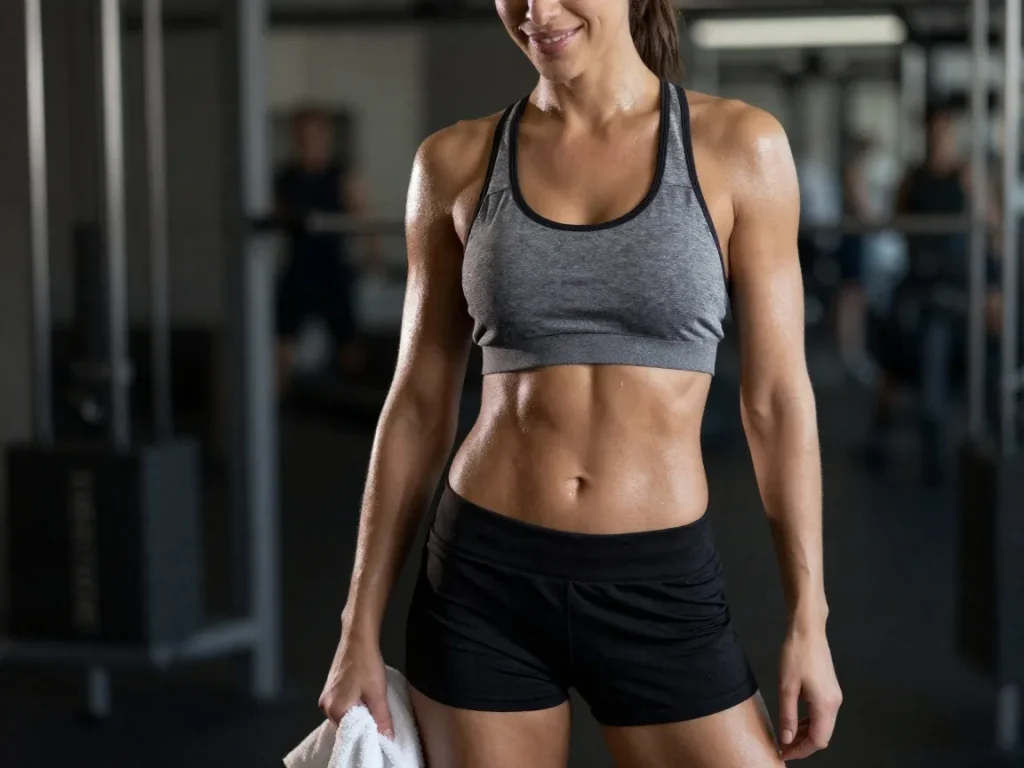
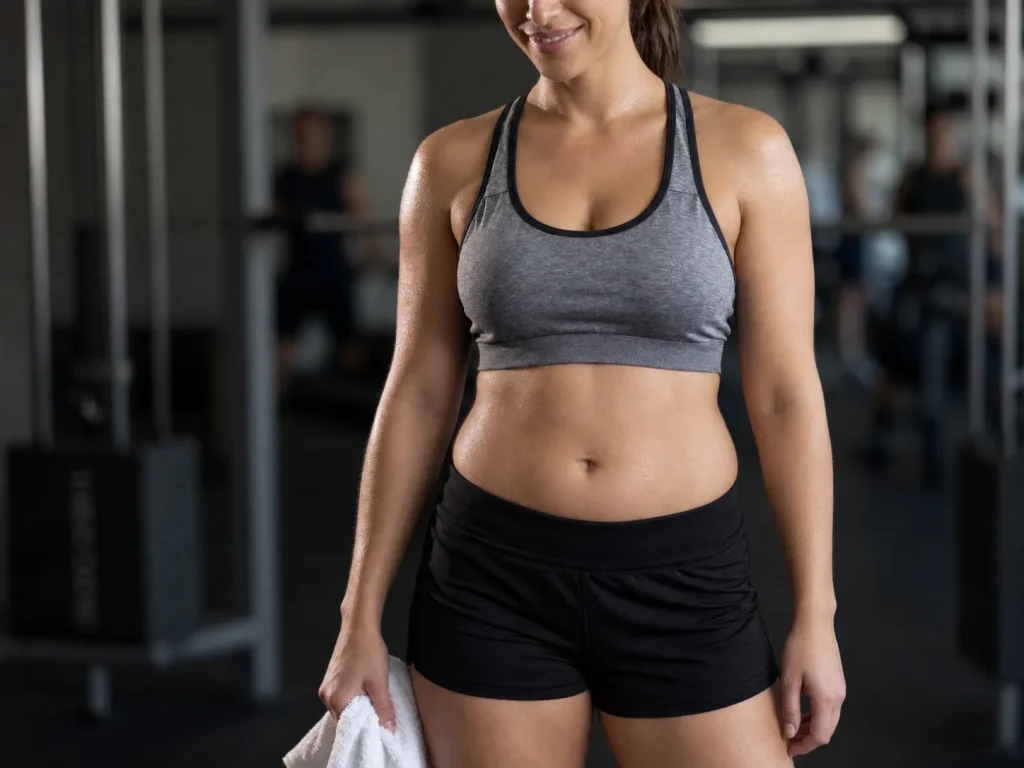
3. Instruções para substituição de fundo
Ao substituir um fundo, descreva o novo ambiente e diga ao editor como o assunto deve permanecer integrado a ele. Perspectiva, profundidade de campo, temperatura da cor e sombras de contato são tão importantes quanto o próprio fundo.
Replace only the background with a modern luxury apartment at night: dark wood, large windows, soft warm practical lights and a subtle city view. Keep the person, face, outfit, pose, camera angle and framing unchanged; match the new room’s light direction to the subject without over-relighting the face.
Um fundo convincente não deve fazer a pessoa parecer colada na imagem.
Replace the background with a realistic beach at sunset, warm sky near the horizon and soft reflected light. Keep the person, clothing, pose and framing unchanged; preserve natural edge detail around hair and match the subject’s shadows to the scene.
As bordas do cabelo são um bom ponto de partida para avaliar se a composição parece natural.
Replace the background with a seamless warm-gray photography studio backdrop. Keep the subject, face, clothing, pose, crop and lens perspective unchanged; add only a subtle realistic floor shadow where appropriate.
Útil para retratos com aspecto de produto e imagens de perfil.
For this consenting adult portrait, replace the room with an upscale hotel bedroom suitable for a tasteful boudoir photoshoot: soft lamps, neutral bedding and warm low-contrast light. Keep the adult subject’s identity, body proportions, pose, outfit and framing unchanged.
Mantenha a descrição fotográfica em vez de descrever uma cena completamente nova.
Replace the background with a realistic city street at night after rain, with soft storefront light and subtle reflections on the pavement. Keep the subject, pose, outfit, face and camera perspective unchanged; make the color temperature and edge lighting consistent.
Peça reflexos sutis em vez de luzes de néon dramáticas por toda parte se quiser realismo.
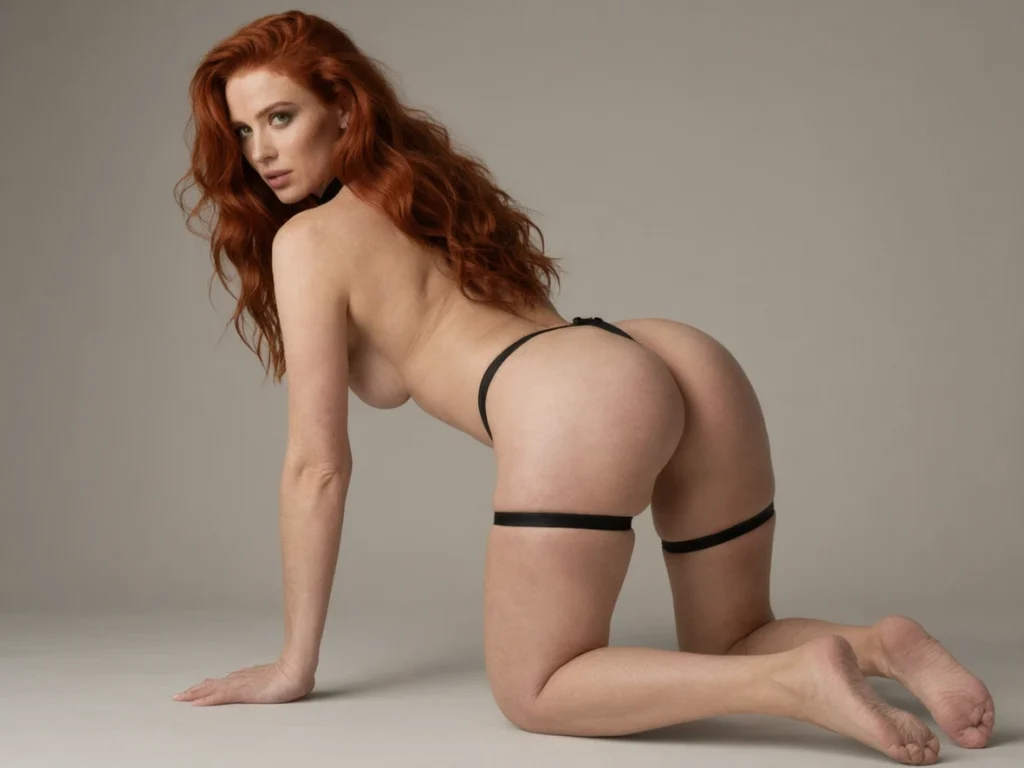
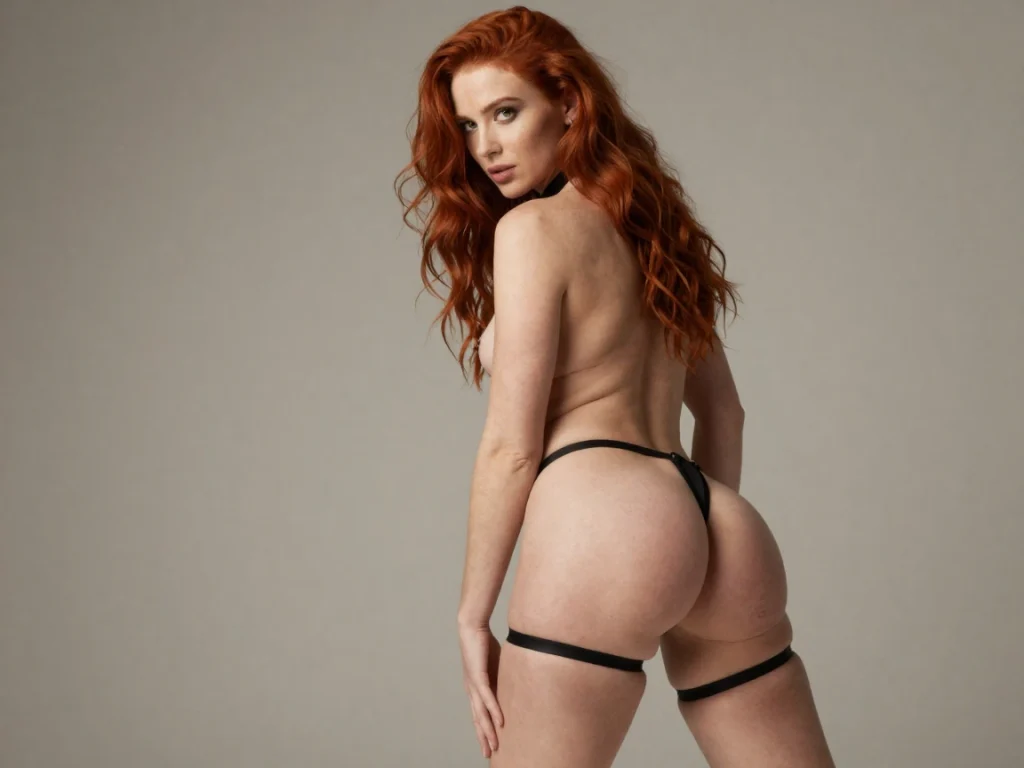
4. Instruções de iluminação e cor
As instruções de iluminação devem descrever a direção e a qualidade, não apenas o clima. “Luz quente e suave vinda da esquerda da câmera” é mais útil do que “iluminação cinematográfica”.
Relight the portrait with soft natural window light coming from camera-left, with gentle shadow falloff and realistic skin highlights. Keep the face, expression, pose, outfit, background and framing unchanged; avoid dramatic color shifts.
Direção + suavidade + o que preservar geralmente é suficiente.
Shift the scene toward believable golden-hour lighting with warm highlights and slightly cooler shadows. Keep the subject, face, clothing, environment and composition unchanged; do not add a fake sun flare unless it fits the existing camera angle.
Evite “tudo laranja”; a verdadeira hora dourada ainda tem áreas neutras e frias.
Correct the mixed color cast so skin tones look natural and the scene feels lit by one coherent source. Keep the face, pose, clothes, background and exposure balance unchanged; preserve realistic contrast.
Ótimo para fotos internas com contaminação de cor verde ou laranja.
Make the lighting lower-key and more dramatic using one soft side light, but retain detail in the eyes and skin. Keep the person’s identity, expression, pose, clothing and background unchanged; maintain realistic shadow density.
Especifique “manter detalhes” para que o resultado não comprima o rosto em tons escuros.
Apply a subtle high-end editorial color grade: controlled contrast, natural skin tone, slightly muted background colors and no heavy filter. Keep all geometry, face, clothing and lighting direction unchanged.
As instruções de correção de cor não devem se transformar acidentalmente em uma mudança completa de estilo.
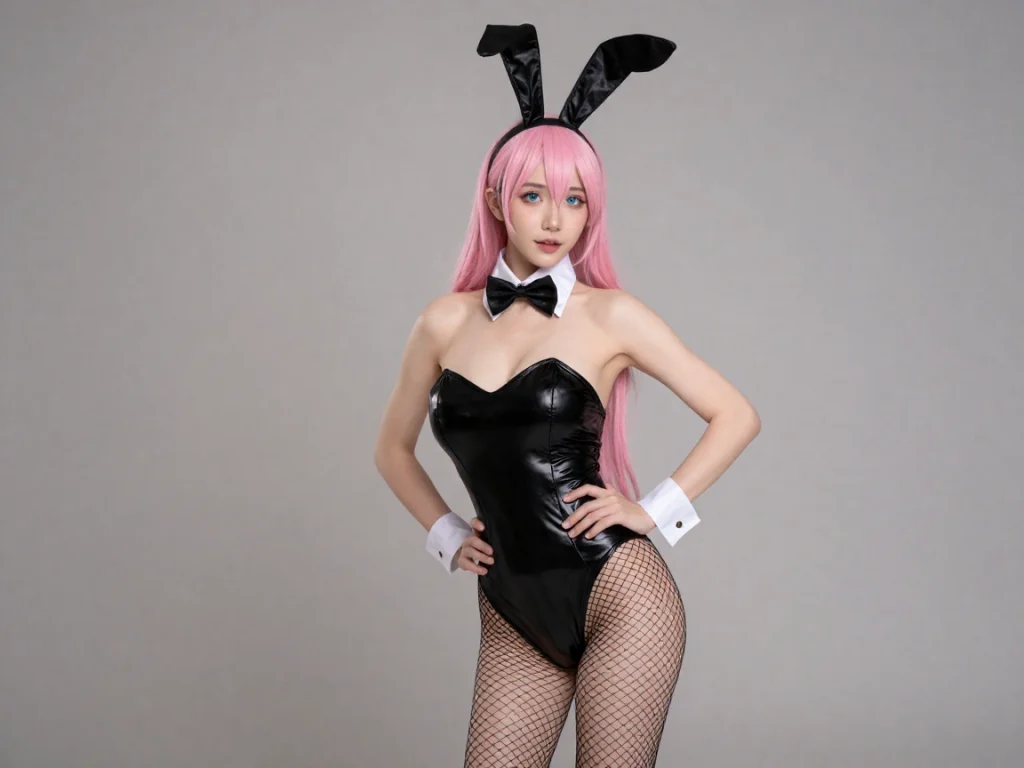
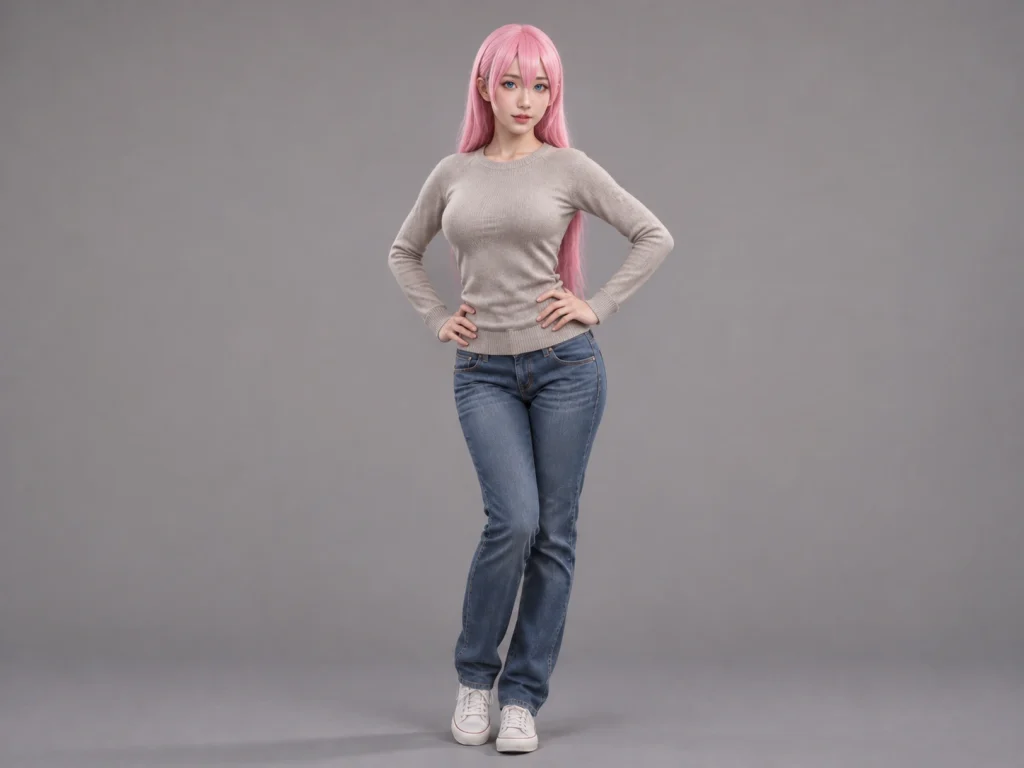
5. Instruções de cabelo e maquiagem
Edições de cabelo e maquiagem podem alterar a identidade percebida rapidamente. Proteja as proporções faciais e mantenha o estilo solicitado específico, em vez de pedir uma transformação “glamourosa” genérica.
Change the hairstyle to long, natural loose waves while keeping the same hair color and realistic strand texture. Keep the face, forehead shape, eyebrows, expression, body, outfit, pose, background and lighting unchanged.
A linha do cabelo e o formato da testa são pontos de referência importantes para a identidade.
Change only the hairstyle to a clean chin-length bob with natural volume and realistic individual strands. Keep the face, hair color, expression, body, outfit, pose and background unchanged.
Se o cabelo original cobrir os ombros, inspecione as bordas das roupas reconstruídas.
Add tasteful evening makeup: subtle eyeliner, defined lashes, natural skin finish and muted rose lipstick. Keep the face shape, eye shape, nose, lips, skin texture, hair, expression and lighting unchanged.
Peça maquiagem sobre o rosto existente, não uma “transformação de beleza”.
Reduce heavy makeup to a clean natural look while preserving the same person and facial structure. Keep realistic skin texture, brows, eye shape, hairstyle, expression and lighting unchanged.
Útil para corrigir um retrato com excesso de maquiagem.
Change only the lipstick to a classic deep red with realistic lip texture and edges. Keep the lips’ shape, teeth, face, skin, makeup, hair and everything else unchanged.
Edições com uma única variável são as mais fáceis de avaliar.
6. Instruções para adicionar, remover e limpar objetos
As edições de objetos devem identificar a localização e a textura de substituição. Se algo for removido, informe ao editor o que realisticamente deveria continuar atrás.
Remove the small clutter items from the table behind the subject and reconstruct the visible table surface and wall naturally. Keep the person, face, clothing, pose, lighting, camera angle and all other objects unchanged.
A instrução de reconstrução é importante após a remoção.
Remove the background person on the far left and reconstruct the wall and floor behind them naturally. Keep the main subject, framing, lighting and all other scene details unchanged.
Use somente quando a pessoa a ser removida for claramente identificável por sua posição.
Add realistic black sunglasses to the subject, correctly aligned to the face with believable reflections and shadows. Keep the face proportions, hairstyle, expression, pose, outfit, background and lighting unchanged.
Acessórios pequenos precisam de escala, alinhamento e consistência de sombra.
Add a thin silver necklace that follows the neck and collarbone naturally, with subtle reflections matching the original light. Keep the face, body, outfit, pose and background unchanged.
Evite termos vagos como “joias de luxo”, a menos que você realmente queira uma grande mudança no design.
Remove visible dust and spots from the mirror while keeping the reflection, person, room, lighting, crop and mirror geometry unchanged. Do not alter the subject’s face or body.
Uma boa instrução de limpeza nomeia tanto o defeito quanto o conteúdo que deve ser preservado.
7. Instruções de corpo, pose e enquadramento
Edições de pose e corpo afetam mais a geometria do que simples retoques. Faça a alteração solicitada de forma discreta, descreva-a fisicamente e inspecione as mãos, articulações, tensão das roupas e geometria do fundo posteriormente.
Improve the posture slightly by bringing the shoulders back and making the stance look more upright and natural. Keep the face, body proportions, clothing, hands, background, camera angle and overall pose recognizable; do not make the body slimmer or more muscular.
“Levemente” é importante quando você deseja uma correção em vez de uma nova pose.
Adjust the upper-body pose so the shoulders are turned a little more toward the camera while keeping the head position and expression natural. Preserve identity, body proportions, outfit, hands, background and framing.
Inspecione as dobras da roupa ao redor dos ombros após a geração.
Adjust the visible arm into a more relaxed natural position beside the body. Keep the face, torso proportions, clothing style, other limbs, background and camera perspective unchanged.
Evite pedir anatomia exata que esteja oculta na fonte.
For this consenting adult photo, make a subtle natural waist refinement while preserving the person’s overall body type and proportions. Keep the face, pose, clothing, hands, background, lighting and perspective unchanged; avoid exaggerated anatomy.
Use uma linguagem discreta se o realismo for importante.
Expand the image to a 4:3 composition by extending the existing environment naturally around the subject. Keep the person, face, body, clothing, pose and existing central content unchanged; continue perspective, lighting and textures consistently.
Útil quando você precisa de mais espaço ao redor de um retrato existente.
8. Instruções de restauração e qualidade
As instruções de restauração devem proteger o caráter histórico ou fotográfico da fonte, em vez de transformar todas as imagens antigas em retratos sintéticos modernos.
Restore this faded photo by improving contrast, reducing color cast and repairing minor dust or scratches. Keep every person’s identity, expression, clothing, pose, framing and period-appropriate photographic character unchanged; do not invent modern details.
A restauração deve preservar a fonte, não reinterpretá-la.
Reduce visible JPEG blocking and edge artifacts while preserving natural detail. Do not reshape the face, change skin texture, alter text, add objects or modify the composition.
Útil para imagens da web que ficam com aspecto granulado em tamanho real.
Reduce chroma noise and coarse grain in the dark areas while preserving real texture and fine details. Keep the subject, face, lighting mood, color, background and framing unchanged; avoid waxy skin.
A redução de ruído não deve se tornar suavização excessiva da pele.
Improve perceived sharpness slightly on the eyes, hair and important edges without adding halos or changing facial features. Keep skin texture natural and leave the composition, color and lighting unchanged.
“Levemente” e “sem halos” mantêm a solicitação contida.
Repair the small damaged area at [location] by reconstructing the surrounding texture naturally. Keep the rest of the image, people, text, objects, colors and framing unchanged.
Sempre identifique a região danificada em vez de solicitar a regeneração completa da imagem.
9. Sugestões criativas, mas fotográficas
Uma edição criativa ainda pode parecer uma fotografia real. Ancore a solicitação em iluminação, materiais e comportamento da câmera verossímeis, em vez de usar palavras como «obra-prima», «8K» e «ultradetalhado».
Give the photo a restrained 35mm film look with gentle grain, slightly softer highlight roll-off and natural color separation. Keep the person, face, pose, clothing, background and composition unchanged; avoid heavy vintage filters.
Um visual cinematográfico autêntico costuma ser sutil.
Add the feeling of a rainy evening outside the existing window: realistic droplets on the glass and soft cool exterior reflections. Keep the person, face, room, pose and interior lighting unchanged; do not cover the subject with fake rain.
Descreva onde o efeito se encaixa.
Restyle only the lighting to resemble direct but flattering on-camera flash in a dark indoor environment, with realistic falloff and shadows. Keep the subject, face, pose, outfit, room and framing unchanged.
O flash tem um comportamento específico nas sombras; preserve a cena.
Give the existing photo a polished fashion-editorial finish through subtle color grading, clean contrast and controlled texture. Keep the same subject, face, pose, outfit, background and camera angle; do not redesign the scene.
Um “acabamento editorial” deve ser uma camada de acabamento, não uma nova imagem.
For this consenting adult portrait, create a tasteful warm boudoir photography look using soft directional lamp light, natural skin texture and gentle contrast. Keep the adult subject’s identity, pose, body proportions, room and framing unchanged.
Trata-se de um ajuste de estilo, não de uma instrução para inventar conteúdo explícito.
10. Instruções de precisão e preservação
Essas instruções são úteis quando a edição em si é simples, mas preservar tudo ao redor é o verdadeiro desafio.
Change only the [object or garment] from [current color] to [new color]. Preserve its shape, material, folds, logos, reflections and shadows, and keep every other part of the image unchanged.
Excelente modelo para testar se o modelo respeita o escopo.
Make the requested edit to [target] only. Preserve the person’s identity as closely as possible: keep facial proportions, eye shape and spacing, nose, lips, jawline, hairline, skin marks and expression consistent with the uploaded photo.
Para mais detalhes, leia o guia dedicado sobre rostos idênticos.
Change the environment around the product to [new setting], but keep the product itself, its proportions, logo, label text, packaging colors and visible reflections unchanged. Match the new scene’s lighting without redrawing the label.
Textos e logotipos merecem proteção explícita.
Apply only [requested adjustment]. Keep the exact crop, camera angle, subject position, horizon, object placement and negative space unchanged; do not zoom, outpaint or reframe the image.
Útil quando um editor está constantemente alterando a tela.
Apply the requested edit while keeping the result photorealistic: preserve natural skin texture, believable fabric folds, correct anatomy, coherent shadows, realistic reflections, consistent perspective and the original camera character.
Isso funciona bem como uma restrição final após a instrução principal de edição.
Como transformar esses exemplos em seu próprio guia
Não copie um guia cegamente quando sua imagem for diferente. Mantenha a estrutura, mas substitua as partes que importam. Um guia de edição útil geralmente responde a cinco perguntas:
- Objetivo: qual parte da imagem o modelo deve editar?
- Resultado: o que exatamente esse objetivo deve se tornar?
- Detalhes visuais: quais cores, materiais, luz ou configuração definem o resultado?
- Preservação: O que deve permanecer reconhecível ou inalterado?
- Verificação da realidade: Quais relações físicas precisam permanecer verossímeis?
Se o seu primeiro resultado alterar o rosto, leia Como manter o mesmo rosto ao editar fotos com IASe parecer artificial, use as técnicas em Como obter resultados realistas com edição de fotos por IA. Se você já tem uma saída ruim e precisa diagnosticá-la, consulte: Como corrigir edições ruins de fotos feitas por IA.
Perguntas frequentes
Instruções mais longas para edição de fotos por IA funcionam melhor?
Não automaticamente. Uma instrução mais longa só ajuda quando as palavras extras reduzem a ambiguidade. Dez palavras específicas podem ser mais úteis do que um parágrafo de adjetivos vagos sobre estilo.
Devo dizer o que deve permanecer inalterado?
Sim, quando esses detalhes importam. Rosto, pose, recorte, fundo, logotipos, texto, proporções do corpo e iluminação são alvos comuns de preservação.
Posso usar essas instruções no AvaClik?
Sim. Elas foram escritas para edição de fotos baseada em prompts. Abra o AvaClik AI Photo Editor by Prompt, carregue uma imagem que você tenha permissão para editar e adapte o prompt à sua imagem de origem.
Por que o rosto às vezes muda durante uma edição não relacionada?
A edição generativa pode redesenhar mais da imagem do que o elemento que você pretendia alterar. Use uma edição por vez, proteja a identidade explicitamente e compare o resultado com o original em tamanho real.
Quantas variações devo gerar?
Não há um número fixo. Se o primeiro resultado estiver próximo, refine-o. Se o resultado estiver estruturalmente incorreto, simplifique o prompt antes de gerar mais versões da mesma solicitação ambígua.
Posso usar prompts para edições com conteúdo adulto?
O AvaClik permite edições com conteúdo adulto dentro das regras do serviço. Use apenas imagens de adultos, obtenha o consentimento e os direitos necessários e mantenha o prompt alinhado com o uso permitido do serviço.
Considerações finais
Os melhores prompts para edição de fotos com IA não são frases mágicas. São instruções claras. Nomeie uma alteração, descreva-a visualmente, proteja os detalhes importantes e, em seguida, avalie o resultado como um editor, em vez de aceitar o primeiro resultado cegamente. Os 50 exemplos acima são pontos de partida úteis, mas o prompt mais eficaz é aquele adaptado à imagem que você tem em mãos.
Quando estiver pronto para testar um, abra o editor de fotos baseado em prompts AvaClik, comece com uma única alteração e refine apenas o que o primeiro resultado apresentar de errado.
Experimentar no AvaClik
Experimente este método no AvaClik
Envie uma foto que você tenha direito de editar, faça as alterações e confira o resultado.
Experimente estas sugestões no AvaClik ↗