AI 사진 편집 프롬프트 50가지: 복사 및 붙여넣기 예시
인물 사진, 의상, 배경, 조명, 헤어스타일, 메이크업, 몸매 보정, 복원 및 사실적인 결과물을 위한 50가지의 바로 사용 가능한 AI 사진 편집 가이드와 실용적인 보존 팁을 제공합니다.
이 글의 목차
이 가이드와 관련된 AvaClik 도구를 열고 내 사진으로 테스트해 보세요.
AI 사진 편집 프롬프트는 짧은 리터칭 브리핑처럼 작동할 때 가장 효과적입니다. 변경해야 할 부분을 명시하고, 결과물을 구체적인 시각적 용어로 설명하고, 그대로 유지해야 할 세부 사항을 명시하세요. 아래 예시는 업로드된 사진을 기준으로 작성되었으며, 텍스트를 이미지로 변환하는 기능은 아닙니다. 예시를 그대로 복사하거나, 괄호 안의 세부 정보를 수정하거나, 자신만의 편집을 위한 시작점으로 사용할 수 있습니다.
모든 프롬프트를 길게 만드는 것이 목표가 아니라, 모호함을 없애는 것이 목표입니다. 유용한 프롬프트는 일반적으로 세 가지 아이디어를 포함합니다. 이것을 변경하세요, 이렇게 보이도록 만드세요그리고 이 세부 사항은 그대로 유지하세요. 결과가 여전히 모호하다면, 요청을 간결하게 하고 가장 중요한 요소를 더 명확하게 보호하세요.
Change [one thing] to [specific result]. Keep [face / pose / framing / background / other important details] unchanged. Match the original lighting, perspective and photographic texture.AvaClik AI 사진 편집기에서 다음 프롬프트들을 사용해 볼 수 있습니다. 프롬프트를 통해프롬프트 구조에 대한 자세한 설명은 다음을 참조하세요. 실제로 효과적인 AI 사진 편집 프롬프트 작성 방법.
AI 사진 편집 프롬프트 사용 방법
- 편집 권한이 있는 선명한 원본 이미지를 업로드하세요.
- 목표에 가장 가까운 프롬프트를 선택하세요.
- 대괄호 안의 내용은 본인의 정보로 바꾸세요.
- 신원, 포즈, 구도 또는 배경이 중요한 경우, 보존 문구를 유지하세요.
- 편집본을 생성하고 얼굴, 손, 가장자리, 조명 및 세부 사항을 전체 크기로 검토합니다.
- 관련 없는 부분이 변경된 경우, 전체를 다시 작성하는 대신 해당 부분만 수정하세요.
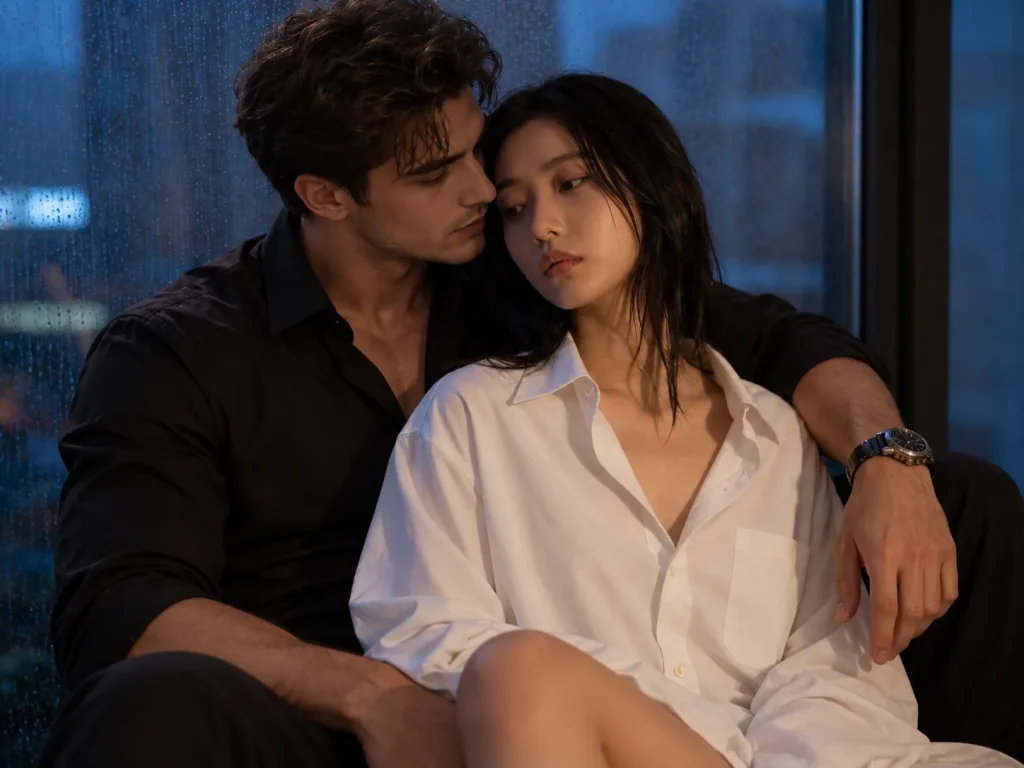
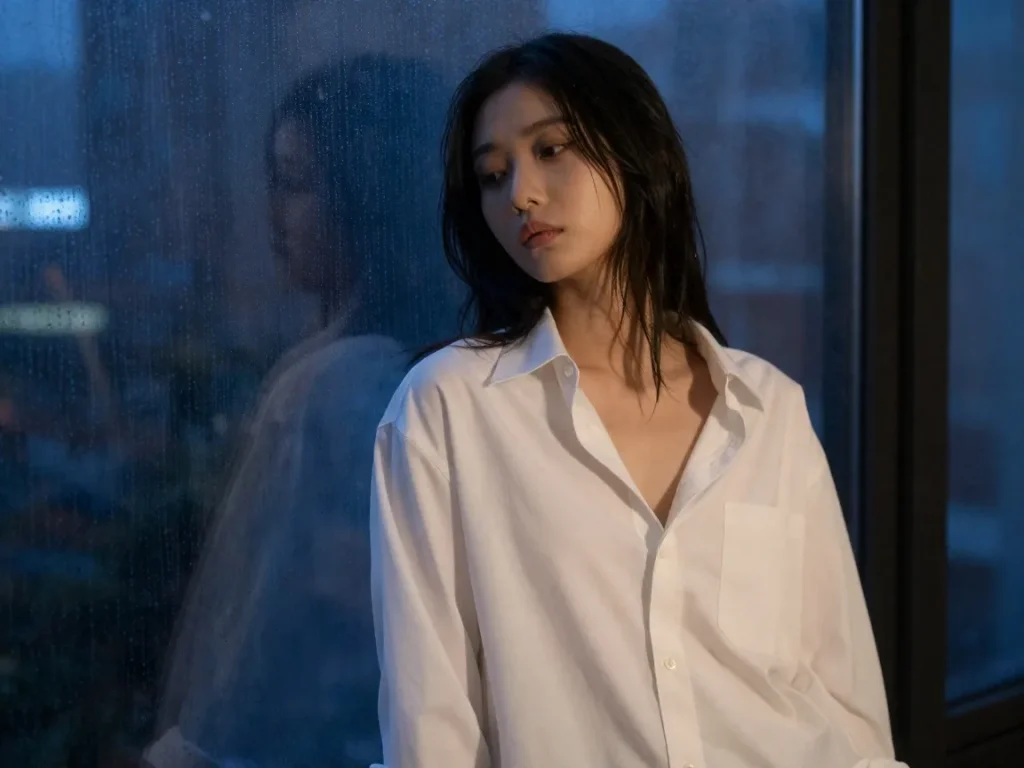
1. 인물 사진 보정 프롬프트
인물 사진 편집은 과하게 보정하기 쉽습니다. 자연스러운 결과를 원한다면, 작은 수정만 요청하고 신원, 얼굴형, 자연스러운 피부 질감을 명확하게 보호하세요.
Retouch the portrait lightly: even out skin tone, reduce temporary blemishes and harsh shine, and soften under-eye shadows. Keep the person’s face shape, facial features, freckles, pores, hairline, expression and age unchanged; preserve realistic skin texture and the original lighting.
인위적인 «뷰티 필터» 효과 없이 깨끗한 이미지를 원할 때 사용하세요.
Turn this photo into a clean professional headshot with a neutral studio background, soft front-side lighting and natural contrast. Keep the person’s identity, facial proportions, hairstyle and expression recognizable; preserve realistic skin and avoid changing the apparent age.
원본 이미지가 몸에 딱 맞게 잘린 경우, 어깨나 옷을 새로 만들지 말고 원래 구도를 유지해 달라고 요청하세요.
Soften the harsh facial shadows and balance the exposure while keeping the same direction of light. Do not change the face, hairstyle, expression, pose, clothing or background; keep the result photographic and natural.
«얼굴을 더 예쁘게 만들어 주세요»라고 요청하는 것보다 더 안전한 방법입니다.
Make the eyes look slightly clearer and better lit without changing their shape, size, color or position. Keep the face and all other features exactly as close to the original as possible; avoid heavy sharpening or artificial glow.
미묘한 지시는 정체성 혼란을 줄여줍니다.
Remove only temporary blemishes and small skin distractions while keeping permanent features such as moles, freckles, fine lines and natural texture. Do not reshape the face or smooth the skin excessively.
영구적인 정체성 디테일이 중요한 사실적인 리터칭에 적합합니다.
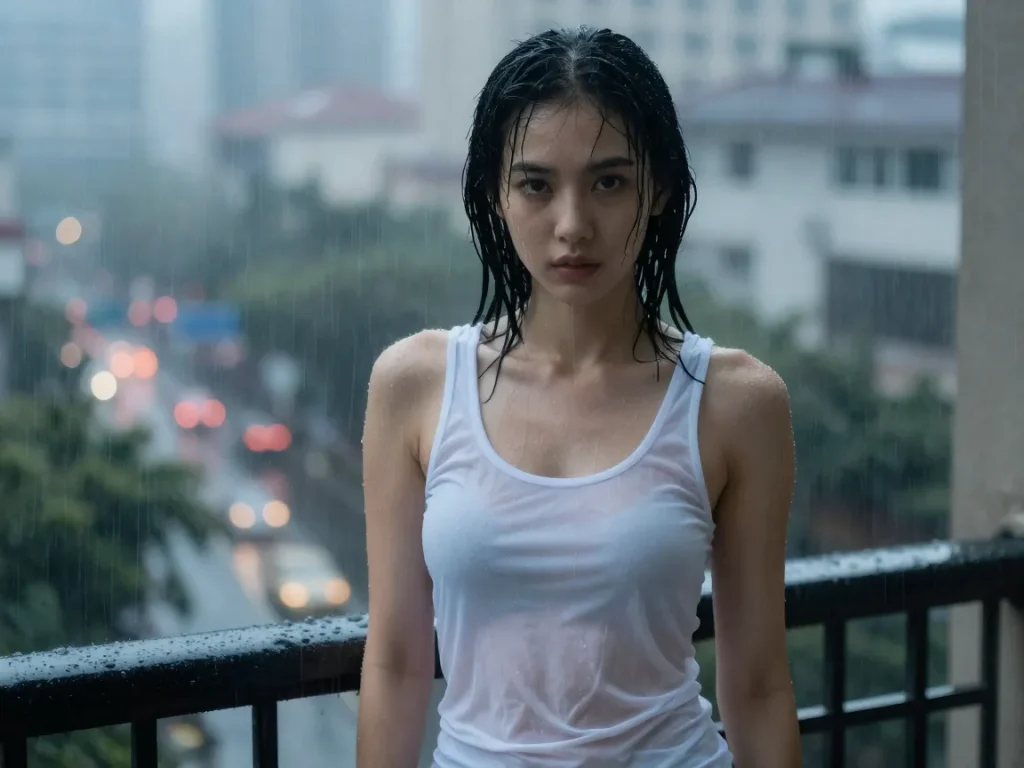
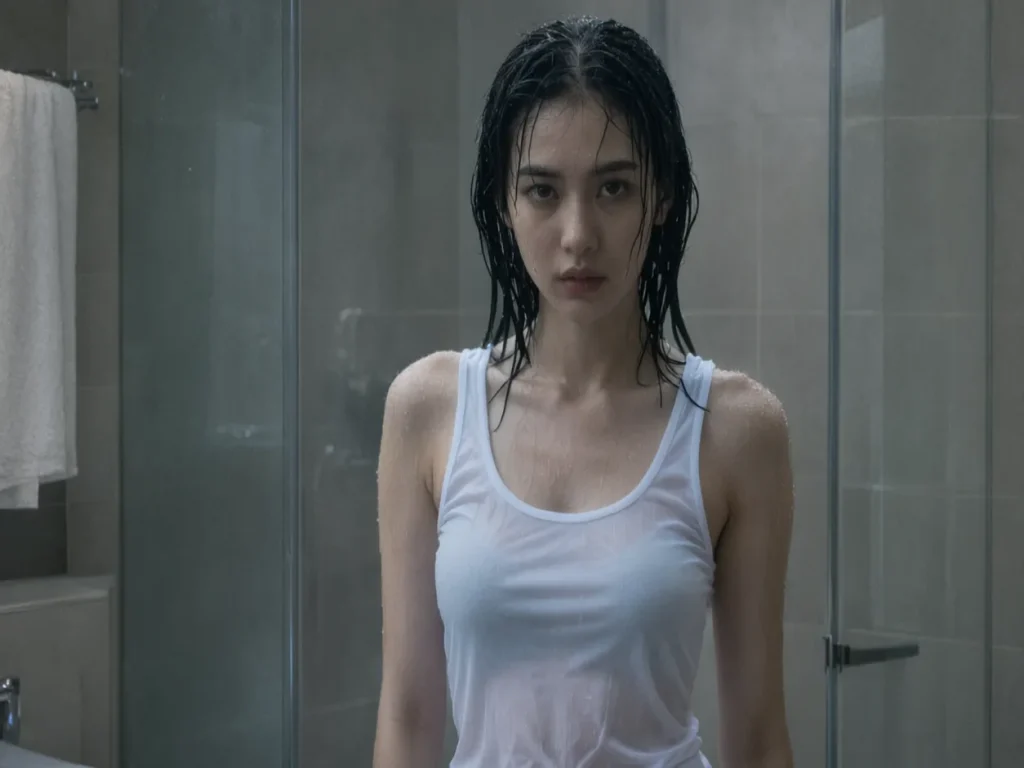
2. 의상 및 복장 관련 조언
의상 편집은 스타일만 언급하는 것보다 옷에 대한 설명을 덧붙일 때 가장 효과적입니다. 소재, 재단, 색상, 핏 등을 언급하고, 얼굴, 신체 비율, 포즈, 배경을 보호하세요.
Replace the current top with a fitted black leather jacket with realistic seams, subtle texture and natural folds. Keep the person’s face, body proportions, pose, hands, hairstyle, background and camera angle unchanged; match the original lighting and shadows on the jacket.
«사실적인 주름»과 «원래 조명과 일치»라는 문구는 새 의상이 사진에 자연스럽게 어울린다는 것을 보여줍니다.
Change the outfit to an elegant black evening dress with clean tailoring and realistic fabric drape. Keep the face, hairstyle, body shape, pose, hands, jewelry, background and framing unchanged; make the dress follow the existing body position naturally.
원래 팔 부분이 의상과 겹치는 경우, 가장자리와 손가락을 자세히 살펴보세요.
Replace the current shirt with a relaxed white linen button-up shirt, slightly textured and naturally wrinkled. Keep the person, pose, face, body proportions, trousers, background and lighting unchanged.
«프리미엄»이라는 단어보다는 린넨, 새틴, 데님과 같은 소재를 언급하는 것이 시각적으로 더 유용합니다.
Change only the outfit to modern neutral streetwear: an oversized charcoal hoodie and clean black trousers. Keep the same face, hairstyle, body proportions, pose, shoes, background, lighting and crop.
다른 모든 것이 이미 적절할 때 «의상만 변경»하는 것이 유용합니다.
For this consenting adult portrait, replace the outfit with tasteful black lingerie suitable for a boudoir photoshoot. Keep the adult subject’s face, body proportions, pose, hairstyle, room, camera angle and lighting unchanged; use realistic fabric, straps, shadows and fit.
성인 대상 및 편집 권한과 동의를 얻은 이미지에만 사용하세요.
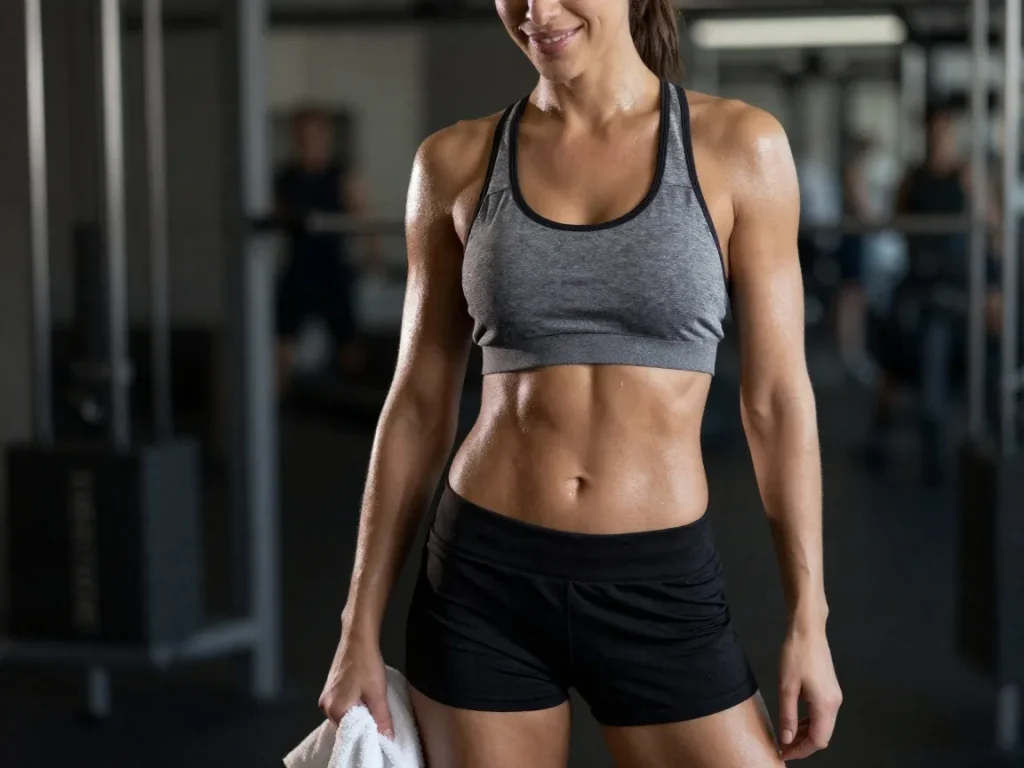
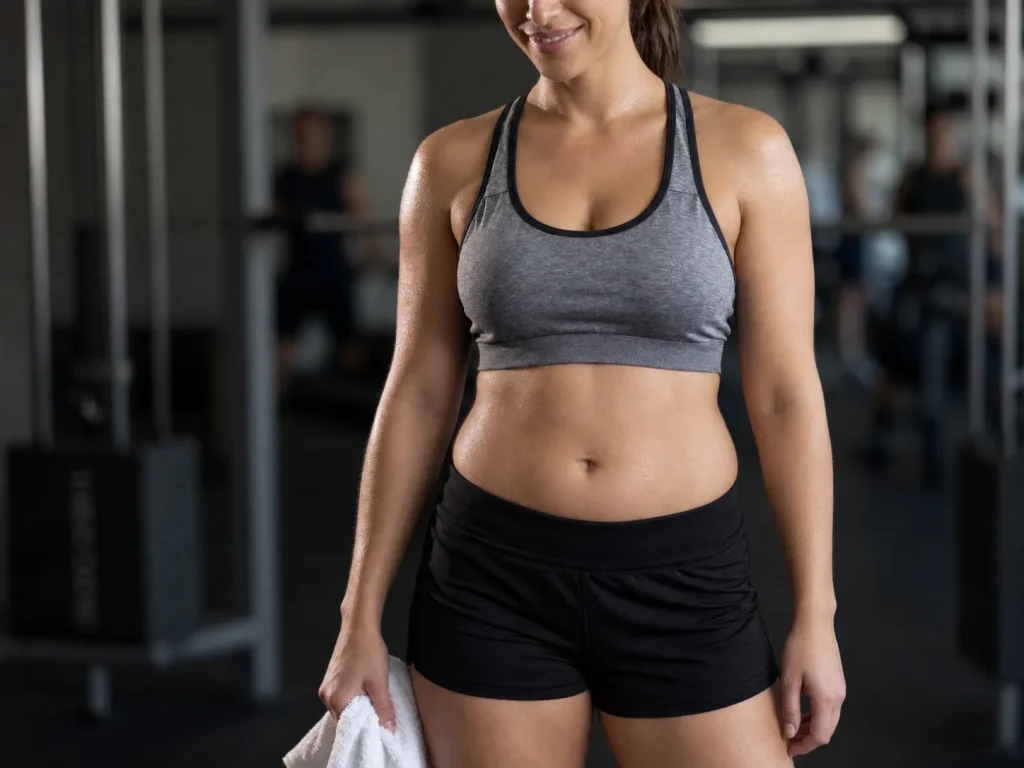
3. 배경 교체 안내
배경을 교체할 때는 새로운 환경을 설명하고 피사체가 어떻게 배경에 자연스럽게 어우러져야 하는지 편집자에게 알려주세요. 원근감, 심도, 색온도, 그림자는 배경 자체만큼 중요합니다.
Replace only the background with a modern luxury apartment at night: dark wood, large windows, soft warm practical lights and a subtle city view. Keep the person, face, outfit, pose, camera angle and framing unchanged; match the new room’s light direction to the subject without over-relighting the face.
사실적인 배경은 인물이 마치 붙여넣은 것처럼 부자연스럽게 보이지 않아야 합니다.
Replace the background with a realistic beach at sunset, warm sky near the horizon and soft reflected light. Keep the person, clothing, pose and framing unchanged; preserve natural edge detail around hair and match the subject’s shadows to the scene.
머리카락 끝부분은 합성 사진이 자연스러운지 판단하는 좋은 기준이 됩니다.
Replace the background with a seamless warm-gray photography studio backdrop. Keep the subject, face, clothing, pose, crop and lens perspective unchanged; add only a subtle realistic floor shadow where appropriate.
제품 사진이나 프로필 사진에 유용합니다.
For this consenting adult portrait, replace the room with an upscale hotel bedroom suitable for a tasteful boudoir photoshoot: soft lamps, neutral bedding and warm low-contrast light. Keep the adult subject’s identity, body proportions, pose, outfit and framing unchanged.
완전히 새로운 장면을 묘사하기보다는 사진적인 느낌을 요청하세요.
Replace the background with a realistic city street at night after rain, with soft storefront light and subtle reflections on the pavement. Keep the subject, pose, outfit, face and camera perspective unchanged; make the color temperature and edge lighting consistent.
사실적인 느낌을 원한다면 화려한 네온사인보다는 은은한 반사광을 요청하세요.
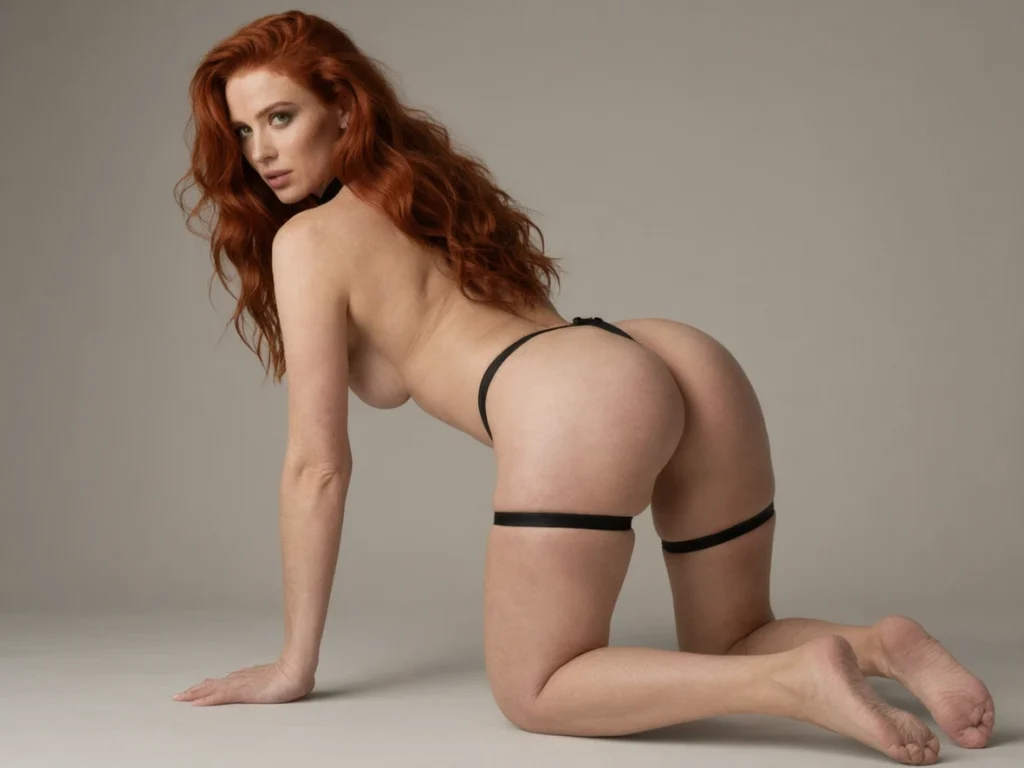
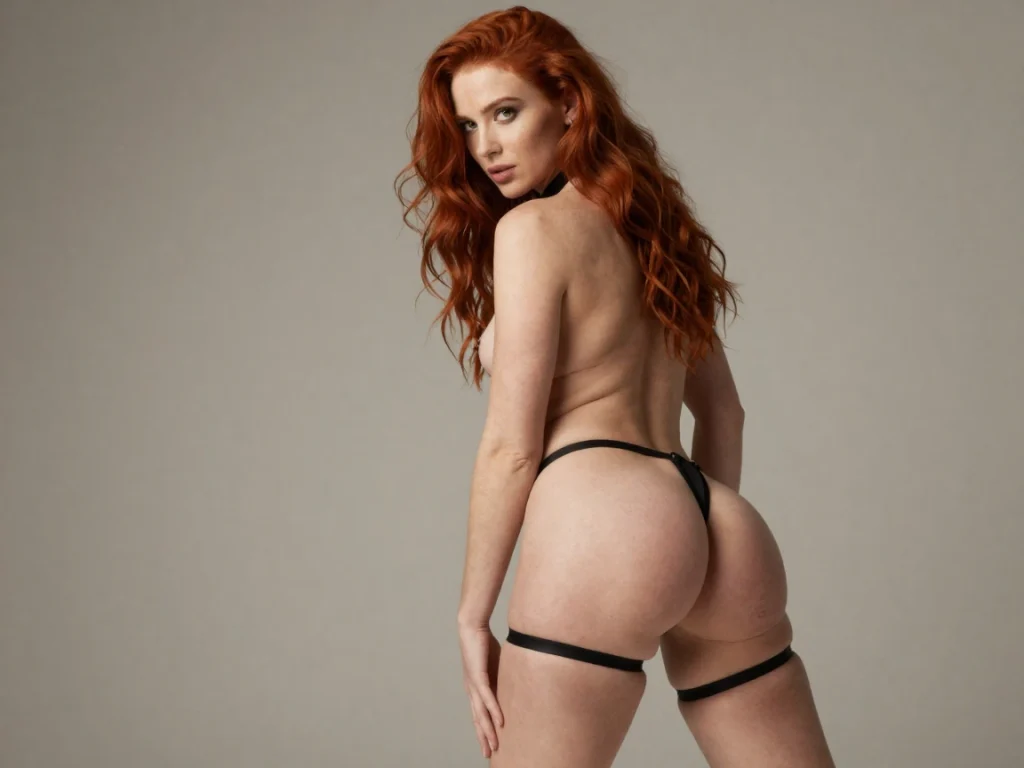
4. 조명 및 색상 지침
조명 지침은 분위기뿐 아니라 방향과 질을 구체적으로 설명해야 합니다. «카메라 왼쪽에서 들어오는 부드럽고 따뜻한 빛»과 같이 구체적인 지침이 «영화 같은 조명»보다 더 효과적입니다.
Relight the portrait with soft natural window light coming from camera-left, with gentle shadow falloff and realistic skin highlights. Keep the face, expression, pose, outfit, background and framing unchanged; avoid dramatic color shifts.
방향 + 부드러움 + 보존해야 할 요소만 있으면 일반적으로 충분합니다.
Shift the scene toward believable golden-hour lighting with warm highlights and slightly cooler shadows. Keep the subject, face, clothing, environment and composition unchanged; do not add a fake sun flare unless it fits the existing camera angle.
«모든 것이 주황색»인 사진은 피하세요. 진정한 골든아워에는 여전히 중성적이고 차가운 색조가 존재합니다.
Correct the mixed color cast so skin tones look natural and the scene feels lit by one coherent source. Keep the face, pose, clothes, background and exposure balance unchanged; preserve realistic contrast.
녹색이나 주황색이 섞인 실내 사진에 유용합니다.
Make the lighting lower-key and more dramatic using one soft side light, but retain detail in the eyes and skin. Keep the person’s identity, expression, pose, clothing and background unchanged; maintain realistic shadow density.
얼굴이 검게 뭉개지지 않도록 «디테일 유지»를 지정하세요.
Apply a subtle high-end editorial color grade: controlled contrast, natural skin tone, slightly muted background colors and no heavy filter. Keep all geometry, face, clothing and lighting direction unchanged.
색 보정 요청이 전체적인 스타일 변경으로 이어지지 않도록 주의하세요.
5. 헤어 및 메이크업 요청
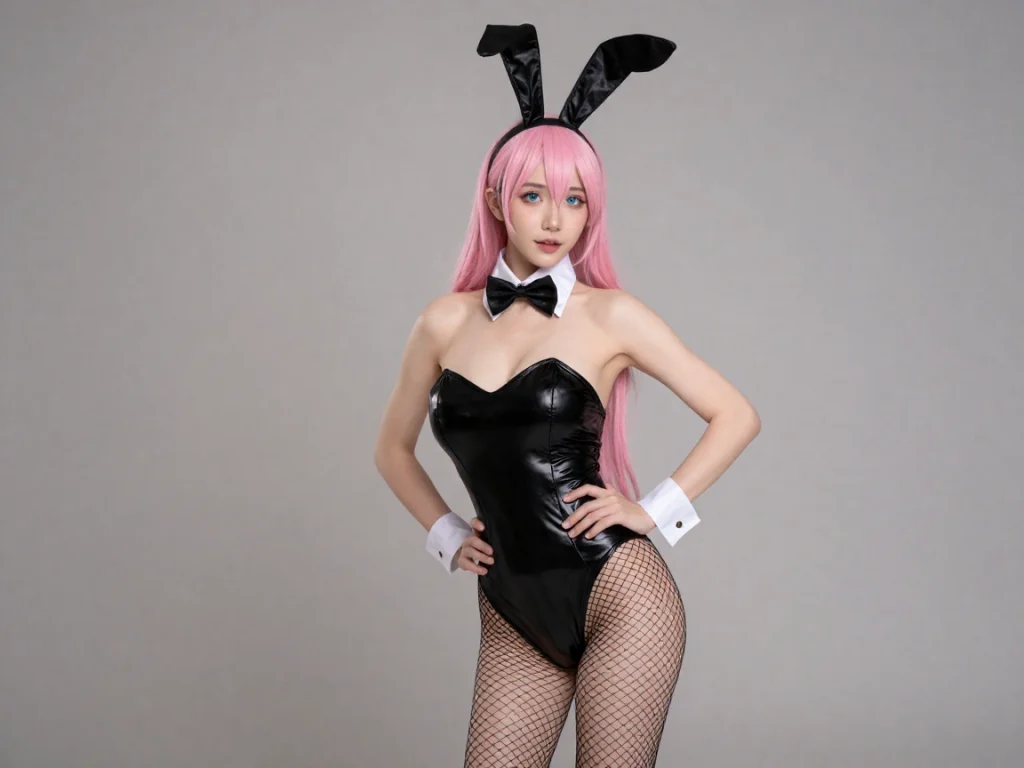
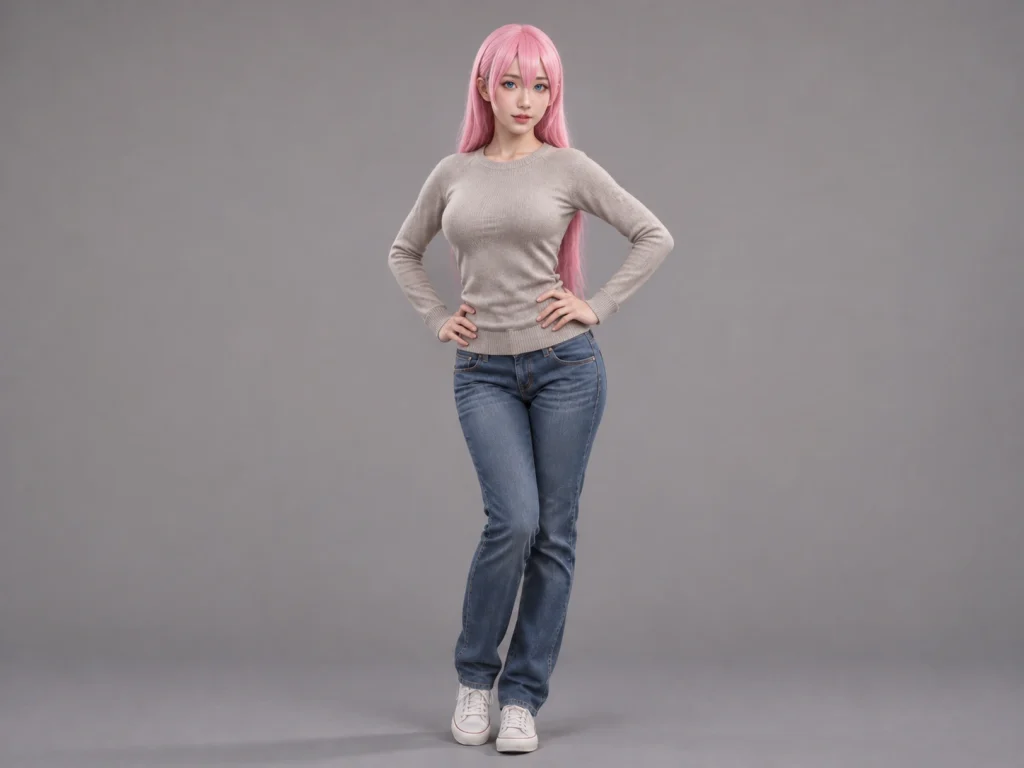
헤어 및 메이크업 수정은 인물의 인상을 빠르게 바꿀 수 있습니다. 얼굴 비율을 유지하고, 일반적인 «글램» 변신보다는 구체적인 스타일링을 요청하세요.
Change the hairstyle to long, natural loose waves while keeping the same hair color and realistic strand texture. Keep the face, forehead shape, eyebrows, expression, body, outfit, pose, background and lighting unchanged.
헤어라인과 이마 모양은 인물의 정체성을 파악하는 데 유용한 기준점이 됩니다.
Change only the hairstyle to a clean chin-length bob with natural volume and realistic individual strands. Keep the face, hair color, expression, body, outfit, pose and background unchanged.
원래 머리카락이 어깨를 덮는 길이라면, 재구성된 옷의 가장자리를 살펴보세요.
Add tasteful evening makeup: subtle eyeliner, defined lashes, natural skin finish and muted rose lipstick. Keep the face shape, eye shape, nose, lips, skin texture, hair, expression and lighting unchanged.
«완벽한 뷰티 변신»이 아닌, 기존 얼굴 위에 메이크업을 해달라고 요청하세요.
Reduce heavy makeup to a clean natural look while preserving the same person and facial structure. Keep realistic skin texture, brows, eye shape, hairstyle, expression and lighting unchanged.
과도하게 스타일링된 초상화를 보정하는 데 유용합니다.
Change only the lipstick to a classic deep red with realistic lip texture and edges. Keep the lips’ shape, teeth, face, skin, makeup, hair and everything else unchanged.
단일 변수 편집이 평가하기 가장 쉽습니다.
6. 개체 추가, 제거 및 정리 프롬프트
개체 편집 시 위치와 대체 텍스처를 지정해야 합니다. 개체를 제거하는 경우, 제거된 개체 뒤에 어떤 요소가 자연스럽게 이어져야 하는지 편집기에 알려주세요.
Remove the small clutter items from the table behind the subject and reconstruct the visible table surface and wall naturally. Keep the person, face, clothing, pose, lighting, camera angle and all other objects unchanged.
제거 후 재구성 지침이 중요합니다.
Remove the background person on the far left and reconstruct the wall and floor behind them naturally. Keep the main subject, framing, lighting and all other scene details unchanged.
제거할 인물의 위치를 명확하게 식별할 수 있는 경우에만 사용하세요.
Add realistic black sunglasses to the subject, correctly aligned to the face with believable reflections and shadows. Keep the face proportions, hairstyle, expression, pose, outfit, background and lighting unchanged.
작은 액세서리는 크기, 정렬 및 그림자 일관성이 필요합니다.
Add a thin silver necklace that follows the neck and collarbone naturally, with subtle reflections matching the original light. Keep the face, body, outfit, pose and background unchanged.
«고급 보석»과 같이 모호한 표현은 실제로 큰 디자인 변경을 원하는 경우가 아니라면 사용하지 마세요.
Remove visible dust and spots from the mirror while keeping the reflection, person, room, lighting, crop and mirror geometry unchanged. Do not alter the subject’s face or body.
좋은 정리 요청은 결함과 유지해야 할 내용을 모두 명시해야 합니다.
7. 몸, 포즈 및 구도 관련 요청
포즈와 몸 편집은 단순 리터칭보다 더 많은 기하학적 구조에 영향을 미칩니다. 요청된 변경 사항은 최소화하고, 물리적으로 구체적으로 설명한 다음, 손, 관절, 옷의 장력 및 배경의 기하학적 구조를 나중에 확인하세요.
Improve the posture slightly by bringing the shoulders back and making the stance look more upright and natural. Keep the face, body proportions, clothing, hands, background, camera angle and overall pose recognizable; do not make the body slimmer or more muscular.
새로운 포즈가 아닌 수정이 필요한 경우 «약간»이라는 표현이 중요합니다.
Adjust the upper-body pose so the shoulders are turned a little more toward the camera while keeping the head position and expression natural. Preserve identity, body proportions, outfit, hands, background and framing.
생성 후 어깨 주변의 옷 주름을 확인하세요.
Adjust the visible arm into a more relaxed natural position beside the body. Keep the face, torso proportions, clothing style, other limbs, background and camera perspective unchanged.
원본에 숨겨진 정확한 해부학적 구조를 요구하지 마세요.
For this consenting adult photo, make a subtle natural waist refinement while preserving the person’s overall body type and proportions. Keep the face, pose, clothing, hands, background, lighting and perspective unchanged; avoid exaggerated anatomy.
사실적인 표현이 중요하다면 절제된 표현을 사용하세요.
Expand the image to a 4:3 composition by extending the existing environment naturally around the subject. Keep the person, face, body, clothing, pose and existing central content unchanged; continue perspective, lighting and textures consistently.
기존 인물 사진 주변에 여백이 더 필요할 때 유용합니다.
8. 복원 및 품질 관련 지침
복원 지침은 모든 오래된 이미지를 현대적인 합성 인물 사진으로 바꾸는 대신 원본의 역사적 또는 사진적 특성을 보호해야 합니다.
Restore this faded photo by improving contrast, reducing color cast and repairing minor dust or scratches. Keep every person’s identity, expression, clothing, pose, framing and period-appropriate photographic character unchanged; do not invent modern details.
복원은 원본을 보존해야 하며, 재해석해서는 안 됩니다.
Reduce visible JPEG blocking and edge artifacts while preserving natural detail. Do not reshape the face, change skin texture, alter text, add objects or modify the composition.
원본 크기에서 거칠게 보이는 웹 이미지에 유용합니다.
Reduce chroma noise and coarse grain in the dark areas while preserving real texture and fine details. Keep the subject, face, lighting mood, color, background and framing unchanged; avoid waxy skin.
노이즈 감소가 피부 보정으로 이어져서는 안 됩니다.
Improve perceived sharpness slightly on the eyes, hair and important edges without adding halos or changing facial features. Keep skin texture natural and leave the composition, color and lighting unchanged.
«약간» 및 «후광 없이»와 같이 요청 범위를 제한적으로 설정하십시오.
Repair the small damaged area at [location] by reconstructing the surrounding texture naturally. Keep the rest of the image, people, text, objects, colors and framing unchanged.
전체 이미지 재생성을 요청하기보다는 항상 손상된 영역을 식별하십시오.
9. 창의적이면서도 사진다운 프롬프트
창의적인 편집도 실제 사진처럼 보일 수 있습니다. «걸작», «8K», «초고화질»과 같은 단어를 나열하기보다는 사실적인 조명, 재질, 카메라 작동 방식을 바탕으로 요청을 구성하세요.
Give the photo a restrained 35mm film look with gentle grain, slightly softer highlight roll-off and natural color separation. Keep the person, face, pose, clothing, background and composition unchanged; avoid heavy vintage filters.
진정한 필름 느낌은 종종 은은합니다.
Add the feeling of a rainy evening outside the existing window: realistic droplets on the glass and soft cool exterior reflections. Keep the person, face, room, pose and interior lighting unchanged; do not cover the subject with fake rain.
효과가 어디에 어울리는지 설명하세요.
Restyle only the lighting to resemble direct but flattering on-camera flash in a dark indoor environment, with realistic falloff and shadows. Keep the subject, face, pose, outfit, room and framing unchanged.
플래시는 특정한 그림자 효과를 내므로 장면을 보존해야 합니다.
Give the existing photo a polished fashion-editorial finish through subtle color grading, clean contrast and controlled texture. Keep the same subject, face, pose, outfit, background and camera angle; do not redesign the scene.
«화보 같은 마무리»는 새로운 이미지가 아니라 마무리 레이어여야 합니다.
For this consenting adult portrait, create a tasteful warm boudoir photography look using soft directional lamp light, natural skin texture and gentle contrast. Keep the adult subject’s identity, pose, body proportions, room and framing unchanged.
이것은 스타일 조정이지, 노골적인 내용을 만들어내라는 지시가 아닙니다.
10. 정확성 및 보존 지침
이 지침은 편집 자체는 간단하지만 주변 모든 요소를 보존하는 것이 어려운 경우에 유용합니다.
Change only the [object or garment] from [current color] to [new color]. Preserve its shape, material, folds, logos, reflections and shadows, and keep every other part of the image unchanged.
모델이 범위를 준수하는지 테스트하는 데 유용한 템플릿입니다.
Make the requested edit to [target] only. Preserve the person’s identity as closely as possible: keep facial proportions, eye shape and spacing, nose, lips, jawline, hairline, skin marks and expression consistent with the uploaded photo.
자세한 내용은 전용 얼굴 동일성 가이드를 참조하세요..
Change the environment around the product to [new setting], but keep the product itself, its proportions, logo, label text, packaging colors and visible reflections unchanged. Match the new scene’s lighting without redrawing the label.
텍스트와 로고는 명시적으로 보호해야 합니다.
Apply only [requested adjustment]. Keep the exact crop, camera angle, subject position, horizon, object placement and negative space unchanged; do not zoom, outpaint or reframe the image.
편집자가 캔버스를 계속 변경할 때 유용합니다.
Apply the requested edit while keeping the result photorealistic: preserve natural skin texture, believable fabric folds, correct anatomy, coherent shadows, realistic reflections, consistent perspective and the original camera character.
이는 주요 편집 지침 이후 최종 제약 조건으로 효과적입니다.
이러한 예시를 자신만의 프롬프트로 바꾸는 방법
이미지가 다를 경우 프롬프트를 맹목적으로 복사하지 마세요. 구조는 유지하되 중요한 부분을 바꾸세요. 유용한 편집 지침은 일반적으로 다음 다섯 가지 질문에 답합니다.
- 목표: 모델이 이미지의 어느 부분을 편집해야 합니까?
- 결과: 목표가 정확히 무엇이 되어야 합니까?
- 시각적 세부 정보: 어떤 색상, 재질, 조명 또는 배경이 결과물을 결정합니까?
- 보존: 무엇을 알아볼 수 있게 또는 변경하지 않고 유지해야 할까요?
- 현실 점검: 어떤 신체적 관계가 자연스러워야 할까요?
첫 번째 결과에서 얼굴이 바뀌는 경우, 다음 글을 읽어보세요. AI로 사진을 편집할 때 얼굴을 그대로 유지하는 방법인위적으로 보인다면, 다음 기법들을 사용해 보세요. AI 사진 편집으로 사실적인 결과를 얻는 방법이미 잘못된 결과물이 나왔고 원인을 진단해야 하는 경우, 다음을 참조하세요. 잘못된 AI 사진 편집 수정 방법.
자주 묻는 질문
AI 사진 편집 프롬프트가 길수록 더 효과적인가요?
반드시 그런 것은 아닙니다. 프롬프트가 길수록 모호함이 줄어들 때만 도움이 됩니다. 모호한 스타일 형용사로 가득 찬 문단보다 구체적인 단어 10개가 더 유용할 수 있습니다.
변경하지 않아야 할 부분을 명시해야 하나요?
네, 해당 세부 정보가 중요한 경우 명시해야 합니다. 얼굴, 포즈, 자르기, 배경, 로고, 텍스트, 신체 비율 및 조명은 일반적으로 유지해야 하는 대상입니다.
AvaClik에서 이러한 프롬프트를 사용할 수 있나요?
네. 프롬프트 기반 사진 편집을 위해 작성되었습니다. AvaClik AI Photo Editor by Prompt를 열고편집 권한이 있는 이미지를 업로드한 다음, 프롬프트를 원본 이미지에 맞게 조정하세요.
관련 없는 편집 중에 얼굴이 바뀌는 이유는 무엇인가요?
생성형 편집은 사용자가 변경하려던 요소뿐만 아니라 이미지의 더 많은 부분을 다시 그릴 수 있습니다. 한 번에 하나의 편집만 사용하고, 신원을 명확하게 보호하며, 결과를 원본 이미지와 전체 크기로 비교하세요.
몇 개의 변형을 생성해야 하나요?
정해진 개수는 없습니다. 첫 번째 결과가 원본에 가까우면 수정하세요. 결과 구조가 잘못된 경우, 동일한 모호한 요청의 여러 버전을 생성하기 전에 프롬프트를 단순화하세요.
성인용 편집에 프롬프트를 사용할 수 있나요?
AvaClik은 서비스 규칙 내에서 성인용 편집을 지원합니다. 성인 대상만 사용하고, 필요한 동의와 권리를 확보하며, 프롬프트가 서비스 허용 범위 내에 있도록 하세요.
최종 요약
최고의 AI 사진 편집 프롬프트는 마법의 문구가 아닙니다. 명확한 지침입니다. 한 가지 변경 사항을 명시하고, 시각적으로 설명하고, 중요한 세부 정보를 보호한 다음, 첫 번째 결과물을 맹목적으로 받아들이지 말고 편집자처럼 결과를 판단하세요. 위의 50가지 예시는 유용한 시작점이지만, 가장 효과적인 프롬프트는 눈앞에 있는 실제 이미지에 맞춰 조정된 프롬프트입니다.
테스트할 준비가 되면 AvaClik 프롬프트 기반 사진 편집기를 열고한 가지 변경 사항부터 시작하여 첫 번째 결과에서 잘못된 부분만 수정하세요.
AvaClik에서 사용하기
AvaClik에서 이 방법 사용하기
편집 권한이 있는 사진을 업로드하고 변경 사항을 적용한 뒤 결과를 확인하세요.
AvaClik에서 다음 프롬프트를 사용해 보세요. ↗