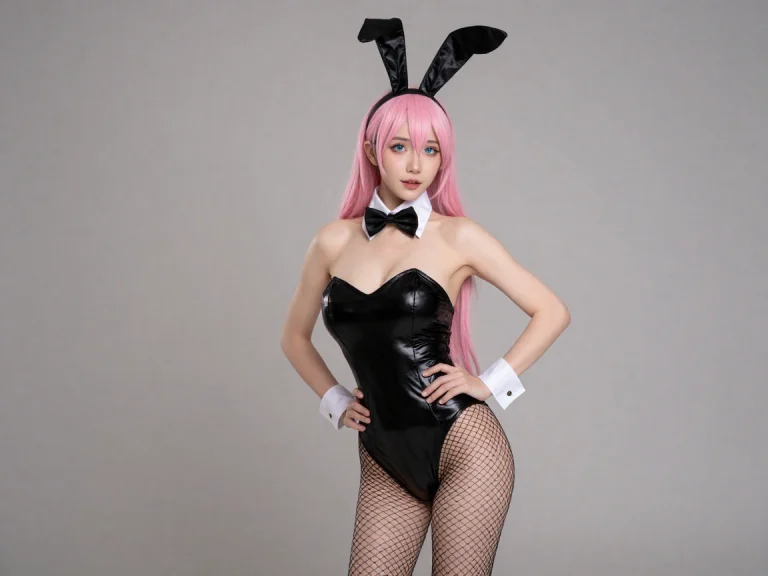
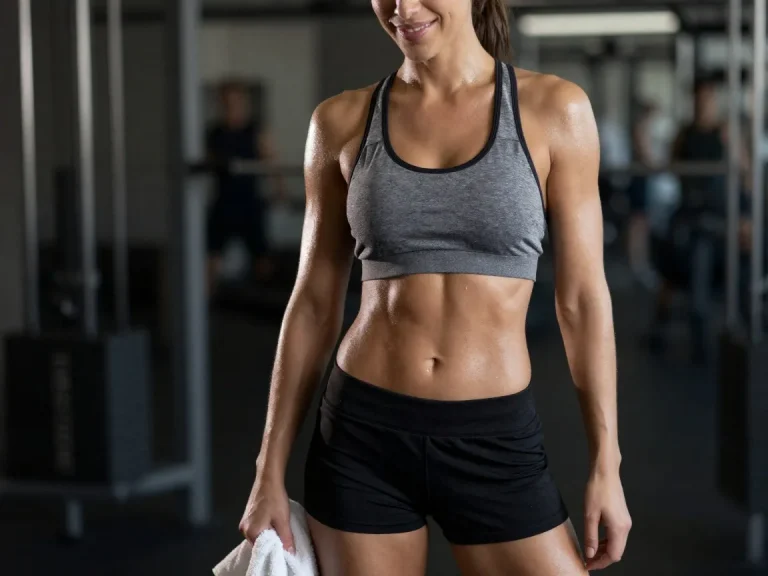
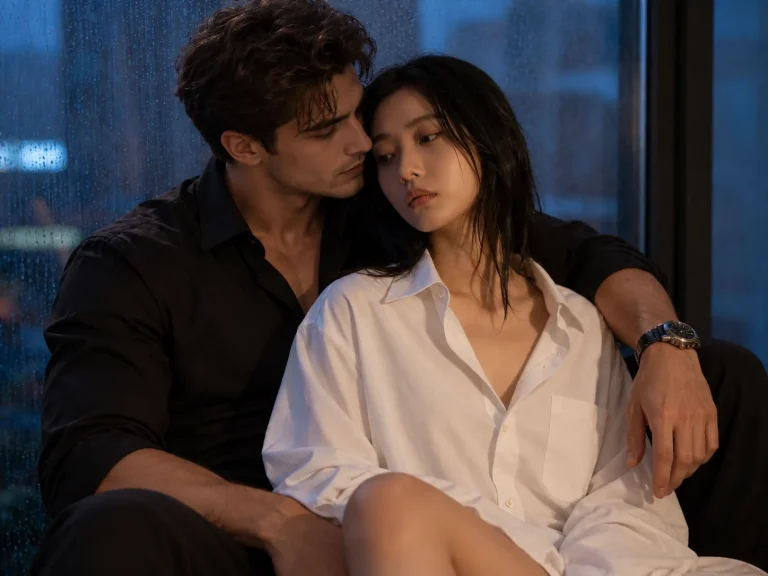
AIを使った写真編集に最適な50のプロンプト:コピー&ペーストの例
ポートレート、衣装、背景、照明、ヘアスタイル、メイクアップ、ボディ編集、修復、リアルな仕上がりを実現するための、すぐに使えるAI写真編集プロンプト50選。実用的な保存のヒントも掲載。
この記事の目次
この記事に対応するAvaClikのツールを開き、ご自身の写真で試せます。
AIによる写真編集の指示は、簡潔なレタッチ指示書のように記述するのが最も効果的です。変更すべき箇所、具体的な視覚的表現で仕上がりを説明し、変更すべきでない箇所を明確に示しましょう。以下の例は、テキストから画像を生成するのではなく、アップロードされた写真に基づいて作成されています。そのままコピーして使用することも、括弧内の詳細部分を置き換えることも、独自の編集の出発点として使用することもできます。
指示を長くする必要はありません。重要なのは、曖昧さをなくすことです。効果的な指示には、通常、次の3つの要素が含まれます。 ここを変更してください, このようにしてくださいそして これらの詳細は変更しないでください。それでも結果がずれてしまう場合は、指示を短くし、最も重要な要素をより明確に指定してください。
Change [one thing] to [specific result]. Keep [face / pose / framing / background / other important details] unchanged. Match the original lighting, perspective and photographic texture.以下のプロンプトは、 AvaClik AIフォトエディター(プロンプト別)で試すことができます。プロンプトの構造についてより詳しく知りたい場合は、以下をご覧ください。 実際に効果のあるAI写真編集プロンプトの書き方.
これらのAI写真編集プロンプトの使い方
- 編集権のある鮮明なソース画像をアップロードしてください。
- 目的に最も近いプロンプトを選択してください。
- 角括弧内の内容を、ご自身の情報に置き換えてください。
- 人物の特定、ポーズ、構図、背景が重要な場合は、保存線を残してください。
- 編集結果を生成し、顔、手、輪郭、照明、細部をフルサイズで確認してください。
- 関連性のない変更があった場合は、プロンプト全体を書き直すのではなく、変更箇所のみを修正してください。
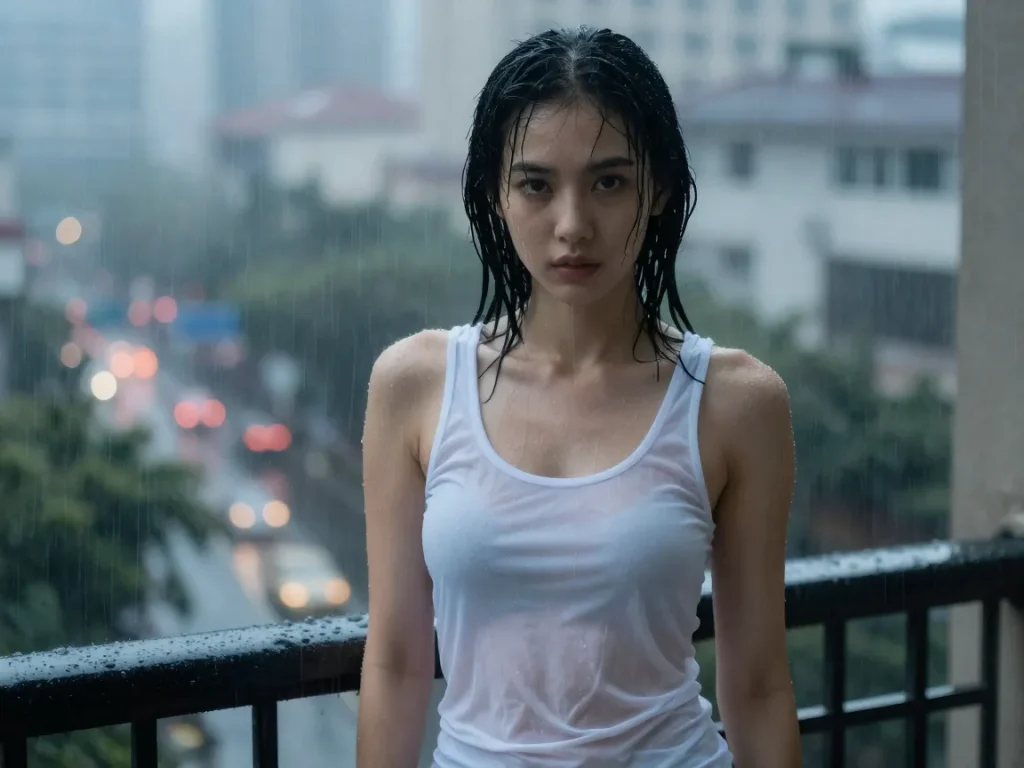
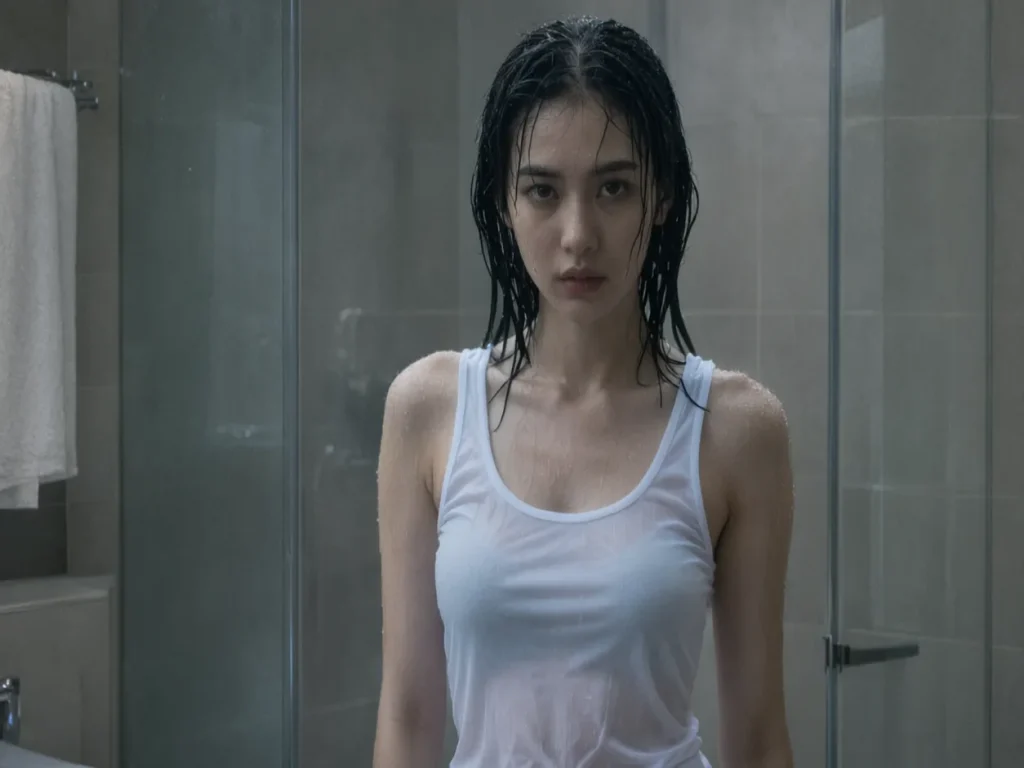
1. ポートレートのレタッチに関するプロンプト
ポートレートの編集はやりすぎになりがちです。自然な仕上がりを求める場合は、小さな修正のみを依頼し、人物の特定、顔の形、自然な肌の質感を明確に保護してください。
Retouch the portrait lightly: even out skin tone, reduce temporary blemishes and harsh shine, and soften under-eye shadows. Keep the person’s face shape, facial features, freckles, pores, hairline, expression and age unchanged; preserve realistic skin texture and the original lighting.
不自然な「ビューティーフィルター」のような仕上がりにならないように、自然な肌の修正を希望する場合に使用してください。
Turn this photo into a clean professional headshot with a neutral studio background, soft front-side lighting and natural contrast. Keep the person’s identity, facial proportions, hairstyle and expression recognizable; preserve realistic skin and avoid changing the apparent age.
元の写真がトリミングされている場合は、肩や服を無理に作り出すのではなく、元の構図を維持するように依頼してください。
Soften the harsh facial shadows and balance the exposure while keeping the same direction of light. Do not change the face, hairstyle, expression, pose, clothing or background; keep the result photographic and natural.
「顔をもっと綺麗にしてほしい」と頼むよりも、こちらの方が安全です。
Make the eyes look slightly clearer and better lit without changing their shape, size, color or position. Keep the face and all other features exactly as close to the original as possible; avoid heavy sharpening or artificial glow.
微妙な指示は、人物像のずれを防ぐのに役立ちます。
Remove only temporary blemishes and small skin distractions while keeping permanent features such as moles, freckles, fine lines and natural texture. Do not reshape the face or smooth the skin excessively.
永続的な人物像のディテールが重要な、リアルなレタッチに適しています。
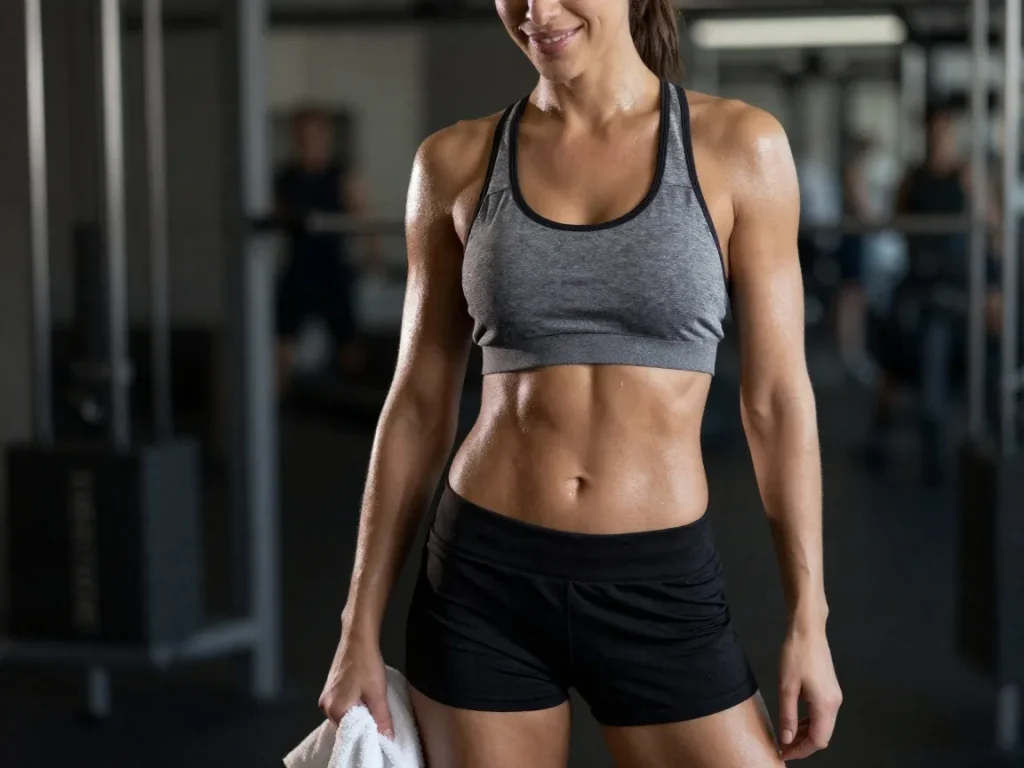
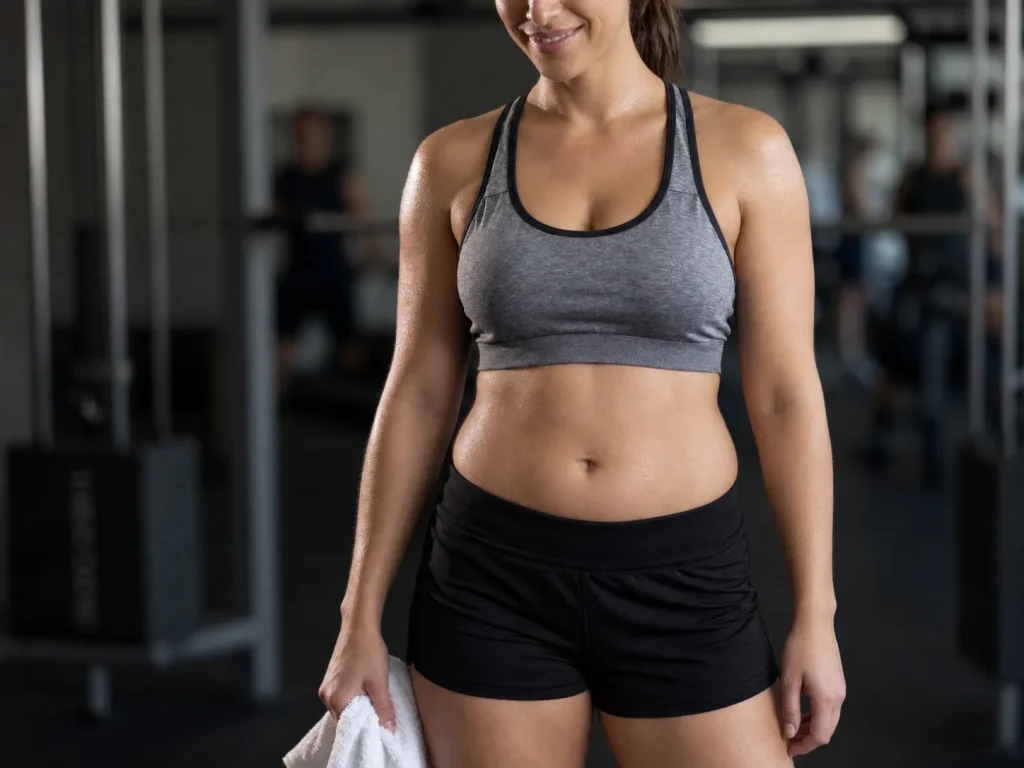
2. 服装に関する指示
服装の編集は、スタイル名だけを言うのではなく、服の特徴を具体的に描写することで、より効果的になります。素材、カット、色、フィット感を明記し、顔、体型、ポーズ、背景などの要素は考慮せずに修正しましょう。
Replace the current top with a fitted black leather jacket with realistic seams, subtle texture and natural folds. Keep the person’s face, body proportions, pose, hands, hairstyle, background and camera angle unchanged; match the original lighting and shadows on the jacket.
「リアルなシワ」と「元の照明にマッチ」という言葉が、新しい服が写真に馴染むのを助けています。
Change the outfit to an elegant black evening dress with clean tailoring and realistic fabric drape. Keep the face, hairstyle, body shape, pose, hands, jewelry, background and framing unchanged; make the dress follow the existing body position naturally.
元の腕が衣装に重なっている場合は、端と指をよく確認してください。
Replace the current shirt with a relaxed white linen button-up shirt, slightly textured and naturally wrinkled. Keep the person, pose, face, body proportions, trousers, background and lighting unchanged.
「高級」よりも、リネン、サテン、デニムなどの素材を表す言葉の方が、視覚的に分かりやすいでしょう。
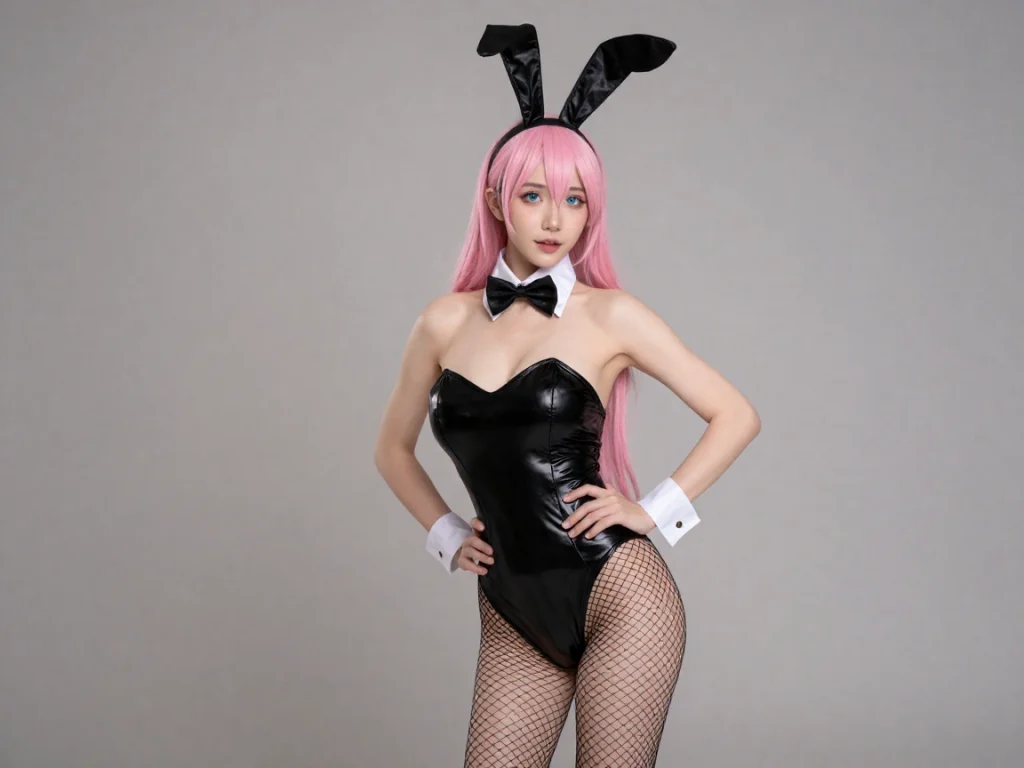
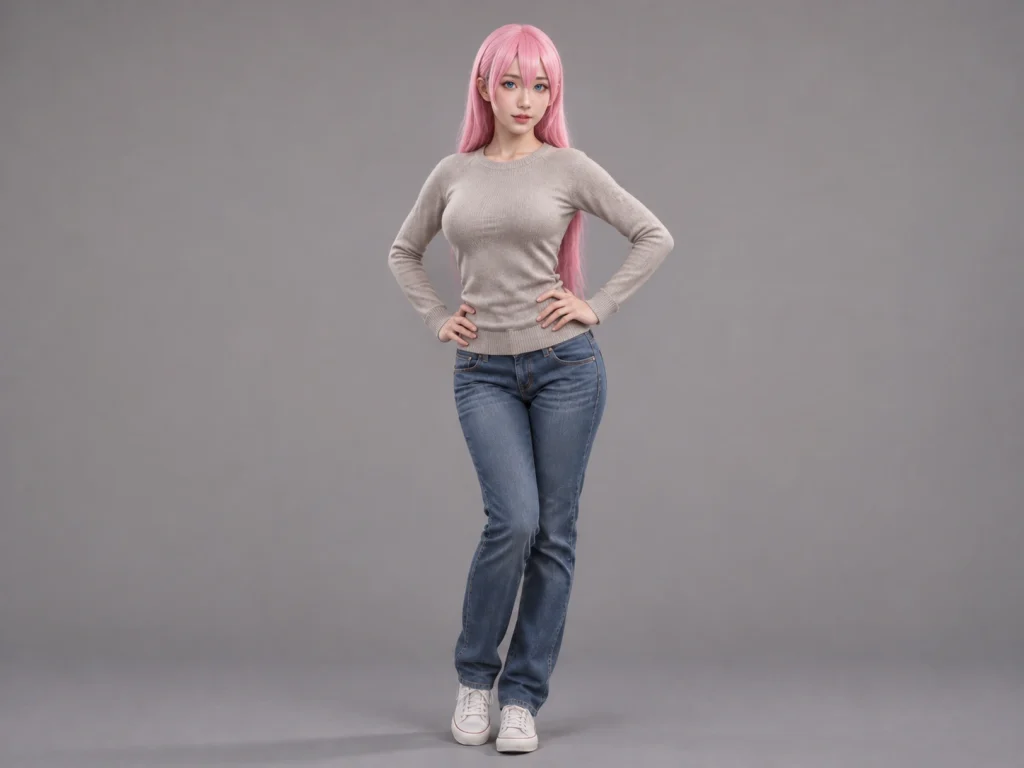
Change only the outfit to modern neutral streetwear: an oversized charcoal hoodie and clean black trousers. Keep the same face, hairstyle, body proportions, pose, shoes, background, lighting and crop.
他のすべてが既に適切な場合は、「衣装だけを変更する」という指示が役立ちます。
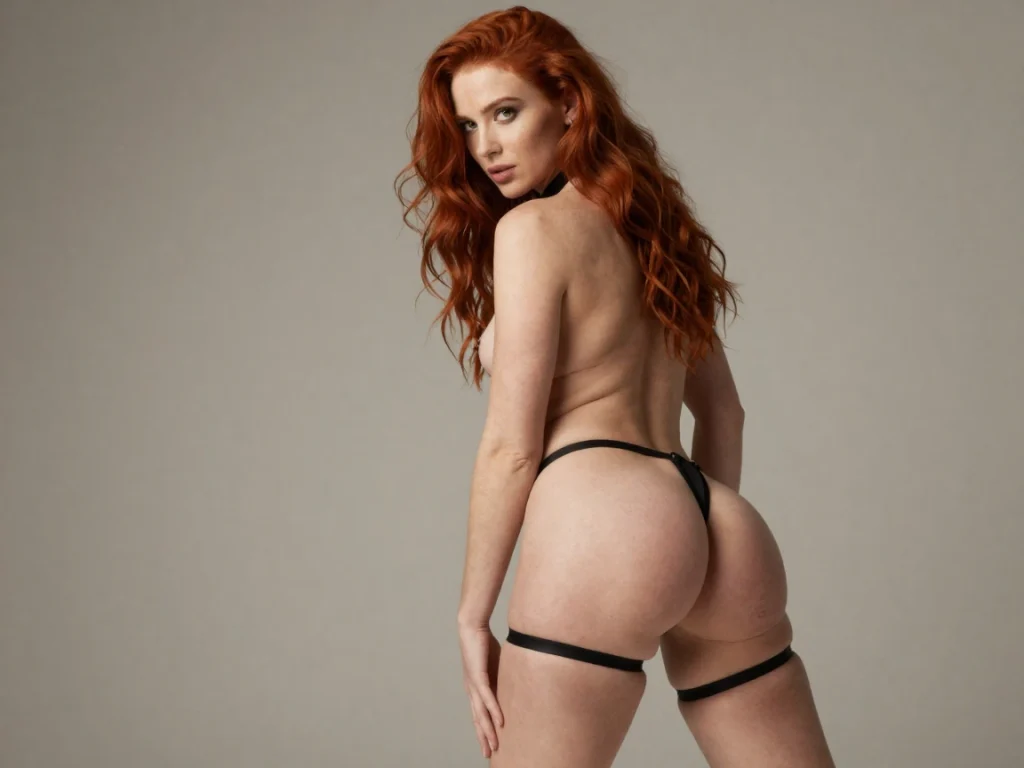
For this consenting adult portrait, replace the outfit with tasteful black lingerie suitable for a boudoir photoshoot. Keep the adult subject’s face, body proportions, pose, hairstyle, room, camera angle and lighting unchanged; use realistic fabric, straps, shadows and fit.
成人の被写体、および編集する権利と同意を得ている画像にのみ使用してください。
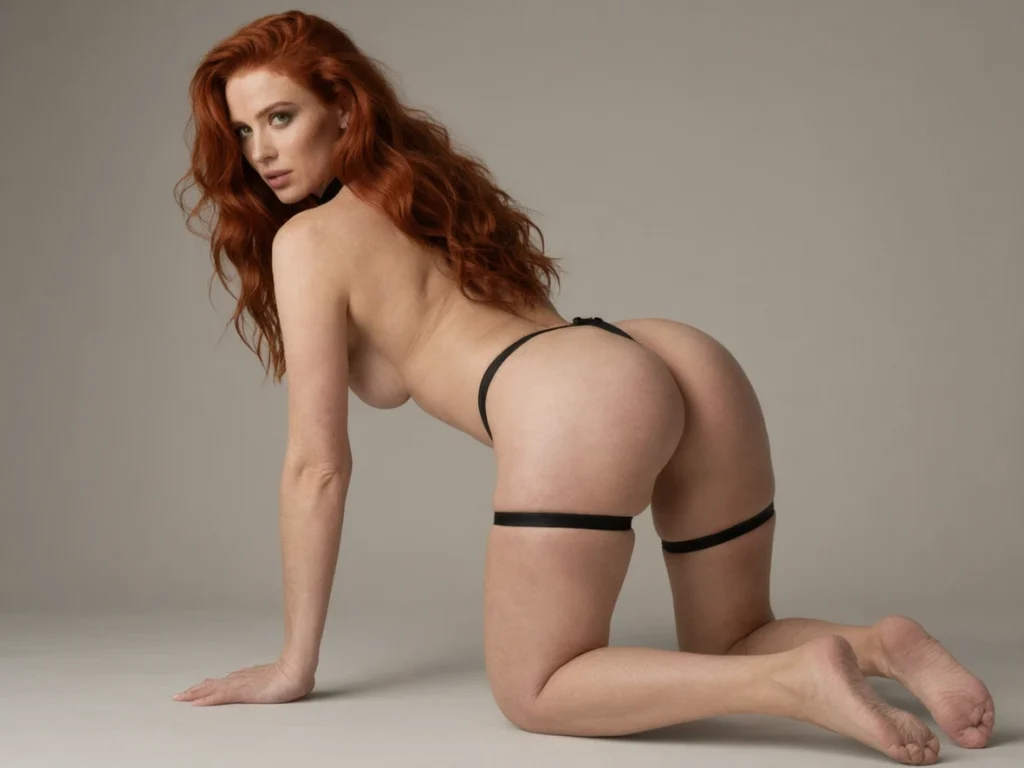
3. 背景の差し替えに関する指示
背景を差し替える場合は、新しい環境を説明し、被写体がどのように背景に溶け込むべきかを編集者に伝えてください。遠近感、被写界深度、色温度、そして影の表現は、背景そのものと同じくらい重要です。
Replace only the background with a modern luxury apartment at night: dark wood, large windows, soft warm practical lights and a subtle city view. Keep the person, face, outfit, pose, camera angle and framing unchanged; match the new room’s light direction to the subject without over-relighting the face.
自然な背景は、人物が貼り付けられたように見えてはいけません。
Replace the background with a realistic beach at sunset, warm sky near the horizon and soft reflected light. Keep the person, clothing, pose and framing unchanged; preserve natural edge detail around hair and match the subject’s shadows to the scene.
髪の毛の生え際は、合成が自然に見えるかどうかを判断する良いポイントです。
Replace the background with a seamless warm-gray photography studio backdrop. Keep the subject, face, clothing, pose, crop and lens perspective unchanged; add only a subtle realistic floor shadow where appropriate.
商品写真やプロフィール写真などに適しています。
For this consenting adult portrait, replace the room with an upscale hotel bedroom suitable for a tasteful boudoir photoshoot: soft lamps, neutral bedding and warm low-contrast light. Keep the adult subject’s identity, body proportions, pose, outfit and framing unchanged.
全く新しいシーンを説明するのではなく、写真そのものをリクエストに含めてください。
Replace the background with a realistic city street at night after rain, with soft storefront light and subtle reflections on the pavement. Keep the subject, pose, outfit, face and camera perspective unchanged; make the color temperature and edge lighting consistent.
リアリティを求めるなら、ドラマチックなネオンライトを至る所に使うのではなく、繊細な反射光を使うように指示しましょう。
4. 照明と色の指示
照明の指示は、雰囲気だけでなく、方向と質を具体的に示すべきです。「カメラ左側からの柔らかく温かい光」は、「映画のような照明」よりも具体的な指示になります。
Relight the portrait with soft natural window light coming from camera-left, with gentle shadow falloff and realistic skin highlights. Keep the face, expression, pose, outfit, background and framing unchanged; avoid dramatic color shifts.
方向、柔らかさ、そして残したい要素を指示すれば、通常は十分です。
Shift the scene toward believable golden-hour lighting with warm highlights and slightly cooler shadows. Keep the subject, face, clothing, environment and composition unchanged; do not add a fake sun flare unless it fits the existing camera angle.
「すべてがオレンジ色」になるのは避けましょう。実際のゴールデンアワーには、ニュートラルな色調やクールな色調の部分も存在します。
Correct the mixed color cast so skin tones look natural and the scene feels lit by one coherent source. Keep the face, pose, clothes, background and exposure balance unchanged; preserve realistic contrast.
緑やオレンジの混入がある室内写真に最適です。
Make the lighting lower-key and more dramatic using one soft side light, but retain detail in the eyes and skin. Keep the person’s identity, expression, pose, clothing and background unchanged; maintain realistic shadow density.
顔が黒く潰れてしまわないように、「ディテールを保持」を指定してください。
Apply a subtle high-end editorial color grade: controlled contrast, natural skin tone, slightly muted background colors and no heavy filter. Keep all geometry, face, clothing and lighting direction unchanged.
カラーグレーディングの指示が、意図せず全面的なスタイル変更にならないように注意してください。
5. ヘアメイクの指示
ヘアメイクの編集は、印象を大きく変える可能性があります。顔のバランスを保ち、一般的な「グラマラス」な変身ではなく、具体的なスタイリングを依頼するようにしてください。
Change the hairstyle to long, natural loose waves while keeping the same hair color and realistic strand texture. Keep the face, forehead shape, eyebrows, expression, body, outfit, pose, background and lighting unchanged.
生え際と額の形は、人物を特定する上で重要な手がかりとなります。
Change only the hairstyle to a clean chin-length bob with natural volume and realistic individual strands. Keep the face, hair color, expression, body, outfit, pose and background unchanged.
元の髪が肩まで覆っている場合は、復元した衣服の縁をよく確認してください。
Add tasteful evening makeup: subtle eyeliner, defined lashes, natural skin finish and muted rose lipstick. Keep the face shape, eye shape, nose, lips, skin texture, hair, expression and lighting unchanged.
「美の変身」ではなく、既存の顔の上に施すメイクを依頼してください。
Reduce heavy makeup to a clean natural look while preserving the same person and facial structure. Keep realistic skin texture, brows, eye shape, hairstyle, expression and lighting unchanged.
過度にスタイリングされたポートレートを修正するのに役立ちます。
Change only the lipstick to a classic deep red with realistic lip texture and edges. Keep the lips’ shape, teeth, face, skin, makeup, hair and everything else unchanged.
単一変数の編集は評価が最も容易です。
6. オブジェクトの追加、削除、およびクリーンアップのプロンプト
オブジェクト編集では、位置と代替テクスチャを指定する必要があります。何かが削除された場合は、その背後に何が現実的に続くべきかをエディターに指示してください。
Remove the small clutter items from the table behind the subject and reconstruct the visible table surface and wall naturally. Keep the person, face, clothing, pose, lighting, camera angle and all other objects unchanged.
削除後の再構築指示は重要です。
Remove the background person on the far left and reconstruct the wall and floor behind them naturally. Keep the main subject, framing, lighting and all other scene details unchanged.
削除する人物が位置から明確に識別できる場合にのみ使用してください。
Add realistic black sunglasses to the subject, correctly aligned to the face with believable reflections and shadows. Keep the face proportions, hairstyle, expression, pose, outfit, background and lighting unchanged.
小さなアクセサリーは、サイズ、位置合わせ、および影の一貫性が必要です。
Add a thin silver necklace that follows the neck and collarbone naturally, with subtle reflections matching the original light. Keep the face, body, outfit, pose and background unchanged.
大幅なデザイン変更を希望する場合を除き、「高級ジュエリー」のような曖昧な表現は避けてください。
Remove visible dust and spots from the mirror while keeping the reflection, person, room, lighting, crop and mirror geometry unchanged. Do not alter the subject’s face or body.
適切な修正指示では、欠陥箇所と残さなければならない内容の両方を明記してください。
7. 体型、ポーズ、構図に関する指示
ポーズや体型の修正は、単純なレタッチよりも多くの形状に影響を与えます。変更内容は控えめにし、物理的な変化を具体的に説明し、その後、手、関節、衣服の張り、背景の形状を確認してください。
Improve the posture slightly by bringing the shoulders back and making the stance look more upright and natural. Keep the face, body proportions, clothing, hands, background, camera angle and overall pose recognizable; do not make the body slimmer or more muscular.
新しいポーズではなく修正を希望する場合は、「少し」という表現が重要になります。
Adjust the upper-body pose so the shoulders are turned a little more toward the camera while keeping the head position and expression natural. Preserve identity, body proportions, outfit, hands, background and framing.
生成後、肩周りの衣服のしわを確認する。
Adjust the visible arm into a more relaxed natural position beside the body. Keep the face, torso proportions, clothing style, other limbs, background and camera perspective unchanged.
元画像に隠されている解剖学的特徴を正確に尋ねることは避ける。
For this consenting adult photo, make a subtle natural waist refinement while preserving the person’s overall body type and proportions. Keep the face, pose, clothing, hands, background, lighting and perspective unchanged; avoid exaggerated anatomy.
リアリティを重視する場合は、控えめな言葉遣いをする。
Expand the image to a 4:3 composition by extending the existing environment naturally around the subject. Keep the person, face, body, clothing, pose and existing central content unchanged; continue perspective, lighting and textures consistently.
既存のポートレートにゆとりを持たせたい場合に有効。
8. 修復と品質に関する指示
修復に関する指示は、古い画像をすべて現代的な合成画像に変えてしまうのではなく、元の画像の歴史的または写真的な特性を保護するべきです。
Restore this faded photo by improving contrast, reducing color cast and repairing minor dust or scratches. Keep every person’s identity, expression, clothing, pose, framing and period-appropriate photographic character unchanged; do not invent modern details.
修復は元の画像を保存するべきであり、再解釈すべきではありません。
Reduce visible JPEG blocking and edge artifacts while preserving natural detail. Do not reshape the face, change skin texture, alter text, add objects or modify the composition.
フルサイズで表示したときに粗く見えるウェブ画像に有効です。
Reduce chroma noise and coarse grain in the dark areas while preserving real texture and fine details. Keep the subject, face, lighting mood, color, background and framing unchanged; avoid waxy skin.
ノイズ低減は肌の滑らか化につながるべきではありません。
Improve perceived sharpness slightly on the eyes, hair and important edges without adding halos or changing facial features. Keep skin texture natural and leave the composition, color and lighting unchanged.
「少しだけ」「ハローなしで」など、依頼内容を控えめにしましょう。
Repair the small damaged area at [location] by reconstructing the surrounding texture naturally. Keep the rest of the image, people, text, objects, colors and framing unchanged.
画像全体の再生成を依頼するのではなく、損傷した領域を必ず特定しましょう。
9. クリエイティブでありながら写真らしい表現
クリエイティブな編集でも、本物の写真のように見えることは可能です。「傑作」「8K」「超高精細」といった言葉を並べるのではなく、照明、素材、カメラの挙動など、説得力のある表現で依頼内容を伝えましょう。
Give the photo a restrained 35mm film look with gentle grain, slightly softer highlight roll-off and natural color separation. Keep the person, face, pose, clothing, background and composition unchanged; avoid heavy vintage filters.
本物のフィルムのようなルックは、しばしば繊細です。
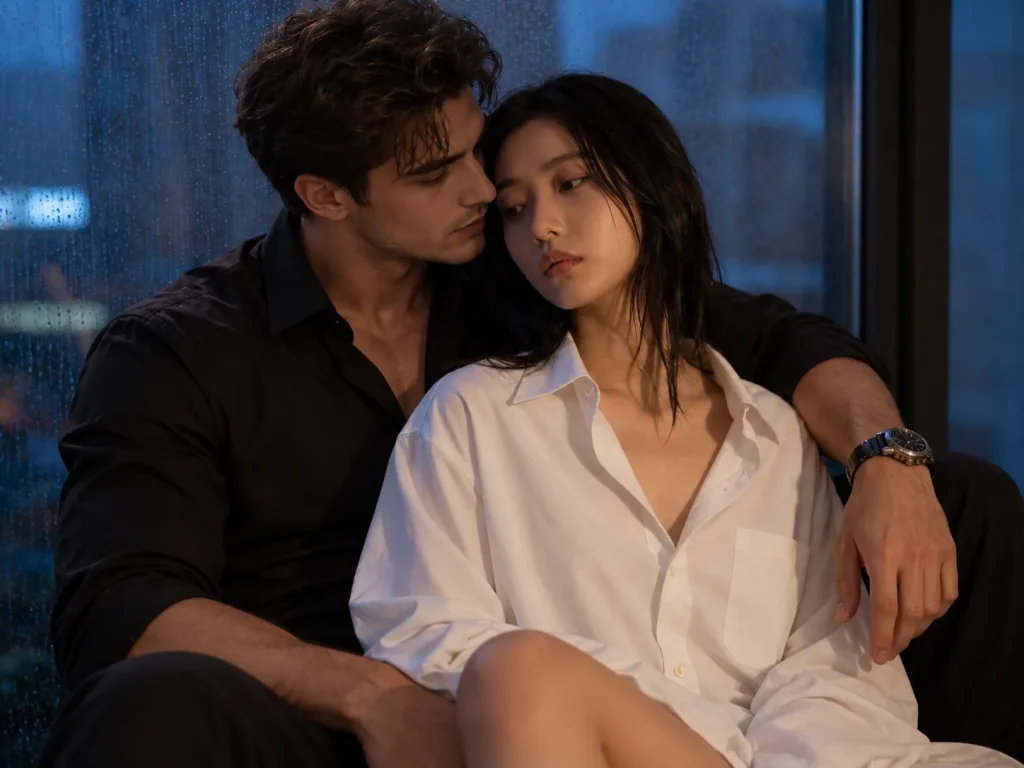
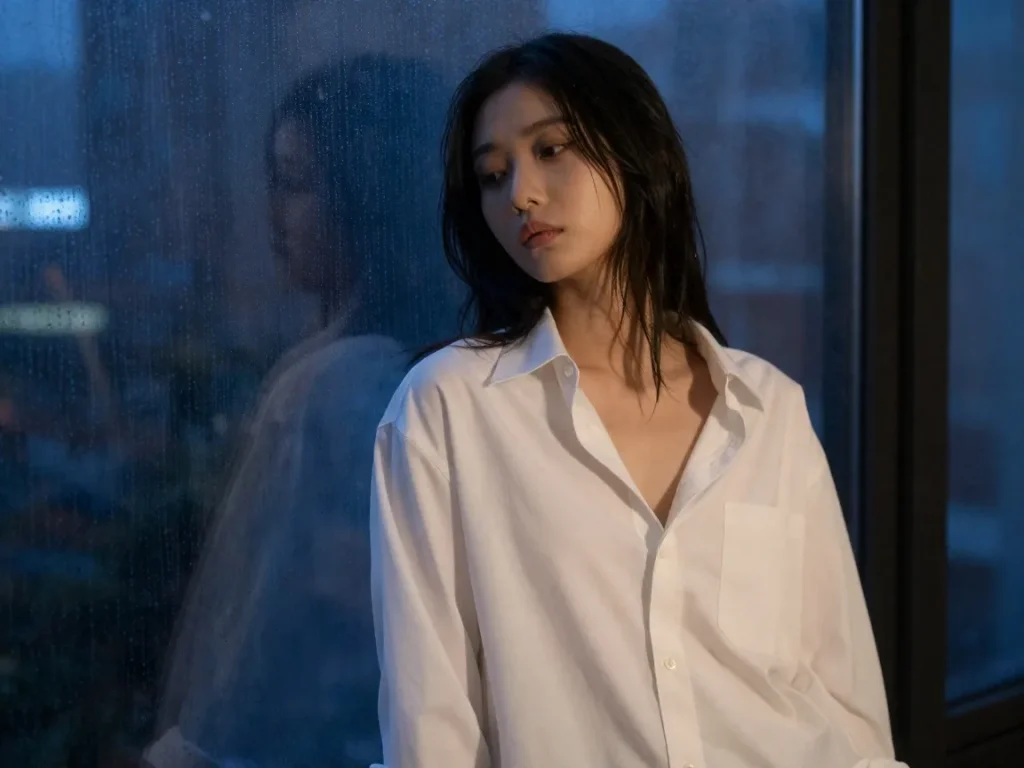
Add the feeling of a rainy evening outside the existing window: realistic droplets on the glass and soft cool exterior reflections. Keep the person, face, room, pose and interior lighting unchanged; do not cover the subject with fake rain.
その効果がどの場面にふさわしいか説明してください。
Restyle only the lighting to resemble direct but flattering on-camera flash in a dark indoor environment, with realistic falloff and shadows. Keep the subject, face, pose, outfit, room and framing unchanged.
フラッシュには特有の影の挙動があります。シーンをそのまま活かしてください。
Give the existing photo a polished fashion-editorial finish through subtle color grading, clean contrast and controlled texture. Keep the same subject, face, pose, outfit, background and camera angle; do not redesign the scene.
「編集風仕上げ」とは、新しい画像を作成するのではなく、仕上げレイヤーとして適用するものです。
For this consenting adult portrait, create a tasteful warm boudoir photography look using soft directional lamp light, natural skin texture and gentle contrast. Keep the adult subject’s identity, pose, body proportions, room and framing unchanged.
これはスタイルの調整であり、露骨な内容を創作するよう指示するものではありません。
10. 正確性と保存に関する指示
これらの指示は、編集自体は単純でも、周囲のすべてを保存することが真の課題となる場合に役立ちます。
Change only the [object or garment] from [current color] to [new color]. Preserve its shape, material, folds, logos, reflections and shadows, and keep every other part of the image unchanged.
モデルがスコープを尊重しているかどうかをテストするための優れたテンプレートです。
Make the requested edit to [target] only. Preserve the person’s identity as closely as possible: keep facial proportions, eye shape and spacing, nose, lips, jawline, hairline, skin marks and expression consistent with the uploaded photo.
詳細については、専用の 同一顔ガイドを参照してください。.
Change the environment around the product to [new setting], but keep the product itself, its proportions, logo, label text, packaging colors and visible reflections unchanged. Match the new scene’s lighting without redrawing the label.
テキストとロゴは明確に保護する必要があります。
Apply only [requested adjustment]. Keep the exact crop, camera angle, subject position, horizon, object placement and negative space unchanged; do not zoom, outpaint or reframe the image.
エディターがキャンバスを頻繁に変更する場合に便利です。
Apply the requested edit while keeping the result photorealistic: preserve natural skin texture, believable fabric folds, correct anatomy, coherent shadows, realistic reflections, consistent perspective and the original camera character.
メインの編集指示の後の最終制約として効果的です。
これらの例を独自のプロンプトに変換する方法
画像が異なる場合は、プロンプトを盲目的にコピーしないでください。構造は維持しつつ、重要な部分を置き換えてください。効果的な編集指示は通常、次の5つの質問に答えます。
- 目標: モデルは画像のどの部分を編集すべきか?
- 結果: その目標は具体的にどのような結果になるべきか?
- 視覚的な詳細: どのような色、素材、光、または設定が結果を決定づけますか?
- 保存: 何が認識可能で、何が変更されずに残されるべきですか?
- 現実性の確認: どのような身体的関係が信憑性を保つ必要がありますか?
最初の結果で顔が変わってしまった場合は、 AIで写真を編集する際に同じ顔を維持する方法をお読みください。合成画像に見える場合は、 AI写真編集でリアルな結果を得る方法のテクニックを使用してください。既に不適切な出力が発生しており、その原因を特定する必要がある場合は、以下を参照してください。 AI写真編集の不具合を修正する方法.
よくある質問
AI写真編集のプロンプトを長くすると効果的ですか?
必ずしもそうとは限りません。プロンプトを長くすると、曖昧さが解消される場合にのみ効果があります。漠然としたスタイル形容詞の羅列よりも、具体的な10個の単語の方が役立つ場合があります。
変更しない項目を指定する必要がありますか?
それらの詳細が重要な場合は、指定する必要があります。顔、ポーズ、トリミング、背景、ロゴ、テキスト、体の比率、照明などは、一般的に保持すべき項目です。
これらのプロンプトはAvaClikで使用できますか?
はい。プロンプトベースの写真編集用に作成されています。 AvaClik AI Photo Editor by Promptを開き、編集可能な画像をアップロードして、プロンプトを元の画像に合わせて調整してください。
関係のない編集中に顔が変わってしまうことがあるのはなぜですか?
生成編集では、変更しようとした要素だけでなく、画像全体が再描画される場合があります。一度に1つの編集のみを行い、個人情報を明確に保護し、結果を元の画像とフルサイズで比較してください。
いくつのバリエーションを生成すればよいですか?
決まった数はありません。最初の結果が近い場合は、調整してください。結果の構造が間違っている場合は、同じ曖昧な要求の複数のバージョンを生成する前に、プロンプトを簡略化してください。
成人向け編集にプロンプトを使用できますか?
AvaClikは、サービス規約の範囲内で成人向け編集をサポートしています。成人被写体のみを使用し、必要な同意と権利を取得し、プロンプトをサービスの利用許諾範囲に沿わせてください。
最終的なポイント
最高のAI写真編集プロンプトは魔法の言葉ではありません。明確な指示です。変更点を1つ指定し、視覚的に説明し、重要な詳細を保護し、最初の出力結果を盲目的に受け入れるのではなく、編集者のように結果を評価してください。上記の50の例は有用な出発点となりますが、最も効果的なプロンプトは、目の前の実際の画像に合わせて調整されたものです。
テストの準備ができたら、 AvaClik プロンプトベースの写真編集ソフトを開き、1箇所だけ変更を加え、最初の結果で間違っていた部分だけを修正してください。