Portraits
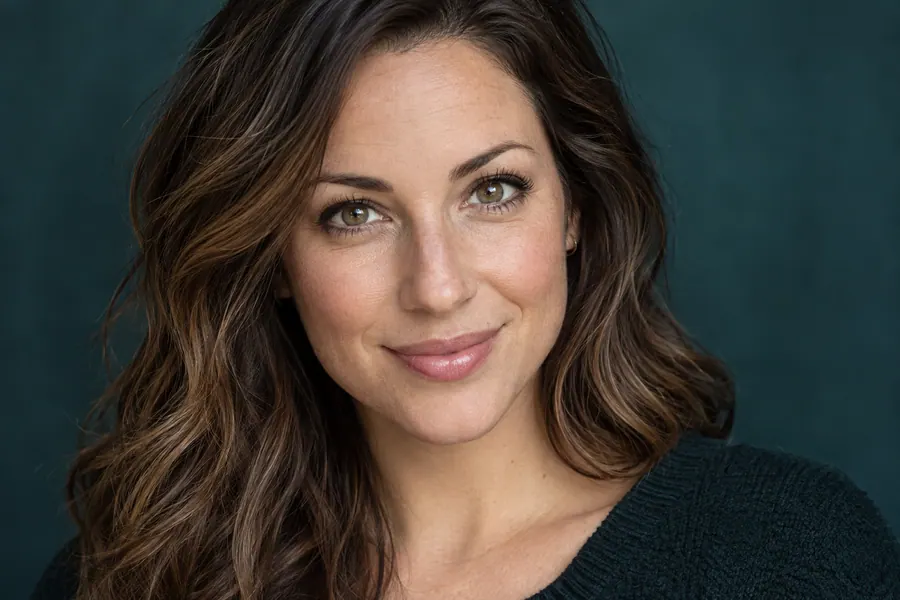
Try enlarging a portrait and review facial details.

AVACLIK / IMAGE UPSCALER
Increase resolution and explore image details with AI. AvaClik is an editor for adults 18+.
 Illustration, not an editing result
AVACLIK / TOOLS
Choose the Quality tool and an appropriate resolution. Results depend on the source image.
Try enlarging a portrait and review facial details.
Inspect the face and hair after processing.

Check fur and small details in the image.
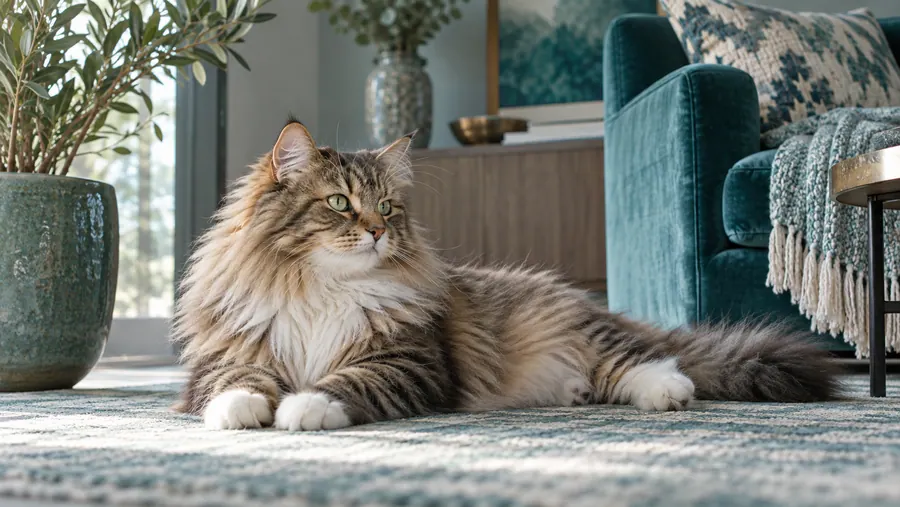
Enlarge the image and examine textures.
Review skin, eyes and fine detail.
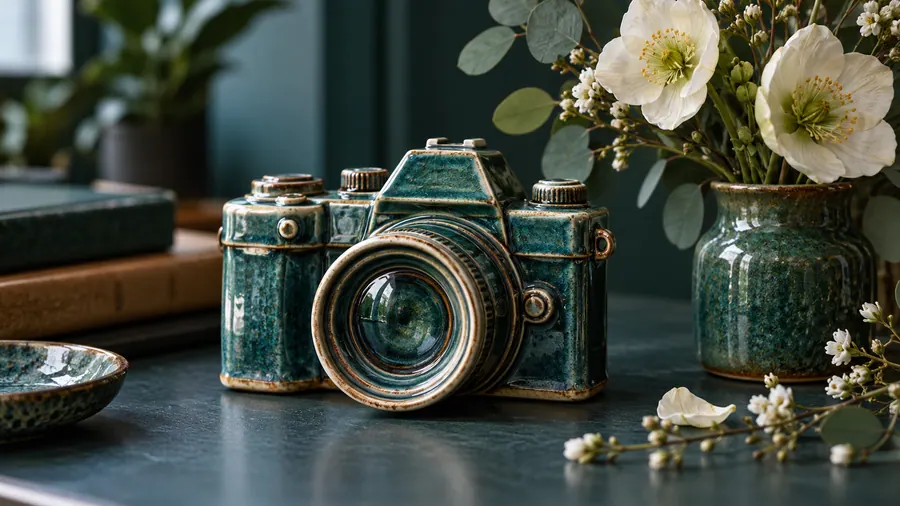
See how edges and textures change.
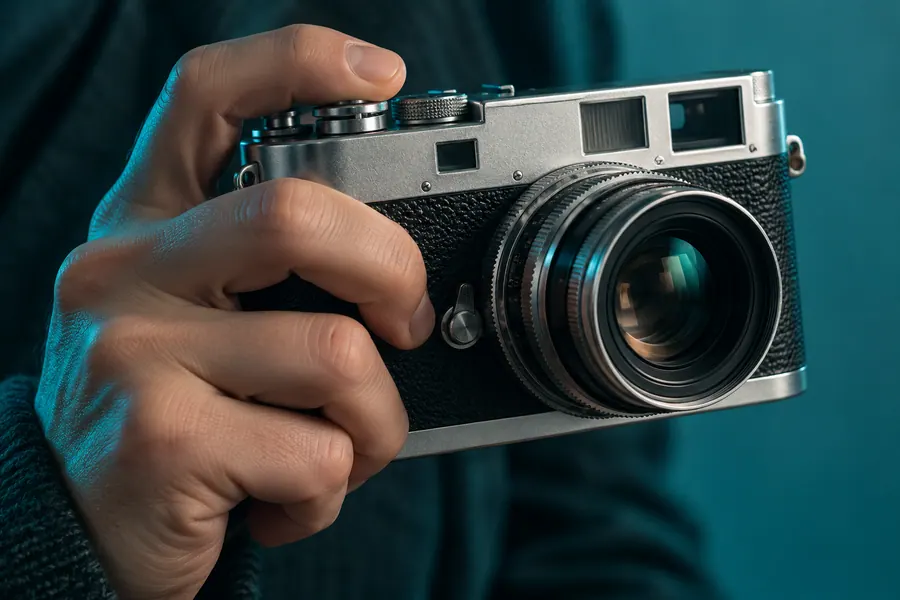
Examine small elements in a wider scene.

Review clothing and details throughout the frame.
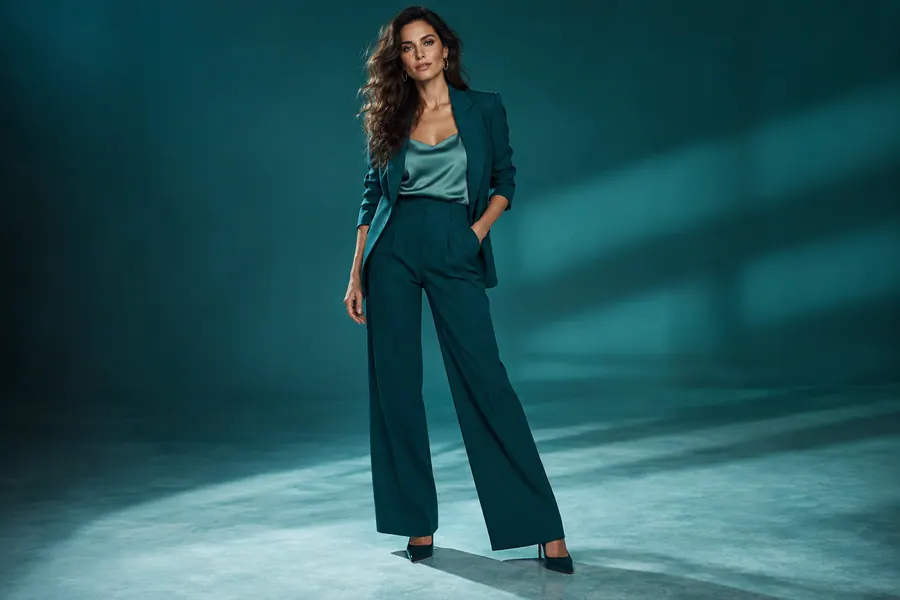
Illustration, not an editing result
AVACLIK / IDEAS
Prepare a consenting adult’s photo for further work.
Work with photos of consenting adults.
Inspect small elements after enlargement.
Illustration, not an editing result
AVACLIK / EXAMPLES
Explore real upscaling examples from AvaClik.
Before and after examples will appear here.
AVACLIK / HOW TO
Choose an image you have the right to edit.
Open Quality and select a resolution and format.
AI creates a new version of the image.
Inspect the result at a larger scale and save it.
AVACLIK / CHOOSE
| Setting | When to try it | Check |
|---|---|---|
| 2K | Moderate enlargement | Faces and text |
| 4K | A larger image | Edges, texture and file size |
| 8K | High resolution | Processing time and detail |
| Source photo | Choose a good starting image | Blur and damage |
AVACLIK / PHOTO STUDIO
Upscaling produces a larger image and can improve the appearance of details. AI interprets missing information: faces, hair and small text can change. Compare the output with the original.
Open editor →Illustration, not an editing resultAVACLIK / TIPS
Zoom in and inspect the face, hands and text.
Higher resolution produces larger files; choose for your task.
Use images with permission from the rights holder and adults pictured.
AVACLIK / TOOLS
AVACLIK / FAQ
Upload a photo, open Quality, select a resolution and format, then run the edit.
The tool offers 2K, 4K and 8K; the result depends on the input and processing.
Quality upscales at a chosen setting. Enhance in one click uses a separate edit followed by upscaling.
Not always. AI can interpret or alter small details, so inspect the result.
The token cost is shown in the editor before you start.