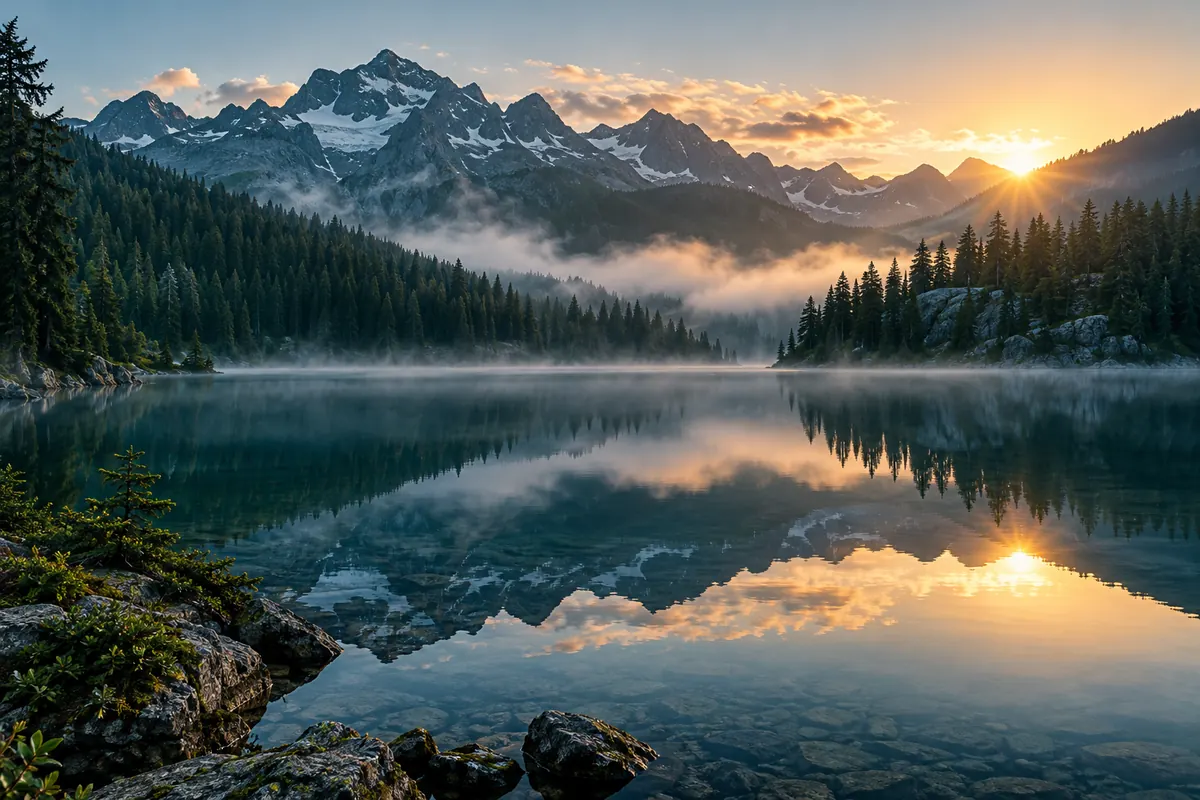
Light and exposure
Try a more balanced appearance for highlights and shadows.
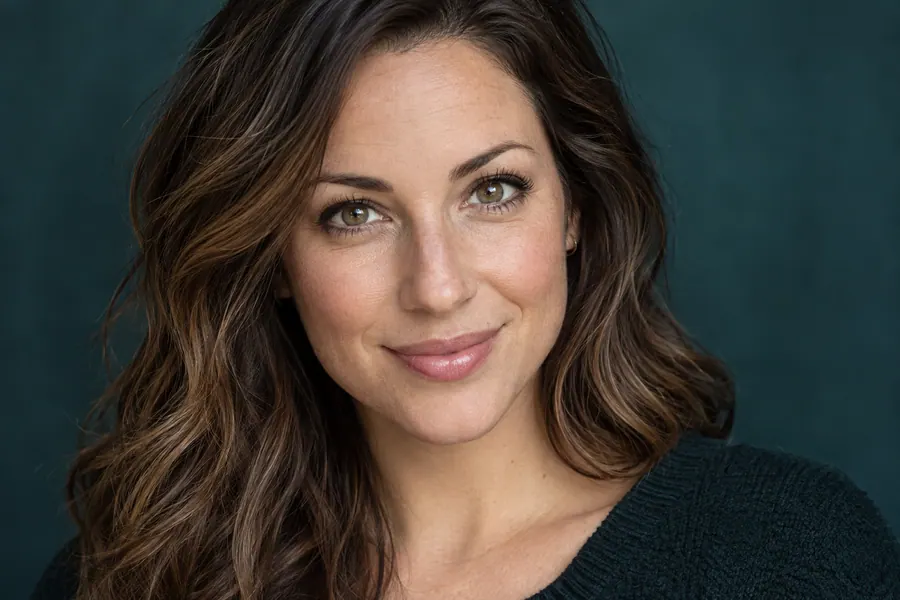
AVACLIK / ONE-CLICK ENHANCE
Improve the light, colour and detail of your photo with AI. AvaClik is an editor for adults aged 18 and over.
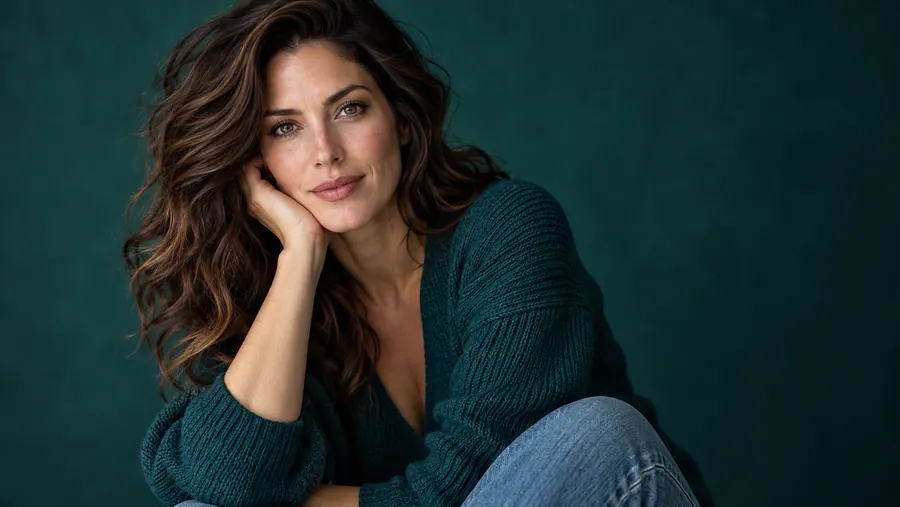 Illustration, not an editing result
Light, colour and detail in one tool
AVACLIK / ENHANCE
AI processes the image as a whole. Results depend on the original and may differ from your expectations.
Try a more balanced appearance for highlights and shadows.
AI processes the overall colour palette.
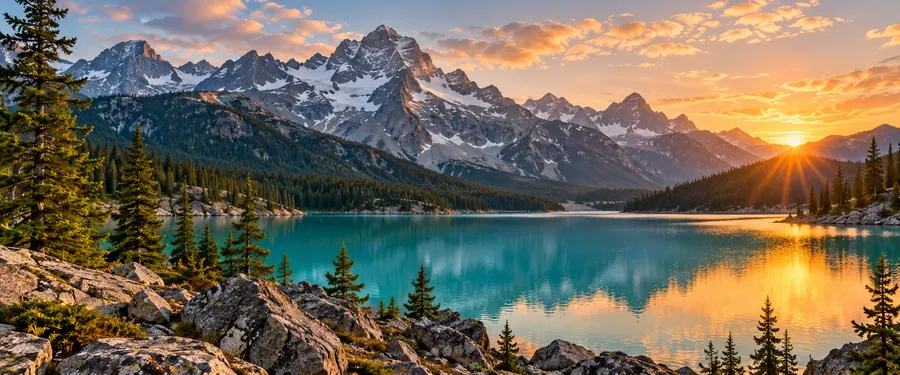
Inspect edges and small details after processing.

The tool aims to preserve the original composition.
AVACLIK / EXAMPLES
Compare original photos with results created in the editor.
Examples will appear here once photos are added.
AVACLIK / PHOTO STORIES
Try different subjects and compare each result with the original.
Try enhancing the light and detail of your chosen shot.
Try bringing out the light and colour of a landscape.
Experiment with objects and the mood of a shot.
Illustration, not an editing result
AVACLIK / HOW TO
Choose an image of consenting adults.
Choose “Enhance (1 click)” in the editor.
Wait for your new photo version to appear.
Compare the details with the original and download.
AVACLIK / CHOOSE
These tools serve different purposes. Choose based on your image.
Processes the overall image and then upscales it.
Lets you choose a target resolution for upscaling.
AVACLIK / DETAILS
One-click enhancement works on light, colour and details together. AI can change small elements, so compare the result carefully with the original before saving.
Open editor →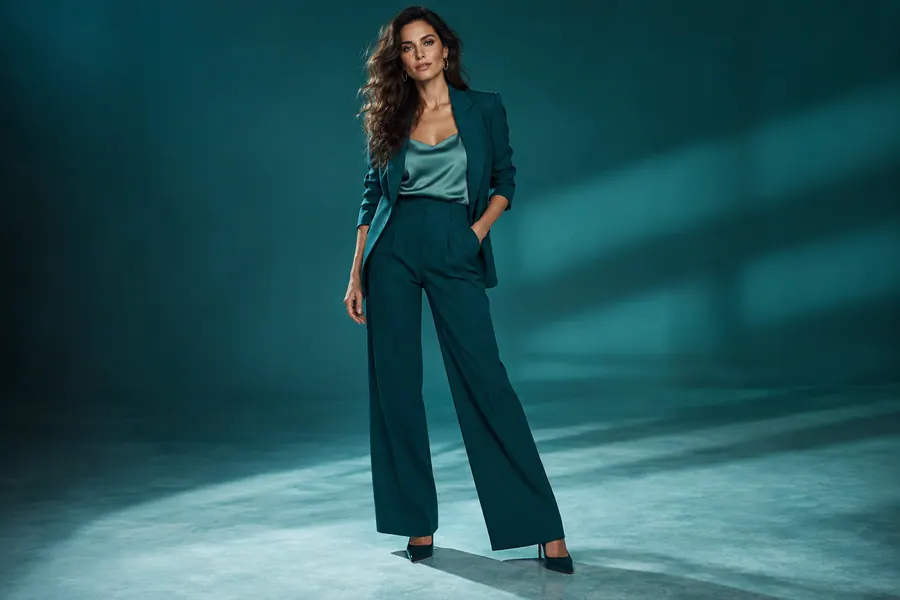
AVACLIK / TIPS
Use the best available version of your image.
Inspect faces, text and other important elements.
Only use images of consenting adults that you have rights to use.
AVACLIK / TOOLS
AVACLIK / FAQ
One-click enhancement processes the overall image and then enlarges it. The quality tool lets you choose a target resolution.
The editor shows the token cost before processing.
The tool aims to preserve them, but AI can change details. Check the result.
Yes. Open the editor in your phone browser and select the tool.
Use images you have rights to, with the consent of every adult pictured.