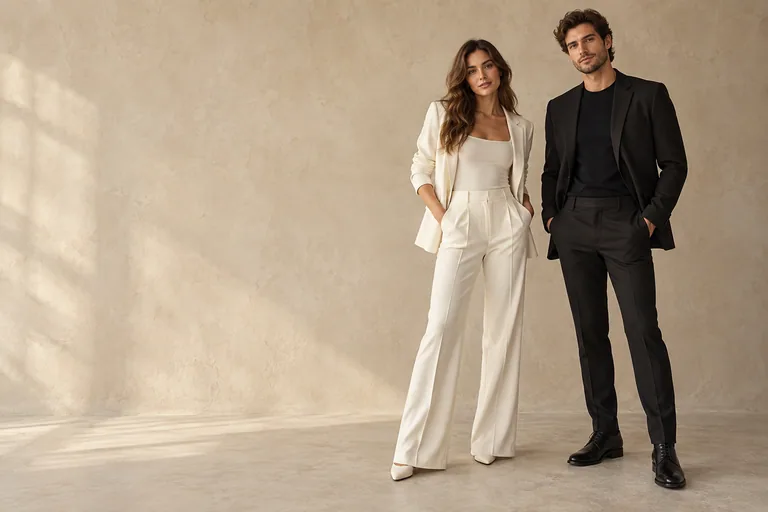
01
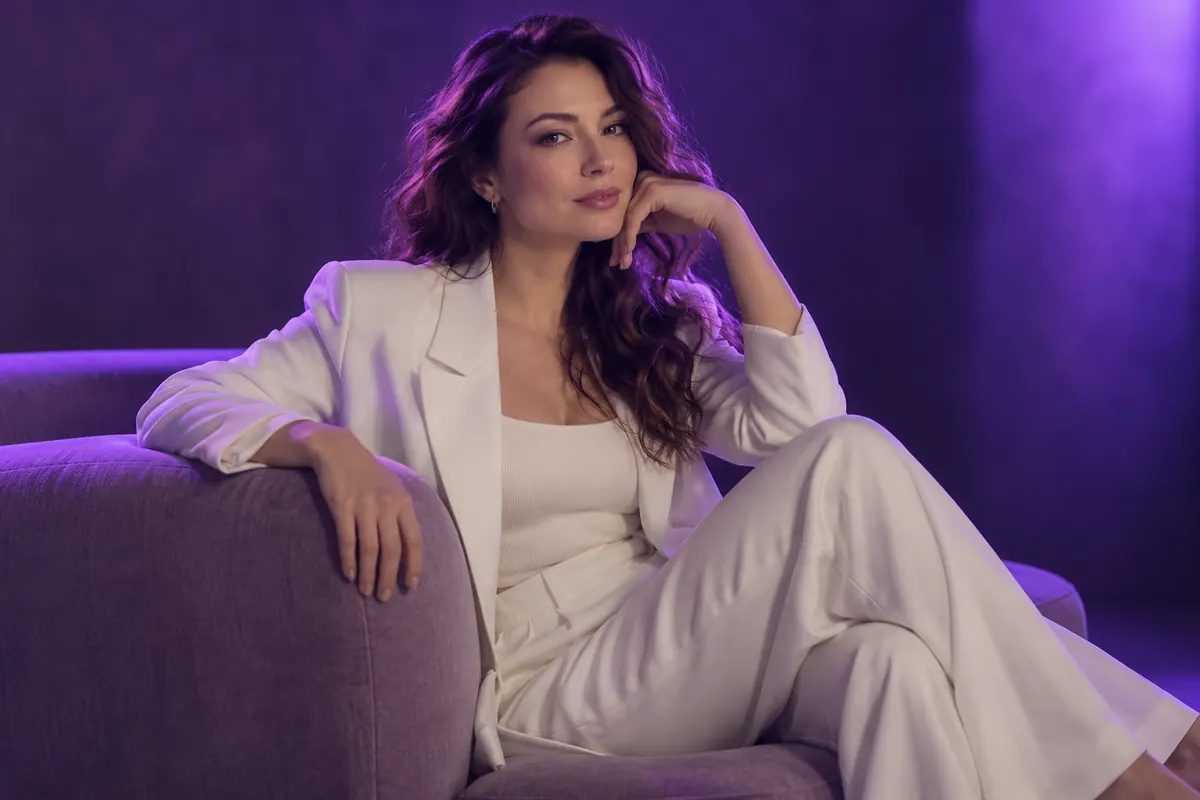
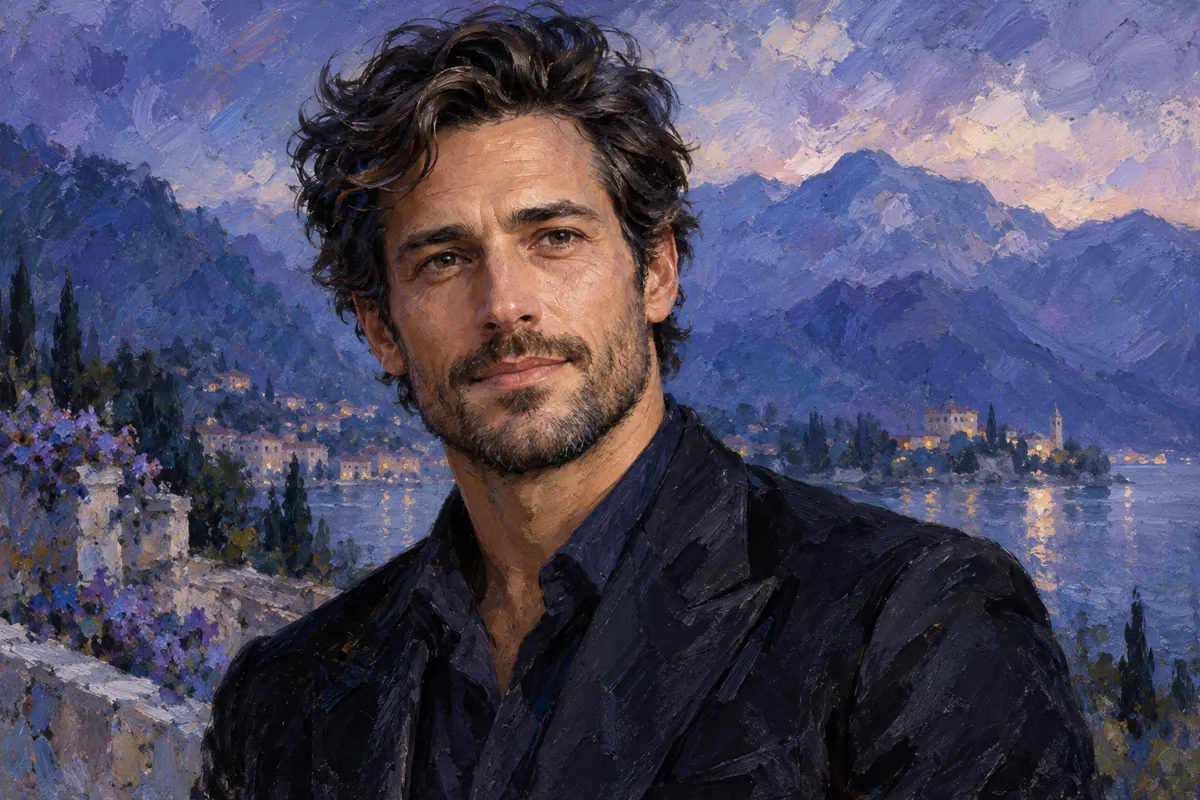
Oil painting
Expressive brushwork and rich tones.
AVACLIK · PHOTO STYLES & FILTERS · 18+
Give your photo an artistic character or explore a different color mood with filters. AvaClik is a photo editor for adults 18+: choose a direction and try it on your image.
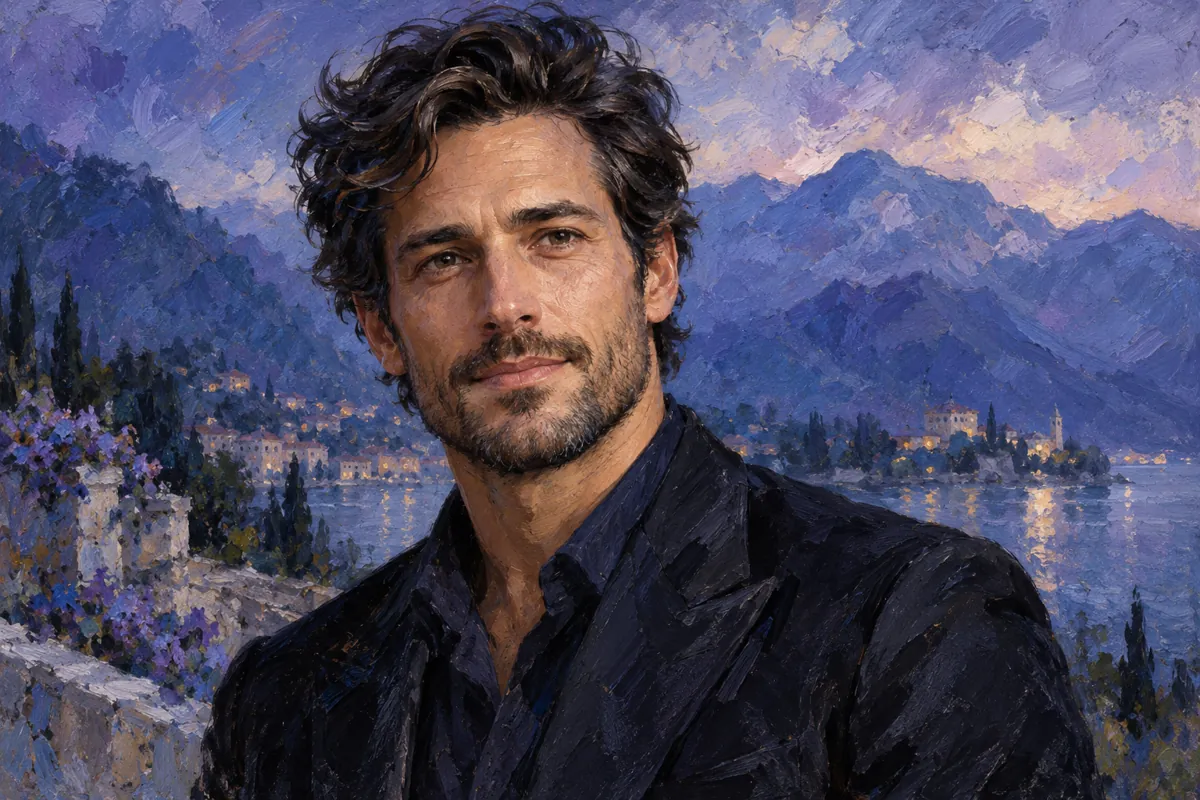 Illustration, not an editing result
PaintingAn artistic character
OnlineNo installation
FiltersColor and mood
18+Adults only
REAL EXAMPLES
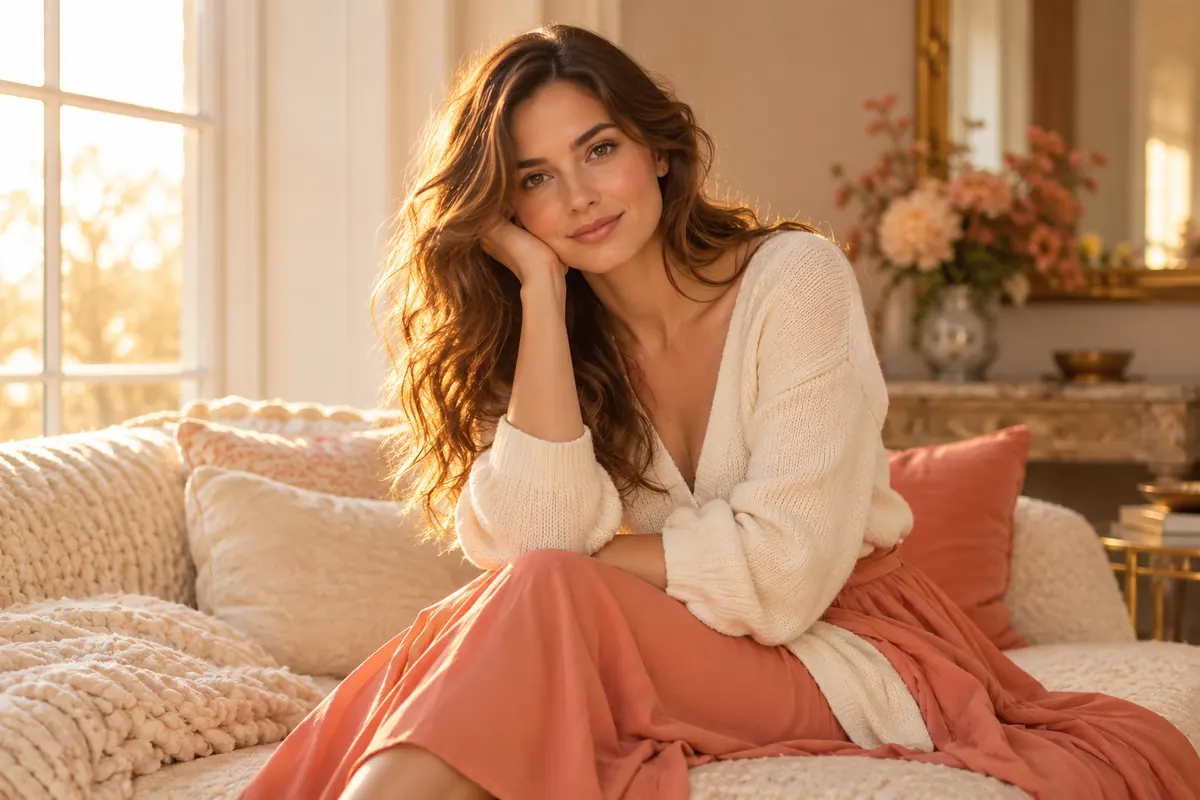
Compare original photos with stylized versions from the AvaClik example library.
ARTISTIC DIRECTIONS
These illustrations convey different artistic directions. They are not AvaClik editing results.
Expressive brushwork and rich tones.
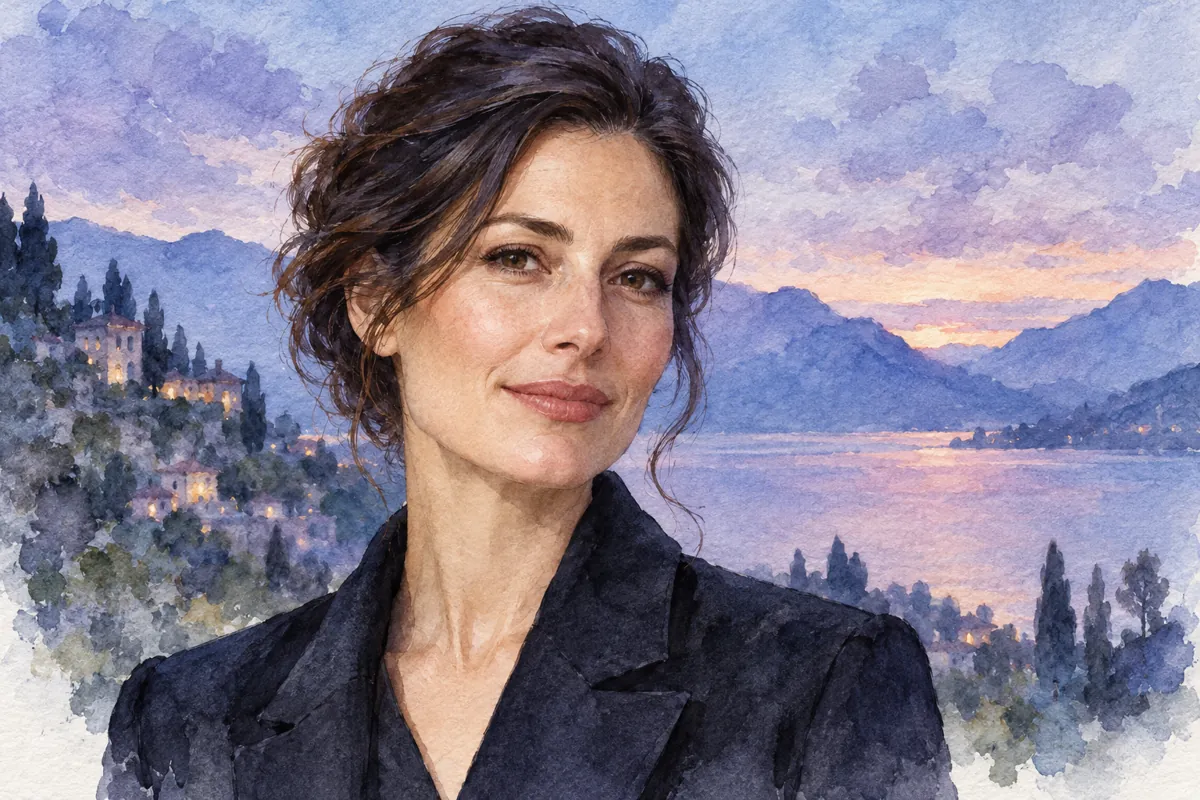
Soft transitions and delicate paper texture.
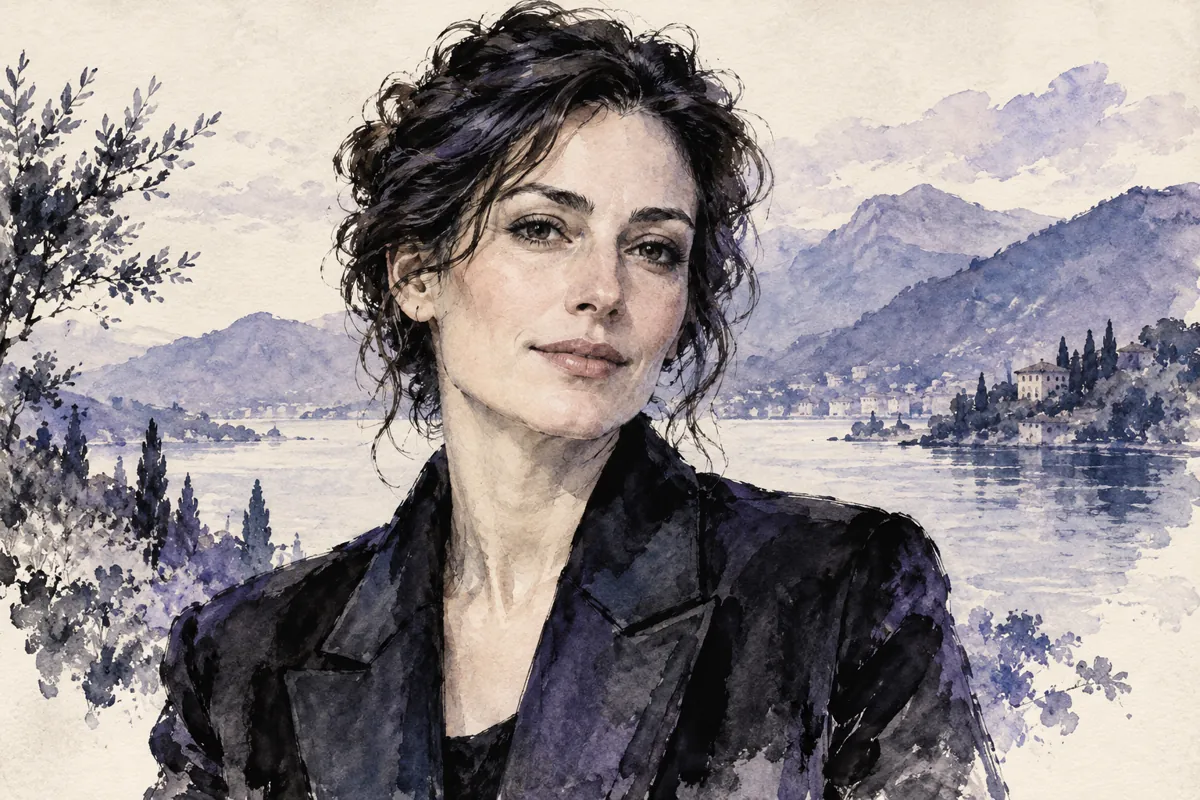
Expressive lines and areas of contrast.
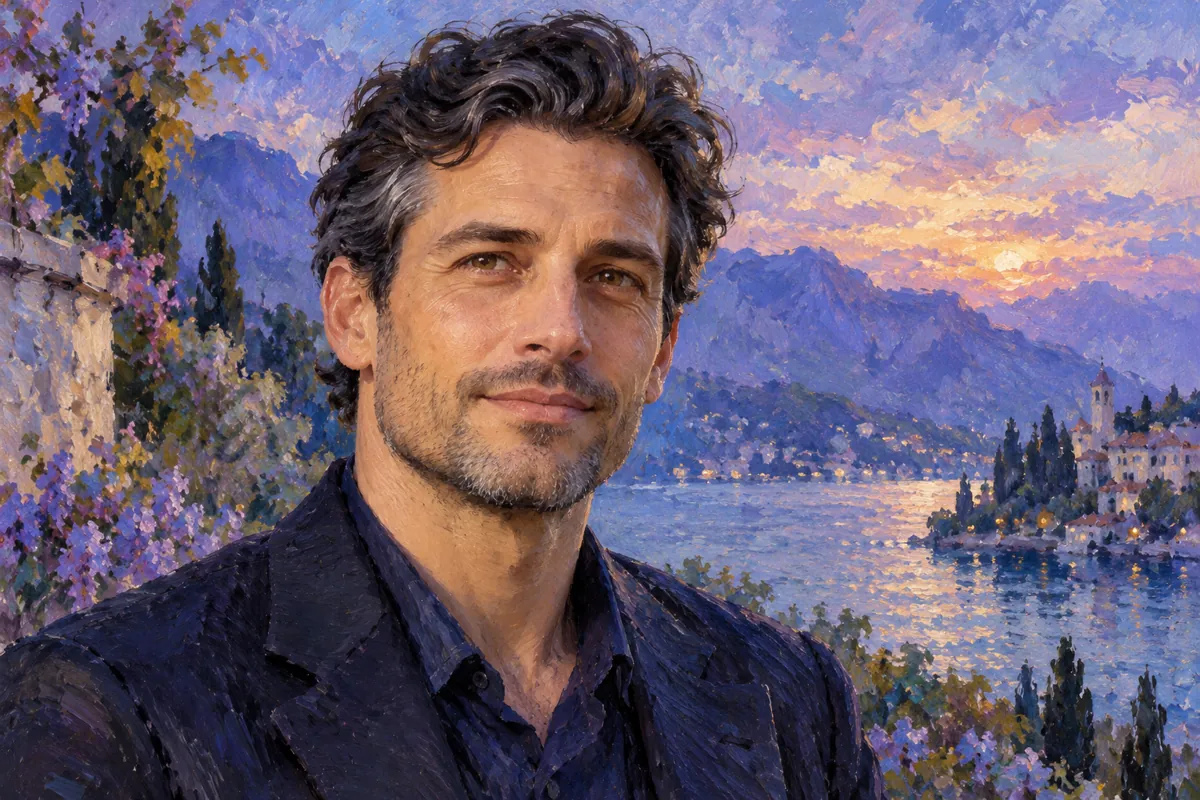
Loose brushwork, light and color impressions.
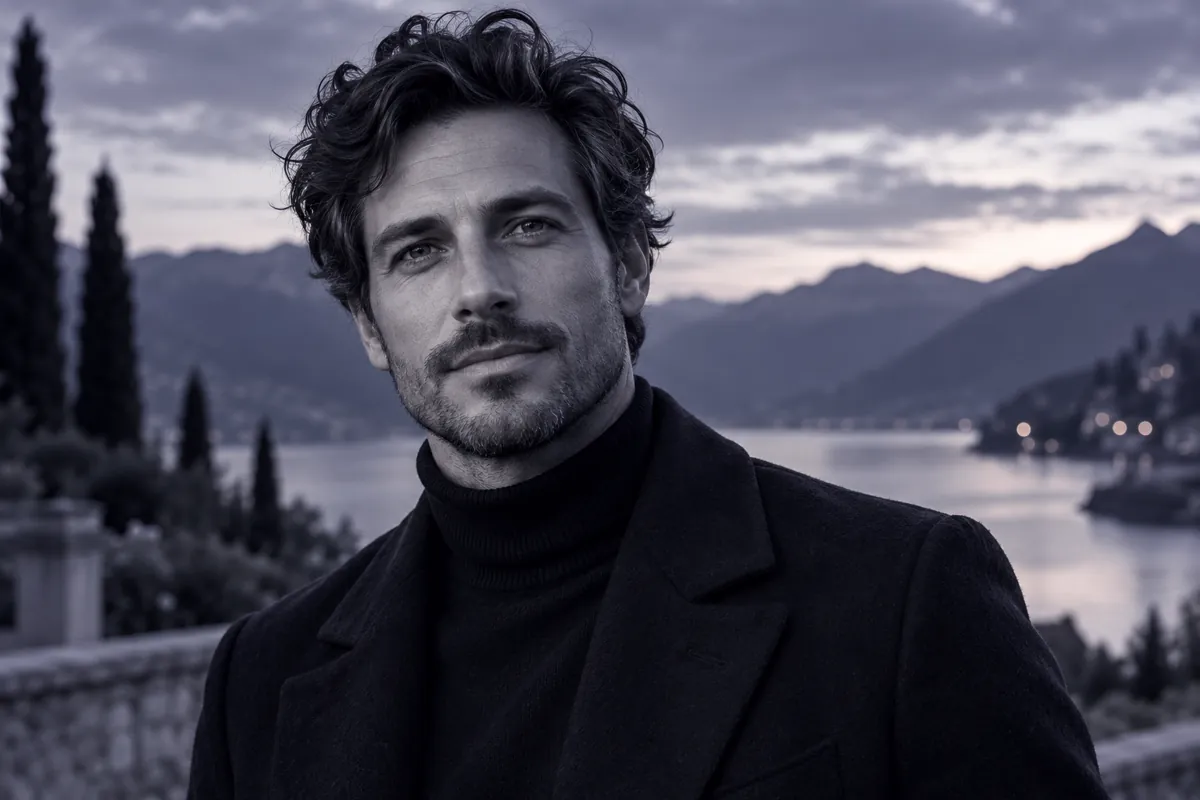
A restrained palette focused on light and shade.
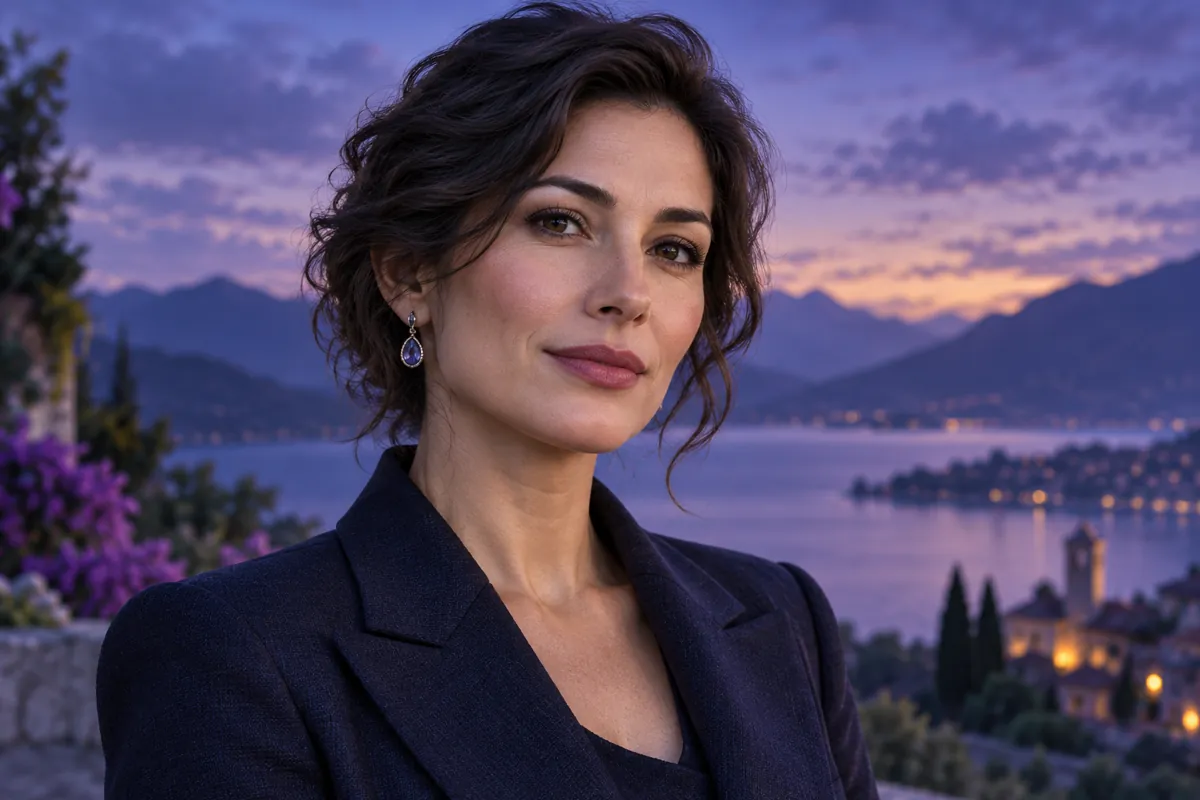
A dimensional artistic character.
Ideas for choosing a direction. See the editor for its full catalog and available filters.
EXPLORE THE POSSIBILITIES
Open Styles and choose a direction. AI reinterprets your image: texture, lines and details may change with its artistic character.
Open the Filters tab for another color treatment. Compare skin tones, contrast and background rather than judging an effect by brightness alone.
A close portrait and a full-length photo may suit different directions. The original image affects the result.
HOW IT WORKS
Choose your photo and a direction in the editor. The current cost is displayed before processing.
Use an image of a consenting adult.
Choose an artistic direction or the Filters tab.
Check the cost and start the selected edit.
Review the new version and download your image.
FOR YOUR IDEAS
Match an artistic approach to the content of your photo.
Explore painting or ink for an artistic portrait.
Explore artistic treatment of 18+ photos with participants’ consent.
Choose a shared direction while editing each photo separately.
FIND YOUR DIRECTION
Decide whether you want a new artistic texture or a different color mood.
Expressive portrait: painting. Soft, airy mood: watercolor. Lines and contrast: ink. A restrained color treatment: filters.
This is guidance for choosing an option, not a text input mode. Available options are shown in the editor.
Explore styles ↗REVIEW YOUR IMAGE
Strong stylization may change features and small details.
Inspect fingers, fabric patterns and object edges.
Check that the main subject is still clear in the palette.
For consenting adultsThe editor supports explicit adult photography within the service and model rules. You must have participants’ consent and the right to use the images.
Content rulesKEEP EDITING
Combine your artistic direction with other AvaClik tools.
FAQ
Upload your photo in the editor, open Styles, choose a direction and start the edit.
Artistic stylization reinterprets the image; filters help change its color mood.
The catalog includes artistic directions such as painting and watercolor. Results depend on the photo.
Exact preservation is not guaranteed. Review the likeness after processing.
Yes, within service and model rules, with consenting adults and the right to use the images.
The selected option’s cost is displayed in the editor before processing.
Yes. Open the editor in a mobile browser and choose a photo from your device.
For the workflow described here, choose a ready-made option in Styles or Filters.
AVACLIK / ART STUDIO
Open the editor, upload a photo and choose Styles.
Open editor ↗