01
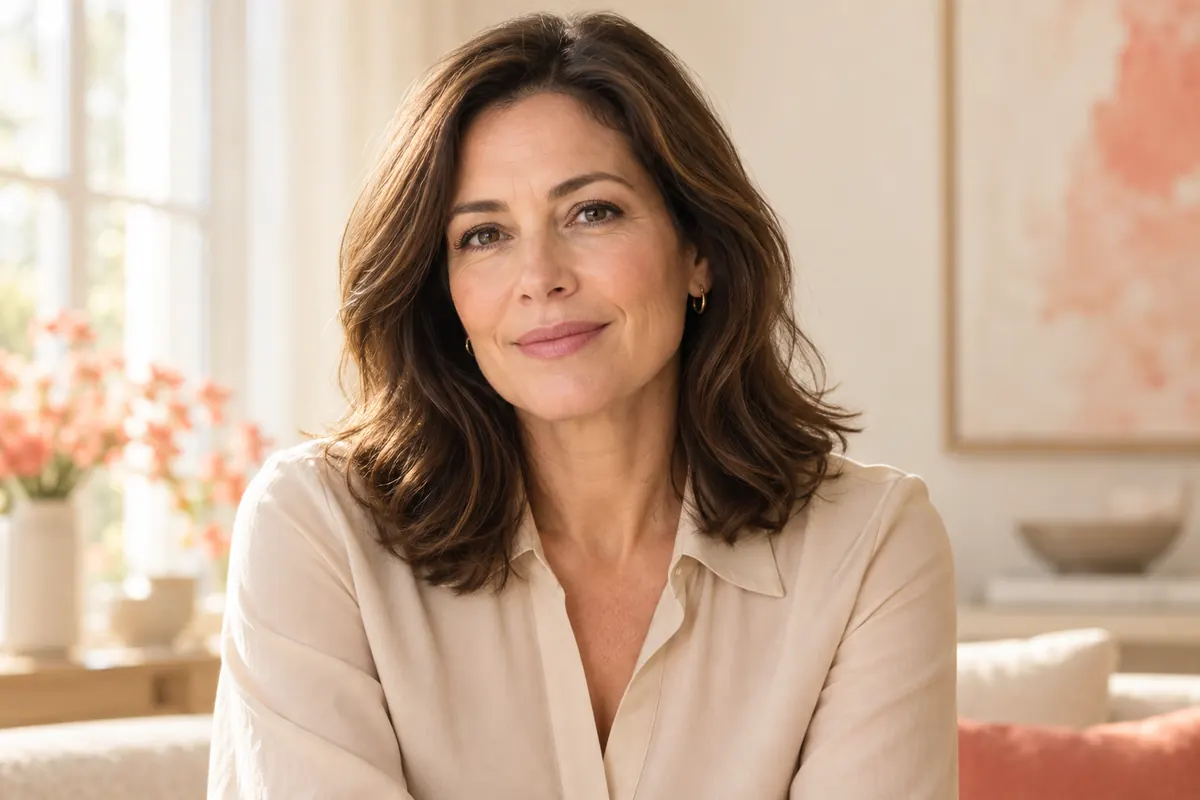
A more mature look
Explore a different adult portrait appearance.
AVACLIK · AI PORTRAIT
Try different adult age looks in your photo with AI. AvaClik is an editor for adults aged 18 and over.
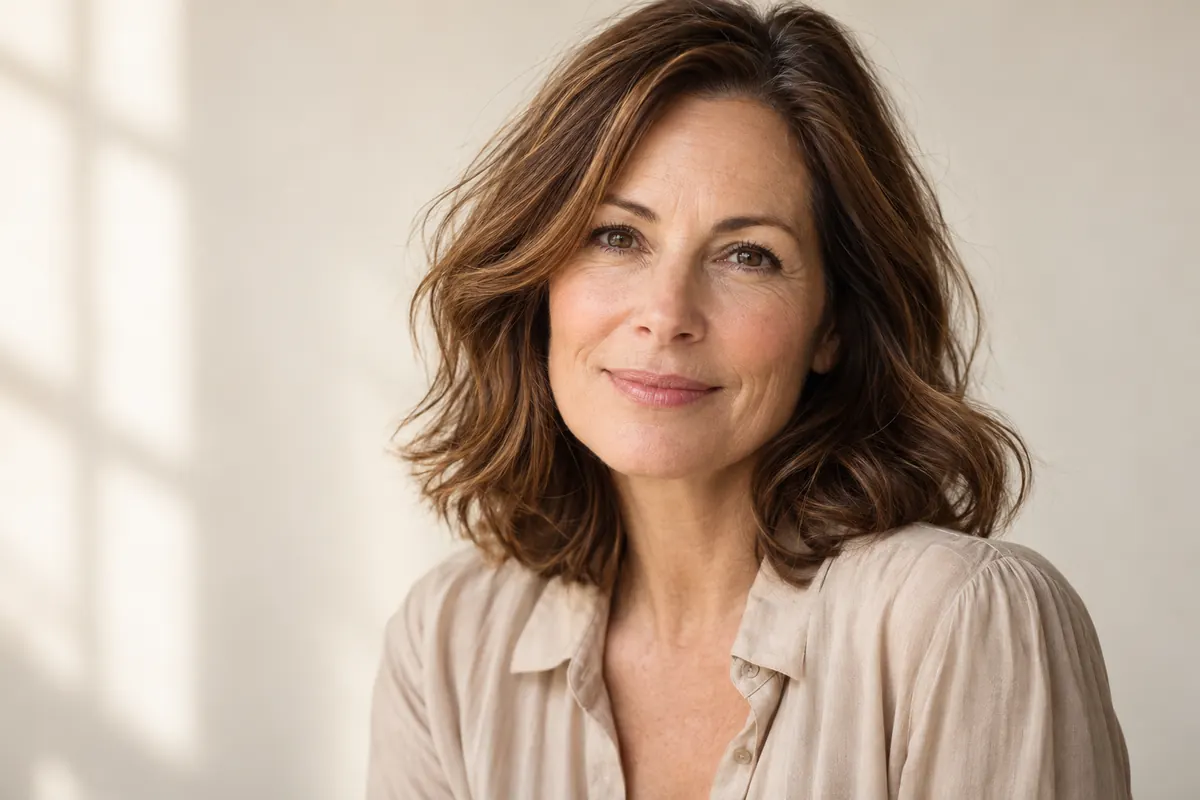 Illustration, not an editing result
Different looksChoose a preset
OnlineMobile and desktop
ReviewCheck the result
For adults18+ and consent
YOUR RESULTS
Compare original portraits with results made in the editor.
Examples will appear once photos are added. Meanwhile, try the tool with your own photo.
Open editor ↗POSSIBILITIES
Choose an age preset in the editor. The images below are illustrations, not processing results.
Explore a different adult portrait appearance.

Experiment with more pronounced wrinkles.
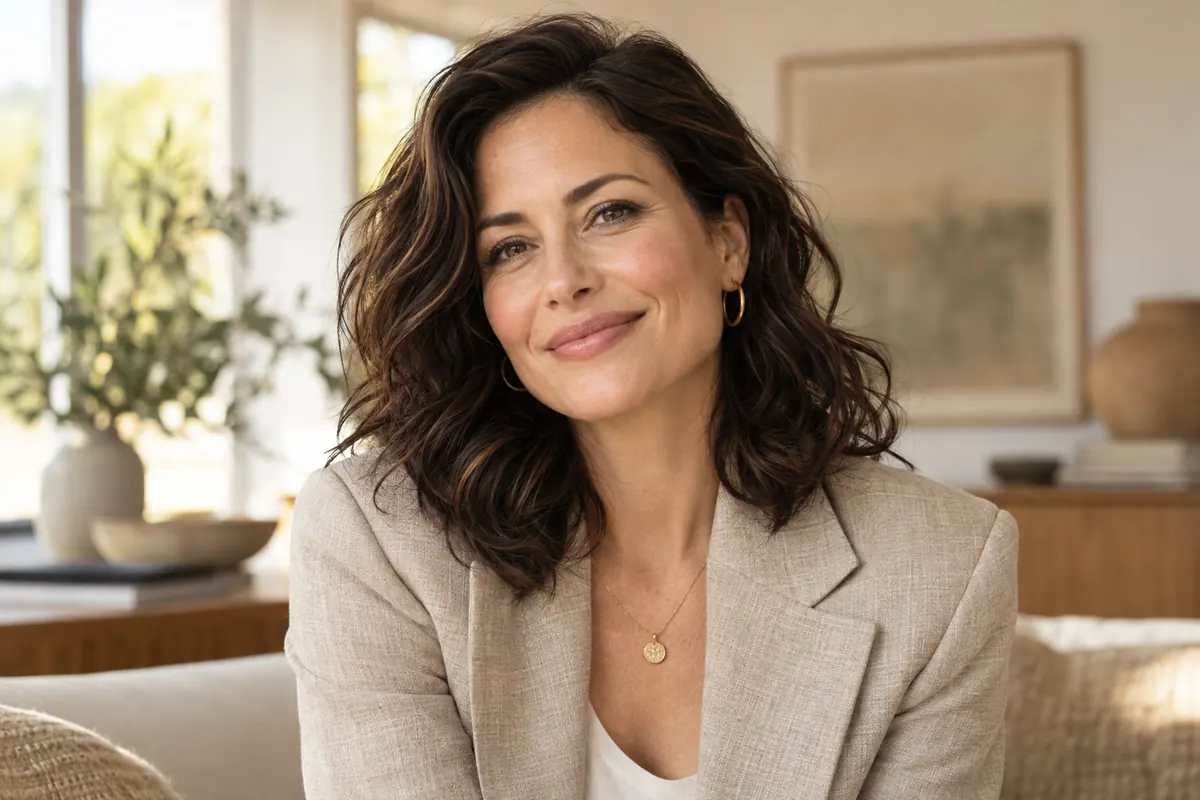
Change the impression of a portrait while keeping an adult appearance.
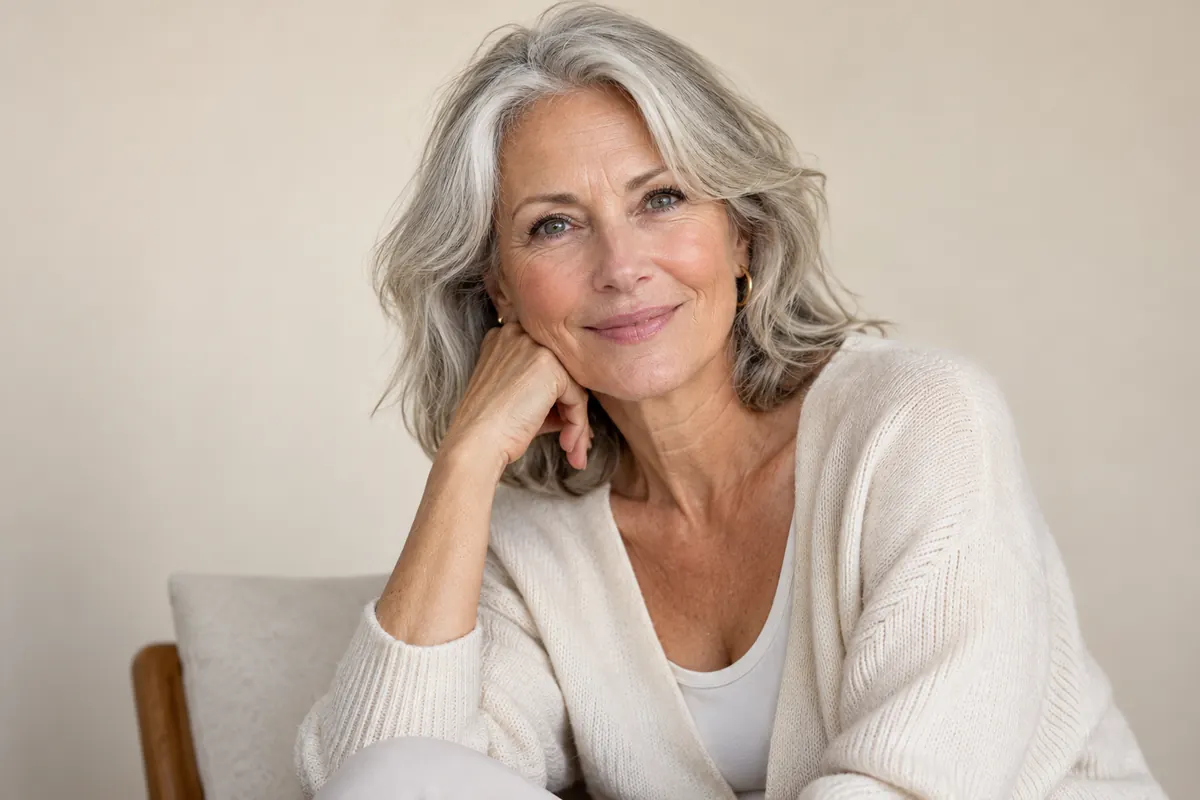
Try the tool on photos of consenting adults.
Illustration, not an editing result
HOW IT WORKS
Open the editor and choose a look for your portrait.
Choose a clear photo of a consenting adult.
Find the tool in the AI tools list.
Select an option and start processing.
Check the face and details, then download.
FOR YOUR IDEAS
Age editing is a creative interpretation, not an accurate prediction.
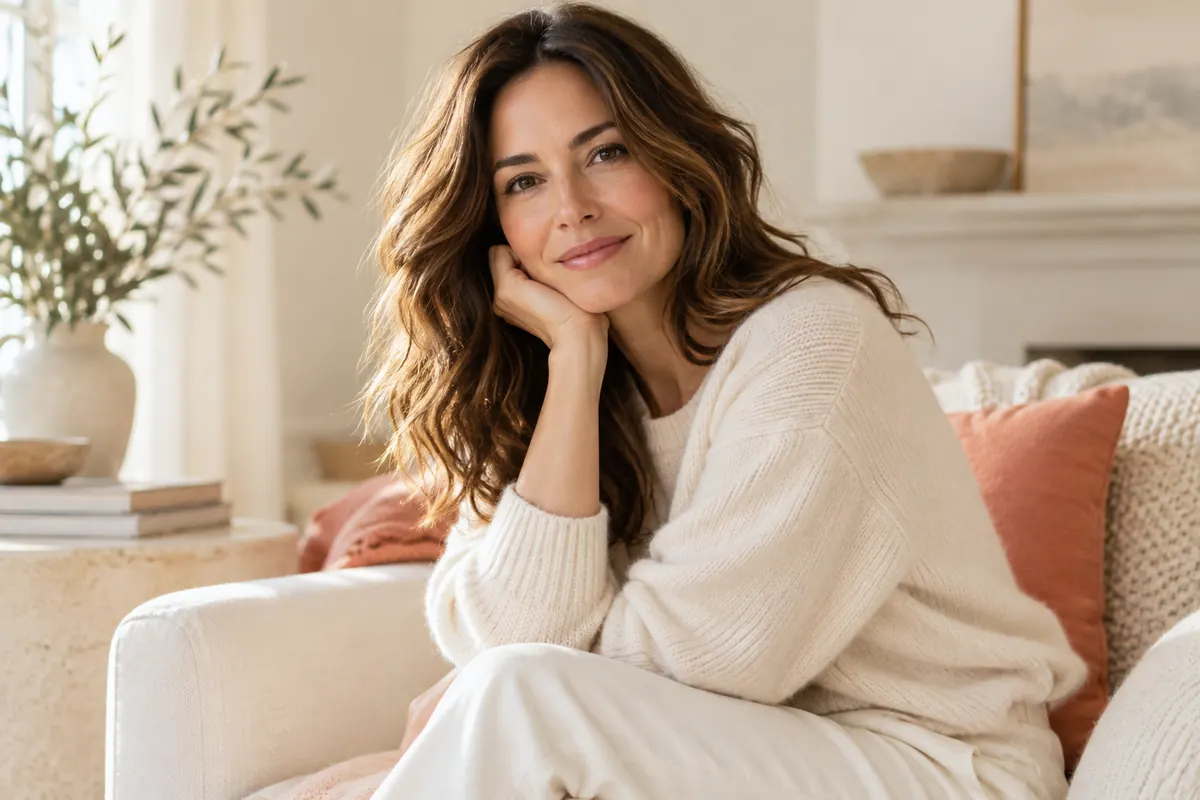
Experiment with the mood of an adult portrait.

Explore variations of a character for your idea.

Compare edits and save the one you like.
Illustration, not an editing result
ABOUT THE TOOL
AI processes the portrait based on your selected preset. Try a more mature or younger adult look and see how it changes the impression of your photo.
Results depend on the source image and preset. They are creative interpretations, not predictions of a person’s past or future appearance.
Open editor ↗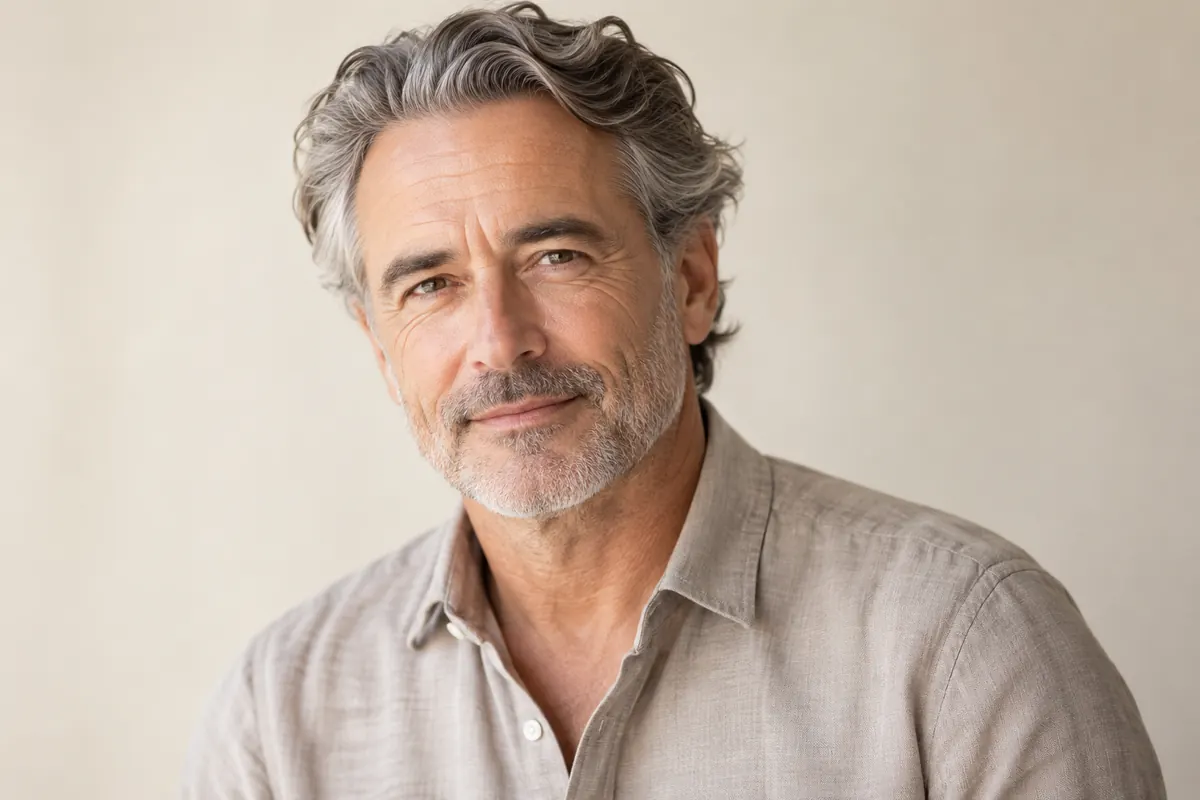
PHOTO PREPARATION
Start with a well-lit image where the face is visible.
Compare facial features, hair, skin and background to the original.
Use photos of consenting adults that you have the rights to use.
QUESTIONS AND ANSWERS
Upload a photo of a consenting adult, open the Age tool and select a preset.
You can try a younger adult look. The editor is for adults only.
No. It is a creative AI interpretation, not a reliable prediction.
The tool aims to retain a resemblance, but details can change. Compare the result to the source.
The editor shows the token cost before you start.
Only with the adult person’s consent and the rights to use their image.
AVACLIK / AI PORTRAIT
Open the editor, upload a photo and choose a preset.