01
Clear face
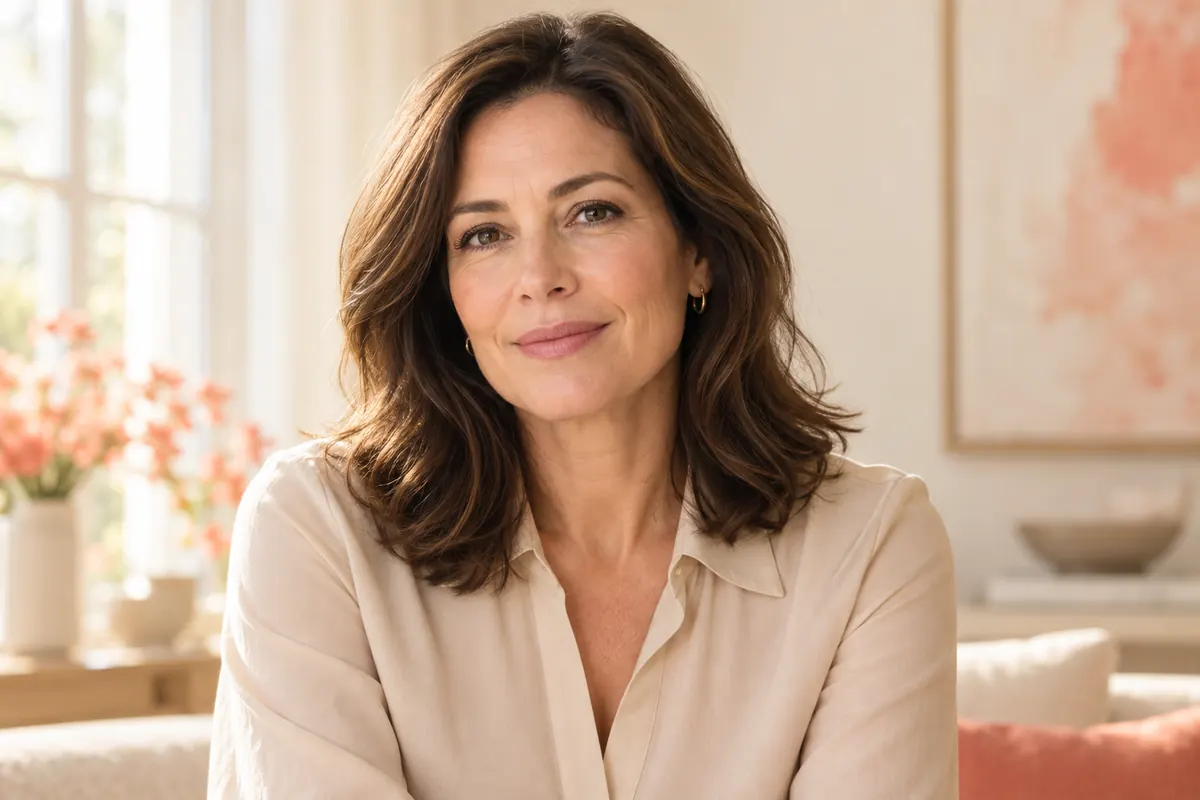
Choose a photo with a clearly visible face.
AVACLIK · AI PORTRAIT
Upload two photos of consenting adults and create a new portrait with AI.
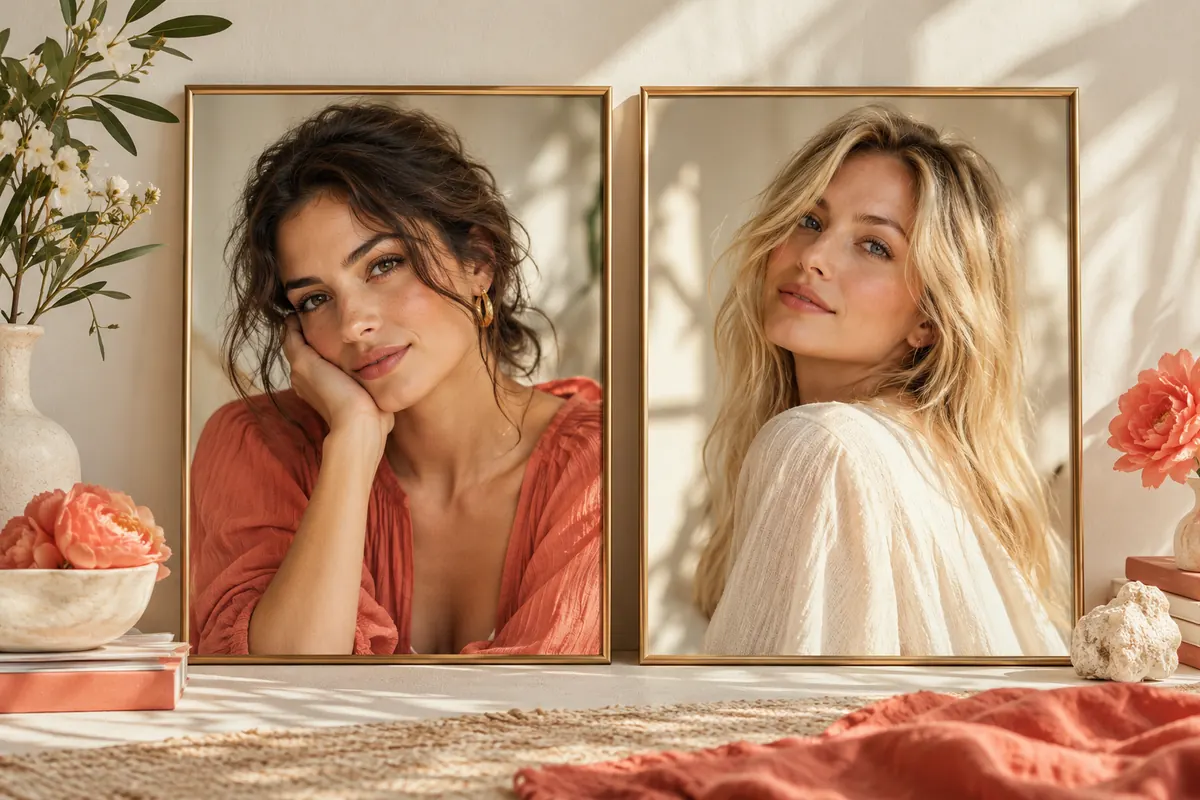 Illustration, not an editing result
Two photosOriginal and face
OnlineMobile and desktop
ReviewCheck the details
Adults only18+ and consent
YOUR RESULTS
Compare original portraits with results made in the editor.
Examples will appear once photos are added. Meanwhile, try the tool with your own photo.
Open editor ↗POSSIBILITIES
Choose photos of consenting adults. The images below are illustrations.
Choose a photo with a clearly visible face.
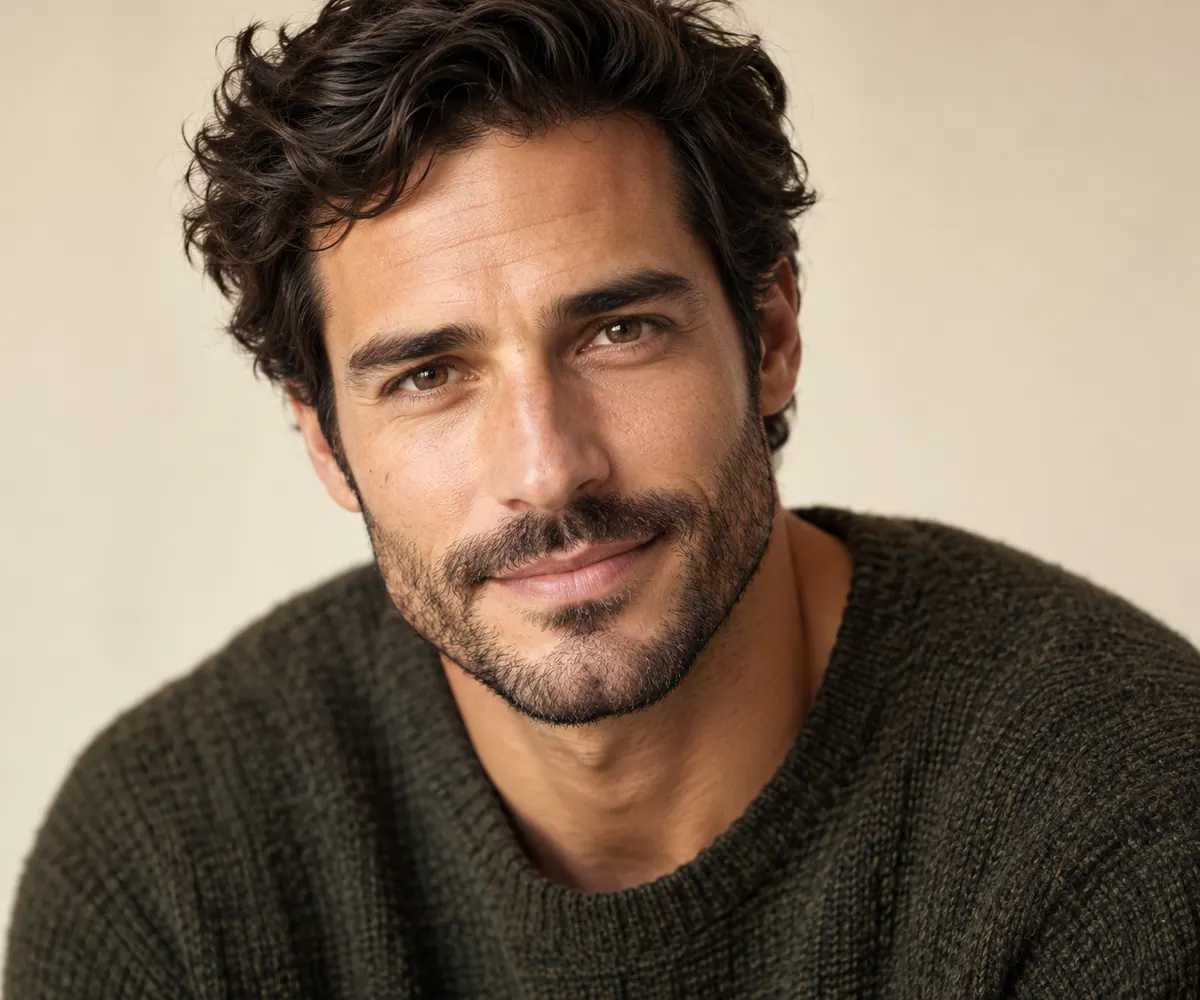
Compare head position and expression.
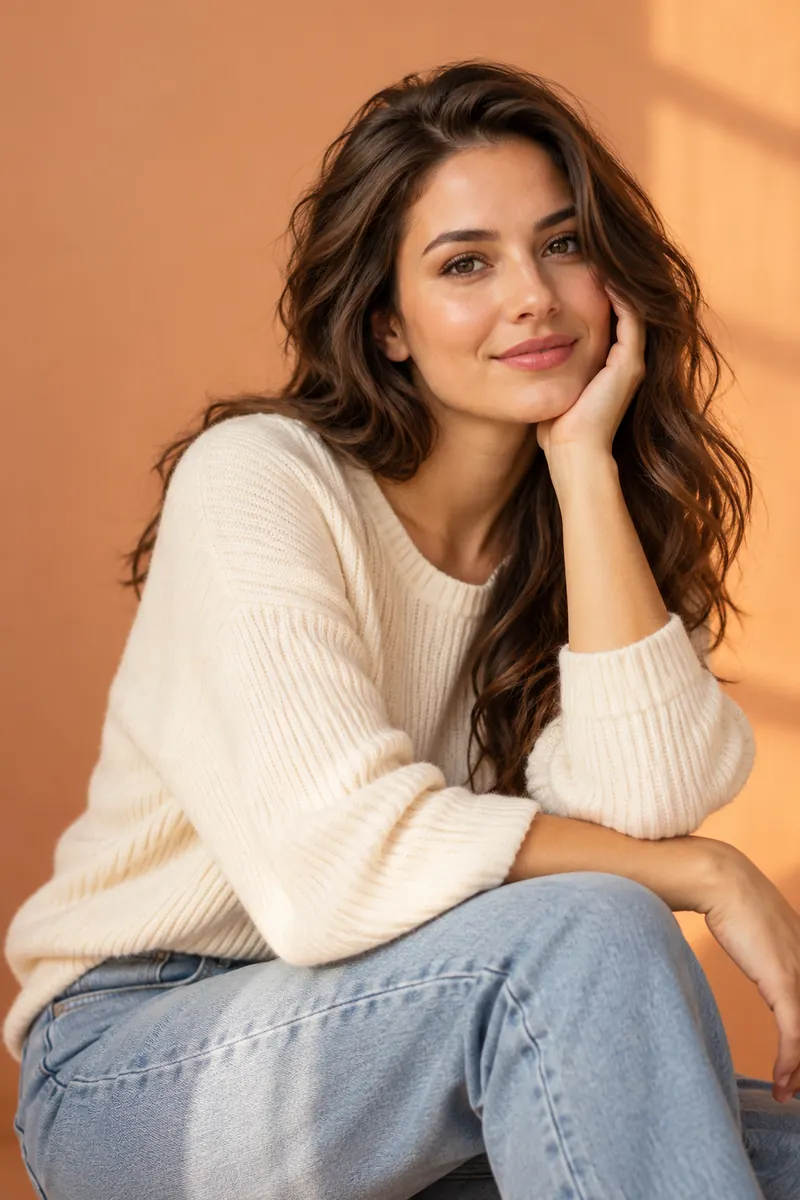
Start with an evenly lit photo.
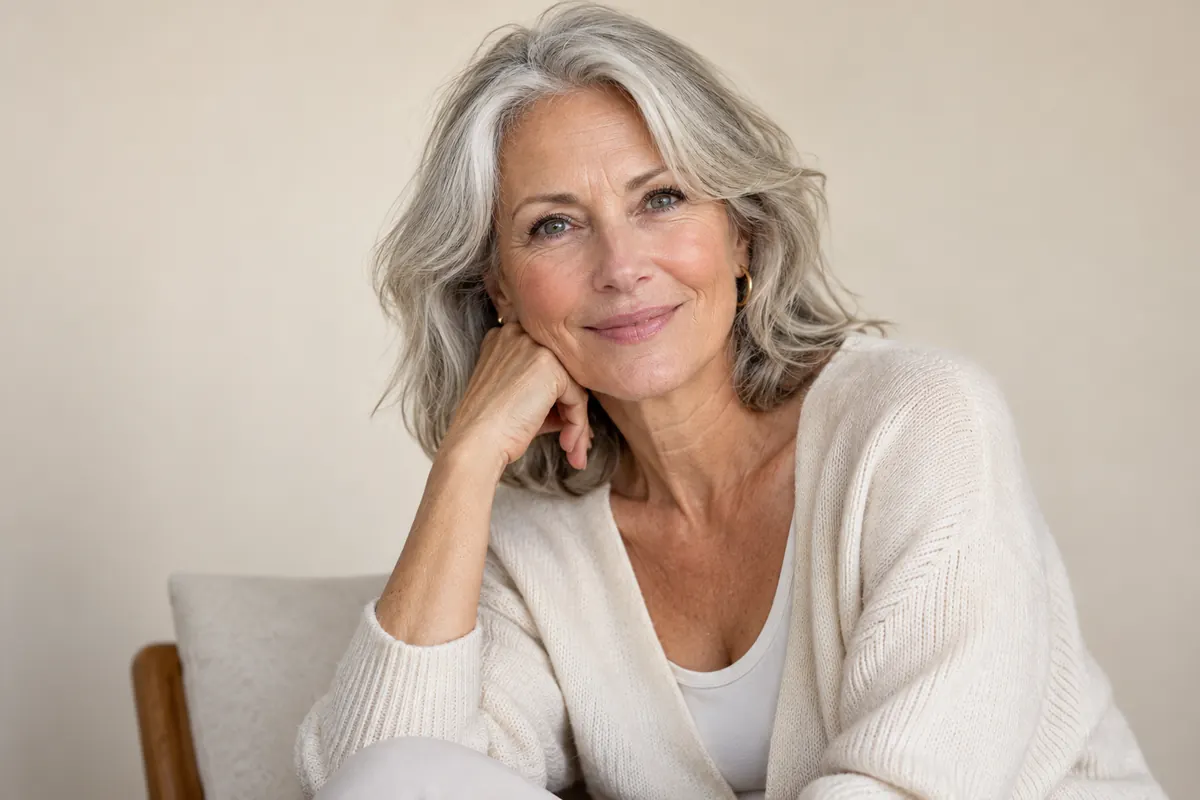
Only use photographs of adults.
Illustration, not an editing result
HOW IT WORKS
Prepare two photos and open the tool in the editor.
Choose a photo of a consenting adult.
Find the tool in the AI tools list.
Upload the second photo and run the edit.
Check details before downloading.
FOR YOUR IDEAS
Face swap supports creative portraits of consenting adults.
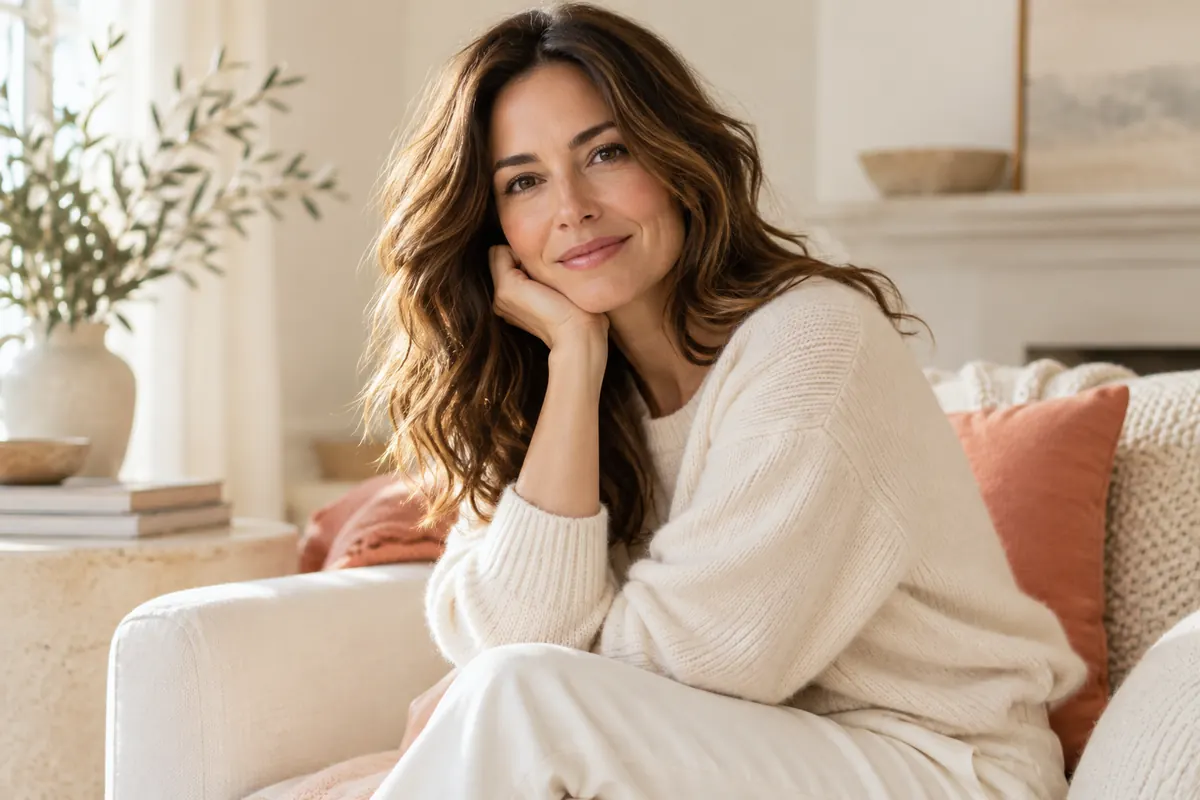
Try a different look in your photo.

Create an illustration for your idea.
Compare versions and save your favorite.
Illustration, not an editing result
ABOUT THE TOOL
The editor uses the face from the second photo and your original image to create a new portrait. Results depend on image quality, angle, and lighting.
Review the output: facial details, edges, skin tone, and background may differ from the original.
Open editor ↗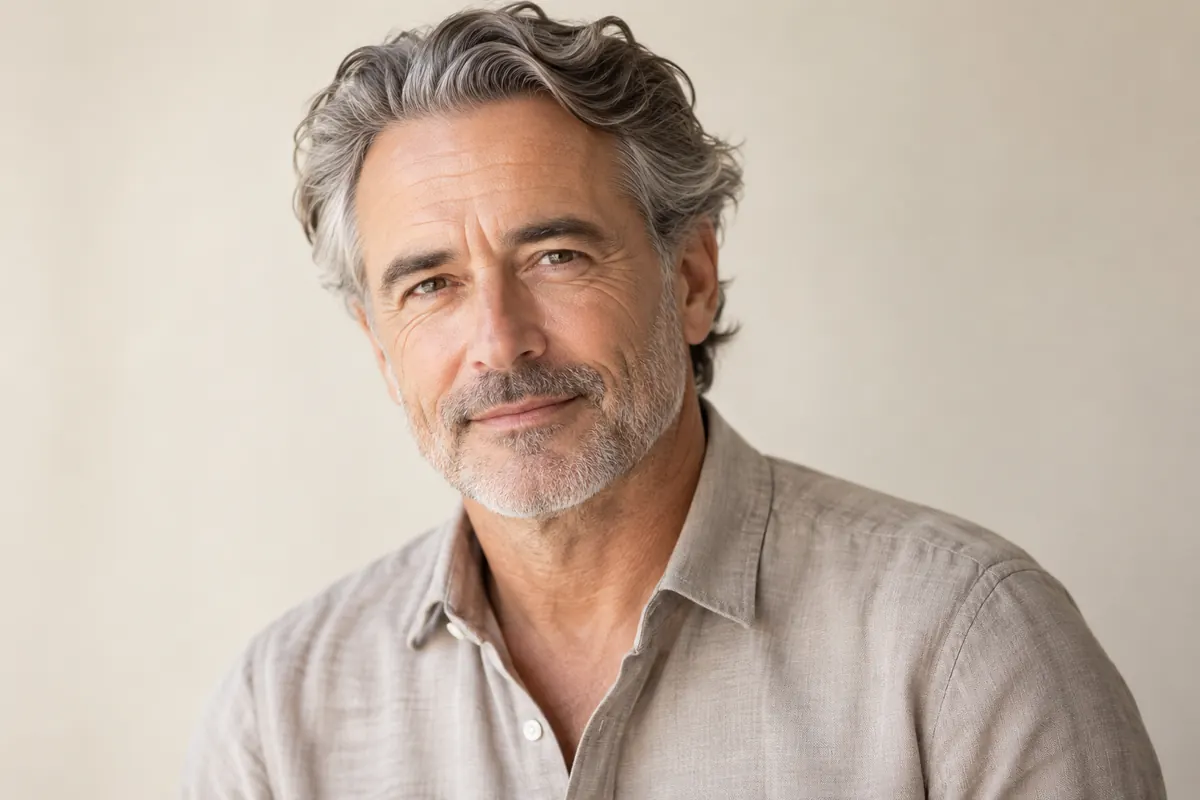
PHOTO PREPARATION
The face should be clearly visible.
Check face edges, lighting, and background.
Use photos of consenting adults and make sure you have rights to them.
QUESTIONS AND ANSWERS
Upload the original, open Face swap, and add a face photo.
Yes: the original and a face reference.
The tool tries to preserve it, but details may change.
Clear photos of adults with a visible face.
The token cost is shown in the editor before processing.
Only with the adult person’s consent and rights to use the images.
AVACLIK / AI PORTRAIT
Open the editor and choose photos of consenting adults.