50 migliori suggerimenti per il fotoritocco con l’IA: esempi da copiare e incollare
50 suggerimenti di fotoritocco basati sull'IA, pronti all'uso, per ritratti, abiti, sfondi, illuminazione, capelli, trucco, modifiche del corpo, restauro e risultati realistici, con pratici consigli per la conservazione.
In questo articolo
Apri lo strumento AvaClik collegato a questa guida e provalo sulla tua foto.
Le richieste di modifica delle foto generate dall’IA funzionano al meglio quando si comportano come un breve brief di ritocco: indicano cosa deve essere modificato, descrivono il risultato in termini visivi concreti e specificano i dettagli che devono rimanere invariati. Gli esempi seguenti sono pensati per foto caricate, non per la generazione di immagini da testo. Puoi copiarli così come sono, sostituire i dettagli tra parentesi quadre o usarli come punto di partenza per la tua modifica.
L’obiettivo non è rendere ogni richiesta troppo lunga. L’obiettivo è eliminare l’ambiguità. Una richiesta utile di solito contiene tre idee: modifica questo, fallo apparire cosìe mantieni questi dettagli invariati. Se il risultato non è ancora soddisfacente, accorcia la richiesta e proteggi in modo più esplicito gli elementi più importanti.
Change [one thing] to [specific result]. Keep [face / pose / framing / background / other important details] unchanged. Match the original lighting, perspective and photographic texture.Puoi provare uno qualsiasi di questi prompt nell’editor di foto AI di AvaClik per prompt. Per una spiegazione più approfondita della struttura dei prompt, consulta Come scrivere prompt per la modifica di foto con l’IA che funzionino davvero.
Come utilizzare questi prompt per la modifica di foto con l’IA
- Carica un’immagine sorgente nitida di cui hai il diritto di modificare.
- Scegli il prompt più vicino al tuo obiettivo.
- Sostituisci tutto ciò che è tra parentesi quadre con i tuoi dettagli.
- Mantieni la linea di conservazione se l’identità, la posa, l’inquadratura o lo sfondo sono importanti.
- Genera la modifica e controlla viso, mani, contorni, illuminazione e piccoli dettagli a grandezza naturale.
- Se qualcosa non correlato è cambiato, rivedi solo quella parte della richiesta invece di riscrivere tutto.
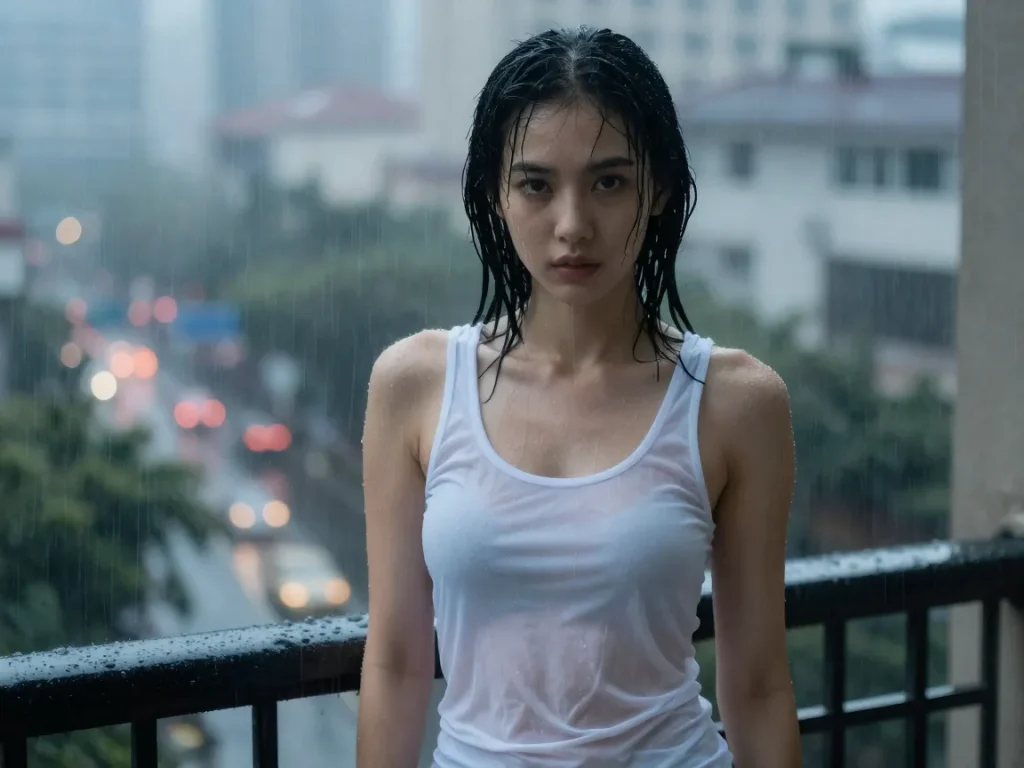
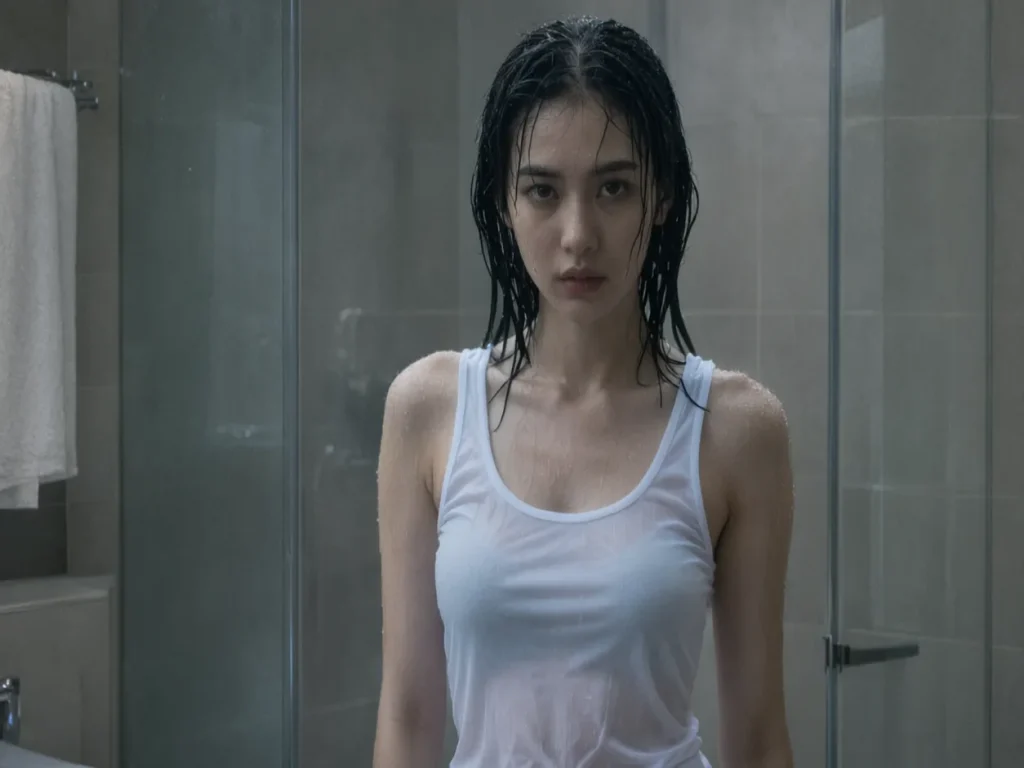
1. Richieste di ritocco per ritratti
È facile esagerare con le modifiche ai ritratti. Se desideri un risultato credibile, richiedi piccole correzioni e proteggi esplicitamente l’identità, la forma del viso e la texture naturale della pelle.
Retouch the portrait lightly: even out skin tone, reduce temporary blemishes and harsh shine, and soften under-eye shadows. Keep the person’s face shape, facial features, freckles, pores, hairline, expression and age unchanged; preserve realistic skin texture and the original lighting.
Usa questa opzione quando desideri un ritocco senza l’effetto «filtro bellezza» artificiale.
Turn this photo into a clean professional headshot with a neutral studio background, soft front-side lighting and natural contrast. Keep the person’s identity, facial proportions, hairstyle and expression recognizable; preserve realistic skin and avoid changing the apparent age.
Se l’immagine di partenza è ritagliata strettamente, chiedi di mantenere la stessa inquadratura invece di inventare spalle o vestiti.
Soften the harsh facial shadows and balance the exposure while keeping the same direction of light. Do not change the face, hairstyle, expression, pose, clothing or background; keep the result photographic and natural.
Questa opzione è più sicura rispetto a chiedere di «rendere il viso più bello».
Make the eyes look slightly clearer and better lit without changing their shape, size, color or position. Keep the face and all other features exactly as close to the original as possible; avoid heavy sharpening or artificial glow.
Istruzioni discrete riducono il rischio di alterazione dell’identità.
Remove only temporary blemishes and small skin distractions while keeping permanent features such as moles, freckles, fine lines and natural texture. Do not reshape the face or smooth the skin excessively.
Ottima per ritocchi realistici in cui i dettagli permanenti dell’identità sono importanti.
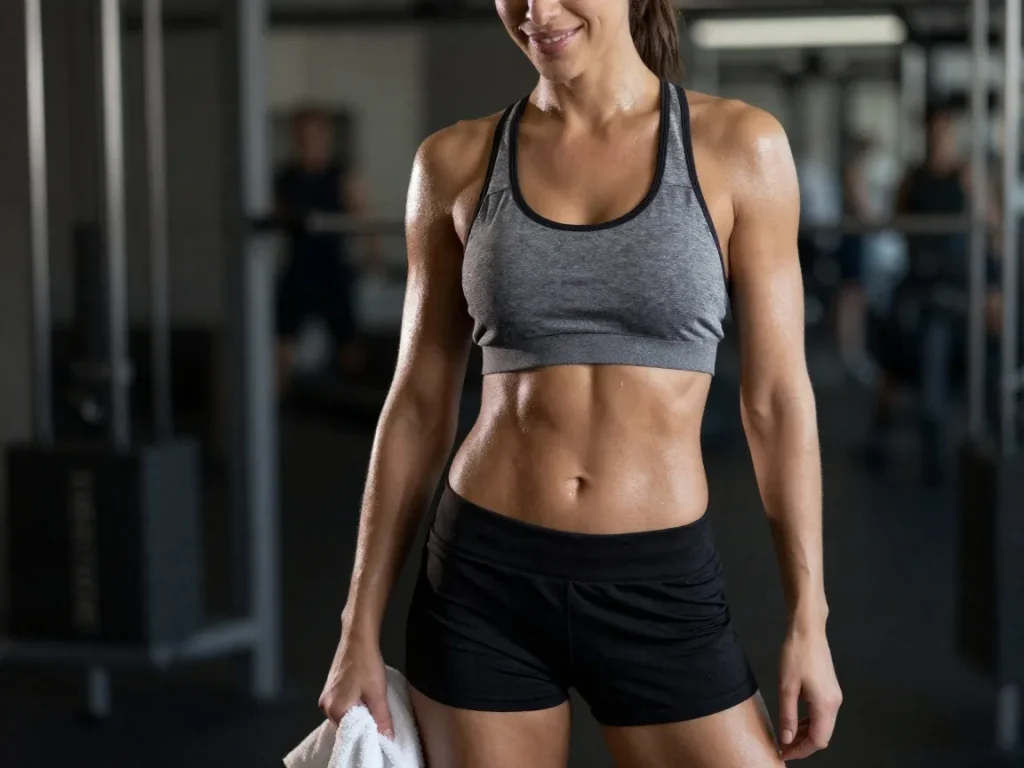
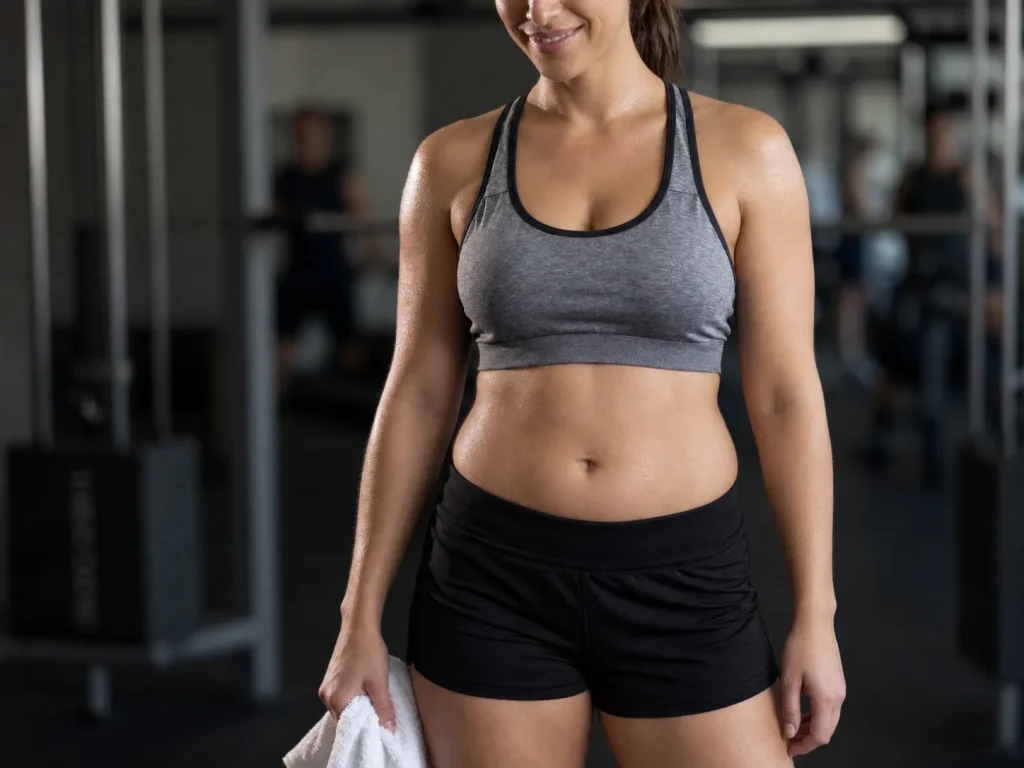
2. Suggerimenti su abbigliamento e vestiti
2. Suggerimenti su abbigliamento e vestiti
Le modifiche all’abbigliamento sono più efficaci quando si descrive il capo anziché limitarsi a indicarne lo stile. Menzionate materiale, taglio, colore e vestibilità, quindi proteggete il viso, le proporzioni del corpo, la posa e l’ambiente.
Replace the current top with a fitted black leather jacket with realistic seams, subtle texture and natural folds. Keep the person’s face, body proportions, pose, hands, hairstyle, background and camera angle unchanged; match the original lighting and shadows on the jacket.
Le parole «pieghe realistiche» e «corrispondenza con l’illuminazione originale» aiutano il nuovo capo a integrarsi nella foto.
Change the outfit to an elegant black evening dress with clean tailoring and realistic fabric drape. Keep the face, hairstyle, body shape, pose, hands, jewelry, background and framing unchanged; make the dress follow the existing body position naturally.
Se le maniche originali si sovrappongono all’abito, ispeziona attentamente i bordi e le dita.
Replace the current shirt with a relaxed white linen button-up shirt, slightly textured and naturally wrinkled. Keep the person, pose, face, body proportions, trousers, background and lighting unchanged.
Termini relativi al materiale come lino, raso o denim forniscono indicazioni visive più utili rispetto a «premium».
Change only the outfit to modern neutral streetwear: an oversized charcoal hoodie and clean black trousers. Keep the same face, hairstyle, body proportions, pose, shoes, background, lighting and crop.
«Cambia solo l’abito» è utile quando tutto il resto è già corretto.
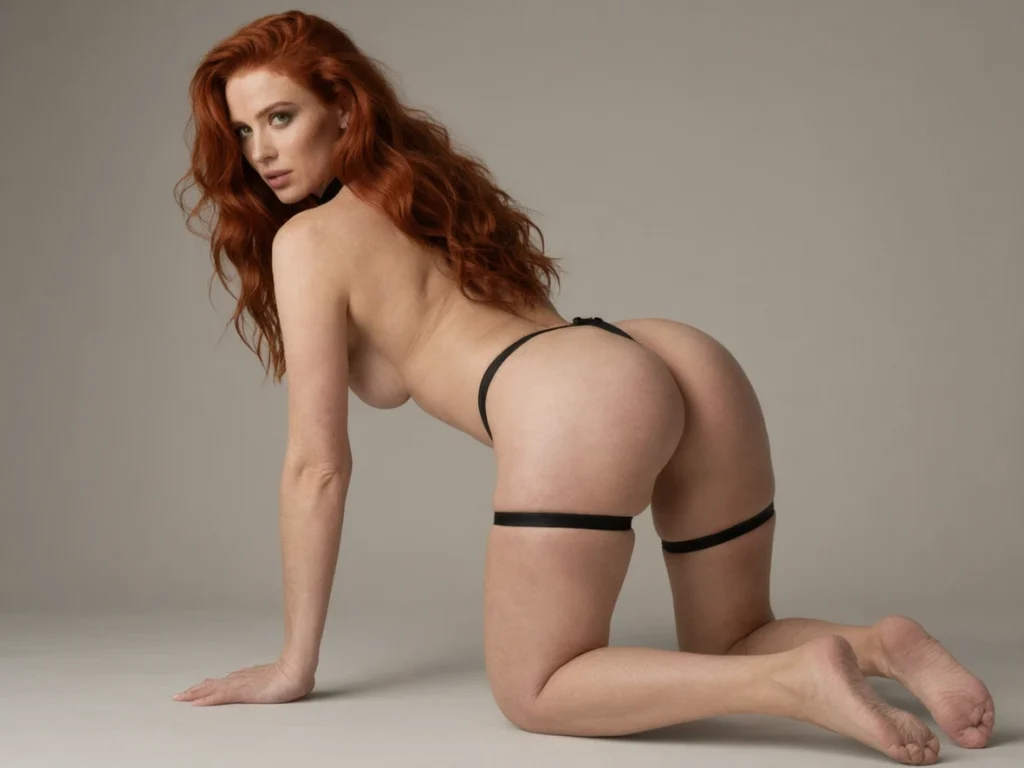
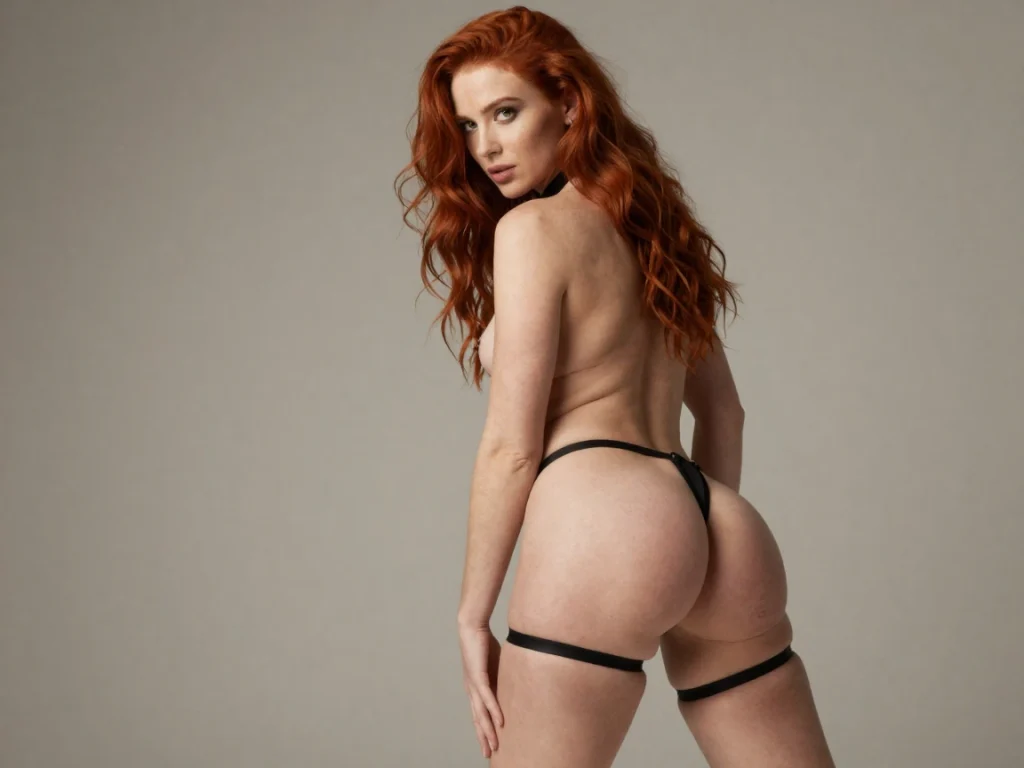
For this consenting adult portrait, replace the outfit with tasteful black lingerie suitable for a boudoir photoshoot. Keep the adult subject’s face, body proportions, pose, hairstyle, room, camera angle and lighting unchanged; use realistic fabric, straps, shadows and fit.
Da utilizzare solo con soggetti adulti e immagini per le quali si hanno i diritti e il consenso alla modifica.
3. Suggerimenti per la sostituzione dello sfondo
Quando si sostituisce uno sfondo, descrivere il nuovo ambiente e indicare all’editor come il soggetto dovrebbe integrarsi in esso. Prospettiva, profondità di campo, temperatura del colore e ombre di contatto sono importanti tanto quanto lo sfondo stesso.
Replace only the background with a modern luxury apartment at night: dark wood, large windows, soft warm practical lights and a subtle city view. Keep the person, face, outfit, pose, camera angle and framing unchanged; match the new room’s light direction to the subject without over-relighting the face.
Uno sfondo credibile non dovrebbe far sembrare la persona incollata.
Replace the background with a realistic beach at sunset, warm sky near the horizon and soft reflected light. Keep the person, clothing, pose and framing unchanged; preserve natural edge detail around hair and match the subject’s shadows to the scene.
I bordi dei capelli sono un buon punto di riferimento per valutare se la composizione risulta naturale.
Replace the background with a seamless warm-gray photography studio backdrop. Keep the subject, face, clothing, pose, crop and lens perspective unchanged; add only a subtle realistic floor shadow where appropriate.
Utile per ritratti e immagini profilo in stile prodotto.
For this consenting adult portrait, replace the room with an upscale hotel bedroom suitable for a tasteful boudoir photoshoot: soft lamps, neutral bedding and warm low-contrast light. Keep the adult subject’s identity, body proportions, pose, outfit and framing unchanged.
È preferibile descrivere una scena completamente nuova piuttosto che una foto.
Replace the background with a realistic city street at night after rain, with soft storefront light and subtle reflections on the pavement. Keep the subject, pose, outfit, face and camera perspective unchanged; make the color temperature and edge lighting consistent.
Se si desidera realismo, è consigliabile richiedere riflessi delicati anziché luci al neon eccessive.
4. Indicazioni su illuminazione e colore
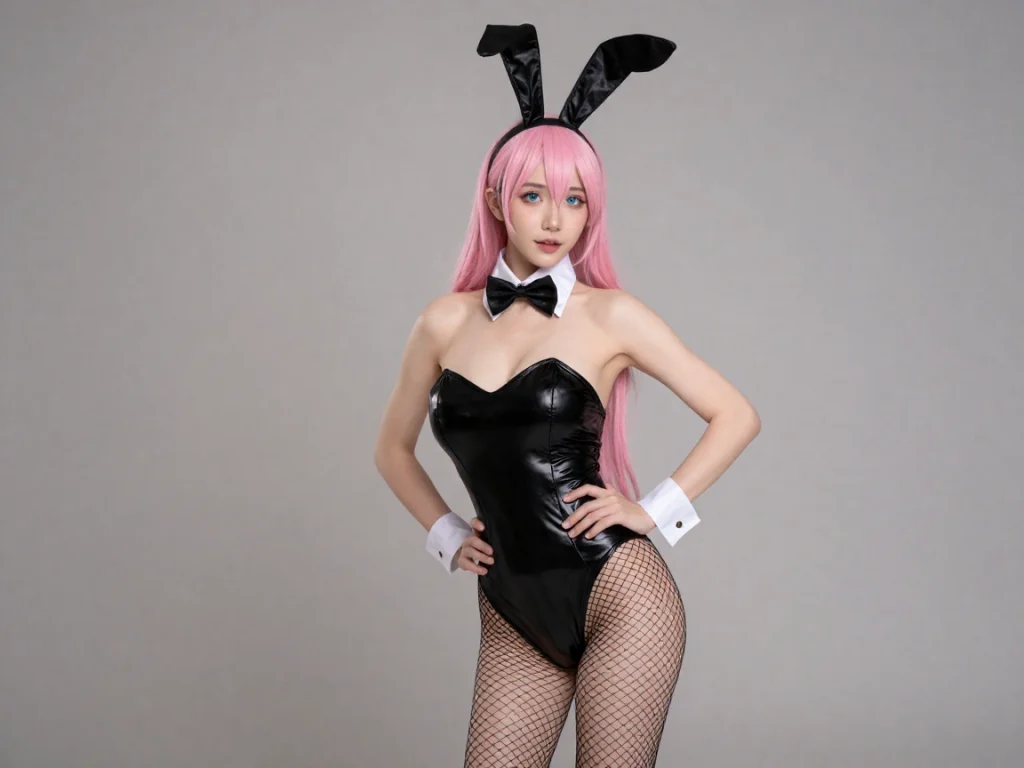
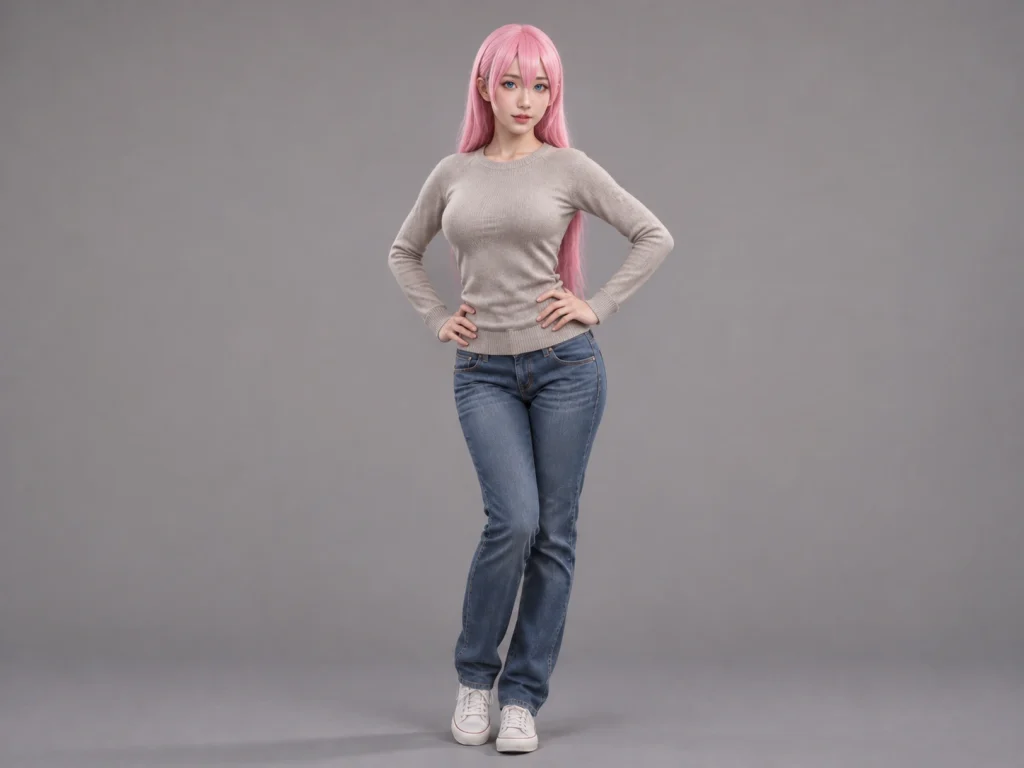
Le indicazioni sull’illuminazione dovrebbero descrivere la direzione e la qualità, non solo l’atmosfera. «Luce calda e soffusa proveniente da sinistra» è più utile di «illuminazione cinematografica».
Relight the portrait with soft natural window light coming from camera-left, with gentle shadow falloff and realistic skin highlights. Keep the face, expression, pose, outfit, background and framing unchanged; avoid dramatic color shifts.
Direzione + morbidezza + cosa preservare sono solitamente sufficienti.
Shift the scene toward believable golden-hour lighting with warm highlights and slightly cooler shadows. Keep the subject, face, clothing, environment and composition unchanged; do not add a fake sun flare unless it fits the existing camera angle.
Evitate «tutto arancione»; la vera ora d’oro presenta ancora zone neutre e fredde.
Correct the mixed color cast so skin tones look natural and the scene feels lit by one coherent source. Keep the face, pose, clothes, background and exposure balance unchanged; preserve realistic contrast.
Ottimo per le foto in interni con contaminazioni di colore verdi o arancioni.
Make the lighting lower-key and more dramatic using one soft side light, but retain detail in the eyes and skin. Keep the person’s identity, expression, pose, clothing and background unchanged; maintain realistic shadow density.
Specificare «mantenere i dettagli» in modo che il risultato non schiacci il viso rendendolo nero.
Apply a subtle high-end editorial color grade: controlled contrast, natural skin tone, slightly muted background colors and no heavy filter. Keep all geometry, face, clothing and lighting direction unchanged.
Le richieste di correzione colore non devono trasformarsi accidentalmente in un restyling completo.
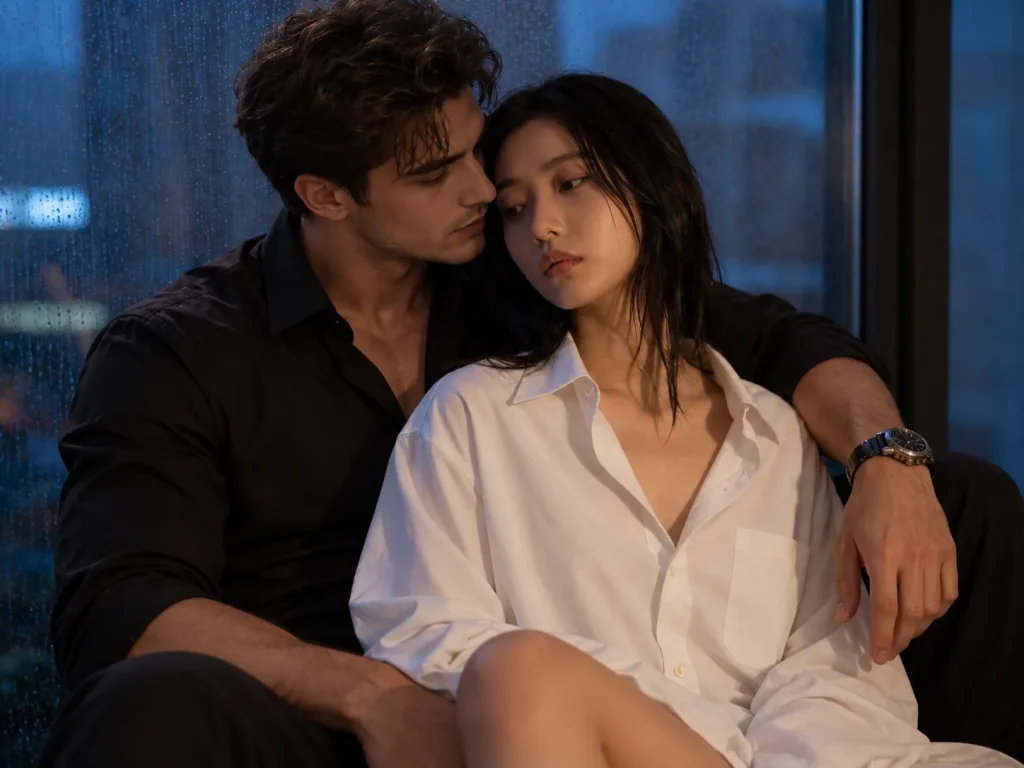
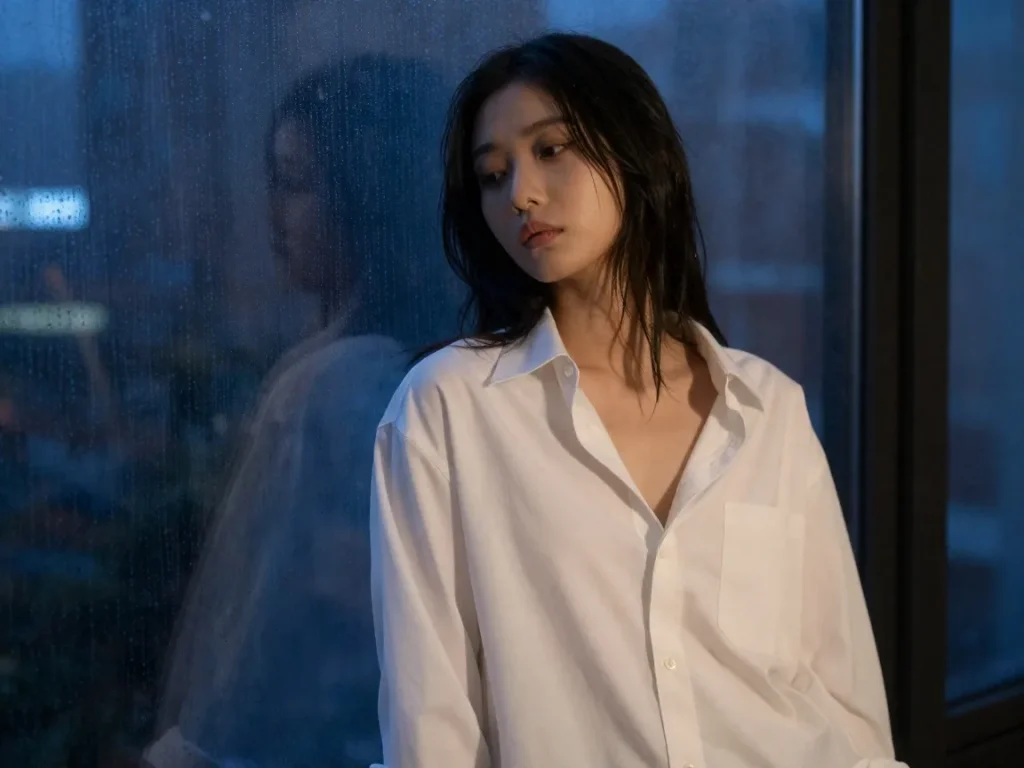
5. Richieste per capelli e trucco
Le modifiche a capelli e trucco possono cambiare rapidamente l’identità percepita. Proteggere le proporzioni del viso e mantenere lo styling richiesto specifico, piuttosto che chiedere una trasformazione «glamour» generica.
Change the hairstyle to long, natural loose waves while keeping the same hair color and realistic strand texture. Keep the face, forehead shape, eyebrows, expression, body, outfit, pose, background and lighting unchanged.
L’attaccatura dei capelli e la forma della fronte sono utili punti di riferimento per l’identità.
Change only the hairstyle to a clean chin-length bob with natural volume and realistic individual strands. Keep the face, hair color, expression, body, outfit, pose and background unchanged.
Se i capelli originali coprono le spalle, ispezionare i bordi degli abiti ricostruiti.
Add tasteful evening makeup: subtle eyeliner, defined lashes, natural skin finish and muted rose lipstick. Keep the face shape, eye shape, nose, lips, skin texture, hair, expression and lighting unchanged.
Richiedere un trucco sopra il viso esistente, non una «trasformazione di bellezza».
Reduce heavy makeup to a clean natural look while preserving the same person and facial structure. Keep realistic skin texture, brows, eye shape, hairstyle, expression and lighting unchanged.
Utile per rimediare a un ritratto troppo elaborato.
Change only the lipstick to a classic deep red with realistic lip texture and edges. Keep the lips’ shape, teeth, face, skin, makeup, hair and everything else unchanged.
Le modifiche a variabile singola sono le più facili da valutare.
6. Richieste di aggiunta, rimozione e pulizia di oggetti
Le modifiche agli oggetti devono specificare la posizione e la texture di sostituzione. Se si rimuove qualcosa, indicare all’editor cosa dovrebbe realisticamente rimanere dietro di esso.
Remove the small clutter items from the table behind the subject and reconstruct the visible table surface and wall naturally. Keep the person, face, clothing, pose, lighting, camera angle and all other objects unchanged.
L’istruzione di ricostruzione è importante dopo la rimozione.
Remove the background person on the far left and reconstruct the wall and floor behind them naturally. Keep the main subject, framing, lighting and all other scene details unchanged.
Utilizzare solo quando la persona da rimuovere è chiaramente identificabile dalla posizione.
Add realistic black sunglasses to the subject, correctly aligned to the face with believable reflections and shadows. Keep the face proportions, hairstyle, expression, pose, outfit, background and lighting unchanged.
I piccoli accessori necessitano di scala, allineamento e coerenza delle ombre.
Add a thin silver necklace that follows the neck and collarbone naturally, with subtle reflections matching the original light. Keep the face, body, outfit, pose and background unchanged.
Evita termini vaghi come «gioielli di lusso» a meno che tu non voglia effettivamente una modifica sostanziale al design.
Remove visible dust and spots from the mirror while keeping the reflection, person, room, lighting, crop and mirror geometry unchanged. Do not alter the subject’s face or body.
Un buon prompt di pulizia specifica sia il difetto che il contenuto che deve rimanere intatto.
7. Prompt relativi a corpo, posa e inquadratura
Le modifiche alla posa e al corpo influiscono su una geometria più complessa rispetto al semplice ritocco. Assicurati che la modifica richiesta sia modesta, descrivila fisicamente e, successivamente, controlla mani, articolazioni, tensione degli abiti e geometria dello sfondo.
Improve the posture slightly by bringing the shoulders back and making the stance look more upright and natural. Keep the face, body proportions, clothing, hands, background, camera angle and overall pose recognizable; do not make the body slimmer or more muscular.
Il «leggermente» è importante quando si desidera una correzione piuttosto che una nuova posa.
Adjust the upper-body pose so the shoulders are turned a little more toward the camera while keeping the head position and expression natural. Preserve identity, body proportions, outfit, hands, background and framing.
Controllare le pieghe dell’indumento intorno alle spalle dopo la generazione.
Adjust the visible arm into a more relaxed natural position beside the body. Keep the face, torso proportions, clothing style, other limbs, background and camera perspective unchanged.
Evitare di richiedere dettagli anatomici precisi che sono nascosti nell’immagine originale.
For this consenting adult photo, make a subtle natural waist refinement while preserving the person’s overall body type and proportions. Keep the face, pose, clothing, hands, background, lighting and perspective unchanged; avoid exaggerated anatomy.
Utilizzare un linguaggio misurato se il realismo è importante.
Expand the image to a 4:3 composition by extending the existing environment naturally around the subject. Keep the person, face, body, clothing, pose and existing central content unchanged; continue perspective, lighting and textures consistently.
Utile quando è necessario più spazio intorno a un ritratto esistente.
8. Suggerimenti per il restauro e la qualità
I suggerimenti per il restauro dovrebbero proteggere il carattere storico o fotografico dell’immagine originale, anziché trasformare ogni vecchia immagine in un ritratto sintetico moderno.
Restore this faded photo by improving contrast, reducing color cast and repairing minor dust or scratches. Keep every person’s identity, expression, clothing, pose, framing and period-appropriate photographic character unchanged; do not invent modern details.
Il ripristino deve preservare l’originale, non reinterpretarlo.
Reduce visible JPEG blocking and edge artifacts while preserving natural detail. Do not reshape the face, change skin texture, alter text, add objects or modify the composition.
Utile per le immagini web che appaiono sgranate a grandezza naturale.
Reduce chroma noise and coarse grain in the dark areas while preserving real texture and fine details. Keep the subject, face, lighting mood, color, background and framing unchanged; avoid waxy skin.
La riduzione del rumore non deve trasformarsi in levigatura della pelle.
Improve perceived sharpness slightly on the eyes, hair and important edges without adding halos or changing facial features. Keep skin texture natural and leave the composition, color and lighting unchanged.
«Leggermente» e «senza aloni» mantengono la richiesta moderata.
Repair the small damaged area at [location] by reconstructing the surrounding texture naturally. Keep the rest of the image, people, text, objects, colors and framing unchanged.
Identifica sempre l’area danneggiata anziché richiedere una rigenerazione completa dell’immagine.
9. Richieste creative ma fotografiche
Un’elaborazione creativa può comunque sembrare una vera fotografia. Ancorate la richiesta a un’illuminazione, a materiali e a un comportamento della fotocamera credibili, invece di usare parole come «capolavoro», «8K» e «ultra-dettagliato».
Give the photo a restrained 35mm film look with gentle grain, slightly softer highlight roll-off and natural color separation. Keep the person, face, pose, clothing, background and composition unchanged; avoid heavy vintage filters.
Un vero look cinematografico è spesso sottile.
Add the feeling of a rainy evening outside the existing window: realistic droplets on the glass and soft cool exterior reflections. Keep the person, face, room, pose and interior lighting unchanged; do not cover the subject with fake rain.
Descrivi dove si inserisce l’effetto.
Restyle only the lighting to resemble direct but flattering on-camera flash in a dark indoor environment, with realistic falloff and shadows. Keep the subject, face, pose, outfit, room and framing unchanged.
Il flash ha un comportamento specifico delle ombre; preserva la scena.
Give the existing photo a polished fashion-editorial finish through subtle color grading, clean contrast and controlled texture. Keep the same subject, face, pose, outfit, background and camera angle; do not redesign the scene.
Una «rifinitura editoriale» dovrebbe essere uno strato finale, non una nuova immagine.
For this consenting adult portrait, create a tasteful warm boudoir photography look using soft directional lamp light, natural skin texture and gentle contrast. Keep the adult subject’s identity, pose, body proportions, room and framing unchanged.
Questa è una modifica di stile, non un’istruzione per inventare contenuti espliciti.
10. Suggerimenti per precisione e conservazione
Questi suggerimenti sono utili quando la modifica in sé è semplice, ma la vera sfida è preservare tutto ciò che la circonda.
Change only the [object or garment] from [current color] to [new color]. Preserve its shape, material, folds, logos, reflections and shadows, and keep every other part of the image unchanged.
Ottimo modello per verificare se il modello rispetta le dimensioni.
Make the requested edit to [target] only. Preserve the person’s identity as closely as possible: keep facial proportions, eye shape and spacing, nose, lips, jawline, hairline, skin marks and expression consistent with the uploaded photo.
Per maggiori dettagli, consulta la guida dedicata sulla stessa faccia.
Change the environment around the product to [new setting], but keep the product itself, its proportions, logo, label text, packaging colors and visible reflections unchanged. Match the new scene’s lighting without redrawing the label.
Testi e loghi meritano una protezione esplicita.
Apply only [requested adjustment]. Keep the exact crop, camera angle, subject position, horizon, object placement and negative space unchanged; do not zoom, outpaint or reframe the image.
Utile quando un editor continua a modificare l’area di lavoro.
Apply the requested edit while keeping the result photorealistic: preserve natural skin texture, believable fabric folds, correct anatomy, coherent shadows, realistic reflections, consistent perspective and the original camera character.
Questa funziona bene come vincolo finale dopo l’istruzione di modifica principale.
Come trasformare questi esempi in un prompt personalizzato
Non copiare un prompt ciecamente se la tua immagine è diversa. Mantieni la struttura ma sostituisci le parti importanti. Un brief di modifica utile di solito risponde a cinque domande:
- Obiettivo: Quale parte dell’immagine dovrebbe modificare il modello?
- Risultato: Cosa dovrebbe diventare esattamente l’obiettivo?
- Dettagli visivi: Quali colori, materiali, luci o ambientazioni definiscono il risultato?
- Conservazione: Cosa deve rimanere riconoscibile o invariato?
- Verifica della realtà: Quali relazioni fisiche devono rimanere credibili?
Se il primo risultato modifica il volto, leggi Come mantenere lo stesso volto quando si modificano le foto con l’IA. Se il risultato appare artificiale, utilizza le tecniche descritte in Come ottenere risultati realistici con il fotoritocco tramite IA. Se hai già ottenuto un risultato scadente e devi diagnosticarlo, consulta: Come correggere le modifiche fotografiche con l’IA di scarsa qualità.
Domande frequenti
Le istruzioni più lunghe per la modifica delle foto con l’IA funzionano meglio?
Non automaticamente. Un’istruzione più lunga è utile solo quando le parole aggiuntive riducono l’ambiguità. Dieci parole specifiche possono essere più utili di un paragrafo di vaghi aggettivi di stile.
Devo specificare cosa deve rimanere invariato?
Sì, quando questi dettagli sono importanti. Viso, posa, ritaglio, sfondo, loghi, testo, proporzioni del corpo e illuminazione sono elementi comuni da preservare.
Posso utilizzare queste istruzioni in AvaClik?
Sì. Sono pensati per la modifica di foto basata su prompt. Apri AvaClik AI Photo Editor by Prompt, carica un’immagine che puoi modificare e adatta il prompt all’immagine di origine.
Perché a volte il viso cambia durante una modifica non correlata?
La modifica generativa potrebbe ridisegnare più elementi dell’immagine rispetto a quello che intendevi modificare. Esegui una modifica alla volta, proteggi esplicitamente l’identità e confronta il risultato con l’originale a grandezza naturale.
Quante varianti dovrei generare?
Non esiste un numero fisso. Se il primo risultato è abbastanza simile, perfezionalo. Se il risultato è strutturalmente errato, semplifica il prompt prima di generare altre versioni della stessa richiesta ambigua.
Posso usare i suggerimenti per le modifiche a contenuto per adulti?
AvaClik supporta la modifica di immagini a contenuto per adulti nel rispetto delle sue regole di servizio. Utilizza solo soggetti adulti, ottieni il consenso e i diritti necessari e mantieni il suggerimento coerente con l’uso consentito del servizio.
Conclusioni
I migliori suggerimenti per il fotoritocco tramite IA non sono formule magiche. Sono istruzioni chiare. Indica una modifica, descrivila visivamente, proteggi i dettagli importanti e poi valuta il risultato come un editor, anziché accettare ciecamente la prima immagine. I 50 esempi sopra riportati sono utili punti di partenza, ma il suggerimento più efficace è quello adattato all’immagine che hai di fronte.
Quando sei pronto per testarne uno, apri l’editor di foto basato su prompt AvaClik , inizia con una singola modifica e perfeziona solo ciò che il primo risultato non riesce a correggere.Iniziate con una singola modifica e perfezionate solo ciò che il primo risultato non riesce a correggere.
Prova su AvaClik
Prova questo metodo su AvaClik
Carica una foto che sei autorizzato a modificare, applica le modifiche e verifica il risultato.
Prova questi comandi in AvaClik ↗