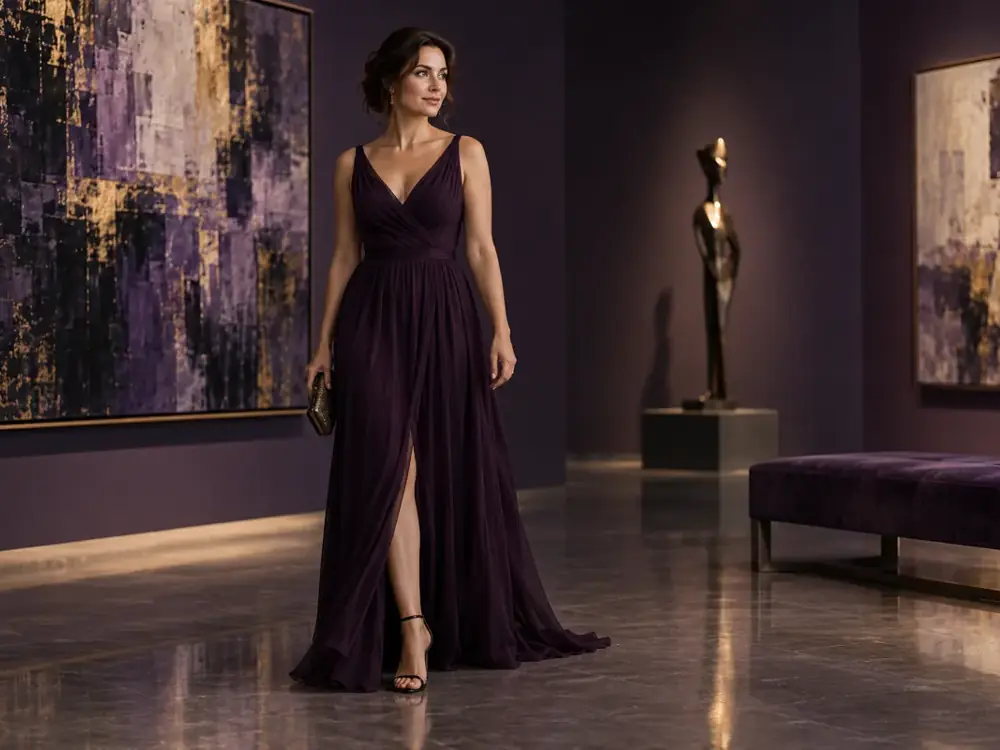
01
Evening satin
Name the garment and finish: a burgundy satin midi dress, square neckline and fine straps.
AVACLIK / PROMPT STUDIO · 18+
Describe the outfit you want to try: the garment, material, shade and cut. Start from your photo and create a new version with AI. AvaClik supports adult 18+ photos within the service rules; each pictured adult must consent.
Describe your outfit ↗AI Image Editor ↗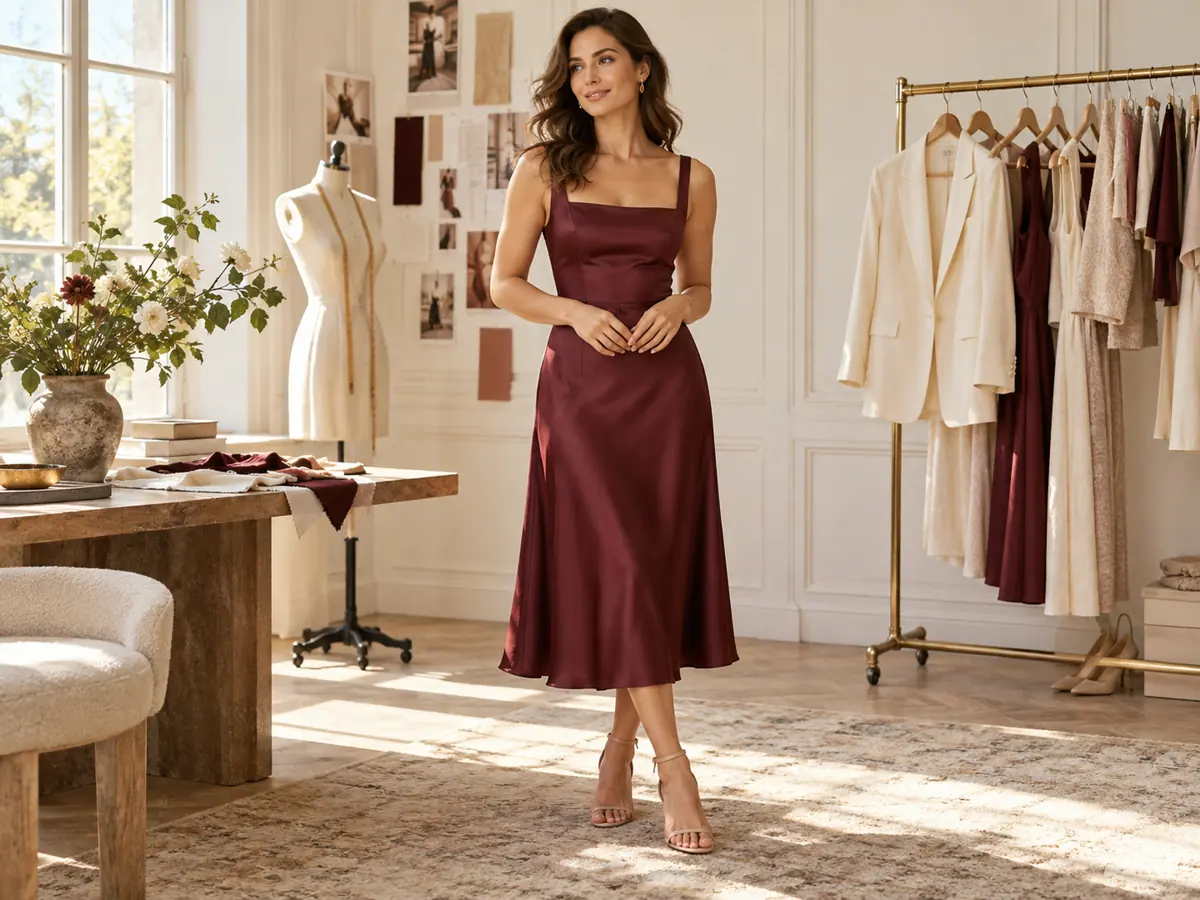
AVACLIK / PROMPT STUDIO
Build the outfit with details, rather than choosing only a preset.
Name the garment and finish: a burgundy satin midi dress, square neckline and fine straps.
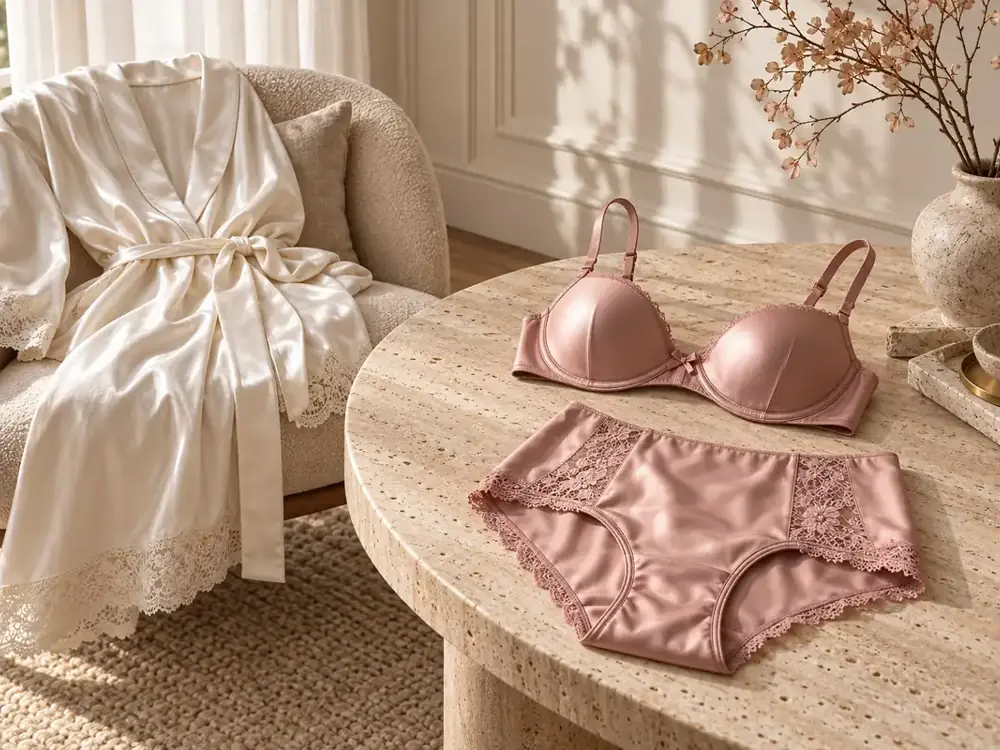
Describe a lined lace bodysuit or a coordinated set, including coverage, fabric and color. For consenting adults only.
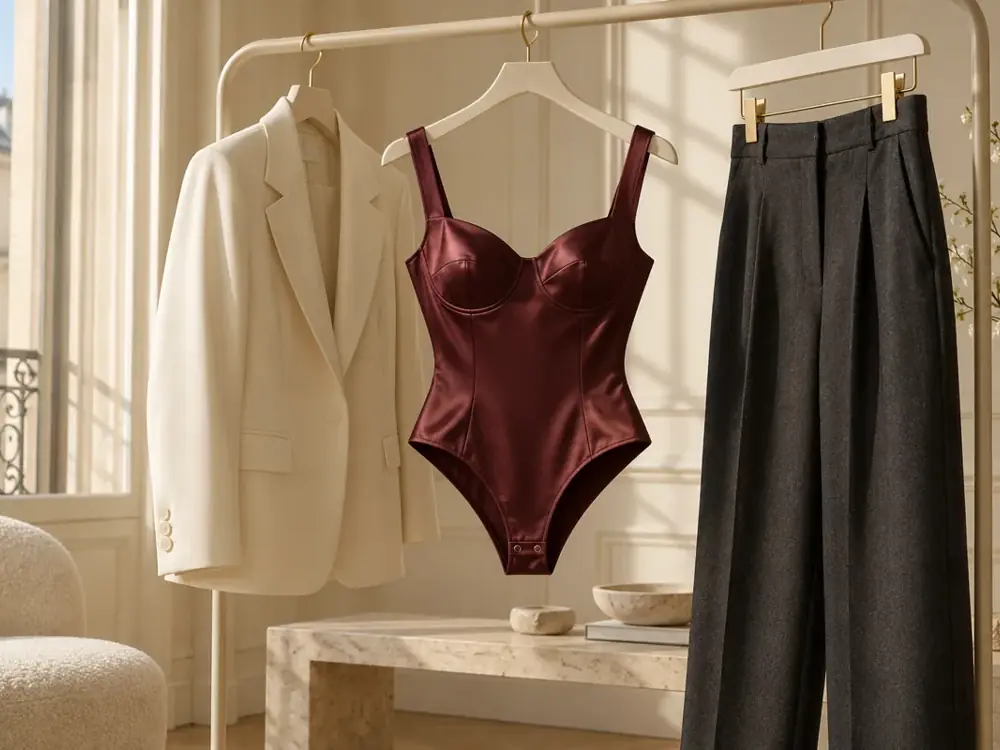
Specify a cream blazer, fitted top and high-waisted trousers; say which existing pieces should remain.
Illustration, not an editing result
AVACLIK / PROMPT STUDIO
Name what changes and what should stay. These are written examples, not promises of identical results.
Change the outfit to a burgundy satin midi dress with a square neckline. Keep the face, hairstyle, pose and background.
Replace the top with a lined ivory lace bodysuit. Keep the trousers and jacket. Preserve the current pose and lighting.
Change only the jacket to a charcoal tailored blazer. Keep the other clothes, person and setting.
AVACLIK / PROMPT STUDIO
Real examples
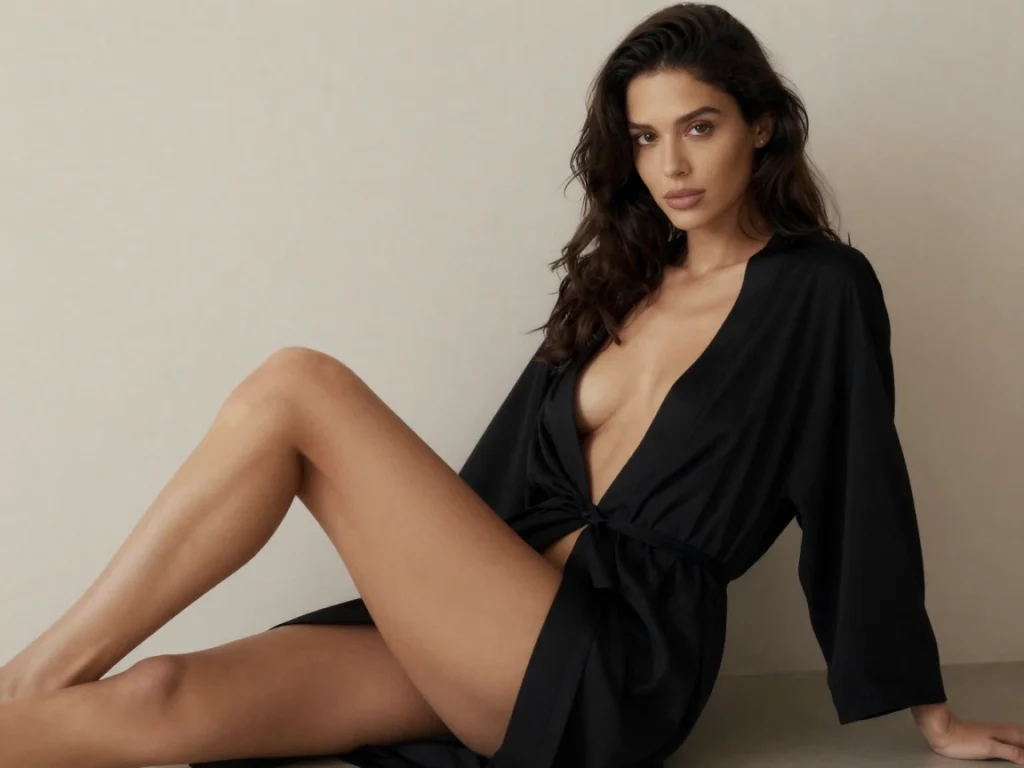
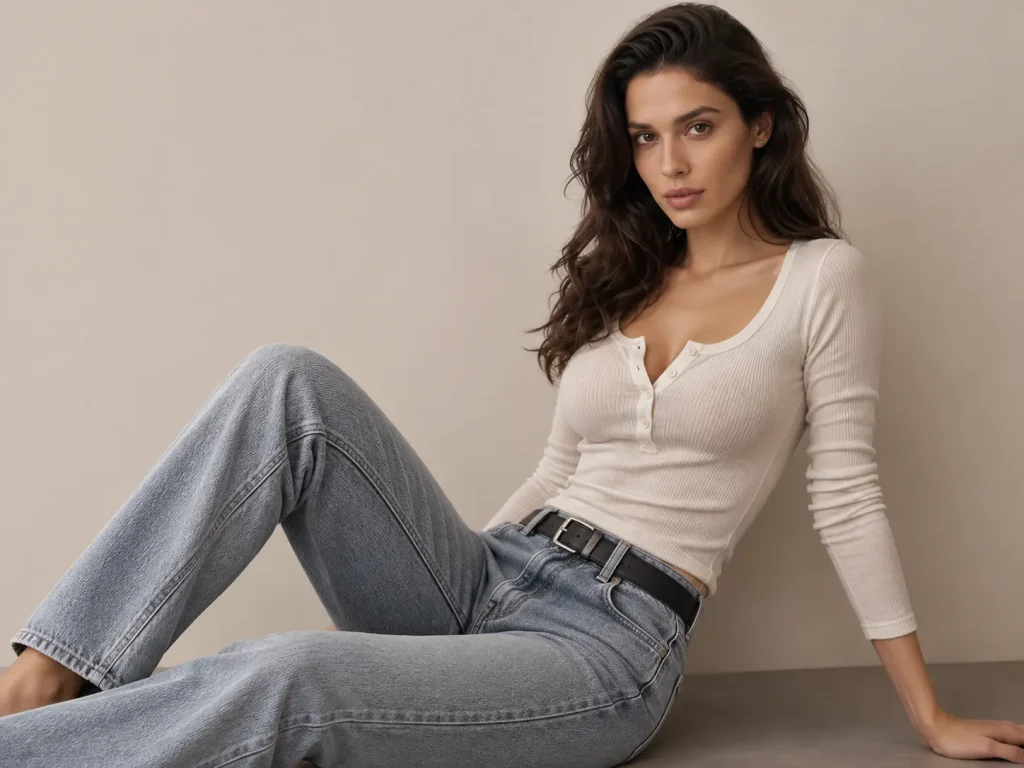
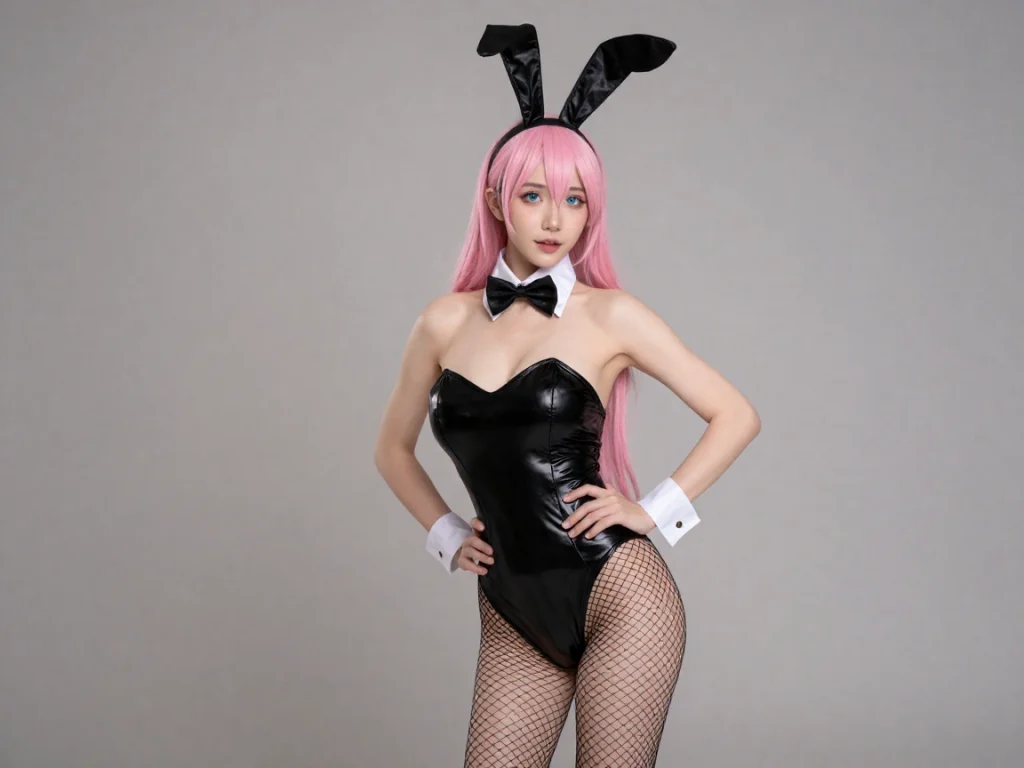
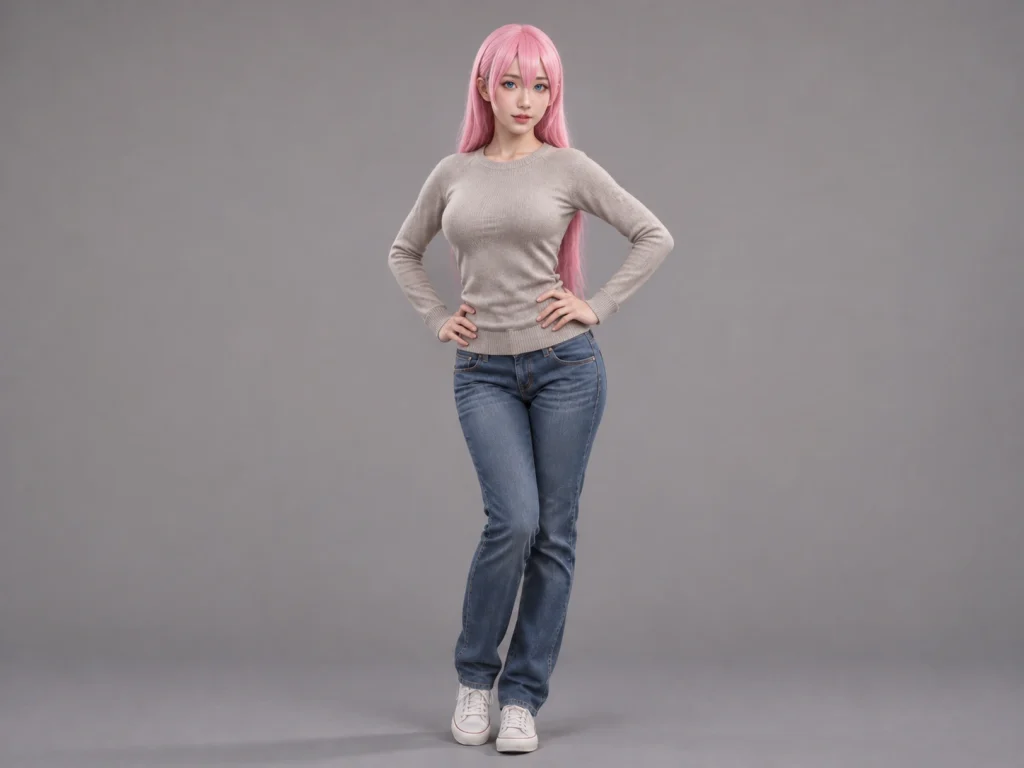
AVACLIK / PROMPT STUDIO
Three steps in the existing editor
Open the editor with a clear photograph of yourself or another consenting adult. Show the area covered by the outfit.
Open AI by prompt and describe the clothes to change. Include material, color and the parts you want to preserve.
Check the neckline, sleeves, hands and background. Refine one detail at a time and compare with the original.
AVACLIK / PROMPT STUDIO
Name the clothing pieces, neckline and sleeve length. Avoid conflicting requests for the same item.
Describe satin, jersey or lined lace and a specific color. Fine textures may vary in the result.
Ask to keep the face, pose and setting. Inspect them after processing; exact preservation is not guaranteed.
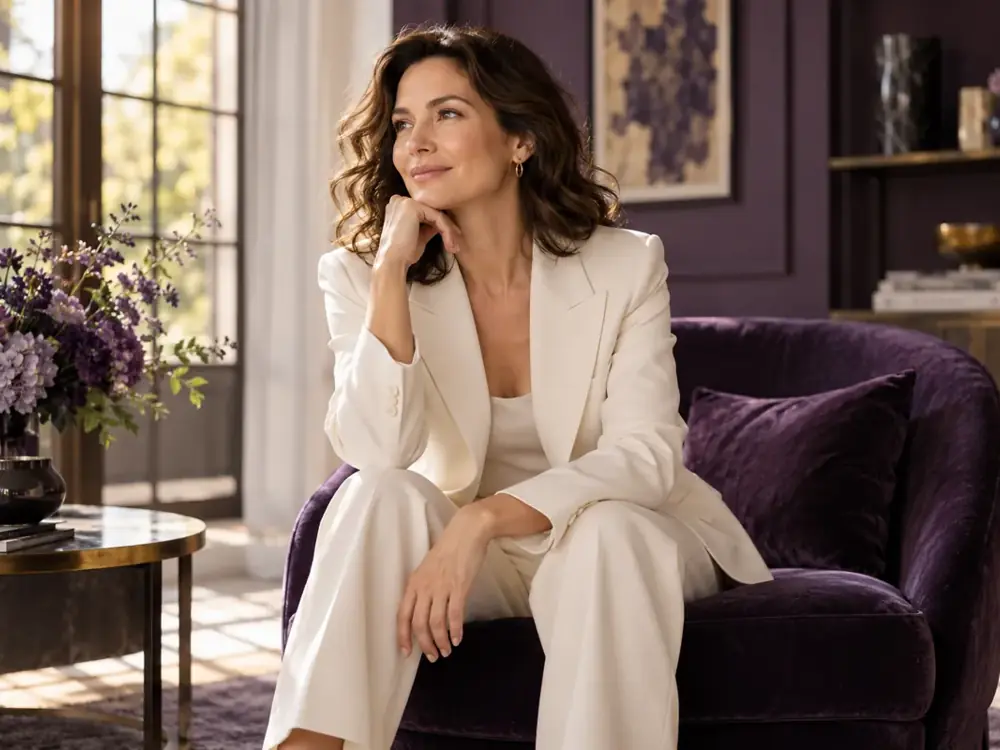
AVACLIK / PROMPT STUDIO
A written outfit request gives you more freedom than a fixed preset. Describe one coherent outfit instead of a list of unrelated changes. Fabric, neckline, sleeves and accessories are useful starting points.
For adult imagery, make the requested garment and coverage clear. The service and the selected model have rules; not every request can be accepted. An instruction to preserve identity or surroundings guides the model but does not guarantee exact preservation.
If you want to transfer a particular real garment, use the separate clothing-reference workflow. This page focuses on describing a look in words.
AVACLIK / PROMPT STUDIO
Before you run the edit
A face-only crop gives little room for a new outfit. Use a torso or full-length view with readable details.
First try the outfit. Refine accessories or the background in another pass if needed.
Check fabric joins, fingers, hair and body proportions. A generated image is not a garment size or fit assessment.
AVACLIK / PROMPT STUDIO
The editor shows the token cost of the selected action before you start. A daily free attempt may be available to registered users.
Plans and tokens ↗AVACLIK / PROMPT STUDIO
Yes. Upload a photo and write the garment, fabric, shade and cut in AI by prompt. You do not need a matching preset.
Yes, within AvaClik and model rules. All pictured people must be adults, consent to the edit, and you must have permission to use the photo.
No. The description guides a new image. Seams, textures, identity and nearby objects may change.
Ask for this explicitly, then check the result. AI does not guarantee that all original details remain identical.
Here you describe the clothes with words. Use the main Outfit tool’s reference workflow when you have a particular garment image.
Yes, the editor works in a mobile browser. A free daily attempt may be available to registered users; the editor shows the token cost before processing.