01
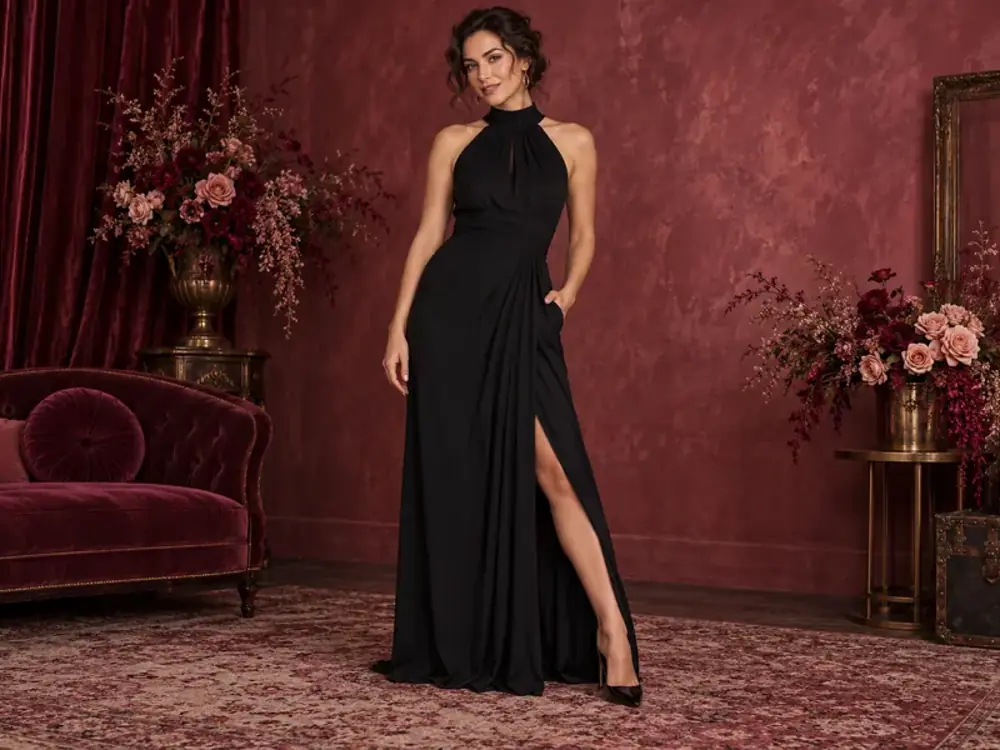
Standing portrait
A slight turn, relaxed shoulders and one hand at the waist give a clear starting direction.
AVACLIK / PROMPT STUDIO · 18+
Tell the AI how you want the person to sit, stand or turn. Describe posture, hand placement and gaze in words, starting from your own photograph. AvaClik supports adult 18+ imagery with consent and within service rules. Large pose changes may alter other details.
Describe a new pose ↗AI Image Editor ↗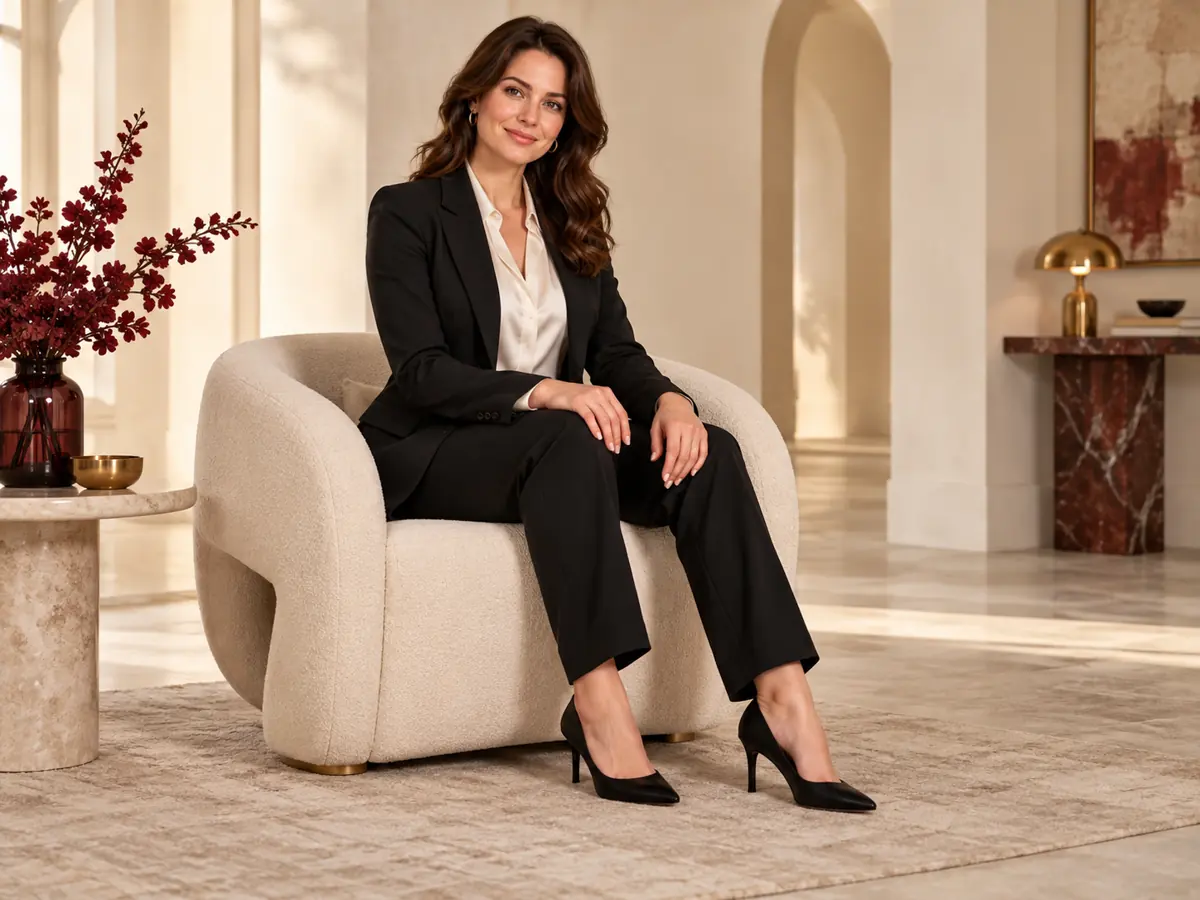
AVACLIK / PROMPT STUDIO
Build a readable pose from a few clear instructions. Illustrations show directions, not actual processing results.
A slight turn, relaxed shoulders and one hand at the waist give a clear starting direction.

Describe the seat, torso direction and where each hand rests. Keep the scene physically plausible.

Ask for a three-quarter turn and a specific gaze direction. A large turn requires the AI to invent unseen details.
Illustration, not an editing result
AVACLIK / PROMPT STUDIO
Use a specific posture, then say which visual details you want to preserve.
Make the adult person stand in a three-quarter pose, with relaxed shoulders and one hand at the waist. Keep the outfit, face and background.
Seat the adult person upright on the chair, hands resting naturally on the knees, looking at the camera. Keep the clothing and lighting.
Keep the current body position. Turn the head slightly toward the camera and relax the shoulders. Preserve the outfit and surroundings.
AVACLIK / PROMPT STUDIO
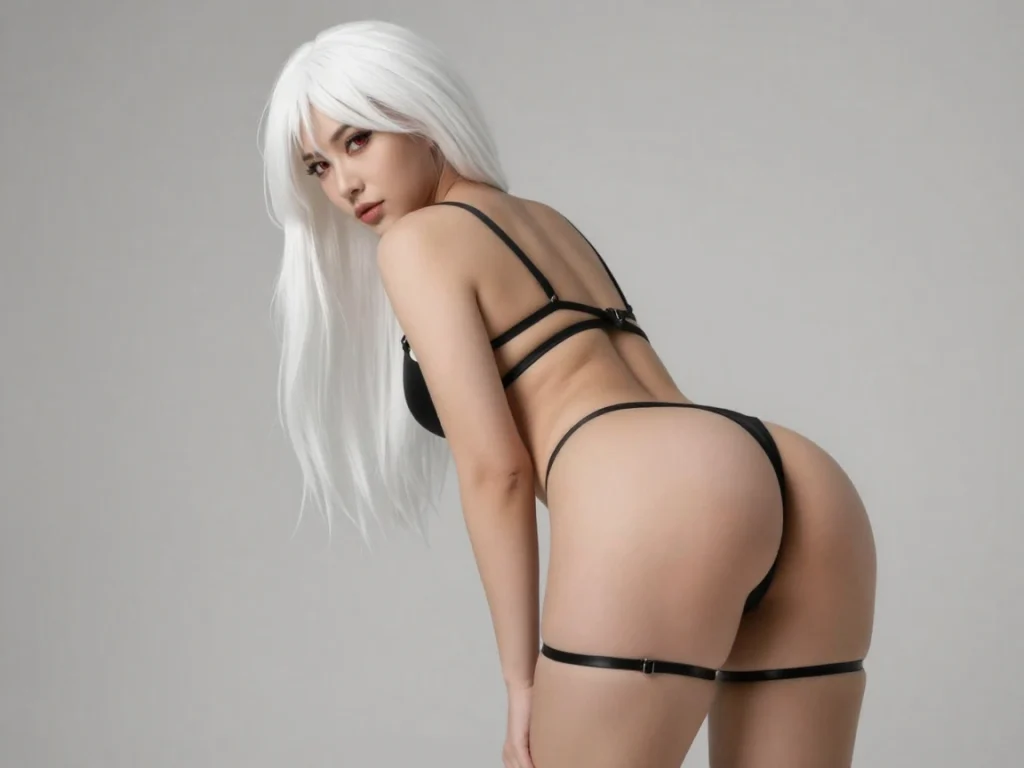
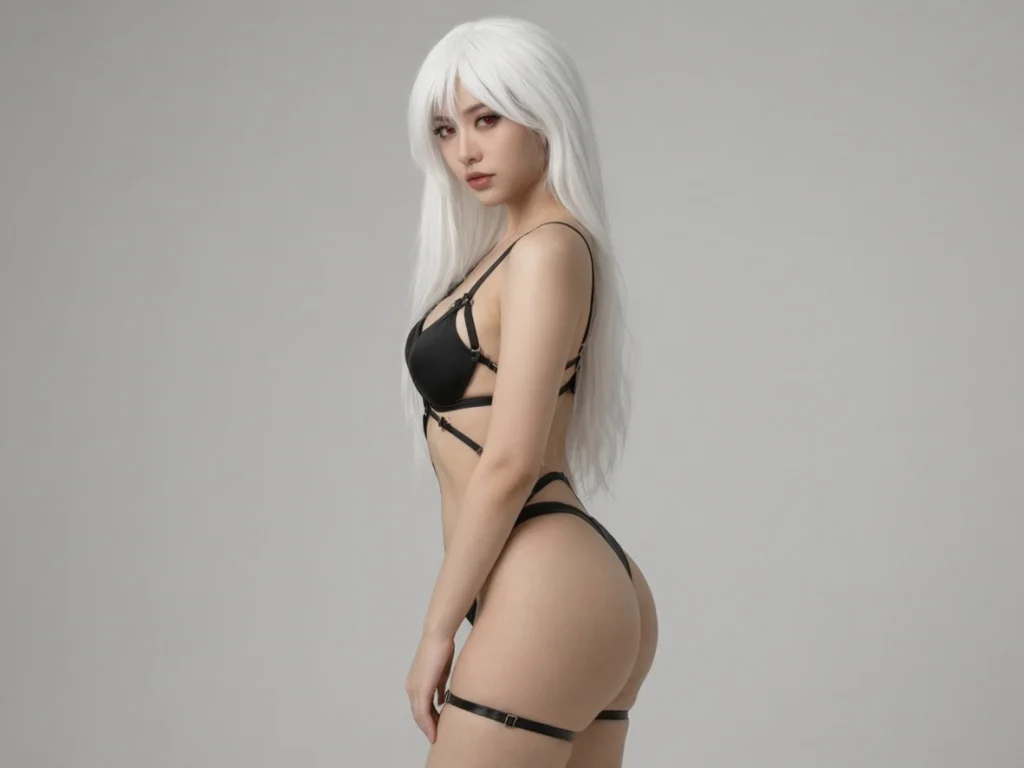
Real examples
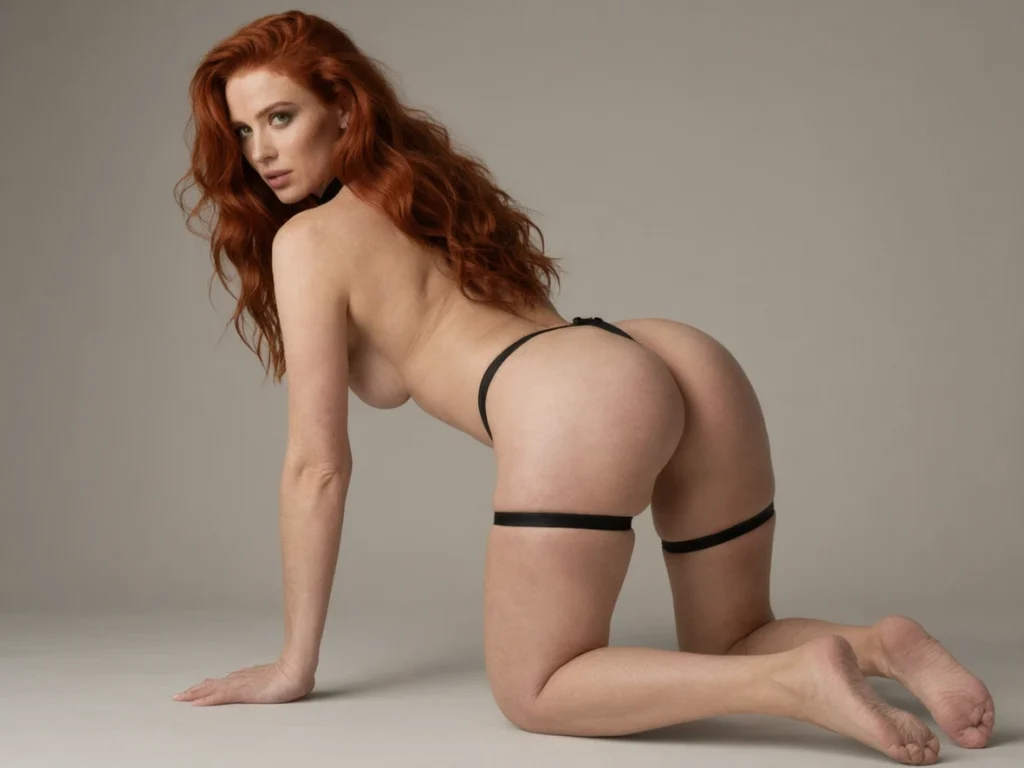
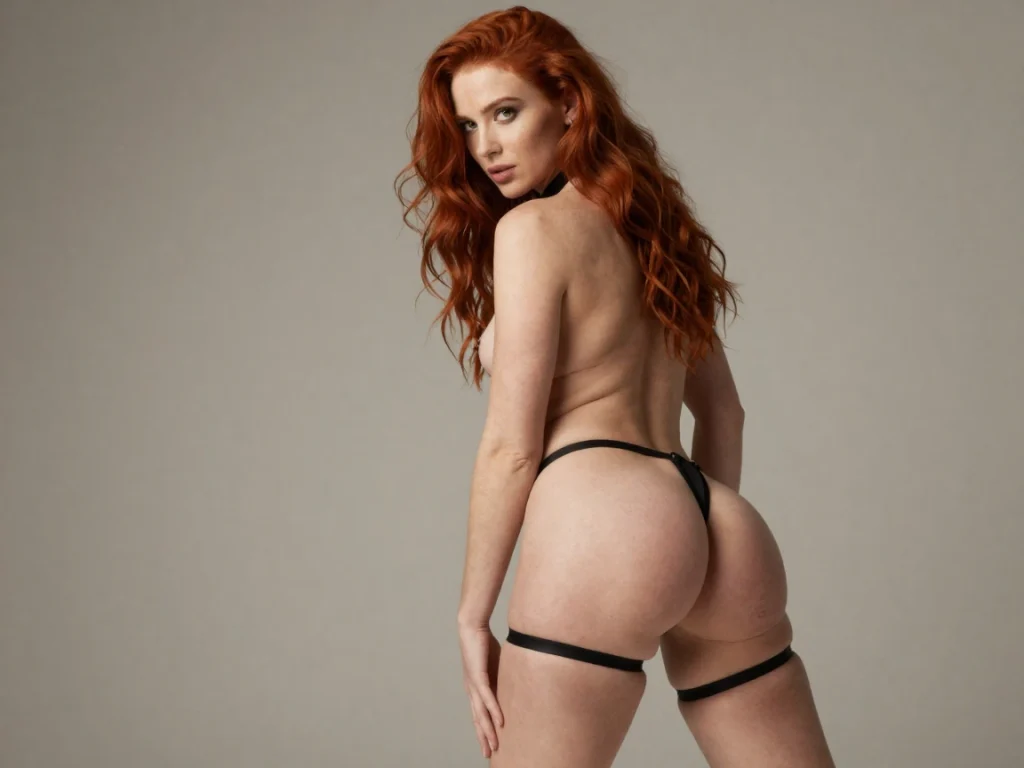
AVACLIK / PROMPT STUDIO
Three steps in the existing editor
Upload an authorized photograph of an adult. The body parts relevant to the pose should be visible.
Open AI by prompt. Describe torso, arms, support and gaze; ask to preserve the outfit and background if needed.
Check hands, joints, balance and contact with the chair or floor. Compare the result before downloading.
AVACLIK / PROMPT STUDIO
Specify front, side or three-quarter view. Big turns require more reconstruction than small adjustments.
Describe the left and right hand separately when necessary. Keep the request consistent with the chosen posture.
Name the supporting surface and framing. Ask to keep the background, while checking whether the edit changed it.

AVACLIK / PROMPT STUDIO
This workflow starts with an existing image rather than generating a person from scratch. Describe the position of the torso, the support surface, the hands and the direction of the gaze. If you ask for a seated pose, specify a seat that fits the scene.
For adult 18+ photographs, use only images of consenting adults and keep requests within the service rules. This tool changes a generated depiction; it is not a guarantee of anatomical accuracy or exact identity preservation.
The main Pose page covers preset options. Here the focus is an individually written direction. Start with a small turn before attempting a completely different composition.
AVACLIK / PROMPT STUDIO
Before you run the edit
A tight portrait cannot show a full-body composition without inventing missing parts. Choose a suitable source.
A seated or leaning pose needs a chair, wall or another suitable support. Mention contact points in the prompt.
Look at fingers, limbs, shadows and proportions. Regenerate or refine the request if details are distorted.
AVACLIK / PROMPT STUDIO
The editor shows the token cost of the selected action before you start. A daily free attempt may be available to registered users.
Plans and tokens ↗AVACLIK / PROMPT STUDIO
Yes. Upload a photo and describe the desired posture in AI by prompt. The main Pose tool also has preset options.
Yes, within service and model rules, with permission and the consent of all pictured adults. Acceptance of any particular request is not guaranteed.
Ask to preserve them, then inspect the result. Pose changes can also alter the face, clothes or surroundings.
That requires inventing missing body and scene details. Use a wider source photograph for a more useful starting point.
Use clear positions and specify left or right when needed. Avoid instructions that conflict with the support surface or torso direction.
Yes, the editor works in a mobile browser. A free daily attempt may be available to registered users; the editor shows the token cost before processing.