01
Look & Clothing
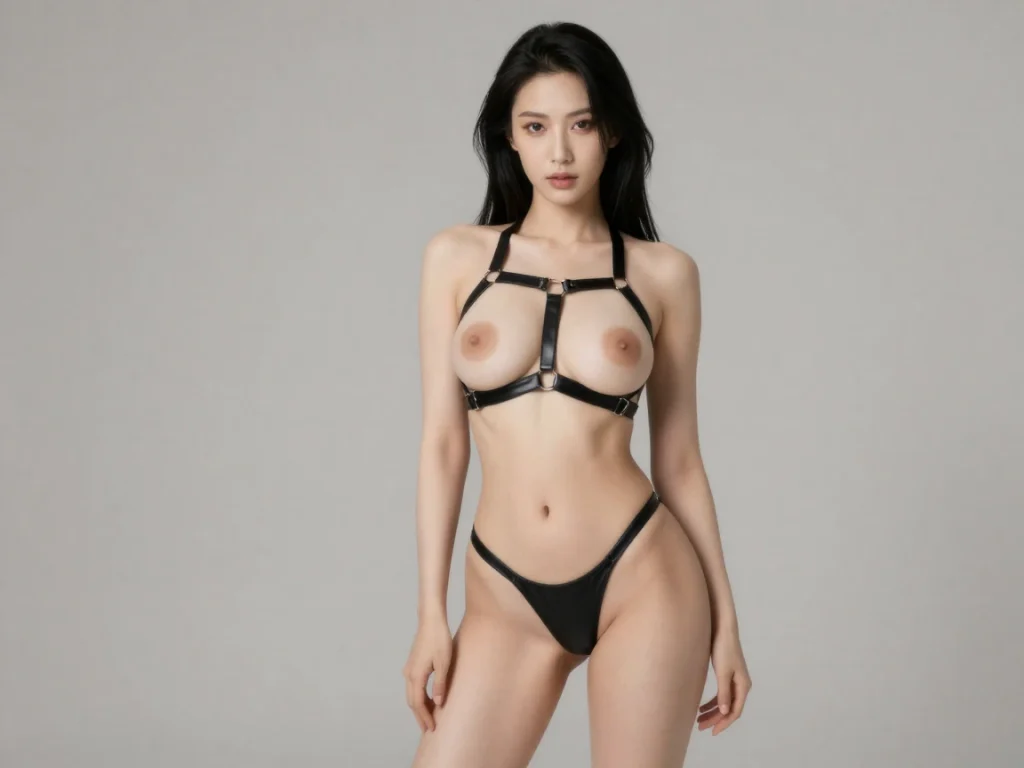
Change clothing, lingerie-inspired looks, materials, colors and appearance details using a text prompt.
AVACLIK / NSFW AI EDITOR · 18+
Upload your image and describe what you want to change. The NSFW AI Image Editor lets you edit adult photos with text prompts — change the look, clothing, pose, environment, lighting and visual style. For adult users 18+ and permitted content only.
Edit Photo with AI ↗AI Image Editor ↗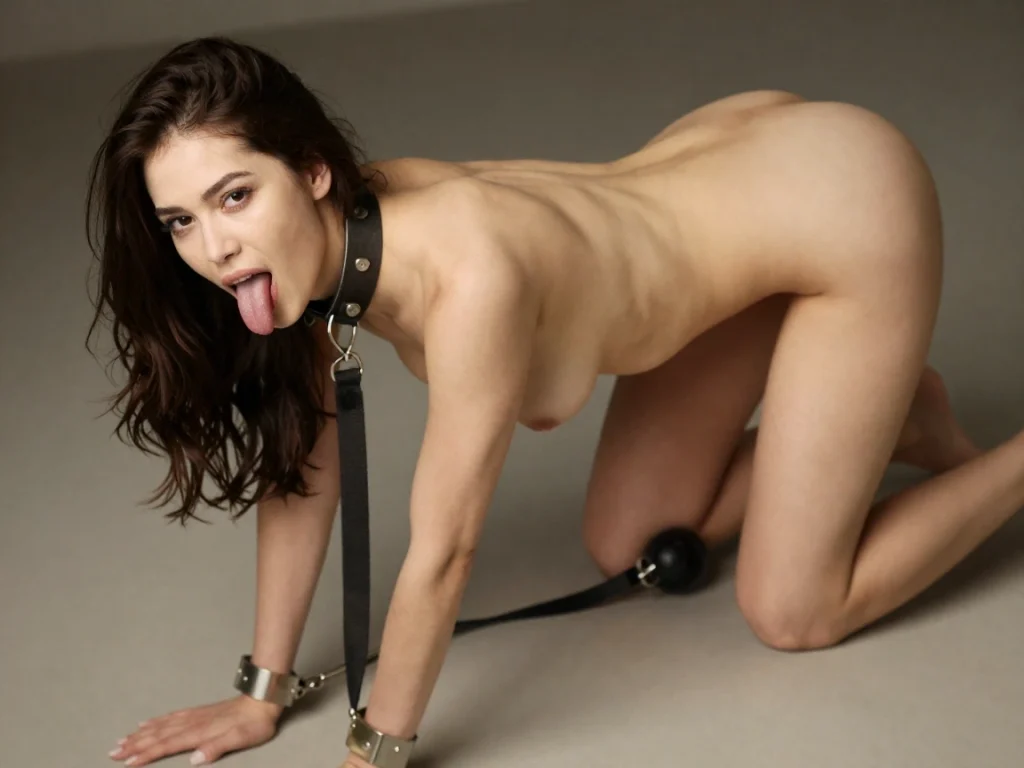
NSFW AI EDITOR / EDITING OPTIONS
Describe the edit in your own words. The NSFW AI Image Editor can change the look, pose, environment and visual style while keeping the source image as the foundation.
Change clothing, lingerie-inspired looks, materials, colors and appearance details using a text prompt.
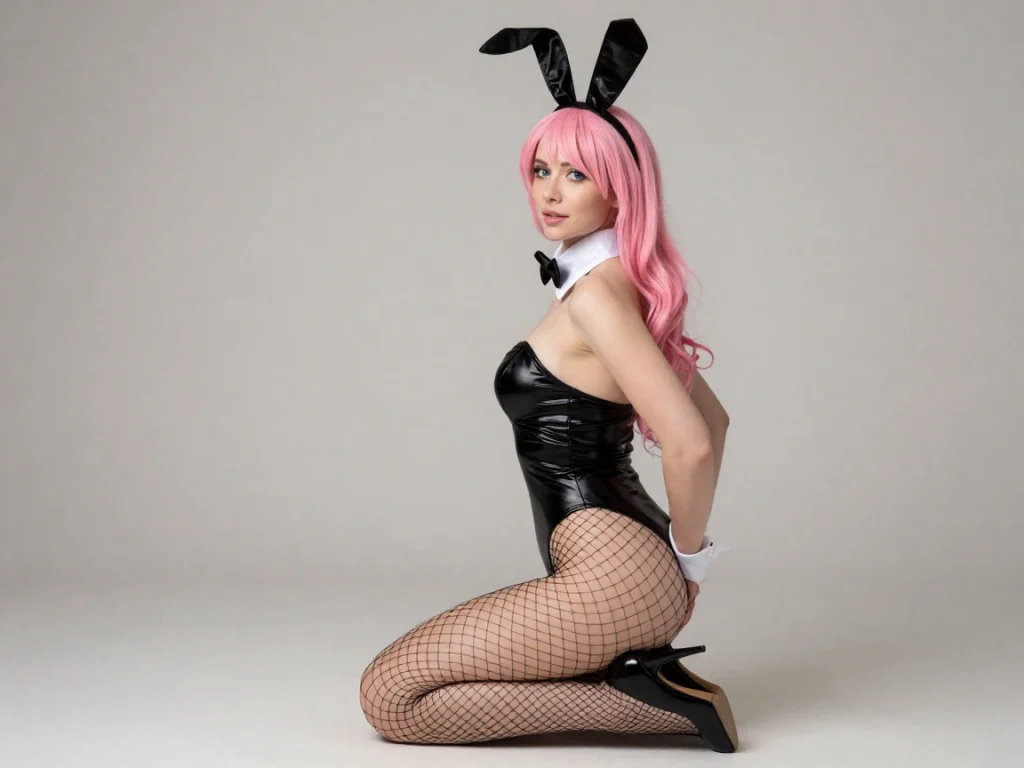
Adjust body position, gaze direction and image composition while preserving the overall visual style of the source photo.
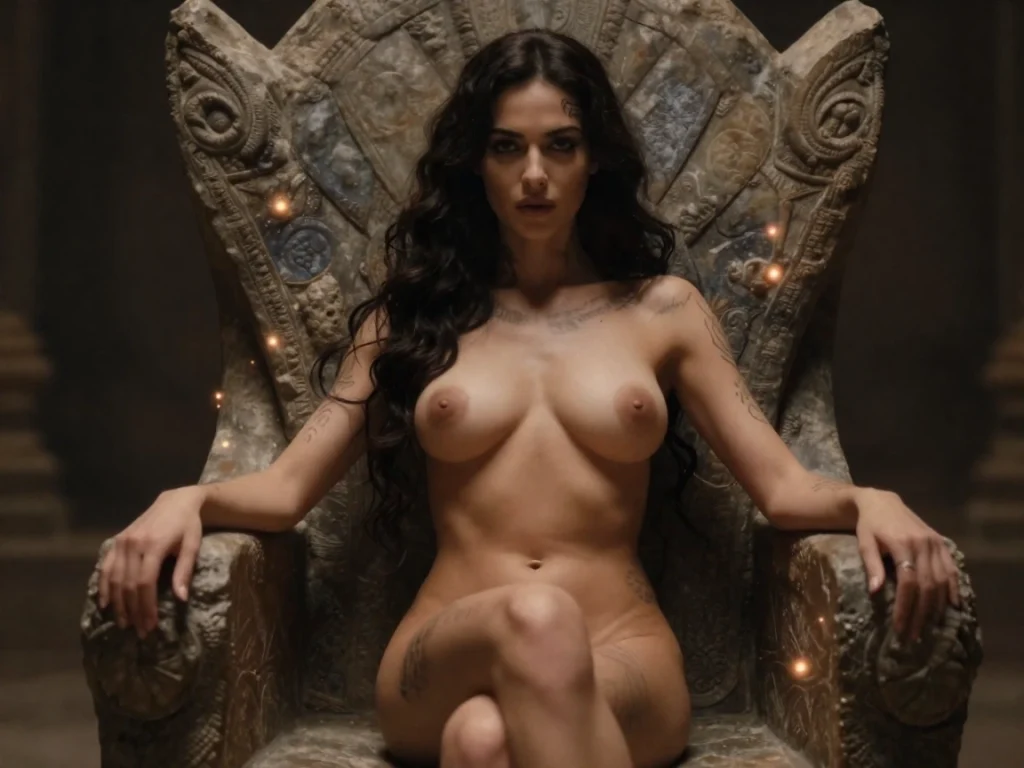
Change the background, lighting, environment and mood to create a new adult scene based on the original image.
Illustration of NSFW AI Image Editor capabilities
NSFW AI EDITOR / PROMPT EXAMPLES
Describe what you want to change and specify which details should stay the same. These examples show a useful prompt structure and can be adapted for your own edits.
Replace the outfit with a black satin look while preserving the face, pose, background and original lighting.
Adjust the pose to look more confident while keeping the appearance, clothing, environment and lighting direction.
Move the character into a dark hotel interior with soft warm lighting while preserving the face, body and clothing.
Make the scene more cinematic with low-key lighting, deeper shadows and a contrasting background. Keep the character and pose.
Create a bolder adult look while preserving the face, hair, body proportions and original composition.
Change the clothing, background and lighting in one visual style while preserving the face, pose, body shape and camera angle.
NSFW AI EDITOR / BEFORE & AFTER
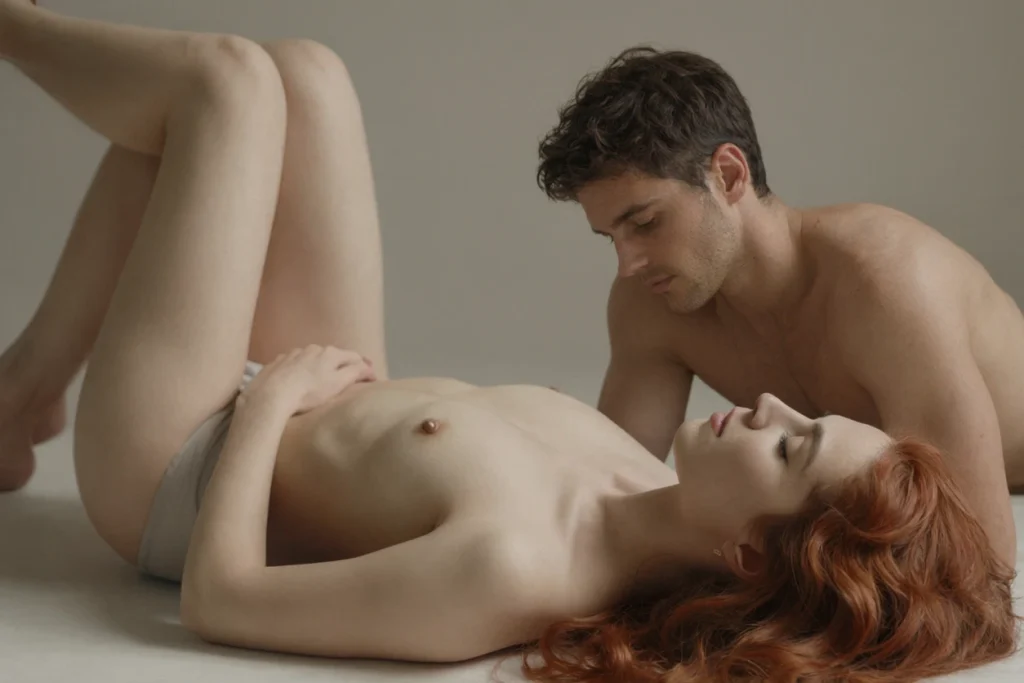
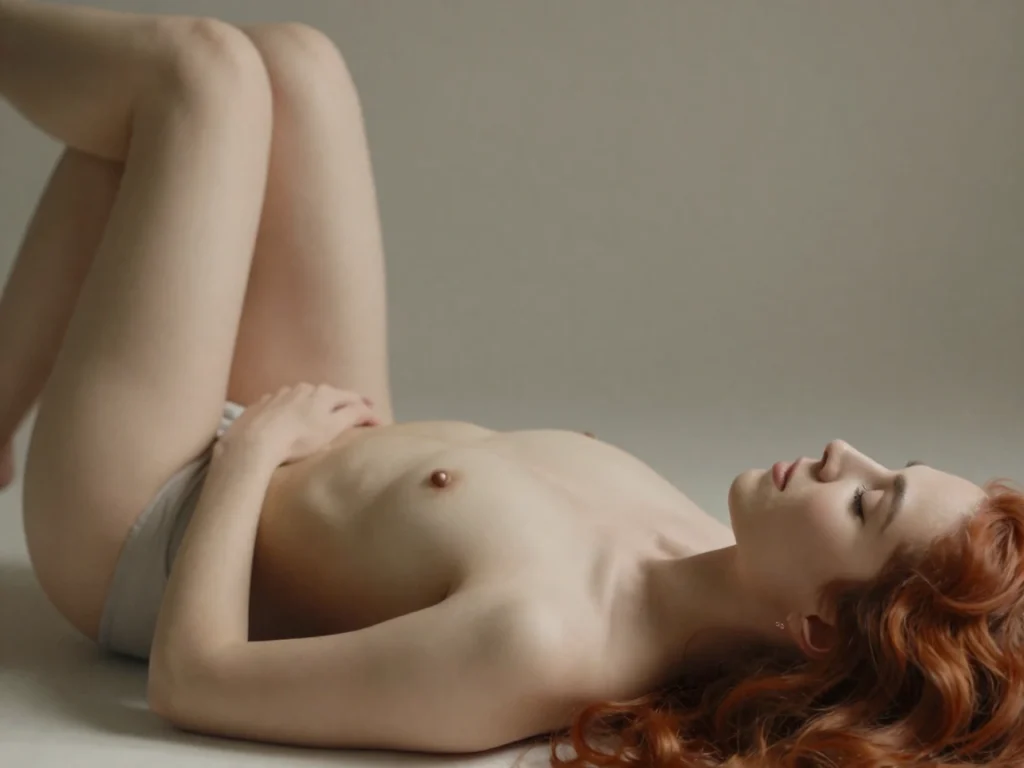
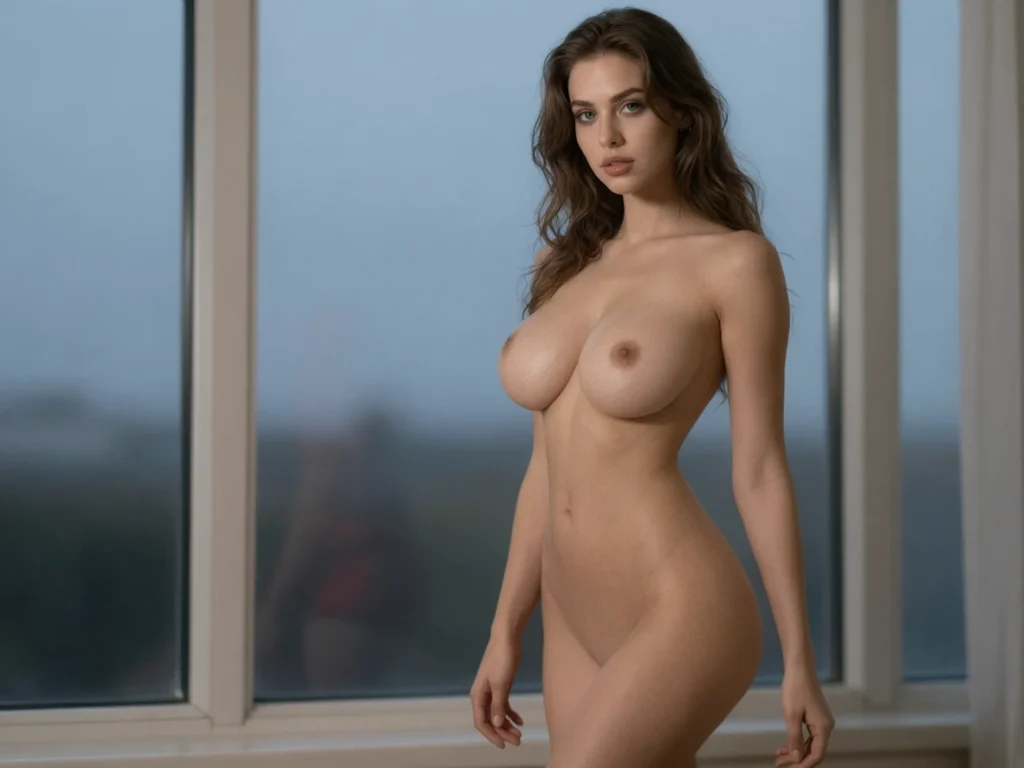
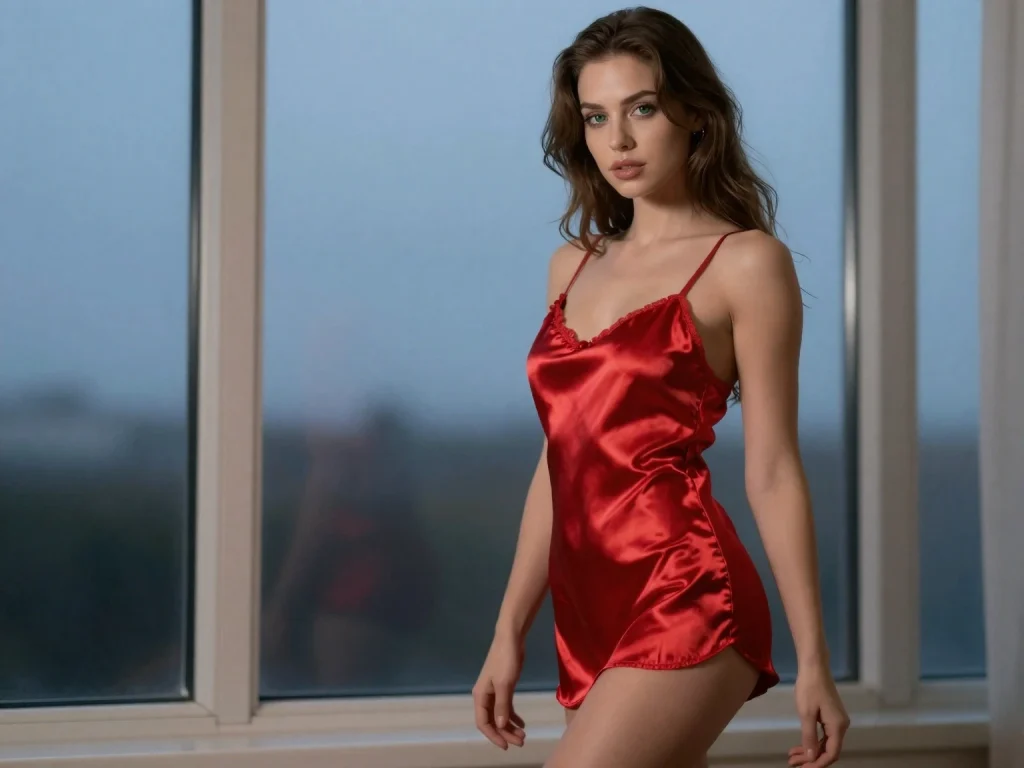
Compare source photos with results created using the NSFW AI Image Editor. The examples show different types of edits including the look, clothing, pose, background, lighting and scene atmosphere.
NSFW AI EDITOR / HOW IT WORKS
Three simple steps: upload the source image, describe the edit and review the result.
Choose a clear image of an adult. Photos where the character, pose, clothing and surrounding scene are clearly visible usually work best.
Open the AI editing tool and explain what you want to change — clothing, look, pose, background, lighting, visual style or several elements at once. Also specify what should stay unchanged.
Compare the edited version with the source image. Check the face, hands, anatomy, clothing, object edges, lighting and background. Refine the prompt and run another edit if needed.
NSFW AI EDITOR / PROMPT GUIDE
A useful editing prompt explains both what should change and which parts of the original image should remain unchanged.
Start with the main edit: clothing, pose, background, lighting, appearance or the overall visual style.
Specify important details from the source image such as the face, hair, body shape, pose, camera angle, background or other elements you want to keep.
Add clothing materials, colors, environment, lighting direction, mood and a visual style such as realistic, cinematic or glamour.
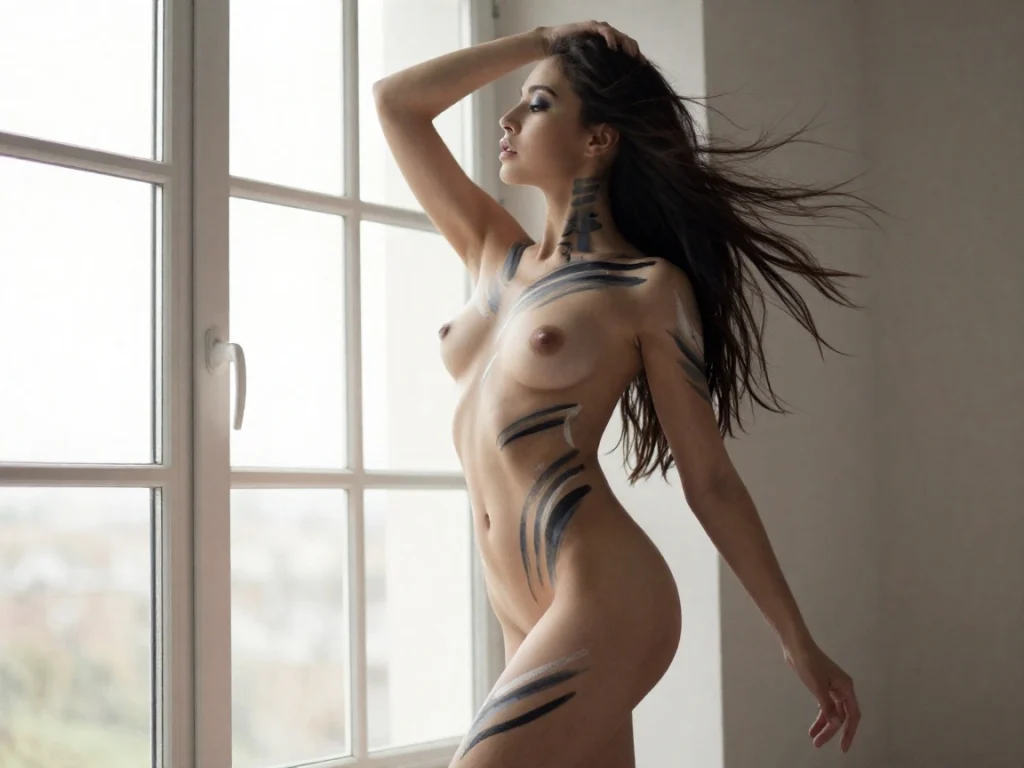
NSFW AI EDITOR / FREEFORM EDITING
The NSFW AI Image Editor lets you modify an existing photo using a natural-language prompt. Describe the result you want — change the look, clothing, pose, background, lighting, atmosphere or several elements at once.
Unlike generating an image from scratch, the editor uses your uploaded photo as the foundation. If you want to preserve the face, body shape, hairstyle, camera angle or other source details, mention them directly in your prompt.
For more complex edits, change a few related elements at a time and refine the result gradually. Adult content availability depends on AvaClik rules and the capabilities of the selected AI model.
NSFW AI EDITOR / BEFORE EDITING
The quality of the source image affects the final result. Before editing, make sure the important details are clearly visible and the photo is suitable for the change you want to make.
Use a clear photo of an adult without heavy blur or major obstructions. The area you want to edit should be clearly visible.
Begin by changing the clothing, pose, background, lighting or another primary element. Too many unrelated changes in one prompt can make the result less predictable.
After editing, check the face, hands, anatomy, clothing edges, hair, shadows and background. If something looks unnatural, refine the prompt and run another edit.
AVACLIK / PROMPT STUDIO
Processing uses your existing AvaClik tokens. The editor displays the cost before you run the selected action.
Plans and tokens ↗NSFW AI EDITOR / FAQ
NSFW AI Image Editor FAQ
It is an AI editing tool for adult users that modifies an existing image using a text prompt. You can change the look, clothing, pose, background, lighting and visual style.
Yes. Unlike an AI image generator that creates an image from scratch, the NSFW AI Image Editor uses your uploaded photo as the foundation for the edit.
Yes, within AvaClik rules and the capabilities of the selected AI model. Everyone depicted must be an adult, and you must have the necessary rights and consent to use the image.
You can edit clothing, appearance, pose, background, lighting, atmosphere and other visual details supported by the selected model.
You can ask the AI to preserve the face, hair, body shape, pose, background or other source details. Exact preservation of every detail is not guaranteed.
The Image Editor modifies an existing photo, while the AI Image Generator creates a new image from scratch using a text prompt.
Yes. AvaClik works directly in mobile and desktop browsers without requiring a separate app.
The cost depends on the selected model and editing mode and is shown in the editor before processing starts.