Preset direction
Pick an available body look from the existing preset catalog.
AVACLIK / BODY STUDIO · 18+
Explore a look with more defined curves and a different balance of proportions. Choose the nearest available body preset and review the complete silhouette.
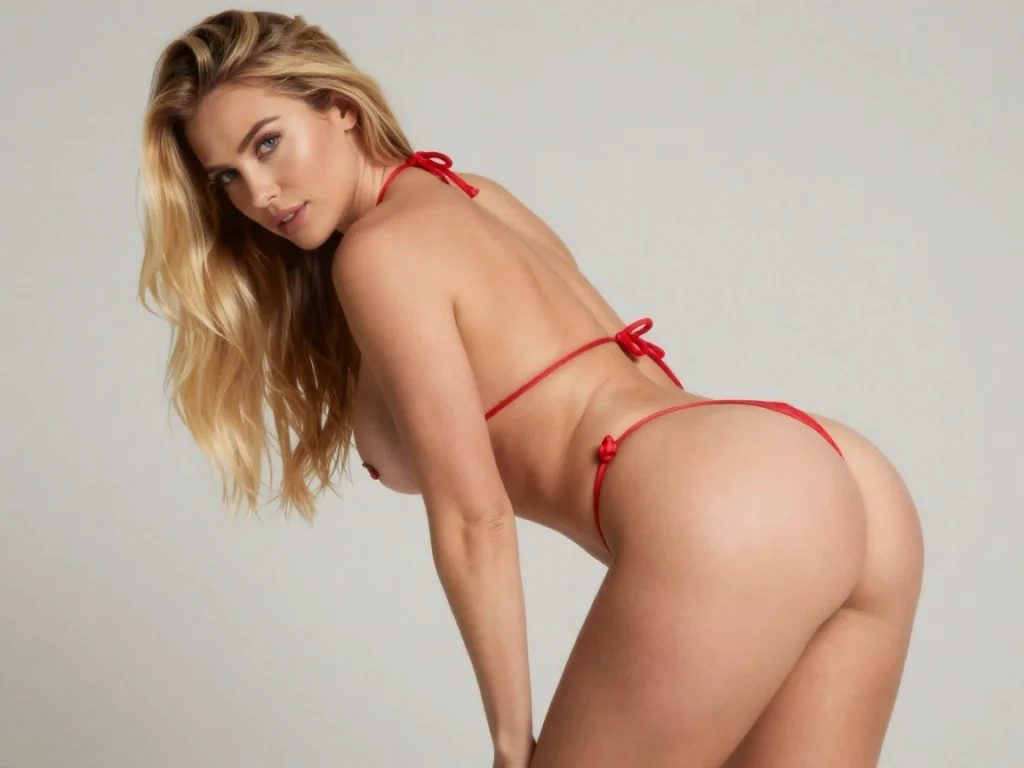
AVACLIK / BODY STUDIO
These pages describe the existing Body tool. Check the available presets and their current token cost before starting.
Pick an available body look from the existing preset catalog.
Browse the relevant category and choose the closest available look.
Edit only consenting adults, within the content policy and model restrictions.
Inspect outlines, clothes, hands and surroundings before saving your result.
AVACLIK / BODY STUDIO
The relationship between proportions matters more than simply making the entire body larger.
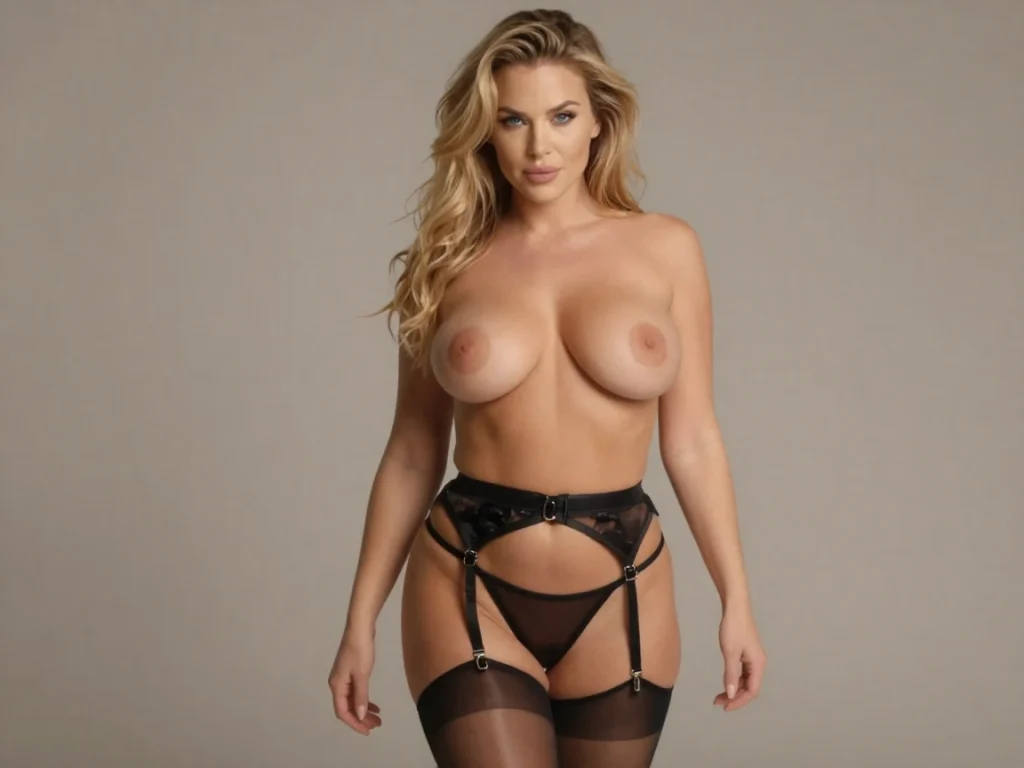
Explore a rounder silhouette among the available body preset options.
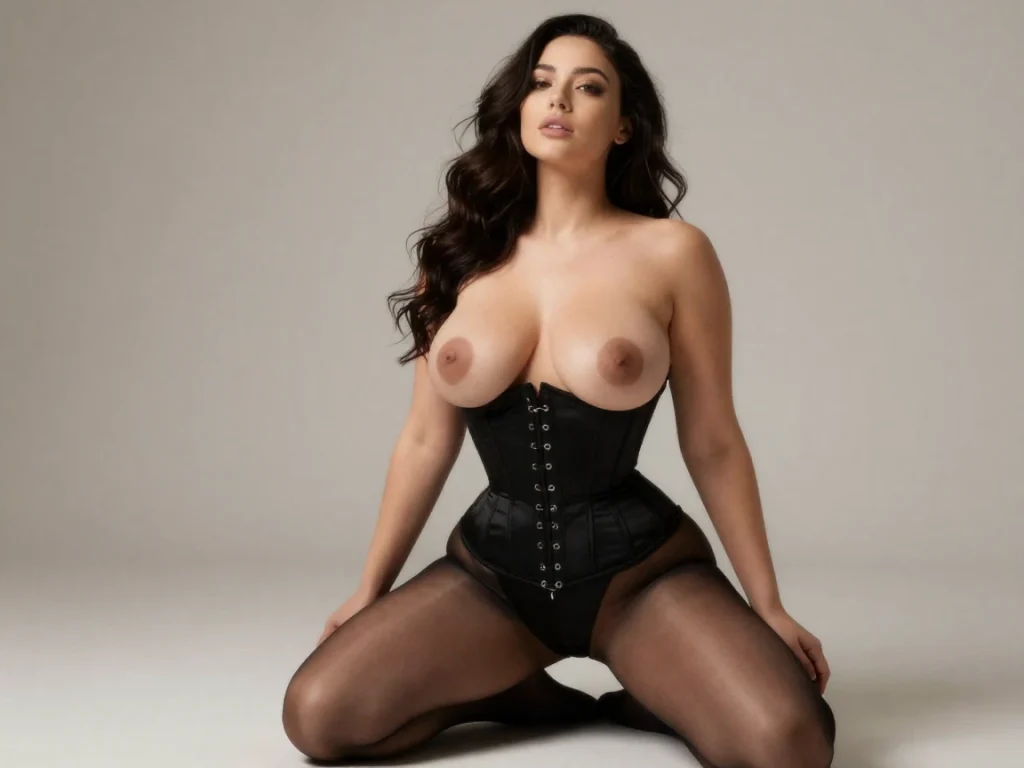
Compare the overall outline and the transitions between body areas.
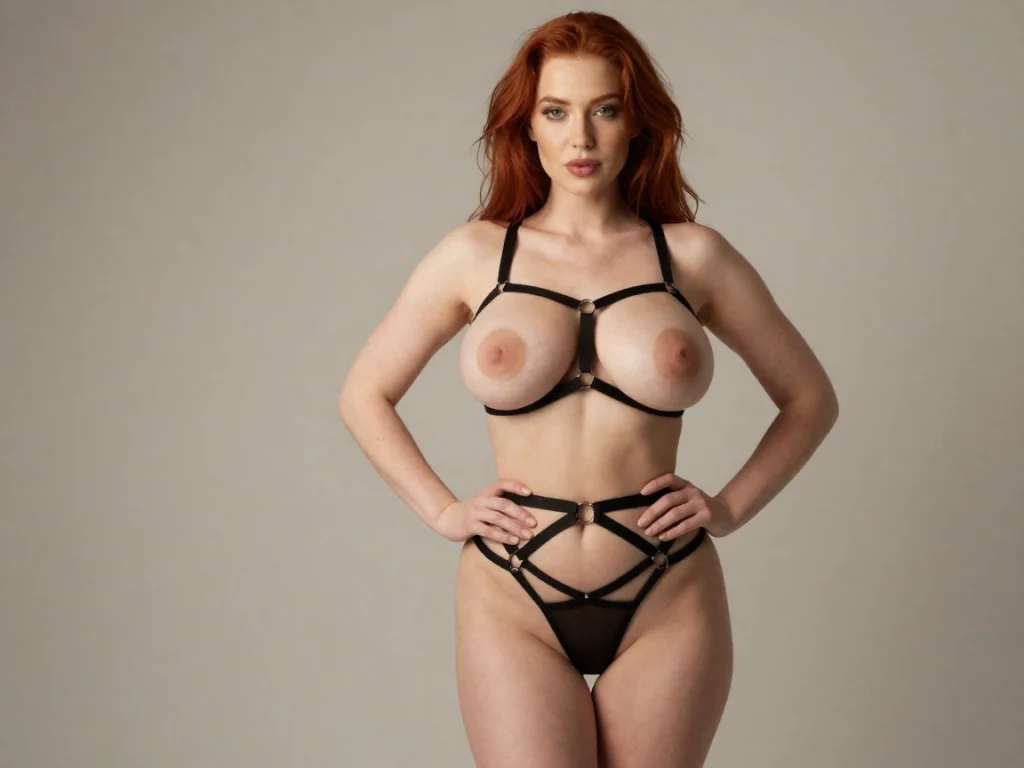
Review how the figure works with the pose and clothes in the photo.
AVACLIK / BODY STUDIO
This section uses real pairs added by the site owner. Illustrations elsewhere on the page do not promise a particular result.
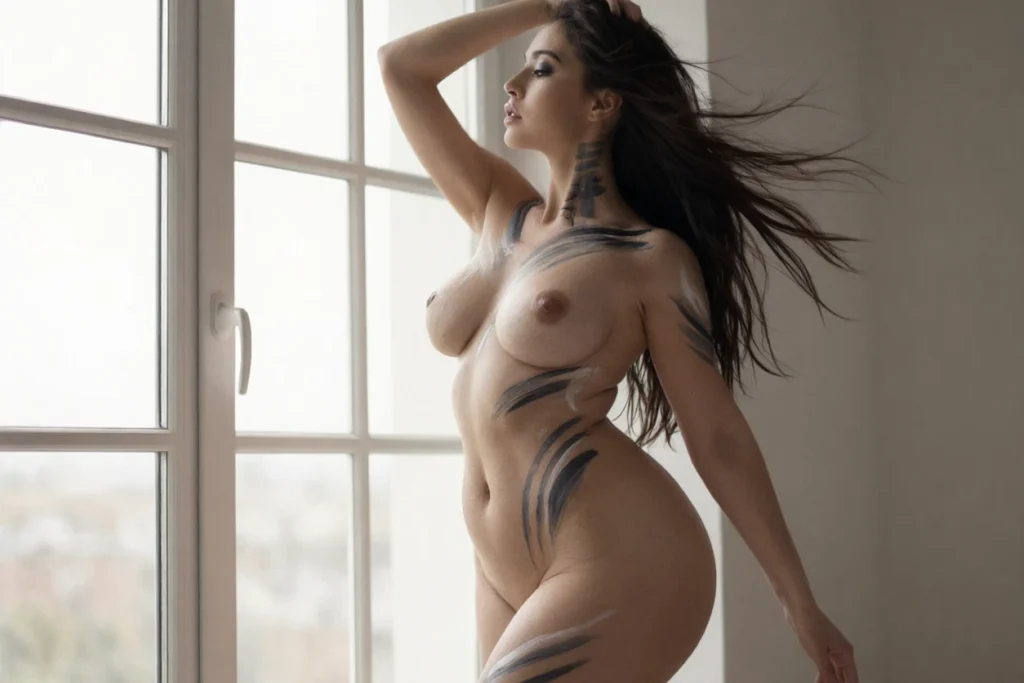
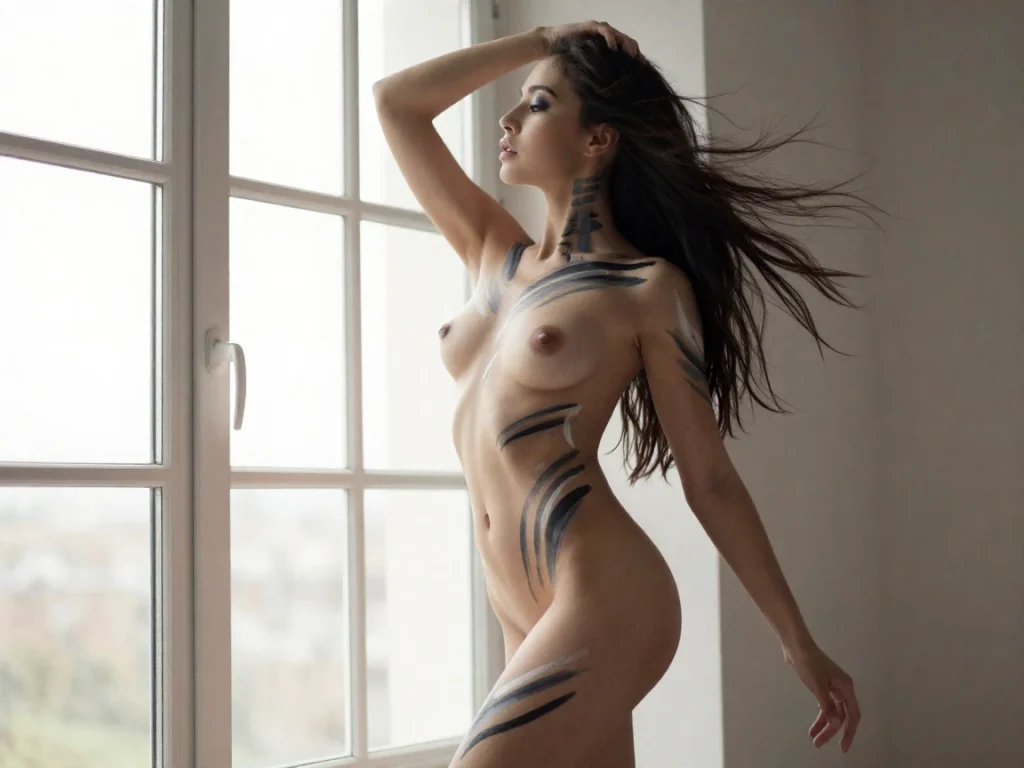
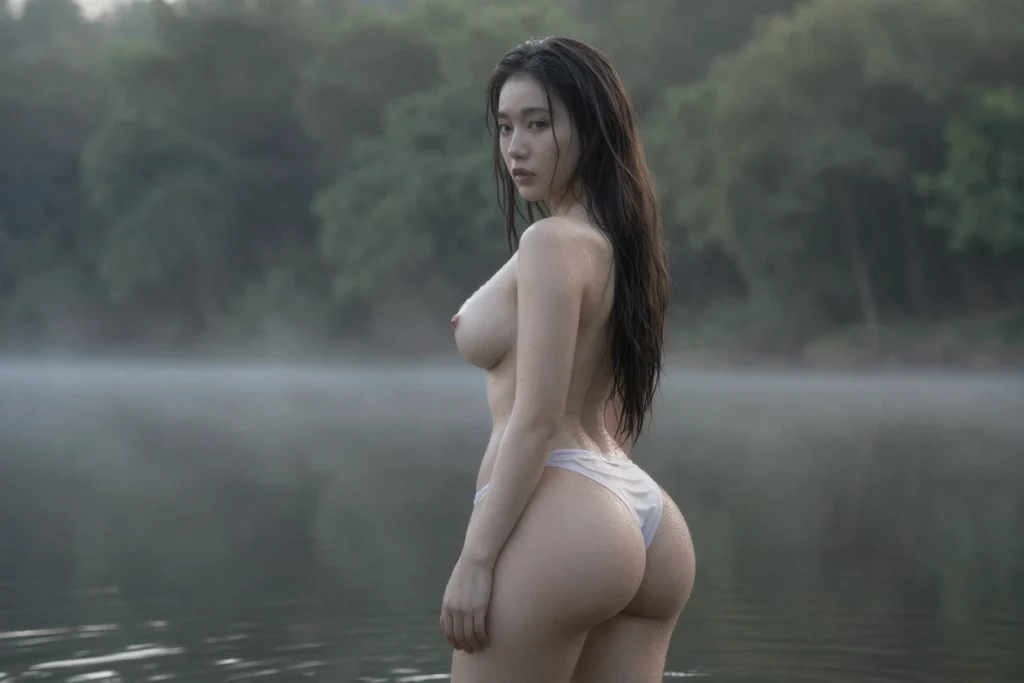
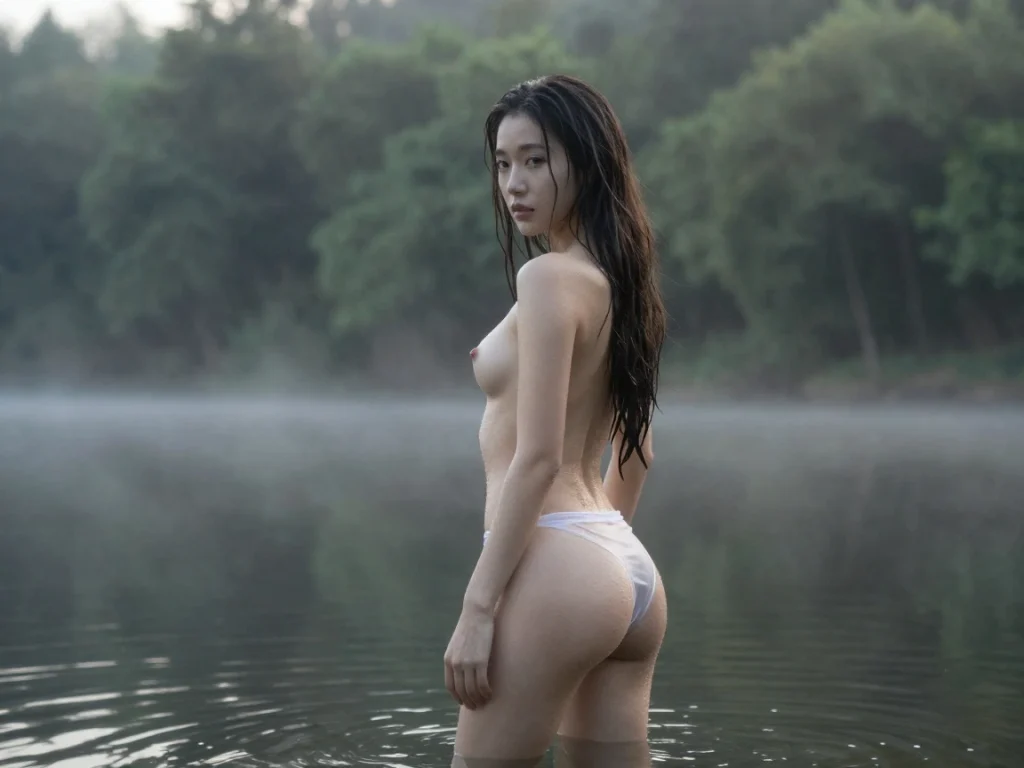
AVACLIK / BODY STUDIO
Choose an available preset and compare a new version of your photo, without manually moving body contours.
Use a clear photograph of a consenting adult. A full-length or mid-thigh portrait with visible body contours is a useful starting point.
Open Body, select the women’s or men’s category and choose an available preset closest to your idea. These are preset looks, not precise weight settings.
Run the edit, inspect proportions, hands and background, then compare versions in your history and download your preferred image.
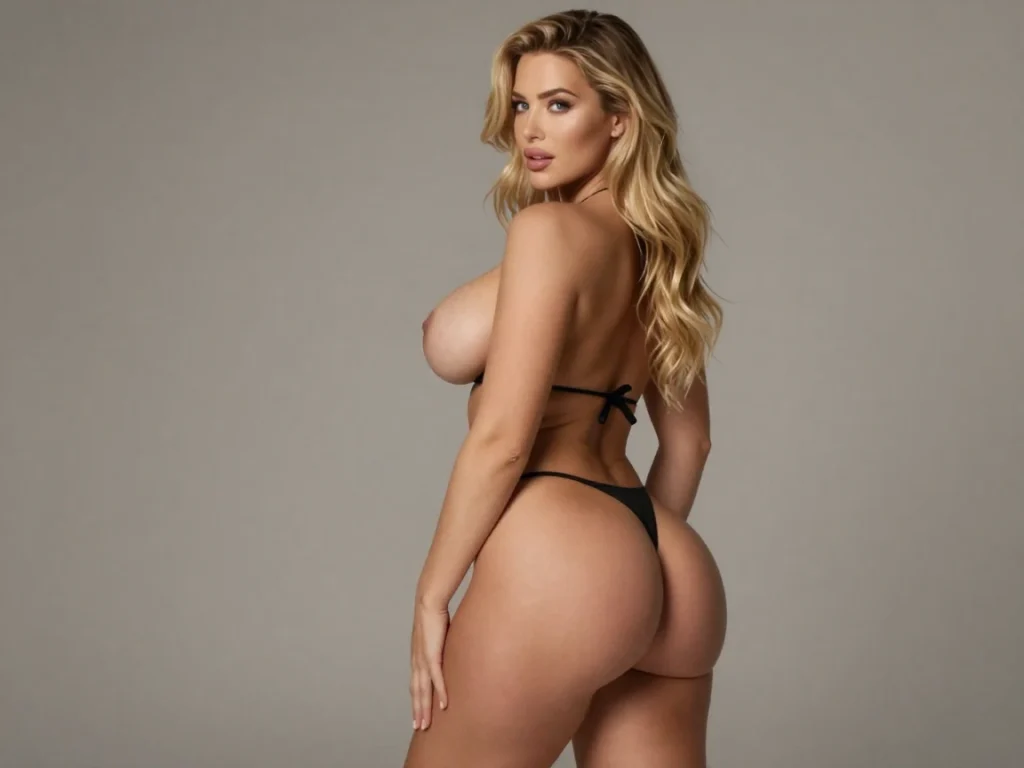
AVACLIK / BODY STUDIO
A silhouette’s definition depends on pose, camera angle and lighting as well as volume. A preset can help explore another look, but does not guarantee exact body measurements or ratios.
Review how shoulders, waist, hips and arms work together. AI can change neighboring details, so assess the result as a complete photograph.
AVACLIK / BODY STUDIO
A clearly visible silhouette matters more than a particular genre. Choose a photo that shows the part of the figure you want to explore.
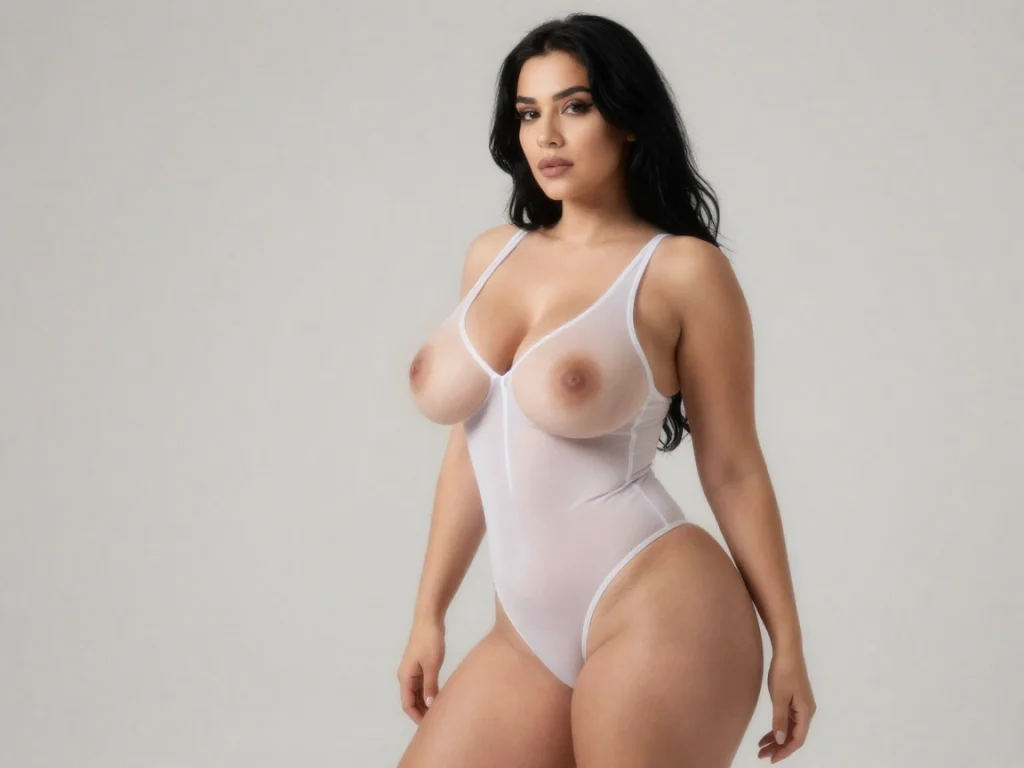
Use a frame with clearly visible body proportions and contours.
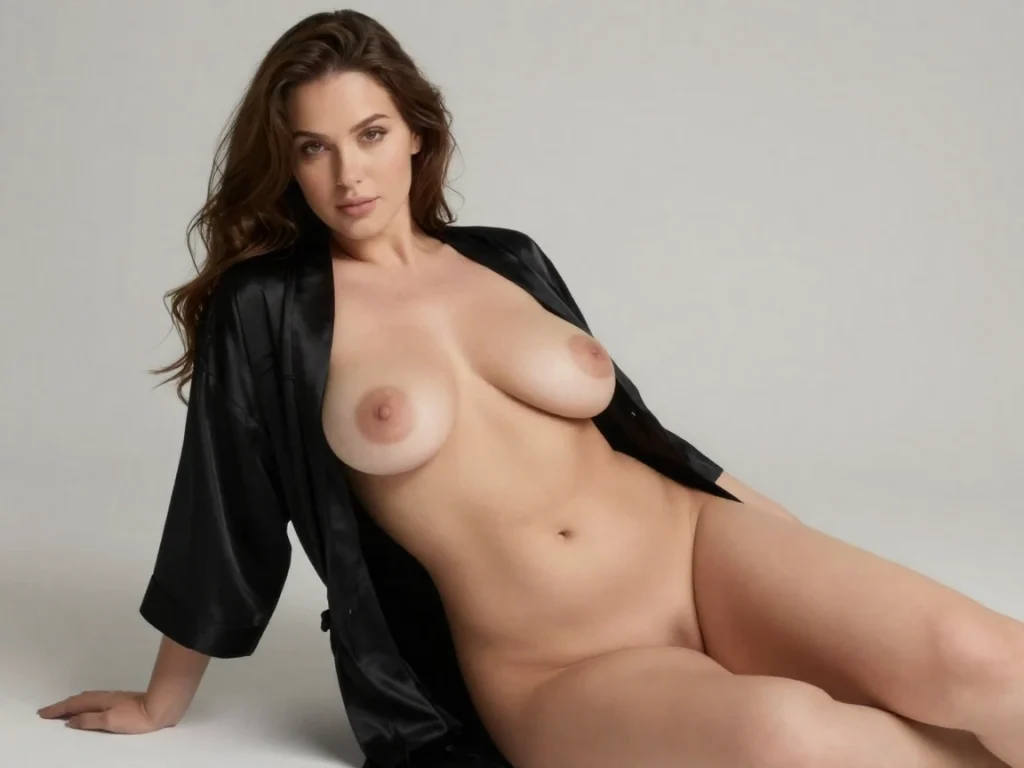
See how another body look fits the pose and clothing.
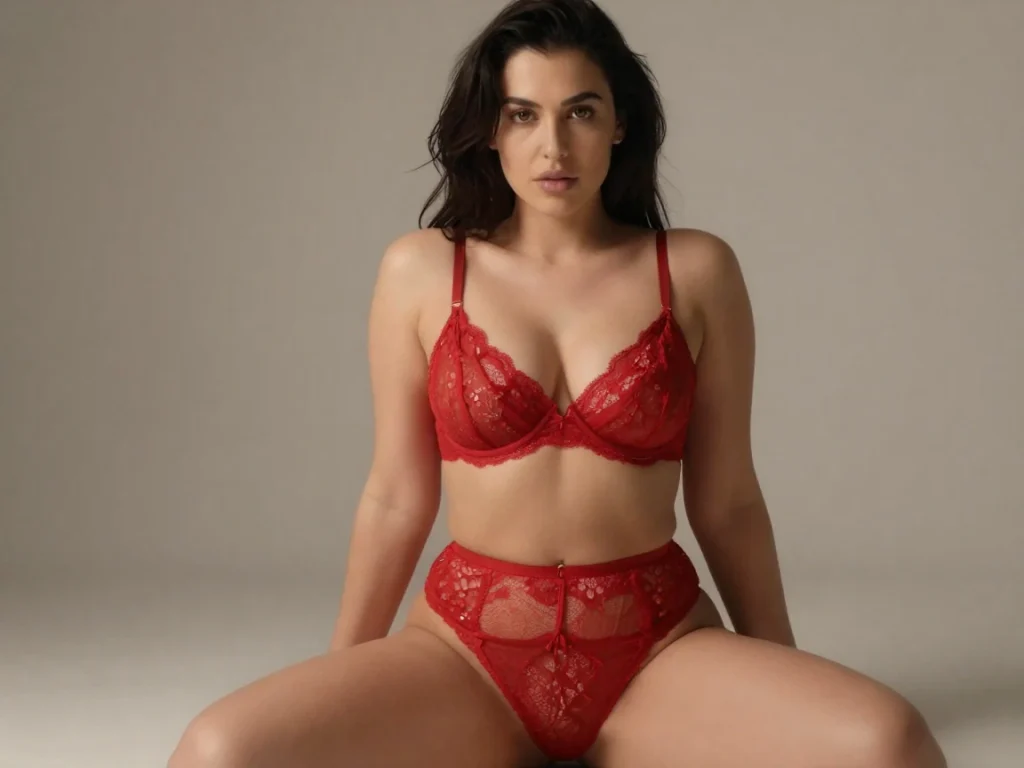
Use only photographs of consenting adults, within the content policy.
AVACLIK / BODY STUDIO
Compare shoulders, waist and hips within the same frame.
A turn of the torso and perspective change how curves appear.
Check hands near the waist, clothing edges and nearby objects.
AVACLIK / BODY STUDIO
Use your AvaClik balance for an available edit. The editor displays the cost on the action button.
Edits use your AvaClik token balance. The editor shows the cost of the selected action before you start. The output is an edited photograph, not a prediction of changes to your body.
Plans and tokens ↗AVACLIK / BODY STUDIO
You can explore a similar direction among available presets. Exact body ratios and matching an example are not guaranteed.
A fuller figure focuses on overall volume. A curvier silhouette emphasizes curves and proportion, without necessarily increasing overall size.
This page describes the existing preset-based tool. It does not add manual sliders; choose from the options actually available in the editor.
The editor shows the token cost for the selected edit before you start.
AvaClik is an 18+ editor. All depicted people must be adults and consent to the edit, and you must have the rights to the photo. Content policy and model restrictions apply.
AI may change neighboring details. Review each result, especially hands, clothing edges and objects near the body.
AVACLIK / BODY STUDIO
Explore the available options and choose proportions that fit your creative idea.
Open the body editor ↗18+ · Adult subjects only, with their consent and the rights to use the images
Content policy ↗