Enlargement Level
Choose a subtle or more noticeable visual adjustment depending on the source image and the result you want.
AVACLIK / BODY STUDIO · 18+
Visually change butt size, volume and shape in your photo with AI. Choose the level of adjustment and compare the edited version with the original image. AvaClik creates a visual AI edit and is not intended to represent real body proportions.
AVACLIK / BUTT SIZE EDITOR
AI Butt Enhancer visually changes butt size and shape in an existing photo. Results depend on the source pose, clothing, camera angle and selected level of adjustment.
Choose a subtle or more noticeable visual adjustment depending on the source image and the result you want.
Edit only images of adults when you have the necessary rights and consent to use the photo.
After editing, check body proportions, waist, hips, clothing, background and nearby image details.
Changing butt shape can affect jeans, leggings, skirts, lingerie and the contours of the lower body.
AVACLIK / BUTT SIZE EDITOR
Choose a visual adjustment ranging from a subtle enhancement to a more pronounced increase in volume. Results depend on pose, clothing, camera angle and body proportions.
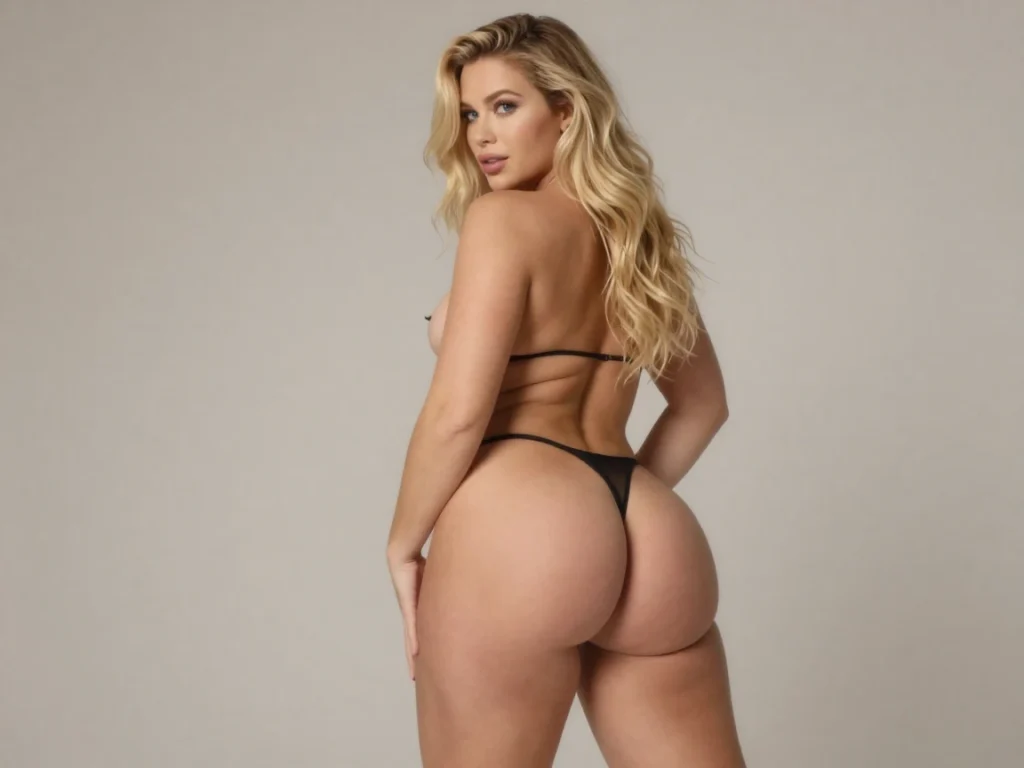
A subtle increase in butt size while keeping the waistline, proportions and overall silhouette close to the original photo.
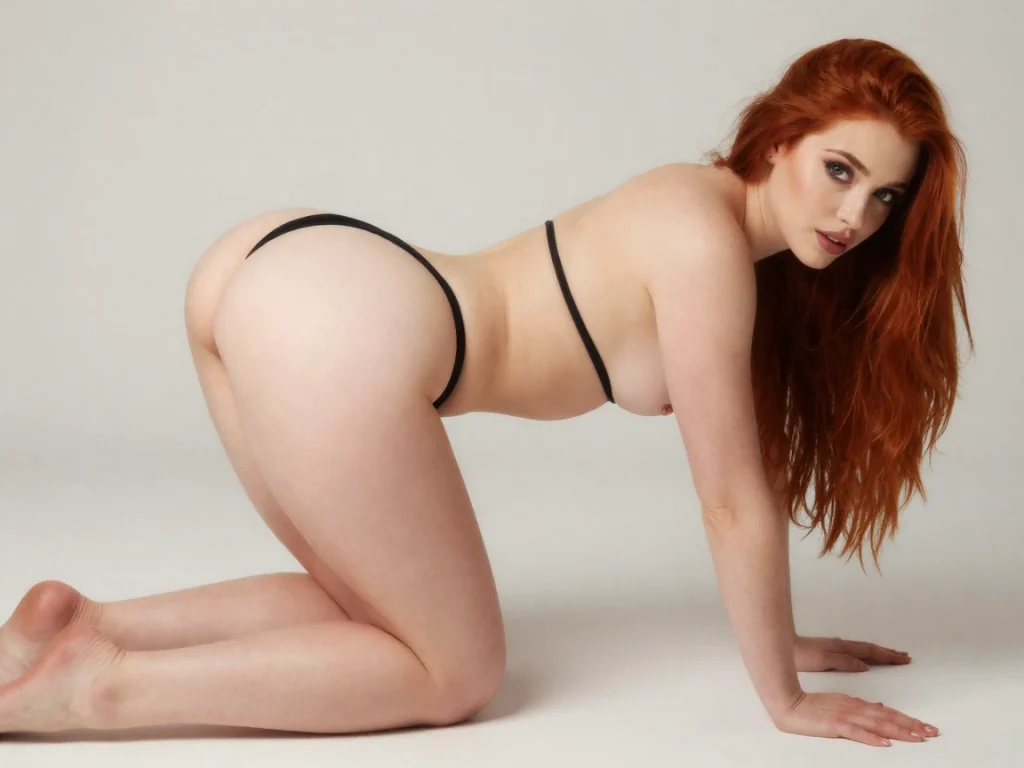
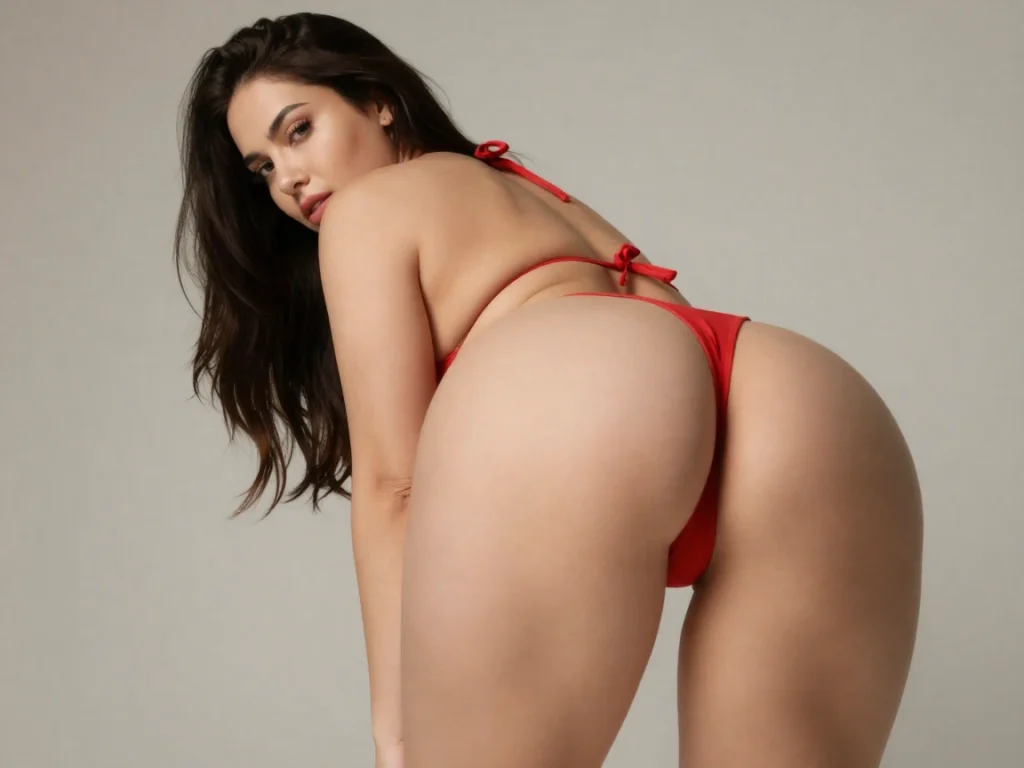
A moderate adjustment for a fuller and rounder shape while preserving the overall composition of the image.
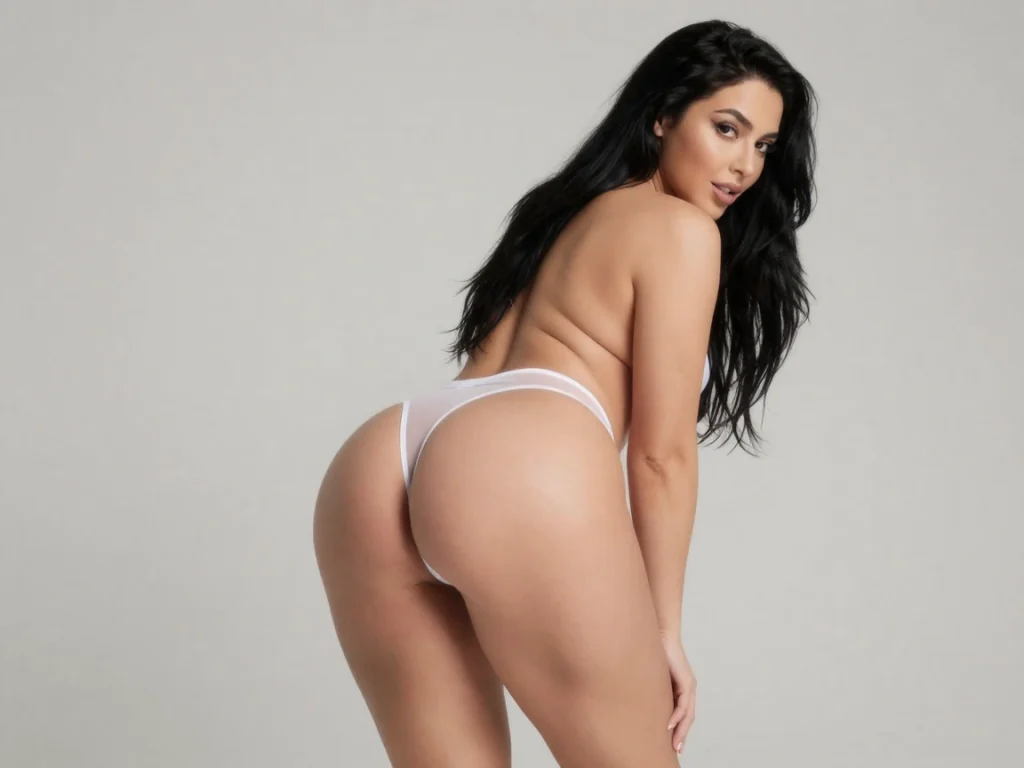
A stronger visual increase in butt size for a more noticeable result compared with the original photo.
AVACLIK / BUTT SIZE EDITOR
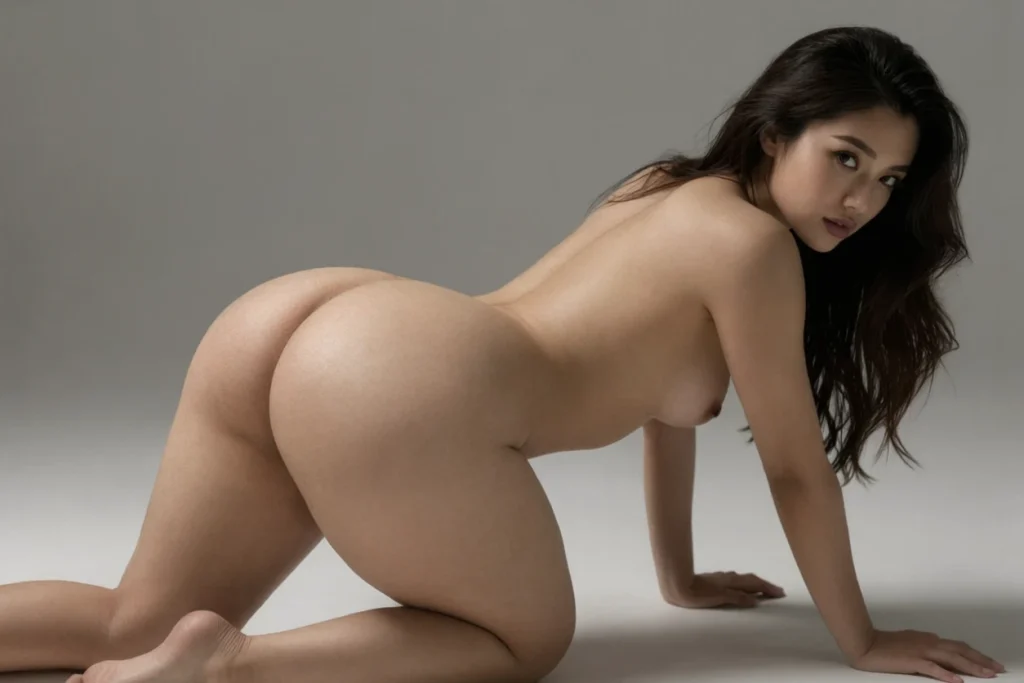
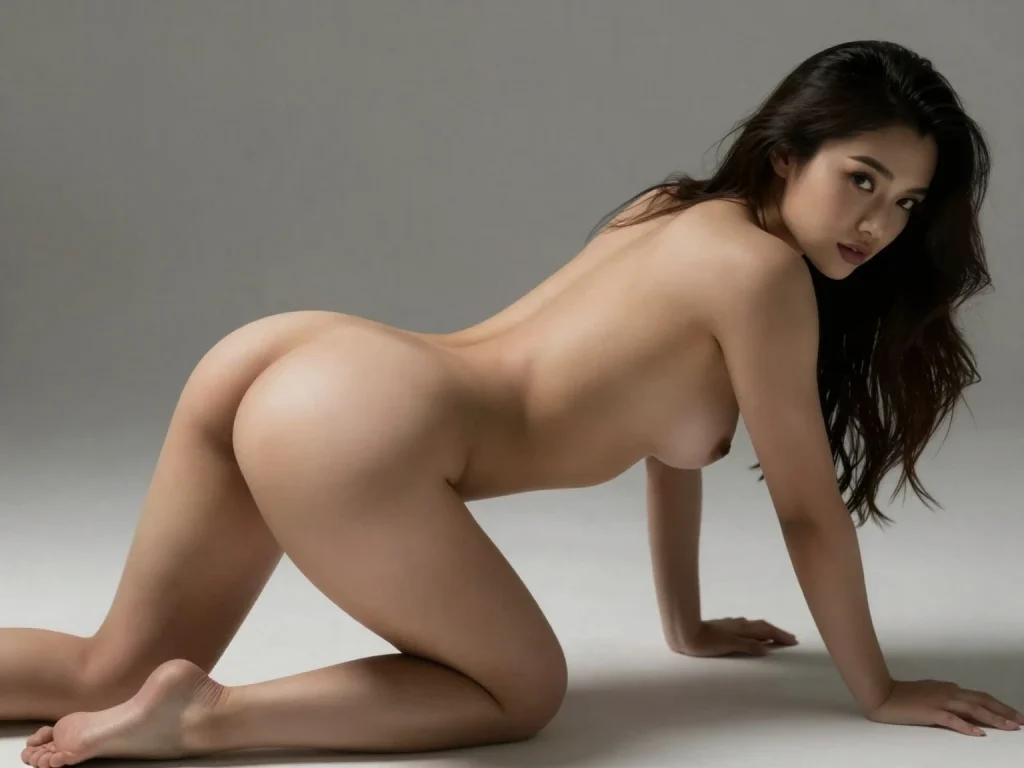
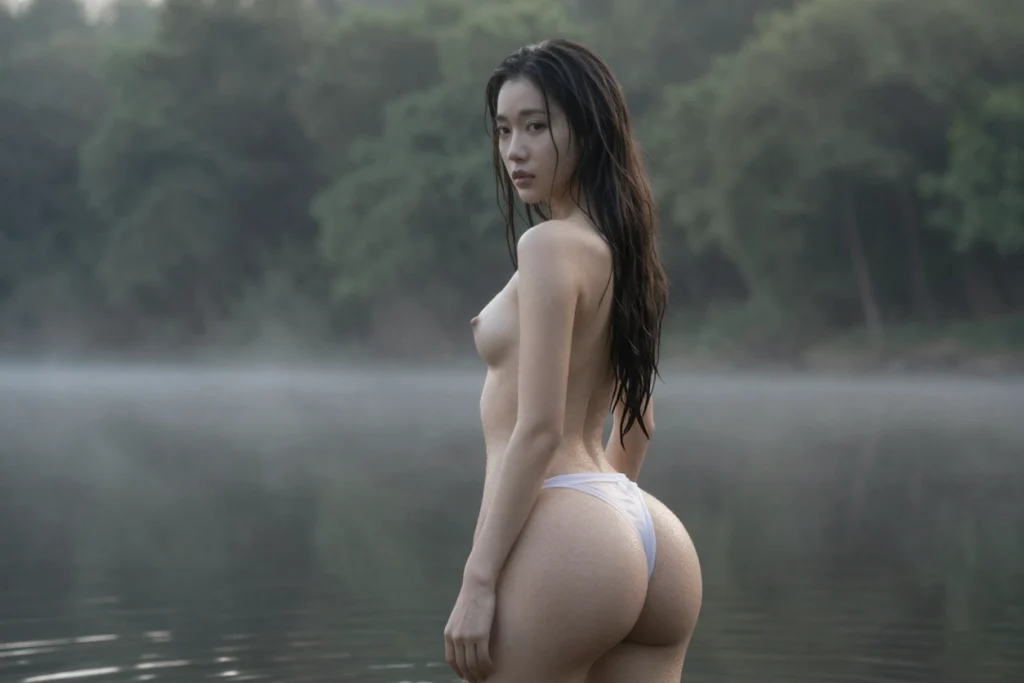
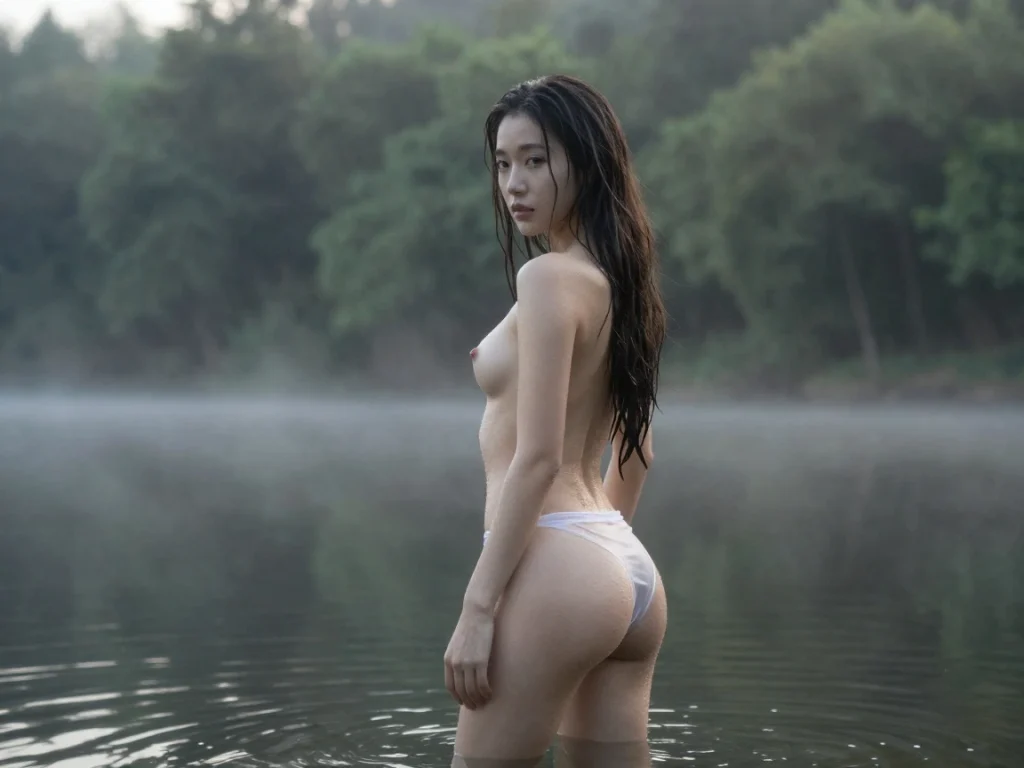
Compare source photos with AI Butt Enhancer results. Examples show different enhancement levels and how the edit works with the waist, hips, clothing and overall body proportions.
AVACLIK / BODY STUDIO
Upload a photo, choose an enhancement level and compare the edited version with the original image.
Choose a clear photo of an adult where the lower body, waist, hips, pose and clothing are clearly visible.
Open the body editing tool and select an adjustment ranging from a subtle enhancement to a more noticeable increase in volume.
Compare the new version with the original. Check the waist, hips, butt shape, clothing fit, legs, hands and background.
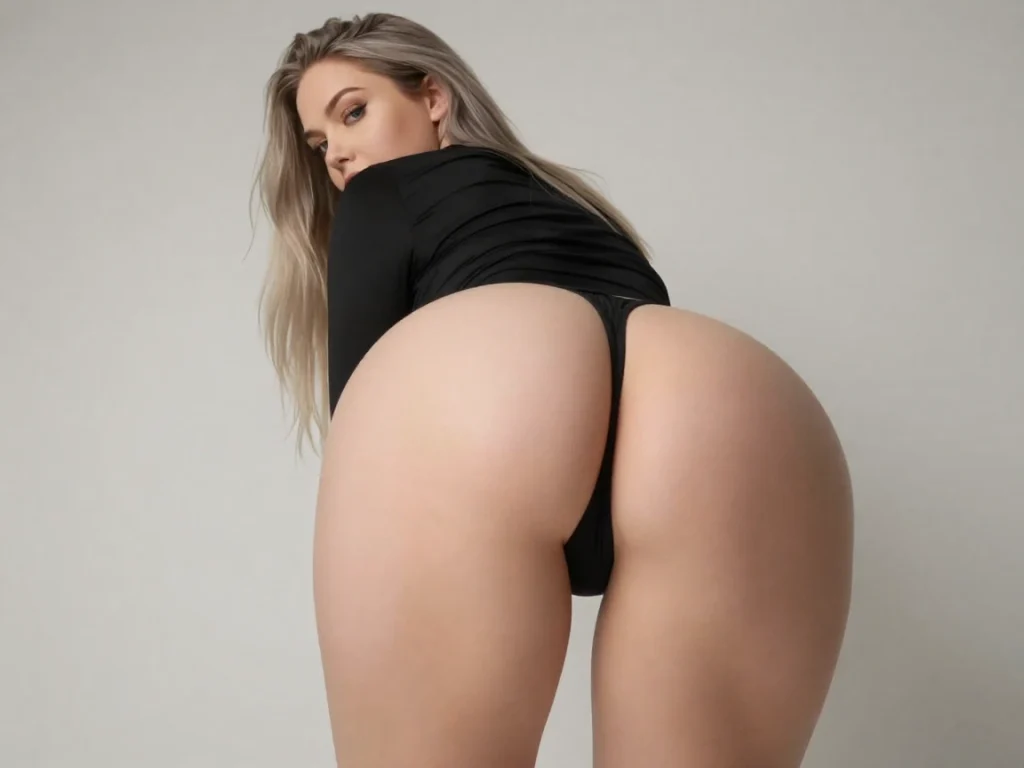
AVACLIK / BODY STUDIO
AI Butt Enhancer changes butt size and shape in an existing photo while keeping the rest of the image as close to the original as possible. It is a visual photo edit, not a prediction of how a body would look in real life.
For a more natural-looking result, consider the pose, waistline, hips, clothing, perspective and lighting. After editing, review proportions, clothing edges, shadows, background and nearby image areas.
AVACLIK / BODY STUDIO
Photos where the waist, hips, butt and pose are clearly visible usually work best. Use the tool to compare different levels of volume and see how the adjustment fits the image.
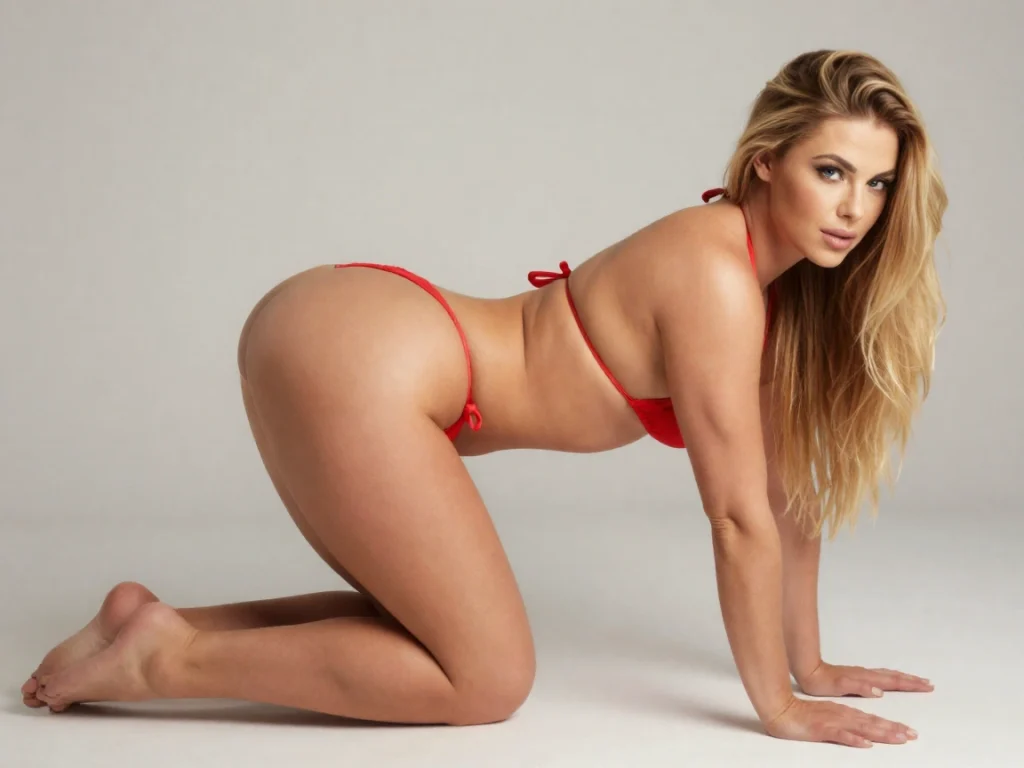
Try several enhancement levels and compare them with the original photo to find the visual result you prefer.
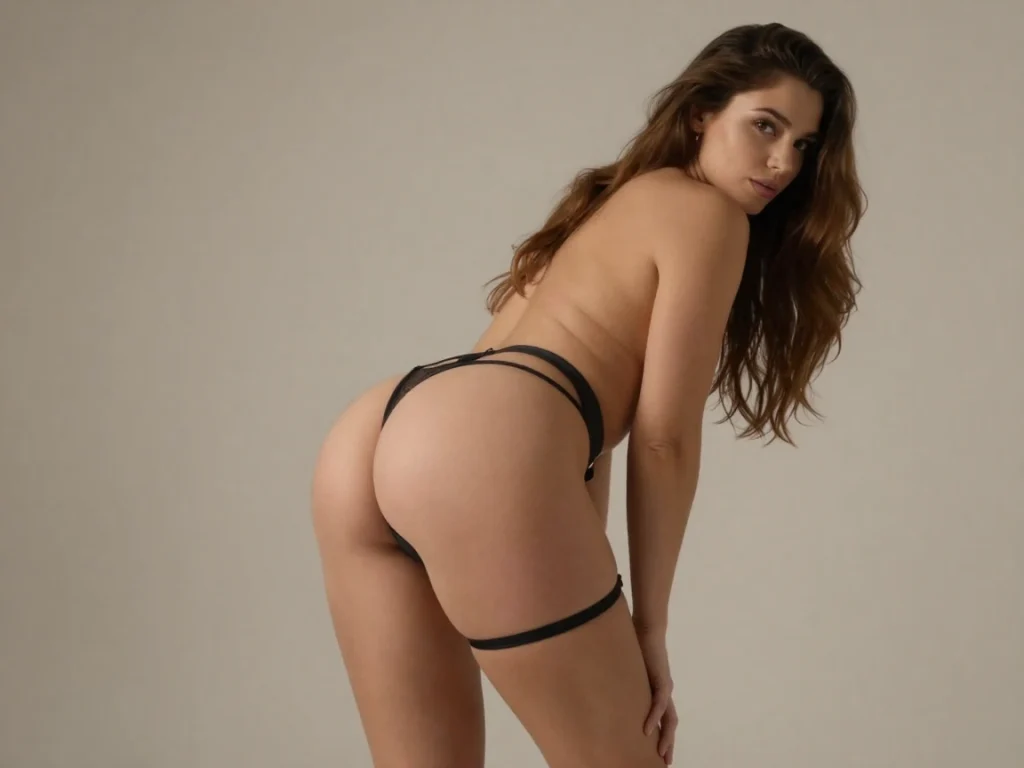
See how the adjustment works with jeans, leggings, a dress, lingerie or another outfit in the source image.
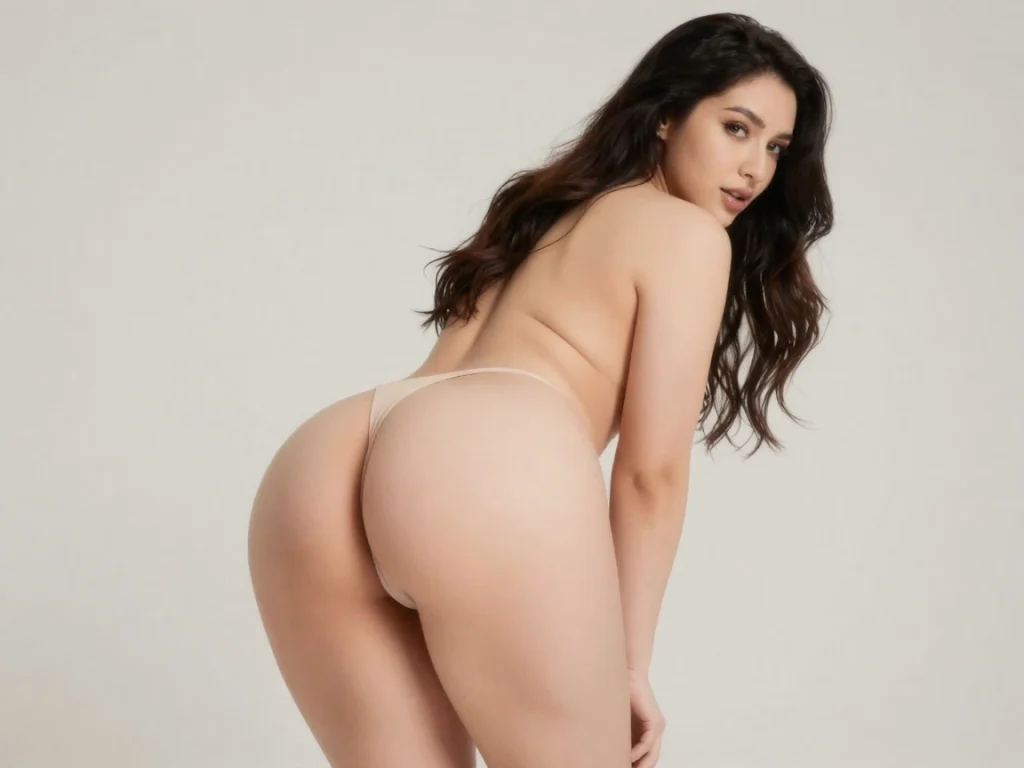
Review the butt enhancement together with the waistline, hip width, legs and overall body proportions.
AVACLIK / BODY STUDIO
Compare the edited photo with the original and pay particular attention to body proportions and areas surrounding the edited region.
Check how the new butt volume works with the waist, hips, legs, pose and overall figure.
Review pockets, seams, fabric, folds and clothing edges. Small details may be redrawn during AI processing.
Check walls, furniture, floor lines and other objects near the body. If you notice visible distortion, try another result.
AVACLIK / BODY STUDIO
The editor shows the token cost for the selected edit before you start.
Edits use your AvaClik token balance. The editor shows the cost of the selected action before you start. The output is an edited photograph, not a prediction of changes to your body.
Plans and tokens ↗AVACLIK / BUTT SIZE EDITOR
Answers to common questions about making a butt look bigger in photos with AI, source images and editing results.
It is an AI editing tool that visually changes butt size, volume and shape in an existing photo.
Yes. Upload a photo of an adult and choose the visual enhancement level you want.
Yes. Available options let you compare a subtle enhancement with a more noticeable increase in volume.
The tool focuses on the butt area, but AI processing may also slightly affect the waist, hips, clothing and nearby body contours.
Clear photos where the waist, hips, butt and legs are visible usually work best. Side and three-quarter angles can make silhouette changes easier to compare.
Yes. AI can work with jeans, leggings, dresses, lingerie and other clothing, although the adjustment may affect fabric, seams and folds.
No. AI Butt Enhancer creates a visual photo edit only and should not be treated as a physical or medical prediction.
Yes. AvaClik works directly in mobile and desktop browsers without requiring a separate app.
AVACLIK / BUTT SIZE EDITOR
Upload your photo, choose the enhancement level you want and compare the edited result with the original image directly in your browser.
Make Butt Bigger ↗18+ · Adult subjects only, with their consent and the rights to use the images
Content policy ↗