Photo-guided edits
Image-to-image starts with your uploaded picture, rather than a blank canvas for every new idea.
AVACLIK / ADULT AI PHOTO EDITOR
Start with your photo. Explore a different outfit, pose, look or atmosphere with written instructions and focused AI tools. AvaClik supports adult creative editing, with consent from everyone in the photograph.
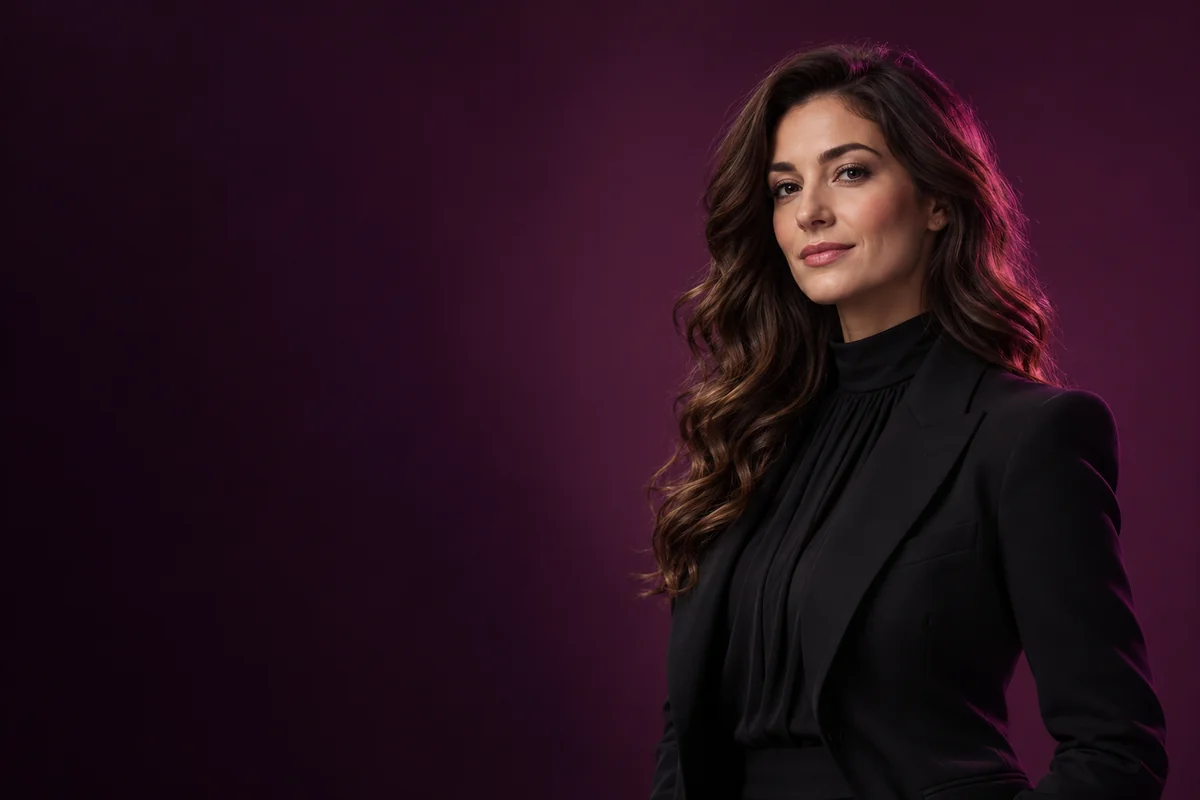 A new direction for your photo
Describe what to change, then explain what you want to preserve.
Feature illustrations, not editing results. Actual edits are shown separately in the before-and-after section.
AVACLIK / IMAGE-TO-IMAGE
Start with an existing image and choose a focused task. Some tools take written instructions; others offer preset looks.
Image-to-image starts with your uploaded picture, rather than a blank canvas for every new idea.
Describe a different outfit, setting, lighting or another change in the AI by Prompt tool.
Open dedicated sections for clothes, poses, hair and other parts of your look.
Work with permitted adult imagery. Service rules and the restrictions of the underlying models apply.
AVACLIK / IMAGE-TO-IMAGE
Review the source photo alongside the edited version. The site owner adds these pairs from actual use of the editor.
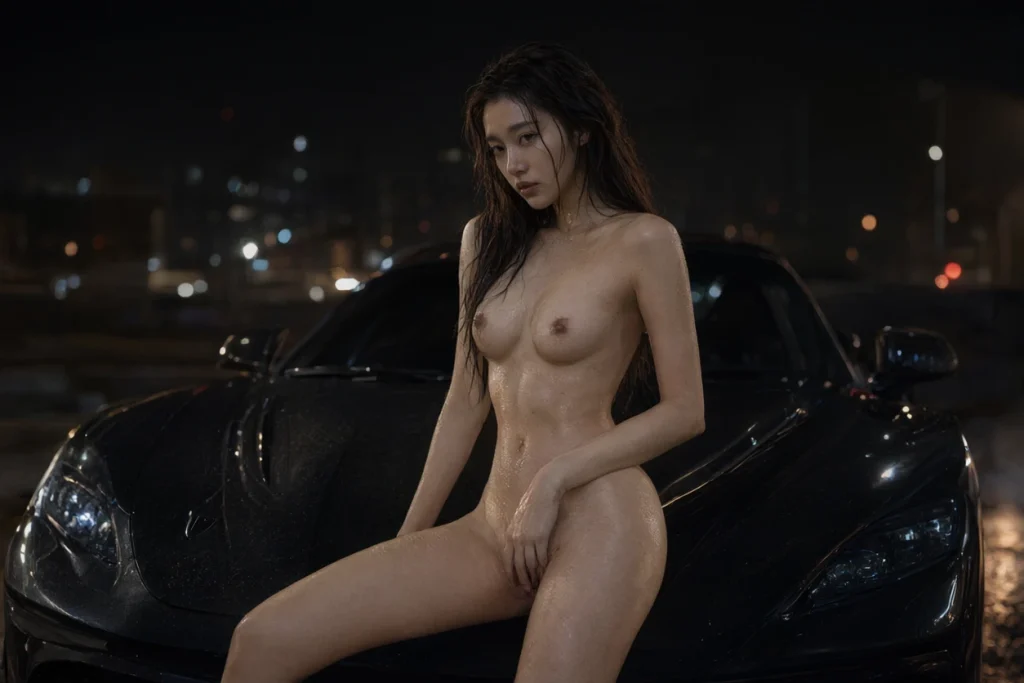
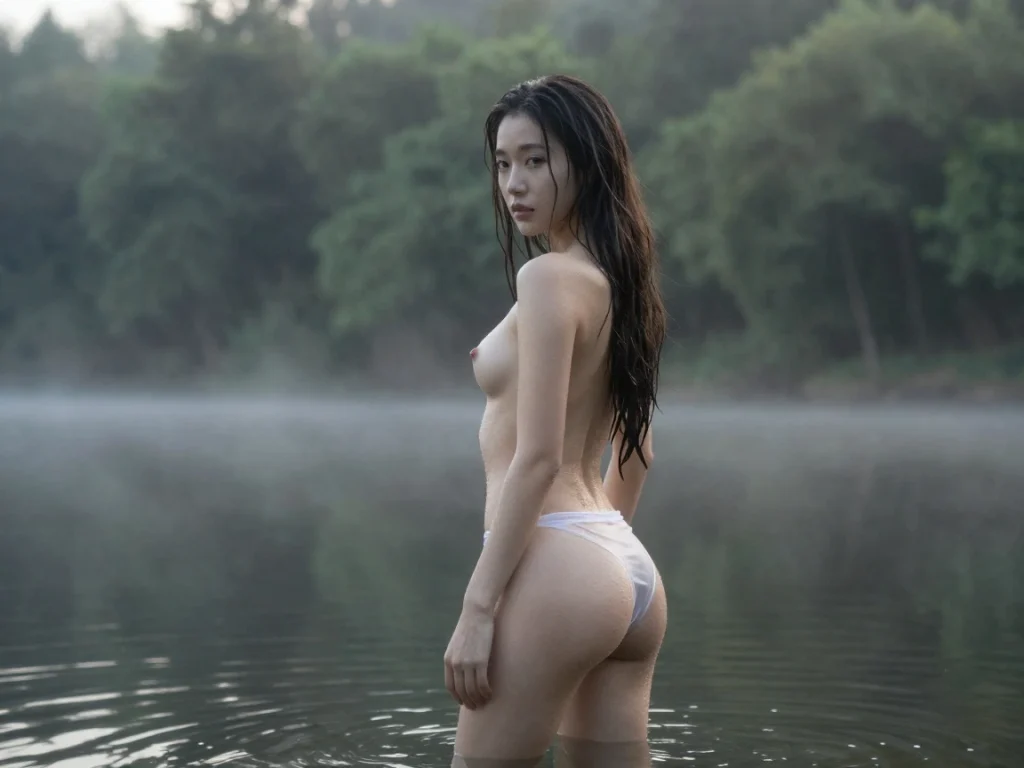
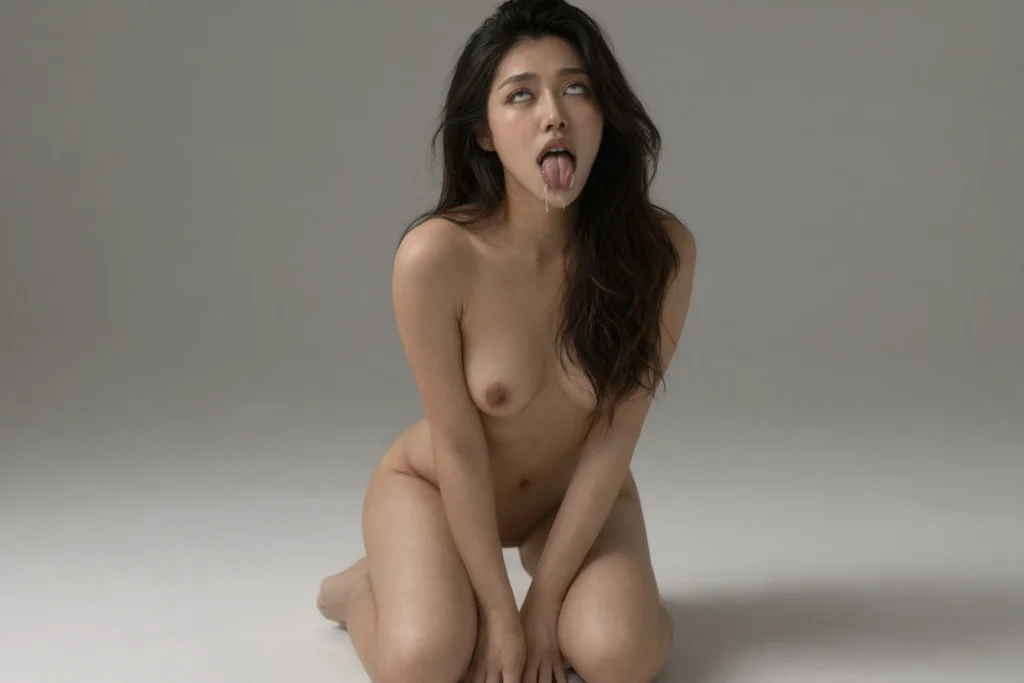
AVACLIK / IMAGE-TO-IMAGE
Choose a direction and explore its dedicated tool page. One photo can be the starting point for several different creative tasks.
Explore a look using a description, preset or outfit reference, with available color options.
↗
Try another body position or framing direction using the available options or a description.
↗
Explore a hairstyle, color or hairstyle reference that works with a different look.
↗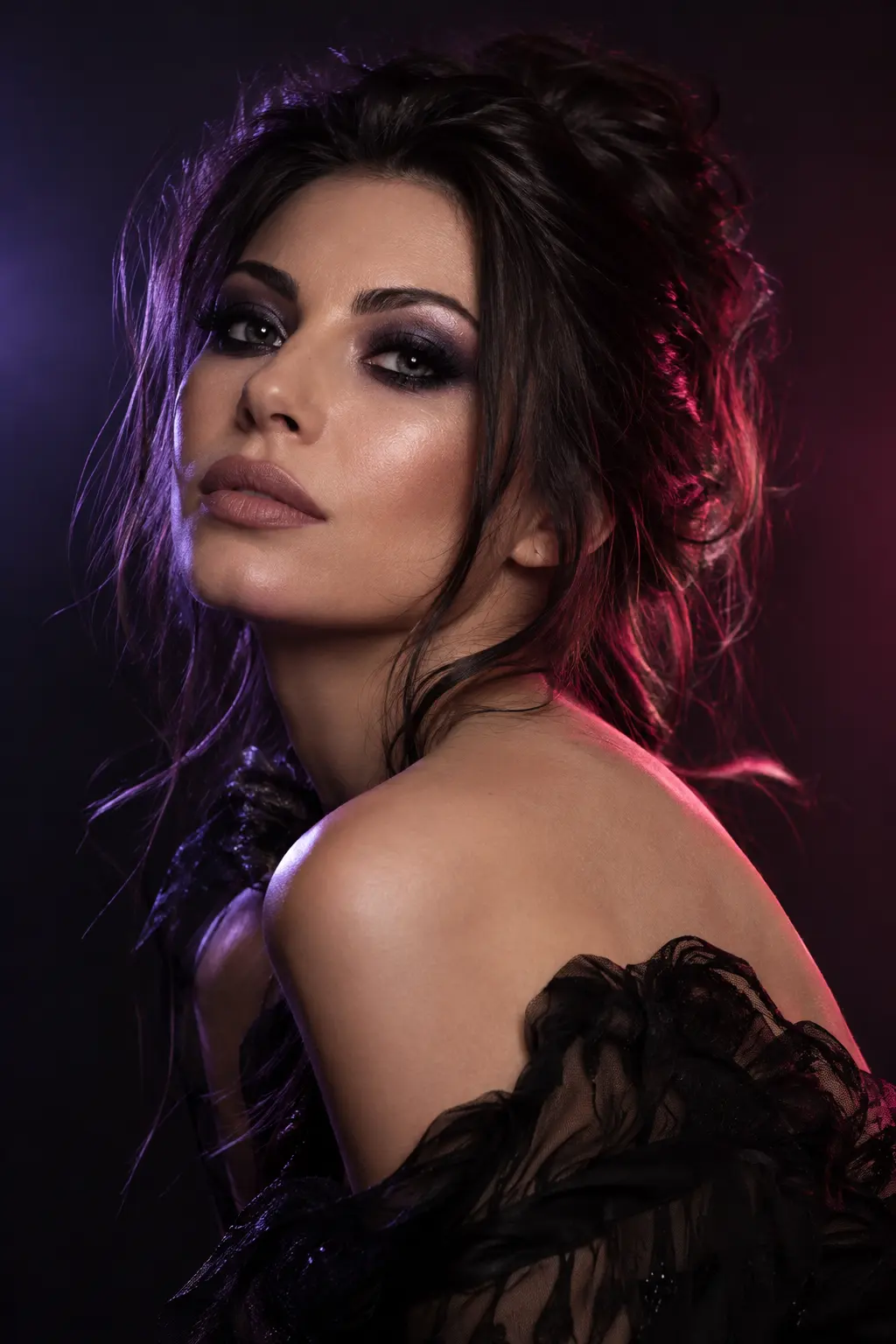
Try natural, evening and more expressive makeup directions.
↗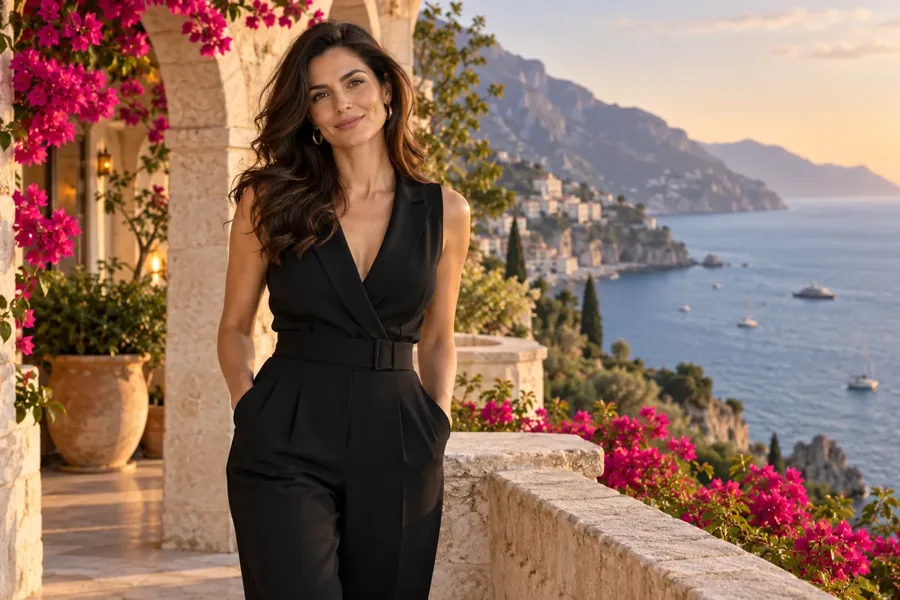
Build another atmosphere around the subject: an interior, an outdoor setting or a creative scene.
↗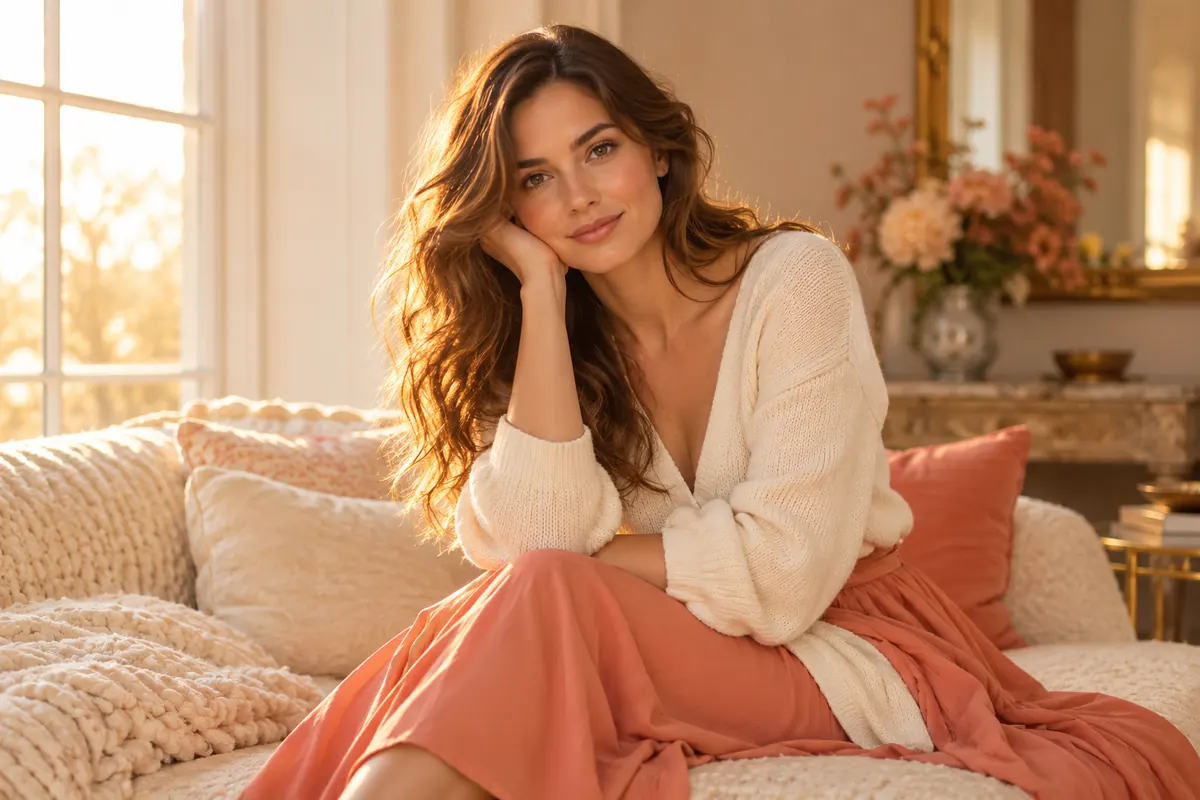
Explore another lighting direction and the mood it brings to the photo.
↗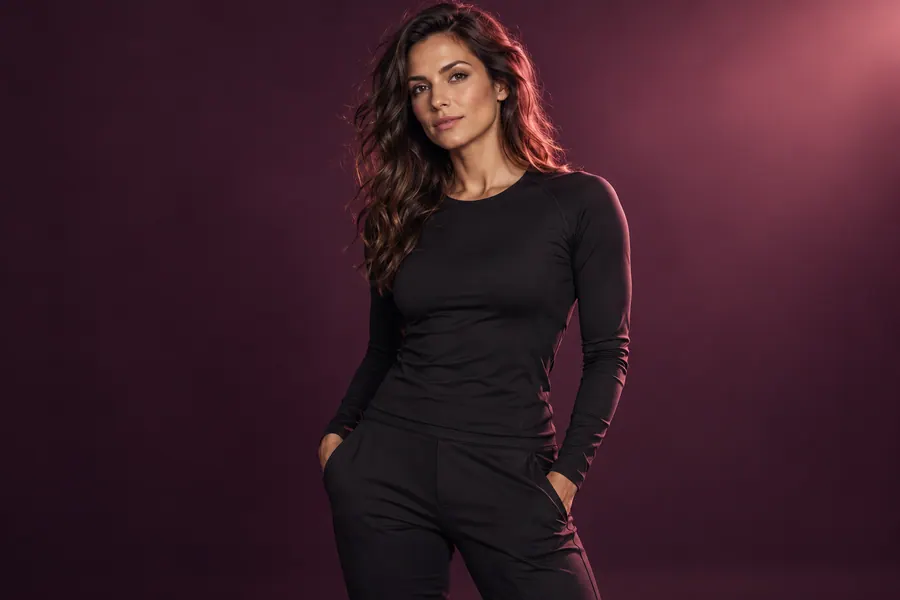
Choose an available body preset and review the overall proportions of the new image.
↗
Give a photograph another artistic interpretation or visual treatment.
↗Feature illustrations, not editing results. Actual edits are shown separately in the before-and-after section.
AVACLIK / IMAGE-TO-IMAGE
There is no separate desktop app to install. On a computer or phone, start in the same browser-based editor.
Open the editor and select a clear photograph. For outfits and poses, the relevant part of the body should be visible in the frame.
Pick a tool or write an instruction. Start with one clear task and name the details you would like to preserve.
Run the edit and inspect the face, hands, clothing and background. Compare versions in history, then save the result you prefer.

AVACLIK / IMAGE-TO-IMAGE
Your source photograph gives the edit a starting composition. You describe the change: a new outfit, another environment, lighting or style. AI creates a new image version; nearby details may change along with the main edit.
This is different from text-to-image generation, where there is no source photograph. If you want to invent a scene from scratch, use the image generator. For a series of photo edits, use the editor history and review each intermediate version.
AVACLIK / IMAGE-TO-IMAGE
AvaClik is for adults. An adult subject or setting does not remove the need for consent and rights to the image.

Explore a different hairstyle, makeup, outfit or atmosphere on your own portrait.
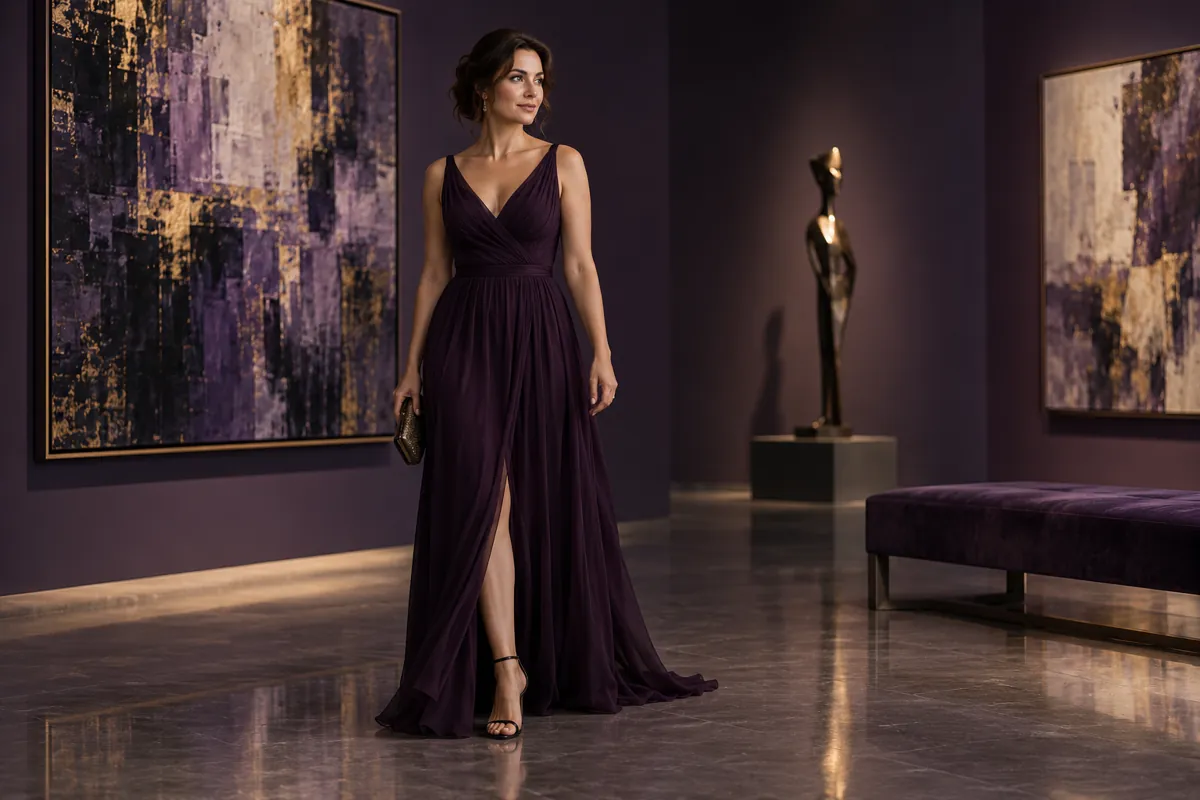
Develop a permitted adult visual concept through changes to clothing, light and composition.
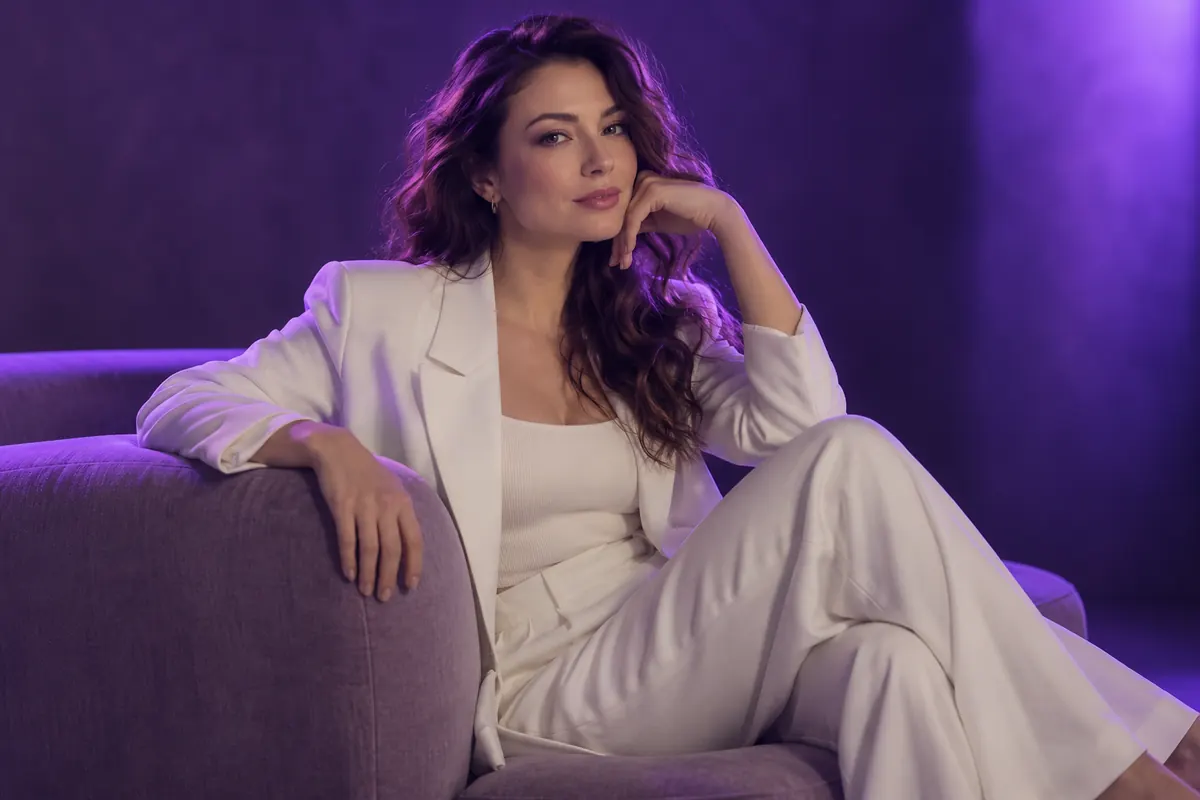
Compare directions and continue from a useful version, rather than rebuilding the entire scene every time.
AVACLIK / IMAGE-TO-IMAGE
Name the main edit first, then add details such as fabric, color or lighting. Preservation instructions guide the edit but do not guarantee exact matches.
Change the clothing to a burgundy satin evening dress. Keep the face, hairstyle and hand position, and leave the original background.How prompt-based editing works ↗
Make the background feel like a cozy photography studio with soft, warm lighting. Keep the person and the clothing color.How prompt-based editing works ↗
Add understated evening makeup and soft side lighting. Preserve recognizable facial features and natural skin texture.How prompt-based editing works ↗
AVACLIK / IMAGE-TO-IMAGE
Check the selected action’s cost before starting. Different tasks and modes may use different numbers of tokens.
The editor displays the cost of the selected action before you start. Tokens or an available free edit may be used.
Plans and tokens ↗AVACLIK / IMAGE-TO-IMAGE
It edits a picture you already have, guided by the source image and a chosen change. AvaClik supports permitted adult creative work for users aged 18 and over.
Yes. Image-to-image starts with an existing photo. A text-to-image generator can make a new picture without a source photograph. AvaClik has separate sections for these workflows.
The editor is intended for adults and supports adult imagery within the service rules and model restrictions. Everyone depicted must be an adult and consent to the edit.
Exact preservation of every detail is not guaranteed. Explain what to keep and review each edited version before downloading.
You can describe multiple changes, but complex instructions are harder to control. Work step by step and keep useful intermediate versions for comparison.
Start with a clear instruction. For many tasks, you can choose an available preset in a dedicated tool instead.
Yes. Open the site in your phone’s browser, upload a photo, choose a tool and download the result. The desktop editor offers the same editing directions.
The editor shows the cost before starting; eligible users may also have a free edit available. Content rules and model restrictions apply.
AVACLIK / IMAGE-TO-IMAGE
Open the editor and start with one clear change. A new look can begin with a few words.
Open the editor18+ · For adults only. Use photographs of consenting adults and make sure you have the rights to edit them.
Content policy ↗