20 Standing Pose Prompts for AI Photo Editing
Copy 20 standing pose prompts for relaxed, confident, fashion, business and candid AI photo edits.
On this page
Open the AvaClik tool connected to this guide and try it on your photo.
Standing poses look simple, but small choices in weight distribution, foot placement and hand position completely change the silhouette. These prompts are written to give an AI editor concrete geometry while leaving room for the original identity, outfit and setting to remain recognizable.
Quick answer
Choose a standing prompt that fits the source camera angle, keep the support leg clear, avoid complicated limb crossings on the first attempt, and add explicit preservation instructions for face, outfit and background.
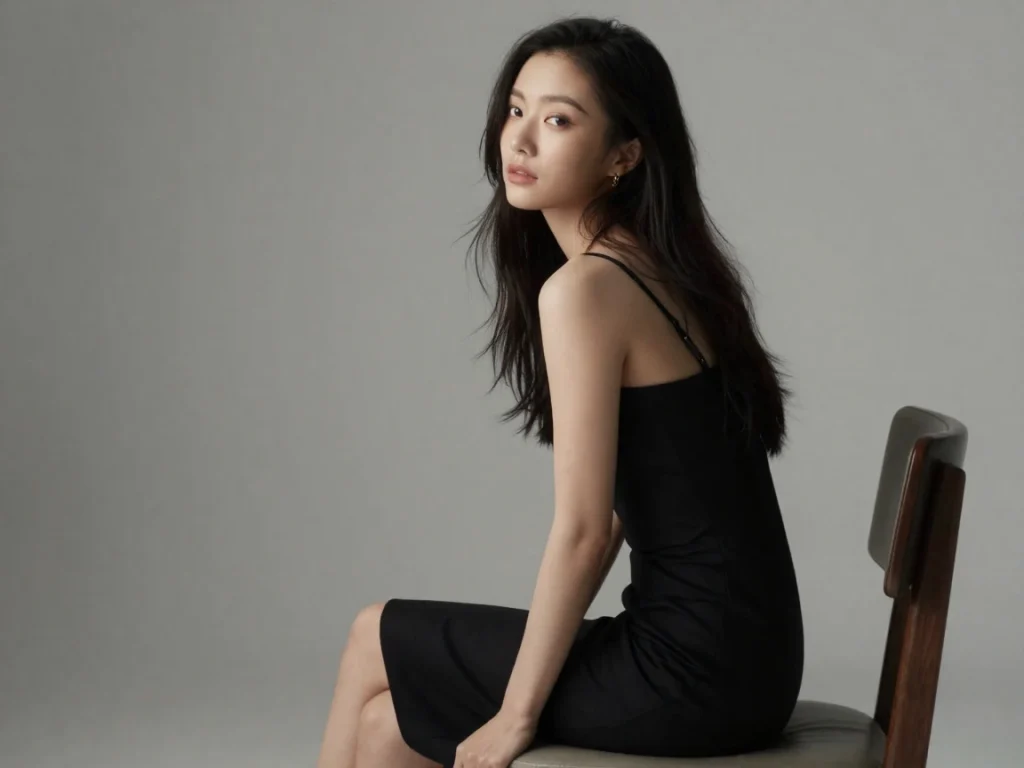
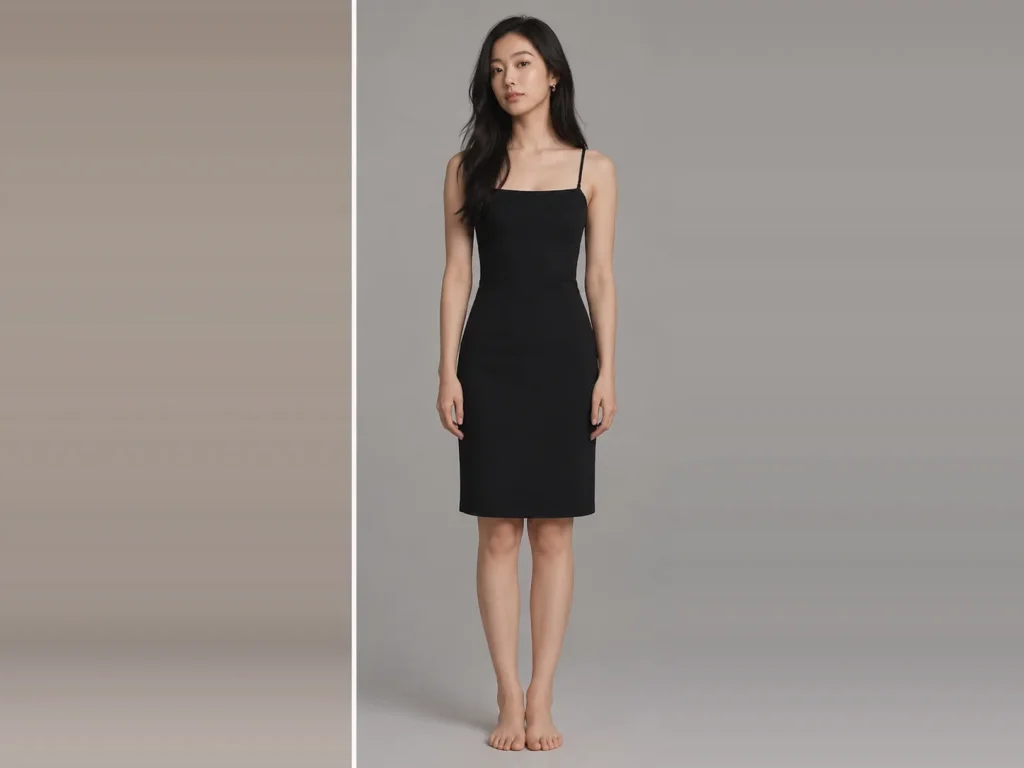
What makes a standing pose readable
A viewer should be able to tell which leg carries weight, where the feet point and what each hand is doing. For 20 Standing Pose Prompts for AI Photo Editing, when the result is almost right, avoid rewriting the entire request. Preserve the successful parts and correct one failure at a time—for example the right hand, the planted foot or the shoulder angle. This makes the workflow easier to compare and reduces the chance that a fix introduces a completely different composition.
For this specific issue, evaluate the result against the original rather than against an imagined perfect pose. Preserve the parts that already work, and make the next instruction about what makes a standing pose readable as concrete as possible. This keeps the edit measurable and prevents unrelated changes from hiding the original problem.
Use contrapposto for a relaxed silhouette
Shifting weight to one leg while the shoulders counterbalance can make a static portrait feel natural without needing an extreme pose. In 20 Standing Pose Prompts for AI Photo Editing, this matters in AI pose editing because the model has to redraw a connected body, not move a rigid cut-out. A small change in the hips or shoulders can force new clothing folds, contact shadows and limb positions elsewhere in the frame. Treat the request as a new photographic arrangement while explicitly naming the details that should remain recognizable.
For this specific issue, evaluate the result against the original rather than against an imagined perfect pose. Preserve the parts that already work, and make the next instruction about use contrapposto for a relaxed silhouette as concrete as possible. This keeps the edit measurable and prevents unrelated changes from hiding the original problem.
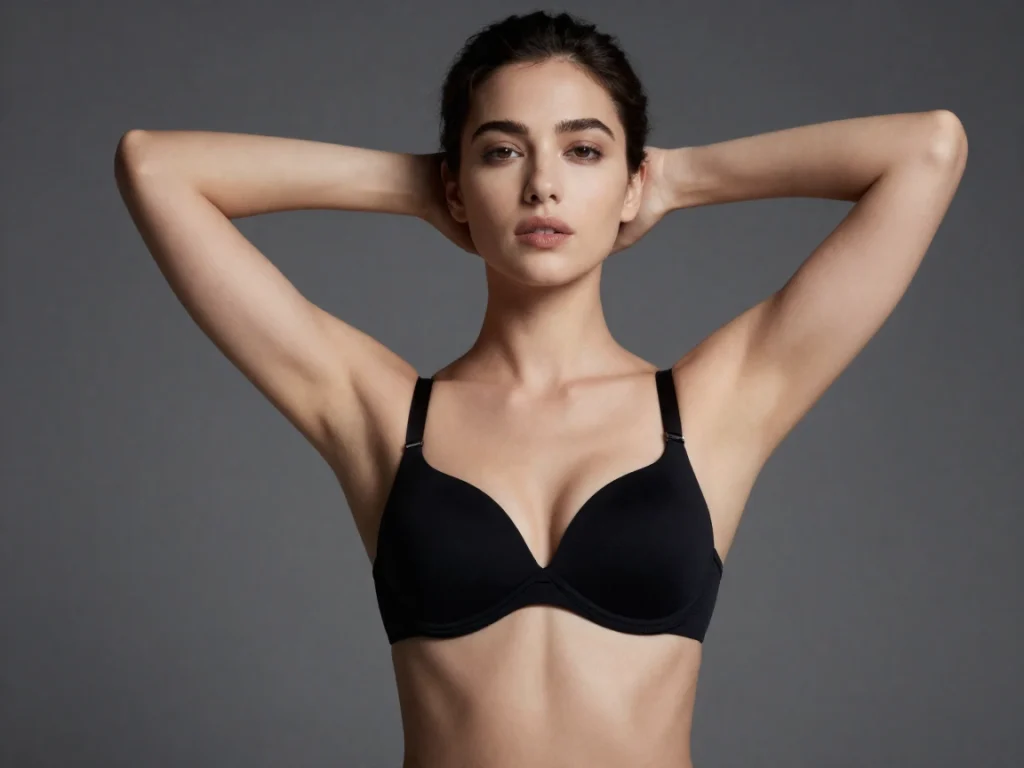
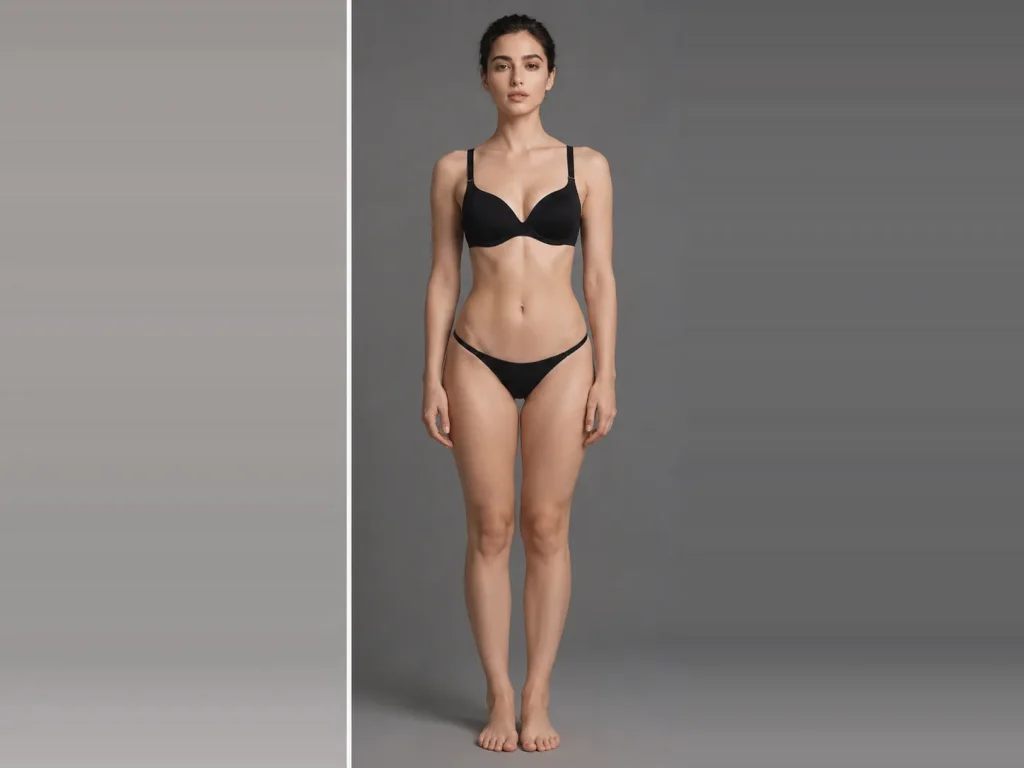
Keep hand placement purposeful
Pockets, hips, lapels and relaxed arms are easier to control than vague “stylish hands.” For 20 Standing Pose Prompts for AI Photo Editing, the practical goal is not to control every pixel; it is to give the model enough geometric constraints that the new posture reads clearly while identity, clothing and scene remain close to the source. The more unusual the requested pose, the more useful it is to describe support points, hand placement, foot placement and body direction instead of relying on a vague style word.
When hands are visible, count fingers, check wrist direction and verify that palms or knuckles do not merge into clothing. A simple hand position is easier to evaluate than a decorative gesture with overlapping fingers. In this guide on 20 Standing Pose Prompts for AI Photo Editing, use that check specifically when reviewing keep hand placement purposeful.
Foot placement changes the whole stance
A half-step forward, slightly turned foot or narrow runway line creates different visual energy. In 20 Standing Pose Prompts for AI Photo Editing, a good result should still look plausible when you inspect it at full size. Look beyond the overall silhouette and check joints, fingers, shoes, garment seams, floor contact and the direction of light. Those small relationships are where an attractive thumbnail can reveal that the pose was not physically resolved.
Shoes and feet explain balance. Compare sole contact, ankle alignment and the shadow immediately beneath the shoe; a small floating gap can make an otherwise convincing body feel synthetic. In this guide on 20 Standing Pose Prompts for AI Photo Editing, use that check specifically when reviewing foot placement changes the whole stance.
Business and professional standing poses
Simple symmetry, controlled hands and upright posture generally fit profile and corporate imagery better than dramatic fashion angles. For 20 Standing Pose Prompts for AI Photo Editing, think of the source photo as a set of constraints: camera position, body visibility, outfit, background and lighting. The pose instruction changes one part of that system. Asking for fewer unrelated changes at the same time generally makes it easier to judge whether the pose itself worked and to refine the next attempt.
For this specific issue, evaluate the result against the original rather than against an imagined perfect pose. Preserve the parts that already work, and make the next instruction about business and professional standing poses as concrete as possible. This keeps the edit measurable and prevents unrelated changes from hiding the original problem.
Fashion standing poses
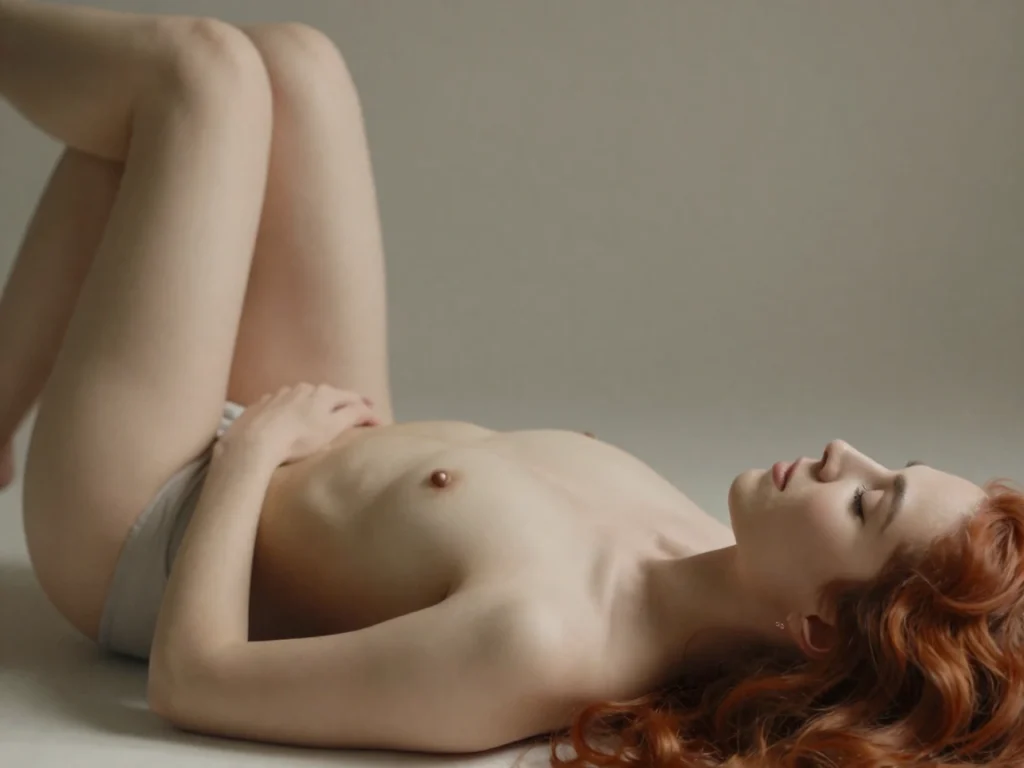
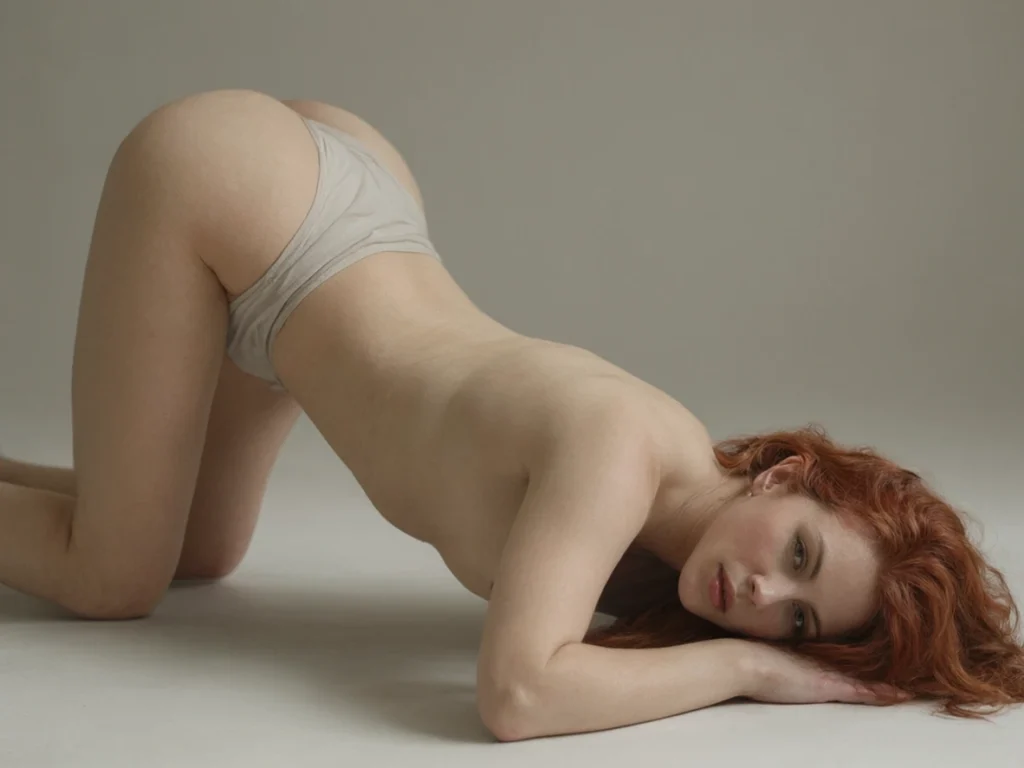
Editorial poses can use stronger hip shift, asymmetry and elongated lines, but floor contact still needs to read clearly. In 20 Standing Pose Prompts for AI Photo Editing, pose generation is strongest when the requested posture is visually specific. Words such as “confident” or “relaxed” are useful as secondary cues, but concrete instructions such as where the weight rests, how the torso turns and what each hand does give the model a much clearer target.
For this specific issue, evaluate the result against the original rather than against an imagined perfect pose. Preserve the parts that already work, and make the next instruction about fashion standing poses as concrete as possible. This keeps the edit measurable and prevents unrelated changes from hiding the original problem.
Candid standing variations
A small turn, clothing adjustment or glance away can feel less staged while keeping the subject stationary. For 20 Standing Pose Prompts for AI Photo Editing, when the result is almost right, avoid rewriting the entire request. Preserve the successful parts and correct one failure at a time—for example the right hand, the planted foot or the shoulder angle. This makes the workflow easier to compare and reduces the chance that a fix introduces a completely different composition.
For this specific issue, evaluate the result against the original rather than against an imagined perfect pose. Preserve the parts that already work, and make the next instruction about candid standing variations as concrete as possible. This keeps the edit measurable and prevents unrelated changes from hiding the original problem.
Preserve the original look
When only posture should change, explicitly keep face, hair, outfit, background and camera angle. In 20 Standing Pose Prompts for AI Photo Editing, this matters in AI pose editing because the model has to redraw a connected body, not move a rigid cut-out. A small change in the hips or shoulders can force new clothing folds, contact shadows and limb positions elsewhere in the frame. Treat the request as a new photographic arrangement while explicitly naming the details that should remain recognizable.
Preservation language is a priority list, not a guarantee. Name only the identity, wardrobe and scene details that matter to the final use, then compare those details with the original. In this guide on 20 Standing Pose Prompts for AI Photo Editing, use that check specifically when reviewing preserve the original look.
Review knees, ankles and garment hems
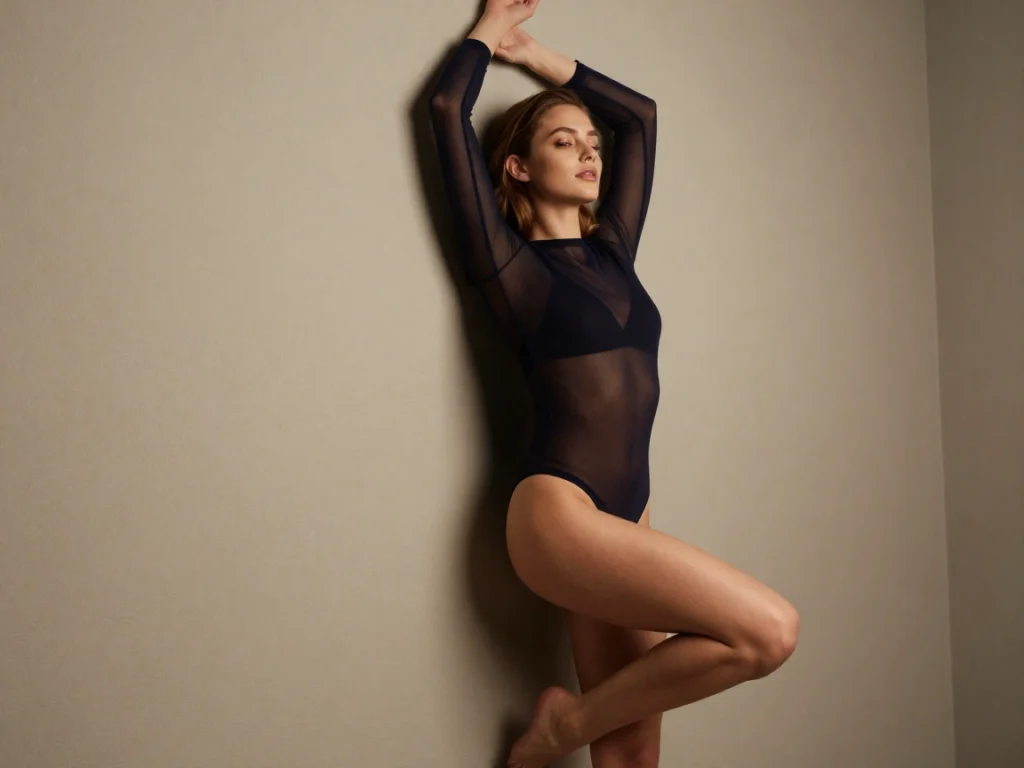
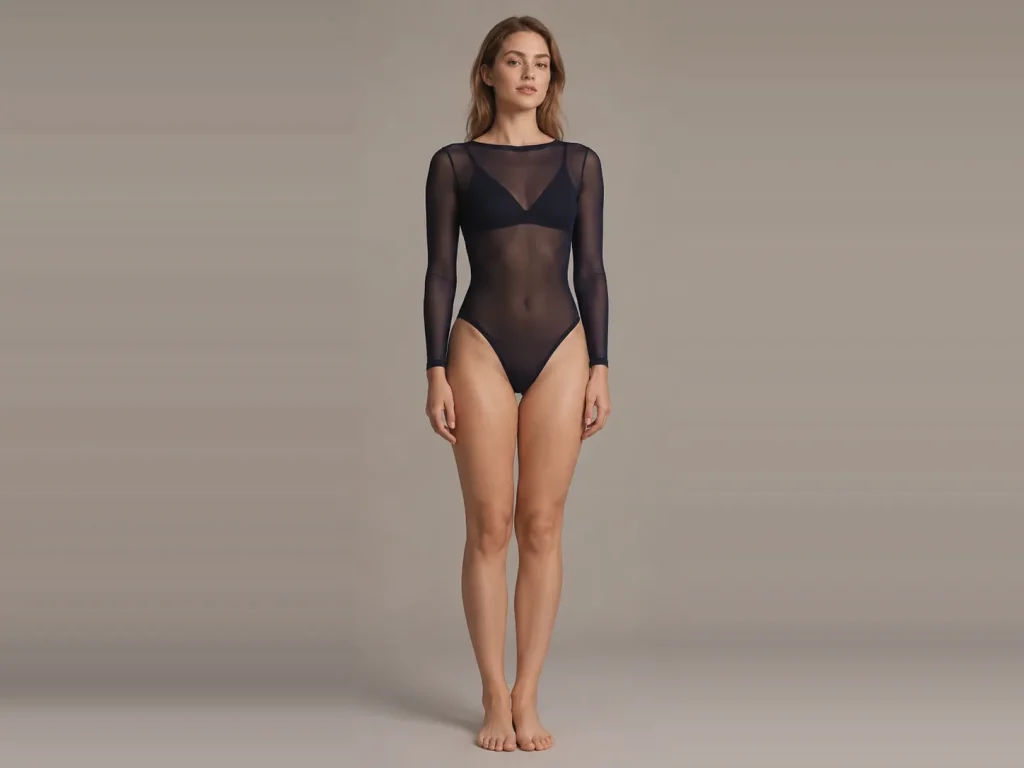
Standing edits often look correct at the torso while the lower legs, shoes or long garments reveal artifacts. For 20 Standing Pose Prompts for AI Photo Editing, the practical goal is not to control every pixel; it is to give the model enough geometric constraints that the new posture reads clearly while identity, clothing and scene remain close to the source. The more unusual the requested pose, the more useful it is to describe support points, hand placement, foot placement and body direction instead of relying on a vague style word.
Do the review at the intended display size and again at 100% zoom. The first tells you whether the overall image works; the second catches anatomy and preservation errors that are invisible in a thumbnail. In this guide on 20 Standing Pose Prompts for AI Photo Editing, use that check specifically when reviewing review knees, ankles and garment hems.
Choose the prompt that matches the crop
A full-body standing prompt is not useful when the source ends at the waist; use shoulder and arm prompts instead. In 20 Standing Pose Prompts for AI Photo Editing, a good result should still look plausible when you inspect it at full size. Look beyond the overall silhouette and check joints, fingers, shoes, garment seams, floor contact and the direction of light. Those small relationships are where an attractive thumbnail can reveal that the pose was not physically resolved.
For this specific issue, evaluate the result against the original rather than against an imagined perfect pose. Preserve the parts that already work, and make the next instruction about choose the prompt that matches the crop as concrete as possible. This keeps the edit measurable and prevents unrelated changes from hiding the original problem.
Copy-and-paste pose prompts
Use these 20 standing pose prompts for ai photo editing examples as starting points, not rigid recipes. Replace details that conflict with the source photo and keep the preservation line only for elements that truly need to remain stable.
Relaxed
Using the uploaded image as the identity and clothing reference, change only the pose to: relaxed contrapposto, weight on left leg, right knee soft, arms hanging naturally. Keep the same adult person, facial features, hairstyle, outfit, camera angle and background. Natural anatomy, realistic weight and contact, no extra limbs.
Adapt left/right directions to the source photo when needed.
Using the uploaded image as the identity and clothing reference, change only the pose to: one hand in pocket, opposite arm relaxed, feet comfortably apart. Keep the same adult person, facial features, hairstyle, outfit, camera angle and background. Natural anatomy, realistic weight and contact, no extra limbs.
Adapt left/right directions to the source photo when needed.
Using the uploaded image as the identity and clothing reference, change only the pose to: slight quarter turn, one foot half a step forward, shoulders relaxed. Keep the same adult person, facial features, hairstyle, outfit, camera angle and background. Natural anatomy, realistic weight and contact, no extra limbs.
Adapt left/right directions to the source photo when needed.
Using the uploaded image as the identity and clothing reference, change only the pose to: hands loosely clasped in front, balanced stance, chin neutral. Keep the same adult person, facial features, hairstyle, outfit, camera angle and background. Natural anatomy, realistic weight and contact, no extra limbs.
Adapt left/right directions to the source photo when needed.
Using the uploaded image as the identity and clothing reference, change only the pose to: one hand adjusting sleeve cuff, other arm relaxed. Keep the same adult person, facial features, hairstyle, outfit, camera angle and background. Natural anatomy, realistic weight and contact, no extra limbs.
Adapt left/right directions to the source photo when needed.
Confident
Using the uploaded image as the identity and clothing reference, change only the pose to: arms crossed comfortably, feet shoulder-width apart, upright posture. Keep the same adult person, facial features, hairstyle, outfit, camera angle and background. Natural anatomy, realistic weight and contact, no extra limbs.
Adapt left/right directions to the source photo when needed.
Using the uploaded image as the identity and clothing reference, change only the pose to: one hand on hip, opposite arm relaxed, weight on back leg. Keep the same adult person, facial features, hairstyle, outfit, camera angle and background. Natural anatomy, realistic weight and contact, no extra limbs.
Adapt left/right directions to the source photo when needed.
Using the uploaded image as the identity and clothing reference, change only the pose to: both hands in pockets, chest open, subtle three-quarter turn. Keep the same adult person, facial features, hairstyle, outfit, camera angle and background. Natural anatomy, realistic weight and contact, no extra limbs.
Adapt left/right directions to the source photo when needed.
Using the uploaded image as the identity and clothing reference, change only the pose to: strong symmetrical stance, feet apart, hands resting at waist. Keep the same adult person, facial features, hairstyle, outfit, camera angle and background. Natural anatomy, realistic weight and contact, no extra limbs.
Adapt left/right directions to the source photo when needed.
Using the uploaded image as the identity and clothing reference, change only the pose to: upright power stance with one foot slightly forward and shoulders square. Keep the same adult person, facial features, hairstyle, outfit, camera angle and background. Natural anatomy, realistic weight and contact, no extra limbs.
Adapt left/right directions to the source photo when needed.
Fashion
Using the uploaded image as the identity and clothing reference, change only the pose to: editorial S-curve with one hip shifted and shoulders counter-rotated. Keep the same adult person, facial features, hairstyle, outfit, camera angle and background. Natural anatomy, realistic weight and contact, no extra limbs.
Adapt left/right directions to the source photo when needed.
Using the uploaded image as the identity and clothing reference, change only the pose to: runway stance with one foot directly in front of the other. Keep the same adult person, facial features, hairstyle, outfit, camera angle and background. Natural anatomy, realistic weight and contact, no extra limbs.
Adapt left/right directions to the source photo when needed.
Using the uploaded image as the identity and clothing reference, change only the pose to: one arm raised gently near hair, opposite hip shifted. Keep the same adult person, facial features, hairstyle, outfit, camera angle and background. Natural anatomy, realistic weight and contact, no extra limbs.
Adapt left/right directions to the source photo when needed.
Using the uploaded image as the identity and clothing reference, change only the pose to: long-line side pose with torso turned back to camera. Keep the same adult person, facial features, hairstyle, outfit, camera angle and background. Natural anatomy, realistic weight and contact, no extra limbs.
Adapt left/right directions to the source photo when needed.
Using the uploaded image as the identity and clothing reference, change only the pose to: asymmetric lookbook pose with one hand touching jacket lapel. Keep the same adult person, facial features, hairstyle, outfit, camera angle and background. Natural anatomy, realistic weight and contact, no extra limbs.
Adapt left/right directions to the source photo when needed.
Candid
Using the uploaded image as the identity and clothing reference, change only the pose to: looking away while lightly adjusting jacket hem. Keep the same adult person, facial features, hairstyle, outfit, camera angle and background. Natural anatomy, realistic weight and contact, no extra limbs.
Adapt left/right directions to the source photo when needed.
Using the uploaded image as the identity and clothing reference, change only the pose to: mid-turn standing pose as if responding to someone off-camera. Keep the same adult person, facial features, hairstyle, outfit, camera angle and background. Natural anatomy, realistic weight and contact, no extra limbs.
Adapt left/right directions to the source photo when needed.
Using the uploaded image as the identity and clothing reference, change only the pose to: one hand brushing hair back with relaxed shoulders. Keep the same adult person, facial features, hairstyle, outfit, camera angle and background. Natural anatomy, realistic weight and contact, no extra limbs.
Adapt left/right directions to the source photo when needed.
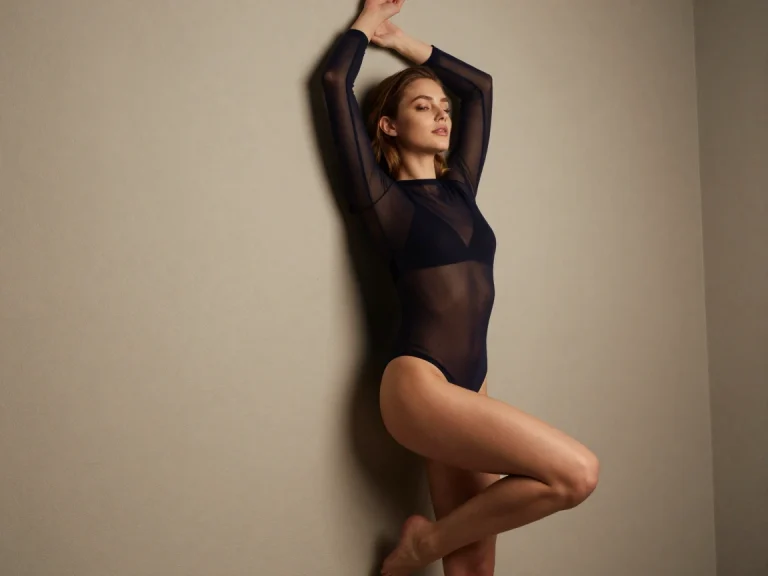
Using the uploaded image as the identity and clothing reference, change only the pose to: standing beside wall with one shoulder lightly leaning. Keep the same adult person, facial features, hairstyle, outfit, camera angle and background. Natural anatomy, realistic weight and contact, no extra limbs.
Adapt left/right directions to the source photo when needed.
Using the uploaded image as the identity and clothing reference, change only the pose to: casual stance while checking a watch, body still and balanced. Keep the same adult person, facial features, hairstyle, outfit, camera angle and background. Natural anatomy, realistic weight and contact, no extra limbs.
Adapt left/right directions to the source photo when needed.
A practical step-by-step workflow
For 20 standing pose prompts for ai photo editing, a repeatable workflow is more useful than chasing a single lucky generation. Start from the original image each time so you can compare alternatives without accumulating changes from earlier outputs.
- 1. Choose the clearest original image you have and confirm that the requested body parts are visible enough for the planned change.
- 2. Decide whether a preset is sufficient or whether a text description is needed for hands, feet, support and body direction.
- 3. Write the pose as the only main change and list the identity, clothing or scene details that must remain recognizable.
- 4. Generate one candidate from the original rather than chaining from an earlier edited pose.
- 5. Inspect face, hands, joints, shoes, clothing folds, support points, shadows and background at full size.
- 6. If one detail fails, simplify or correct that region and generate another candidate from the original.
Save the original and compare candidates side by side before choosing a final version. For 20 Standing Pose Prompts for AI Photo Editing, the practical goal is not to control every pixel; it is to give the model enough geometric constraints that the new posture reads clearly while identity, clothing and scene remain close to the source. The more unusual the requested pose, the more useful it is to describe support points, hand placement, foot placement and body direction instead of relying on a vague style word.
Use pose editing responsibly
When applying the workflow from 20 Standing Pose Prompts for AI Photo Editing, use images you have the right to edit and photos of adults who have consented to the use of their image. A pose edit can create a convincing new depiction that was never photographed, so do not present generated posture changes as documentary evidence of an event that did not occur.
For professional or commercial use of 20 standing pose prompts for ai photo editing, keep the original and record which image was AI-edited. This is especially useful when a client needs to compare wardrobe, identity or scene details against the source.
Related AvaClik guides
After 20 Standing Pose Prompts for AI Photo Editing, continue with the most relevant AvaClik pose guide below when the next step needs a different level of control. The linked articles separate source-photo choice, prompt design, preservation and troubleshooting so each problem can be reviewed on its own.
- How to Change a Pose in a Photo With AI
- 40 AI Pose Changer Prompts
- How to Keep the Same Face and Outfit
- How to Make AI Poses Look Realistic
Frequently asked questions
What is the easiest standing pose for AI?
A relaxed stance with one clear support leg and simple arm positions is a good starting point.
Can I use these prompts for men and women?
Yes. The geometry is not gender-specific; adapt clothing and styling references to the source image.
Why do crossed legs sometimes fail?
They create overlapping contours and ambiguous foot positions. Start with a simpler stance if the source already has complex clothing.
Should I mention the camera angle?
If keeping the original framing matters, yes. Asking for a new low-angle or side view makes the task larger than a pose-only edit.
Try this in AvaClik
Try the workflow in AvaClik
Upload a photo you have permission to edit, make a change, check the result and refine it.
Try AvaClik AI Pose Changer ↗