How to Try Smokey Eye Makeup With AI
Preview smokey eye makeup with AI and learn what to check around eyelids, liner, lashes, symmetry and skin texture.
On this page
Open the AvaClik tool connected to this guide and try it on your photo.
Smokey eyes put most of the visual weight around the eyes, which makes small geometric mistakes especially obvious. The shadow may be attractive, but the result is weak if it changes the eyelid shape, gaze, lashes or eye size.
Quick answer
Choose the Smokey Eyes look on a clear portrait, then inspect each eye separately. The shadow should diffuse around the existing eyelids, the lash line should remain believable and both eyes should still match the original gaze and anatomy.
What makes a smokey eye read correctly
When reviewing this section, separate the requested cosmetic change from everything else in the portrait. The effect relies on controlled dark-to-light diffusion rather than a flat dark patch around the eye. The result is strongest when preview a stronger smokey eye treatment without changing the actual eyes or face. Compare the same area against the source rather than judging the generated image in isolation, because flattering lighting or smoothing can hide small identity changes.
Inspect eyelid geometry, shadow diffusion, liner, lashes, eye size, gaze, symmetry, under-eye edge and skin texture at two scales. At normal viewing size, ask whether the makeup feels coherent with the whole portrait. At close zoom, check the exact edges and texture described in this section. A clean candidate should survive both tests without requiring you to excuse a changed face or inconsistent lighting.
Choose a portrait with visible eyes
A practical way to judge this part of the edit is to ask what evidence exists in the source photo and what the model had to invent. Hair, glasses, deep shadows or extreme angles can hide the boundaries the model needs to preserve. For this article, the goal is to preview a stronger smokey eye treatment without changing the actual eyes or face. The more clearly the source shows the relevant facial region, the easier it is to distinguish a makeup decision from an accidental reconstruction.
Keep comparisons controlled: same source, same crop, same expression and the same scene. Then review eyelid geometry, shadow diffusion, liner, lashes, eye size, gaze, symmetry, under-eye edge and skin texture. If several elements change at once, you lose the ability to tell whether the makeup itself improved the portrait or whether the model simply created a different, more flattering image.
- Check eyelid geometry against the original rather than from memory.
- Check shadow diffusion against the original rather than from memory.
- Check liner against the original rather than from memory.
- Check lashes against the original rather than from memory.
Preserve eye shape
This detail matters because makeup is applied to existing anatomy; it should not replace that anatomy. Dark makeup can make eyes appear visually larger, but the actual geometry should remain unchanged. In a useful AI preview, the cosmetic layer follows the original geometry while the person underneath remains stable. That distinction is what turns a generated portrait into a meaningful try-on rather than a generic beauty transformation.
Use side-by-side comparison whenever possible and pay particular attention to eyelid geometry, shadow diffusion, liner, lashes, eye size, gaze, symmetry, under-eye edge and skin texture. Small deviations are easiest to catch when the original stays visible. If a version is visually impressive but changes facial landmarks, it is a weaker makeup preview than a slightly less dramatic version that preserves identity.
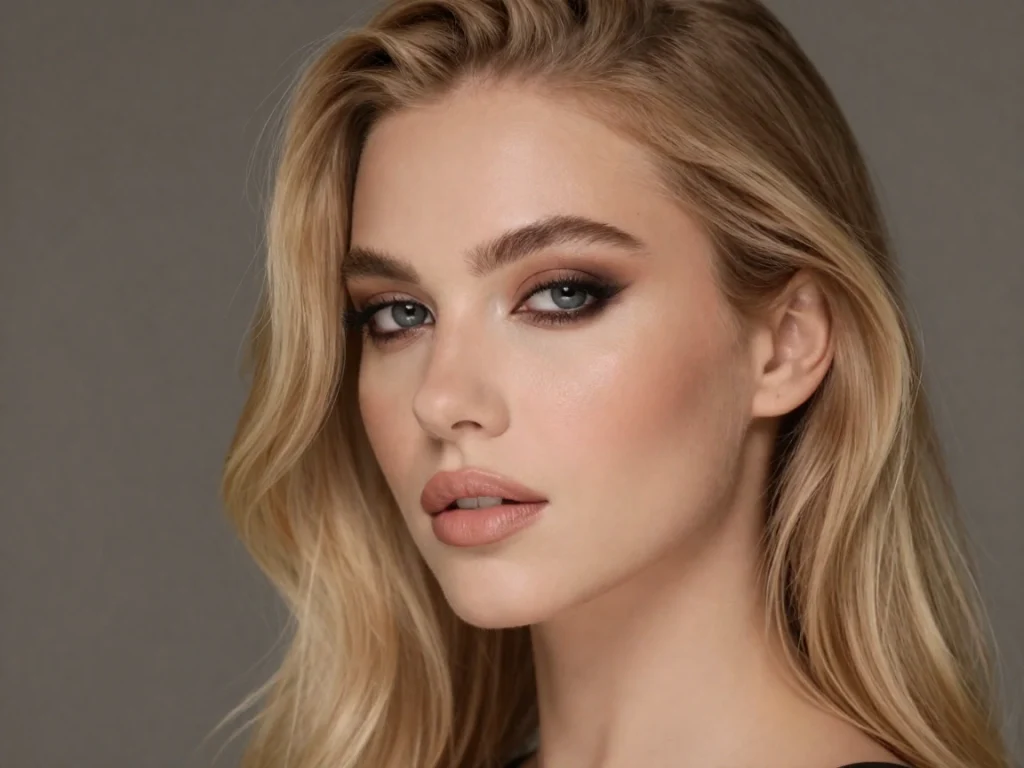
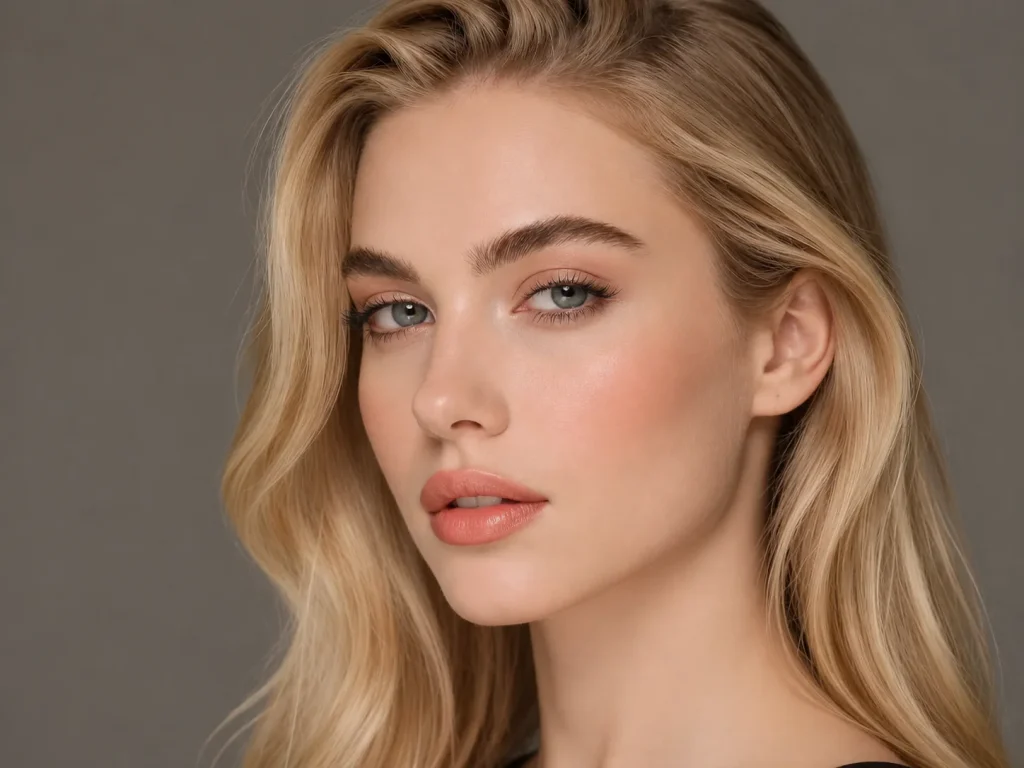
Look for smooth shadow diffusion
Treat this section as a preservation test as much as a styling test. A believable smokey effect fades gradually rather than ending in a hard digital border. The target is to preview a stronger smokey eye treatment without changing the actual eyes or face, not to regenerate the entire portrait. This keeps the article practical for real comparisons because readers can see exactly what the chosen makeup direction changed.
Generate multiple candidates when this area is difficult. Differences in eyelid geometry, shadow diffusion, liner, lashes, eye size, gaze, symmetry, under-eye edge and skin texture can be substantial even when the overall look name is the same. Selecting the cleanest candidate is often more reliable than trying to repair a generation that already distorted the face, hair or scene.
Check liner and lash roots
When reviewing this section, separate the requested cosmetic change from everything else in the portrait. Liner should sit on the lash line and not float above the eyelid. The result is strongest when preview a stronger smokey eye treatment without changing the actual eyes or face. Compare the same area against the source rather than judging the generated image in isolation, because flattering lighting or smoothing can hide small identity changes.
Inspect eyelid geometry, shadow diffusion, liner, lashes, eye size, gaze, symmetry, under-eye edge and skin texture at two scales. At normal viewing size, ask whether the makeup feels coherent with the whole portrait. At close zoom, check the exact edges and texture described in this section. A clean candidate should survive both tests without requiring you to excuse a changed face or inconsistent lighting.
Keep lashes attached and proportional
A practical way to judge this part of the edit is to ask what evidence exists in the source photo and what the model had to invent. Overlong or duplicated lashes are a common sign that the edit became generative decoration instead of makeup. For this article, the goal is to preview a stronger smokey eye treatment without changing the actual eyes or face. The more clearly the source shows the relevant facial region, the easier it is to distinguish a makeup decision from an accidental reconstruction.
Keep comparisons controlled: same source, same crop, same expression and the same scene. Then review eyelid geometry, shadow diffusion, liner, lashes, eye size, gaze, symmetry, under-eye edge and skin texture. If several elements change at once, you lose the ability to tell whether the makeup itself improved the portrait or whether the model simply created a different, more flattering image.
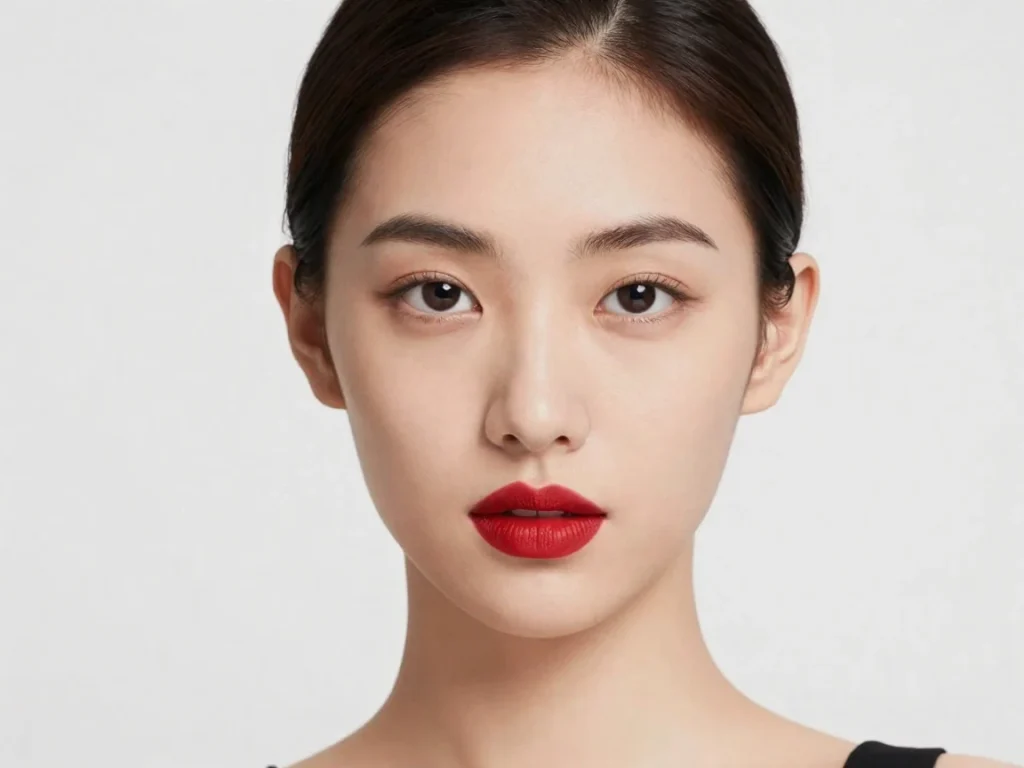
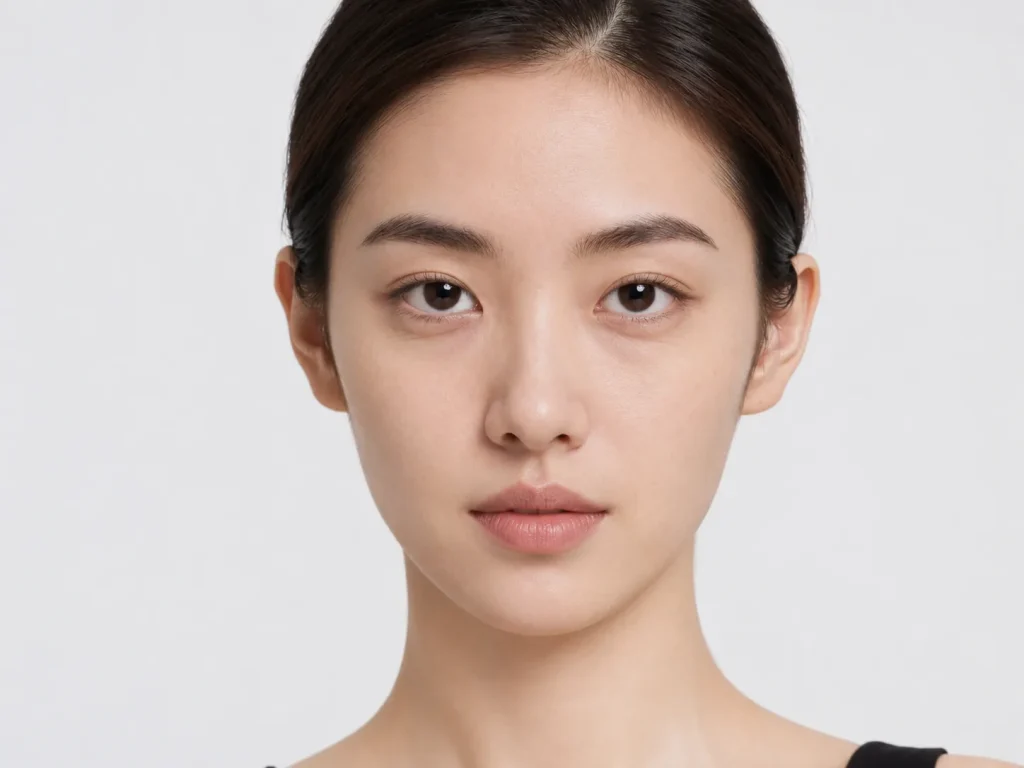
Inspect the lower eye area
This detail matters because makeup is applied to existing anatomy; it should not replace that anatomy. Smoked lower-lash definition should not turn into bruised or dirty-looking skin. In a useful AI preview, the cosmetic layer follows the original geometry while the person underneath remains stable. That distinction is what turns a generated portrait into a meaningful try-on rather than a generic beauty transformation.
Use side-by-side comparison whenever possible and pay particular attention to eyelid geometry, shadow diffusion, liner, lashes, eye size, gaze, symmetry, under-eye edge and skin texture. Small deviations are easiest to catch when the original stays visible. If a version is visually impressive but changes facial landmarks, it is a weaker makeup preview than a slightly less dramatic version that preserves identity.
- Check eyelid geometry against the original rather than from memory.
- Check shadow diffusion against the original rather than from memory.
- Check liner against the original rather than from memory.
- Check lashes against the original rather than from memory.
Compare both eyes without demanding perfect symmetry
Treat this section as a preservation test as much as a styling test. Real faces are not perfectly symmetric, so the goal is coherence rather than mirrored graphics. The target is to preview a stronger smokey eye treatment without changing the actual eyes or face, not to regenerate the entire portrait. This keeps the article practical for real comparisons because readers can see exactly what the chosen makeup direction changed.
Generate multiple candidates when this area is difficult. Differences in eyelid geometry, shadow diffusion, liner, lashes, eye size, gaze, symmetry, under-eye edge and skin texture can be substantial even when the overall look name is the same. Selecting the cleanest candidate is often more reliable than trying to repair a generation that already distorted the face, hair or scene.
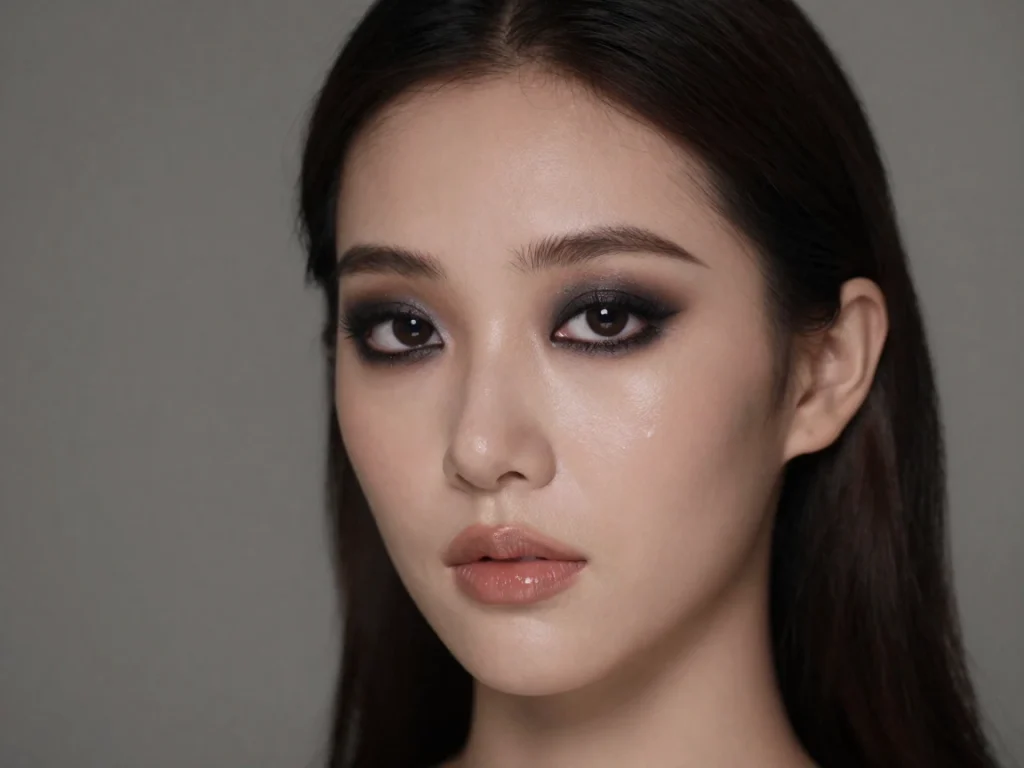
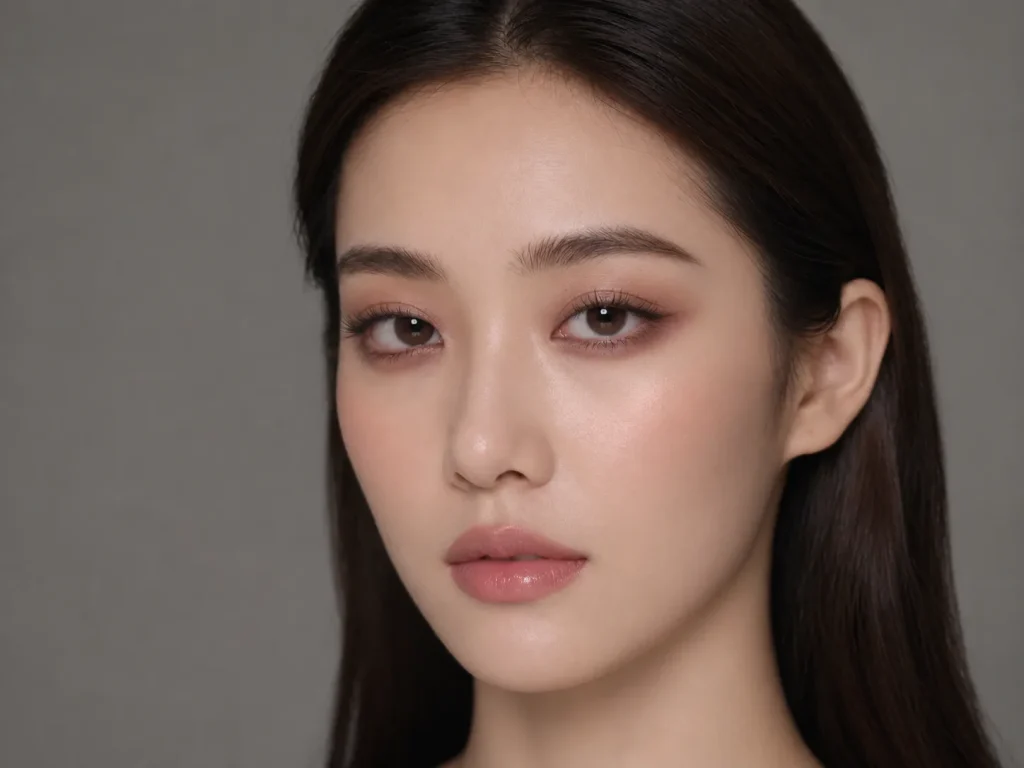
Balance strong eyes with the rest of the makeup
When reviewing this section, separate the requested cosmetic change from everything else in the portrait. A very dark eye often works better with quieter cheeks and lips. The result is strongest when preview a stronger smokey eye treatment without changing the actual eyes or face. Compare the same area against the source rather than judging the generated image in isolation, because flattering lighting or smoothing can hide small identity changes.
Inspect eyelid geometry, shadow diffusion, liner, lashes, eye size, gaze, symmetry, under-eye edge and skin texture at two scales. At normal viewing size, ask whether the makeup feels coherent with the whole portrait. At close zoom, check the exact edges and texture described in this section. A clean candidate should survive both tests without requiring you to excuse a changed face or inconsistent lighting.
Check the look under the original light
A practical way to judge this part of the edit is to ask what evidence exists in the source photo and what the model had to invent. Metallic or glossy shadow should react to highlights in the scene rather than glow independently. For this article, the goal is to preview a stronger smokey eye treatment without changing the actual eyes or face. The more clearly the source shows the relevant facial region, the easier it is to distinguish a makeup decision from an accidental reconstruction.
Keep comparisons controlled: same source, same crop, same expression and the same scene. Then review eyelid geometry, shadow diffusion, liner, lashes, eye size, gaze, symmetry, under-eye edge and skin texture. If several elements change at once, you lose the ability to tell whether the makeup itself improved the portrait or whether the model simply created a different, more flattering image.
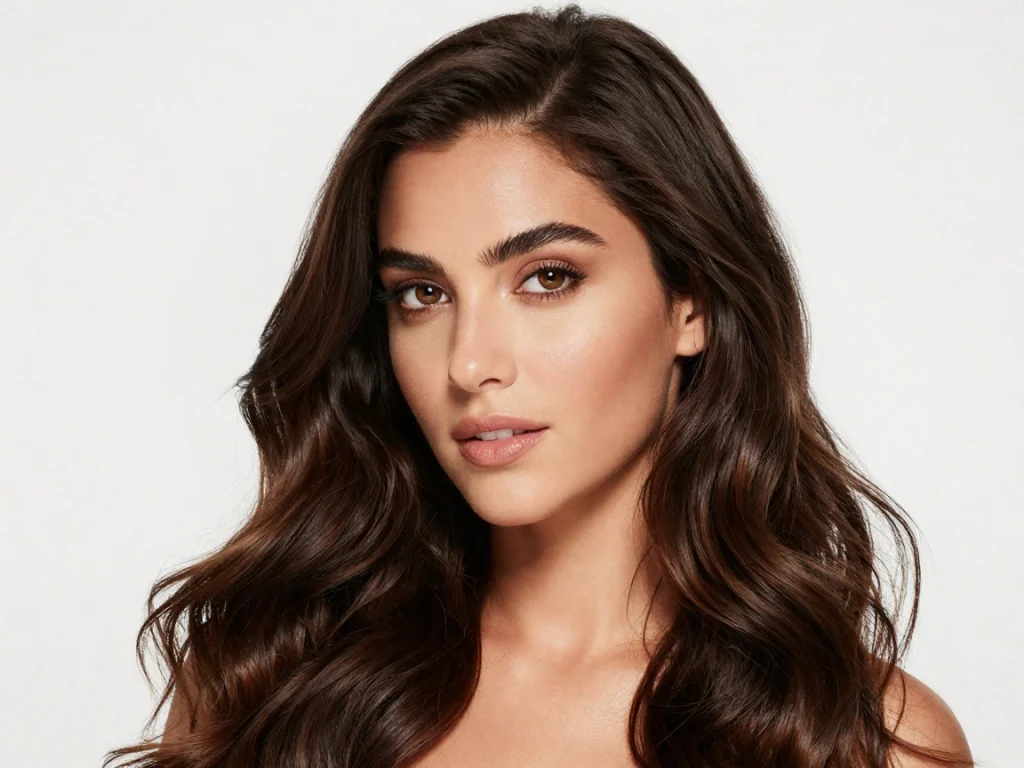
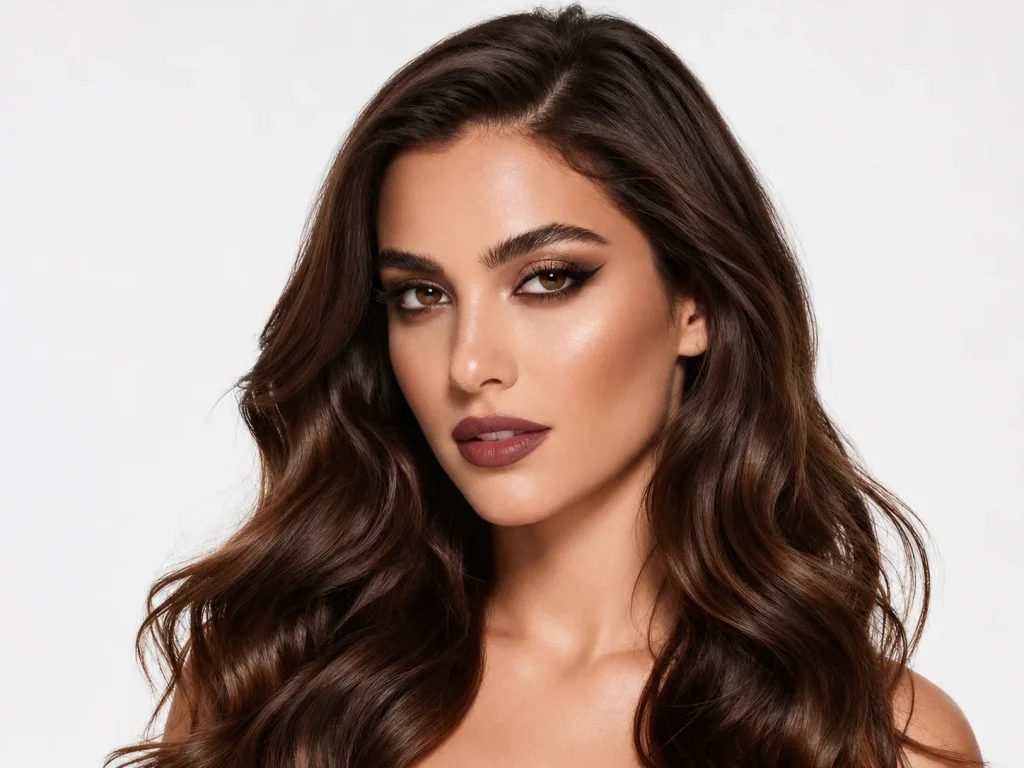
Judge the result at normal portrait size
This detail matters because makeup is applied to existing anatomy; it should not replace that anatomy. At normal size, the eye should read as intentional makeup rather than a dark artifact. In a useful AI preview, the cosmetic layer follows the original geometry while the person underneath remains stable. That distinction is what turns a generated portrait into a meaningful try-on rather than a generic beauty transformation.
Use side-by-side comparison whenever possible and pay particular attention to eyelid geometry, shadow diffusion, liner, lashes, eye size, gaze, symmetry, under-eye edge and skin texture. Small deviations are easiest to catch when the original stays visible. If a version is visually impressive but changes facial landmarks, it is a weaker makeup preview than a slightly less dramatic version that preserves identity.
Zoom in before saving
Treat this section as a preservation test as much as a styling test. Close zoom is where broken lashes, duplicated liner and eyelid drift become visible. The target is to preview a stronger smokey eye treatment without changing the actual eyes or face, not to regenerate the entire portrait. This keeps the article practical for real comparisons because readers can see exactly what the chosen makeup direction changed.
Generate multiple candidates when this area is difficult. Differences in eyelid geometry, shadow diffusion, liner, lashes, eye size, gaze, symmetry, under-eye edge and skin texture can be substantial even when the overall look name is the same. Selecting the cleanest candidate is often more reliable than trying to repair a generation that already distorted the face, hair or scene.
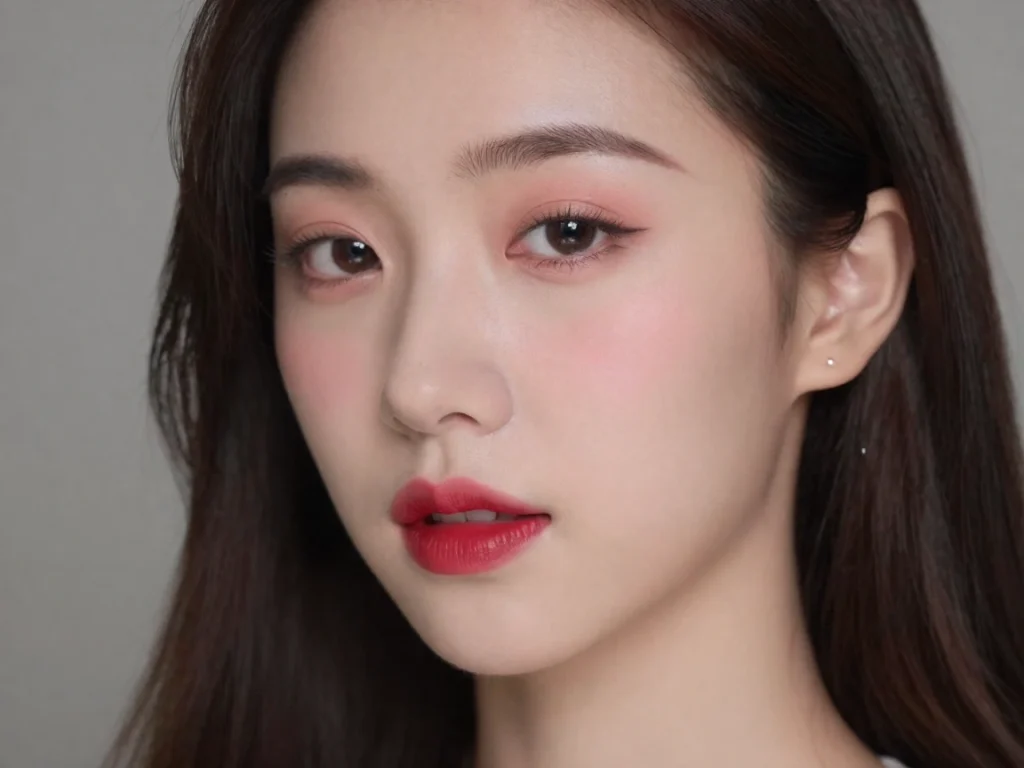
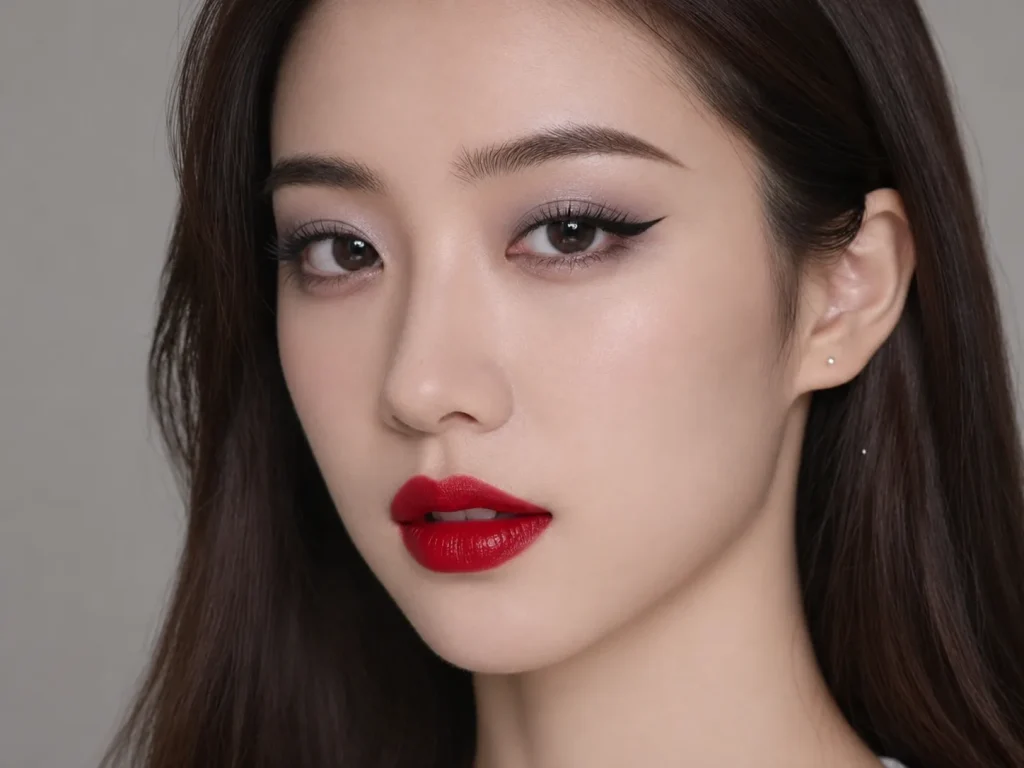
Practical review checklist
- Confirm the result still shows the same person before judging the makeup style.
- Review eyelid geometry, shadow diffusion, liner, lashes, eye size, gaze, symmetry, under-eye edge and skin texture against the source image.
- Zoom in on eyes, brows and lips for edge artifacts, then zoom out to judge overall balance.
- Reject candidates that silently reshape the face or heavily smooth skin when that was not the purpose.
- Remember that screen color and AI rendering are approximate references for real cosmetics.
Related AvaClik guides
- How to Try Evening Makeup With AI
- How to Change Makeup Without Changing Your Face
- Best Photos for AI Makeup Try-On: Angle, Lighting & Face Detail
- How to Make AI Makeup Look Natural: Skin, Eyes, Lips & Texture
Try the makeup look in AvaClik
For How to Try Smokey Eye Makeup With AI, open the AvaClik AI Makeup tool with the same adult portrait used for your comparison. Keep the original visible beside the generated result so you can judge the makeup direction while checking that the face, hair, expression and scene remain consistent.
Try AvaClik AI Makeup
Choose a ready-made makeup look, generate a new portrait and review the face, skin, eyes and lips against your original.
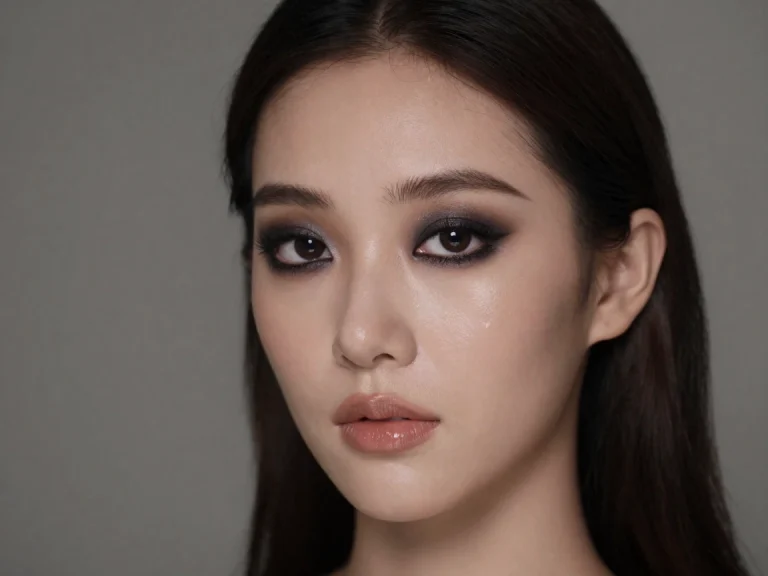
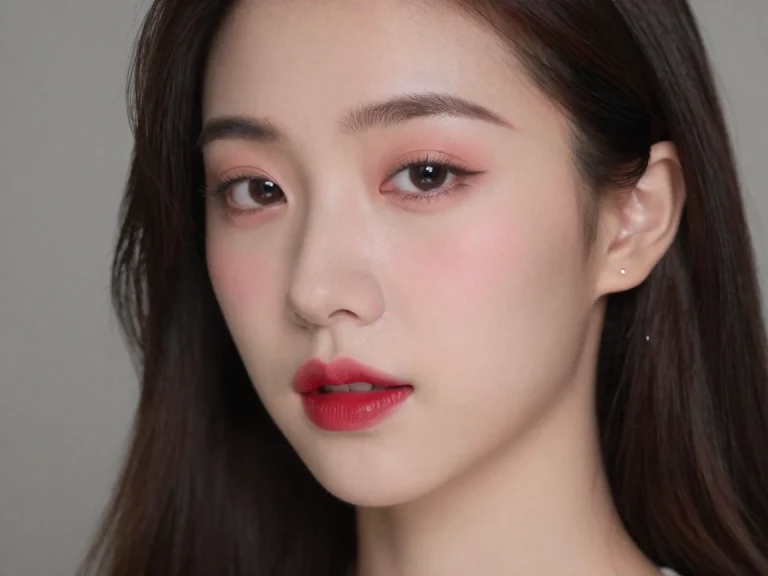
Try this in AvaClik
Try the workflow in AvaClik
Upload a photo you have permission to edit, make a change, check the result and refine it.
Try AvaClik AI Makeup ↗