How to Add a Surprised Expression to a Photo With AI
Learn how to create a believable surprised expression in an adult portrait while preserving identity, hair, lighting and the rest of the image.
On this page
Open the AvaClik tool connected to this guide and try it on your photo.
Facial-expression editing is most useful when the portrait is already good and only the visible expression needs to change. In this guide, the target is creating a coordinated surprised reaction with believable brows, eyes and mouth while preserving the same person. AvaClik is an adult photo editor, so use images you have the right to edit and review every generated result before relying on it.
Quick answer
A believable surprised expression usually combines raised brows, wider eyes and some mouth opening. Keep the change moderate first, because extreme surprise requires more facial reconstruction and exposes more opportunities for artifacts.
Treat this part of the workflow as a controlled comparison rather than a beauty contest. The purpose is creating a coordinated surprised reaction with believable brows, eyes and mouth while preserving the same person. Keep the original visible and inspect eyebrow lift, eye opening and mouth opening before deciding that the new expression is successful. A version can be visually striking and still be a weaker edit if it changes stable facial structure or unrelated parts of the portrait.
Surprise works only when facial regions agree
If the mouth opens but the brows and eyes stay neutral, the expression feels inconsistent. The eyes, brows, cheeks and mouth should tell the same visual story.
At normal viewing size, ask whether the expression reads immediately and still belongs to the same person. Then zoom in and review mouth opening, jaw shape and identity. This two-scale check matters because small anatomical errors can disappear in a thumbnail while a technically clean close-up can still feel wrong when the whole portrait is viewed together.
- Compare eye opening directly with the source rather than from memory.
- Compare mouth opening directly with the source rather than from memory.
- Compare jaw shape directly with the source rather than from memory.
- Compare identity directly with the source rather than from memory.
Use a source with visible brows and eyes
Heavy bangs, sunglasses, strong shadow or a cropped forehead reduce the evidence the model has for brow and eye movement. A clear portrait makes the transformation easier to judge.
The safest approach is to change one visual idea at a time and keep everything else as a reference. For this section, compare identity and background stability against the source, then use eyebrow lift as a secondary stability check. If multiple unrelated areas drift, start again from the original instead of treating the regenerated version as a new baseline.
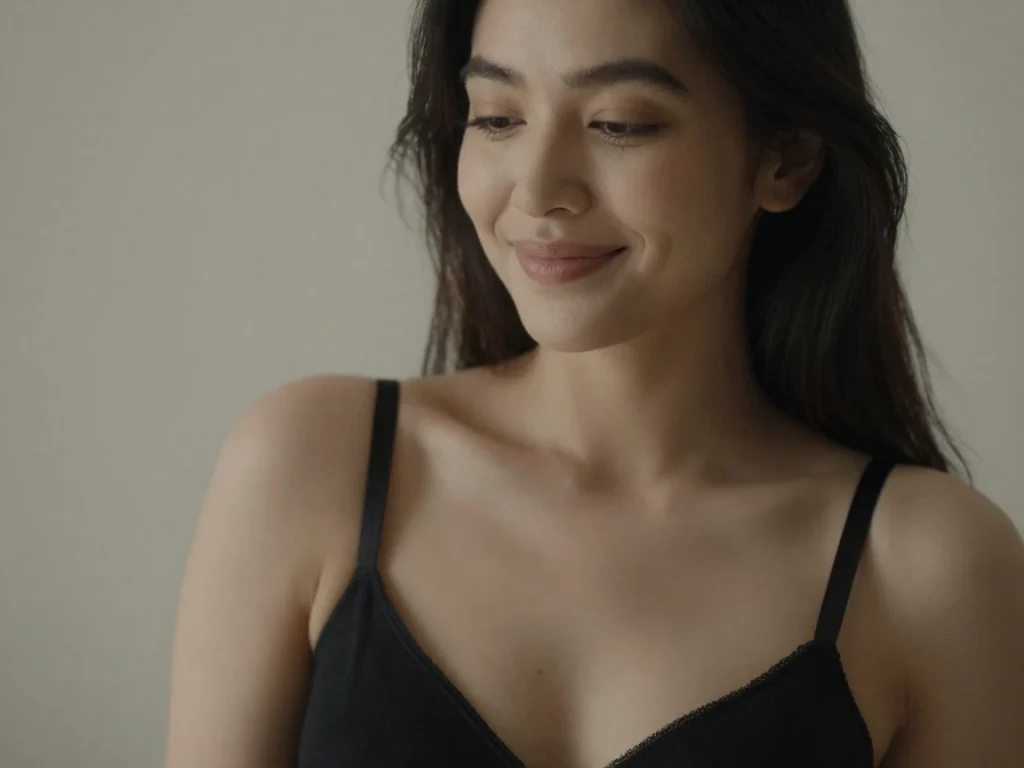
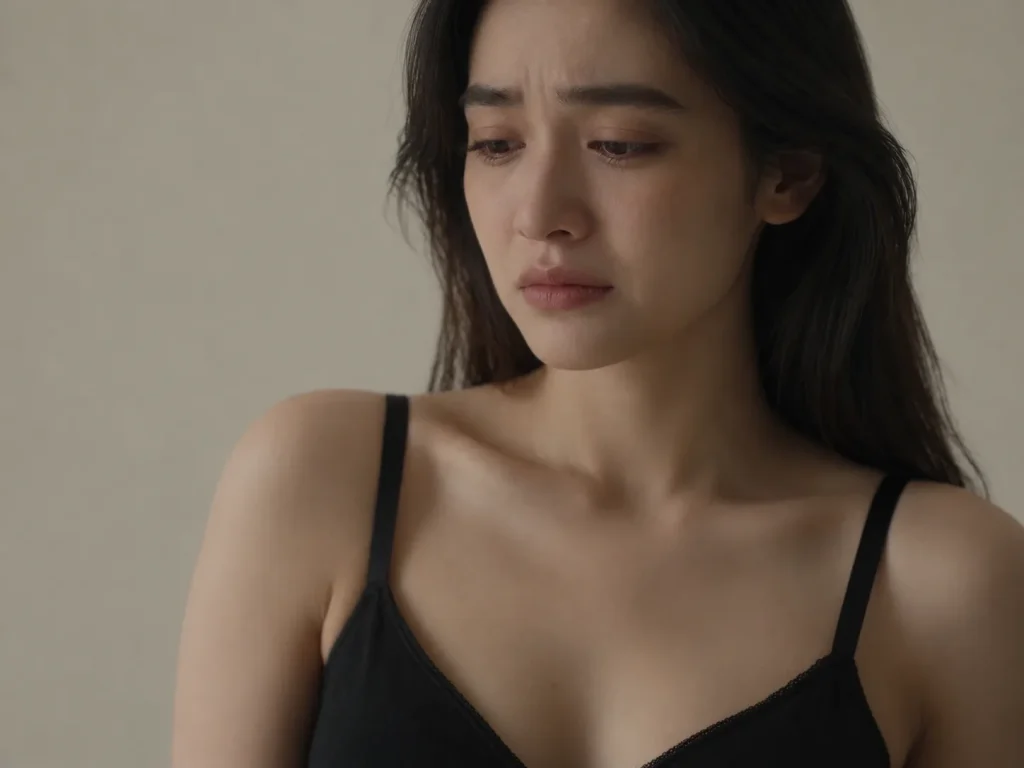
Raised brows without changing forehead identity
The brows can lift, but their thickness, shape and spacing should remain recognizable. Watch for duplicated brows or an over-smoothed forehead.
Expression editing is generative, so there is rarely a single deterministic output. Generate or compare several candidates when this area is difficult. Prefer the candidate that preserves eyebrow lift, maintains believable eye opening and does not introduce new problems around mouth opening. Clean preservation is usually more valuable than maximum expression intensity.
Wider eyes without changing eye identity
Surprise can increase visible sclera and open the eyelids, but the eye color, spacing and basic shape should remain the same.
A useful result should survive direct side-by-side comparison with the source. Look for continuity in mouth opening, then check whether jaw shape changed only as much as the expression requires. Finally inspect identity for accidental regeneration. This keeps the edit focused on facial movement instead of quietly turning it into a broader face transformation.
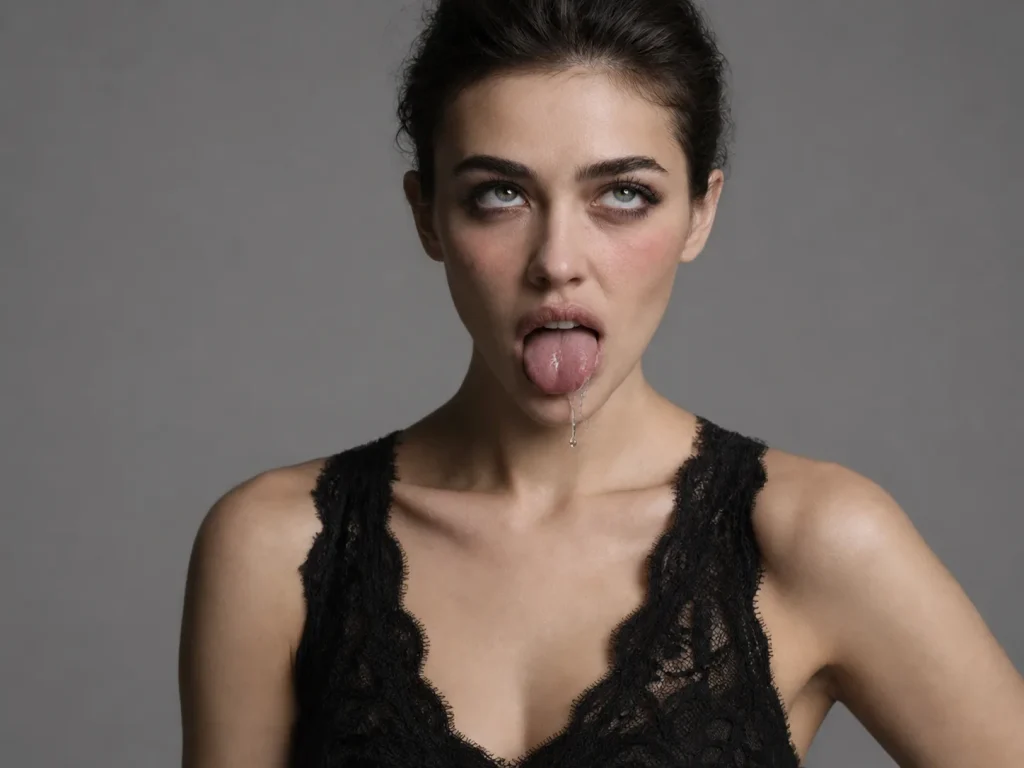
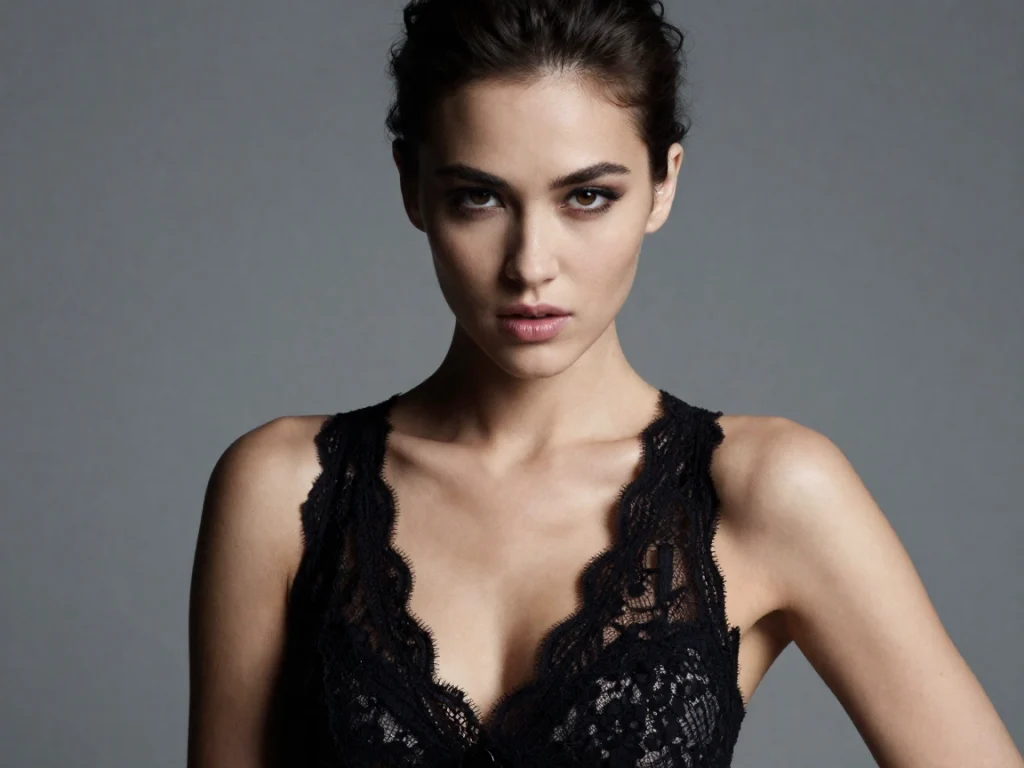
Open mouth and jaw carefully
An open mouth introduces new anatomy and can reveal teeth or tongue. Check perspective, lip boundaries, tooth count and whether the jaw suddenly changes width.
Do not infer personality, intent or genuine emotional state from the edited result. The image only shows a generated visual expression. Quality control should therefore stay concrete: is identity plausible, is background stability anatomically coherent, and did eyebrow lift remain faithful to the source? Those questions are more useful than trying to interpret what the artificial expression supposedly means.
- Compare background stability directly with the source rather than from memory.
- Compare eyebrow lift directly with the source rather than from memory.
- Compare eye opening directly with the source rather than from memory.
- Compare mouth opening directly with the source rather than from memory.
Mild surprise vs dramatic reaction
Mild surprise is often more useful for portraits and thumbnails because it preserves identity more easily. Dramatic shock can work creatively but should be reviewed at close zoom.
Treat this part of the workflow as a controlled comparison rather than a beauty contest. The purpose is creating a coordinated surprised reaction with believable brows, eyes and mouth while preserving the same person. Keep the original visible and inspect eyebrow lift, eye opening and mouth opening before deciding that the new expression is successful. A version can be visually striking and still be a weaker edit if it changes stable facial structure or unrelated parts of the portrait.
Using surprise for reaction-style images
A stronger reaction can make thumbnails or social graphics more expressive, but it should not be presented as a documentary moment that actually happened.
At normal viewing size, ask whether the expression reads immediately and still belongs to the same person. Then zoom in and review mouth opening, jaw shape and identity. This two-scale check matters because small anatomical errors can disappear in a thumbnail while a technically clean close-up can still feel wrong when the whole portrait is viewed together.
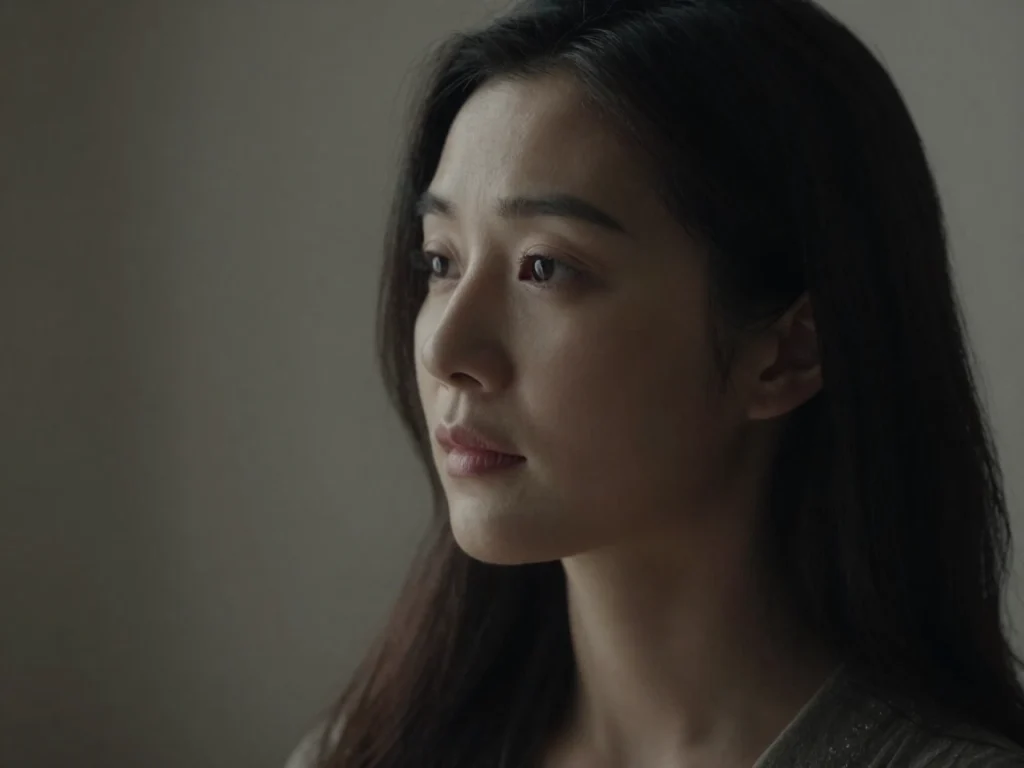
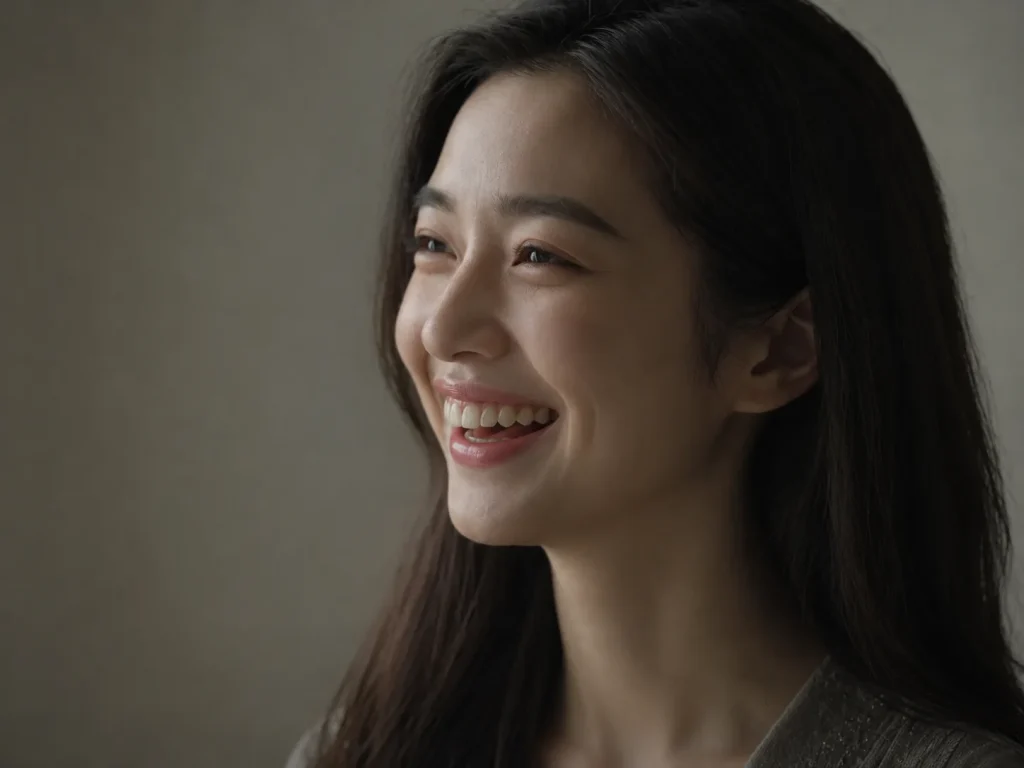
Compare several strengths at the same crop
Side-by-side testing helps separate a good expression from a merely dramatic generation. The strongest candidate is not always the most believable one.
The safest approach is to change one visual idea at a time and keep everything else as a reference. For this section, compare identity and background stability against the source, then use eyebrow lift as a secondary stability check. If multiple unrelated areas drift, start again from the original instead of treating the regenerated version as a new baseline.
Common surprise-edit failures
Watch for asymmetrical eye size, stretched mouth corners, duplicate teeth, altered nose shape, overly high brows and a jaw that no longer matches the source.
Expression editing is generative, so there is rarely a single deterministic output. Generate or compare several candidates when this area is difficult. Prefer the candidate that preserves eyebrow lift, maintains believable eye opening and does not introduce new problems around mouth opening. Clean preservation is usually more valuable than maximum expression intensity.
- Compare jaw shape directly with the source rather than from memory.
- Compare identity directly with the source rather than from memory.
- Compare background stability directly with the source rather than from memory.
- Compare eyebrow lift directly with the source rather than from memory.
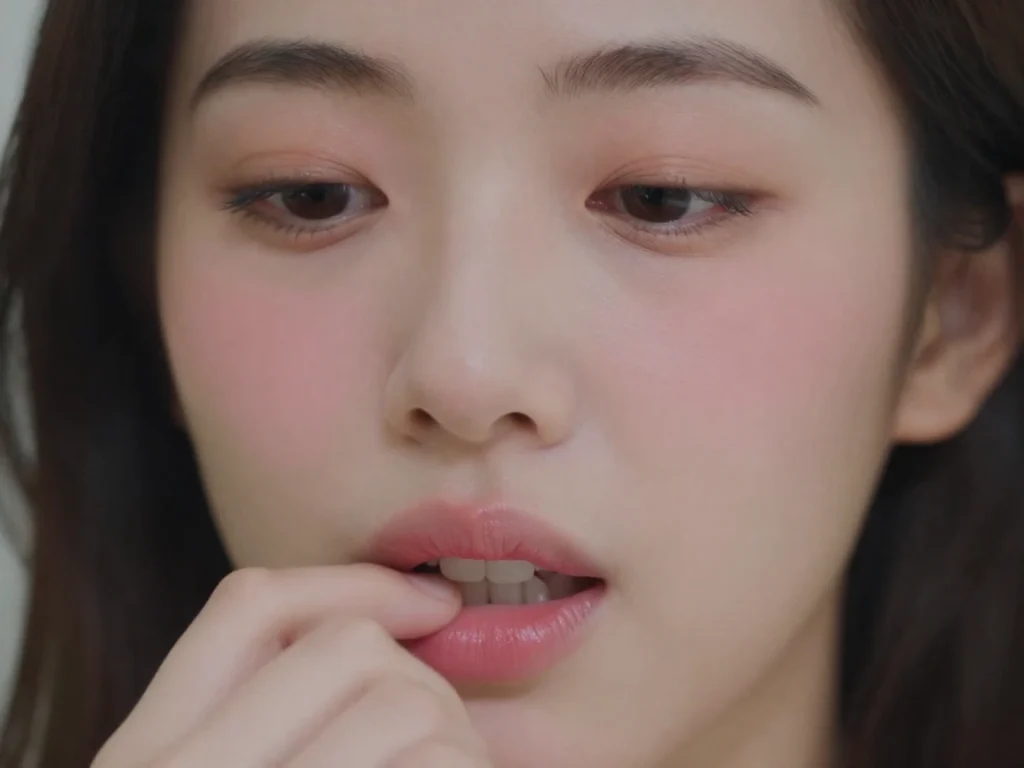
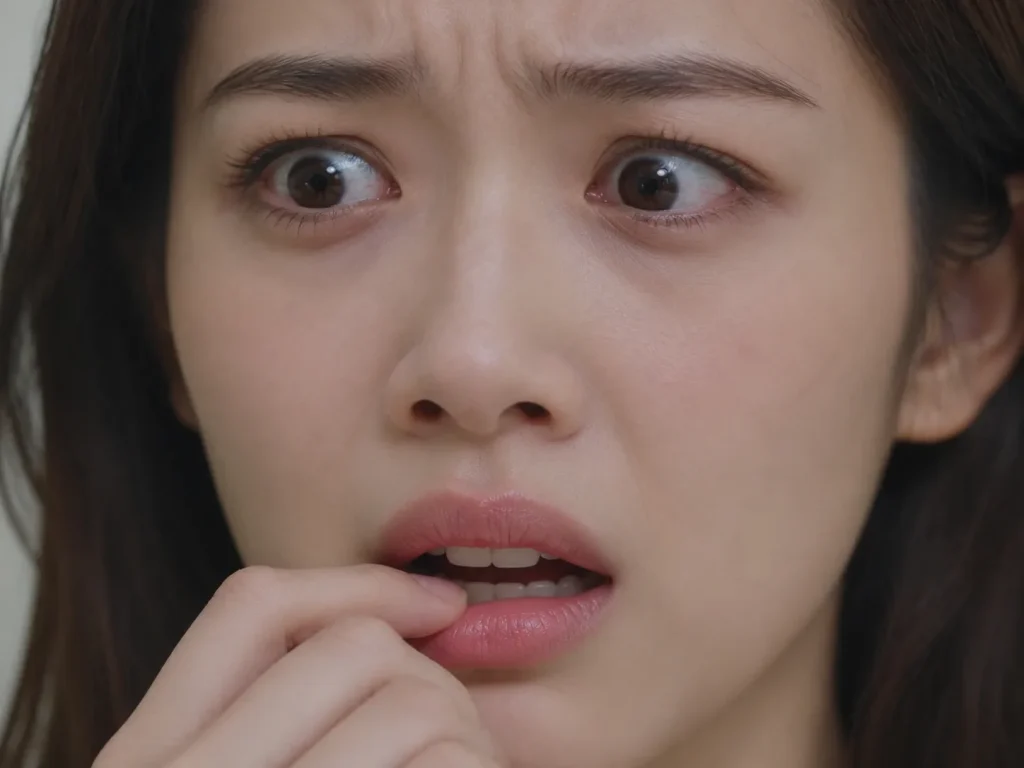
A practical surprised-expression workflow
Start with a mild surprise preset, inspect identity, then test a stronger version only if needed. Review eyebrows, eyes, mouth, teeth and jaw before checking hair and background stability.
A useful result should survive direct side-by-side comparison with the source. Look for continuity in mouth opening, then check whether jaw shape changed only as much as the expression requires. Finally inspect identity for accidental regeneration. This keeps the edit focused on facial movement instead of quietly turning it into a broader face transformation.
Related expression guides
Use the 30-expression article for alternative reactions. If the result feels theatrical, the natural-expression guide can help; if anatomy breaks, use the troubleshooting article.
Do not infer personality, intent or genuine emotional state from the edited result. The image only shows a generated visual expression. Quality control should therefore stay concrete: is identity plausible, is background stability anatomically coherent, and did eyebrow lift remain faithful to the source? Those questions are more useful than trying to interpret what the artificial expression supposedly means.
Related AvaClik expression guides
- 30 Facial Expressions to Try With AI on Your Photo
- How to Make AI Facial Expressions Look Natural and Realistic
- How to Fix Bad AI Expression Edits: Eyes, Teeth, Mouth & Face Drift
For How to Add a Surprised Expression to a Photo With AI, these related guides cover adjacent problems without replacing this article’s main intent. Follow the guide that matches the next specific question—identity, realism, source quality or a particular expression—while keeping the same AvaClik expression tool as the product destination.
Practical review method for How to Add a Surprised Expression to a Photo With AI
Run the first comparison from one unchanged source file and keep that original open beside every candidate. For this topic, the main target is creating a coordinated surprised reaction with believable brows, eyes and mouth while preserving the same person. Start by comparing eyebrow lift and eye opening, because those two areas usually reveal whether the expression edit stayed focused or quietly regenerated too much of the face. Only after those anchors look stable should you spend time judging style or emotional intensity.
A conservative candidate is often a better editing baseline than the most dramatic one. In How to Add a Surprised Expression to a Photo With AI, a useful result should preserve mouth opening while changing only the facial movement required by the selected look. If the new version is more attractive but also smooths the skin, changes age cues, shifts the jaw or alters unrelated hair detail, treat those changes as costs rather than automatic improvements.
Reject critical failures early. If jaw shape is anatomically broken, if the person no longer resembles the source, or if the background changes for no reason, do not rationalize the result because the overall mood looks appealing. Expression editing is easiest to quality-control when each generation is treated as disposable until it passes the structural checks that matter for this specific use case.
Review the candidate at the size where it will actually be used. A thumbnail may hide small errors in identity, while a large portrait can reveal synthetic transitions around lips, eyelids or skin folds. Then zoom back out: close-up correctness alone is not enough if the whole expression feels disconnected from the posture, lighting or portrait context.
For How to Add a Surprised Expression to a Photo With AI, keep the untouched source as the final reference even after you choose a favorite candidate. Comparing the selected version against the original helps catch gradual drift in background stability and other stable details that are easy to forget after viewing many generations. This source-first habit also makes later before/after examples for the AvaClik blog more credible because readers can see exactly what changed and what stayed the same.
For SEO examples, use real AvaClik outputs rather than stock-style illustrations wherever possible. A strong before/after for surprised expression AI photo should show one clear adult subject, identical crop and scene, and a visible expression change that can be explained without pretending the generated face documents a real reaction. That gives the article both practical value and a cleaner connection to the product page.
FAQ
What facial areas change most in surprise?
Usually the eyebrows, eyelids and mouth, with some cheek and jaw movement depending on intensity.
Is mild surprise easier than extreme shock?
Usually yes, because it requires less reconstruction and tends to preserve identity more reliably.
Can I use a surprised edit as proof of someone’s reaction?
No. The image is generated and should not be treated as evidence of a real reaction.
What should I inspect closely?
Check eye symmetry, brows, lip boundaries, teeth, jaw width and whether the face still matches the source.
Final check before saving
Return to the original and compare eyebrow lift, eye opening, mouth opening, jaw shape. Then scan hair, clothing, lighting and background for unrelated changes. If the face still reads as the same person and the expression is anatomically coherent at the intended display size, the result is a stronger candidate for final use.
One last useful test for surprised expression AI photo is to alternate between the source and result several times instead of staring at the edited image alone. Rapid comparison makes small shifts in facial proportions, skin treatment or scene detail easier to notice, and it helps separate a genuinely cleaner expression from a candidate that only feels impressive because it is newer or more dramatic.
For How to Add a Surprised Expression to a Photo With AI, open the AvaClik AI Facial Expression Changer with an adult portrait you are allowed to edit. Keep that exact source beside the generated candidate so the final decision is based on direct evidence rather than memory, and replace the marked image slots with real AvaClik before/after results before publication.
Try this in AvaClik
Try the workflow in AvaClik
Upload a photo you have permission to edit, make a change, check the result and refine it.
Try AvaClik AI Expression Changer ↗