01
Realistic Images
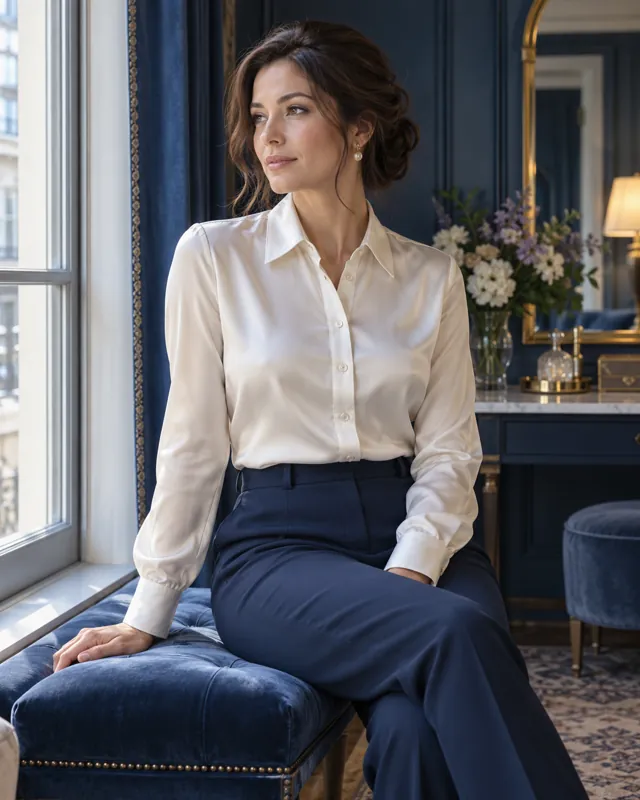
Specify the light source, camera angle and materials to give the image a photographic look.
NSFW AI GENERATOR · 18+
Create adult AI images from scratch using a text prompt. Describe a fictional adult character, visual style, pose, outfit, environment and lighting — the NSFW AI Image Generator creates a new scene without requiring a source photo.
Create NSFW Image ↗Adult AI image generator ↗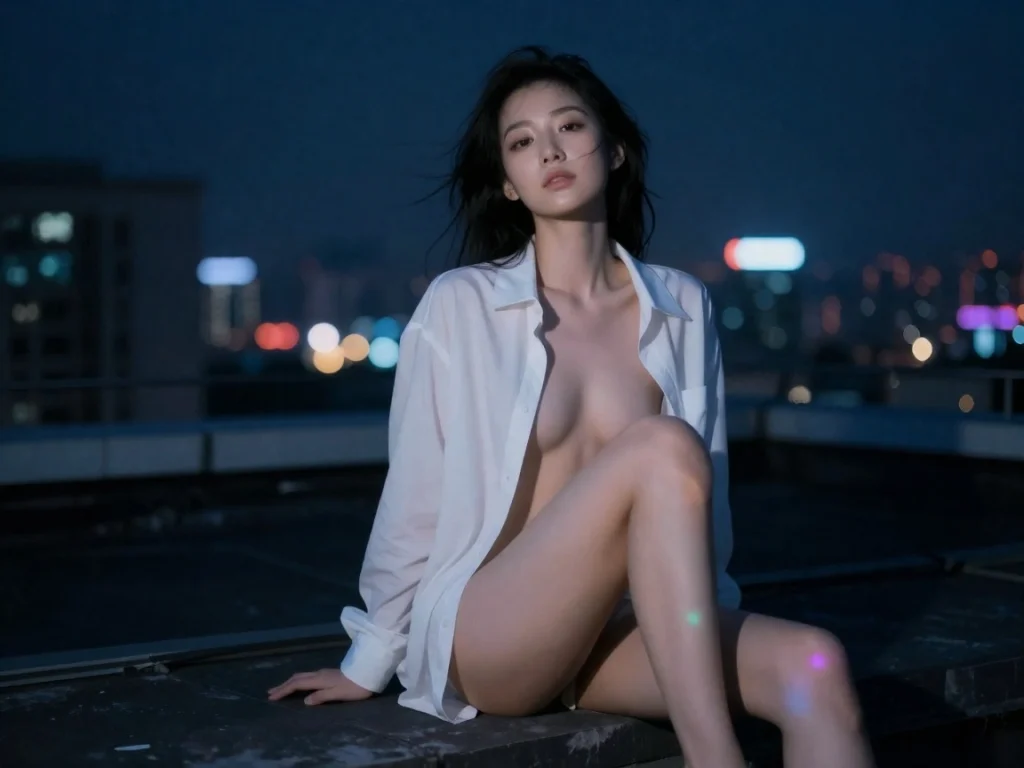
GENERATION STYLES
Choose a visual direction, then refine the character, composition, pose, environment and lighting. The same concept can produce completely different results.
Specify the light source, camera angle and materials to give the image a photographic look.
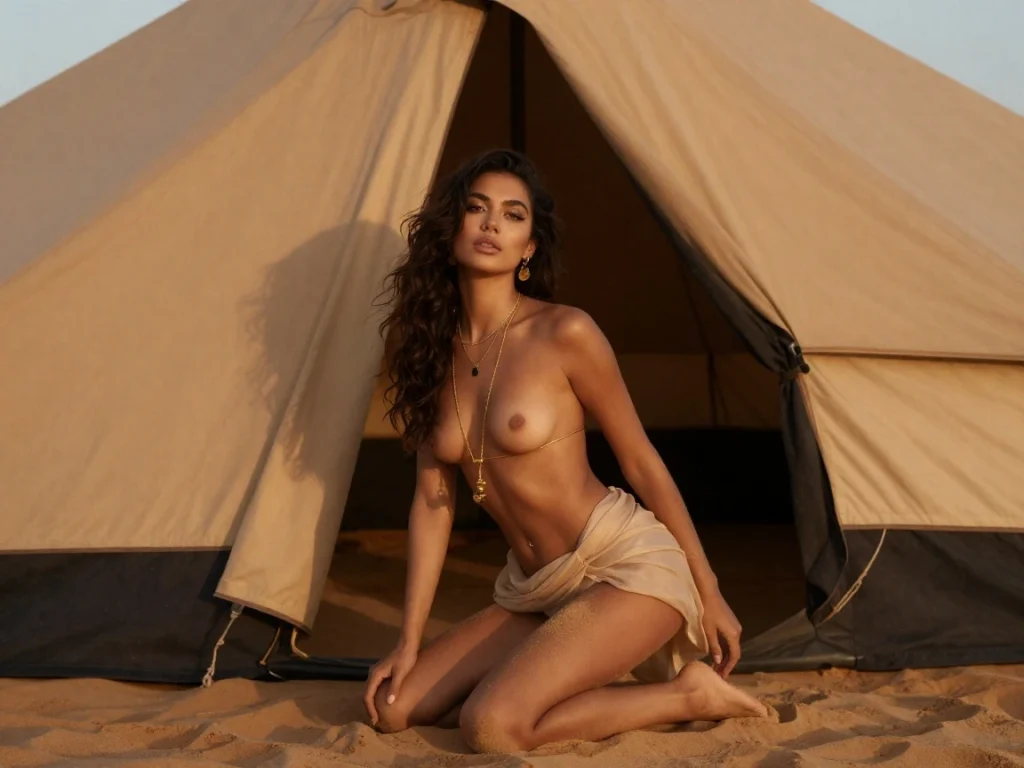
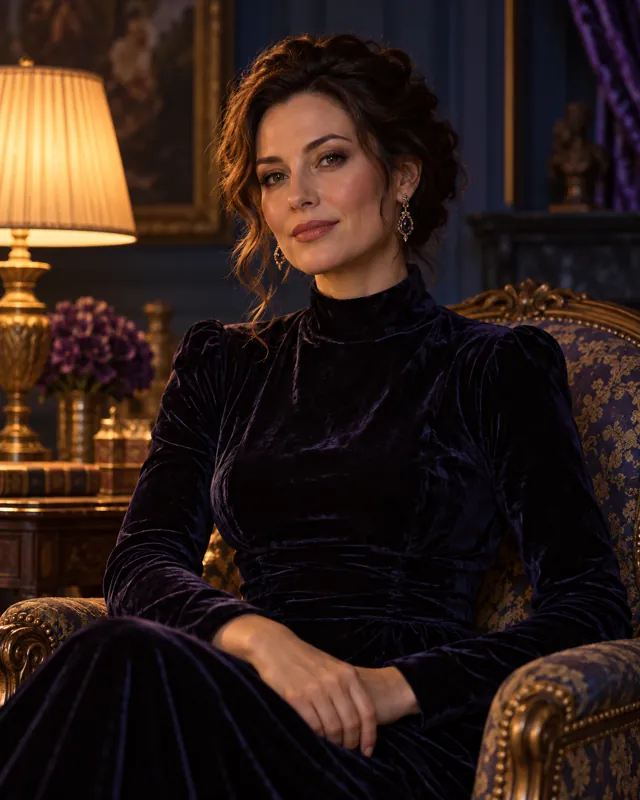
Use dramatic lighting, deeper shadows, atmospheric locations and staged composition.
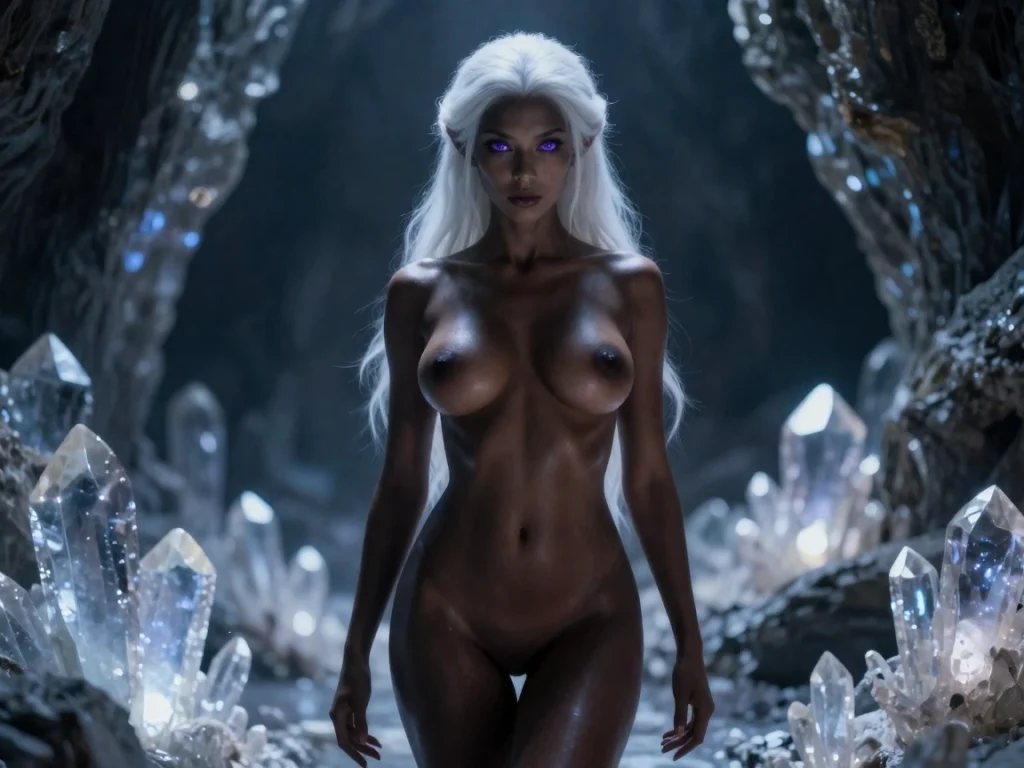
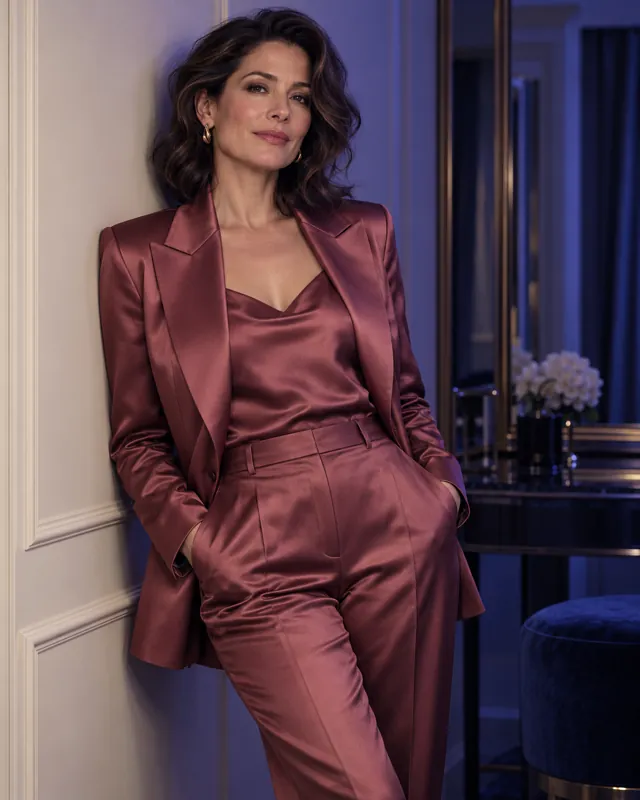
Create fictional adult characters, imaginative worlds and artistic styles beyond realistic photography.
NSFW AI EXAMPLES
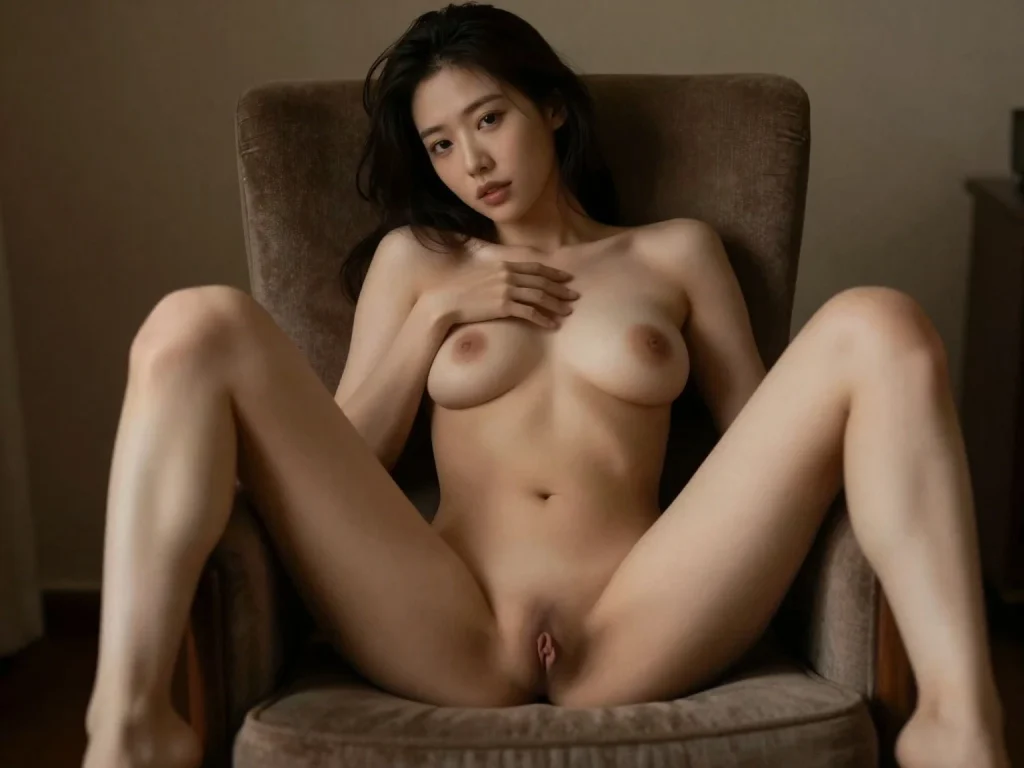
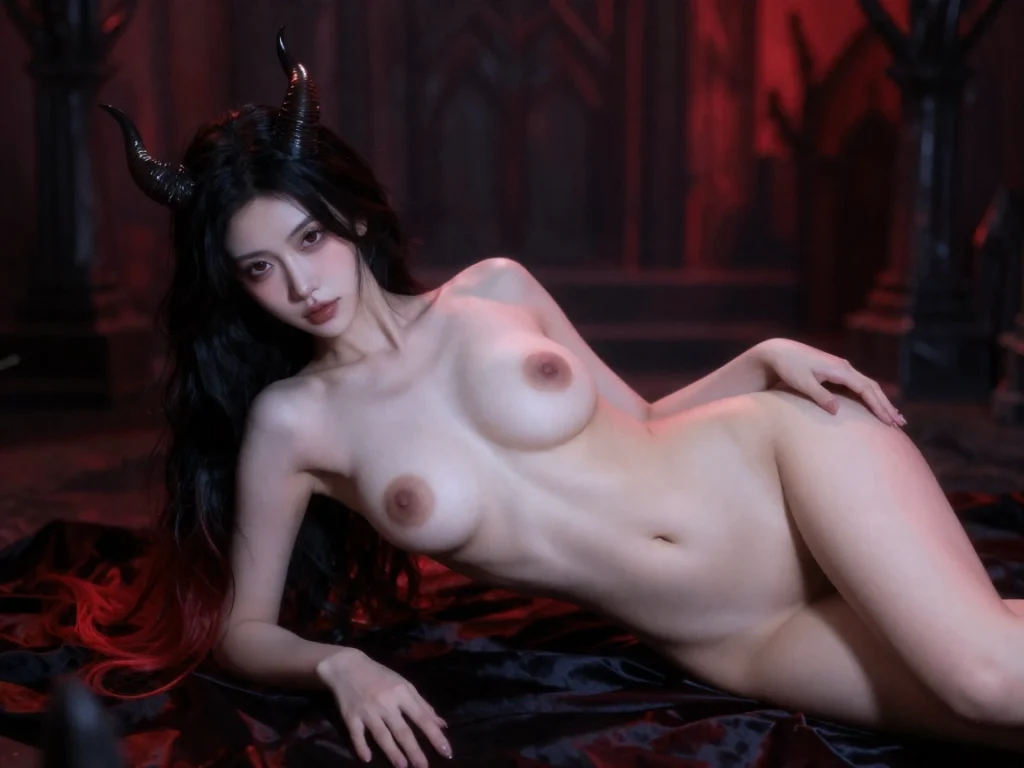
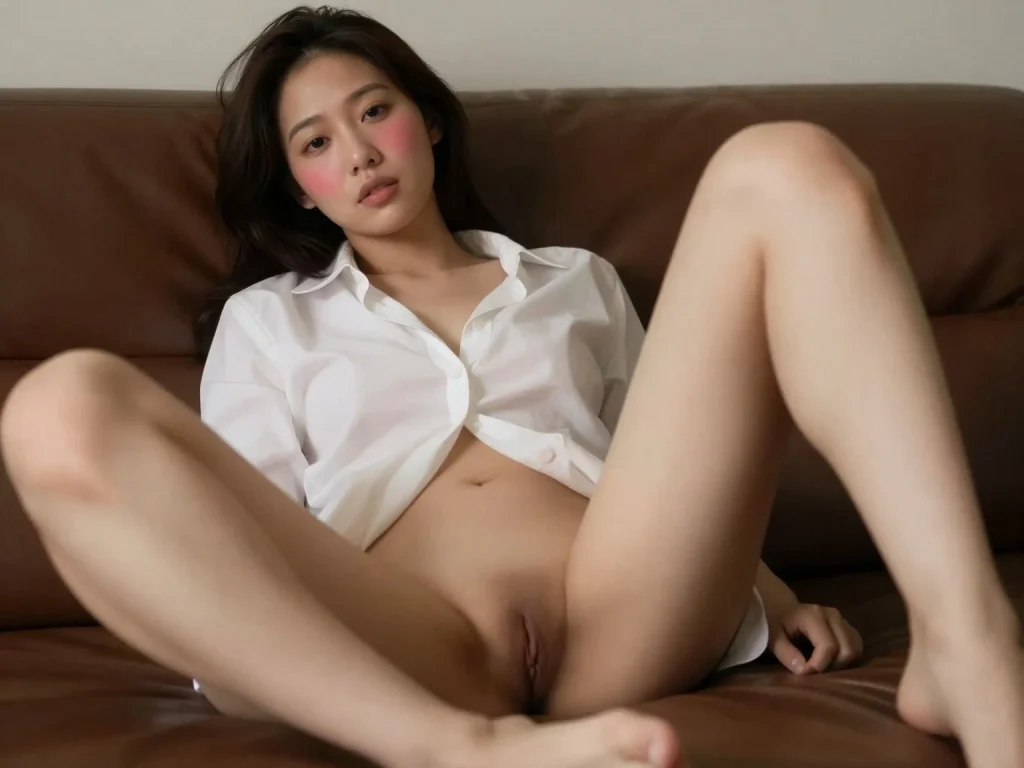
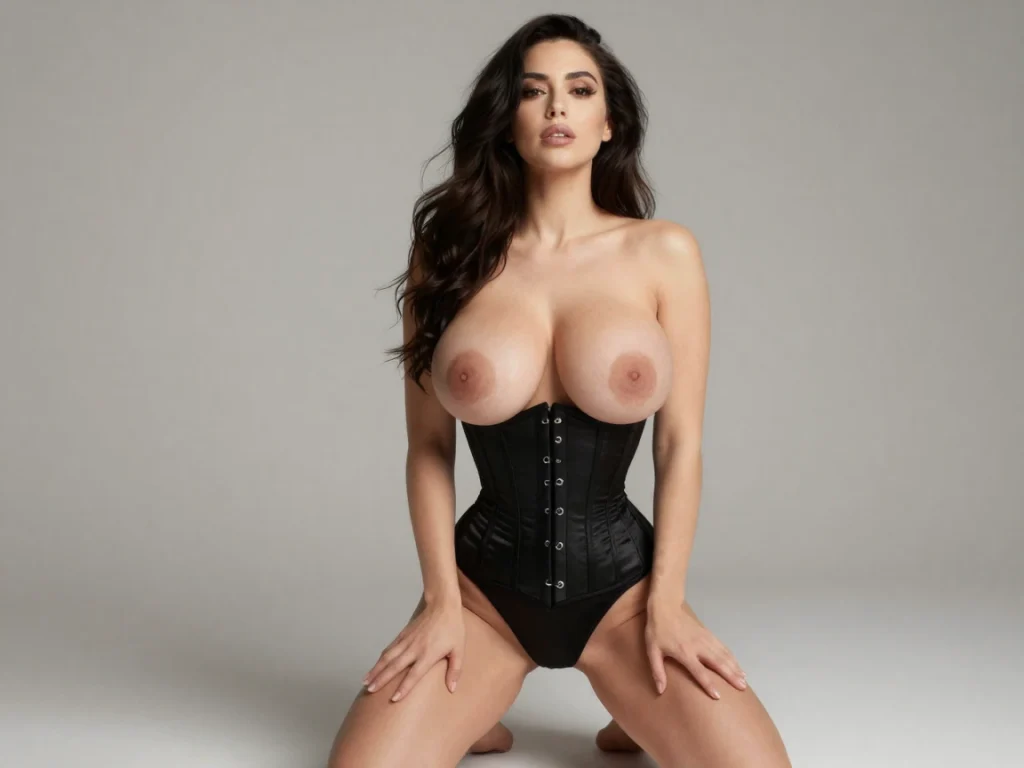
Explore examples generated from text prompts. Change the character, style, pose, composition, environment and lighting to create different results.
HOW IT WORKS
Describe your idea, choose the image settings and start generation. No source photo is required.
Open Create image. No source photograph is needed: describe a fictional adult character, clothing, setting and lighting.
Select quality and aspect ratio. The existing Fast and Super · 2K options show their token cost before processing.
Generate the image and inspect the details. Refine the description and run another generation to try a different version.
SETTINGS
Control the scene through your text prompt, choose the available quality mode and select the right aspect ratio.
Portrait formats work well for characters, landscape formats for wider scenes and square formats for compact compositions.
Describe the character, appearance, pose, style, camera angle, lighting and environment. A clear visual direction helps AI interpret your idea.
Use a faster mode for early concepts and higher quality when you want a more detailed final result.
SUPER · ADVANCED 18+ GENERATION
Super · 2K mode is designed for more complex adult 18+ scenes with multiple characters, unusual poses, interactions and a higher level of visual detail. Use a detailed prompt to define the composition, environment, lighting and mood more precisely.
Availability of specific scenes depends on AvaClik rules and the selected AI model.
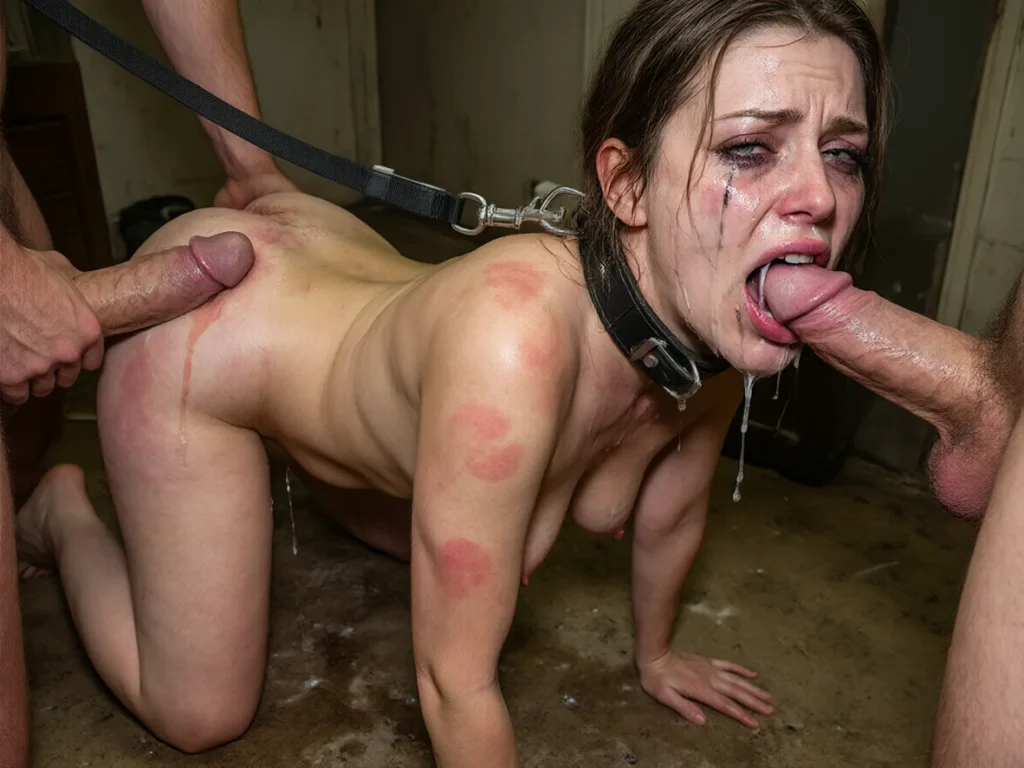
Create more complex adult compositions with multiple fictional adult characters and define their placement, poses and interaction within the scene.
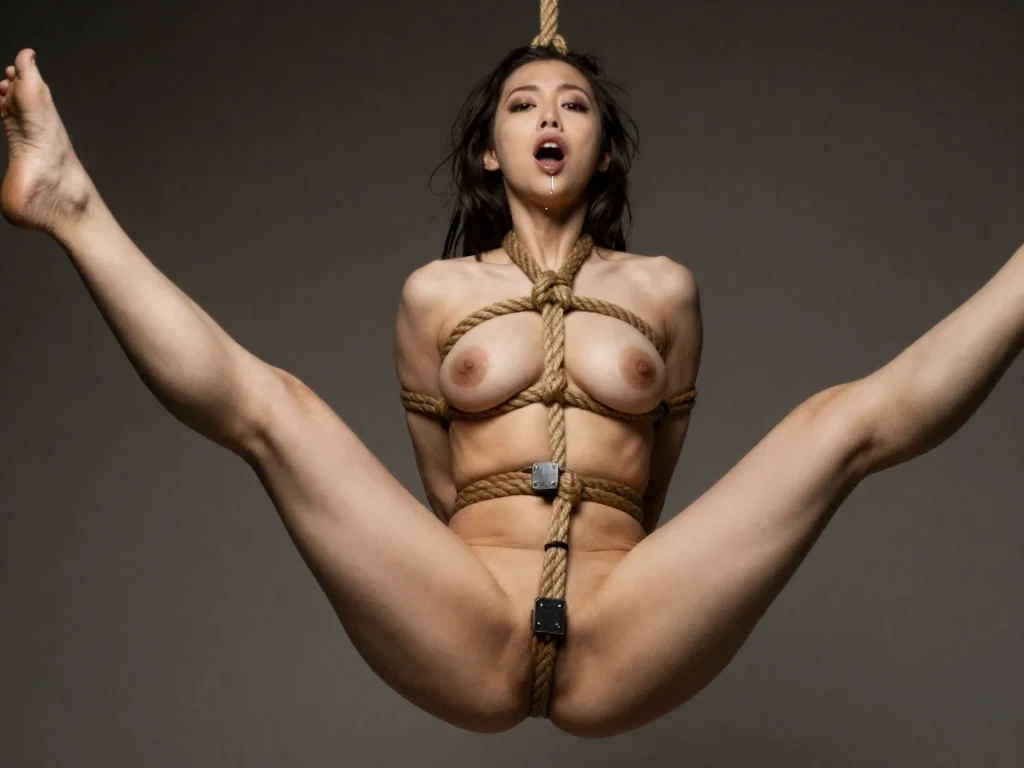
Create artistic scenes inspired by shibari, rope compositions and staged lighting within permitted adult 18+ content.
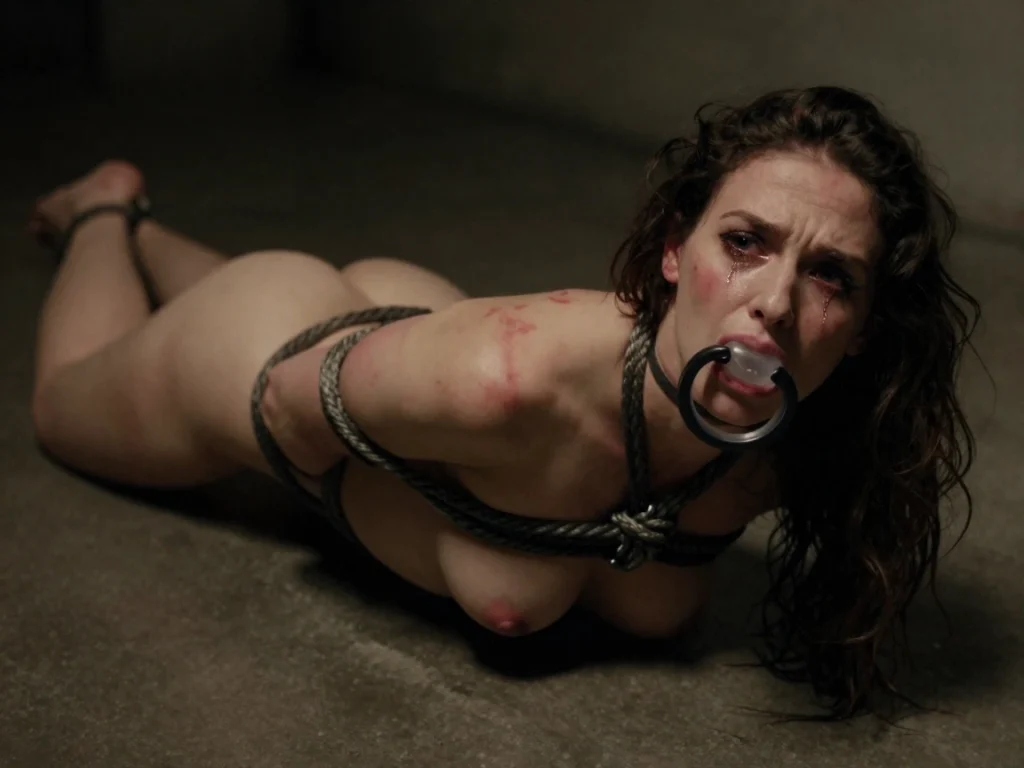
Define a dominance-inspired atmosphere, roleplay dynamic, environment, poses and visual style for more expressive adult scenes.
To try it, open Create image, choose Super · 2K, select an aspect ratio and describe the scene. The button shows the cost before you start. The interface and model have prompt-length limits: longer does not mean unlimited.
Super offers scope for more detailed scenes; service and model rules still apply. Request acceptance and the accuracy of individual details depend on the selected model.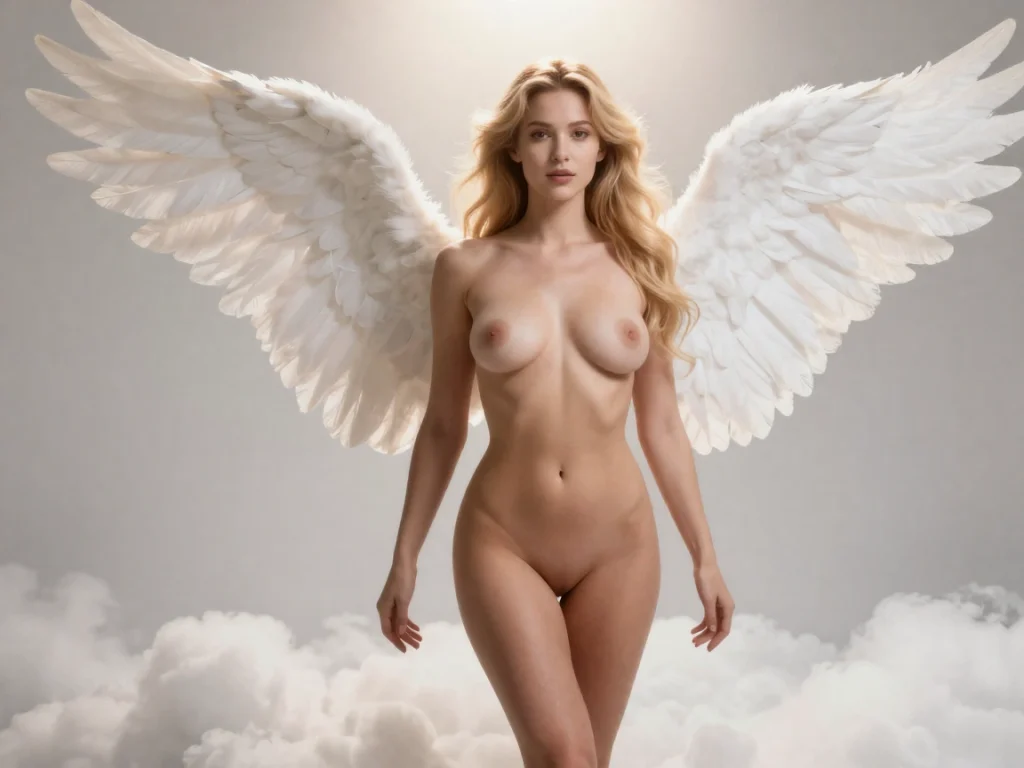
GENERATE FROM SCRATCH
The NSFW AI Image Generator creates a new image from your text description instead of modifying an existing photo. You control the character, composition, visual style, environment, lighting and overall mood.
Each generation is created independently, so details and character appearance may vary between runs. Refine the prompt gradually when you want a different result.
Use fictional adults or subjects for which you have the necessary rights and consent.
PROMPT TIPS
For example: a fictional woman aged 35, a closed silk dressing gown, an evening salon, a warm lamp, soft shadows and waist-up framing.
Start with one outfit, one light source and an uncluttered background. Conflicting instructions can make the composition less predictable.
Inspect hands, fabric, perspective and shadow direction. Change a small part of the prompt at a time to understand its effect.
TOKENS
Registered users may have a free daily attempt when available. The editor shows the token cost before generation.
A free daily attempt may be available to registered users. Check the token cost in the editor before starting.
Plans and tokens ↗QUESTIONS & ANSWERS
It is an AI image generator for adult users that creates new images from scratch using text prompts.
No. Describe the scene with text and AI generates a new image from scratch.
Yes, for adult users and within AvaClik rules and the capabilities of the selected AI model.
You can define realistic, cinematic, artistic, fantasy and other visual styles in your prompt.
Describe the character, pose, environment, camera angle, lighting and visual style using clear visual details.
Yes. Each generation creates a new result, so outputs may vary even when the prompt is similar.
No. Service and model rules apply. Outputs may differ from the description, and some requests may be declined.
Yes. AvaClik works directly in mobile and desktop browsers.
CREATE AN IMAGE
Describe a fictional adult character and scene, choose the image format and quality and start generating directly in your browser.
Create NSFW Image ↗