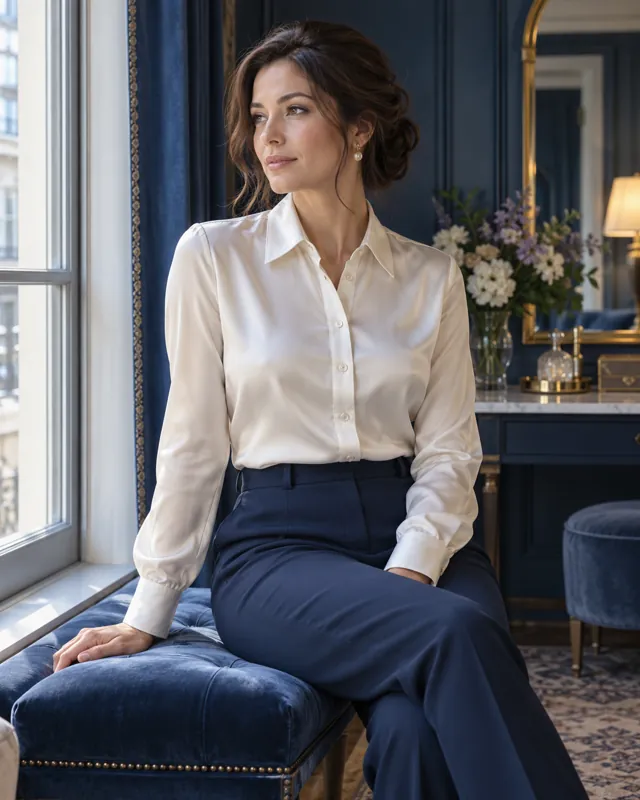
01
Window light
Soft side lighting, a quiet palette and an intimate interior. Describe the time of day and window placement to guide the shadow direction.
AVACLIK / BOUDOIR STUDIO · 18+
Create a new boudoir-inspired scene from text: a fictional adult character, a private interior, a considered outfit and soft lighting. Set the mood and composition without a source photograph. AvaClik is intended for adults aged 18+.
Create an image ↗Adult AI image generator ↗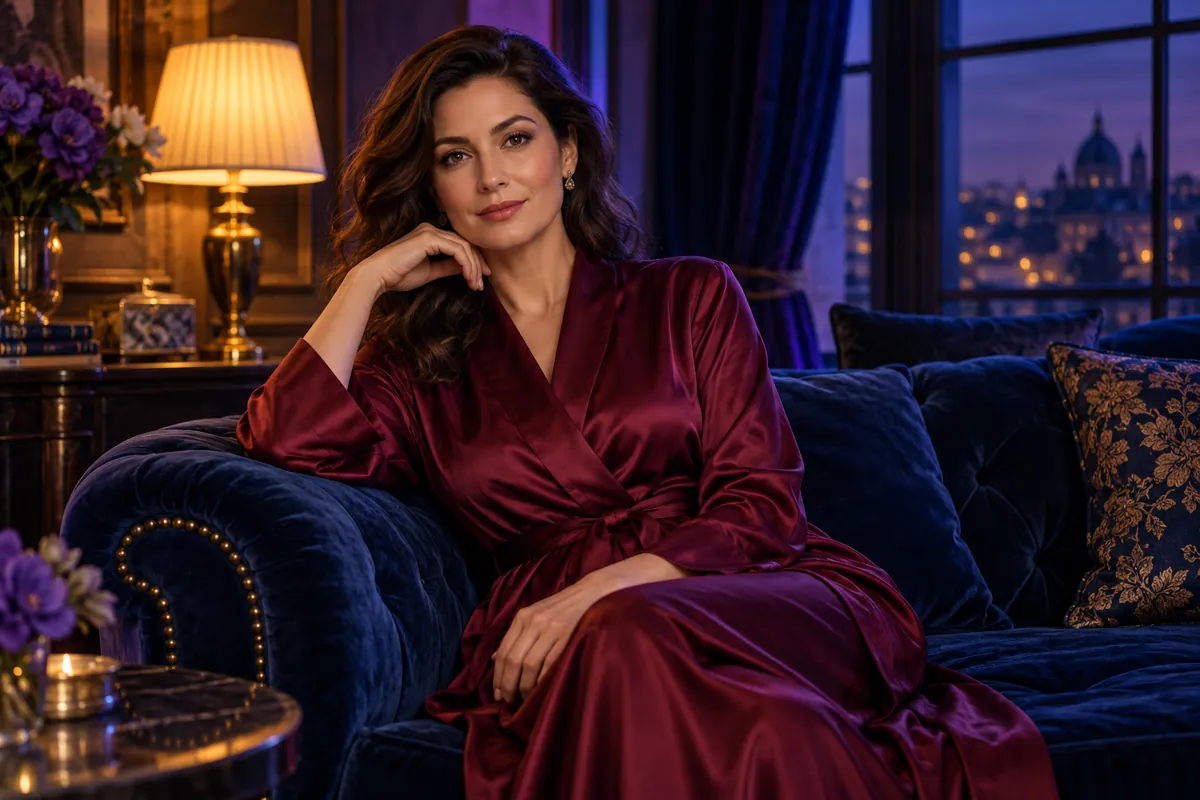
Design illustration
DIRECTIONS
Begin with the light and atmosphere, then refine the outfit and framing. These are design illustrations, not demonstrations of AvaClik generator outputs.
Soft side lighting, a quiet palette and an intimate interior. Describe the time of day and window placement to guide the shadow direction.
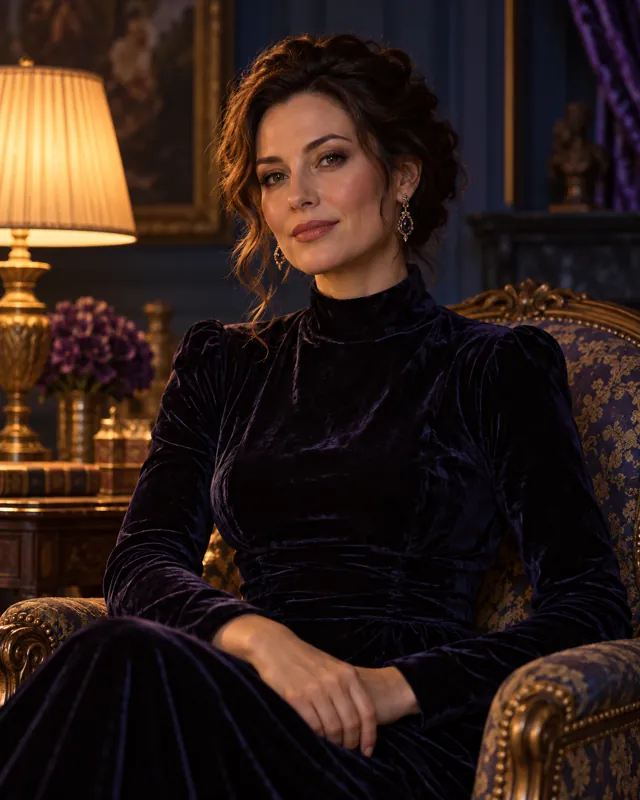
A table lamp, deeper shadows and rich fabric textures. Name the light source and give the character breathing room in the composition.
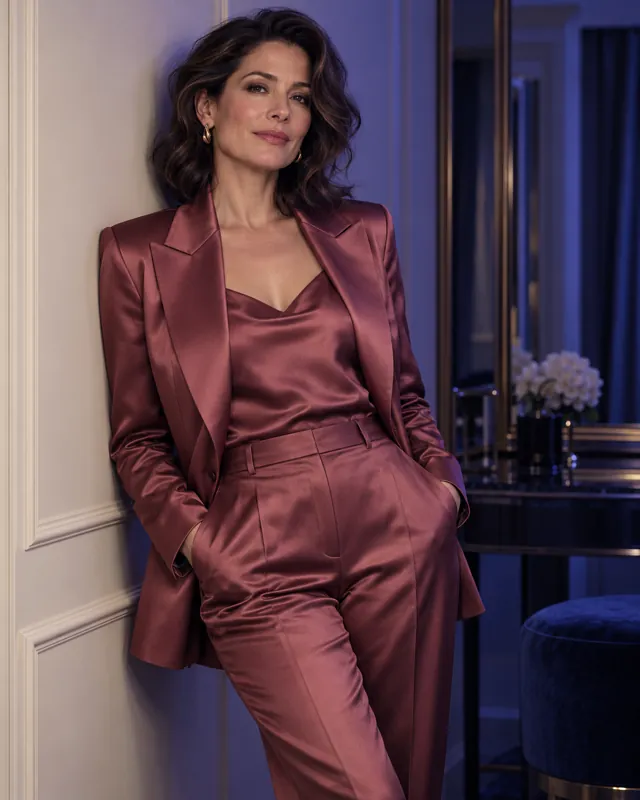
A more structured composition with a simple setting and a distinct outfit. Define the viewpoint, fabric and color palette.
Design illustration
AI BOUDOIR EXAMPLES
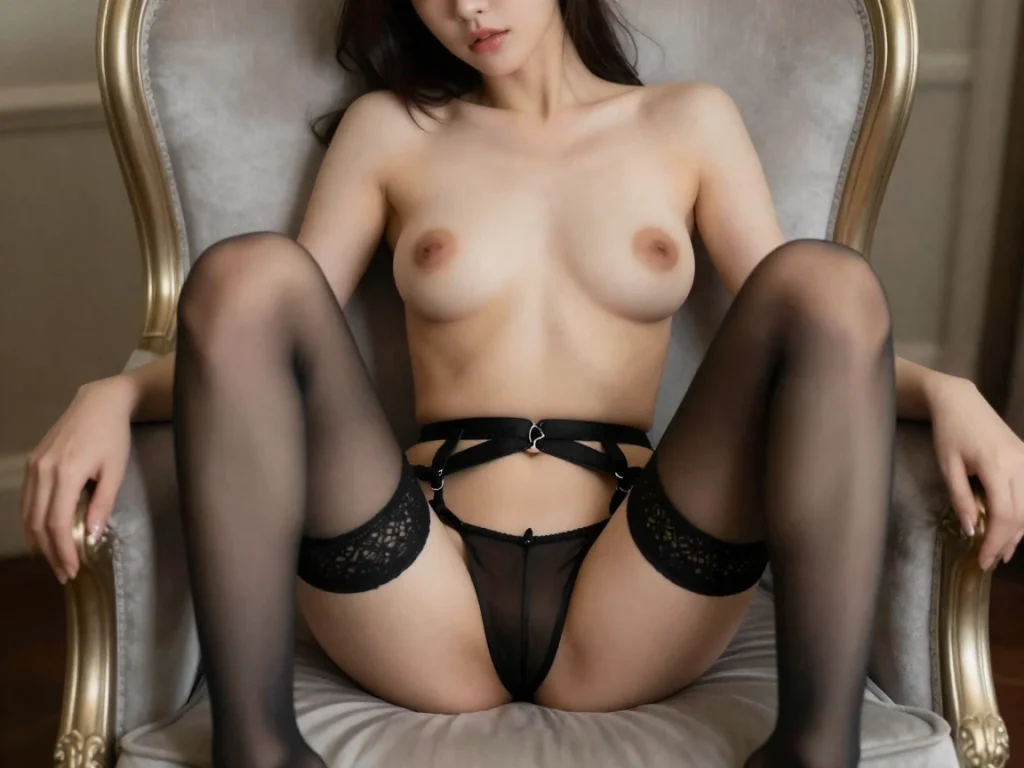
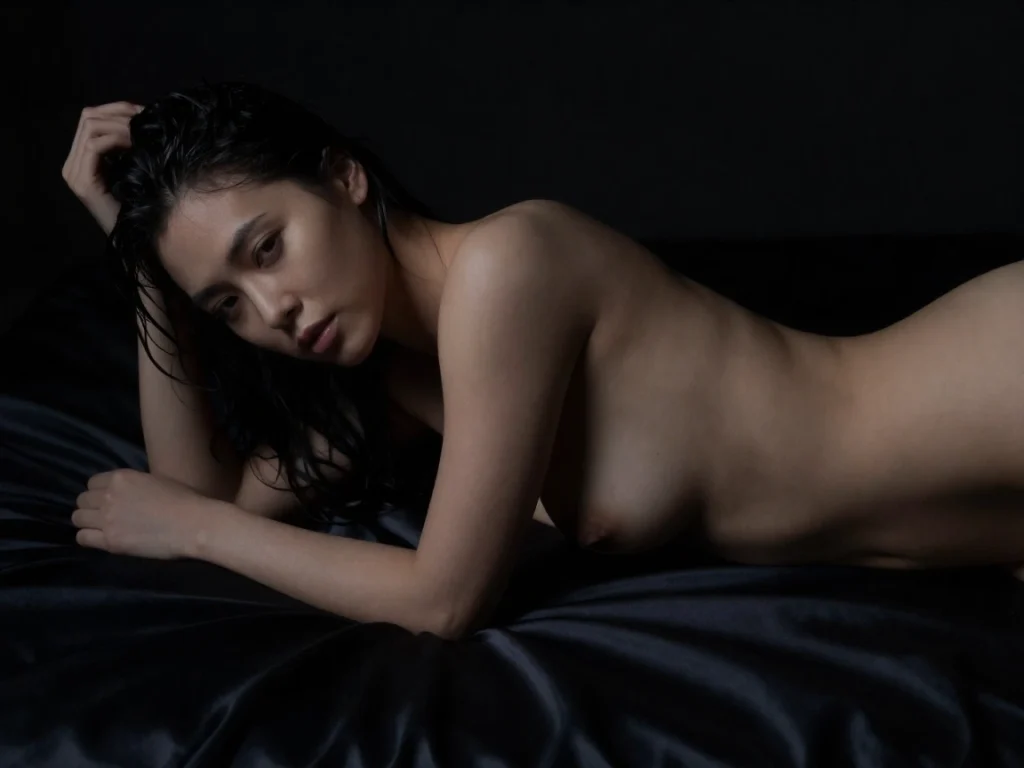
Explore images created with the AI Boudoir Generator. Change the style, outfit, pose, setting and lighting to create different variations within the same creative direction.
HOW IT WORKS
Open Create image. No source photograph is needed: describe a fictional adult character, clothing, setting and lighting.
Select quality and aspect ratio. The existing Fast and Super · 2K options show their token cost before processing.
Generate the image and inspect the details. Refine the description and run another generation to try a different version.
CREATIVE CONTROLS
Define the subject, framing, outfit, lighting and background. All characters must be adults. Do not reproduce a real person’s likeness without their consent.
Fast is useful for an initial direction; Super · 2K offers a more detailed version. These are existing quality options, not dedicated anime or boudoir engines.
Portrait framing suits a character study, landscape gives the setting more space, and square framing supports a compact composition. Choose it before generation.
SUPER · CREATIVE POSSIBILITIES
Create considered scenes for adults aged 18+: describe the character, outfit, interior, lighting and mood. Super uses Qwen Image 3.0 with 2K output. An extended prompt can define your idea more precisely, but does not guarantee that every instruction will be followed.
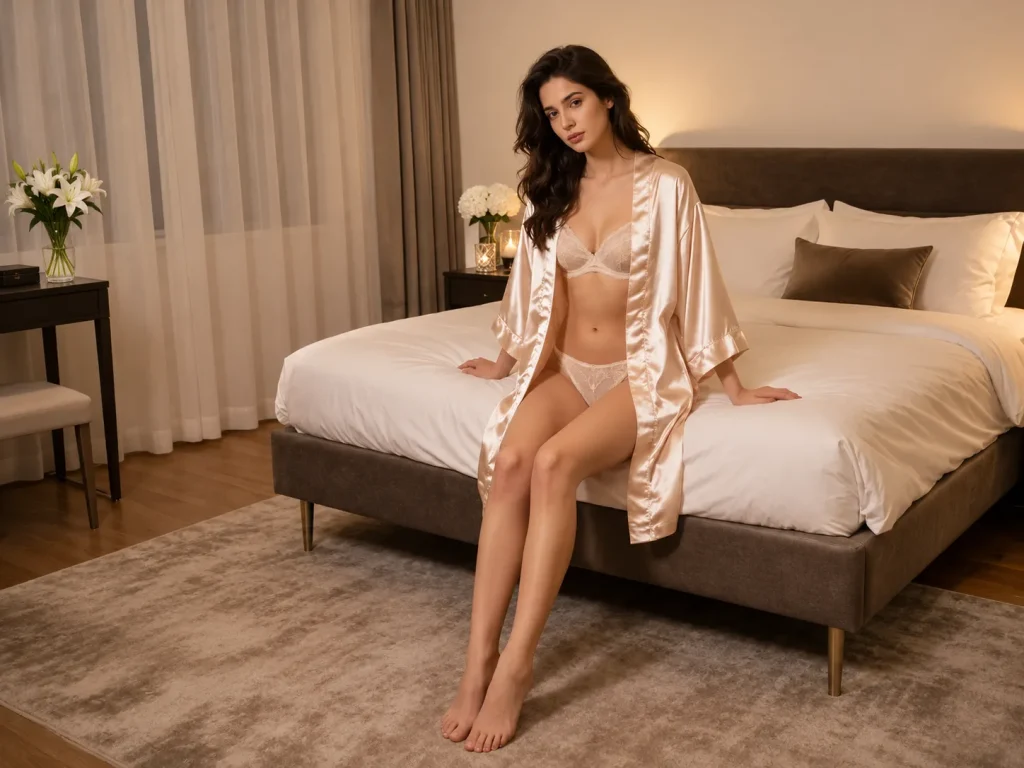
A fictional adult woman aged 35 wearing a fully opaque burgundy silk long-sleeve dress sits in an Art Deco drawing room. Close editorial portrait with her entire head in frame and her hands resting naturally on her lap. Soft warm window light from the left and cool blue shadows from the right. Fine embroidery, small gold earrings and realistic skin texture. Carved walnut furniture, a glass perfume bottle and deep blue curtains in the background. A restrained color palette, shallow depth of field, no text and no logos.
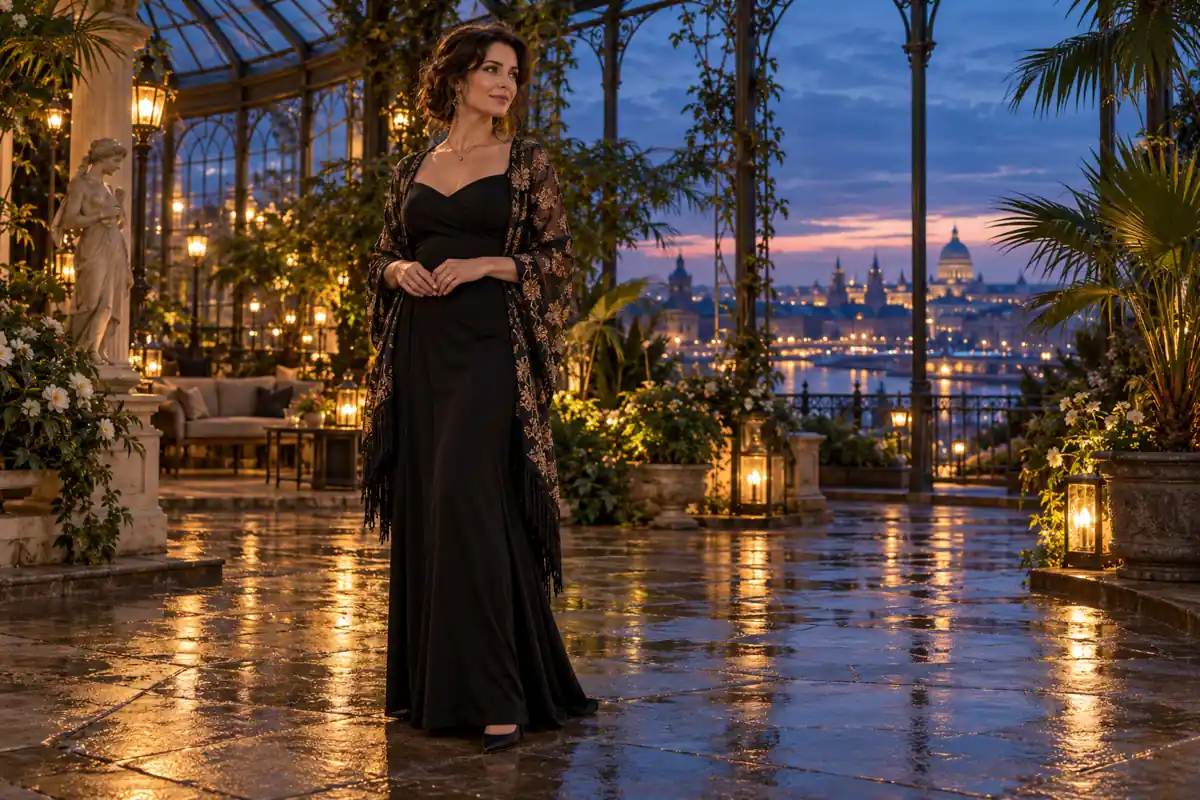
A fictional adult woman aged 36 wearing an opaque black evening gown stands in a glass-roofed winter garden at blue hour. Full-length composition with her head and shoes completely inside the frame. A finely embroidered shawl rests on her shoulders. Plant leaves in the foreground, her figure and amber lamp reflections on wet stone in the middle ground, a distant city skyline through the glass. Consistent perspective, shadow direction and a natural pose. Detailed fabric and foliage, expressive cinematic lighting, no lettering.
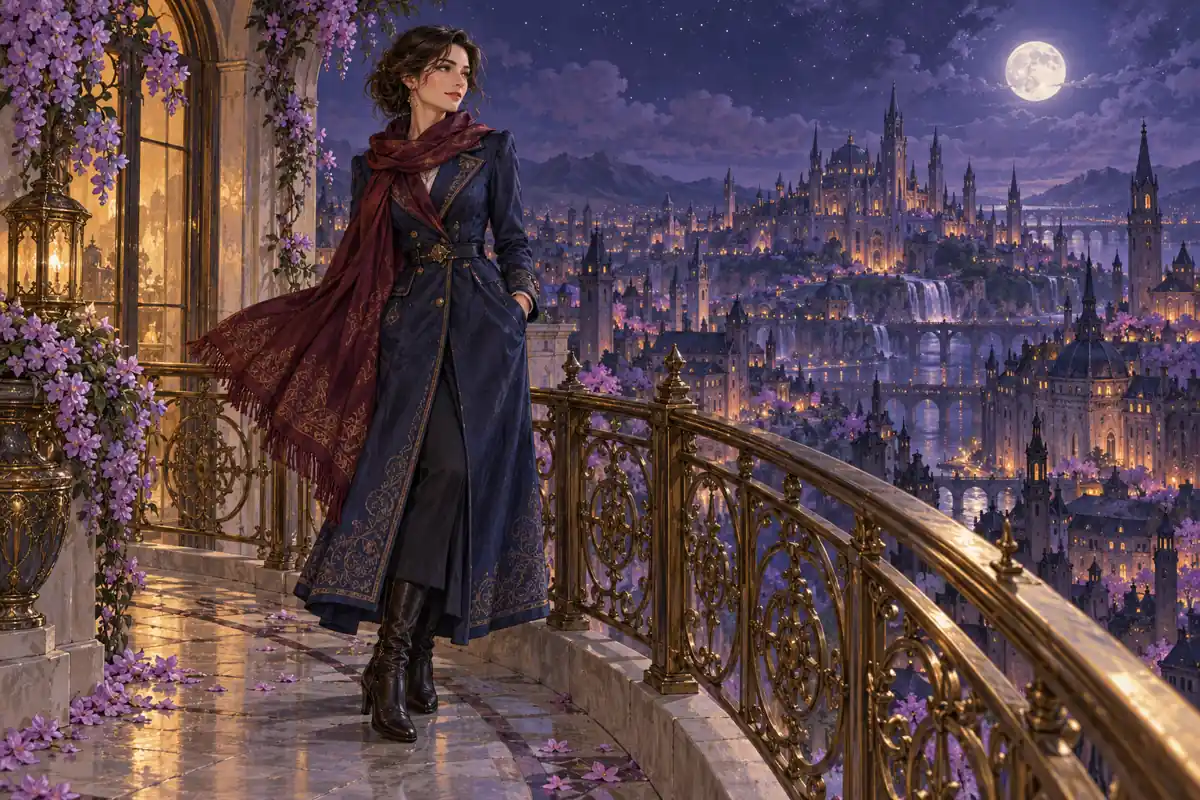
An original adult heroine aged 35 with mature facial features wears an opaque tailored indigo coat and burgundy scarf on a moonlit balcony overlooking an imagined violet city. Show her full body and entire head inside the frame. Ornate brass railings, flowering branches in the foreground, layers of city architecture and subtle distant stars. Combine expressive linework with painterly texture, deep cool shadows and small warm highlights. No text and no logos.
To try it, open Create image, choose Super · 2K, select an aspect ratio and describe the scene. The button shows the cost before you start. The interface and model have prompt-length limits: longer does not mean unlimited.
Super offers scope for more detailed scenes; service and model rules still apply. Request acceptance and the accuracy of individual details depend on the selected model.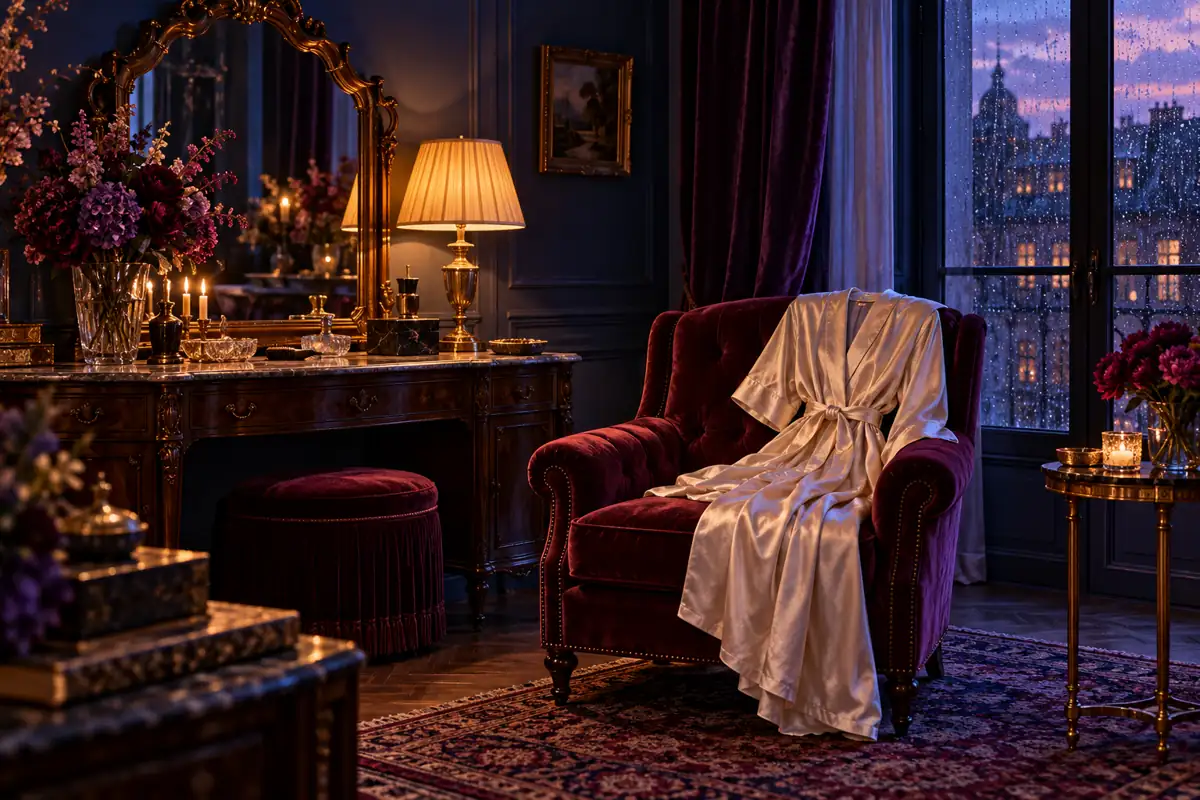
THE CREATIVE PROCESS
A boudoir-inspired image is a complete scene, not merely a clothing change. Combine the interior, fabric, lighting, pose and mood in one coherent description.
This generator creates a fictional adult character from scratch. It does not transfer your face into a new scene or guarantee the same identity across separate generations. To work with an existing photograph, use the separate prompt-based photo editor.
Adult looks are subject to service and model rules. Do not reproduce another person’s likeness without consent; every depicted character must be clearly an adult.
PROMPT NOTES
For example: a fictional woman aged 35, a closed silk dressing gown, an evening salon, a warm lamp, soft shadows and waist-up framing.
Start with one outfit, one light source and an uncluttered background. Conflicting instructions can make the composition less predictable.
Inspect hands, fabric, perspective and shadow direction. Change a small part of the prompt at a time to understand its effect.
TOKENS
Registered users may have a free daily attempt when available. The editor shows the token cost before generation.
A free daily attempt may be available to registered users. Check the token cost in the editor before starting.
Plans and tokens ↗FAQ
No. It creates a new image from text without a source photograph. Resemblance to you or face transfer is not promised.
Yes. Describe them in your prompt, such as a light salon, a velvet armchair and a closed satin robe. Output details may vary.
No. This page uses the existing Create image tool. The prompt defines the scene, while quality is selected before generation.
Yes. Refine the description and run another generation. The character may look different between runs; the editor shows the cost before you start.
This page concerns creating a new image from text. To edit an existing photograph, use AI by prompt; it is a separate tool.
Yes. Open the editor in a mobile browser, choose a description, quality and aspect ratio, then wait for the result and download it.
No. Service and model rules apply. Outputs may differ from the description, and some requests may be declined.
Registered users may have a free daily attempt when available. Otherwise generation uses tokens; the editor shows the cost before you start.
CREATE YOUR NEXT IMAGE
Start with a fictional adult character, an outfit and a lighting direction. Choose framing and check the cost before generating.
Create an image ↗