AI Lingerie Outfit Prompts for Consenting Adults: 25 Ideas
Copy 25 non-explicit AI lingerie and adult outfit prompts for clearly adult, consenting images, with body-preservation, layering and realism tips.
On this page
Open the AvaClik tool connected to this guide and try it on your photo.
Lingerie styling is a clothing-editing task, but it needs stricter source-image and consent rules than an ordinary jacket or dress swap. Use only clearly adult subjects, only images you own or have permission to edit, and keep the request focused on clothing. A good prompt describes the garment while explicitly preserving the person’s identity, body proportions, pose and anatomy.
The prompts below are designed as non-explicit outfit-styling examples for the AvaClik AI Clothes Changer. If you are testing ordinary fashion first, use 50 AI Clothes Changer Prompts.
How to write an adult lingerie outfit prompt
Treat the task the same way you would treat any precise garment replacement: name the garment type, material, color, coverage and optional layer, then protect everything else. Avoid vague instructions such as “make it hotter” because they give the model permission to reinterpret body shape, pose and styling. Construction details are easier to control than subjective adjectives.
For a clearly adult, consenting image, change only the visible clothing to a [color] [material/style] lingerie set with [coverage/detail]. Keep the same adult face, hair, body proportions, anatomy, pose, hands, camera angle, background and lighting. Fit the garment to the existing body; do not change the person.
Keep the request clothing-focused and use only adult source images you have the right to edit.
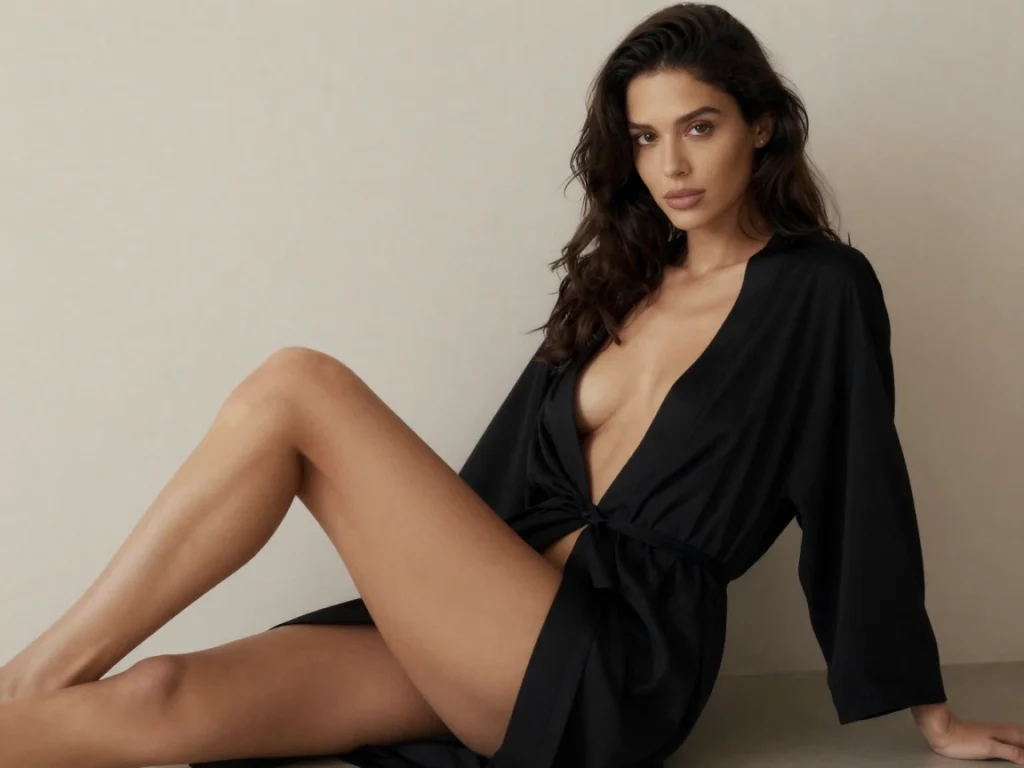
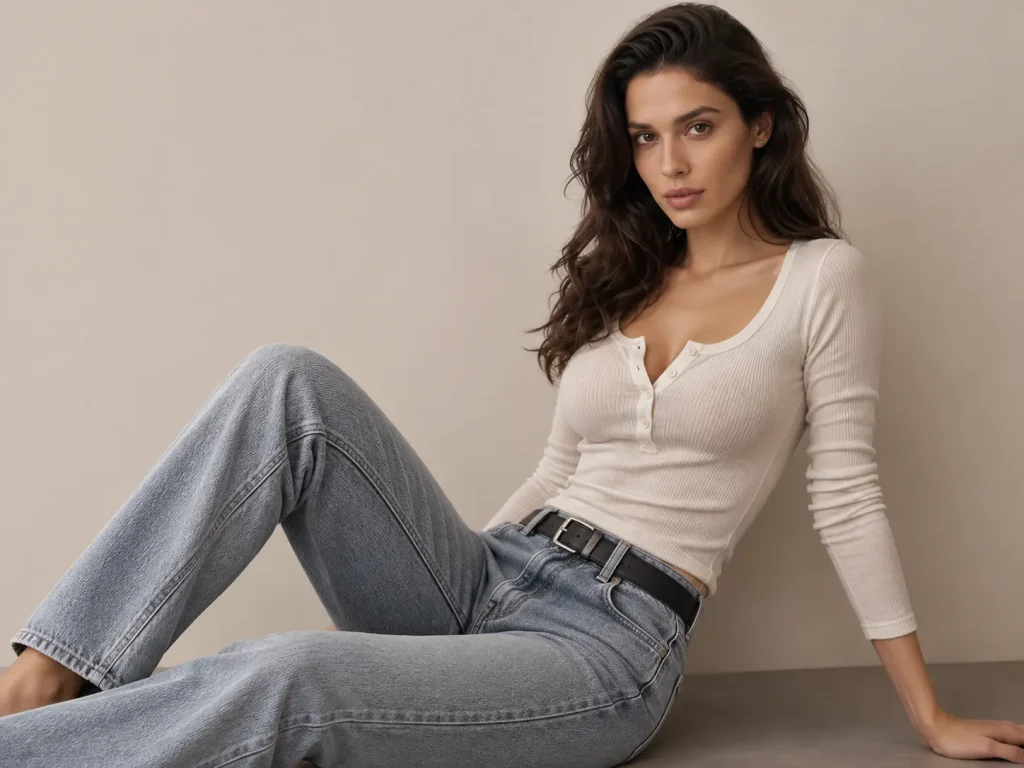
25 lingerie and adult outfit prompts
For a clearly adult, consenting image, change only the clothing to an elegant black satin lingerie set with clean minimal lines and moderate coverage. Preserve the same adult face, body proportions, anatomy, pose, hands, background and lighting.
Use only clearly adult, consenting source images. Change clothing only.
For a clearly adult, consenting image, replace only the visible clothing with a deep burgundy lace lingerie set, refined floral lace and realistic fabric texture. Keep identity, anatomy, pose and scene unchanged.
Use only clearly adult, consenting source images. Change clothing only.
For a clearly adult, consenting image, change only the outfit to an ivory satin lingerie set with subtle trim and realistic satin highlights. Preserve the adult subject and original light direction.
Use only clearly adult, consenting source images. Change clothing only.
For a clearly adult, consenting image, replace the clothing with a dark navy lace lingerie set, elegant and non-explicit. Keep the same adult face, body shape, anatomy, pose and background.
Use only clearly adult, consenting source images. Change clothing only.
For a clearly adult, consenting image, change only the visible clothing to a minimalist matte-black lingerie set with simple straps and clean construction. Preserve identity and body proportions.
Use only clearly adult, consenting source images. Change clothing only.
For a clearly adult, consenting image, replace the clothing with a champagne satin camisole-style lingerie set with soft drape. Keep the same adult subject, anatomy, pose and lighting.
Use only clearly adult, consenting source images. Change clothing only.
For a clearly adult, consenting image, change only the clothing to a tasteful high-waisted retro-inspired lingerie set in deep wine red. Preserve face, body proportions, anatomy and pose.
Use only clearly adult, consenting source images. Change clothing only.
For a clearly adult, consenting image, replace the clothing with a soft taupe lingerie set with understated design and realistic fabric. Keep person, pose, background and lighting unchanged.
Use only clearly adult, consenting source images. Change clothing only.
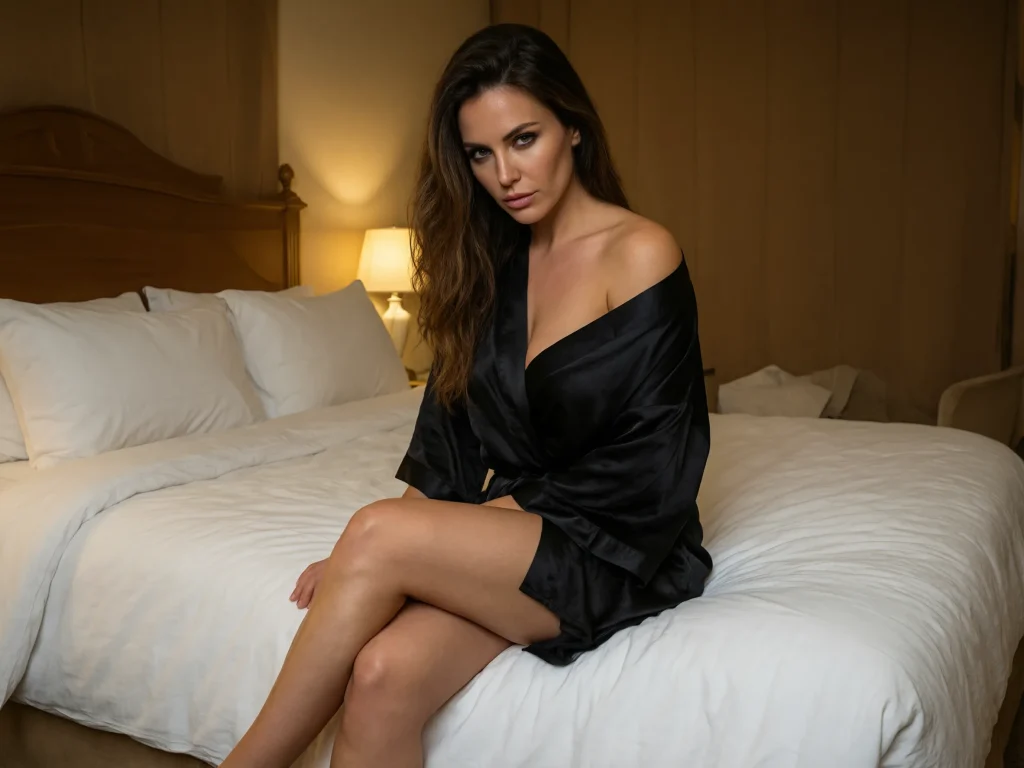
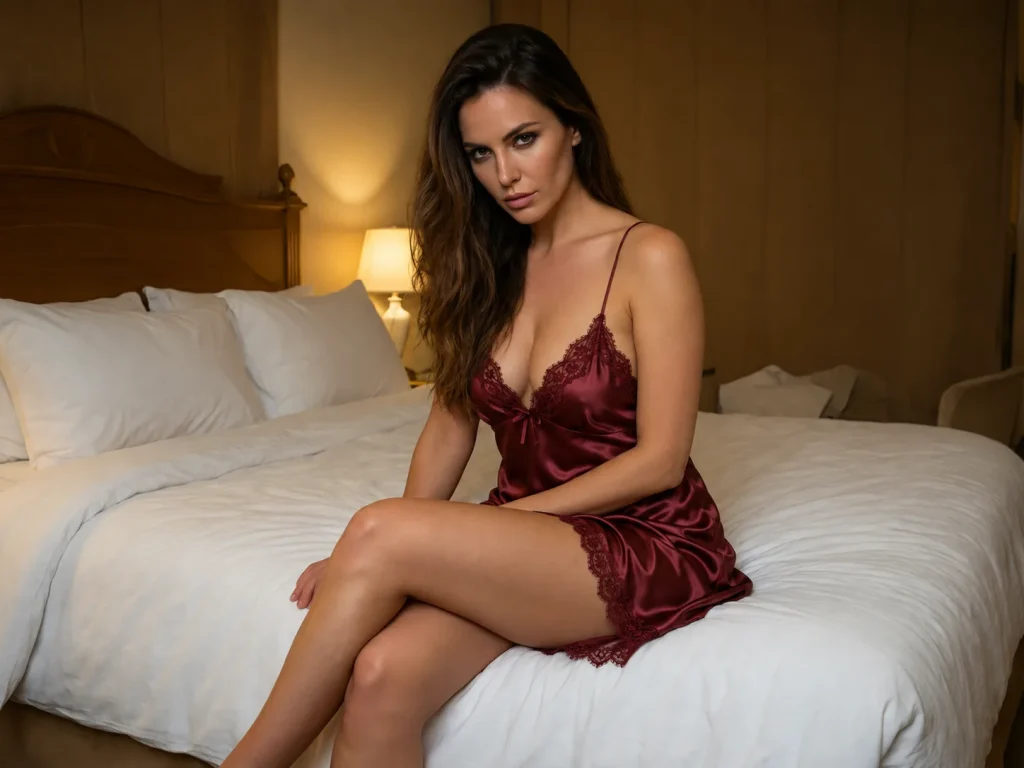
Bodysuit prompts
For a clearly adult, consenting image, change only the outfit to a simple black fashion bodysuit with opaque coverage and realistic stretch fabric. Preserve the adult face, body proportions, anatomy, pose and scene.
Opaque fashion bodysuits are useful for testing fit and body preservation without explicit content.
For a clearly adult, consenting image, replace the clothing with a deep burgundy opaque bodysuit, clean neckline and realistic fitted fabric. Keep identity and anatomy unchanged.
Opaque fashion bodysuits are useful for testing fit and body preservation without explicit content.
For a clearly adult, consenting image, change only the outfit to a black bodysuit with tasteful lace panels and opaque core coverage. Preserve the adult person, pose, body proportions and lighting.
Opaque fashion bodysuits are useful for testing fit and body preservation without explicit content.
For a clearly adult, consenting image, replace the clothing with a dark long-sleeve fashion bodysuit in matte fabric. Keep the same adult face, body shape, pose, hands and background.
Opaque fashion bodysuits are useful for testing fit and body preservation without explicit content.
Robe and layered adult styling prompts
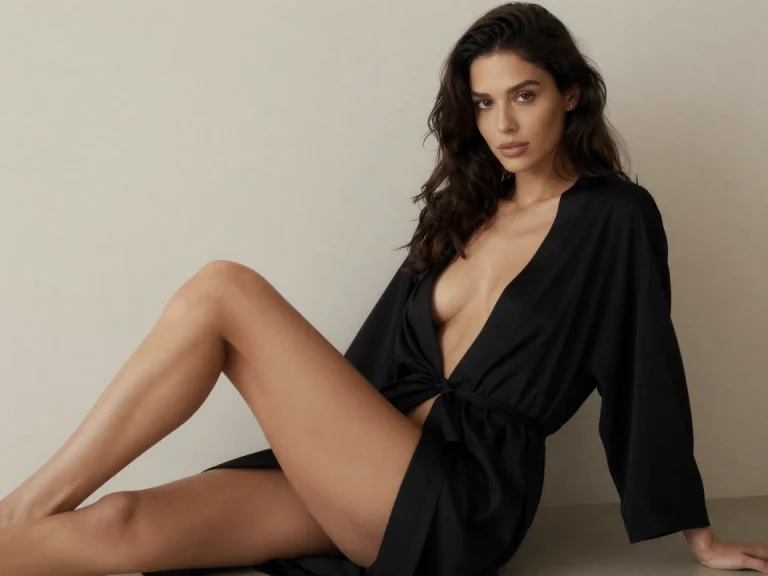
For a clearly adult, consenting image, add a dark burgundy satin robe over a simple black lingerie set. Preserve identity, body proportions, anatomy, pose and lighting; show realistic layered fabric.
Layered garments should respect which fabric sits in front of the other and preserve hand/hair overlap.
For a clearly adult, consenting image, change the outfit to a simple neutral lingerie set with an ivory satin robe loosely layered over it. Keep person, pose and scene unchanged.
Layered garments should respect which fabric sits in front of the other and preserve hand/hair overlap.
For a clearly adult, consenting image, add a lightweight semi-sheer black robe over an opaque lingerie base. Preserve anatomy, adult identity, body proportions, pose and background.
Layered garments should respect which fabric sits in front of the other and preserve hand/hair overlap.
For a clearly adult, consenting image, replace the clothing with a modest black base set and a short deep-red satin robe. Keep the same adult subject and original light direction.
Layered garments should respect which fabric sits in front of the other and preserve hand/hair overlap.
Boudoir-inspired but non-explicit styling
For a clearly adult, consenting image, change only the clothing to an elegant black boudoir-inspired lingerie look with a satin-and-lace mix and non-explicit coverage. Preserve identity, anatomy and pose.
Keep the edit fashion-focused and non-explicit; the clothing request should not alter anatomy or pose.
For a clearly adult, consenting image, replace the clothing with a deep burgundy boudoir-inspired set and lightweight robe layer. Keep the same adult face, body proportions, anatomy, hands and scene.
Keep the edit fashion-focused and non-explicit; the clothing request should not alter anatomy or pose.
For a clearly adult, consenting image, change only the clothing to a simple cream lingerie set suitable for a tasteful studio fashion portrait. Preserve the adult subject, pose and lighting.
Keep the edit fashion-focused and non-explicit; the clothing request should not alter anatomy or pose.
For a clearly adult, consenting image, replace only the visible clothing with a refined black lingerie fashion look, opaque where needed, with realistic material and fit. Keep identity and body shape unchanged.
Keep the edit fashion-focused and non-explicit; the clothing request should not alter anatomy or pose.
Color and material variations
For a clearly adult, consenting image, keep the exact lingerie design, fit and fabric texture. Change only its color to deep burgundy. Preserve the adult face, anatomy, body proportions, pose, background and lighting.
For controlled comparisons, change one variable at a time: color, material or outer layer.
For a clearly adult, consenting image, keep the exact garment construction and change only the lingerie color to matte black. Preserve lace pattern, seams, body proportions and scene.
For controlled comparisons, change one variable at a time: color, material or outer layer.
For a clearly adult, consenting image, keep the garment silhouette and coverage the same but change the material to black satin with realistic highlights. Preserve identity, anatomy, pose and lighting.
For controlled comparisons, change one variable at a time: color, material or outer layer.
For a clearly adult, consenting image, keep the existing lingerie exactly the same and add only a deep wine satin robe as an outer layer. Preserve the adult person, anatomy, pose and background.
For controlled comparisons, change one variable at a time: color, material or outer layer.
For a clearly adult, consenting image, replace the existing adult fashion outfit with a simple dark lingerie set using clean lines and moderate coverage. Keep face, body proportions, anatomy, pose, hands, background and lighting unchanged.
For controlled comparisons, change one variable at a time: color, material or outer layer.
Why preservation language matters more for adult clothing edits
Adult clothing changes often involve garments that follow the body more closely than jackets or loose dresses. That makes body preservation especially important. The model should fit the garment to the existing clearly adult subject rather than reshaping the person to fit an imagined body type. Include “keep the same body proportions and anatomy” and inspect the result before using it.
The same applies to pose. If the source person is standing neutrally, a clothing change should not automatically turn the image into a sexualized pose. Keep the original pose, hands and camera angle unless you are intentionally using a separate pose-editing workflow with a consenting adult source.
Use layers when you want more control
A robe, cardigan or shirt layer can make an adult outfit feel more editorial and can also help when the source pose creates difficult garment boundaries. Describe the base set and outer layer separately: “black satin set with a burgundy robe worn open over it.” Then state which layer should sit in front of hands or hair if that overlap matters.
Common adult clothing edit problems
The body shape changes
Add a direct instruction to fit the garment to the existing adult body and preserve body proportions and anatomy.
The pose becomes sexualized
Explicitly preserve the original pose, hands and camera angle. Keep the task limited to clothing.
Lace turns into random texture
Use a simpler lace description and inspect edges at full size. Do not rely on AI for exact repeatable textile patterns.
Straps cut through hair
Preserve hair placement and ask the garment to respect existing occlusion, with straps behind hair where appropriate.
Skin tone or lighting shifts
State that skin tone, background color and original lighting must remain unchanged; change only clothing.
The result becomes explicit
Use more specific coverage instructions and a non-explicit garment design. If the source or requested result is outside your intended boundaries, do not use that output.
A safer review checklist before publishing or saving
Confirm the subject is clearly adult, the source image is yours or authorized, the clothing—not identity or anatomy—is the intended change, and the output still represents the same adult person. Then inspect garment edges, body proportions, pose, hands, face and background. If you use the result commercially, also review any brand marks, product claims and platform rules that apply to where you plan to publish it.
Frequently asked questions
Can I use AI to change lingerie on an adult photo?
For clearly adult, consenting images that you have the right to edit, clothing-focused lingerie styling can use the same outfit-replacement workflow as other garments.
How do I keep the adult body unchanged?
Tell the editor to preserve the same body proportions and anatomy, fit the garment to the existing body, and keep the original pose and camera angle.
Can I add a robe over the existing outfit?
Yes. Treat the robe as an outer layer and explicitly say to keep the base garment unchanged if that is your goal.
Why did the pose change when I only changed clothing?
Vague adult-style prompts can be interpreted as a broader scene restyle. Preserve the original pose, hands and camera angle and describe the garment construction instead of a general mood.
Can these prompts be used on minors?
No. AvaClik is an adult service. Do not use adult clothing workflows on minors or ambiguous-age subjects.
Try this in AvaClik
Try the workflow in AvaClik
Upload a photo you have permission to edit, make a change, check the result and refine it.
Try AvaClik AI Clothes Changer ↗