AI Suit & Business Outfit Prompts for Professional Photos
Copy 25 AI suit and business outfit prompts for professional photos, headshots, LinkedIn-style portraits and full-body business looks.
On this page
Open the AvaClik tool connected to this guide and try it on your photo.
Business clothing is one of the most practical uses for an AI clothes changer. A casual portrait can become a blazer-and-shirt headshot, a full-body photo can test a suit silhouette, and the same source can compare navy, charcoal and black without arranging another shoot. The important part is to make the edit look like clothing the person actually wore in the original scene rather than a suit pasted onto the body.
The 25 prompts below are designed as starting points for the AvaClik AI Clothes Changer. If your source is a tight portrait, focus on jacket, shirt and neckline; if you need trousers and shoes, use a full-body image as described in Best Photos for AI Clothes Changer.
A reliable formula for business outfit prompts
Change only the outfit to a [color] [fabric] [fit] suit with a [shirt color/style] and [tie/open collar]. Keep the same adult face, hair, expression, body proportions, pose, hands, camera angle, background and lighting. Show realistic tailoring, seams, lapels, fabric folds and contact shadows.
For a headshot, omit trousers and shoes that are outside the frame.
For corporate photos, restraint is useful. The more accessories you add, the more elements the editor has to construct around hands, hair and jacket edges. First stabilize the jacket and shirt. Add a tie, pocket square or jewelry only if the base edit already looks natural.
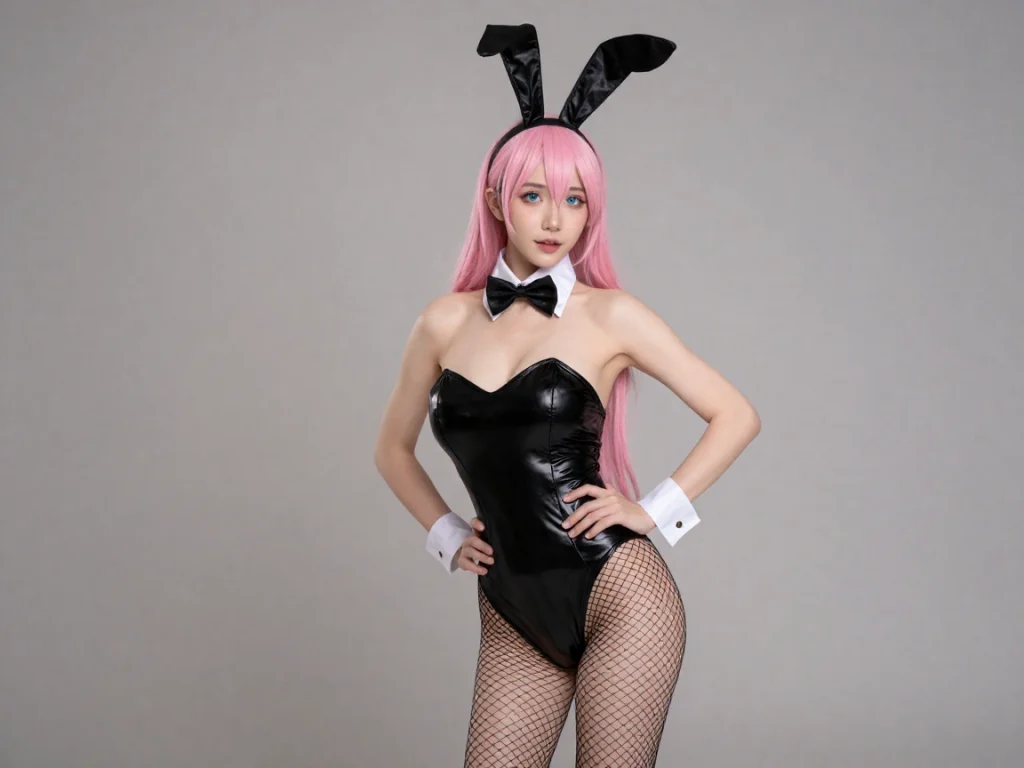
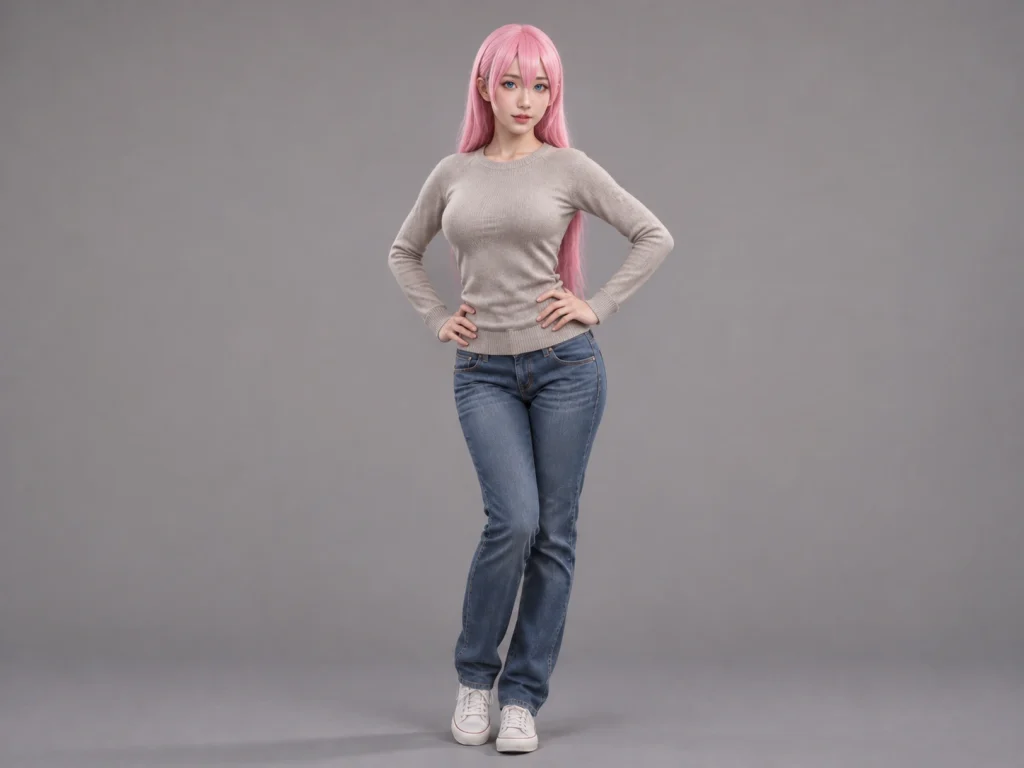
Classic suit prompts
Change only the outfit to a tailored navy wool suit with a crisp white shirt, no tie, classic fit and clean notch lapels. Preserve the same adult face, body proportions, pose, hands, background and lighting.
Check lapels, shirt collar, tie placement and sleeve/hand boundaries.
Replace the clothing with a charcoal two-piece suit, white shirt and dark burgundy tie. Keep identity, body shape, pose and scene unchanged. Show realistic wool texture and tailoring.
Check lapels, shirt collar, tie placement and sleeve/hand boundaries.
Change only the outfit to a fitted black suit with a white shirt and black tie. Preserve the adult subject, pose, hands, camera angle and light direction.
Check lapels, shirt collar, tie placement and sleeve/hand boundaries.
Replace the outfit with a light gray tailored suit, pale blue shirt and open collar. Keep the same face, body proportions and background.
Check lapels, shirt collar, tie placement and sleeve/hand boundaries.
Change the clothing to a warm dark-brown wool suit with a cream shirt, no tie and classic tailoring. Preserve identity, pose and lighting.
Check lapels, shirt collar, tie placement and sleeve/hand boundaries.
Replace the outfit with a structured double-breasted navy suit and white shirt. Keep the same adult face, body shape, pose, hands and scene.
Check lapels, shirt collar, tie placement and sleeve/hand boundaries.
Change only the clothing to a charcoal three-piece suit with matching waistcoat, white shirt and simple dark tie. Preserve the subject and original framing.
Check lapels, shirt collar, tie placement and sleeve/hand boundaries.
Replace the outfit with a classic black tuxedo, white dress shirt and black bow tie. Preserve adult identity, pose and background; show realistic satin lapels.
Check lapels, shirt collar, tie placement and sleeve/hand boundaries.
Change the outfit to a lightweight cream linen-blend suit with a white open-collar shirt. Keep face, body proportions, pose and light direction unchanged.
Check lapels, shirt collar, tie placement and sleeve/hand boundaries.
Replace the outfit with a deep burgundy tailored suit and black shirt, no tie. Preserve the adult subject, body shape, pose and scene.
Check lapels, shirt collar, tie placement and sleeve/hand boundaries.
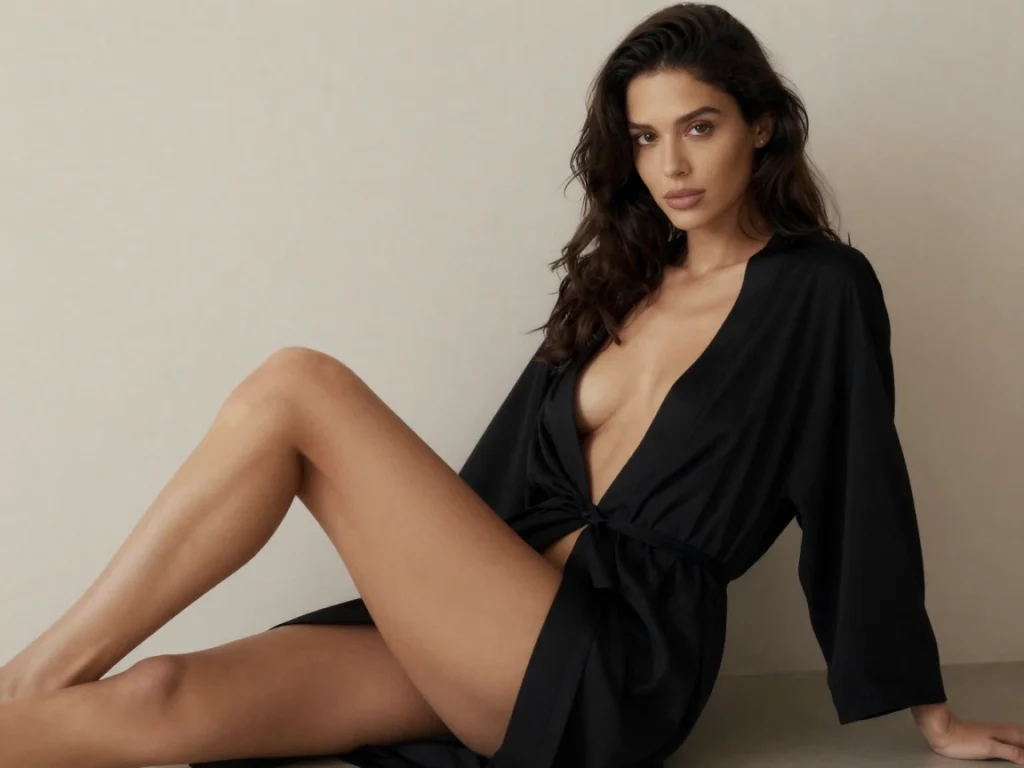
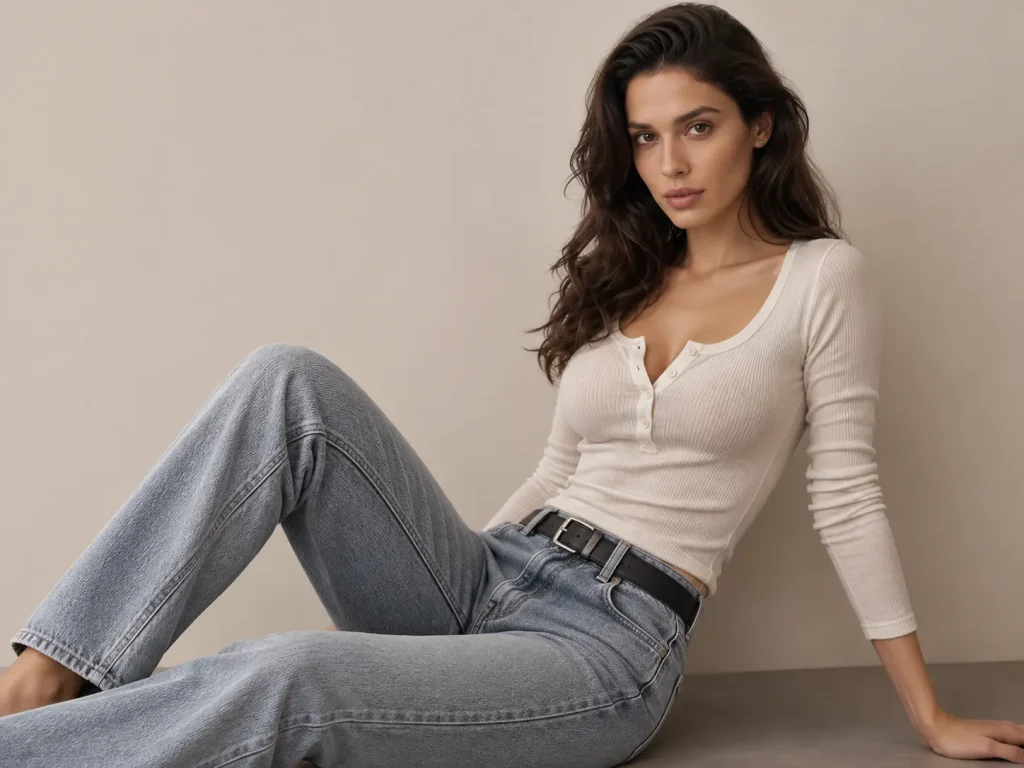
Business-casual prompts
Change only the outfit to a navy blazer, light-blue Oxford shirt and charcoal chinos. Keep the same adult face, body proportions, pose, hands and background.
Business casual works best when the prompt stays simple and scene-appropriate.
Replace the clothing with a beige tailored blazer over a fitted black top and dark trousers. Preserve identity, pose and lighting.
Business casual works best when the prompt stays simple and scene-appropriate.
Change the outfit to a dark fine-knit polo with tailored gray trousers and a minimal business-casual look. Keep person, body shape and scene unchanged.
Business casual works best when the prompt stays simple and scene-appropriate.
Replace the current clothing with a crisp white button-up shirt and charcoal tailored trousers. Preserve adult face, pose, hands and background.
Business casual works best when the prompt stays simple and scene-appropriate.
Change only the outfit to an unstructured dark-olive blazer, cream shirt and dark trousers. Preserve identity and original lighting; keep tailoring natural rather than rigid.
Business casual works best when the prompt stays simple and scene-appropriate.
Professional women’s business outfit prompts
Change only the outfit to a tailored navy pantsuit with a cream blouse, clean single-breasted blazer and straight-leg trousers. Preserve the same adult face, body proportions, pose, hands and office background.
Preserve the existing body proportions and fit the tailoring to the original adult subject.
Replace the clothing with a charcoal blazer, white blouse and black tailored trousers. Keep identity, body shape, pose and lighting unchanged.
Preserve the existing body proportions and fit the tailoring to the original adult subject.
Change the outfit to a deep burgundy women’s suit with a fitted blazer and matching trousers over a black top. Preserve adult identity and scene.
Preserve the existing body proportions and fit the tailoring to the original adult subject.
For a chest-up portrait, change only the visible clothing to a cream structured blazer over a simple dark top. Keep face, hair, expression, shoulders, pose and background unchanged.
Preserve the existing body proportions and fit the tailoring to the original adult subject.
Replace the clothing with a minimalist black blazer and matching trousers over a high-neck top. Preserve the adult subject, body proportions and original light direction.
Preserve the existing body proportions and fit the tailoring to the original adult subject.
Headshot and profile-photo prompts
For a professional headshot, change only the visible clothing to a navy blazer and white shirt. Keep the exact adult face, hairstyle, expression, shoulders, camera crop, background and lighting.
For headshots, protect the face, hairstyle, expression, shoulders and crop especially strongly.
Change only the visible outfit to a dark textured blazer over a black crew-neck top. Keep the same adult face, expression, body proportions and background.
For headshots, protect the face, hairstyle, expression, shoulders and crop especially strongly.
Replace the visible clothing with a premium charcoal blazer and open-collar white shirt, understated and modern. Preserve identity, pose, crop and lighting.
For headshots, protect the face, hairstyle, expression, shoulders and crop especially strongly.
Change the outfit to a tailored dark suit with an open-collar shirt and no tie. Keep the same adult subject, pose, hands, stage or office background and original lighting.
For headshots, protect the face, hairstyle, expression, shoulders and crop especially strongly.
Replace the visible clothing with a black blazer and cream shirt, clean professional styling, no extra accessories. Preserve the exact adult face, hair, expression and camera crop.
For headshots, protect the face, hairstyle, expression, shoulders and crop especially strongly.
How to make AI tailoring look real
Tailoring has recognizable geometry. Lapels should meet the collar cleanly, shoulder seams should sit near the actual shoulder line, buttons should follow the torso, and jacket fronts should respond to the pose. A suit that looks perfect in isolation can still feel fake if the lapel crosses hair incorrectly or a hand partially disappears into a pocket.
Use words such as “realistic wool texture,” “natural tailoring,” and “fit the suit to the existing body proportions.” Avoid asking the editor to create a more athletic or slimmer body just to make the suit look better; that turns the task into body editing and makes identity preservation harder.
Tie, open collar or no tie?
A tie adds another narrow object crossing the shirt and jacket. It can look excellent when the source is frontal and the collar area is visible, but it is also one more detail that can become asymmetric. For modern profile photos, an open collar is often easier and more natural. If you request a tie, name its color and keep the rest of the styling simple.
Use the right framing for professional photos
A chest-up source is often better for LinkedIn-style portraits because the face and jacket collar receive more detail. A full-body source is better when you actually need to evaluate suit trousers, hem length or shoes. Do not extend a tight crop merely to create a full suit unless you are comfortable with the lower body being generated rather than preserved from the original photo.
Common business-outfit failures
Uneven lapels
Ask for clean symmetrical lapels but preserve the original pose; do not force perfect symmetry if the body is turned.
Shirt collar cuts through hair
Explicitly preserve hair overlap and ask the clothing to remain behind the hair where appropriate.
Hands merge into pockets
Preserve the exact hands and hand position. If the source has hands inside pockets, expect more reconstruction.
Suit changes the body shape
Add “fit the suit to the existing body proportions; do not alter anatomy or physique.”
Background becomes corporate
State that the original background and camera crop must remain unchanged if you only want a clothing edit.
Choose the business style for the context
“Professional” is not one universal outfit. A conservative corporate portrait, a startup founder headshot, a conference speaker photo and a creative-industry profile can all use different levels of formality. Match the clothing to the context rather than automatically asking for the most formal suit.
For traditional corporate use, navy and charcoal suits with white or pale-blue shirts are easy to read and usually blend naturally into office backgrounds. For a founder or technology profile, an open-collar shirt with a blazer can feel less staged. Creative roles can support textured jackets, darker crew-neck tops or softer tailoring while still looking professional.
Color choices for professional photos
Navy is a flexible default because it separates from many neutral backgrounds without becoming visually heavy. Charcoal feels more formal and works well with cool lighting. Black can look strong but may lose fabric detail in dark scenes, so inspect lapels and sleeve edges. Cream or light gray suits work best when the background and exposure provide enough contrast.
Keep the outfit believable for the location
A tuxedo in a casual coworking-space selfie may look technically clean but contextually artificial. The strongest AI clothing edits feel like a plausible wardrobe choice for the scene. Before generating, look at the environment, pose and lighting and choose the level of formality that could realistically have been photographed there.
If the photo will be used for a profile, resume, speaker page or team directory, keep accessories understated. Small styling decisions such as an open collar, simple blouse or neutral tie are easier to render consistently than a long list of luxury accessories. The goal is usually to make the person look professionally dressed while keeping the image recognizably the same photo.
Frequently asked questions
What is the best AI suit prompt for a professional photo?
Start with a simple tailored navy or charcoal suit, a white or light shirt, and a strong preservation sentence for face, body proportions, pose, hands, background and lighting.
Can I turn a casual headshot into a business portrait?
Yes. A chest-up image is well suited to changing the visible shirt and blazer while preserving the face and background.
Why does my AI suit look pasted on?
Check lighting, shoulder fit, lapels, shirt collar, hand overlap and fabric folds. The garment should follow the original body and light rather than appear as a flat overlay.
Can I generate a full suit from a selfie?
A tight selfie cannot preserve lower-body information that is not visible. Use a full-body source when trousers and shoes matter.
Should I use a tie for LinkedIn photos?
It depends on the intended style. Open-collar blazer looks are often simpler to generate; ties work well when the neck and collar area are clearly visible.
Try this in AvaClik
Try the workflow in AvaClik
Upload a photo you have permission to edit, make a change, check the result and refine it.
Try AvaClik AI Clothes Changer ↗