How to Change Photo Mood With AI Filters and Color Styles
Learn how artistic filters and color styles can shift a photo toward warm, cool, cinematic, soft, dramatic or vintage moods without changing the core subject.
On this page
Open the AvaClik tool connected to this guide and try it on your photo.
Learn how artistic filters and color styles can shift a photo toward warm, cool, cinematic, soft, dramatic or vintage moods without changing the core subject. This draft is for adult 18+ users working with images they are authorized to edit. Artistic stylization can substantially reinterpret texture, color and small details, so the result should be treated as a generated visual transformation rather than a factual record of the original scene.
Quick answer
Choose a clear source photo, select an artistic style or filter that fits the subject, generate a candidate, then compare it with the original. For change photo mood with AI filters, the best result is not necessarily the most dramatic one: it is the version that changes the visual language while keeping the important subject, composition and identity readable.
Inside “How to Change Photo Mood With AI Filters and Color Styles,” review this step against the original rather than judging the styled image in isolation. Check identity, composition, lighting and texture. A visually impressive result is still weak when the medium looks good but the subject, scene or key information no longer matches the source closely enough for the intended use.
For “How to Change Photo Mood With AI Filters and Color Styles,” a practical way to test quick answer is to keep the same source image and compare two controlled style candidates. Change only the style strength or visual direction, then inspect the result once at normal viewing size and once at close zoom. This makes it easier to see whether the difference comes from color, texture, edge simplification, subject preservation or the source photo itself instead of random regeneration.
Before publishing “How to Change Photo Mood With AI Filters and Color Styles,” replace the placeholder examples in this “Quick answer” section with real AvaClik before/after results. Use authorized adult images, label the expected visual change clearly, and avoid presenting artistic reconstruction as documentary evidence of how a person, place or object actually looked in another medium or context.
Mood starts with color and contrast
Color mood changes how the photograph feels without necessarily changing its structure. Watch skin tone, neutral objects and highlight color so the palette feels deliberate instead of like a global tint pasted over every surface.
Inside “How to Change Photo Mood With AI Filters and Color Styles,” review this step against the original rather than judging the styled image in isolation. Check facial or scene structure, color palette, edge behavior and background coherence. A visually impressive result is still weak when the medium looks good but the subject, scene or key information no longer matches the source closely enough for the intended use.
For “How to Change Photo Mood With AI Filters and Color Styles,” a practical way to test mood starts with color and contrast is to keep the same source image and compare two controlled style candidates. Change only the style strength or visual direction, then inspect the result once at normal viewing size and once at close zoom. This makes it easier to see whether the difference comes from color, texture, edge simplification, subject preservation or the source photo itself instead of random regeneration.
Before publishing “How to Change Photo Mood With AI Filters and Color Styles,” replace the placeholder examples in this “Mood starts with color and contrast” section with real AvaClik before/after results. Use authorized adult images, label the expected visual change clearly, and avoid presenting artistic reconstruction as documentary evidence of how a person, place or object actually looked in another medium or context.
Warm vs cool mood
Color mood changes how the photograph feels without necessarily changing its structure. Watch skin tone, neutral objects and highlight color so the palette feels deliberate instead of like a global tint pasted over every surface.
Inside “How to Change Photo Mood With AI Filters and Color Styles,” review this step against the original rather than judging the styled image in isolation. Check source-photo clarity, style consistency, small-detail accuracy and normal-size readability. A visually impressive result is still weak when the medium looks good but the subject, scene or key information no longer matches the source closely enough for the intended use.
For “How to Change Photo Mood With AI Filters and Color Styles,” a practical way to test warm vs cool mood is to keep the same source image and compare two controlled style candidates. Change only the style strength or visual direction, then inspect the result once at normal viewing size and once at close zoom. This makes it easier to see whether the difference comes from color, texture, edge simplification, subject preservation or the source photo itself instead of random regeneration.
Before publishing “How to Change Photo Mood With AI Filters and Color Styles,” replace the placeholder examples in this “Warm vs cool mood” section with real AvaClik before/after results. Use authorized adult images, label the expected visual change clearly, and avoid presenting artistic reconstruction as documentary evidence of how a person, place or object actually looked in another medium or context.
Soft vs dramatic contrast
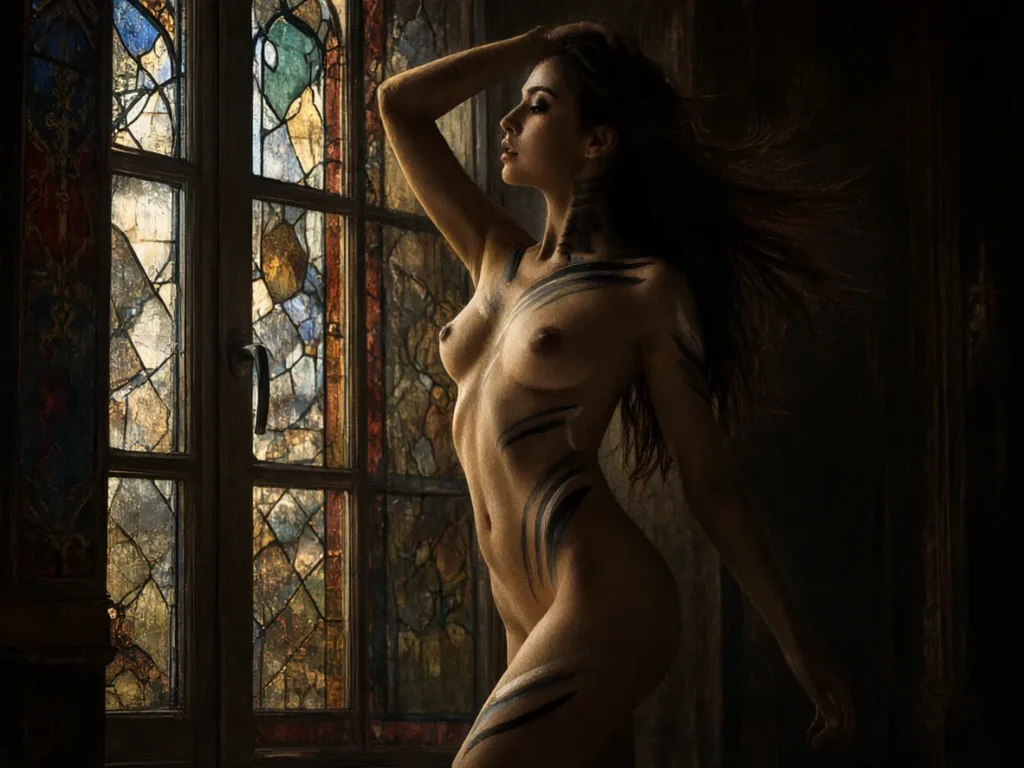
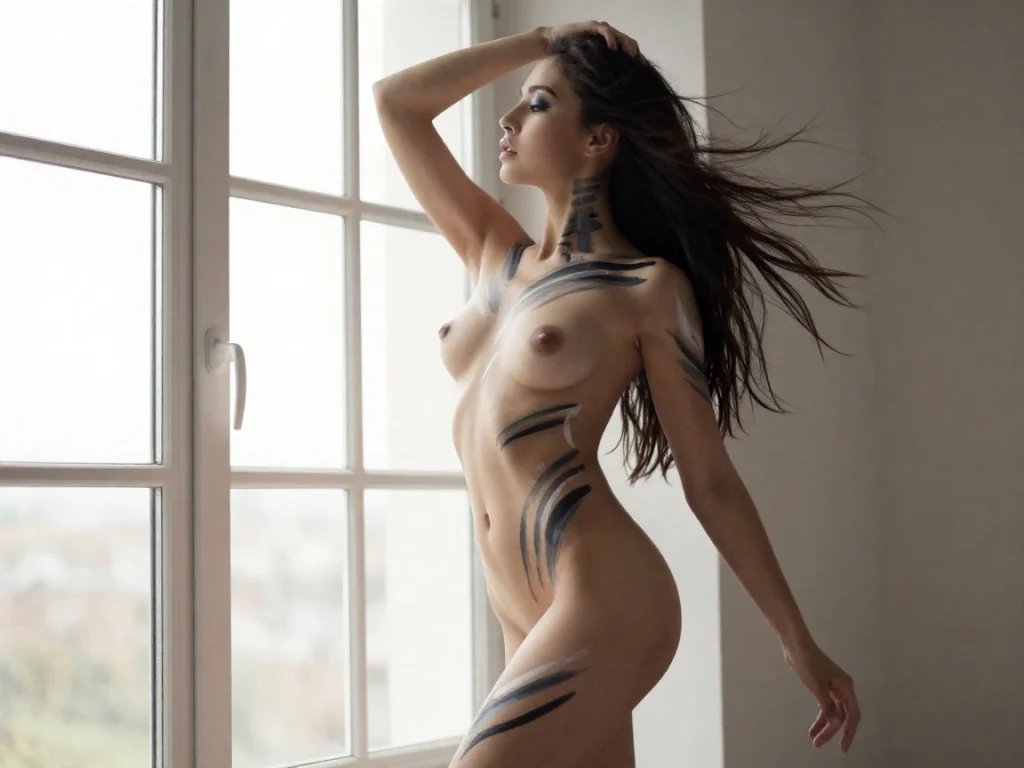
For How to Change Photo Mood With AI Filters and Color Styles, “Soft vs dramatic contrast” matters because changing palette, contrast and atmosphere without confusing color treatment with a full structural photo-to-art transformation. Use the original photo as a fixed reference and judge whether the selected style improves the visual direction without causing unrelated changes to identity, pose, composition or important scene information.
Inside “How to Change Photo Mood With AI Filters and Color Styles,” review this step against the original rather than judging the styled image in isolation. Check subject preservation, contrast, surface detail and crop stability. A visually impressive result is still weak when the medium looks good but the subject, scene or key information no longer matches the source closely enough for the intended use.
For “How to Change Photo Mood With AI Filters and Color Styles,” a practical way to test soft vs dramatic contrast is to keep the same source image and compare two controlled style candidates. Change only the style strength or visual direction, then inspect the result once at normal viewing size and once at close zoom. This makes it easier to see whether the difference comes from color, texture, edge simplification, subject preservation or the source photo itself instead of random regeneration.
Before publishing “How to Change Photo Mood With AI Filters and Color Styles,” replace the placeholder examples in this “Soft vs dramatic contrast” section with real AvaClik before/after results. Use authorized adult images, label the expected visual change clearly, and avoid presenting artistic reconstruction as documentary evidence of how a person, place or object actually looked in another medium or context.
Cinematic color treatment
Color mood changes how the photograph feels without necessarily changing its structure. Watch skin tone, neutral objects and highlight color so the palette feels deliberate instead of like a global tint pasted over every surface.
Inside “How to Change Photo Mood With AI Filters and Color Styles,” review this step against the original rather than judging the styled image in isolation. Check intended use, visual hierarchy, repeatability and final export quality. A visually impressive result is still weak when the medium looks good but the subject, scene or key information no longer matches the source closely enough for the intended use.
For “How to Change Photo Mood With AI Filters and Color Styles,” a practical way to test cinematic color treatment is to keep the same source image and compare two controlled style candidates. Change only the style strength or visual direction, then inspect the result once at normal viewing size and once at close zoom. This makes it easier to see whether the difference comes from color, texture, edge simplification, subject preservation or the source photo itself instead of random regeneration.
Before publishing “How to Change Photo Mood With AI Filters and Color Styles,” replace the placeholder examples in this “Cinematic color treatment” section with real AvaClik before/after results. Use authorized adult images, label the expected visual change clearly, and avoid presenting artistic reconstruction as documentary evidence of how a person, place or object actually looked in another medium or context.
Muted editorial mood
Color mood changes how the photograph feels without necessarily changing its structure. Watch skin tone, neutral objects and highlight color so the palette feels deliberate instead of like a global tint pasted over every surface.
Inside “How to Change Photo Mood With AI Filters and Color Styles,” review this step against the original rather than judging the styled image in isolation. Check identity, composition, lighting and texture. A visually impressive result is still weak when the medium looks good but the subject, scene or key information no longer matches the source closely enough for the intended use.
For “How to Change Photo Mood With AI Filters and Color Styles,” a practical way to test muted editorial mood is to keep the same source image and compare two controlled style candidates. Change only the style strength or visual direction, then inspect the result once at normal viewing size and once at close zoom. This makes it easier to see whether the difference comes from color, texture, edge simplification, subject preservation or the source photo itself instead of random regeneration.
Before publishing “How to Change Photo Mood With AI Filters and Color Styles,” replace the placeholder examples in this “Muted editorial mood” section with real AvaClik before/after results. Use authorized adult images, label the expected visual change clearly, and avoid presenting artistic reconstruction as documentary evidence of how a person, place or object actually looked in another medium or context.

High-saturation creative mood
Color mood changes how the photograph feels without necessarily changing its structure. Watch skin tone, neutral objects and highlight color so the palette feels deliberate instead of like a global tint pasted over every surface.
Inside “How to Change Photo Mood With AI Filters and Color Styles,” review this step against the original rather than judging the styled image in isolation. Check facial or scene structure, color palette, edge behavior and background coherence. A visually impressive result is still weak when the medium looks good but the subject, scene or key information no longer matches the source closely enough for the intended use.
For “How to Change Photo Mood With AI Filters and Color Styles,” a practical way to test high-saturation creative mood is to keep the same source image and compare two controlled style candidates. Change only the style strength or visual direction, then inspect the result once at normal viewing size and once at close zoom. This makes it easier to see whether the difference comes from color, texture, edge simplification, subject preservation or the source photo itself instead of random regeneration.
Before publishing “How to Change Photo Mood With AI Filters and Color Styles,” replace the placeholder examples in this “High-saturation creative mood” section with real AvaClik before/after results. Use authorized adult images, label the expected visual change clearly, and avoid presenting artistic reconstruction as documentary evidence of how a person, place or object actually looked in another medium or context.
Monochrome and near-monochrome looks
For How to Change Photo Mood With AI Filters and Color Styles, “Monochrome and near-monochrome looks” matters because changing palette, contrast and atmosphere without confusing color treatment with a full structural photo-to-art transformation. Use the original photo as a fixed reference and judge whether the selected style improves the visual direction without causing unrelated changes to identity, pose, composition or important scene information.
Inside “How to Change Photo Mood With AI Filters and Color Styles,” review this step against the original rather than judging the styled image in isolation. Check source-photo clarity, style consistency, small-detail accuracy and normal-size readability. A visually impressive result is still weak when the medium looks good but the subject, scene or key information no longer matches the source closely enough for the intended use.
For “How to Change Photo Mood With AI Filters and Color Styles,” a practical way to test monochrome and near-monochrome looks is to keep the same source image and compare two controlled style candidates. Change only the style strength or visual direction, then inspect the result once at normal viewing size and once at close zoom. This makes it easier to see whether the difference comes from color, texture, edge simplification, subject preservation or the source photo itself instead of random regeneration.
Before publishing “How to Change Photo Mood With AI Filters and Color Styles,” replace the placeholder examples in this “Monochrome and near-monochrome looks” section with real AvaClik before/after results. Use authorized adult images, label the expected visual change clearly, and avoid presenting artistic reconstruction as documentary evidence of how a person, place or object actually looked in another medium or context.
Vintage-inspired color treatment
Color mood changes how the photograph feels without necessarily changing its structure. Watch skin tone, neutral objects and highlight color so the palette feels deliberate instead of like a global tint pasted over every surface.
Inside “How to Change Photo Mood With AI Filters and Color Styles,” review this step against the original rather than judging the styled image in isolation. Check subject preservation, contrast, surface detail and crop stability. A visually impressive result is still weak when the medium looks good but the subject, scene or key information no longer matches the source closely enough for the intended use.
For “How to Change Photo Mood With AI Filters and Color Styles,” a practical way to test vintage-inspired color treatment is to keep the same source image and compare two controlled style candidates. Change only the style strength or visual direction, then inspect the result once at normal viewing size and once at close zoom. This makes it easier to see whether the difference comes from color, texture, edge simplification, subject preservation or the source photo itself instead of random regeneration.
Before publishing “How to Change Photo Mood With AI Filters and Color Styles,” replace the placeholder examples in this “Vintage-inspired color treatment” section with real AvaClik before/after results. Use authorized adult images, label the expected visual change clearly, and avoid presenting artistic reconstruction as documentary evidence of how a person, place or object actually looked in another medium or context.
Preserve skin tone when color changes
Color mood changes how the photograph feels without necessarily changing its structure. Watch skin tone, neutral objects and highlight color so the palette feels deliberate instead of like a global tint pasted over every surface.
Inside “How to Change Photo Mood With AI Filters and Color Styles,” review this step against the original rather than judging the styled image in isolation. Check intended use, visual hierarchy, repeatability and final export quality. A visually impressive result is still weak when the medium looks good but the subject, scene or key information no longer matches the source closely enough for the intended use.
For “How to Change Photo Mood With AI Filters and Color Styles,” a practical way to test preserve skin tone when color changes is to keep the same source image and compare two controlled style candidates. Change only the style strength or visual direction, then inspect the result once at normal viewing size and once at close zoom. This makes it easier to see whether the difference comes from color, texture, edge simplification, subject preservation or the source photo itself instead of random regeneration.
Before publishing “How to Change Photo Mood With AI Filters and Color Styles,” replace the placeholder examples in this “Preserve skin tone when color changes” section with real AvaClik before/after results. Use authorized adult images, label the expected visual change clearly, and avoid presenting artistic reconstruction as documentary evidence of how a person, place or object actually looked in another medium or context.
Keep subject-background color balance
Color mood changes how the photograph feels without necessarily changing its structure. Watch skin tone, neutral objects and highlight color so the palette feels deliberate instead of like a global tint pasted over every surface.
Inside “How to Change Photo Mood With AI Filters and Color Styles,” review this step against the original rather than judging the styled image in isolation. Check identity, composition, lighting and texture. A visually impressive result is still weak when the medium looks good but the subject, scene or key information no longer matches the source closely enough for the intended use.
For “How to Change Photo Mood With AI Filters and Color Styles,” a practical way to test keep subject-background color balance is to keep the same source image and compare two controlled style candidates. Change only the style strength or visual direction, then inspect the result once at normal viewing size and once at close zoom. This makes it easier to see whether the difference comes from color, texture, edge simplification, subject preservation or the source photo itself instead of random regeneration.
Before publishing “How to Change Photo Mood With AI Filters and Color Styles,” replace the placeholder examples in this “Keep subject-background color balance” section with real AvaClik before/after results. Use authorized adult images, label the expected visual change clearly, and avoid presenting artistic reconstruction as documentary evidence of how a person, place or object actually looked in another medium or context.
Do not confuse filter intensity with quality
A full artistic style can redraw texture and surface language, while a lighter filter mainly shifts tone, contrast or color. Color grading is even more targeted: it changes the relationship between shadows, midtones and highlights without necessarily redrawing objects or faces.
Inside “How to Change Photo Mood With AI Filters and Color Styles,” review this step against the original rather than judging the styled image in isolation. Check facial or scene structure, color palette, edge behavior and background coherence. A visually impressive result is still weak when the medium looks good but the subject, scene or key information no longer matches the source closely enough for the intended use.
For “How to Change Photo Mood With AI Filters and Color Styles,” a practical way to test do not confuse filter intensity with quality is to keep the same source image and compare two controlled style candidates. Change only the style strength or visual direction, then inspect the result once at normal viewing size and once at close zoom. This makes it easier to see whether the difference comes from color, texture, edge simplification, subject preservation or the source photo itself instead of random regeneration.
Before publishing “How to Change Photo Mood With AI Filters and Color Styles,” replace the placeholder examples in this “Do not confuse filter intensity with quality” section with real AvaClik before/after results. Use authorized adult images, label the expected visual change clearly, and avoid presenting artistic reconstruction as documentary evidence of how a person, place or object actually looked in another medium or context.
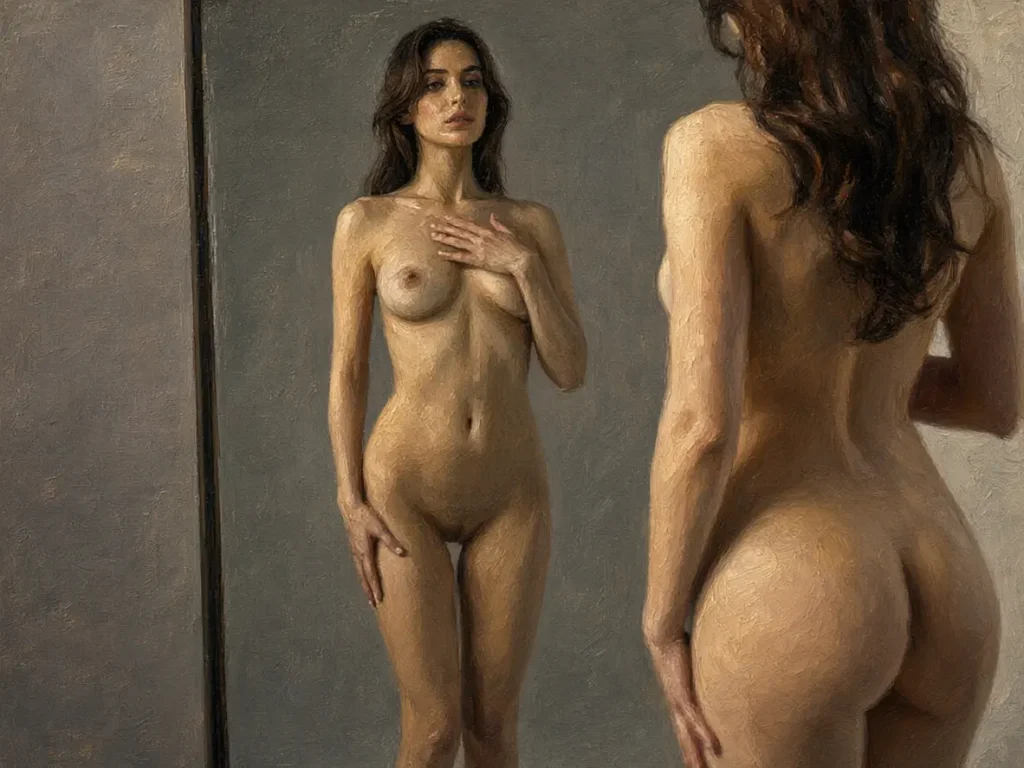
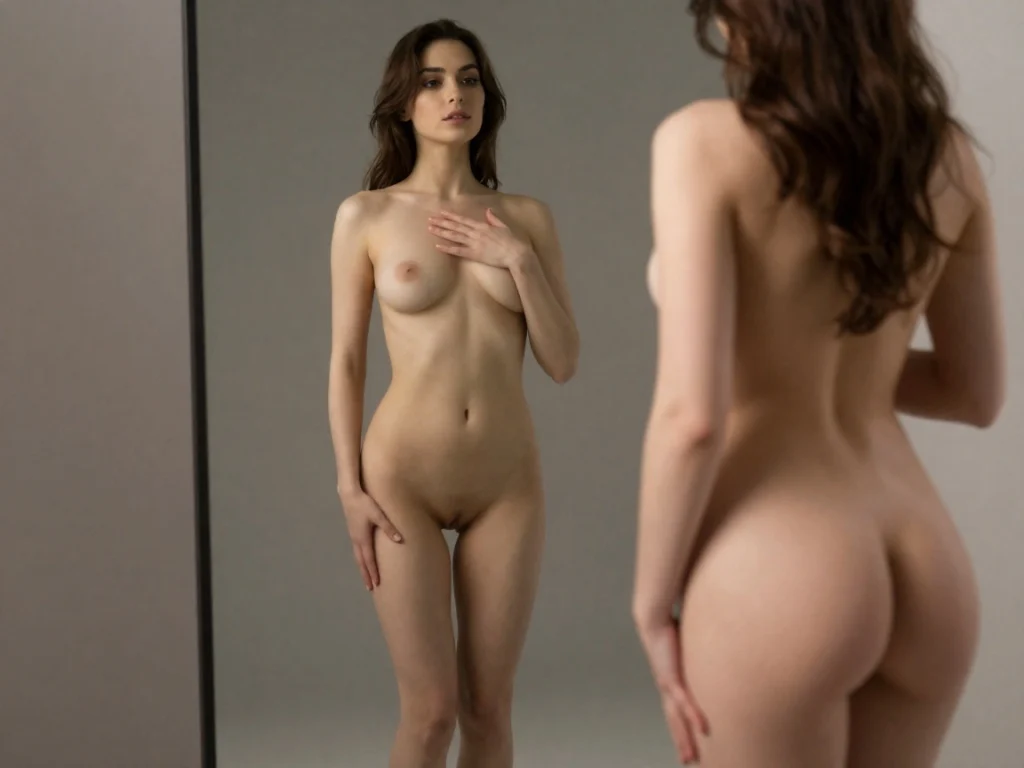
Compare mood variants side by side
Color mood changes how the photograph feels without necessarily changing its structure. Watch skin tone, neutral objects and highlight color so the palette feels deliberate instead of like a global tint pasted over every surface.
Inside “How to Change Photo Mood With AI Filters and Color Styles,” review this step against the original rather than judging the styled image in isolation. Check source-photo clarity, style consistency, small-detail accuracy and normal-size readability. A visually impressive result is still weak when the medium looks good but the subject, scene or key information no longer matches the source closely enough for the intended use.
For “How to Change Photo Mood With AI Filters and Color Styles,” a practical way to test compare mood variants side by side is to keep the same source image and compare two controlled style candidates. Change only the style strength or visual direction, then inspect the result once at normal viewing size and once at close zoom. This makes it easier to see whether the difference comes from color, texture, edge simplification, subject preservation or the source photo itself instead of random regeneration.
Before publishing “How to Change Photo Mood With AI Filters and Color Styles,” replace the placeholder examples in this “Compare mood variants side by side” section with real AvaClik before/after results. Use authorized adult images, label the expected visual change clearly, and avoid presenting artistic reconstruction as documentary evidence of how a person, place or object actually looked in another medium or context.
When a filter is enough
A full artistic style can redraw texture and surface language, while a lighter filter mainly shifts tone, contrast or color. Color grading is even more targeted: it changes the relationship between shadows, midtones and highlights without necessarily redrawing objects or faces.
Inside “How to Change Photo Mood With AI Filters and Color Styles,” review this step against the original rather than judging the styled image in isolation. Check subject preservation, contrast, surface detail and crop stability. A visually impressive result is still weak when the medium looks good but the subject, scene or key information no longer matches the source closely enough for the intended use.
For “How to Change Photo Mood With AI Filters and Color Styles,” a practical way to test when a filter is enough is to keep the same source image and compare two controlled style candidates. Change only the style strength or visual direction, then inspect the result once at normal viewing size and once at close zoom. This makes it easier to see whether the difference comes from color, texture, edge simplification, subject preservation or the source photo itself instead of random regeneration.
Before publishing “How to Change Photo Mood With AI Filters and Color Styles,” replace the placeholder examples in this “When a filter is enough” section with real AvaClik before/after results. Use authorized adult images, label the expected visual change clearly, and avoid presenting artistic reconstruction as documentary evidence of how a person, place or object actually looked in another medium or context.
When a full artistic style is better
For How to Change Photo Mood With AI Filters and Color Styles, “When a full artistic style is better” matters because changing palette, contrast and atmosphere without confusing color treatment with a full structural photo-to-art transformation. Use the original photo as a fixed reference and judge whether the selected style improves the visual direction without causing unrelated changes to identity, pose, composition or important scene information.
Inside “How to Change Photo Mood With AI Filters and Color Styles,” review this step against the original rather than judging the styled image in isolation. Check intended use, visual hierarchy, repeatability and final export quality. A visually impressive result is still weak when the medium looks good but the subject, scene or key information no longer matches the source closely enough for the intended use.
For “How to Change Photo Mood With AI Filters and Color Styles,” a practical way to test when a full artistic style is better is to keep the same source image and compare two controlled style candidates. Change only the style strength or visual direction, then inspect the result once at normal viewing size and once at close zoom. This makes it easier to see whether the difference comes from color, texture, edge simplification, subject preservation or the source photo itself instead of random regeneration.
Before publishing “How to Change Photo Mood With AI Filters and Color Styles,” replace the placeholder examples in this “When a full artistic style is better” section with real AvaClik before/after results. Use authorized adult images, label the expected visual change clearly, and avoid presenting artistic reconstruction as documentary evidence of how a person, place or object actually looked in another medium or context.
Related AvaClik guides
The strongest SEO cluster works when each article answers a separate intent and then sends the reader to a closely related guide. Use the links below to move from general style choice to a specific medium, portrait workflow, source-photo advice or troubleshooting.
Inside “How to Change Photo Mood With AI Filters and Color Styles,” review this step against the original rather than judging the styled image in isolation. Check identity, composition, lighting and texture. A visually impressive result is still weak when the medium looks good but the subject, scene or key information no longer matches the source closely enough for the intended use.
For “How to Change Photo Mood With AI Filters and Color Styles,” a practical way to test related avaclik guides is to keep the same source image and compare two controlled style candidates. Change only the style strength or visual direction, then inspect the result once at normal viewing size and once at close zoom. This makes it easier to see whether the difference comes from color, texture, edge simplification, subject preservation or the source photo itself instead of random regeneration.
Before publishing “How to Change Photo Mood With AI Filters and Color Styles,” replace the placeholder examples in this “Related AvaClik guides” section with real AvaClik before/after results. Use authorized adult images, label the expected visual change clearly, and avoid presenting artistic reconstruction as documentary evidence of how a person, place or object actually looked in another medium or context.
Frequently asked questions
The questions below focus on the practical decisions users make before and after stylization: which source works, how much the face may change, how filters differ from full styles, and when a different style is the better fix.
Inside “How to Change Photo Mood With AI Filters and Color Styles,” review this step against the original rather than judging the styled image in isolation. Check facial or scene structure, color palette, edge behavior and background coherence. A visually impressive result is still weak when the medium looks good but the subject, scene or key information no longer matches the source closely enough for the intended use.
For “How to Change Photo Mood With AI Filters and Color Styles,” a practical way to test frequently asked questions is to keep the same source image and compare two controlled style candidates. Change only the style strength or visual direction, then inspect the result once at normal viewing size and once at close zoom. This makes it easier to see whether the difference comes from color, texture, edge simplification, subject preservation or the source photo itself instead of random regeneration.
Before publishing “How to Change Photo Mood With AI Filters and Color Styles,” replace the placeholder examples in this “Frequently asked questions” section with real AvaClik before/after results. Use authorized adult images, label the expected visual change clearly, and avoid presenting artistic reconstruction as documentary evidence of how a person, place or object actually looked in another medium or context.
Final takeaway
The main lesson from How to Change Photo Mood With AI Filters and Color Styles is to treat stylization as controlled reinterpretation, not a contest for maximum effect strength. Choose the look that supports the source photo, verify the person or scene remains coherent, and keep the version that works at the size and purpose you actually need.
Inside “How to Change Photo Mood With AI Filters and Color Styles,” review this step against the original rather than judging the styled image in isolation. Check source-photo clarity, style consistency, small-detail accuracy and normal-size readability. A visually impressive result is still weak when the medium looks good but the subject, scene or key information no longer matches the source closely enough for the intended use.
For “How to Change Photo Mood With AI Filters and Color Styles,” a practical way to test final takeaway is to keep the same source image and compare two controlled style candidates. Change only the style strength or visual direction, then inspect the result once at normal viewing size and once at close zoom. This makes it easier to see whether the difference comes from color, texture, edge simplification, subject preservation or the source photo itself instead of random regeneration.
Before publishing “How to Change Photo Mood With AI Filters and Color Styles,” replace the placeholder examples in this “Final takeaway” section with real AvaClik before/after results. Use authorized adult images, label the expected visual change clearly, and avoid presenting artistic reconstruction as documentary evidence of how a person, place or object actually looked in another medium or context.
More AvaClik photo-style guides
- AI Photo Styles vs Filters vs Color Grading: What’s the Difference?
- How to Fix Bad AI Photo Styles: Face Drift, Hands, Texture & Color
- How to Turn a Photo Into a Watercolor With AI
If the final stylized image needs more pixels for print or a large display, review the separate AI-generated image upscaling guide after you have chosen the style you want to keep.
Try this in AvaClik
Try the workflow in AvaClik
Upload a photo you have permission to edit, make a change, check the result and refine it.
Try AvaClik AI Photo Styles ↗