How to Fix Bad AI Pose Edits: Hands, Feet, Anatomy & Clothing
Troubleshoot common AI pose-edit problems including hands, feet, joints, clothing, floating bodies, warped backgrounds and identity drift.
On this page
Open the AvaClik tool connected to this guide and try it on your photo.
A failed pose edit is usually easier to fix when you identify the exact relationship that broke. “Looks weird” is not actionable; “right foot floats above the floor” or “left hand has fused fingers against the jacket” tells you what to simplify or constrain in the next generation.
Quick answer
Keep the successful pose concept, identify one visible failure, simplify that body region, add a concrete correction, and regenerate from the original. If several areas fail at once, reduce pose complexity rather than stacking more instructions onto a broken composition.
Diagnose the failure before rewriting the prompt
Separate anatomy errors, preservation drift and scene distortion because they have different fixes. For How to Fix Bad AI Pose Edits: Hands, Feet, Anatomy & Clothing, when the result is almost right, avoid rewriting the entire request. Preserve the successful parts and correct one failure at a time—for example the right hand, the planted foot or the shoulder angle. This makes the workflow easier to compare and reduces the chance that a fix introduces a completely different composition.
For this specific issue, evaluate the result against the original rather than against an imagined perfect pose. Preserve the parts that already work, and make the next instruction about diagnose the failure before rewriting the prompt as concrete as possible. This keeps the edit measurable and prevents unrelated changes from hiding the original problem.
Fix fused fingers and impossible hands
Give the hand a simple job and move it away from busy clothing or the face when possible. In How to Fix Bad AI Pose Edits: Hands, Feet, Anatomy & Clothing, this matters in AI pose editing because the model has to redraw a connected body, not move a rigid cut-out. A small change in the hips or shoulders can force new clothing folds, contact shadows and limb positions elsewhere in the frame. Treat the request as a new photographic arrangement while explicitly naming the details that should remain recognizable.
When hands are visible, count fingers, check wrist direction and verify that palms or knuckles do not merge into clothing. A simple hand position is easier to evaluate than a decorative gesture with overlapping fingers. In this guide on How to Fix Bad AI Pose Edits: Hands, Feet, Anatomy & Clothing, use that check specifically when reviewing fix fused fingers and impossible hands.
Fix floating, merged or backward feet
Specify which foot is planted, where it points and whether the heel is raised. For How to Fix Bad AI Pose Edits: Hands, Feet, Anatomy & Clothing, the practical goal is not to control every pixel; it is to give the model enough geometric constraints that the new posture reads clearly while identity, clothing and scene remain close to the source. The more unusual the requested pose, the more useful it is to describe support points, hand placement, foot placement and body direction instead of relying on a vague style word.
Shoes and feet explain balance. Compare sole contact, ankle alignment and the shadow immediately beneath the shoe; a small floating gap can make an otherwise convincing body feel synthetic. In this guide on How to Fix Bad AI Pose Edits: Hands, Feet, Anatomy & Clothing, use that check specifically when reviewing fix floating, merged or backward feet.
Fix impossible joints
Simplify overlapping limbs and reduce extreme bends that are hard to read from the source. In How to Fix Bad AI Pose Edits: Hands, Feet, Anatomy & Clothing, a good result should still look plausible when you inspect it at full size. Look beyond the overall silhouette and check joints, fingers, shoes, garment seams, floor contact and the direction of light. Those small relationships are where an attractive thumbnail can reveal that the pose was not physically resolved.
For this specific issue, evaluate the result against the original rather than against an imagined perfect pose. Preserve the parts that already work, and make the next instruction about fix impossible joints as concrete as possible. This keeps the edit measurable and prevents unrelated changes from hiding the original problem.
Fix floating seated poses
Name the seat, pelvis contact, foot placement and contact shadows. For How to Fix Bad AI Pose Edits: Hands, Feet, Anatomy & Clothing, think of the source photo as a set of constraints: camera position, body visibility, outfit, background and lighting. The pose instruction changes one part of that system. Asking for fewer unrelated changes at the same time generally makes it easier to judge whether the pose itself worked and to refine the next attempt.
For this specific issue, evaluate the result against the original rather than against an imagined perfect pose. Preserve the parts that already work, and make the next instruction about fix floating seated poses as concrete as possible. This keeps the edit measurable and prevents unrelated changes from hiding the original problem.
Fix torn seams and melted clothing
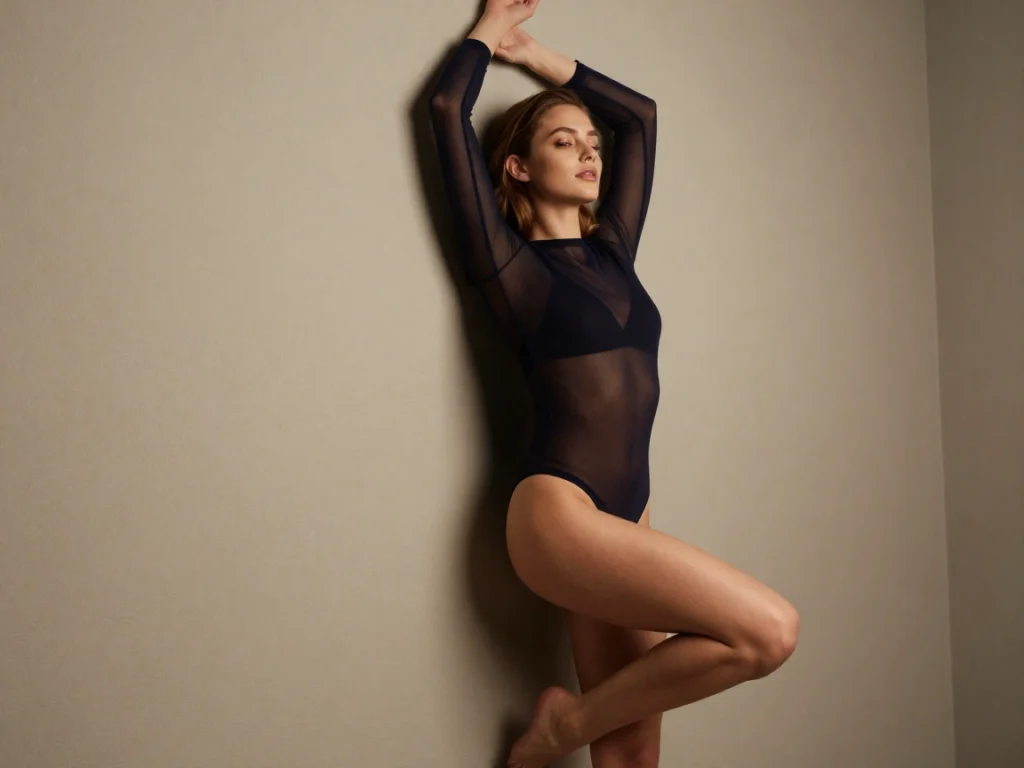
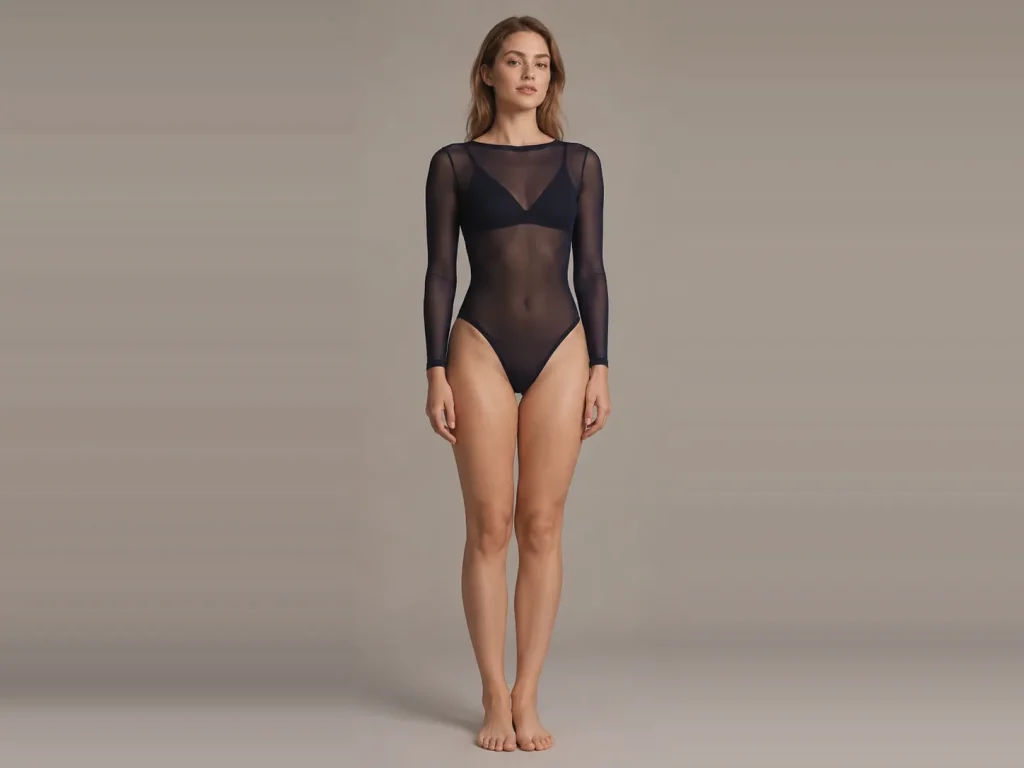
Preserve garment design and reduce limb overlap across important seams, logos or patterns. In How to Fix Bad AI Pose Edits: Hands, Feet, Anatomy & Clothing, pose generation is strongest when the requested posture is visually specific. Words such as “confident” or “relaxed” are useful as secondary cues, but concrete instructions such as where the weight rests, how the torso turns and what each hand does give the model a much clearer target.
Clothing is attached to the pose. When elbows, hips or knees move, fabric should crease and stretch in the same direction without changing color, pattern or garment construction unless that is part of the request. In this guide on How to Fix Bad AI Pose Edits: Hands, Feet, Anatomy & Clothing, use that check specifically when reviewing fix torn seams and melted clothing.
Fix identity drift
Return to the original source and restate the face as preserved while making a smaller pose change. For How to Fix Bad AI Pose Edits: Hands, Feet, Anatomy & Clothing, when the result is almost right, avoid rewriting the entire request. Preserve the successful parts and correct one failure at a time—for example the right hand, the planted foot or the shoulder angle. This makes the workflow easier to compare and reduces the chance that a fix introduces a completely different composition.
For this specific issue, evaluate the result against the original rather than against an imagined perfect pose. Preserve the parts that already work, and make the next instruction about fix identity drift as concrete as possible. This keeps the edit measurable and prevents unrelated changes from hiding the original problem.
Fix warped walls and floors
Keep camera and background fixed, and avoid extending limbs through strong architectural lines on the first attempt. In How to Fix Bad AI Pose Edits: Hands, Feet, Anatomy & Clothing, this matters in AI pose editing because the model has to redraw a connected body, not move a rigid cut-out. A small change in the hips or shoulders can force new clothing folds, contact shadows and limb positions elsewhere in the frame. Treat the request as a new photographic arrangement while explicitly naming the details that should remain recognizable.
Architectural edges are useful quality checks because they should remain straight. Curved doors, tiles or furniture behind a moved limb usually indicate that the model rebuilt too much of the scene. In this guide on How to Fix Bad AI Pose Edits: Hands, Feet, Anatomy & Clothing, use that check specifically when reviewing fix warped walls and floors.
Fix stretched limbs and body proportions
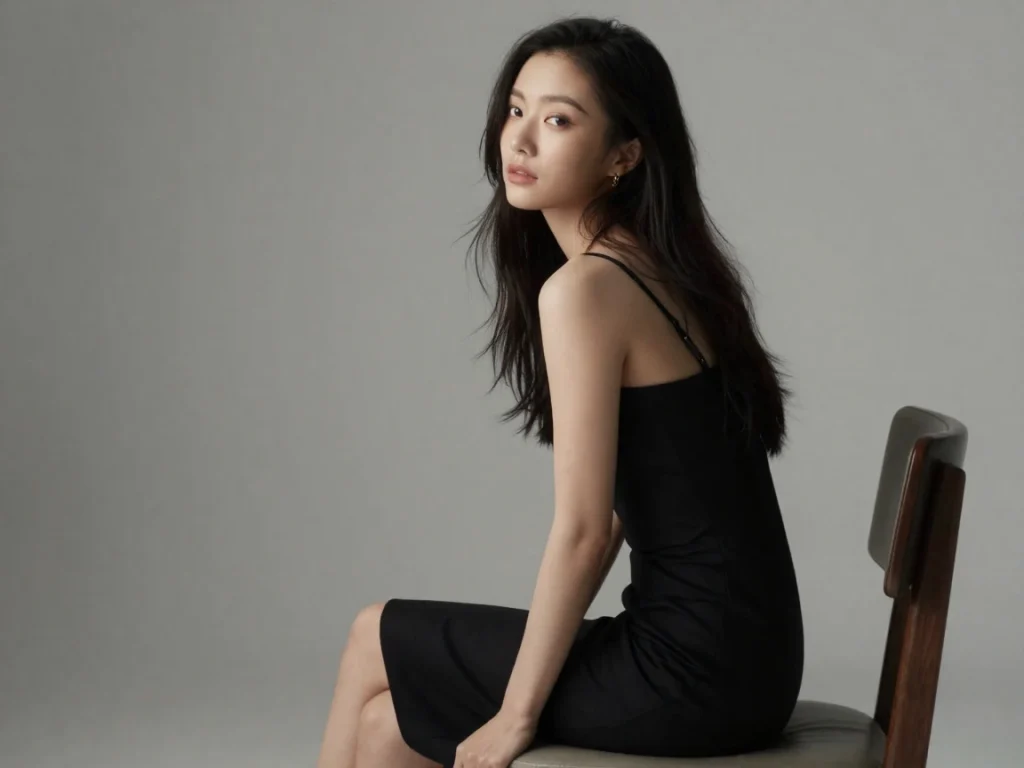
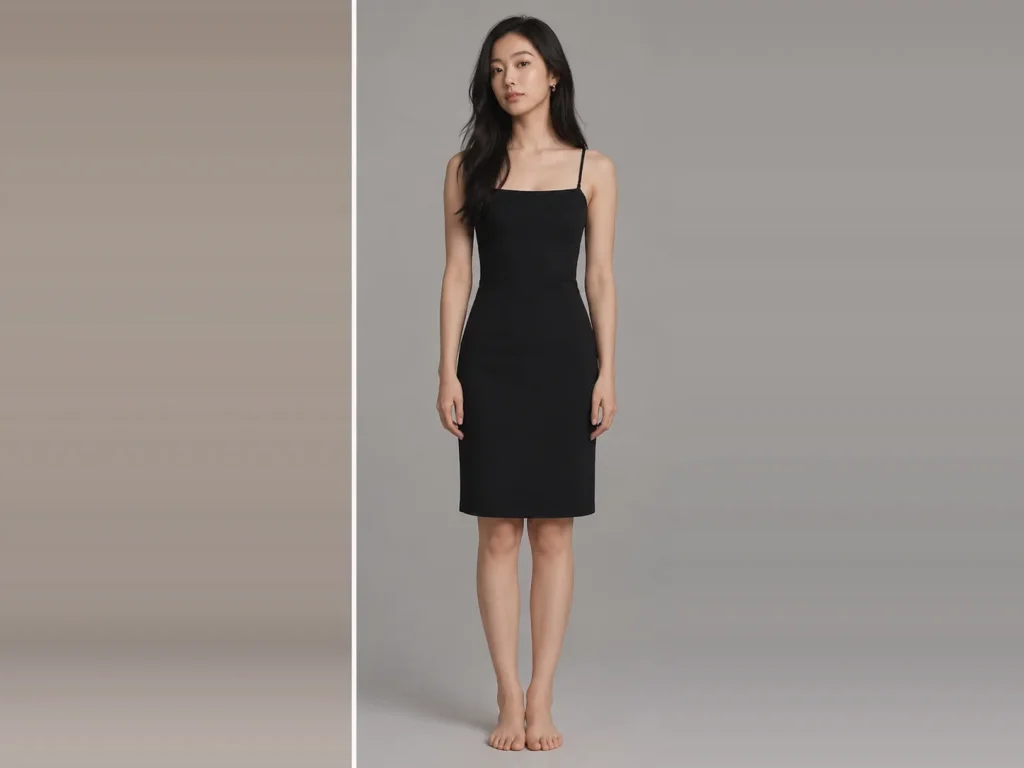
Use a more moderate pose and keep the requested camera perspective close to the source. For How to Fix Bad AI Pose Edits: Hands, Feet, Anatomy & Clothing, the practical goal is not to control every pixel; it is to give the model enough geometric constraints that the new posture reads clearly while identity, clothing and scene remain close to the source. The more unusual the requested pose, the more useful it is to describe support points, hand placement, foot placement and body direction instead of relying on a vague style word.
For this specific issue, evaluate the result against the original rather than against an imagined perfect pose. Preserve the parts that already work, and make the next instruction about fix stretched limbs and body proportions as concrete as possible. This keeps the edit measurable and prevents unrelated changes from hiding the original problem.
Know when to restart from the original
If the entire body, outfit and background have drifted, repairing the generated result is usually less efficient than a cleaner new attempt. In How to Fix Bad AI Pose Edits: Hands, Feet, Anatomy & Clothing, a good result should still look plausible when you inspect it at full size. Look beyond the overall silhouette and check joints, fingers, shoes, garment seams, floor contact and the direction of light. Those small relationships are where an attractive thumbnail can reveal that the pose was not physically resolved.
For this specific issue, evaluate the result against the original rather than against an imagined perfect pose. Preserve the parts that already work, and make the next instruction about know when to restart from the original as concrete as possible. This keeps the edit measurable and prevents unrelated changes from hiding the original problem.
Prompt examples
The examples in How to Fix Bad AI Pose Edits: Hands, Feet, Anatomy & Clothing are deliberately specific about body geometry. Shorten them if the source already makes a detail obvious, or add preservation constraints for distinctive clothing and accessories.
Keep the accepted standing pose. Correct only the right hand: five natural fingers, relaxed beside the thigh, wrist aligned with forearm, no overlap with jacket. Preserve face, outfit, legs, camera and background.
Generate from the original source and inspect anatomy and preservation at full size.
Keep the accepted walking pose. Correct the front foot so the sole contacts the floor naturally, toes point forward, ankle aligns with the shin and the contact shadow matches the existing light.
Generate from the original source and inspect anatomy and preservation at full size.
Keep the same seated posture but place the pelvis fully on the chair, both feet on the floor and hands on the thighs. Preserve clothing design and background geometry.
Generate from the original source and inspect anatomy and preservation at full size.
A practical step-by-step workflow
For how to fix bad ai pose edits: hands, feet, anatomy & clothing, a repeatable workflow is more useful than chasing a single lucky generation. Start from the original image each time so you can compare alternatives without accumulating changes from earlier outputs.
- 1. Choose the clearest original image you have and confirm that the requested body parts are visible enough for the planned change.
- 2. Decide whether a preset is sufficient or whether a text description is needed for hands, feet, support and body direction.
- 3. Write the pose as the only main change and list the identity, clothing or scene details that must remain recognizable.
- 4. Generate one candidate from the original rather than chaining from an earlier edited pose.
- 5. Inspect face, hands, joints, shoes, clothing folds, support points, shadows and background at full size.
- 6. If one detail fails, simplify or correct that region and generate another candidate from the original.
Save the original and compare candidates side by side before choosing a final version. For How to Fix Bad AI Pose Edits: Hands, Feet, Anatomy & Clothing, the practical goal is not to control every pixel; it is to give the model enough geometric constraints that the new posture reads clearly while identity, clothing and scene remain close to the source. The more unusual the requested pose, the more useful it is to describe support points, hand placement, foot placement and body direction instead of relying on a vague style word.
Use pose editing responsibly
When applying the workflow from How to Fix Bad AI Pose Edits: Hands, Feet, Anatomy & Clothing, use images you have the right to edit and photos of adults who have consented to the use of their image. A pose edit can create a convincing new depiction that was never photographed, so do not present generated posture changes as documentary evidence of an event that did not occur.
For professional or commercial use of how to fix bad ai pose edits: hands, feet, anatomy & clothing, keep the original and record which image was AI-edited. This is especially useful when a client needs to compare wardrobe, identity or scene details against the source.
Related AvaClik guides
After How to Fix Bad AI Pose Edits: Hands, Feet, Anatomy & Clothing, continue with the most relevant AvaClik pose guide below when the next step needs a different level of control. The linked articles separate source-photo choice, prompt design, preservation and troubleshooting so each problem can be reviewed on its own.
- How to Change a Pose in a Photo With AI
- 40 AI Pose Changer Prompts
- How to Keep the Same Face and Outfit
- How to Make AI Poses Look Realistic
Frequently asked questions
Should I add more detail when a pose fails?
Sometimes, but not always. If many areas fail, simplify the pose first. More instructions can make a confused composition even harder to solve.
Why do hands fail near clothing?
Fingers, sleeves and garment edges overlap in a small area, so the model must resolve several fine structures at once.
Can I fix only one body part?
You can request a focused correction, but the image may still be regenerated around that area. Review neighboring clothing and background.
When should I abandon a generation?
When identity, anatomy, clothing and scene are all drifting, return to the original and try a simpler pose rather than repairing every failure.

Try this in AvaClik
Try the workflow in AvaClik
Upload a photo you have permission to edit, make a change, check the result and refine it.
Try AvaClik AI Pose Changer ↗