AI Photo Editing vs Photoshop: Which Should You Use?
A practical comparison of prompt-based AI photo editing and traditional Photoshop-style editing for speed, control, realism and precision.
On this page
Open the AvaClik tool connected to this guide and try it on your photo.
Prompt-based AI photo editors and traditional tools such as Adobe Photoshop solve some of the same problems in very different ways. One lets you describe the result in natural language and asks a model to generate the change. The other gives you direct control over selections, masks, layers, brushes, adjustments and individual pixels.
This comparison focuses on practical editing workflow rather than software versions or subscription pricing. AvaClik represents the prompt-based side through its AI Photo Editor by Prompt.
The core difference: describe the result vs build the result
In a prompt editor, the user describes an intended change: “replace the shirt with a black leather jacket and keep the face and background unchanged.” The model interprets the source image and generates pixels that satisfy the instruction.
In a traditional editor, the user generally constructs the change through tools: make a selection, isolate the subject, add or transform a layer, paint a mask, adjust color, repair edges, blend shadows and refine the composite. This takes more manual skill but gives explicit control over each step.
1. Speed for common creative edits
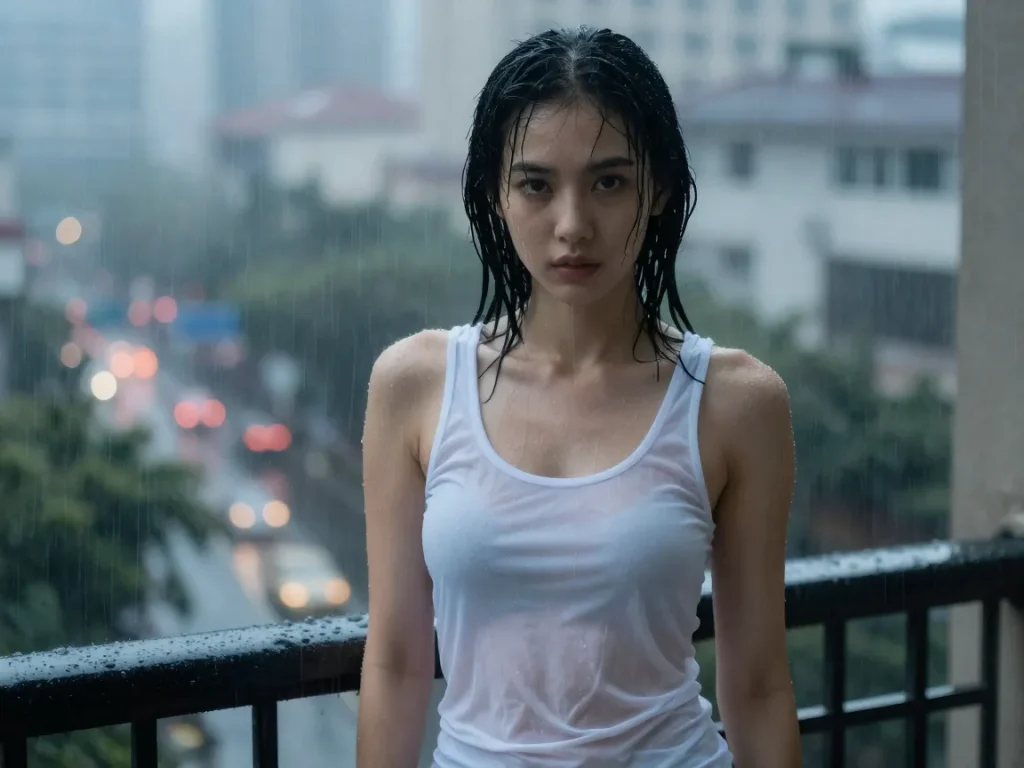
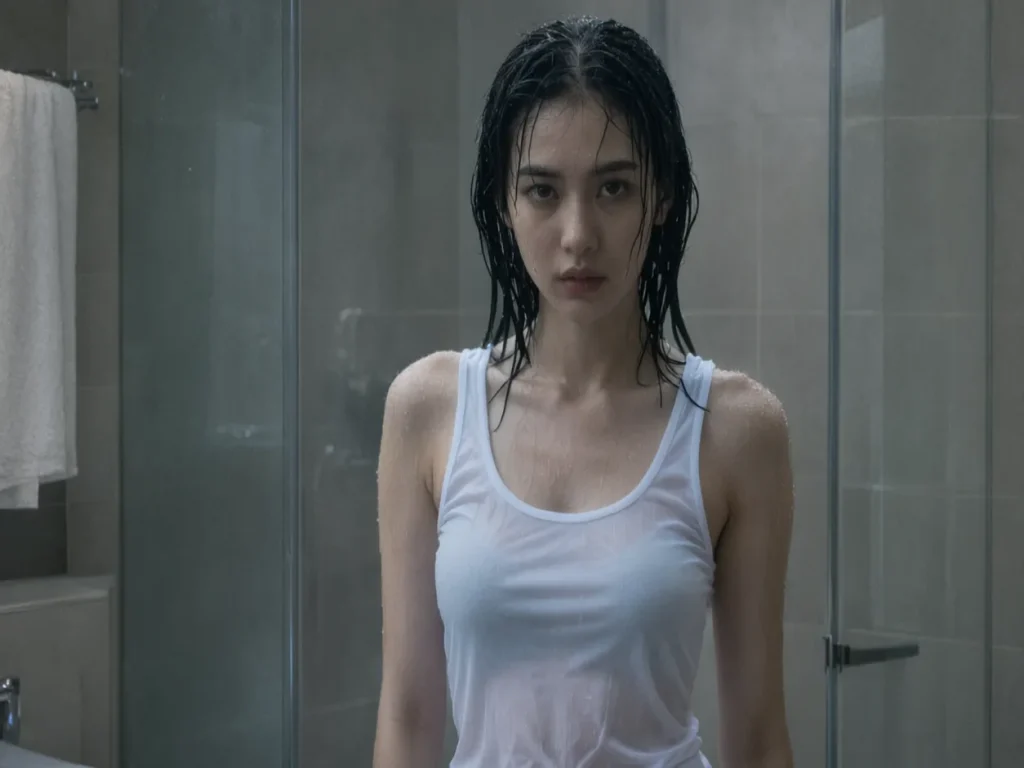
For semantic changes, prompt editing can be dramatically simpler from the user’s perspective. Changing a jacket, hair color, room or lighting style may take one sentence and a generation. The user does not need to locate a replacement asset, isolate it, transform it and manually match light.
However, “faster” depends on the success rate. If the model changes the face or produces incorrect anatomy, several generations may be required. A skilled manual editor can sometimes finish a constrained job more predictably because the workflow is deterministic.
2. Control and repeatability
Traditional editing is strongest when the user needs exact, inspectable control. A mask can define exactly which pixels are affected. Layer opacity can be set numerically. A logo can be positioned precisely. A color adjustment can be copied to another file. The editor knows why the result looks the way it does because each operation is visible.
Prompt editing is probabilistic. Even a clear prompt can produce slightly different outputs. That is useful for exploration but less ideal when a job requires the exact same edge, geometry or result every time.
3. Semantic understanding
AI has a major advantage when the requested edit is described conceptually. “Turn this ordinary room into a modern hotel bedroom while keeping the person unchanged” is easy to say but involves many manual decisions. A generative model can synthesize bedding, furniture, light and perspective as one coherent scene.
Traditional tools do not automatically understand that concept. The user or retoucher must provide the assets and make the visual decisions.


4. Pixel precision
Manual editors remain the stronger choice when the job is defined by exact boundaries and measurements. Product photography, typography, brand assets, print layouts, complex masks and small high-value details often benefit from precise manual control.
AI prompt editing can still perform local edits, but a generative model may redraw nearby pixels. For strategies to reduce that drift, read How to Edit Only One Part of a Photo With AI.
5. Preserving identity and original details
In manual editing, an untouched part of the image can remain literally untouched. In generative editing, the model may reconstruct regions around the target, which creates a risk of identity, pose, hand or background drift.
This does not make AI unsuitable; it changes the quality-control process. Prompt editing needs explicit preservation instructions and careful before/after inspection. See How to Preserve Pose, Face and Background for a dedicated workflow.
6. Learning curve
Prompt editing lowers the entry barrier for users who can describe what they want but do not know masks, channels, blend modes or retouching tools. The first successful edit can happen quickly.
Traditional editing has a steeper tool-learning curve, but that skill compounds. Once a user understands selections, masks, layers and color correction, they can apply those concepts across many controlled workflows.
7. Creative exploration
AI is especially useful for generating alternatives. A user can test several outfits, room styles or lighting ideas without manually building every version. That makes prompt editing useful during ideation.
Manual editing is stronger once the concept is chosen and the task becomes refinement: clean this edge, align this object, correct this color, preserve this logo exactly.
8. Portrait retouching
For light portrait cleanup, either approach can work. AI can remove minor distractions and adjust lighting quickly. Manual retouching gives more control over which blemishes are temporary, how much skin texture remains and which facial areas are changed.
The key risk with generative portrait editing is accidental beautification or identity drift. A good prompt should preserve facial proportions, permanent features and age unless those are the explicit targets.
9. Background replacement
Prompt editors make background ideation easy because the new environment can be generated from text. Traditional editors excel when the user already has a specific background plate and needs exact compositing.
In either workflow, believable perspective, edge quality, contact shadows and color temperature determine whether the subject feels integrated.
10. Outfit and appearance changes
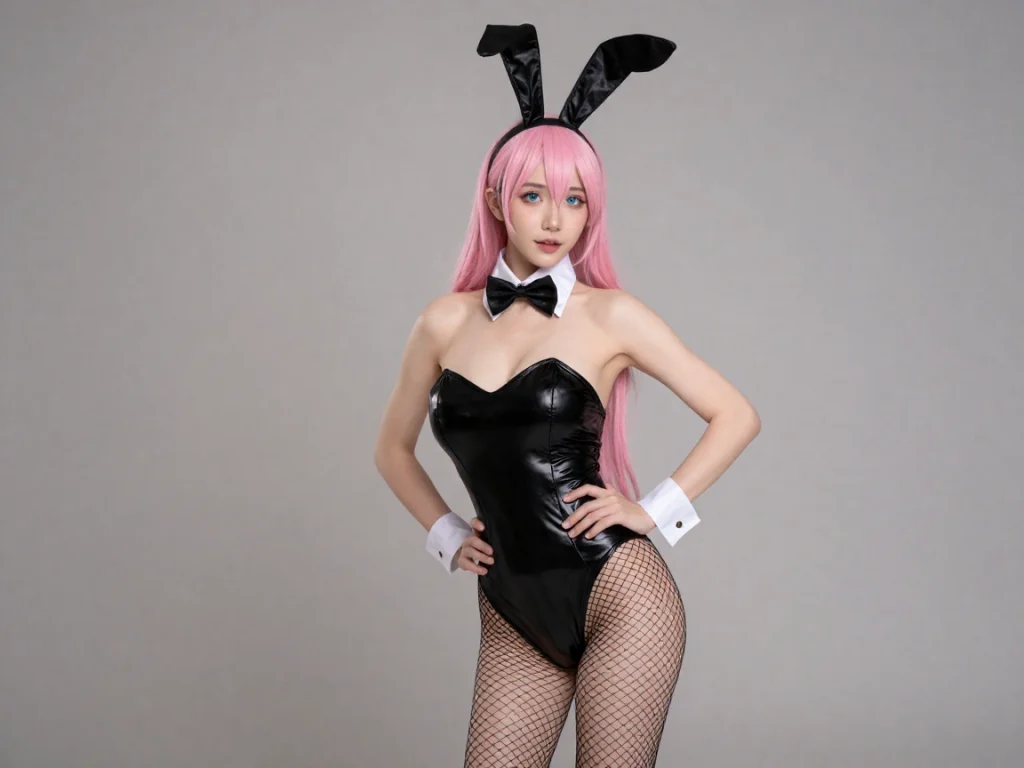
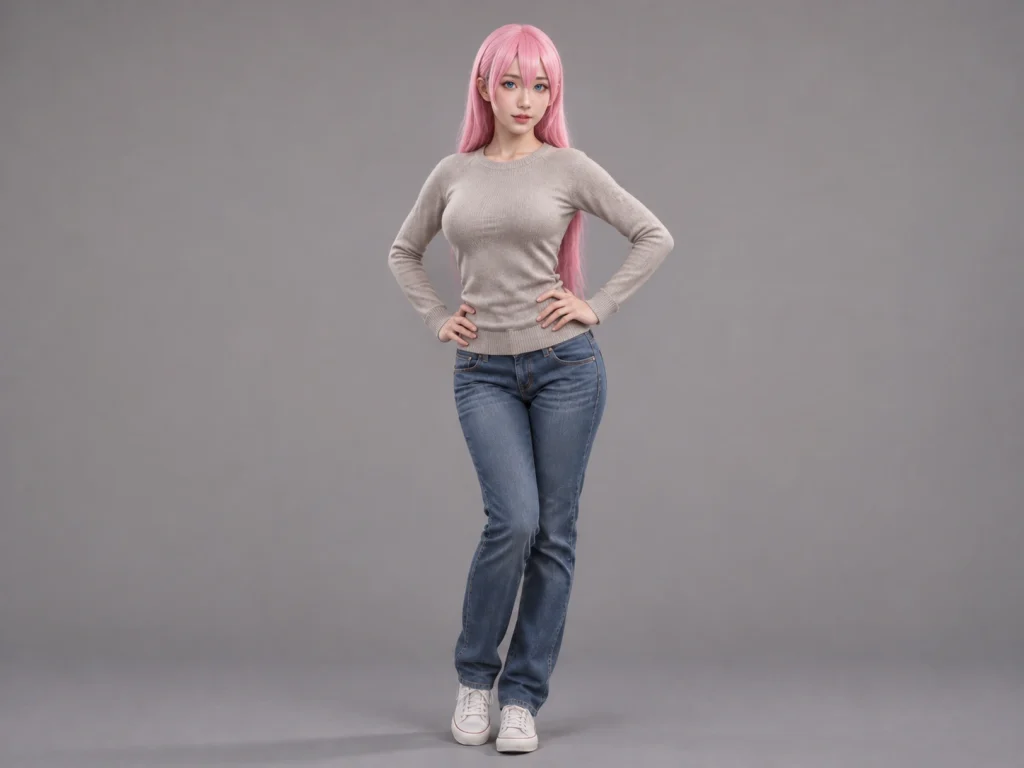
This is one of the clearest use cases for generative editing. A prompt can describe a garment that does not exist as an asset and ask the model to fit it to the existing pose. Doing the same manually may require photography, 3D assets or extensive compositing.
The tradeoff is control. AI must infer folds, occlusion, arm interaction and lighting, so hands and body proportions need inspection afterward.
11. Adult-oriented photo editing
For consensual adult-oriented creative edits, the same workflow distinction applies. Prompt editing can quickly change wardrobe, environment, lighting and tasteful boudoir styling. Manual editing provides greater control over exact masking, skin retouching and compositing. Whichever workflow is used, rights, consent, privacy and platform rules still matter.
12. Quality control
Manual editing encourages inspection throughout the process because the user builds the image step by step. AI editing can tempt users to judge only the overall impression. That is a mistake. A generated result should be checked for face drift, fingers, straps, jewelry, fabric edges, reflections, shadows, text and background continuity.
The troubleshooting guide How to Fix Bad AI Photo Edits provides a structured checklist.
AI photo editing vs Photoshop-style editing: practical comparison
| Task | Prompt-based AI | Traditional manual editor |
|---|---|---|
| Quick outfit concepts | Very convenient | Asset/compositing work required |
| Background ideation | Very convenient | Best when exact background asset is known |
| Exact masks | Less deterministic | Strong |
| Typography/logos | Needs careful QA | Strong |
| Pixel-level retouching | Fast but generative | Precise |
| Generating alternatives | Strong | More manual work |
| Repeatability | Variable | High when steps are controlled |
| Beginner accessibility | Low entry barrier | Higher learning curve |
The strongest workflow can be hybrid
The comparison does not need a winner. A practical workflow can use AI for the expensive semantic step and a manual editor for precision cleanup. For example: generate a new outfit with a prompt, choose the best variation, then use manual tools for a tiny edge repair or exact color match. Or create a background concept with AI and finish brand text manually.
The important question is not “which editor is better?” but “which part of this task benefits from generation, and which part benefits from deterministic control?”
Choose prompt-based AI when…
- You want to explore several visual ideas quickly.
- The change is semantic: outfit, environment, hairstyle, lighting style or scene concept.
- You do not have a replacement asset.
- You value speed over exact pixel reproducibility.
- You can inspect and reject generations that drift.
Choose a traditional editor when…
- You need exact masks, dimensions or placement.
- Brand logos or typography must remain perfect.
- You already have the exact assets to composite.
- The workflow must be repeatable across many files.
- You need precise local retouching with deterministic control.
Five real-world scenarios and the faster starting point
Scenario 1: “Show me this person in five different outfits”
Start with prompt-based AI. The job is exploratory and semantic, and manually sourcing and compositing five garments would create unnecessary setup work. After choosing a favorite concept, use precision tools only if a small edge or color correction remains.
Scenario 2: “Replace this exact product label and keep typography perfect”
Start with a traditional editor. Exact text, logo geometry and placement are deterministic requirements. Generative editing may be useful around the product, but the label itself is a precision task.
Scenario 3: “Turn this ordinary bedroom portrait into a hotel-room look”
Start with AI if you do not have a specific hotel-room asset. The editor can generate a coherent environment from a description. If you already have a licensed background image that must be used exactly, manual compositing may be more appropriate.
Scenario 4: “Retouch 30 headshots in exactly the same way”
A repeatable manual or automated adjustment workflow can be more predictable because consistency matters more than creative variation. AI can still help with individual fixes, but batch repeatability changes the tool choice.
Scenario 5: “I have no editing skills and want to remove one distracting object”
A prompt editor is a practical first attempt because the user can describe the object. If the reconstructed area must match a complex repeating texture perfectly, manual cleanup may still win.
Think in iterations, not just clicks
AI can reduce the number of manual operations but may require several generations to get the right variation. Traditional editing can require more steps but each step is usually predictable. The fastest workflow is therefore the one with the lowest iteration cost for that task.
If a prompt produces a usable result in one or two attempts, it may save a large amount of manual compositing. If ten generations still keep changing the face, a controlled mask-based workflow may be faster. Conversely, if a manual workflow requires finding stock assets, cutting them out, transforming them and painting light by hand, AI may remove most of that setup.
The skills are different, but they overlap
Traditional editing teaches selections, masking, color, compositing, retouching and visual hierarchy. Prompt editing teaches scope, visual description, preservation constraints, evaluation and iteration. Both benefit from the same underlying visual judgment: understanding light, perspective, anatomy, material, composition and what makes an edit believable.
That is why experienced retouchers can often write better AI editing prompts — they know what details need to be specified and what failures to inspect. And prompt-first users can improve by learning a small amount of traditional editing vocabulary, even if they never become full-time Photoshop users.
Frequently asked questions
Can AI replace Photoshop completely?
For some casual and creative tasks, a prompt editor can replace much of the manual work. For precision-heavy professional workflows, manual editing tools still provide control that generative prompting does not always guarantee.
Is AI easier for beginners?
Usually for semantic edits, yes, because the user can describe the goal in natural language. But good results still require learning how to scope edits and inspect output.
Which is better for changing clothes?
Prompt-based AI is convenient because it can generate a garment and fit it to the source pose without a separate clothing asset. Manual editing is better when an exact photographed garment must be composited precisely.
Which is better for face retouching?
AI is fast for light cleanup, while manual retouching gives finer control over exactly which pixels and features are affected.
Can I use both in the same workflow?
Yes. AI for generation plus manual tools for precise cleanup is often a practical combination.
Use the tool that matches the uncertainty of the task
If the challenge is “I know the idea but I do not have the pixels,” generative AI is powerful. If the challenge is “I have the pixels and need exact control,” a traditional editor is powerful. Understanding that distinction makes it easier to choose the fastest workflow without sacrificing the quality that matters.
If you want to test the prompt-based side, try a focused edit in the AvaClik AI Photo Editor by Prompt and compare the result with how you would build the same edit manually.
Try this in AvaClik
Try the workflow in AvaClik
Upload a photo you have permission to edit, make a change, check the result and refine it.
Try AvaClik AI Photo Editor ↗