AI Portrait Editing Prompts: Face, Hair, Makeup & Lighting
30 practical AI portrait editing prompts for face retouching, hair, makeup, lighting and backgrounds, with identity-preservation tips.
On this page
Open the AvaClik tool connected to this guide and try it on your photo.
Portrait editing is one of the easiest AI workflows to start with and one of the easiest to get wrong. A model may understand that you want new hair, makeup or softer lighting, but it can also quietly change the person’s face, skin tone, age, expression or proportions. The best portrait prompts therefore do two jobs at once: they describe the change and they protect the identity of the person in the source photo.
Change [one feature] to [specific result]. Keep the face, identity, skin tone, expression, pose, framing and background unchanged. Match the original lighting and perspective.This guide contains practical copy-and-paste prompts for face cleanup, hair, makeup, lighting and portrait backgrounds. You can test them in the AvaClik AI Photo Editor by Prompt. For a broader library, see 50 Best AI Photo Editing Prompts.
The portrait prompt formula that keeps edits controlled
A portrait prompt should be specific without becoming a novel. Start with the feature you want to change, describe the target result in visual terms, then explicitly list the details that must remain stable. The preservation sentence matters because portrait models often try to “improve” more of the image than you asked for.
- Change: the one main feature you want edited.
- Target: color, material, hairstyle, makeup level, light direction or environment.
- Preserve: identity, face shape, skin tone, expression, pose, hands, framing and any already-correct details.
- Match: existing light, camera angle, depth of field and photographic realism.

Face and skin retouching prompts
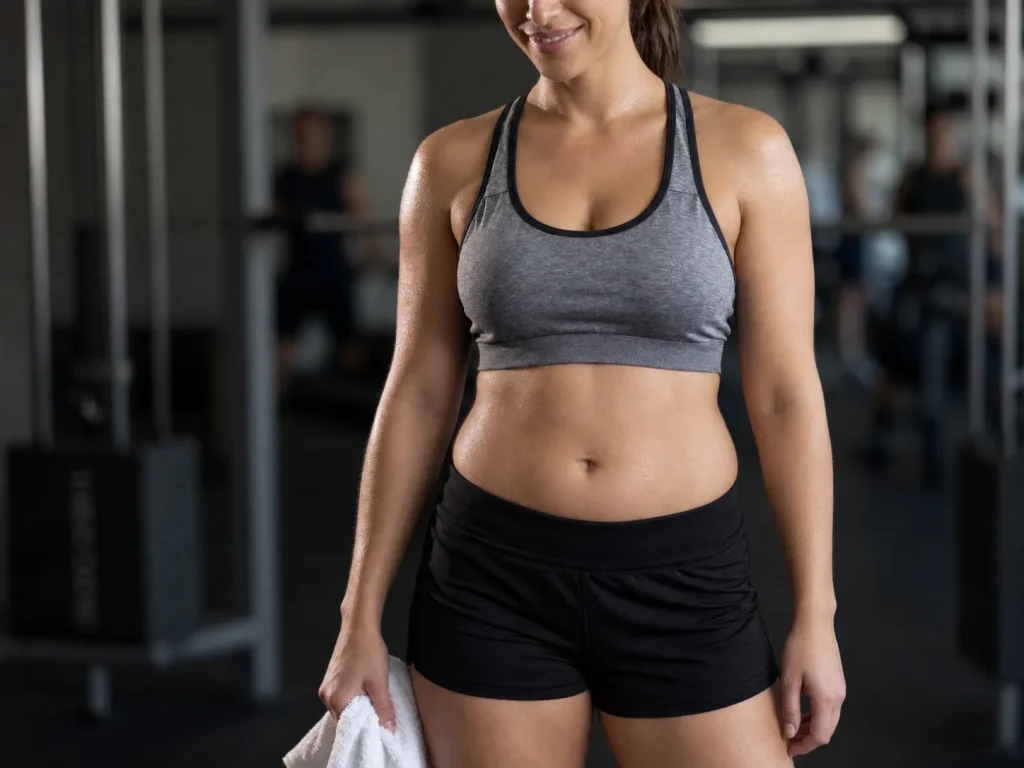
Retouching works best when the prompt names a temporary problem rather than asking for a different face. Avoid broad phrases such as “make beautiful” or “perfect the face.” Those instructions are subjective and can produce identity drift. Ask for cleanup while keeping pores, facial structure and natural asymmetry.
Retouch the portrait lightly: reduce temporary blemishes and harsh shine while keeping natural skin texture, pores, facial features, age, skin tone and expression unchanged.
Useful when you want cleanup without plastic-looking skin.
Reduce heavy under-eye shadows slightly while keeping the eye shape, eyelids, face structure, skin texture and natural lighting unchanged.
Ask for reduction, not complete removal, if you want a realistic result.
Even out small patches of uneven skin tone while preserving the person’s natural complexion, freckles, moles, facial structure and texture.
Protect permanent features you do not want removed.
Reduce excessive forehead, nose and cheek shine while keeping natural highlights, skin texture, face shape and original light direction.
This is a lighting/retouch request, not a face redesign.
Make the eyes slightly clearer and better lit without changing their size, color, shape, distance or expression. Keep the rest of the face unchanged.
Identity can shift quickly when eye geometry changes.
Give this portrait a clean professional headshot finish: balanced exposure, subtle skin cleanup and natural contrast. Keep identity, age, hairstyle, facial proportions and expression recognizable.
A good all-purpose prompt for profile photos.
Hair editing prompts
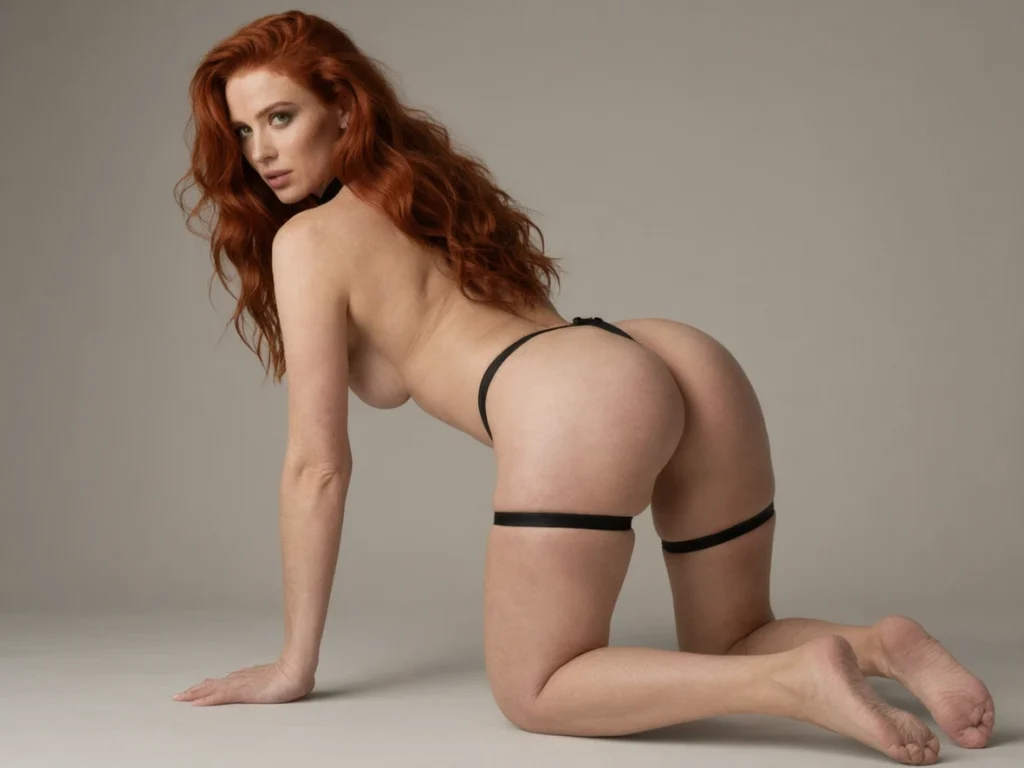
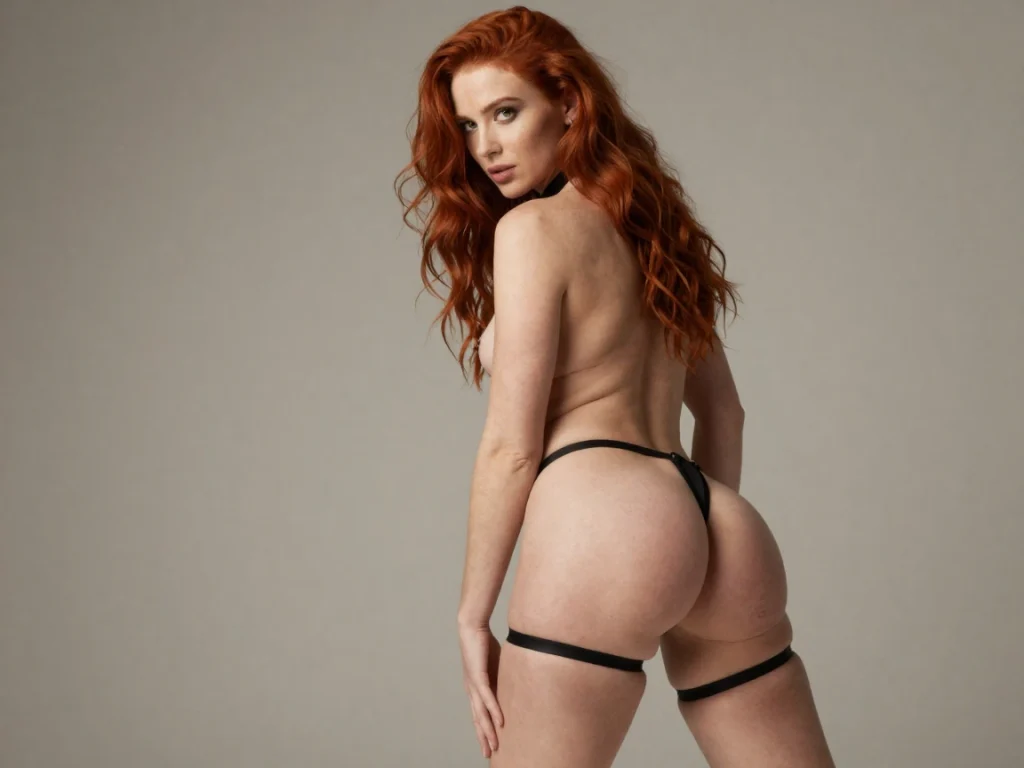
Hair is ideal for prompt editing because color, length and styling are easy to describe. The main risk is that the model also changes the hairline, forehead or face. If identity matters, protect the hairline and facial proportions explicitly.
Change only the hair color to natural dark brown with realistic highlights. Keep the hairstyle, length, hairline, face, skin tone, expression, pose and background unchanged.
Color-only edits are easier to control than color plus style.
Change the hair color to a natural warm blonde with believable roots and highlights. Keep the existing hairstyle, length, hairline, face and lighting unchanged.
Natural roots help the result feel photographic.
Change only the hair color to a natural copper red. Preserve the same haircut, hairline, face, skin tone, pose and original light direction.
Use a concrete color rather than “make the hair exciting.”
Make the existing hair softly wavy while keeping the same length, color, hairline, face, head shape, pose and background.
Changing texture is usually safer than requesting a completely new haircut.
Make the hair straight and smooth with realistic individual strands. Keep the same length, color, hairline, face and body position unchanged.
Mention strand detail if the result becomes too smooth.
Change the hairstyle to a clean chin-length bob. Keep the person’s face, hair color, hairline, expression, body proportions, pose and background unchanged.
For a large hairstyle change, inspect ears, neck and jawline carefully.
Extend the hair to shoulder-blade length with natural volume and realistic strands. Keep the face, hairline, color, pose, clothing and background unchanged.
Long hair may overlap clothing, so check edges and fabric.
Makeup prompts from natural to editorial
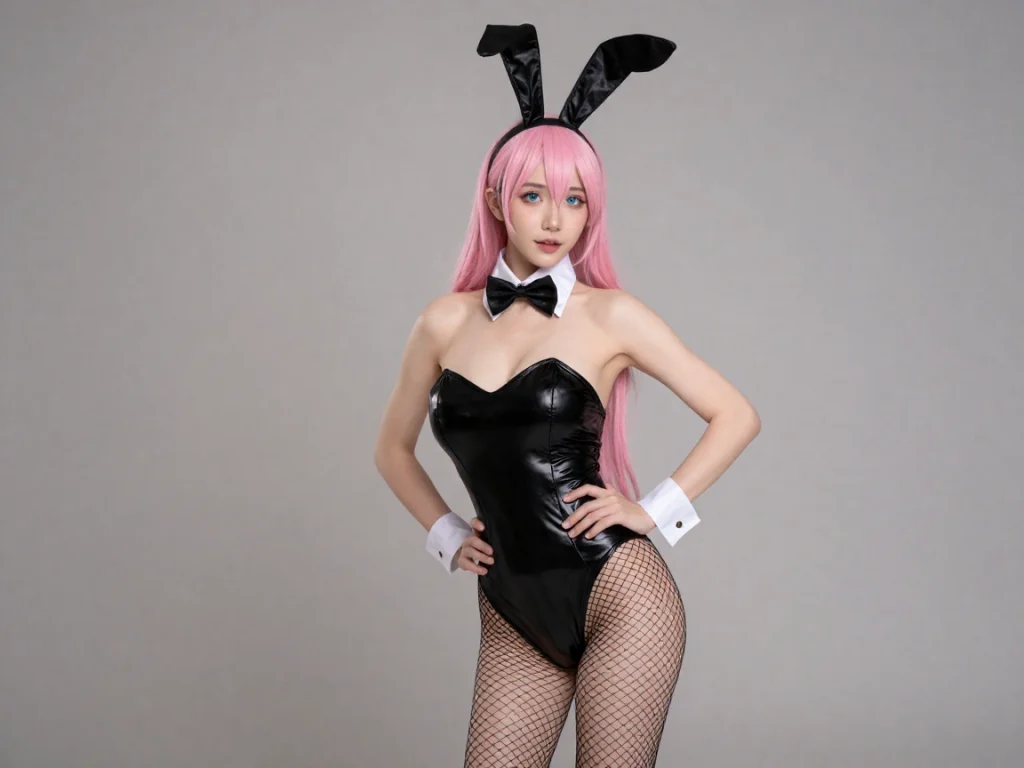
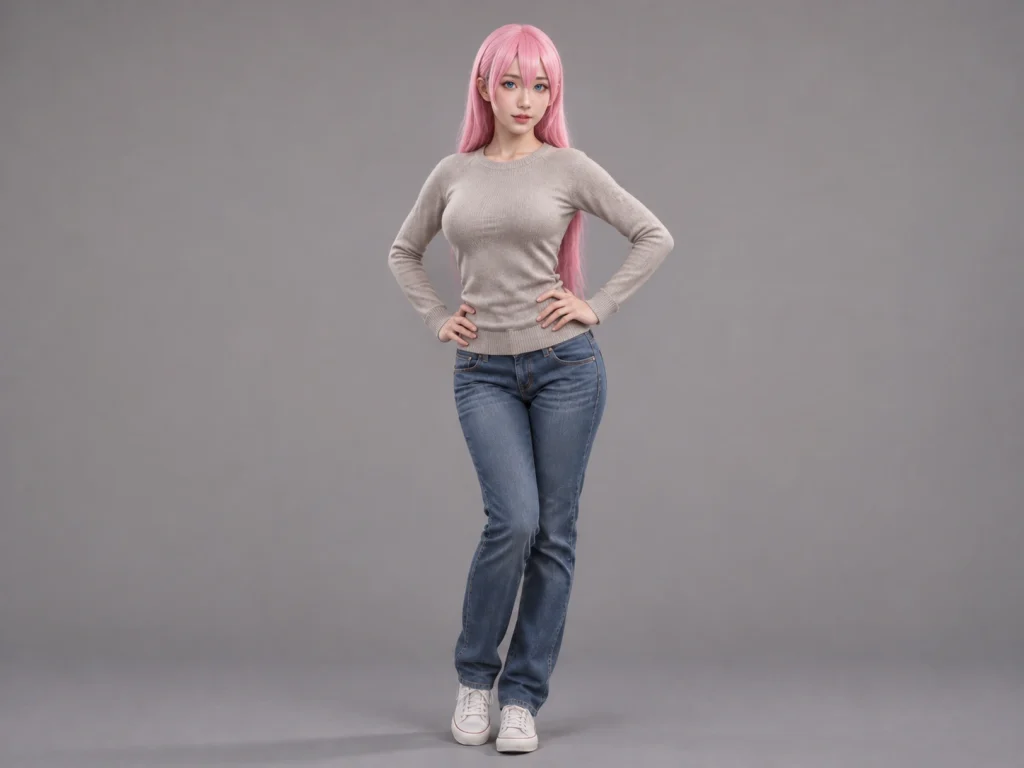
Makeup prompts are more reliable when they name the products or visual effects you actually want. “Glam makeup” can mean different things to different models. A short list such as soft eyeliner, neutral lipstick and subtle contour gives the editor a clearer target.
Add very subtle natural makeup: light complexion evening, soft mascara and a neutral lip tone. Keep skin texture, facial features, face shape and identity unchanged.
The goal is polished, not airbrushed.
Add soft daytime makeup with light mascara, natural brows, a muted rose lip and minimal blush. Preserve facial structure, skin texture and identity.
Concrete makeup elements reduce random style changes.
Add refined evening makeup with defined eyes, soft contour and a muted satin lip. Keep the face shape, eye shape, nose, lips and skin texture recognizable.
Tell the model to preserve geometry around eyes and lips.
Add a controlled smoky-eye look with blended charcoal shadow and subtle eyeliner. Keep the eye shape, iris color, brows, face and expression unchanged.
Local makeup prompts are easier to judge than a full makeover.
Change only the lipstick to a classic deep red satin finish. Keep lip shape, teeth, skin tone, makeup on the rest of the face and lighting unchanged.
A good one-feature prompt.
Add elegant soft bridal makeup with luminous but textured skin, defined lashes, neutral eyeshadow and a natural pink lip. Keep identity and facial proportions unchanged.
Use “textured skin” if the model over-smooths.
Add editorial makeup with clean graphic eyeliner and a muted nude lip. Keep the face, skin texture, hairstyle, expression and lighting unchanged.
Useful for a stronger creative edit without changing identity.
Portrait lighting prompts
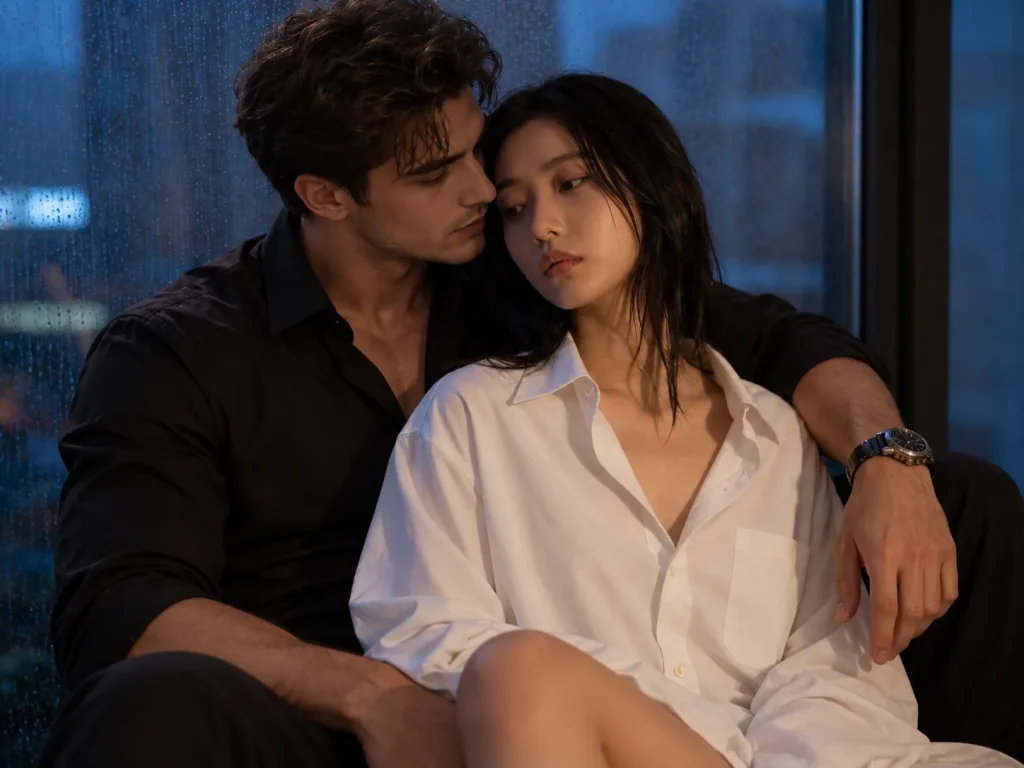
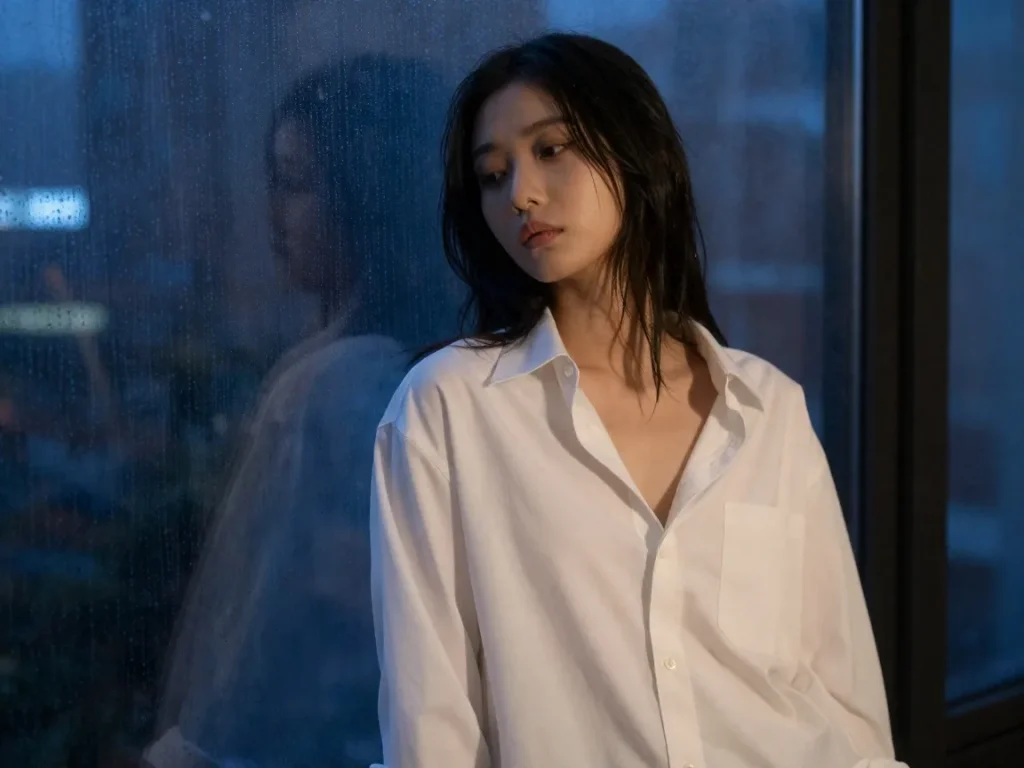
Lighting is often the difference between an AI edit that looks composited and one that looks like a photograph. If you change the light, specify the direction and softness, then ask the editor to preserve the person and scene geometry. Do not mix incompatible instructions such as “flat studio light” and “dramatic hard side light” in the same prompt.
Make the portrait look lit by soft daylight from a nearby window. Keep the person, face, pose, outfit, background composition and camera angle unchanged.
Look for believable shadow direction on the face and clothing.
Give the portrait subtle golden-hour side light with warm highlights and gentle shadows. Keep identity, pose, outfit, scene composition and skin tone realistic.
Avoid overly orange skin by preserving natural skin tone.
Change the lighting to clean soft studio portrait lighting with a large diffused key light and gentle shadow detail. Keep the subject and background geometry unchanged.
Good for headshots and product-like portraits.
Add controlled moody side lighting with deeper shadows on one side of the face while keeping facial details visible and skin tone natural. Preserve identity and pose.
Ask for visibility in shadows so details are not lost.
Increase the portrait exposure naturally, lift deep indoor shadows and preserve realistic highlights, skin tone, facial features, outfit colors and background.
Exposure correction is more predictable than “make it HD.”
Correct the strong color cast and make the portrait white balance neutral. Keep skin tone, hair color, clothing colors, background and exposure natural.
Useful when the source has mixed indoor lighting.
Portrait background prompts
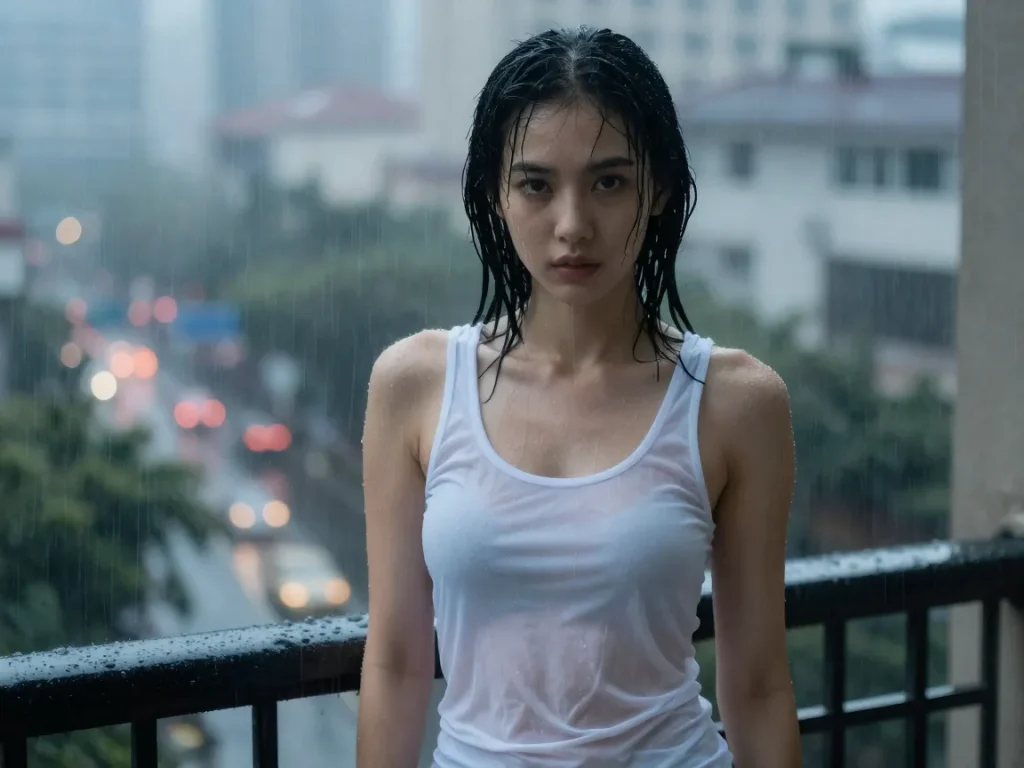
Background changes are strongest when the new environment matches the subject’s perspective and lighting. Ask to replace only the background unless you also want the person relit.
Replace only the background with a warm neutral-gray photography studio backdrop. Keep the adult subject, face, hair, outfit, pose, crop and foreground unchanged.
A low-complexity background test.
Replace only the background with a realistic modern apartment interior in neutral colors and soft daylight. Keep the person, pose, outfit and framing unchanged.
Do not over-describe every object in the room.
Replace the background with a realistic city street at night with soft practical lights and natural depth of field. Keep the subject, pose and camera perspective unchanged.
Check hair edges and light spill around the subject.
Replace only the background with an upscale hotel interior with warm lamps and neutral decor. Keep the adult subject, face, pose, outfit and framing unchanged, and match the subject lighting to the room subtly.
Useful for glamour or boudoir-style context without changing the person.
How to keep the same person across portrait edits
If the edit is good but the person no longer looks like the source, the prompt was not successful. Identity preservation is not one magic phrase; it is a set of constraints. Protect the features that define the person and avoid adjectives that invite a redesign.
- Use keep the same identity and facial proportions when the face must stay stable.
- Name specific features that must not change: eye shape, nose, lips, jawline, hairline, skin tone and expression.
- Keep the request local. Change hair color before trying hair + makeup + age + pose in one generation.
- If the first result drifts, return to the original image instead of repeatedly editing an already-changed face.
- Compare the result at normal size and zoomed in. Small eye or jaw changes can be easy to miss at first glance.
For a deeper identity workflow, read How to Keep the Same Face When Editing Photos With AI.
A practical portrait-editing workflow
- Start from the cleanest source. A clear, reasonably large photo gives the model better identity and texture information.
- Choose one main edit. Hair, makeup, light or background first.
- Add preservation constraints. Explicitly protect identity and any details that are already correct.
- Generate and compare. Look at eyes, jawline, skin tone, fingers, hair edges and clothing seams.
- Refine one problem. If the lighting is good but hair changed, fix the hair instead of rewriting the whole request.
- Make the next edit from the best stable result. Stop if repeated edits begin to drift.
The same controlled workflow also works for adult-oriented glamour edits. If that is your use case, see How to Edit Adult Photos With AI Prompts.
Common portrait prompt mistakes
The most common mistake is asking for a subjective transformation instead of a visual edit. “Make me more attractive” can change identity. “Reduce harsh shine, keep skin texture and facial proportions unchanged” is measurable. Another common mistake is stacking five edits into one prompt, which makes it impossible to know which instruction caused drift.
Make her prettier and more glamorous.
Add subtle evening makeup with defined lashes and a muted rose lip. Keep the face shape, eye shape, nose, lips, skin texture, hairstyle and identity unchanged.
The better prompt describes visible changes instead of asking the model to reinterpret the person.
For a full troubleshooting list, see Common AI Photo Editing Prompt Mistakes and How to Fix Them.
FAQ
What is the best prompt for editing a portrait?
There is no single best prompt, but a strong structure is: state one change, describe the visual target, then list what must remain unchanged. Identity, facial proportions, skin tone, expression and camera angle are the most important protections for portrait work.
How do I change hair without changing the face?
Ask for one hair change and explicitly preserve the hairline, face, skin tone, expression and head shape. Avoid adding makeup, age changes or pose changes in the same generation.
Can AI add makeup realistically?
Yes, especially when the prompt names specific makeup elements and asks to keep skin texture and facial geometry intact. Results should still be checked around the eyes, lips and skin edges.
Why does AI make skin look plastic?
Broad instructions such as “perfect skin” often encourage excessive smoothing. Ask for light retouching, preserve pores and natural texture, and reduce only the specific issue you want corrected.
Should I edit portraits in one prompt or several steps?
Several controlled steps are usually easier to evaluate. Make the highest-priority change first, confirm identity is stable, then move to the next edit.
Upload a photo to AvaClik, paste one of the prompts above and change only the details you actually want changed.
Try this in AvaClik
Try the workflow in AvaClik
Upload a photo you have permission to edit, make a change, check the result and refine it.
Try AvaClik AI Photo Editor ↗