25 NSFW AI Photo Editing Prompts: Tips & Examples
25 adult-only AI photo editing prompts for boudoir, glamour, lingerie, lighting, retouching and realistic scene changes, with consent and preservation tips.
On this page
Open the AvaClik tool connected to this guide and try it on your photo.
NSFW AI photo editing prompts work best when they are written like precise photography directions rather than vague requests for “more sexy” or “more adult.” In an adult-only workflow, the same rules that improve ordinary portrait editing still matter: define the exact change, preserve identity and anatomy, keep lighting consistent, and make the request in controlled steps.
The examples below focus on consensual adult glamour, boudoir, lingerie, tasteful implied-nudity styling, lighting and realistic retouching rather than explicit sex acts. You can adapt them for the AvaClik AI Photo Editor by Prompt. For the full workflow, read How to Edit Adult Photos With AI Prompts.
A better formula for adult photo editing prompts
Adult edits are particularly sensitive to identity drift and anatomy errors because prompts often change clothing, body visibility, pose context and lighting at the same time. Keep the first generation narrow.
- Subject: specify that the subject is an adult.
- Edit: name one primary change: outfit, lighting, background, styling or retouching.
- Look: describe material, color, lighting and photographic mood.
- Preserve: identity, face, body proportions, pose, hands, camera angle and any clothing you are not changing.
- Realism: request natural skin texture, coherent shadows and believable fabric/contact points.
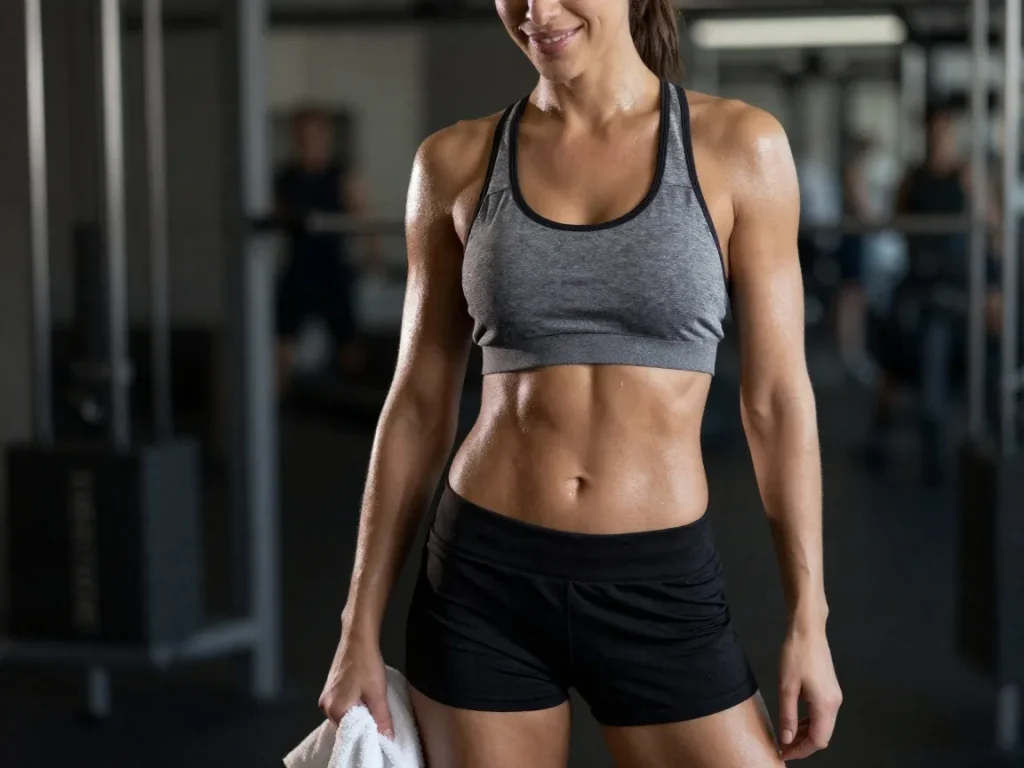
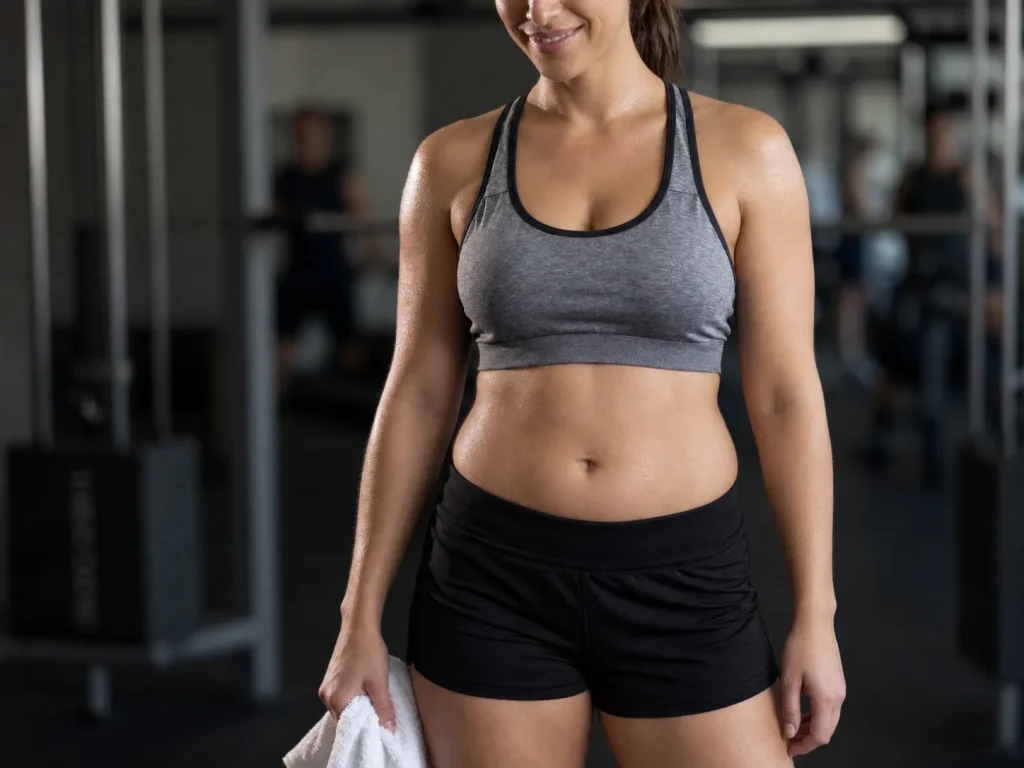
Boudoir and glamour prompts
Boudoir-style editing is mostly about light, fabric, environment and mood. You do not need explicit language to create an adult atmosphere. In fact, photography terms often produce a more controlled result.
Turn this into a tasteful adult boudoir portrait in an elegant hotel room with warm bedside lamps, soft shadows and neutral bedding. Keep the adult subject’s face, body proportions, pose and camera angle unchanged.
Good first test because the edit focuses on environment and light.
Give this adult portrait soft window-light glamour styling with gentle side light, natural skin texture and subtle contrast. Keep identity, pose, outfit and background composition unchanged.
Lighting-only edits are easier to control.
Change the scene to a dark studio glamour setup with a charcoal backdrop, controlled rim light and soft key light. Keep the adult subject, face, body proportions, pose and framing unchanged.
Useful for a premium editorial look.
Replace only the background with a tasteful warm bedroom interior, soft practical lamps and shallow depth of field. Keep the adult subject, pose, outfit and identity unchanged.
Keep the edit about context, not anatomy.
Give the adult portrait an upscale editorial glamour look with balanced skin tone, subtle film contrast and controlled soft lighting. Keep the face, body proportions, hairstyle and pose recognizable.
Avoid “perfect body” wording that can reshape the person.
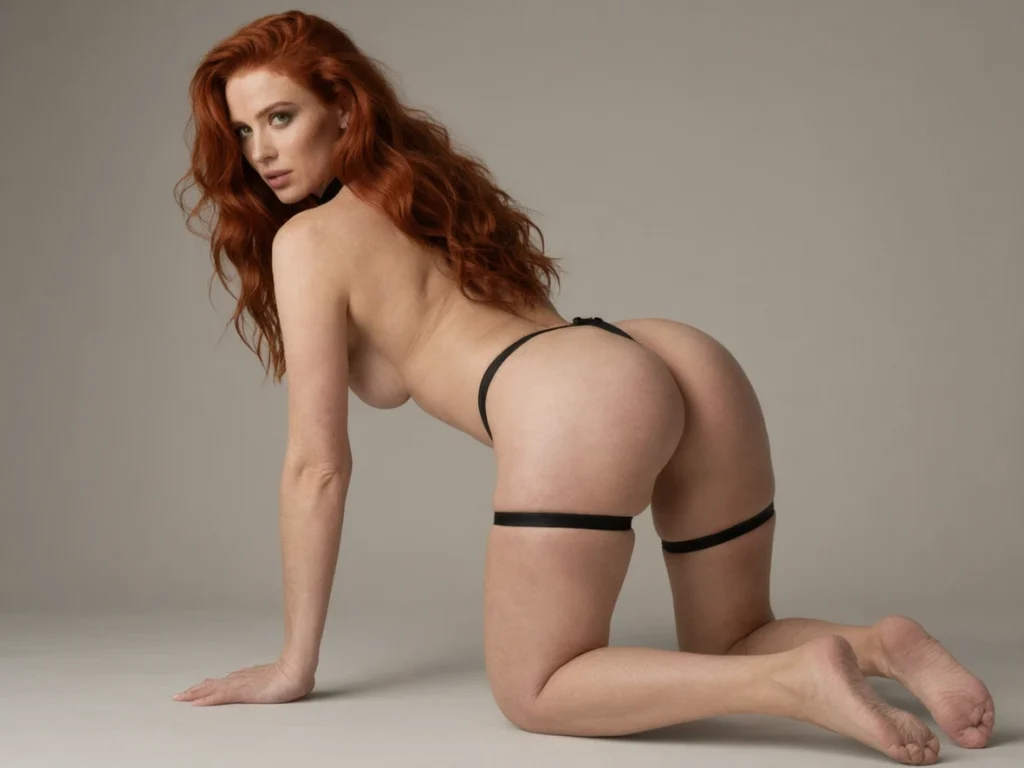
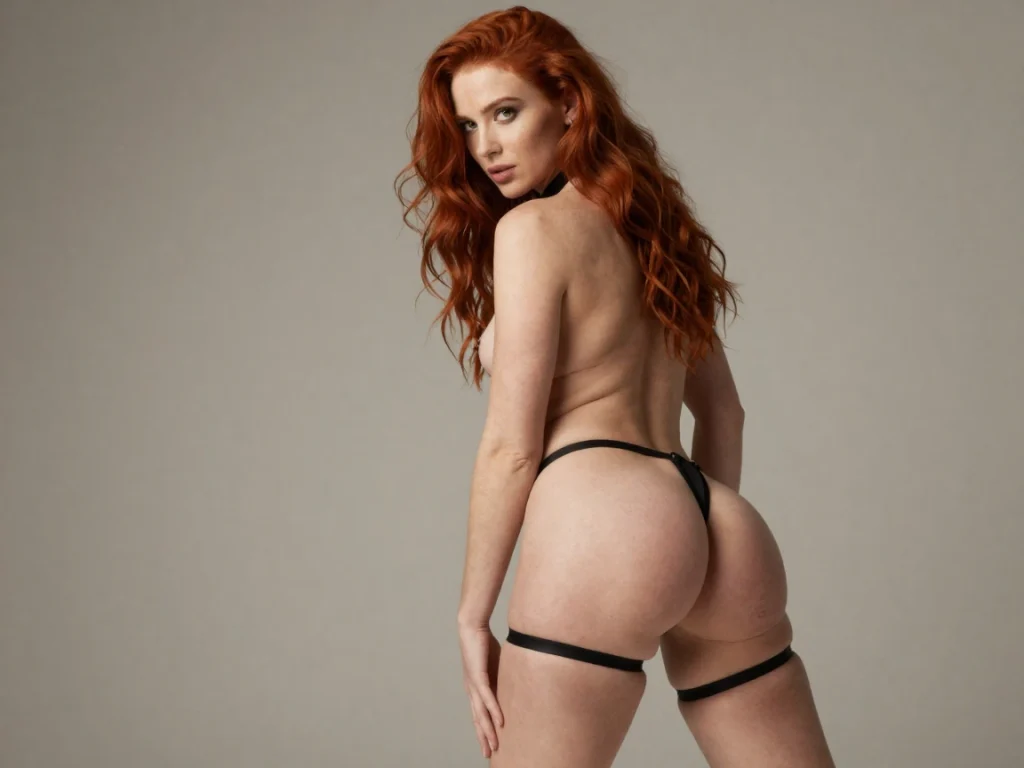
Lingerie and adult outfit prompts
For outfit changes, material and fit are more useful than broad labels. Protect body proportions explicitly so the editor does not “improve” anatomy while changing clothing.
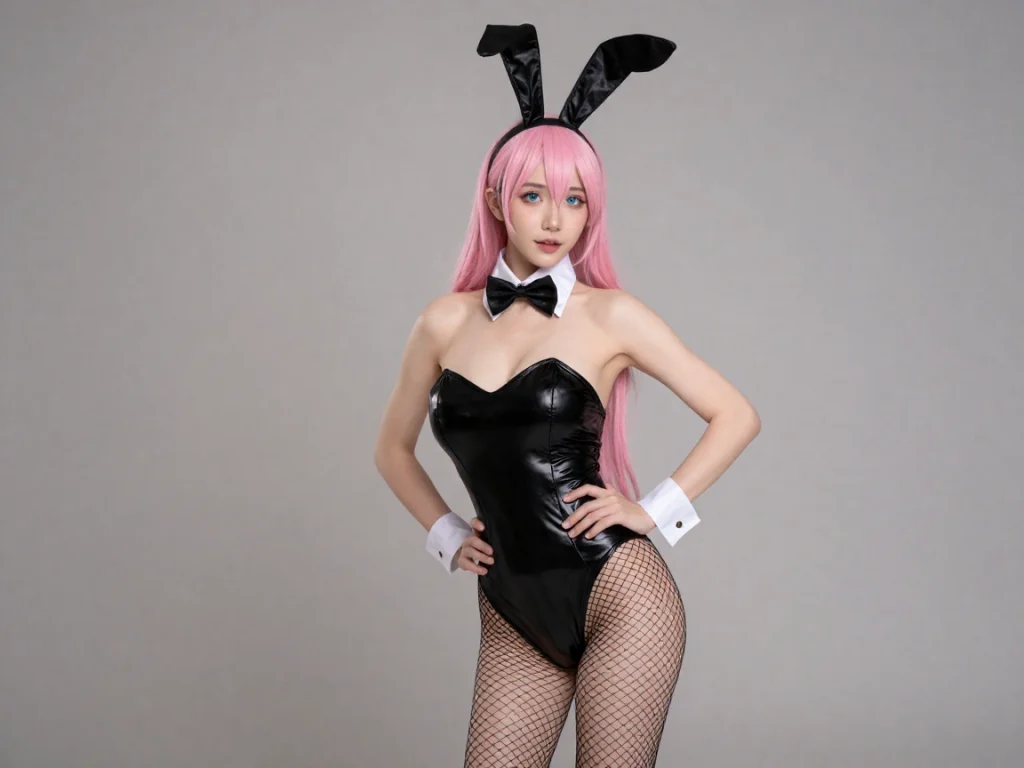
Change only the adult subject’s outfit to elegant black lace lingerie with realistic fabric texture and natural fit. Keep the face, body proportions, pose, hands, background and lighting unchanged.
Inspect straps and skin contact points.
Replace the current outfit with a tasteful dark satin lingerie set with realistic highlights and fabric folds. Keep identity, anatomy, pose, hands and scene unchanged.
Satin needs coherent specular highlights to look real.
Add a lightweight semi-sheer robe over the existing adult outfit, with realistic fabric drape and transparency. Keep the body proportions, pose, face, hands and lighting unchanged.
Layering is safer than asking for several clothing changes at once.
Change the adult outfit to a fitted black bodysuit with realistic seams and fabric tension. Keep the person’s identity, body shape, pose, hands and background unchanged.
Protect body shape explicitly.
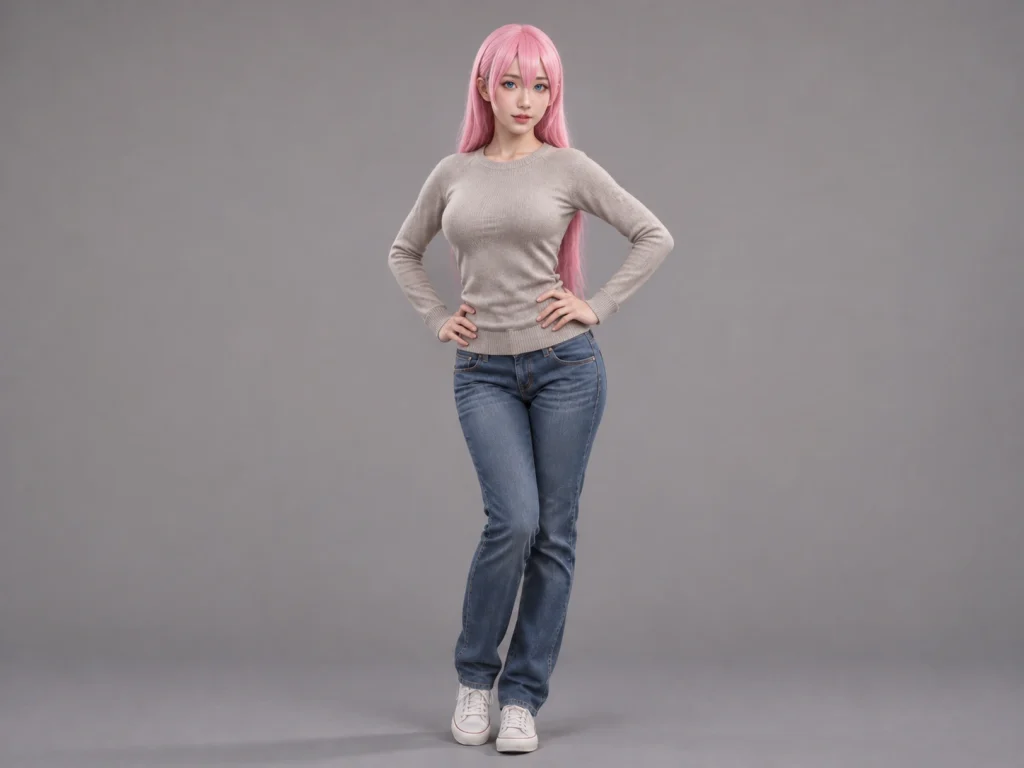
Change the outfit to a fitted evening dress with a tasteful deep neckline and realistic fabric drape. Keep the adult subject’s face, anatomy, pose and camera angle unchanged.
Useful when you want sensual styling without a lingerie look.
Sensual lighting prompts
Lighting can make a photo feel more adult without changing the subject at all. It is also one of the safest ways to test preservation because the face, body and clothing should remain the same.
Add subtle deep-red practical light in the background while keeping neutral, flattering key light on the adult subject. Preserve skin tone, face, pose, outfit and scene geometry.
Do not let red light destroy natural skin tone.
Make the lighting warm and low-key with soft falloff and gentle shadow detail. Keep the adult subject, identity, pose, outfit and background unchanged.
Low-key does not mean losing all shadow detail.
Add a soft warm rim light around the adult subject while preserving the existing key light, face, body proportions, pose and background.
Rim light should follow the silhouette consistently.
Give the scene a realistic candlelit mood with warm local highlights and soft shadows, while keeping the adult subject’s identity, anatomy and pose unchanged.
Watch for unnatural orange skin.
Relight the adult portrait with a large soft key light, subtle fill and controlled edge light for a high-end glamour photograph. Keep face, pose, body shape and outfit unchanged.
A studio description is clearer than “make it sexy.”
Realistic adult retouching prompts
Adult photos often fail when retouching becomes body redesign. Keep permanent features and proportions intact unless the user specifically wants a body edit, and even then make the request narrow and anatomically coherent.
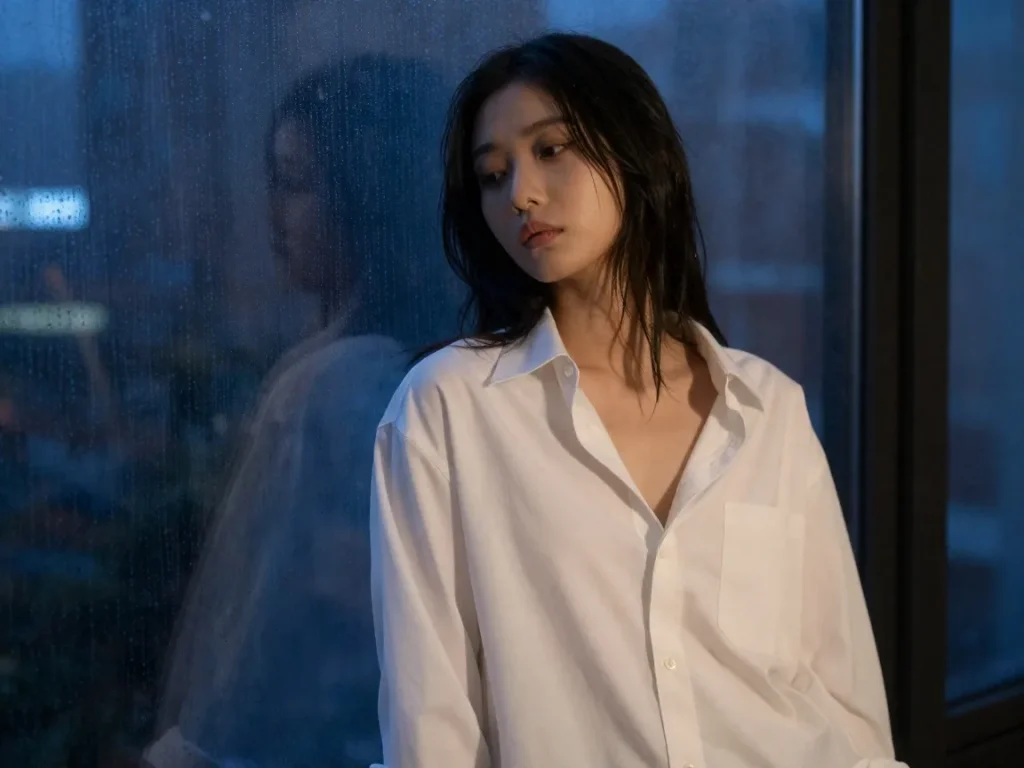
Retouch the adult portrait lightly: reduce temporary blemishes and harsh shine while keeping natural pores, skin texture, body texture, face, anatomy and age unchanged.
Natural texture is more convincing than aggressive smoothing.
Reduce temporary clothing pressure marks on visible skin while keeping natural skin texture, body proportions, pose, lighting and identity unchanged.
Specify temporary marks so permanent features are preserved.
Reduce only distracting harsh wrinkles in the lingerie fabric while keeping seams, material texture, body shape, fit, pose and lighting realistic.
This is a fabric edit, not a body reshape.
Soften uneven tan-line contrast slightly while preserving natural skin tone, texture, body proportions and lighting. Do not alter the person’s anatomy or identity.
Use “soften” instead of “erase” for realism.
Apply restrained glamour retouching: balanced exposure, subtle skin cleanup and natural contrast. Keep facial features, body proportions, texture and age recognizable.
A controlled global cleanup prompt.
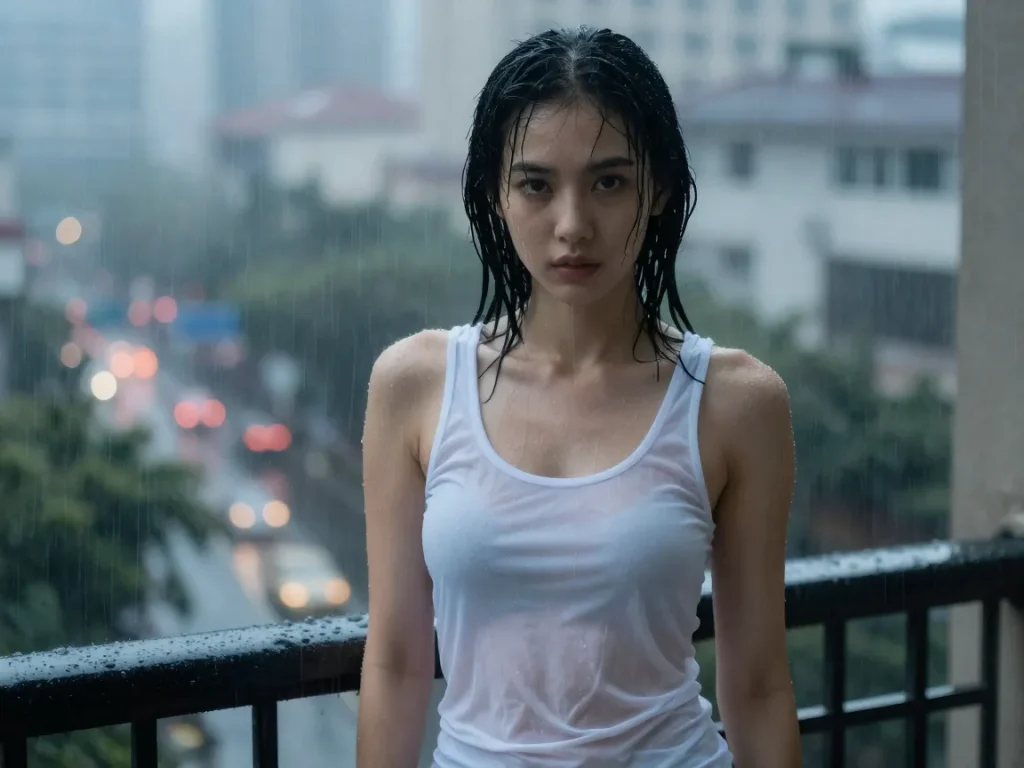
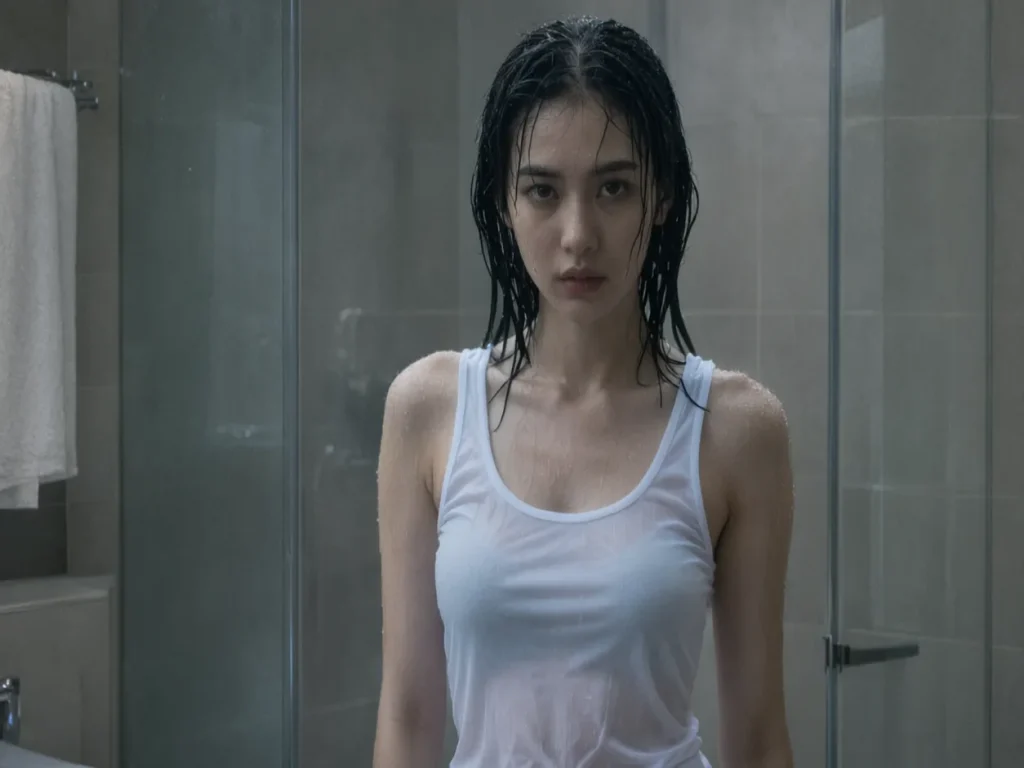
Adult scene and background prompts
Scene prompts work best when the background has clear perspective and lighting. Keep the adult subject fixed, then let the environment change around them.
Replace only the background with a luxury hotel suite with warm lamps, neutral bedding and realistic depth. Keep the adult subject, pose, outfit, face and camera angle unchanged.
Match subject light to the room subtly.
Replace only the background with a minimal dark studio backdrop and soft floor shadow. Keep the adult subject, outfit, pose, identity and framing unchanged.
A simple environment reduces compositing errors.
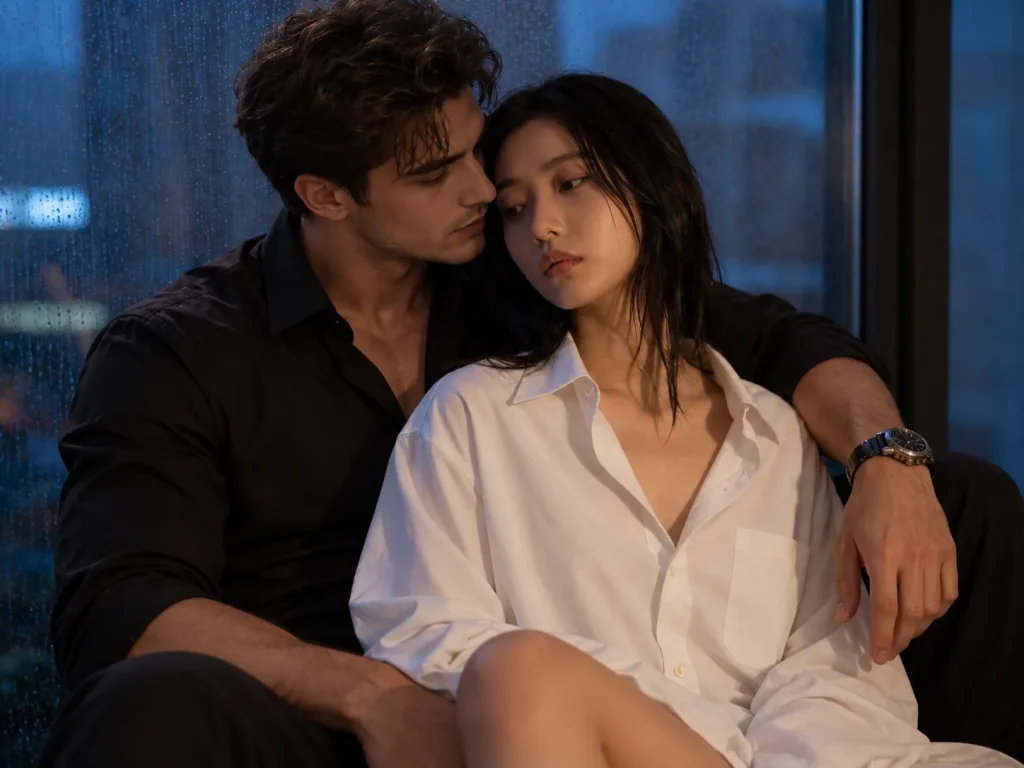
Replace the background with a tasteful modern penthouse interior at night with city lights outside. Keep the adult subject, outfit, pose and perspective unchanged.
Check reflections and window perspective.
Replace only the background with an upscale bathroom vanity area with warm mirror lights and neutral stone surfaces. Keep the adult subject, pose, outfit and identity unchanged.
Keep mirror reflections out of frame unless you specifically want them.
Replace the background with soft neutral curtains and warm studio lighting. Keep the adult subject, face, body proportions, pose and crop unchanged.
A low-complexity scene for reliable results.
Prompts for tasteful implied-nudity styling
When the goal is a more mature editorial look, implied nudity can often be created through framing, draped fabric, silhouette and pose context rather than explicit detail. That approach is easier to control visually and gives you cleaner examples for public-facing SEO pages.
Create a tasteful adult editorial look using strategically draped satin fabric and soft side lighting. Keep the adult subject’s face, body proportions, pose and camera angle unchanged; maintain non-explicit coverage and natural anatomy.
Good for a public-safe visual example while still demonstrating adult styling.
Turn the adult portrait into a tasteful silhouette-style glamour image with soft backlighting and non-explicit coverage. Keep the subject’s identity, body proportions, pose and scene perspective recognizable.
Use lighting and framing instead of explicit anatomy.
How to preserve face, body proportions and pose
Adult edits can amplify small anatomical mistakes, so preservation needs to be explicit. If you are only changing clothing, say that the body shape must remain unchanged. If you are changing the background, protect the subject and pose. If you are relighting, protect everything except light and color.
- Use the phrase change only… when the scope is narrow.
- Protect face, identity, body proportions, pose, hands and camera angle.
- Keep edits sequential: outfit first, then lighting, then background.
- Return to the cleanest stable version if repeated edits begin changing anatomy.
- Check hands, clothing edges, body-contact points, shadows and reflections at full resolution.
For a deeper preservation workflow, see How to Preserve Pose, Face and Background in AI Photo Editing.
Common NSFW prompt mistakes
The biggest mistake is asking for a mood without a visual plan. “Make this hotter” is vague and invites the model to reinterpret the person. Another mistake is combining outfit removal, new pose, new background, relighting and body reshaping in one generation. Even if the result looks attractive, it becomes difficult to preserve identity and anatomy.
Make this much sexier and perfect the body.
Give this consenting adult portrait a tasteful high-end glamour look with soft side lighting and subtle skin cleanup. Keep the face, identity, body proportions, pose, hands and camera angle unchanged.
The improved prompt describes photographic changes and protects the person instead of asking the model to redesign them.
For more examples, read Common AI Photo Editing Prompt Mistakes and How to Fix Them.
FAQ
What makes an NSFW photo editing prompt good?
A good adult prompt is specific about styling, lighting, clothing or environment and explicit about preserving identity, anatomy and pose. It should also be used only for consenting adults.
Should I change clothing, pose and background in one prompt?
Usually not. One major edit at a time is easier to control and easier to compare against the source.
How can I make adult edits look less artificial?
Preserve natural skin texture, use coherent light direction, describe fabric and contact points, and avoid broad body “perfection” instructions. See How to Get Realistic Results From AI Photo Editing.
Can I use these prompts on a real person?
Only when the subject is an adult and you have the right and consent to create the edit. Do not create deceptive intimate images of real people without permission.
Do these prompts need explicit sexual language?
No. For many adult glamour and boudoir edits, photography language about wardrobe, light, framing, environment and mood produces a clearer and more controlled target.
Start with one change, protect identity and anatomy, then refine the result step by step.
Try this in AvaClik
Try the workflow in AvaClik
Upload a photo you have permission to edit, make a change, check the result and refine it.
Try AvaClik AI Photo Editor ↗