AI Clothes Changer vs Virtual Try-On: What’s the Difference?
Understand the difference between AI clothes changers and virtual try-on, including inputs, garment fidelity, creative control, fit limitations and best use cases.
On this page
Open the AvaClik tool connected to this guide and try it on your photo.
“AI clothes changer” and “virtual try-on” are often used as if they mean the same thing, but they can describe different workflows. One is usually optimized for creative visual outfit changes; the other is often oriented around seeing a specific garment on a person. The difference matters because the right tool depends on whether your goal is styling inspiration, photo editing, product visualization or a closer preview of a real item.
Quick answer
An AI clothes changer usually edits the clothing visible in an existing image using text, presets or a reference image. A virtual try-on workflow usually starts from a person image plus a specific garment or product image and tries to visualize that garment on the person. There is overlap, and some products offer both modes, but neither should be treated as a guarantee of real-world size, tailoring or physical fit.
| Feature | AI Clothes Changer | Virtual Try-On |
|---|---|---|
| Main goal | Creative or practical outfit editing | Preview a specific garment on a person |
| Typical input | Person photo + text/preset/reference | Person photo + garment/product image |
| Best for | Style changes, content, portraits, concepts | Product visualization, shopping-style previews |
| Garment fidelity | Can be approximate | Usually more important, but still not guaranteed |
| Physical size accuracy | No | No guarantee |
| Creative freedom | Usually high | Usually more constrained by product input |
What is an AI clothes changer?
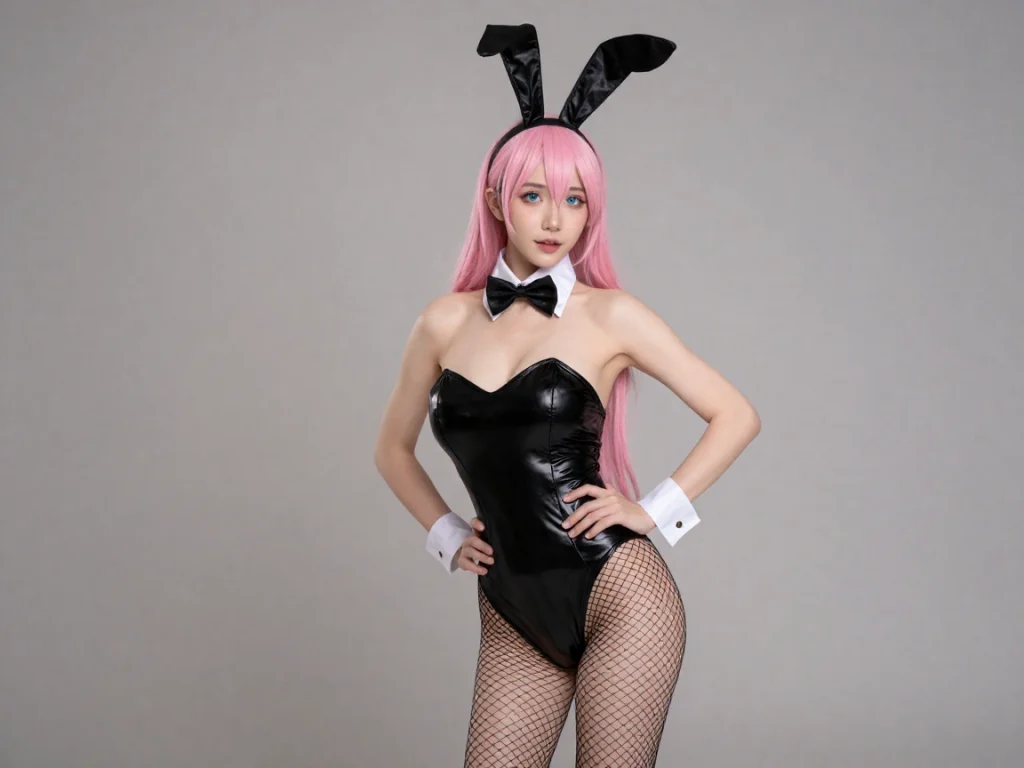
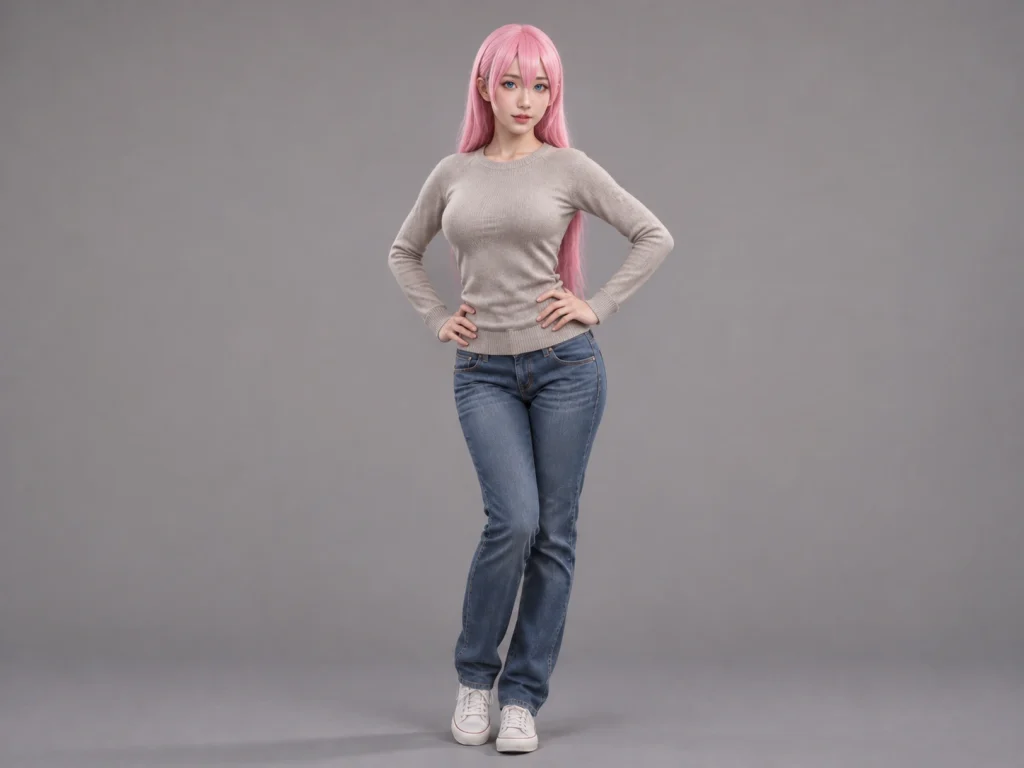
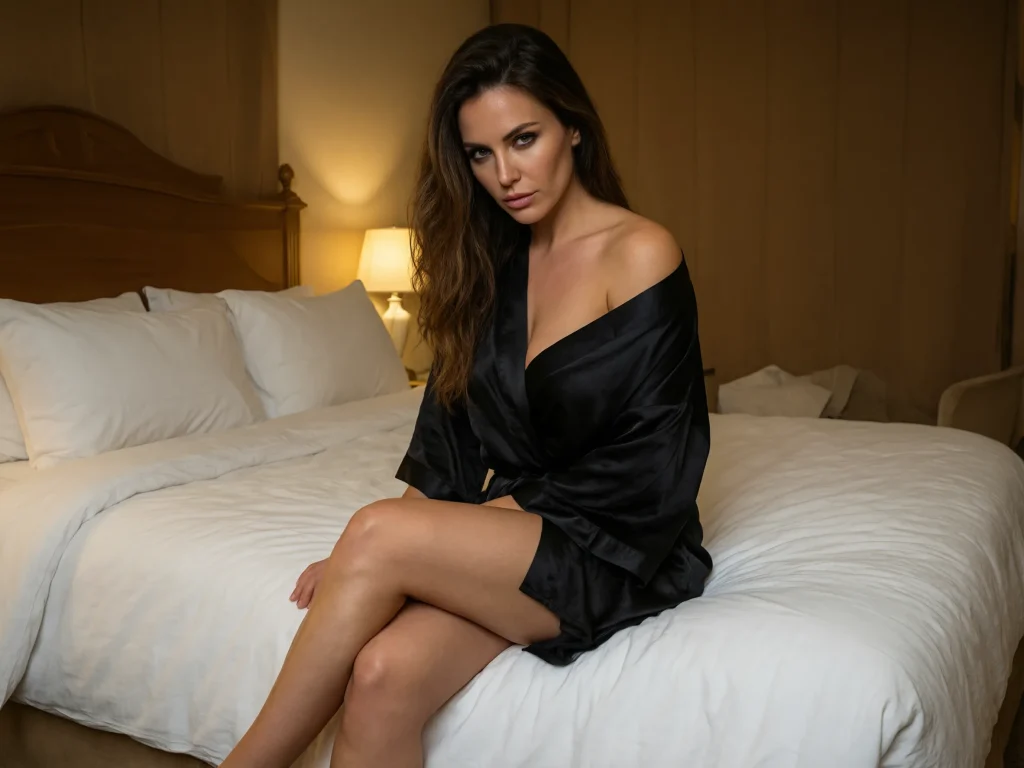
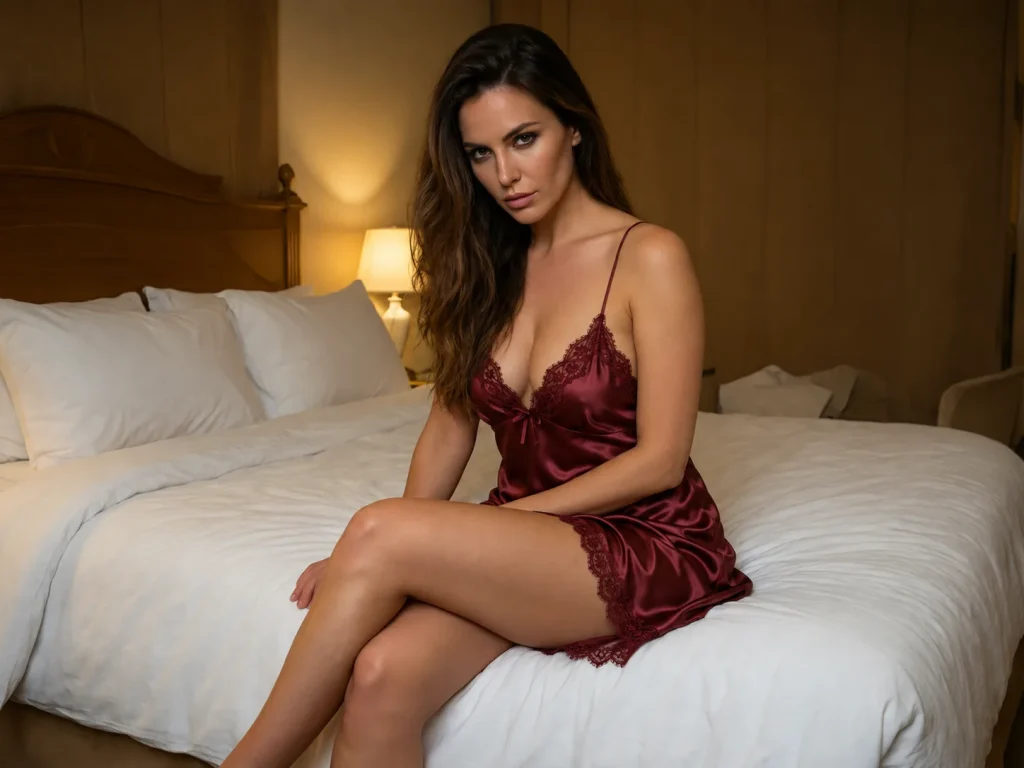
An AI clothes changer is primarily an image-editing workflow. You provide a photo and ask the system to alter the visible outfit. The request may be broad — “change this to a black evening dress” — or precise — “keep the exact garment cut but change only the color to burgundy.” Some tools also accept a clothing reference image so you can guide shape, color and style more directly.
The main advantage is flexibility. You can explore casual looks, suits, dresses, seasonal styling, adult fashion, color changes or completely new concepts without needing a product catalog. For content creation and photo editing, that freedom is often more useful than strict product matching.
What is virtual try-on?
Virtual try-on is usually closer to a product-preview workflow. Instead of inventing the garment from a text description, the system receives a specific garment image and attempts to show that item on the person. The goal is often to preserve recognisable design features while adapting the item to the pose and body visible in the source photo.
This does not make the result a physical fitting system. The image may look convincing while still being wrong about exact garment length, looseness, fabric stretch, tailoring or size. A visual try-on is useful for style evaluation, but it cannot replace measurements, size charts or actually trying on the garment.
The biggest difference: what you give the AI
Text-based clothes changing can work with only one person photo. You describe the outfit and let the model synthesize it. A try-on workflow normally benefits from a separate garment reference. That reference gives the system more visual information than words can carry: neckline, buttons, silhouette, pattern, sleeve shape and color relationships.
Replace the outfit with a tailored cream suit and dark brown top. Keep the same person, pose, body proportions, hands, background and lighting.
Use the supplied jacket reference as the clothing target. Preserve its overall cut, color and lapel structure while fitting it naturally to the person. Keep face, body proportions, pose and scene unchanged.
Which one is better for matching a real garment?
If matching a particular garment is the priority, a reference-driven try-on workflow is usually the better starting point because the model can see the item. But “better starting point” is not the same as “exact copy.” Small text, logos, print placement, fabric texture, stitching, pocket shape and proportions can still drift.
For a creative outfit concept, those inaccuracies may not matter. For ecommerce, brand presentation or product approval, they matter a lot. In those cases, treat the AI image as a preview rather than authoritative product imagery unless it has been manually verified against the real garment.
Which one gives more creative control?
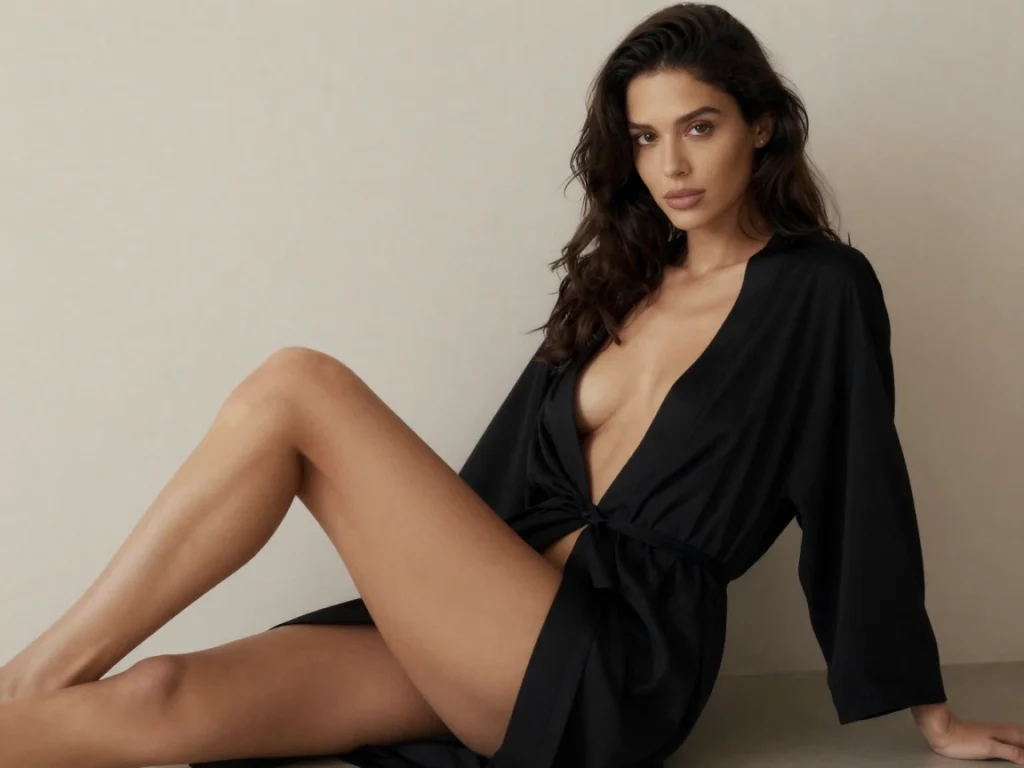
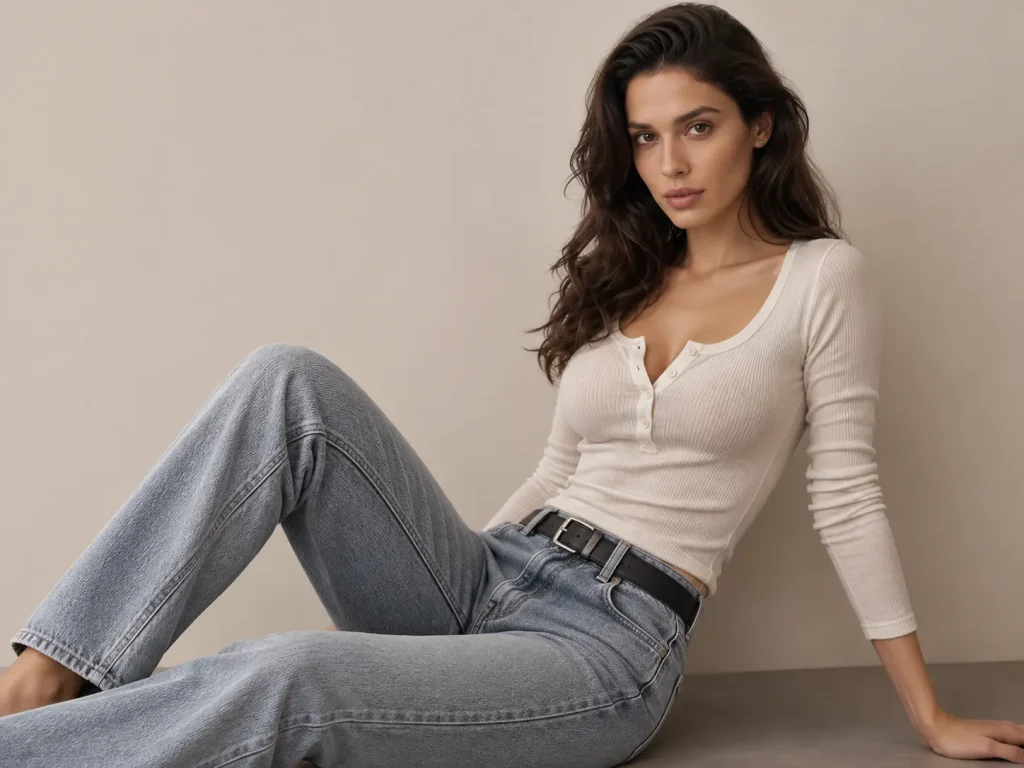
AI clothes changers generally win on creative freedom. You can ask for a look that does not exist as a product photo, mix style directions, change color and material, or iterate rapidly between formal, casual, evening and adult fashion concepts.
Virtual try-on is intentionally more constrained when it is working well. The garment reference should anchor the design. That is useful when the user wants to evaluate one specific item, but it is less useful when the goal is “show me ten completely different outfit directions.”
Which one is better at preserving the person?
Preservation depends more on the quality of the editing model and the prompt than on the label. Both workflows can alter face, body shape, pose or hair if the edit scope is too broad. A good request should state what must remain unchanged, especially when the source person needs to stay recognizable.
Keep the exact face, hairstyle, expression, body proportions, pose, hands, camera angle, crop, background and lighting from the source image. Change only the clothing.
Does virtual try-on show real fit or size?
No visual AI workflow should be treated as a guaranteed size or tailoring prediction. The generated image does not know how the real fabric stretches, where a specific size will sit on the body, whether sleeves are too short, or how the garment feels when moving. Even if the visualization looks physically plausible, it is still an image synthesis result.
For shopping decisions, use the try-on image as one signal alongside measurements, garment dimensions, size charts, return policy and real customer photos when available.
Best use cases for an AI clothes changer
- Creating alternative outfits for a portrait.
- Testing colors, materials and style directions.
- Generating fashion concepts before a shoot.
- Making social or editorial content.
- Changing adult-fashion styling in consenting images.
- Exploring business, casual, formal or seasonal looks.
- Quickly testing many text-prompt ideas.
Best use cases for virtual try-on
- Previewing a specific garment on a person.
- Comparing several product references.
- Checking whether a color or silhouette suits the overall look.
- Creating a visual shopping preview.
- Testing styling combinations using real garment references.
The most useful workflow is often hybrid
You do not always have to choose one category. A strong workflow can begin with a reference garment, use text to specify how strictly it should be followed, and then make controlled creative changes. For example, use the reference for the jacket cut but ask for a different color; or preserve the dress silhouette while changing the fabric from matte to satin.
Use the supplied dress reference for the overall silhouette, neckline and sleeve shape. Change the color to deep burgundy and render it in matte fabric. Preserve the original person, body proportions, pose, hands, background and lighting.
Photo-editing goal vs shopping goal
The easiest way to choose is to define the decision you want the image to support. If you are editing a portrait, producing social content, preparing a shoot or exploring a fictional look, you usually care more about visual quality and creative control than exact product fidelity. A clothes changer is a natural fit for that workflow.
If you are deciding whether a specific jacket, dress or top suits the person, the garment reference becomes central. You want the output to remain recognizably connected to that product. That is closer to virtual try-on. The image can help answer “do I like this silhouette and color on this person?” but not “will size M fit perfectly?”
Input quality matters in both workflows
A clear person photo improves both categories. Good lighting, visible body boundaries, a stable pose and enough resolution make it easier to preserve identity and fit the garment around the body. A poor source image cannot be fully rescued by calling the workflow “try-on.”
Virtual try-on also depends on the garment image. A clean product reference communicates more than a tiny screenshot or a garment partly hidden by another model. Clothes changers using text are less dependent on a product image, but they depend more on the clarity of the prompt.
Four example scenarios
Scenario 1: “Give this portrait a better business outfit”
Use an AI clothes changer. You do not need a specific product; you need a polished visual result. Start with a text prompt and preserve face, pose and scene.
Scenario 2: “What would this exact red jacket look like on me?”
Use a reference-driven try-on workflow. Provide the jacket image and prioritize its silhouette, color and large design features.
Scenario 3: “I like this dress shape but want it in black satin”
Use a hybrid workflow. Reference the dress for construction, then use text to change only color and material.
Scenario 4: “Will size 38 fit my shoulders?”
Neither workflow can answer reliably from appearance alone. You need garment measurements and body measurements.
Use the right language when showing AI results
If a generated image is used on a product or shopping page, avoid presenting it as proof of exact fit unless you actually have measurement-backed technology and validation for that claim. “Visual preview,” “style preview” and “AI try-on visualization” are safer descriptions for ordinary generative output.
For creative editing, the distinction is simpler: the result is an edited image. The user can judge whether it looks good and whether the person and scene were preserved. That is a different success criterion from reproducing a product perfectly.
Speed, control and iteration
Text-first clothes changing is often the faster way to explore. You can test “black blazer,” “cream suit,” “red evening dress” and “casual denim” without collecting product assets first. That makes it useful at the beginning of a creative process when you are still deciding what direction you want.
Reference-driven try-on adds setup but can reduce ambiguity once you already know the garment. Instead of describing a neckline, lapel, print and sleeve shape, you can show them. The trade-off is that you should spend more time checking fidelity against the reference. In other words, clothes changing usually optimizes for iteration across ideas; try-on optimizes for iteration around a specific item.
Quality checks are different too
For a creative clothes edit, ask: does the outfit look natural, does it suit the image, and did the person remain unchanged? For a virtual try-on result, add a second checklist: did the garment remain recognizably faithful to the reference? Compare neckline, sleeves, length, color blocks, pockets, buttons and major pattern features.
This distinction prevents a visually beautiful try-on image from being mistaken for an accurate product preview. A result can score high on realism and low on garment fidelity at the same time.
Which should you choose?
Choose an AI clothes changer when the main question is “What outfit would look good here?” Choose a reference-driven virtual try-on workflow when the question is “What would this specific garment look like on this person?” If you need exact commercial product representation, neither should be trusted blindly; verify the result against the real product.
Where AvaClik fits
AvaClik’s clothes workflow is designed for image editing and style exploration. You can use presets, text descriptions or clothing references and then refine the result. That makes it useful for both creative outfit changes and reference-guided looks, while the final image should still be reviewed for preserved identity, anatomy and garment details.
Open the AvaClik AI Clothes Changer to test an outfit change, or read How to Use a Clothing Reference Photo With AI if you want a reference-driven workflow.
Frequently asked questions
Is an AI clothes changer the same as virtual try-on?
Not exactly. The terms overlap, but clothes changers often focus on creative image editing, while virtual try-on usually focuses on visualizing a specific garment reference on a person.
Which is better for a real product?
A reference-driven try-on workflow is usually better for preserving the look of a specific garment, but exact product details and physical fit are still not guaranteed.
Can virtual try-on tell me what size to buy?
No. Use measurements, size charts and retailer information for sizing. A generated image is a visual preview, not a measurement system.
Can I use text and a clothing reference together?
Yes, if the editor supports both. The reference can define the garment while text controls preservation, color, material or specific corrections.
Which is better for photo editing?
If you want multiple creative outfit options for an existing photo, an AI clothes changer is usually the more flexible workflow.
Try this in AvaClik
Try the workflow in AvaClik
Upload a photo you have permission to edit, make a change, check the result and refine it.
Try AvaClik AI Clothes Changer ↗