Can AI Clothes Changers Match a Real Garment? Reference Image Limits
Learn what AI clothes changers can and cannot preserve from a real garment reference, including silhouette, logos, patterns, hardware, fabric and fit.
On this page
Open the AvaClik tool connected to this guide and try it on your photo.
A clothing reference photo can make an AI outfit edit much more specific than text alone, but it does not turn a generative editor into a product scanner. The model can often preserve the broad silhouette, color and recognizable design direction while still approximating fine details. Understanding those limits helps you decide when a reference image is enough and when you need real product photography or manual compositing.
Quick answer: can AI match a real garment exactly?
Usually not exactly. A good reference image can strongly guide the garment’s color, cut, neckline, sleeve shape and overall style, but exact logo rendering, text, print placement, stitching, hardware, fabric texture, dimensions and fit can drift. Treat the output as a visual interpretation unless you have manually verified every important product detail.
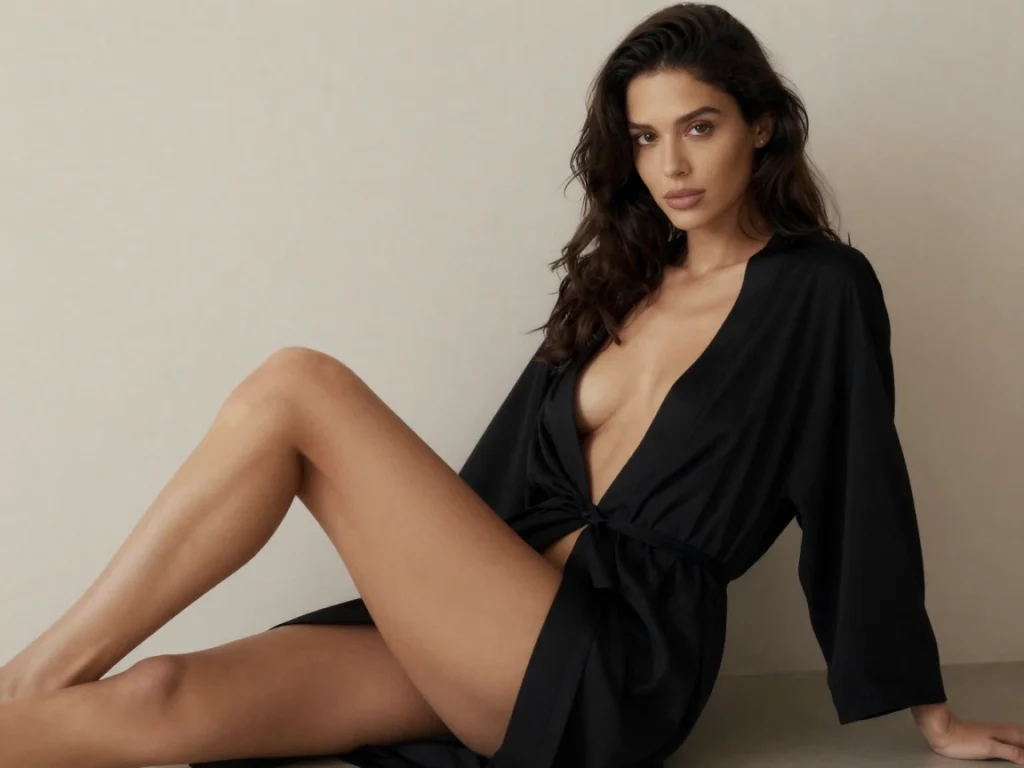
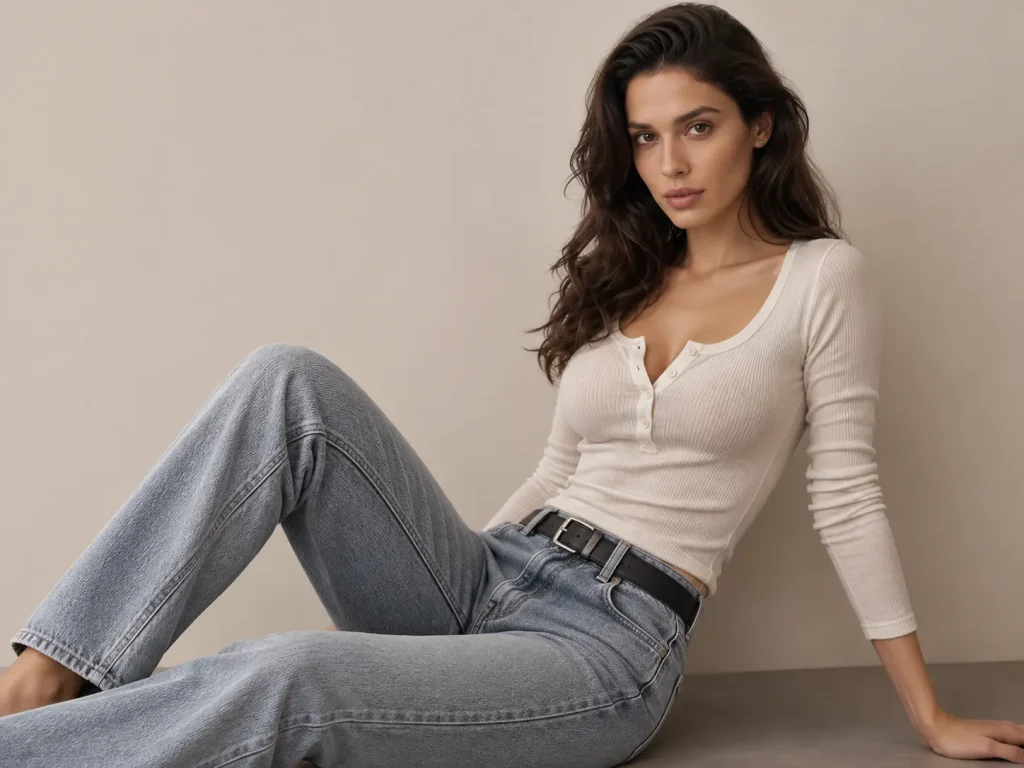
What a clothing reference image gives the model
Text can describe “a black cropped leather jacket,” but the phrase leaves many unknowns: lapel width, number of pockets, zipper angle, shoulder structure, hem length and hardware. A reference image communicates those relationships visually. It can reduce ambiguity and make the output feel much closer to the desired garment.
References are especially helpful when the garment has a distinctive silhouette, unusual neckline, specific color combination or recognizable layering. They are less reliable for tiny typography, complex repeating prints or details hidden in the reference photo.
What makes a good garment reference?
- The garment is large enough to see clearly.
- The image is sharp and well lit.
- Most of the garment is visible, not folded into a pile.
- The color is not heavily altered by filters.
- The background is simple enough that the garment boundaries are obvious.
- Important details such as neckline, sleeves and hem are visible.
- If product accuracy matters, use an official or clean product image rather than a heavily styled lifestyle photo.
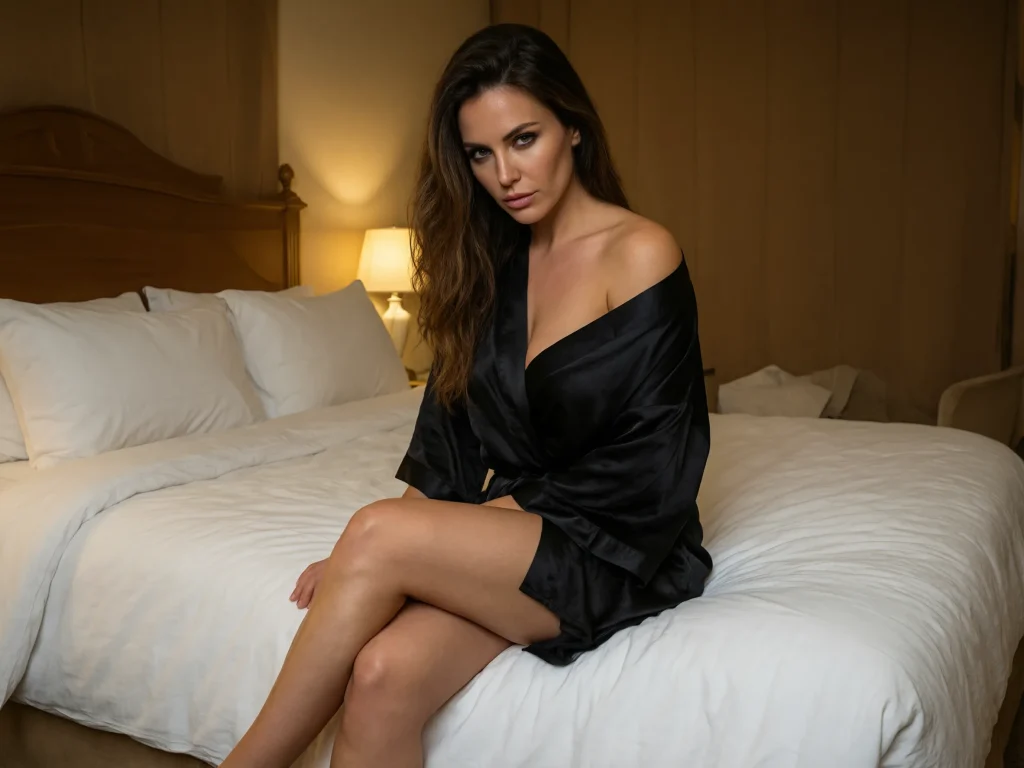
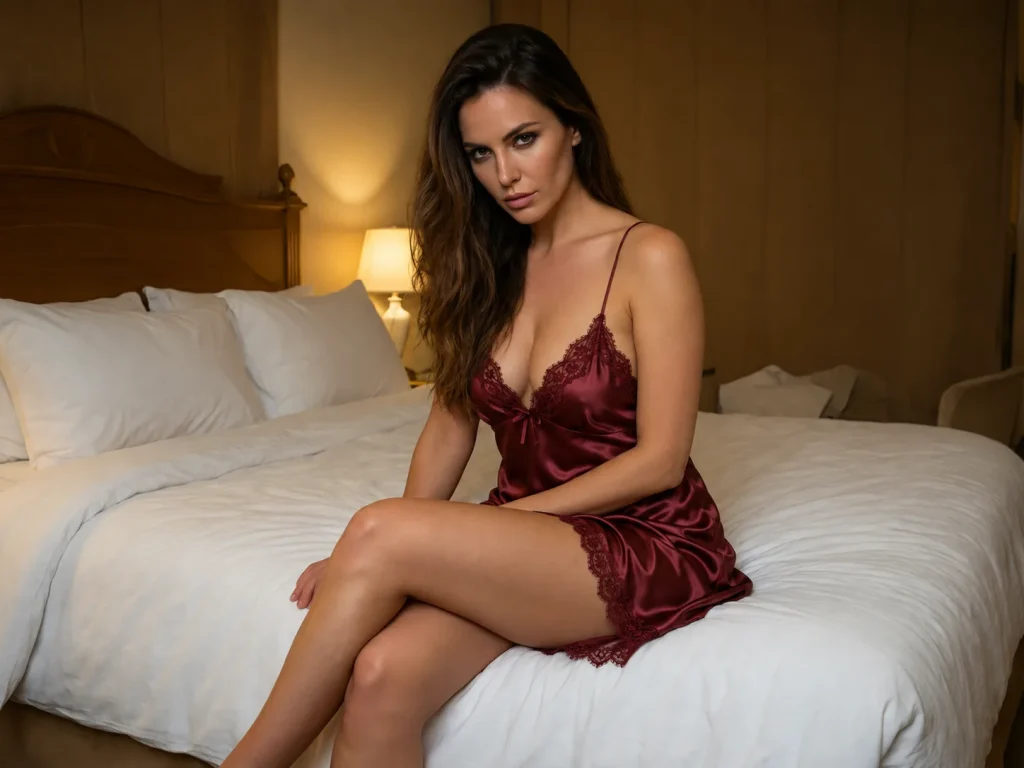
Details AI can often follow reasonably well
Broad visual properties are generally easier than small exact ones. The editor may successfully retain:
- overall garment category;
- dominant color;
- approximate neckline;
- sleeve length;
- general silhouette and length;
- major layering;
- large color blocks;
- obvious lapels, belts or straps;
- general material impression.
These are still subject to the body and pose in the source image. A jacket shown flat in a product reference has to be reconstructed around shoulders, arms and torso, so the result cannot be a literal pixel copy.
Details that are commonly approximated
The smaller and more exact the feature, the more carefully it should be reviewed. Common drift areas include:
- brand logos and text;
- button count and spacing;
- zipper teeth and pulls;
- pocket shape;
- embroidered details;
- fine lace patterns;
- small buckles and jewelry-like hardware;
- print placement;
- stitching;
- exact fabric weave;
- tiny asymmetries designed into the real garment.
If those details are commercially important, AI generation alone is not enough evidence that the edited garment accurately represents the product.
Why logos and text are especially risky
Logos combine precise geometry, typography and placement. Generative models can produce something that feels logo-like but is not the real mark. The same applies to slogans, labels and printed text. A result may look convincing at thumbnail size while being visibly wrong when enlarged.
For a creative fashion image, you may prefer to remove the logo entirely. For ecommerce or brand content, use verified product assets and a workflow that preserves exact graphics rather than regenerating them freely.

A reference does not guarantee real-world fit
The edited image shows how the model imagines the garment fitting the visible person. It does not know the actual garment size, stretch, pattern dimensions, seam allowances or how the fabric behaves in motion. A visual match can still be physically impossible.
If the purpose is shopping, the reference output should be treated as styling inspiration. Use the retailer’s size chart, garment measurements and return policy for actual purchasing decisions.
Pose changes what can be reproduced
A front-facing product image is easiest to interpret, but the person may be turned, seated or partially occluded. The editor has to infer parts of the garment that are not visible in the reference. The more different the pose, the more reconstruction is required.
If exact shape matters, choose a person photo where the torso and limbs are clearly visible and not heavily crossed. A clean source makes it easier to keep the garment structure coherent.
How to prompt with a clothing reference
Let the reference carry the design. Use text to say what should be preserved and which reference details matter most.
Use the supplied jacket reference as the clothing target. Preserve its dark burgundy color, cropped length, wide lapels and two-pocket structure. Fit it naturally to the person while keeping the exact face, hairstyle, body proportions, pose, hands, background, camera angle and lighting unchanged.
This is stronger than rewriting every visual detail in prose. It also helps prevent the text and reference from giving conflicting instructions.
Tell the model which details are non-negotiable
If two or three details define the garment, name them explicitly. For example: “keep the asymmetric neckline, one-shoulder strap and silver waist buckle.” Do not list twenty microscopic attributes unless they are genuinely necessary; long requirement lists can become internally inconsistent.
Use the reference dress. The non-negotiable details are the one-shoulder neckline, ankle length and deep red color. Preserve those three features clearly. Adapt the remaining folds naturally to the existing pose.
Using a reference but changing one property
A useful hybrid workflow is to preserve the reference garment’s design while deliberately changing color or material.
Use the reference garment for the exact overall silhouette, neckline and sleeve length, but change the color from beige to black. Keep all other garment design cues as close as possible and preserve the person and scene.
Keep the reference garment's shape and color, but render it in matte linen instead of glossy satin. Preserve the same person, pose, body proportions, background and lighting.
Flat lay, mannequin or lifestyle photo: which reference is best?
Different reference formats reveal different information. A clean flat-lay or product image usually shows shape, color and construction clearly but does not show how the garment behaves on a body. A mannequin image adds some drape information while keeping the item easy to inspect. A lifestyle image shows real folds and fit, but parts of the garment may be hidden by hair, arms, bags or pose.
| Reference type | Strength | Weakness |
|---|---|---|
| Product / flat lay | clear silhouette and details | little real-body drape information |
| Mannequin | clear construction plus some shape | body proportions may differ from source person |
| Lifestyle/model photo | realistic fabric behavior and styling | occlusion can hide important details |
| Screenshot | convenient | often compressed, cropped or too small |
Can multiple reference photos help?
If a workflow supports multiple references, front and back views or a product image plus a detail close-up can reduce ambiguity. But more references are useful only when they agree. Two photos with different colors, seasons, garment variants or edits can introduce new uncertainty.
Keep the set small and purposeful. One clean main reference plus one detail image is often easier to interpret than a collage of eight screenshots. If you need one exact buckle or neckline to survive, make that feature visible and name it in the text.
A simple accuracy test before publication
If you plan to use a reference-based result publicly, score it against the source garment before you publish it. Use a simple checklist with three levels: match, approximate, wrong.
- Match: silhouette, neckline, sleeve length, dominant color.
- Approximate: material appearance, pocket placement, button count.
- Wrong: logo, text, print, hardware or any feature that materially changes the product.
If a commercially important feature lands in “wrong,” either regenerate, correct it manually, or do not use that image as product representation. This is especially important when the edited image is close enough that a viewer might assume every detail is accurate.
What happens when the prompt conflicts with the reference?
Conflicts create unpredictable priority decisions. A reference shows a sleeveless white dress while the prompt asks for a long-sleeve black dress. At that point, are you asking to reproduce the garment or only borrow its silhouette? State the intended hierarchy.
Use the reference only for the neckline and overall silhouette. Ignore its original color and sleeves. Make the garment black with long sleeves while preserving the referenced neckline shape.
That is much clearer than sending a reference and hoping the model guesses which parts should change.
Reference garments in adult-fashion edits
The same accuracy rules apply to consenting-adult fashion images. A lingerie or bodysuit reference can guide silhouette, straps, color and material, but small lace patterns and hardware may still drift. Preserve anatomy and body proportions explicitly so the reference garment does not become an unintended body transformation.
For a consenting adult image, use the supplied bodysuit reference for its black color, neckline and strap layout. Fit it naturally to the existing body without changing anatomy, body proportions, face, pose or background. Keep the result non-explicit and fashion-focused.
Reference-garment accuracy checklist
Before you call the image finished, compare the edit directly with the garment reference:
- overall silhouette;
- neckline;
- sleeve length;
- hem length;
- major color blocks;
- button or zipper placement;
- pockets;
- large patterns;
- hardware;
- logos/text;
- material appearance.
Then compare the person with the original source: face, hair, anatomy, body proportions, pose, hands, background, camera angle and lighting. A good garment match is not useful if it changes the subject.
When exactness matters enough to change the workflow
If the garment is only inspiration, small deviations may be harmless. If the image is intended to sell that exact item, support a brand claim, document a design or show a customer a specific product, the tolerance should be much lower. In those cases, generative output is best used as a draft or creative preview, followed by manual verification or compositing.
A useful rule is simple: the more the viewer’s decision depends on a small garment detail, the less you should rely on unconstrained generation. A one-centimeter trim, a branded monogram, a specific pocket configuration or an exact print placement may be commercially important even if it seems visually minor.
How to improve the match without overprompting
- Use the cleanest available garment reference.
- Choose a source-person photo with clear body boundaries.
- Name only the two or three product features that must survive.
- Preserve the person’s identity, anatomy, pose and scene explicitly.
- Generate a first version and compare it directly against the reference.
- Correct one mismatch at a time instead of rewriting the entire garment description.
This process keeps the reference in control while still giving the model enough freedom to adapt the garment naturally to a different body and pose.
Creative use vs commercial product accuracy
For personal styling, concept art, adult-fashion edits, social content or pre-production, an approximate reference match may be entirely acceptable. The image only needs to communicate the look. For catalog pages, product ads, brand approvals or claims about a real item, the accuracy requirement is much higher.
If a customer could reasonably believe the generated image is an exact representation of a product, verify the garment details carefully and consider using real photography for the final commercial asset.
Related guides
Start with How to Use a Clothing Reference Photo With AI for the workflow itself. For the conceptual difference between product preview and creative editing, see AI Clothes Changer vs Virtual Try-On. If the result is visually close but has artifacts, use How to Fix Bad AI Outfit Edits.
Frequently asked questions
Can an AI clothes changer copy a garment exactly from a photo?
It can often approximate the garment strongly, but exact fine details are not guaranteed. Treat the result as an interpretation unless every important detail has been checked.
What type of clothing reference works best?
Use a sharp, well-lit image where the garment is large, mostly visible and easy to separate from the background.
Can I change the garment color while keeping the design?
Yes. Tell the editor to use the reference for silhouette and construction while changing only the requested property, such as color or material.
Will the AI preserve a brand logo?
Not reliably. Logos and text can distort or be invented. Verify them carefully or use a non-generative method when exact branding matters.
Does a reference image tell me how a garment will physically fit?
No. The result is a visual preview and does not replace real measurements, size charts or physical fitting.

Try this in AvaClik
Try the workflow in AvaClik
Upload a photo you have permission to edit, make a change, check the result and refine it.
Try AvaClik AI Clothes Changer ↗