How to Fix Bad AI Add-Person Edits: Faces, Hands, Shadows & Scale
Troubleshoot common add-person failures including changed faces, wrong height, floating feet, bad hands, missing shadows, warped background and color mismatch.
On this page
Open the AvaClik tool connected to this guide and try it on your photo.
Add-person edits often fail in predictable ways. The fastest repair strategy is to identify the exact broken relationship—identity, scale, placement, anatomy, shadow or background—and correct that one issue from the strongest previous version.
Quick answer
Do not restart the whole concept when only one part is wrong. Keep the successful placement and composition, then correct the failed constraint: preserve the face, reduce scale, anchor the feet, match the light, repair one hand or restore the background.
Problem: the added face changed
Return to the clearest source image, reinforce identity preservation and avoid unnecessary pose or styling changes in the same pass. For How to Fix Bad AI Add-Person Edits: Faces, Hands, Shadows & Scale, treat the base image as the reference for perspective and atmosphere. The second photo supplies the person, but it should not silently redefine the whole scene. Preserve the original crop, existing people and major background lines unless the edit genuinely needs more room. This makes it easier to judge whether the added person was integrated rather than whether the entire photo was regenerated.
Return to the clearest source image, reinforce identity preservation and avoid unnecessary pose or styling changes in the same pass. A useful workflow for How to Fix Bad AI Add-Person Edits: Faces, Hands, Shadows & Scale is to change one compositional decision at a time. If placement is wrong, fix placement first. If the person is the correct size but the light does not match, keep the size and correct only the lighting instruction. Small controlled revisions make it easier to identify what improved the composite and what caused a new artifact.
For this section, make the comparison against the source files concrete. Note exactly what should change and what should stay stable. In a workflow about fix bad AI add person edits, that distinction prevents a visually impressive result from hiding a change to identity, wardrobe, framing or scene geometry that the user did not request.
Problem: an existing person changed
Retry from the original base image and explicitly protect every existing face and expression. When reviewing problem: an existing person changed, compare the result with both source photos. The new composition should keep recognizable identity from the second image while matching the geometry of the base photo. Check face shape, hairstyle, outfit details, hand count, foot placement, shadows and any overlap with nearby people or furniture before accepting the result.
Retry from the original base image and explicitly protect every existing face and expression. With problem: an existing person changed, physical relationships matter more than decorative wording. Saying “standing to the right, half a step behind the group, feet on the same floor plane, warm light from camera-left” gives the model clearer constraints than simply asking for a “natural group photo.” Mood words can help, but position, scale and light are what make the person feel present in the scene.
For this section, make the comparison against the source files concrete. Note exactly what should change and what should stay stable. In a workflow about fix bad AI add person edits, that distinction prevents a visually impressive result from hiding a change to identity, wardrobe, framing or scene geometry that the user did not request.
Problem: the new person is too large or too small
Use nearby head size, shoulder width, eye line and floor position as references for the correct scale. A useful workflow for How to Fix Bad AI Add-Person Edits: Faces, Hands, Shadows & Scale is to change one compositional decision at a time. If placement is wrong, fix placement first. If the person is the correct size but the light does not match, keep the size and correct only the lighting instruction. Small controlled revisions make it easier to identify what improved the composite and what caused a new artifact.
Use nearby head size, shoulder width, eye line and floor position as references for the correct scale. In How to Fix Bad AI Add-Person Edits: Faces, Hands, Shadows & Scale, the important point is that the inserted person must belong to the same photographic space as the original subjects. Scale, camera height, lighting direction, floor contact and occlusion all work together. A result can look convincing at thumbnail size but still fail when you compare faces, hands, shadows and the relative height of everyone in the scene.
For this section, make the comparison against the source files concrete. Note exactly what should change and what should stay stable. In a workflow about fix bad AI add person edits, that distinction prevents a visually impressive result from hiding a change to identity, wardrobe, framing or scene geometry that the user did not request.
Keep the current placement, face, outfit and background. Reduce the added person to a realistic height relative to the person beside them and keep their feet on the same floor plane.
Adapt placement and preservation to the actual source photos.
Keep the successful composition unchanged. Restore the added person’s face and hairstyle to match the second source photo closely. Do not alter any existing person, outfit, lighting or background.
Adapt placement and preservation to the actual source photos.
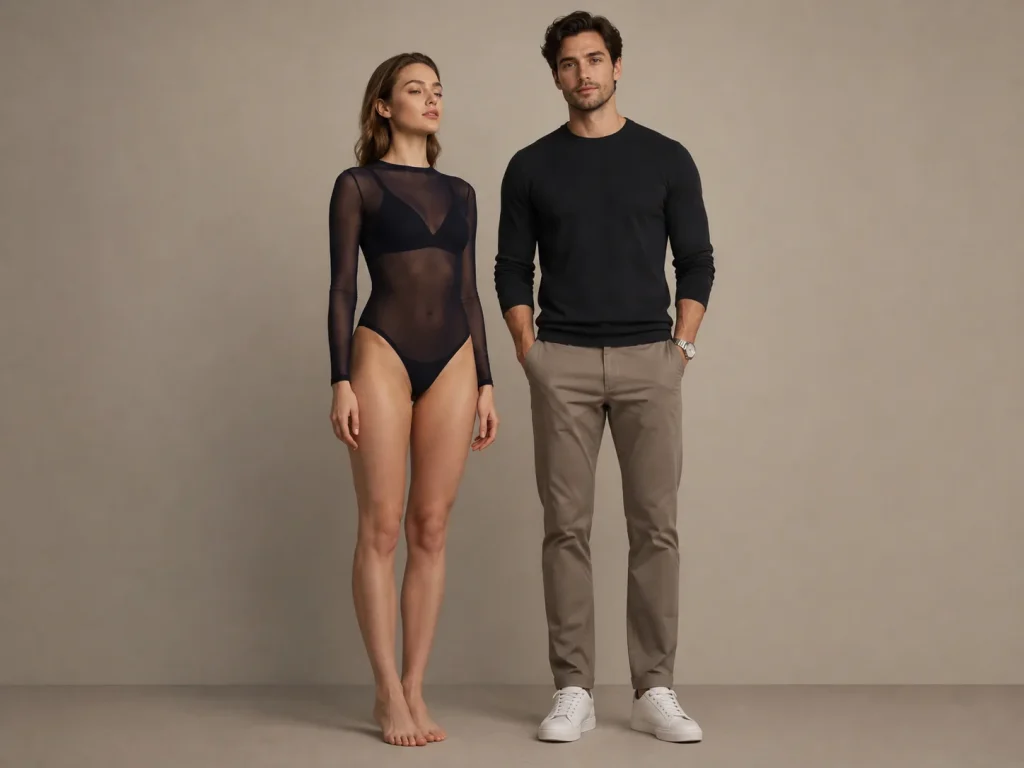
Problem: feet float above or sink into the floor
Describe the floor plane and ask for natural foot contact plus a matching contact shadow. With problem: feet float above or sink into the floor, physical relationships matter more than decorative wording. Saying “standing to the right, half a step behind the group, feet on the same floor plane, warm light from camera-left” gives the model clearer constraints than simply asking for a “natural group photo.” Mood words can help, but position, scale and light are what make the person feel present in the scene.
Describe the floor plane and ask for natural foot contact plus a matching contact shadow. For How to Fix Bad AI Add-Person Edits: Faces, Hands, Shadows & Scale, treat the base image as the reference for perspective and atmosphere. The second photo supplies the person, but it should not silently redefine the whole scene. Preserve the original crop, existing people and major background lines unless the edit genuinely needs more room. This makes it easier to judge whether the added person was integrated rather than whether the entire photo was regenerated.
For this section, make the comparison against the source files concrete. Note exactly what should change and what should stay stable. In a workflow about fix bad AI add person edits, that distinction prevents a visually impressive result from hiding a change to identity, wardrobe, framing or scene geometry that the user did not request.
Problem: hands or fingers are broken
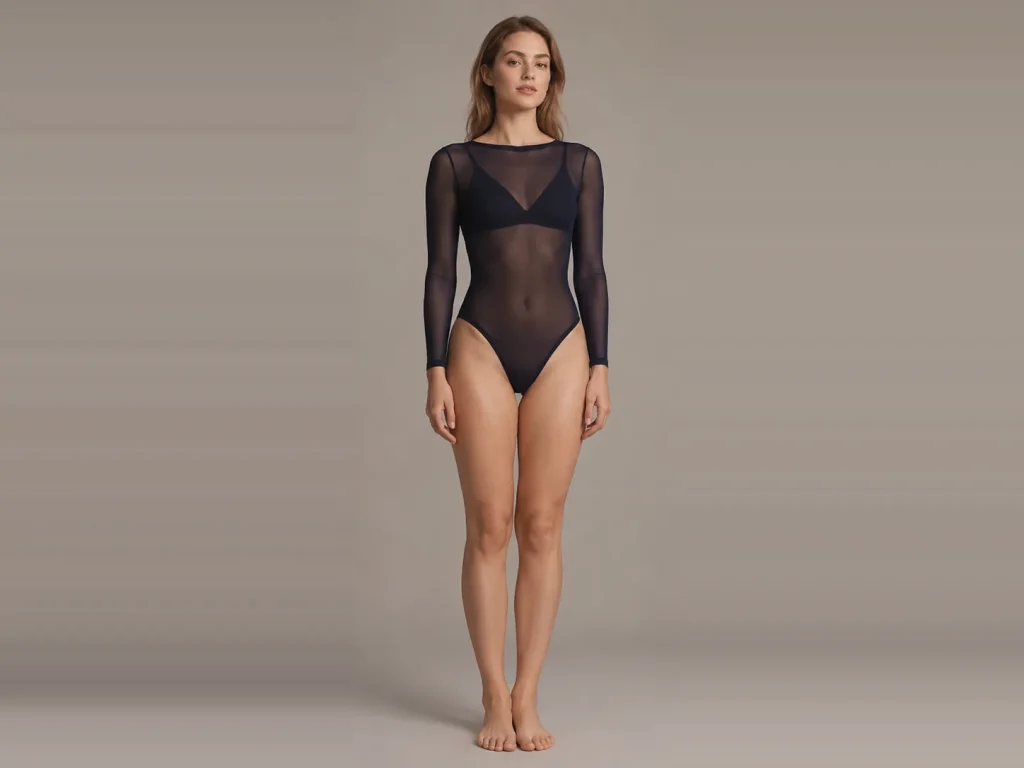
Simplify the pose, keep hands visible and separated, or correct one hand at a time without changing the whole body. In How to Fix Bad AI Add-Person Edits: Faces, Hands, Shadows & Scale, the important point is that the inserted person must belong to the same photographic space as the original subjects. Scale, camera height, lighting direction, floor contact and occlusion all work together. A result can look convincing at thumbnail size but still fail when you compare faces, hands, shadows and the relative height of everyone in the scene.
Simplify the pose, keep hands visible and separated, or correct one hand at a time without changing the whole body. When reviewing problem: hands or fingers are broken, compare the result with both source photos. The new composition should keep recognizable identity from the second image while matching the geometry of the base photo. Check face shape, hairstyle, outfit details, hand count, foot placement, shadows and any overlap with nearby people or furniture before accepting the result.
For this section, make the comparison against the source files concrete. Note exactly what should change and what should stay stable. In a workflow about fix bad AI add person edits, that distinction prevents a visually impressive result from hiding a change to identity, wardrobe, framing or scene geometry that the user did not request.
Problem: there is no believable shadow
Match light direction and ask for a soft or hard contact shadow consistent with the base scene. For How to Fix Bad AI Add-Person Edits: Faces, Hands, Shadows & Scale, treat the base image as the reference for perspective and atmosphere. The second photo supplies the person, but it should not silently redefine the whole scene. Preserve the original crop, existing people and major background lines unless the edit genuinely needs more room. This makes it easier to judge whether the added person was integrated rather than whether the entire photo was regenerated.
Match light direction and ask for a soft or hard contact shadow consistent with the base scene. A useful workflow for How to Fix Bad AI Add-Person Edits: Faces, Hands, Shadows & Scale is to change one compositional decision at a time. If placement is wrong, fix placement first. If the person is the correct size but the light does not match, keep the size and correct only the lighting instruction. Small controlled revisions make it easier to identify what improved the composite and what caused a new artifact.
For this section, make the comparison against the source files concrete. Note exactly what should change and what should stay stable. In a workflow about fix bad AI add person edits, that distinction prevents a visually impressive result from hiding a change to identity, wardrobe, framing or scene geometry that the user did not request.

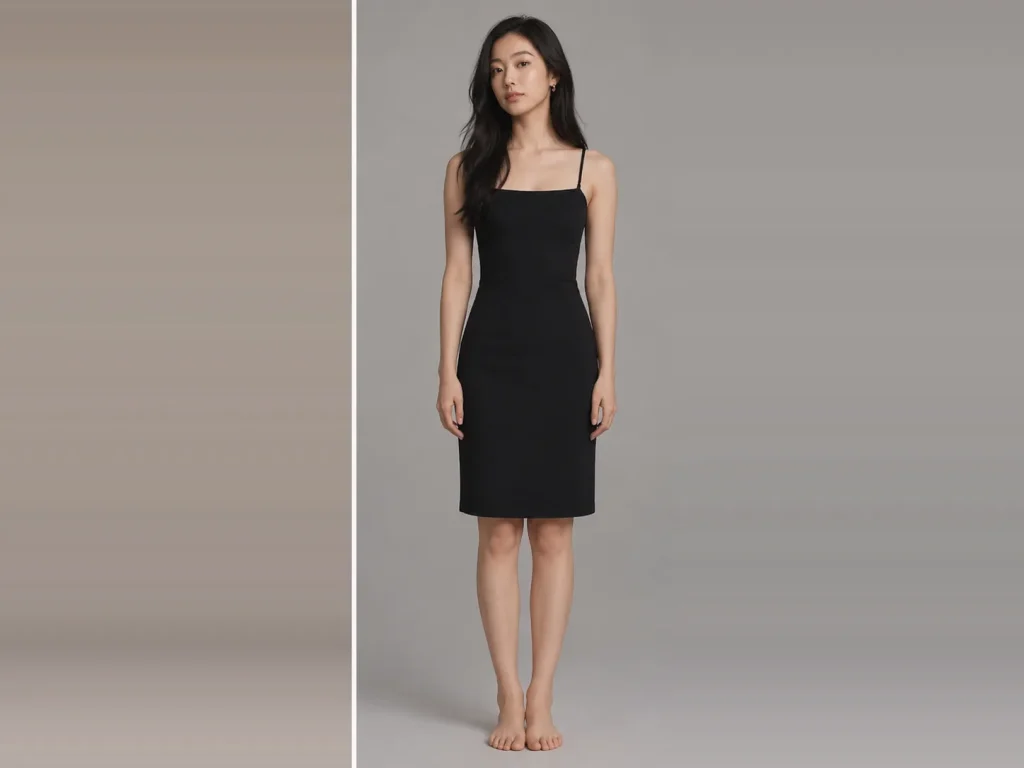
Problem: skin or clothing color does not match the scene
Match the base image white balance, exposure and ambient color rather than keeping the source portrait lighting. When reviewing problem: skin or clothing color does not match the scene, compare the result with both source photos. The new composition should keep recognizable identity from the second image while matching the geometry of the base photo. Check face shape, hairstyle, outfit details, hand count, foot placement, shadows and any overlap with nearby people or furniture before accepting the result.
Match the base image white balance, exposure and ambient color rather than keeping the source portrait lighting. With problem: skin or clothing color does not match the scene, physical relationships matter more than decorative wording. Saying “standing to the right, half a step behind the group, feet on the same floor plane, warm light from camera-left” gives the model clearer constraints than simply asking for a “natural group photo.” Mood words can help, but position, scale and light are what make the person feel present in the scene.
For this section, make the comparison against the source files concrete. Note exactly what should change and what should stay stable. In a workflow about fix bad AI add person edits, that distinction prevents a visually impressive result from hiding a change to identity, wardrobe, framing or scene geometry that the user did not request.
Keep the current placement, face, outfit and background. Reduce the added person to a realistic height relative to the person beside them and keep their feet on the same floor plane.
Adapt placement and preservation to the actual source photos.
Keep the successful composition unchanged. Restore the added person’s face and hairstyle to match the second source photo closely. Do not alter any existing person, outfit, lighting or background.
Adapt placement and preservation to the actual source photos.
Problem: bodies fuse or overlap incorrectly
Increase spacing or specify which person is in front and which is behind. Complex contact may need a simpler pose. A useful workflow for How to Fix Bad AI Add-Person Edits: Faces, Hands, Shadows & Scale is to change one compositional decision at a time. If placement is wrong, fix placement first. If the person is the correct size but the light does not match, keep the size and correct only the lighting instruction. Small controlled revisions make it easier to identify what improved the composite and what caused a new artifact.
Increase spacing or specify which person is in front and which is behind. Complex contact may need a simpler pose. In How to Fix Bad AI Add-Person Edits: Faces, Hands, Shadows & Scale, the important point is that the inserted person must belong to the same photographic space as the original subjects. Scale, camera height, lighting direction, floor contact and occlusion all work together. A result can look convincing at thumbnail size but still fail when you compare faces, hands, shadows and the relative height of everyone in the scene.
For this section, make the comparison against the source files concrete. Note exactly what should change and what should stay stable. In a workflow about fix bad AI add person edits, that distinction prevents a visually impressive result from hiding a change to identity, wardrobe, framing or scene geometry that the user did not request.
Problem: the background warped around the new person
Return to the original base image and explicitly preserve architecture, furniture, straight lines and crop. With problem: the background warped around the new person, physical relationships matter more than decorative wording. Saying “standing to the right, half a step behind the group, feet on the same floor plane, warm light from camera-left” gives the model clearer constraints than simply asking for a “natural group photo.” Mood words can help, but position, scale and light are what make the person feel present in the scene.
Return to the original base image and explicitly preserve architecture, furniture, straight lines and crop. For How to Fix Bad AI Add-Person Edits: Faces, Hands, Shadows & Scale, treat the base image as the reference for perspective and atmosphere. The second photo supplies the person, but it should not silently redefine the whole scene. Preserve the original crop, existing people and major background lines unless the edit genuinely needs more room. This makes it easier to judge whether the added person was integrated rather than whether the entire photo was regenerated.
For this section, make the comparison against the source files concrete. Note exactly what should change and what should stay stable. In a workflow about fix bad AI add person edits, that distinction prevents a visually impressive result from hiding a change to identity, wardrobe, framing or scene geometry that the user did not request.
Problem: the new person has different sharpness or grain
Match local sharpness, compression and depth of field after geometry and lighting are already correct. In How to Fix Bad AI Add-Person Edits: Faces, Hands, Shadows & Scale, the important point is that the inserted person must belong to the same photographic space as the original subjects. Scale, camera height, lighting direction, floor contact and occlusion all work together. A result can look convincing at thumbnail size but still fail when you compare faces, hands, shadows and the relative height of everyone in the scene.
Match local sharpness, compression and depth of field after geometry and lighting are already correct. When reviewing problem: the new person has different sharpness or grain, compare the result with both source photos. The new composition should keep recognizable identity from the second image while matching the geometry of the base photo. Check face shape, hairstyle, outfit details, hand count, foot placement, shadows and any overlap with nearby people or furniture before accepting the result.
For this section, make the comparison against the source files concrete. Note exactly what should change and what should stay stable. In a workflow about fix bad AI add person edits, that distinction prevents a visually impressive result from hiding a change to identity, wardrobe, framing or scene geometry that the user did not request.
Use a repair order that avoids new problems
Fix perspective and scale first, then placement/contact, then lighting and shadow, then face or clothing details, and finally texture. For How to Fix Bad AI Add-Person Edits: Faces, Hands, Shadows & Scale, treat the base image as the reference for perspective and atmosphere. The second photo supplies the person, but it should not silently redefine the whole scene. Preserve the original crop, existing people and major background lines unless the edit genuinely needs more room. This makes it easier to judge whether the added person was integrated rather than whether the entire photo was regenerated.
Fix perspective and scale first, then placement/contact, then lighting and shadow, then face or clothing details, and finally texture. A useful workflow for How to Fix Bad AI Add-Person Edits: Faces, Hands, Shadows & Scale is to change one compositional decision at a time. If placement is wrong, fix placement first. If the person is the correct size but the light does not match, keep the size and correct only the lighting instruction. Small controlled revisions make it easier to identify what improved the composite and what caused a new artifact.
For this section, make the comparison against the source files concrete. Note exactly what should change and what should stay stable. In a workflow about fix bad AI add person edits, that distinction prevents a visually impressive result from hiding a change to identity, wardrobe, framing or scene geometry that the user did not request.
Run a final QA pass
Compare both source images and inspect every face, hand, foot, overlap, straight background line and shadow before export. When reviewing run a final qa pass, compare the result with both source photos. The new composition should keep recognizable identity from the second image while matching the geometry of the base photo. Check face shape, hairstyle, outfit details, hand count, foot placement, shadows and any overlap with nearby people or furniture before accepting the result.
Compare both source images and inspect every face, hand, foot, overlap, straight background line and shadow before export. With run a final qa pass, physical relationships matter more than decorative wording. Saying “standing to the right, half a step behind the group, feet on the same floor plane, warm light from camera-left” gives the model clearer constraints than simply asking for a “natural group photo.” Mood words can help, but position, scale and light are what make the person feel present in the scene.
For this section, make the comparison against the source files concrete. Note exactly what should change and what should stay stable. In a workflow about fix bad AI add person edits, that distinction prevents a visually impressive result from hiding a change to identity, wardrobe, framing or scene geometry that the user did not request.
Example prompts to adapt
Keep the current placement, face, outfit and background. Reduce the added person to a realistic height relative to the person beside them and keep their feet on the same floor plane.Keep the successful composition unchanged. Restore the added person’s face and hairstyle to match the second source photo closely. Do not alter any existing person, outfit, lighting or background.Keep the person at the same size and location. Correct both feet so they rest naturally on the floor and add a contact shadow consistent with the existing light direction.Treat these examples as starting points for How to Fix Bad AI Add-Person Edits: Faces, Hands, Shadows & Scale, not fixed recipes. The strongest prompt describes the actual placement, camera geometry, lighting relationship and protected details visible in the two source images you are using.
A practical step-by-step workflow
For how to fix bad ai add-person edits: faces, hands, shadows & scale, use a repeatable sequence rather than changing placement, scale, lighting and styling all at once. Start from the original files each time, save several candidates, and compare them side by side at full size.
- 1. Choose the base photo and decide what parts of it must remain unchanged.
- 2. Choose the source image of the person and check face clarity, body visibility, camera angle and lighting.
- 3. Describe the intended placement, relative scale, depth and simple pose.
- 4. Generate from the original files and compare the new person with nearby people and scene references.
- 5. Inspect identity, hands, feet, overlaps, contact shadows, background geometry, sharpness and color.
- 6. Refine one failed constraint at a time and export a new file while keeping the original sources.
Before export in How to Fix Bad AI Add-Person Edits: Faces, Hands, Shadows & Scale, zoom into the transition zones that matter for this composition: hair against the background, shoulders near another person, hands near clothing, shoes or seated contact points, and the local shadow. These details often reveal a compositing mistake sooner than the center of the face.
Quality checklist before saving
- The added face still resembles the source person.
- Every existing face and expression remains recognizable.
- Relative height and body scale fit nearby people.
- Feet or seated body parts touch the correct surface.
- Hands have plausible anatomy and do not fuse with clothing or other people.
- Lighting direction, softness and color fit the base image.
- Contact shadows and depth cues place the person in the scene.
- Straight background lines and repeated textures are not warped.
- Local sharpness, grain and compression do not make the new person stand out.
- The edited image is not presented as documentary evidence of an event that did not occur.
Related AvaClik guides
These guides cover the next common problems in the same workflow: better source selection, stronger prompts, realistic integration and troubleshooting.
- How to Add a Person to a Photo With AI
- How to Put Two People Together in One Photo
- Best Photos for Adding a Person With AI
- How to Make an Added Person Look Natural
Frequently asked questions
Should I fix from the failed result or restart?
Use the strongest result if the problem is local. If existing faces or the background have drifted broadly, returning to the original base image is often safer.
Why does fixing one thing change another?
Generative editing can redraw connected regions. Keep correction instructions narrow and preserve the parts that already work.
What should I fix first?
Perspective and scale first, because later shadow and texture adjustments depend on where the person physically belongs.
Can every bad composite be repaired?
Not always. A more compatible source photo or simpler placement can be faster than forcing a difficult edit through repeated corrections.

Try this in AvaClik
Try the workflow in AvaClik
Upload a photo you have permission to edit, make a change, check the result and refine it.
Try AvaClik AI Add Person ↗