How to Use a Reference Image to Change a Photo Background With AI
Learn how to use a reference image to guide a new AI background while preserving the subject and matching composition, light, perspective and color.
On this page
Open the AvaClik tool connected to this guide and try it on your photo.
Learn how to use a reference image to guide a new AI background while preserving the subject and matching composition, light, perspective and color. This draft is designed for adult 18+ users working with images they are authorized to edit. AI background replacement can create fictional locations or contexts, so do not present a generated scene as documentary proof that a person visited a place, attended an event or endorsed a brand when that did not happen.
Quick answer
Use the original photo as the subject source and the second image as a scene reference. The reference should guide environment, palette, depth and lighting without replacing the person, clothing or pose from the original.
In “How to Use a Reference Image to Change a Photo Background With AI,” this section matters because reference-image workflows where the second image guides environment rather than identity. Treat the original photo as the reference of record and compare the candidate against it rather than judging the generated scene by itself. Review subject preservation, camera geometry, light consistency and edge quality; a visually attractive background is still a weak edit when it changes the subject or breaks the physical logic of the photograph.
A practical test inside “How to Use a Reference Image to Change a Photo Background With AI” for quick answer is to keep the same source image and create two controlled candidates that differ in only one important choice. Compare them at normal viewing size first, then zoom into boundaries, shadows and geometry. This isolates whether the improvement comes from the scene description, reference image, lighting instruction or source-photo quality instead of turning the workflow into random trial and error.
Understand the two image roles
The base image answers who or what stays; the reference answers what kind of place or visual environment should surround it. Keeping those roles separate reduces unwanted mixing.
In “How to Use a Reference Image to Change a Photo Background With AI,” this section matters because reference-image workflows where the second image guides environment rather than identity. Treat the original photo as the reference of record and compare the candidate against it rather than judging the generated scene by itself. Review face or product accuracy, perspective, contact shadows and background depth; a visually attractive background is still a weak edit when it changes the subject or breaks the physical logic of the photograph.
A practical test inside “How to Use a Reference Image to Change a Photo Background With AI” for understand the two image roles is to keep the same source image and create two controlled candidates that differ in only one important choice. Compare them at normal viewing size first, then zoom into boundaries, shadows and geometry. This isolates whether the improvement comes from the scene description, reference image, lighting instruction or source-photo quality instead of turning the workflow into random trial and error.
Choose a reference with usable open space
A reference full of foreground people or objects can force awkward placement. Prefer a scene with enough empty floor, wall, sky or depth where the subject can plausibly exist.
In “How to Use a Reference Image to Change a Photo Background With AI,” this section matters because reference-image workflows where the second image guides environment rather than identity. Treat the original photo as the reference of record and compare the candidate against it rather than judging the generated scene by itself. Review source-photo clarity, scene plausibility, color temperature and reflections; a visually attractive background is still a weak edit when it changes the subject or breaks the physical logic of the photograph.
A practical test inside “How to Use a Reference Image to Change a Photo Background With AI” for choose a reference with usable open space is to keep the same source image and create two controlled candidates that differ in only one important choice. Compare them at normal viewing size first, then zoom into boundaries, shadows and geometry. This isolates whether the improvement comes from the scene description, reference image, lighting instruction or source-photo quality instead of turning the workflow into random trial and error.
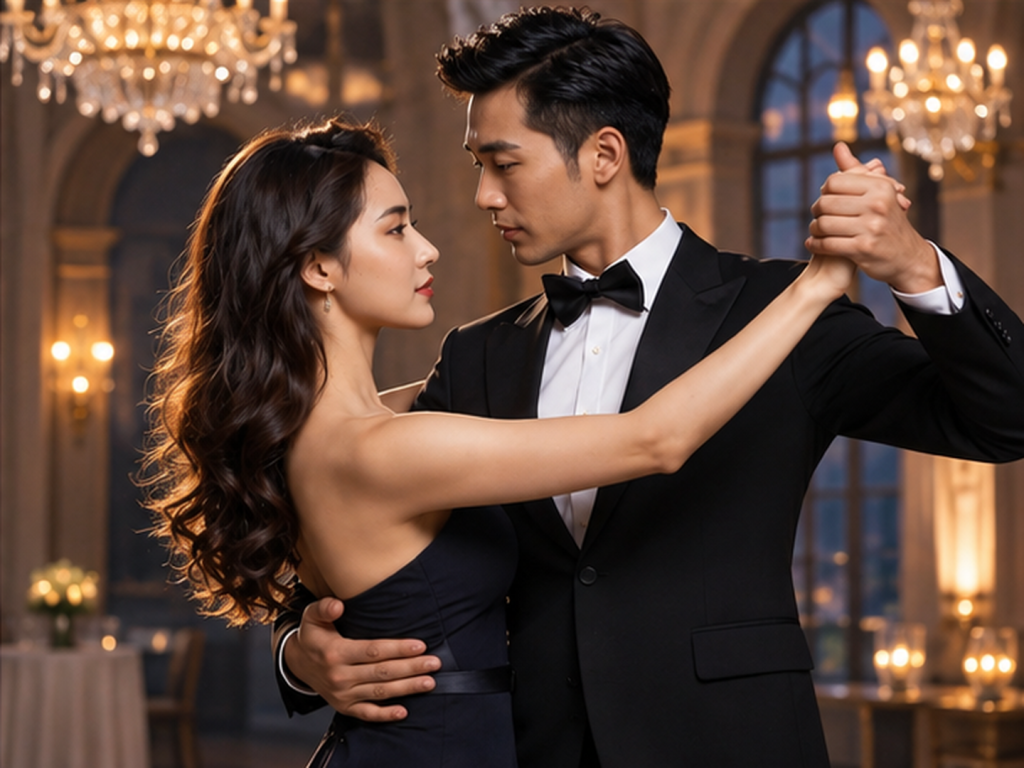
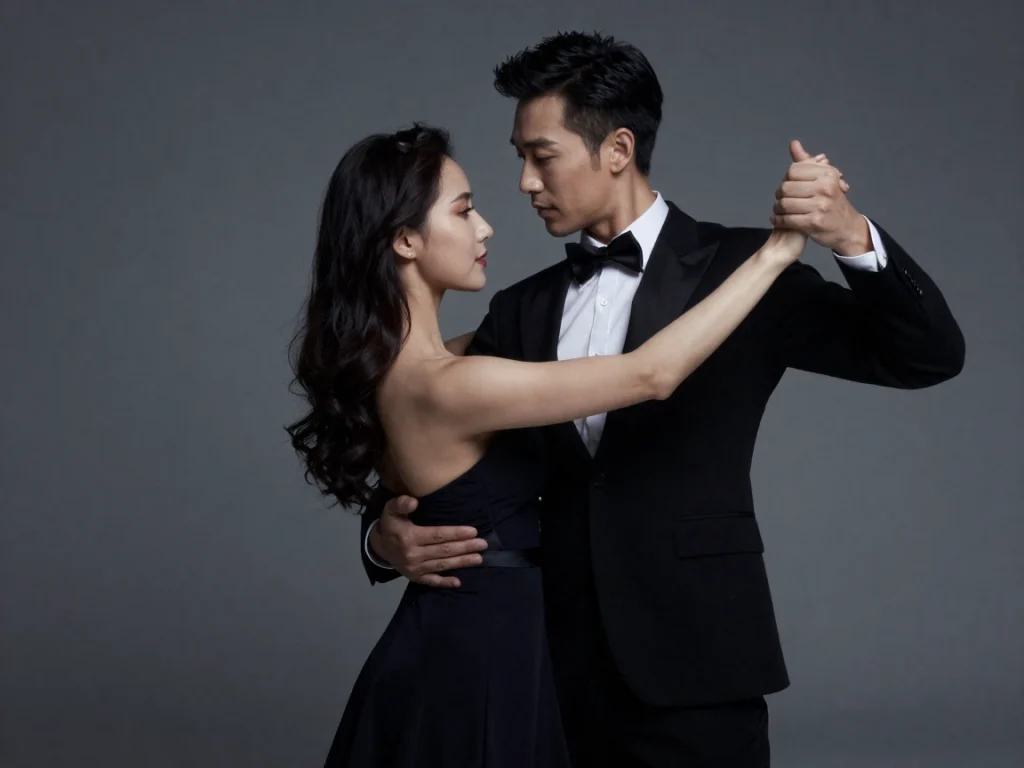
Match camera height and viewpoint
A standing eye-level portrait integrates more easily into an eye-level room or street than into a top-down or very low-angle reference.
In “How to Use a Reference Image to Change a Photo Background With AI,” this section matters because reference-image workflows where the second image guides environment rather than identity. Treat the original photo as the reference of record and compare the candidate against it rather than judging the generated scene by itself. Review normal-size coherence, close-zoom defects, crop stability and unrelated changes; a visually attractive background is still a weak edit when it changes the subject or breaks the physical logic of the photograph.
A practical test inside “How to Use a Reference Image to Change a Photo Background With AI” for match camera height and viewpoint is to keep the same source image and create two controlled candidates that differ in only one important choice. Compare them at normal viewing size first, then zoom into boundaries, shadows and geometry. This isolates whether the improvement comes from the scene description, reference image, lighting instruction or source-photo quality instead of turning the workflow into random trial and error.
Match the direction of light
Compare windows, sun direction, shadows and bright edges in the reference with the subject photo. Similar lighting logic gives the AI fewer contradictions to resolve.
In “How to Use a Reference Image to Change a Photo Background With AI,” this section matters because reference-image workflows where the second image guides environment rather than identity. Treat the original photo as the reference of record and compare the candidate against it rather than judging the generated scene by itself. Review intended use, visual accuracy, reproducibility and final review; a visually attractive background is still a weak edit when it changes the subject or breaks the physical logic of the photograph.
A practical test inside “How to Use a Reference Image to Change a Photo Background With AI” for match the direction of light is to keep the same source image and create two controlled candidates that differ in only one important choice. Compare them at normal viewing size first, then zoom into boundaries, shadows and geometry. This isolates whether the improvement comes from the scene description, reference image, lighting instruction or source-photo quality instead of turning the workflow into random trial and error.
Use the reference for style without copying every object
A good reference can guide color palette, materials, mood and composition. It does not need to reproduce every chair, plant or building exactly.
In “How to Use a Reference Image to Change a Photo Background With AI,” this section matters because reference-image workflows where the second image guides environment rather than identity. Treat the original photo as the reference of record and compare the candidate against it rather than judging the generated scene by itself. Review subject preservation, camera geometry, light consistency and edge quality; a visually attractive background is still a weak edit when it changes the subject or breaks the physical logic of the photograph.
A practical test inside “How to Use a Reference Image to Change a Photo Background With AI” for use the reference for style without copying every object is to keep the same source image and create two controlled candidates that differ in only one important choice. Compare them at normal viewing size first, then zoom into boundaries, shadows and geometry. This isolates whether the improvement comes from the scene description, reference image, lighting instruction or source-photo quality instead of turning the workflow into random trial and error.
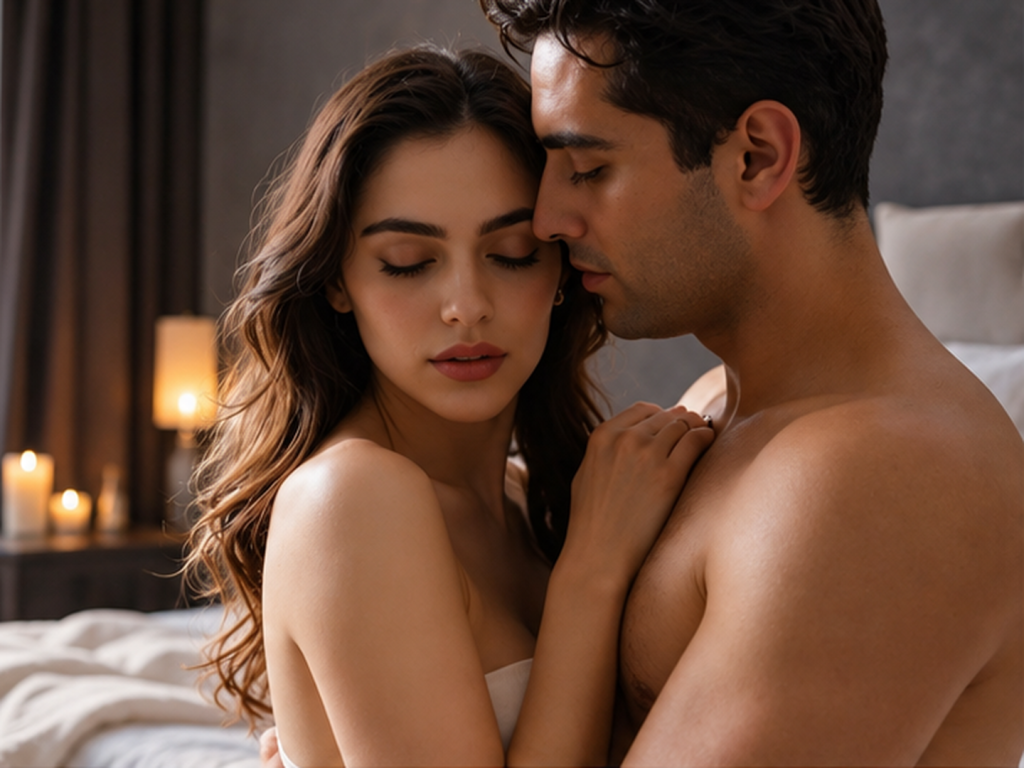
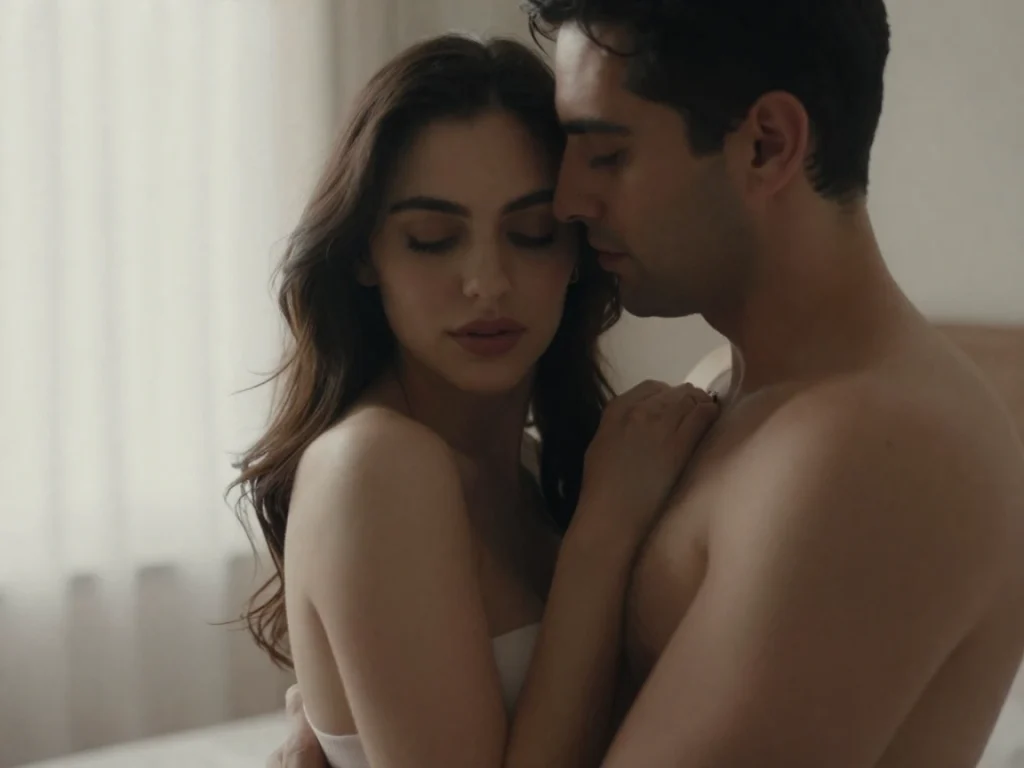
Watch scale cues
Doorways, tables, railings, horizon height and furniture establish how large the subject should appear. If those cues conflict with the subject, the result can feel miniature or oversized.
In “How to Use a Reference Image to Change a Photo Background With AI,” this section matters because reference-image workflows where the second image guides environment rather than identity. Treat the original photo as the reference of record and compare the candidate against it rather than judging the generated scene by itself. Review face or product accuracy, perspective, contact shadows and background depth; a visually attractive background is still a weak edit when it changes the subject or breaks the physical logic of the photograph.
A practical test inside “How to Use a Reference Image to Change a Photo Background With AI” for watch scale cues is to keep the same source image and create two controlled candidates that differ in only one important choice. Compare them at normal viewing size first, then zoom into boundaries, shadows and geometry. This isolates whether the improvement comes from the scene description, reference image, lighting instruction or source-photo quality instead of turning the workflow into random trial and error.
Preserve subject identity and clothing
Check face, hair, pose, body shape and outfit after generation. A scene reference should not quietly become an identity or wardrobe reference.
In “How to Use a Reference Image to Change a Photo Background With AI,” this section matters because reference-image workflows where the second image guides environment rather than identity. Treat the original photo as the reference of record and compare the candidate against it rather than judging the generated scene by itself. Review source-photo clarity, scene plausibility, color temperature and reflections; a visually attractive background is still a weak edit when it changes the subject or breaks the physical logic of the photograph.
A practical test inside “How to Use a Reference Image to Change a Photo Background With AI” for preserve subject identity and clothing is to keep the same source image and create two controlled candidates that differ in only one important choice. Compare them at normal viewing size first, then zoom into boundaries, shadows and geometry. This isolates whether the improvement comes from the scene description, reference image, lighting instruction or source-photo quality instead of turning the workflow into random trial and error.
Keep reflections and ambient color plausible
A scene with strong blue windows or warm lamps can change edge color and reflections. That integration can improve realism as long as the person still looks like the same subject.
In “How to Use a Reference Image to Change a Photo Background With AI,” this section matters because reference-image workflows where the second image guides environment rather than identity. Treat the original photo as the reference of record and compare the candidate against it rather than judging the generated scene by itself. Review normal-size coherence, close-zoom defects, crop stability and unrelated changes; a visually attractive background is still a weak edit when it changes the subject or breaks the physical logic of the photograph.
A practical test inside “How to Use a Reference Image to Change a Photo Background With AI” for keep reflections and ambient color plausible is to keep the same source image and create two controlled candidates that differ in only one important choice. Compare them at normal viewing size first, then zoom into boundaries, shadows and geometry. This isolates whether the improvement comes from the scene description, reference image, lighting instruction or source-photo quality instead of turning the workflow into random trial and error.
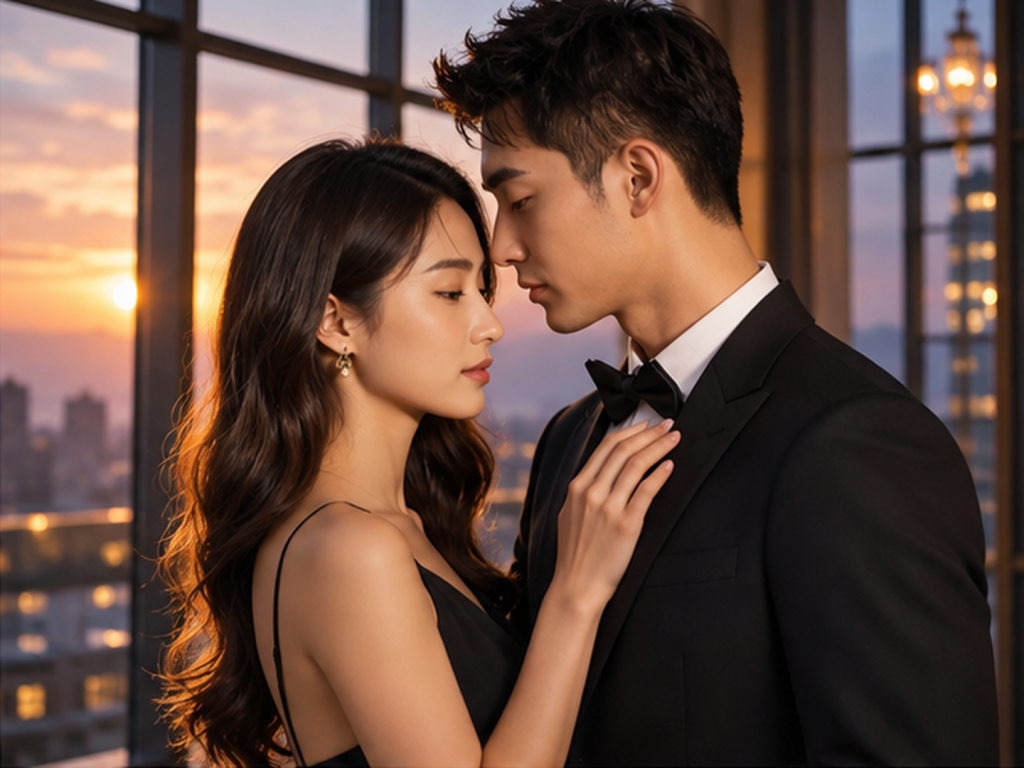
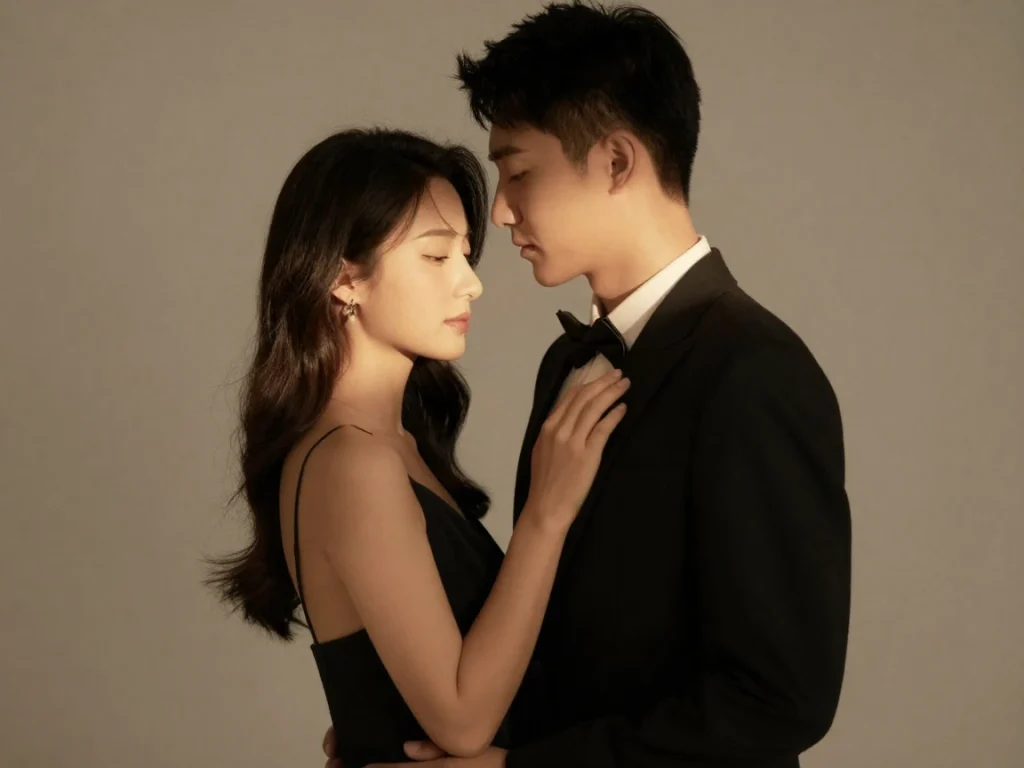
Use references for studio consistency
A reference image is useful when you want several portraits to share the same backdrop, palette or campaign style without manually rewriting the same long prompt each time.
In “How to Use a Reference Image to Change a Photo Background With AI,” this section matters because reference-image workflows where the second image guides environment rather than identity. Treat the original photo as the reference of record and compare the candidate against it rather than judging the generated scene by itself. Review intended use, visual accuracy, reproducibility and final review; a visually attractive background is still a weak edit when it changes the subject or breaks the physical logic of the photograph.
A practical test inside “How to Use a Reference Image to Change a Photo Background With AI” for use references for studio consistency is to keep the same source image and create two controlled candidates that differ in only one important choice. Compare them at normal viewing size first, then zoom into boundaries, shadows and geometry. This isolates whether the improvement comes from the scene description, reference image, lighting instruction or source-photo quality instead of turning the workflow into random trial and error.
Use references for travel and lifestyle scenes
Reference photos can capture architecture, decor or atmosphere that is difficult to describe precisely, especially when the visual mood matters more than exact location accuracy.
In “How to Use a Reference Image to Change a Photo Background With AI,” this section matters because reference-image workflows where the second image guides environment rather than identity. Treat the original photo as the reference of record and compare the candidate against it rather than judging the generated scene by itself. Review subject preservation, camera geometry, light consistency and edge quality; a visually attractive background is still a weak edit when it changes the subject or breaks the physical logic of the photograph.
A practical test inside “How to Use a Reference Image to Change a Photo Background With AI” for use references for travel and lifestyle scenes is to keep the same source image and create two controlled candidates that differ in only one important choice. Compare them at normal viewing size first, then zoom into boundaries, shadows and geometry. This isolates whether the improvement comes from the scene description, reference image, lighting instruction or source-photo quality instead of turning the workflow into random trial and error.
Do not use a copyrighted image as if you own its exact design
A reference should guide style or composition responsibly. For commercial use, make sure you have the right to use uploaded images and avoid implying exact ownership of protected artwork or photography.
In “How to Use a Reference Image to Change a Photo Background With AI,” this section matters because reference-image workflows where the second image guides environment rather than identity. Treat the original photo as the reference of record and compare the candidate against it rather than judging the generated scene by itself. Review face or product accuracy, perspective, contact shadows and background depth; a visually attractive background is still a weak edit when it changes the subject or breaks the physical logic of the photograph.
A practical test inside “How to Use a Reference Image to Change a Photo Background With AI” for do not use a copyrighted image as if you own its exact design is to keep the same source image and create two controlled candidates that differ in only one important choice. Compare them at normal viewing size first, then zoom into boundaries, shadows and geometry. This isolates whether the improvement comes from the scene description, reference image, lighting instruction or source-photo quality instead of turning the workflow into random trial and error.


Compare reference influence at several strengths by regenerating
If the result copies too much or too little, use a simpler reference or a clearer text instruction around it. One clean scene reference is easier to diagnose than several competing references.
In “How to Use a Reference Image to Change a Photo Background With AI,” this section matters because reference-image workflows where the second image guides environment rather than identity. Treat the original photo as the reference of record and compare the candidate against it rather than judging the generated scene by itself. Review source-photo clarity, scene plausibility, color temperature and reflections; a visually attractive background is still a weak edit when it changes the subject or breaks the physical logic of the photograph.
A practical test inside “How to Use a Reference Image to Change a Photo Background With AI” for compare reference influence at several strengths by regenerating is to keep the same source image and create two controlled candidates that differ in only one important choice. Compare them at normal viewing size first, then zoom into boundaries, shadows and geometry. This isolates whether the improvement comes from the scene description, reference image, lighting instruction or source-photo quality instead of turning the workflow into random trial and error.
Know when text is simpler
If all you need is “clean gray studio” or “sunny garden,” text is faster. Save reference workflows for cases where visual arrangement, materials or color palette really matter.
In “How to Use a Reference Image to Change a Photo Background With AI,” this section matters because reference-image workflows where the second image guides environment rather than identity. Treat the original photo as the reference of record and compare the candidate against it rather than judging the generated scene by itself. Review normal-size coherence, close-zoom defects, crop stability and unrelated changes; a visually attractive background is still a weak edit when it changes the subject or breaks the physical logic of the photograph.
A practical test inside “How to Use a Reference Image to Change a Photo Background With AI” for know when text is simpler is to keep the same source image and create two controlled candidates that differ in only one important choice. Compare them at normal viewing size first, then zoom into boundaries, shadows and geometry. This isolates whether the improvement comes from the scene description, reference image, lighting instruction or source-photo quality instead of turning the workflow into random trial and error.
Review edge behavior near the new scene
Hair, shoulders, transparent fabric and reflective surfaces are where the reference-driven background most often reveals integration errors.
In “How to Use a Reference Image to Change a Photo Background With AI,” this section matters because reference-image workflows where the second image guides environment rather than identity. Treat the original photo as the reference of record and compare the candidate against it rather than judging the generated scene by itself. Review intended use, visual accuracy, reproducibility and final review; a visually attractive background is still a weak edit when it changes the subject or breaks the physical logic of the photograph.
A practical test inside “How to Use a Reference Image to Change a Photo Background With AI” for review edge behavior near the new scene is to keep the same source image and create two controlled candidates that differ in only one important choice. Compare them at normal viewing size first, then zoom into boundaries, shadows and geometry. This isolates whether the improvement comes from the scene description, reference image, lighting instruction or source-photo quality instead of turning the workflow into random trial and error.
Related AvaClik guides
Read the prompt library for text-only scenes, the best-photos guide for source selection, and the realism guide for light and perspective matching.
In “How to Use a Reference Image to Change a Photo Background With AI,” this section matters because reference-image workflows where the second image guides environment rather than identity. Treat the original photo as the reference of record and compare the candidate against it rather than judging the generated scene by itself. Review subject preservation, camera geometry, light consistency and edge quality; a visually attractive background is still a weak edit when it changes the subject or breaks the physical logic of the photograph.
A practical test inside “How to Use a Reference Image to Change a Photo Background With AI” for related avaclik guides is to keep the same source image and create two controlled candidates that differ in only one important choice. Compare them at normal viewing size first, then zoom into boundaries, shadows and geometry. This isolates whether the improvement comes from the scene description, reference image, lighting instruction or source-photo quality instead of turning the workflow into random trial and error.
Frequently asked questions
These answers cover whether the second photo changes the person, how closely the new scene should copy the reference and what to do when perspective does not match.
In “How to Use a Reference Image to Change a Photo Background With AI,” this section matters because reference-image workflows where the second image guides environment rather than identity. Treat the original photo as the reference of record and compare the candidate against it rather than judging the generated scene by itself. Review face or product accuracy, perspective, contact shadows and background depth; a visually attractive background is still a weak edit when it changes the subject or breaks the physical logic of the photograph.
A practical test inside “How to Use a Reference Image to Change a Photo Background With AI” for frequently asked questions is to keep the same source image and create two controlled candidates that differ in only one important choice. Compare them at normal viewing size first, then zoom into boundaries, shadows and geometry. This isolates whether the improvement comes from the scene description, reference image, lighting instruction or source-photo quality instead of turning the workflow into random trial and error.
Final takeaway
A reference image works best as a visual brief for the environment. Keep the original photo authoritative for the subject and judge the result by how naturally the two visual systems are combined.
In “How to Use a Reference Image to Change a Photo Background With AI,” this section matters because reference-image workflows where the second image guides environment rather than identity. Treat the original photo as the reference of record and compare the candidate against it rather than judging the generated scene by itself. Review source-photo clarity, scene plausibility, color temperature and reflections; a visually attractive background is still a weak edit when it changes the subject or breaks the physical logic of the photograph.
A practical test inside “How to Use a Reference Image to Change a Photo Background With AI” for final takeaway is to keep the same source image and create two controlled candidates that differ in only one important choice. Compare them at normal viewing size first, then zoom into boundaries, shadows and geometry. This isolates whether the improvement comes from the scene description, reference image, lighting instruction or source-photo quality instead of turning the workflow into random trial and error.
More AvaClik background guides
- How to Change a Background Without Changing the Person, Face or Outfit
- How to Make AI Background Changes Look Natural and Realistic
- 30 AI City, Night and Neon Background Prompts for Photos
You can also compare this workflow with Background Removal vs Background Replacement when deciding whether you need transparency or a fully generated scene.
Try this in AvaClik
Try the workflow in AvaClik
Upload a photo you have permission to edit, make a change, check the result and refine it.
Try AvaClik AI Background Changer ↗