30 AI City, Night and Neon Background Prompts for Photos
Copy 30 AI city, street, rooftop, night and neon background prompts with realistic perspective, reflections, depth and environmental lighting.
On this page
Open the AvaClik tool connected to this guide and try it on your photo.
Copy 30 AI city, street, rooftop, night and neon background prompts with realistic perspective, reflections, depth and environmental lighting. This draft is designed for adult 18+ users working with images they are authorized to edit. AI background replacement can create fictional locations or contexts, so do not present a generated scene as documentary proof that a person visited a place, attended an event or endorsed a brand when that did not happen.
Quick answer
Urban prompts should define camera height, street depth, time of day, pavement condition, background blur and light sources. Night scenes also need reflections and color spill to connect the subject with the environment.
In “30 AI City, Night and Neon Background Prompts for Photos,” this section matters because urban and nighttime scenes with strong perspective and colored environmental light. Treat the original photo as the reference of record and compare the candidate against it rather than judging the generated scene by itself. Review subject preservation, camera geometry, light consistency and edge quality; a visually attractive background is still a weak edit when it changes the subject or breaks the physical logic of the photograph.
A practical test inside “30 AI City, Night and Neon Background Prompts for Photos” for quick answer is to keep the same source image and create two controlled candidates that differ in only one important choice. Compare them at normal viewing size first, then zoom into boundaries, shadows and geometry. This isolates whether the improvement comes from the scene description, reference image, lighting instruction or source-photo quality instead of turning the workflow into random trial and error.
Modern downtown backgrounds
Use glass, concrete, sidewalks and distant traffic while keeping building scale believable.
In “30 AI City, Night and Neon Background Prompts for Photos,” this section matters because urban and nighttime scenes with strong perspective and colored environmental light. Treat the original photo as the reference of record and compare the candidate against it rather than judging the generated scene by itself. Review face or product accuracy, perspective, contact shadows and background depth; a visually attractive background is still a weak edit when it changes the subject or breaks the physical logic of the photograph.
A practical test inside “30 AI City, Night and Neon Background Prompts for Photos” for modern downtown backgrounds is to keep the same source image and create two controlled candidates that differ in only one important choice. Compare them at normal viewing size first, then zoom into boundaries, shadows and geometry. This isolates whether the improvement comes from the scene description, reference image, lighting instruction or source-photo quality instead of turning the workflow into random trial and error.
Replace the background with a city street at night, distant lights, soft bokeh, wet pavement reflections and coherent cool ambient light. Keep the subject unchanged.
Use this as a starting structure, then adapt scene, light and preservation details to your own source photo.
Use a cinematic neon street with magenta and blue practical lights, wet pavement, shallow depth and subtle colored rim light on the subject. Preserve identity and outfit.
Use this as a starting structure, then adapt scene, light and preservation details to your own source photo.
Replace the background with a premium hotel lobby, warm stone, brass details, soft indirect light and elegant depth. Keep the person unchanged.
Use this as a starting structure, then adapt scene, light and preservation details to your own source photo.
Old-city street backgrounds
Stone facades, narrow streets and warm lamps create texture, but perspective lines must align with the subject camera.
In “30 AI City, Night and Neon Background Prompts for Photos,” this section matters because urban and nighttime scenes with strong perspective and colored environmental light. Treat the original photo as the reference of record and compare the candidate against it rather than judging the generated scene by itself. Review source-photo clarity, scene plausibility, color temperature and reflections; a visually attractive background is still a weak edit when it changes the subject or breaks the physical logic of the photograph.
A practical test inside “30 AI City, Night and Neon Background Prompts for Photos” for old-city street backgrounds is to keep the same source image and create two controlled candidates that differ in only one important choice. Compare them at normal viewing size first, then zoom into boundaries, shadows and geometry. This isolates whether the improvement comes from the scene description, reference image, lighting instruction or source-photo quality instead of turning the workflow into random trial and error.
Place the subject in an elegant restaurant with warm pendant lights, dark wood, soft bokeh and realistic ambient warmth. Keep identity and outfit unchanged.
Use this as a starting structure, then adapt scene, light and preservation details to your own source photo.
Replace the background with a winter city street, soft snow, cool overcast light and warm distant shop lights. Preserve the subject.
Use this as a starting structure, then adapt scene, light and preservation details to your own source photo.
Use a spring street lined with flowering trees, soft daylight and shallow depth. Preserve face, hair, pose and outfit.
Use this as a starting structure, then adapt scene, light and preservation details to your own source photo.
Rooftop backgrounds
Rooftops require a believable horizon and safety rail scale. The city should sit at the correct distance rather than directly behind the subject.
In “30 AI City, Night and Neon Background Prompts for Photos,” this section matters because urban and nighttime scenes with strong perspective and colored environmental light. Treat the original photo as the reference of record and compare the candidate against it rather than judging the generated scene by itself. Review normal-size coherence, close-zoom defects, crop stability and unrelated changes; a visually attractive background is still a weak edit when it changes the subject or breaks the physical logic of the photograph.
A practical test inside “30 AI City, Night and Neon Background Prompts for Photos” for rooftop backgrounds is to keep the same source image and create two controlled candidates that differ in only one important choice. Compare them at normal viewing size first, then zoom into boundaries, shadows and geometry. This isolates whether the improvement comes from the scene description, reference image, lighting instruction or source-photo quality instead of turning the workflow into random trial and error.
Use a rainy downtown street with umbrellas in soft background blur, cool daylight and wet reflections. Keep the person unchanged.
Use this as a starting structure, then adapt scene, light and preservation details to your own source photo.
Replace the background with an upscale balcony at blue hour, city lights in the distance and soft cool ambient light. Preserve the subject.
Use this as a starting structure, then adapt scene, light and preservation details to your own source photo.
Use a narrow neon-lit city alley, magenta and cyan signs without readable text, wet pavement and shallow cinematic depth. Preserve the subject.
Use this as a starting structure, then adapt scene, light and preservation details to your own source photo.
Night street backgrounds
Specify whether pavement is dry or wet, where lights come from and how much traffic blur or bokeh appears in the distance.
In “30 AI City, Night and Neon Background Prompts for Photos,” this section matters because urban and nighttime scenes with strong perspective and colored environmental light. Treat the original photo as the reference of record and compare the candidate against it rather than judging the generated scene by itself. Review intended use, visual accuracy, reproducibility and final review; a visually attractive background is still a weak edit when it changes the subject or breaks the physical logic of the photograph.
A practical test inside “30 AI City, Night and Neon Background Prompts for Photos” for night street backgrounds is to keep the same source image and create two controlled candidates that differ in only one important choice. Compare them at normal viewing size first, then zoom into boundaries, shadows and geometry. This isolates whether the improvement comes from the scene description, reference image, lighting instruction or source-photo quality instead of turning the workflow into random trial and error.
Replace the background with a wide modern avenue, distant taxis and buildings, blue-hour sky and natural street perspective. Keep the person unchanged.
Use this as a starting structure, then adapt scene, light and preservation details to your own source photo.
Place the subject in a softly lit historic square at night, warm facades, distant pedestrians and realistic cobblestone reflections. Preserve the subject.
Use this as a starting structure, then adapt scene, light and preservation details to your own source photo.
Use a premium rooftop lounge with city lights, warm practical lamps and shallow depth. Keep identity, pose and outfit unchanged.
Use this as a starting structure, then adapt scene, light and preservation details to your own source photo.
Neon backgrounds
Name two or three dominant colors and let them create controlled rim or edge light instead of turning the entire portrait into one saturated color.
In “30 AI City, Night and Neon Background Prompts for Photos,” this section matters because urban and nighttime scenes with strong perspective and colored environmental light. Treat the original photo as the reference of record and compare the candidate against it rather than judging the generated scene by itself. Review subject preservation, camera geometry, light consistency and edge quality; a visually attractive background is still a weak edit when it changes the subject or breaks the physical logic of the photograph.
A practical test inside “30 AI City, Night and Neon Background Prompts for Photos” for neon backgrounds is to keep the same source image and create two controlled candidates that differ in only one important choice. Compare them at normal viewing size first, then zoom into boundaries, shadows and geometry. This isolates whether the improvement comes from the scene description, reference image, lighting instruction or source-photo quality instead of turning the workflow into random trial and error.
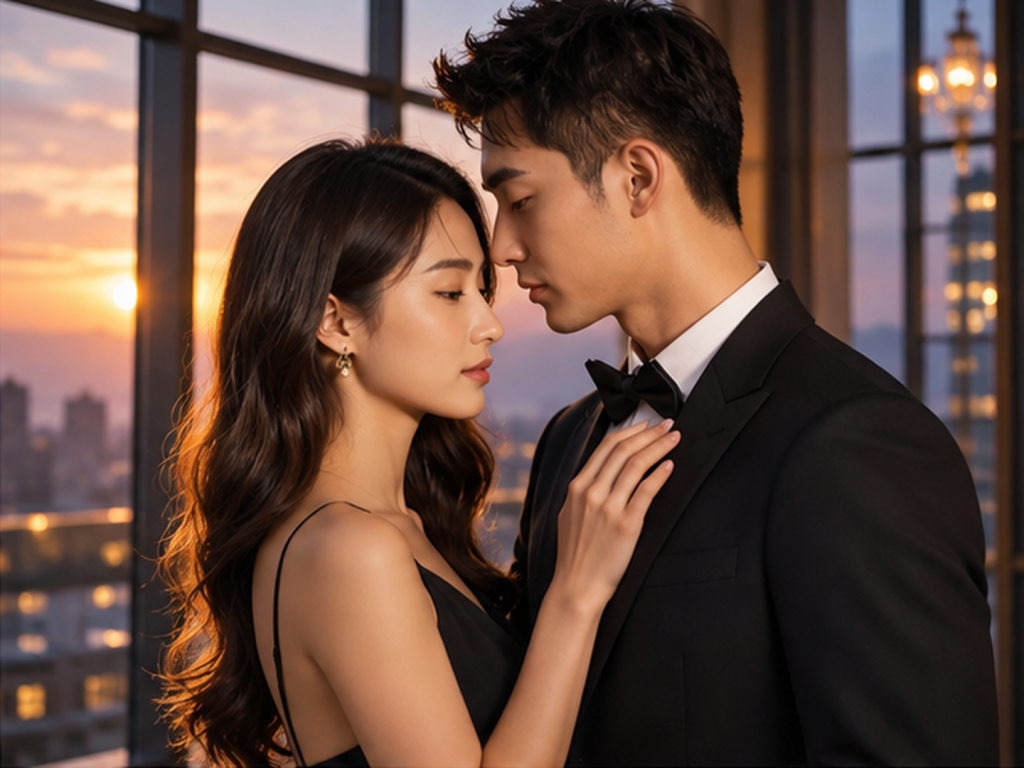
Replace the background with a clean modern metro platform, linear perspective, cool overhead light and distant motion blur. Preserve the subject.
Use this as a starting structure, then adapt scene, light and preservation details to your own source photo.
Use a dark polished parking structure with directional strip lights, clean geometry and cinematic contrast. Keep the subject unchanged.
Use this as a starting structure, then adapt scene, light and preservation details to your own source photo.
Place the subject near a wet city crosswalk at night, soft traffic bokeh, red and blue reflections and realistic cool ambient light. Preserve the subject.
Use this as a starting structure, then adapt scene, light and preservation details to your own source photo.
Cinematic alley backgrounds
Alleys need depth, wall scale, ground texture and believable practical lights. Avoid overcrowding the scene with random signs and props.
In “30 AI City, Night and Neon Background Prompts for Photos,” this section matters because urban and nighttime scenes with strong perspective and colored environmental light. Treat the original photo as the reference of record and compare the candidate against it rather than judging the generated scene by itself. Review face or product accuracy, perspective, contact shadows and background depth; a visually attractive background is still a weak edit when it changes the subject or breaks the physical logic of the photograph.
A practical test inside “30 AI City, Night and Neon Background Prompts for Photos” for cinematic alley backgrounds is to keep the same source image and create two controlled candidates that differ in only one important choice. Compare them at normal viewing size first, then zoom into boundaries, shadows and geometry. This isolates whether the improvement comes from the scene description, reference image, lighting instruction or source-photo quality instead of turning the workflow into random trial and error.
Use an urban cafe terrace at night with warm table lamps, dark street background and gentle bokeh. Keep the person unchanged.
Use this as a starting structure, then adapt scene, light and preservation details to your own source photo.
Replace the background with a high-end glass building lobby, polished stone, soft architectural light and realistic scale. Preserve the subject.
Use this as a starting structure, then adapt scene, light and preservation details to your own source photo.
Use a cinematic entertainment-district street with glowing marquee lights without readable text, warm reflections and shallow depth. Preserve the person.
Use this as a starting structure, then adapt scene, light and preservation details to your own source photo.
Luxury city interiors
Hotel lobbies, rooftop lounges and modern restaurants can work well when their lighting direction and color temperature fit the subject.
In “30 AI City, Night and Neon Background Prompts for Photos,” this section matters because urban and nighttime scenes with strong perspective and colored environmental light. Treat the original photo as the reference of record and compare the candidate against it rather than judging the generated scene by itself. Review source-photo clarity, scene plausibility, color temperature and reflections; a visually attractive background is still a weak edit when it changes the subject or breaks the physical logic of the photograph.
A practical test inside “30 AI City, Night and Neon Background Prompts for Photos” for luxury city interiors is to keep the same source image and create two controlled candidates that differ in only one important choice. Compare them at normal viewing size first, then zoom into boundaries, shadows and geometry. This isolates whether the improvement comes from the scene description, reference image, lighting instruction or source-photo quality instead of turning the workflow into random trial and error.
Place the subject on a quiet city street in light morning fog, muted buildings, cool soft daylight and subtle depth. Keep the subject unchanged.
Use this as a starting structure, then adapt scene, light and preservation details to your own source photo.
Replace the background with a modern downtown street at golden hour, warm side light, long shadows and realistic building perspective. Preserve the subject.
Use this as a starting structure, then adapt scene, light and preservation details to your own source photo.
Use a modern pedestrian bridge at night, clean linear lights, deep navy sky and realistic vanishing point. Keep the person unchanged.
Use this as a starting structure, then adapt scene, light and preservation details to your own source photo.
Subway and station backgrounds
Strong linear perspective and overhead lights make geometry especially important. Check that floor lines and columns do not bend near the subject.
In “30 AI City, Night and Neon Background Prompts for Photos,” this section matters because urban and nighttime scenes with strong perspective and colored environmental light. Treat the original photo as the reference of record and compare the candidate against it rather than judging the generated scene by itself. Review normal-size coherence, close-zoom defects, crop stability and unrelated changes; a visually attractive background is still a weak edit when it changes the subject or breaks the physical logic of the photograph.
A practical test inside “30 AI City, Night and Neon Background Prompts for Photos” for subway and station backgrounds is to keep the same source image and create two controlled candidates that differ in only one important choice. Compare them at normal viewing size first, then zoom into boundaries, shadows and geometry. This isolates whether the improvement comes from the scene description, reference image, lighting instruction or source-photo quality instead of turning the workflow into random trial and error.
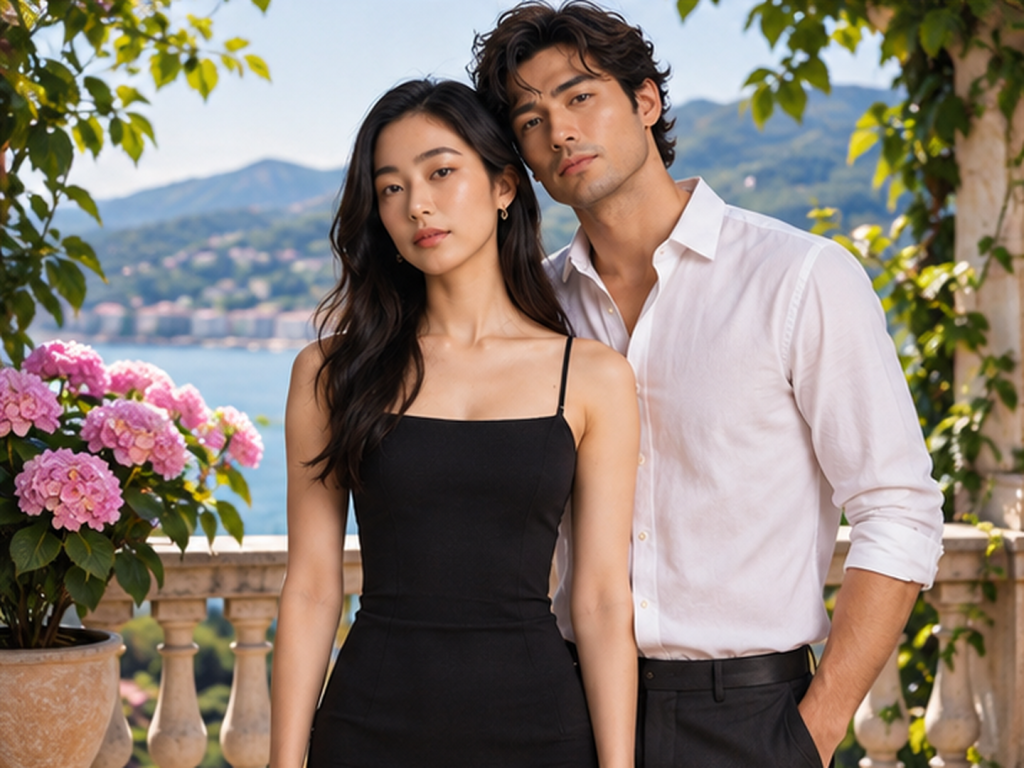
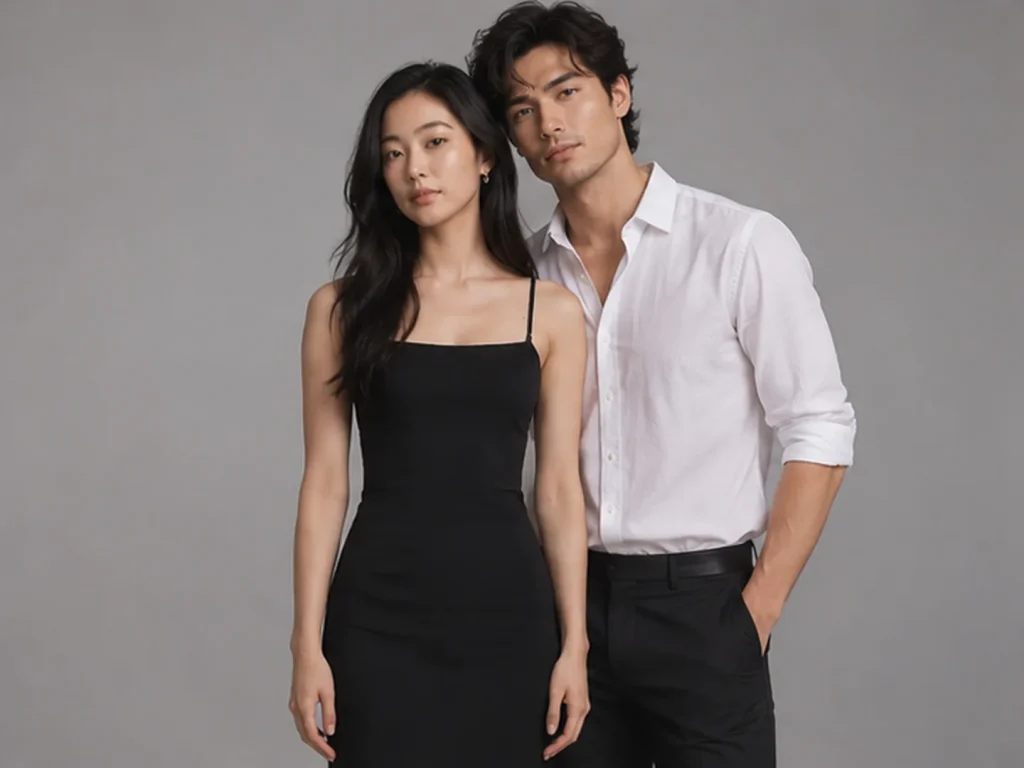
Place the subject outside a luxury hotel entrance at night, warm doorway light, dark city background and subtle reflections. Preserve the subject.
Use this as a starting structure, then adapt scene, light and preservation details to your own source photo.
Use an urban warehouse interior with concrete walls, large windows and moody directional light. Keep pose and outfit unchanged.
Use this as a starting structure, then adapt scene, light and preservation details to your own source photo.
Replace the background with a high terrace at blue hour, distant skyline lights, realistic railing height and soft cool ambient light. Preserve the subject.
Use this as a starting structure, then adapt scene, light and preservation details to your own source photo.
Wet-street reflections
Wet pavement can improve night realism by reflecting neon or street lamps, but reflections should follow the actual light sources.
In “30 AI City, Night and Neon Background Prompts for Photos,” this section matters because urban and nighttime scenes with strong perspective and colored environmental light. Treat the original photo as the reference of record and compare the candidate against it rather than judging the generated scene by itself. Review intended use, visual accuracy, reproducibility and final review; a visually attractive background is still a weak edit when it changes the subject or breaks the physical logic of the photograph.
A practical test inside “30 AI City, Night and Neon Background Prompts for Photos” for wet-street reflections is to keep the same source image and create two controlled candidates that differ in only one important choice. Compare them at normal viewing size first, then zoom into boundaries, shadows and geometry. This isolates whether the improvement comes from the scene description, reference image, lighting instruction or source-photo quality instead of turning the workflow into random trial and error.
Use a city street with a distant tram in motion blur, warm street lamps and wet pavement reflections. Keep the person unchanged.
Use this as a starting structure, then adapt scene, light and preservation details to your own source photo.
Place the subject in a clean contemporary plaza with geometric architecture, soft evening light and restrained pedestrian blur. Preserve the subject.
Use this as a starting structure, then adapt scene, light and preservation details to your own source photo.
Use a quiet city street with warm bookstore windows, cool night ambient light and shallow background depth. Keep the subject unchanged.
Use this as a starting structure, then adapt scene, light and preservation details to your own source photo.
Daytime city backgrounds
Bright streets need consistent sun direction, shadow hardness and building exposure.
In “30 AI City, Night and Neon Background Prompts for Photos,” this section matters because urban and nighttime scenes with strong perspective and colored environmental light. Treat the original photo as the reference of record and compare the candidate against it rather than judging the generated scene by itself. Review subject preservation, camera geometry, light consistency and edge quality; a visually attractive background is still a weak edit when it changes the subject or breaks the physical logic of the photograph.
A practical test inside “30 AI City, Night and Neon Background Prompts for Photos” for daytime city backgrounds is to keep the same source image and create two controlled candidates that differ in only one important choice. Compare them at normal viewing size first, then zoom into boundaries, shadows and geometry. This isolates whether the improvement comes from the scene description, reference image, lighting instruction or source-photo quality instead of turning the workflow into random trial and error.
Replace the background with a modern pedestrian tunnel, repeating lights, deep perspective and controlled cinematic contrast. Preserve the subject.
Use this as a starting structure, then adapt scene, light and preservation details to your own source photo.
Replace the background with an elegant European street, cream stone buildings, soft late-afternoon light and shallow background depth. Preserve the subject.
Use this as a starting structure, then adapt scene, light and preservation details to your own source photo.
Use a modern downtown street with glass buildings, soft daylight, distant traffic and natural perspective. Keep identity, pose and outfit unchanged.
Use this as a starting structure, then adapt scene, light and preservation details to your own source photo.
Background text and signs
Generated readable text can be inaccurate. Keep distant signs abstract or verify any important lettering before using the image commercially.
In “30 AI City, Night and Neon Background Prompts for Photos,” this section matters because urban and nighttime scenes with strong perspective and colored environmental light. Treat the original photo as the reference of record and compare the candidate against it rather than judging the generated scene by itself. Review face or product accuracy, perspective, contact shadows and background depth; a visually attractive background is still a weak edit when it changes the subject or breaks the physical logic of the photograph.
A practical test inside “30 AI City, Night and Neon Background Prompts for Photos” for background text and signs is to keep the same source image and create two controlled candidates that differ in only one important choice. Compare them at normal viewing size first, then zoom into boundaries, shadows and geometry. This isolates whether the improvement comes from the scene description, reference image, lighting instruction or source-photo quality instead of turning the workflow into random trial and error.
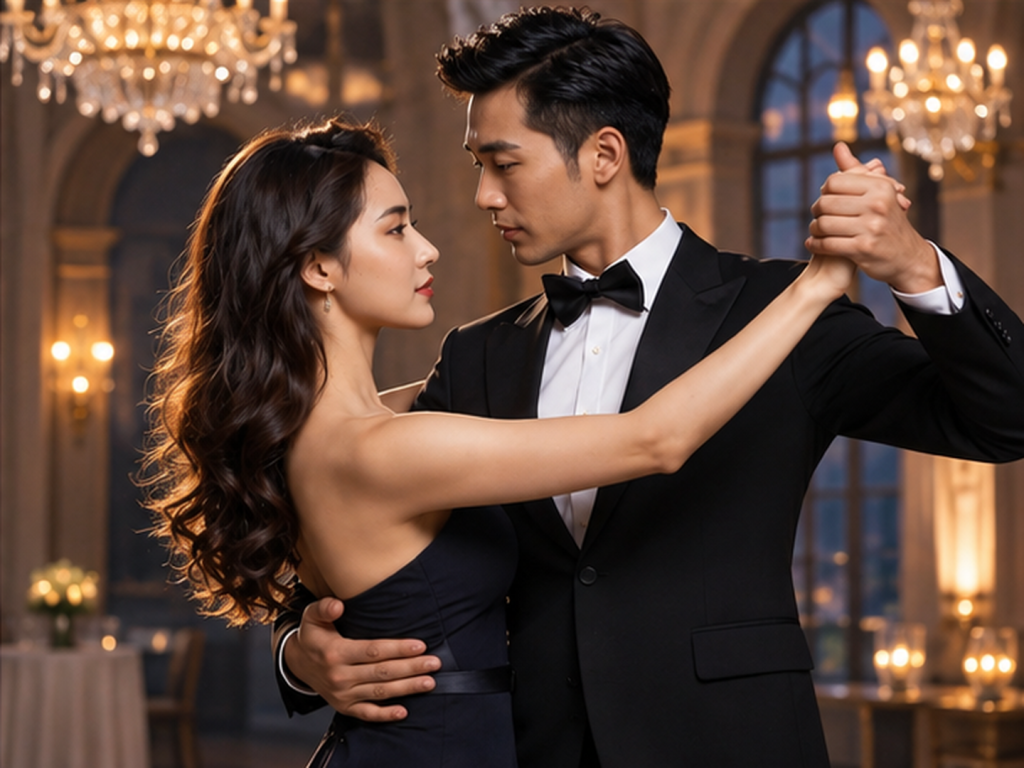
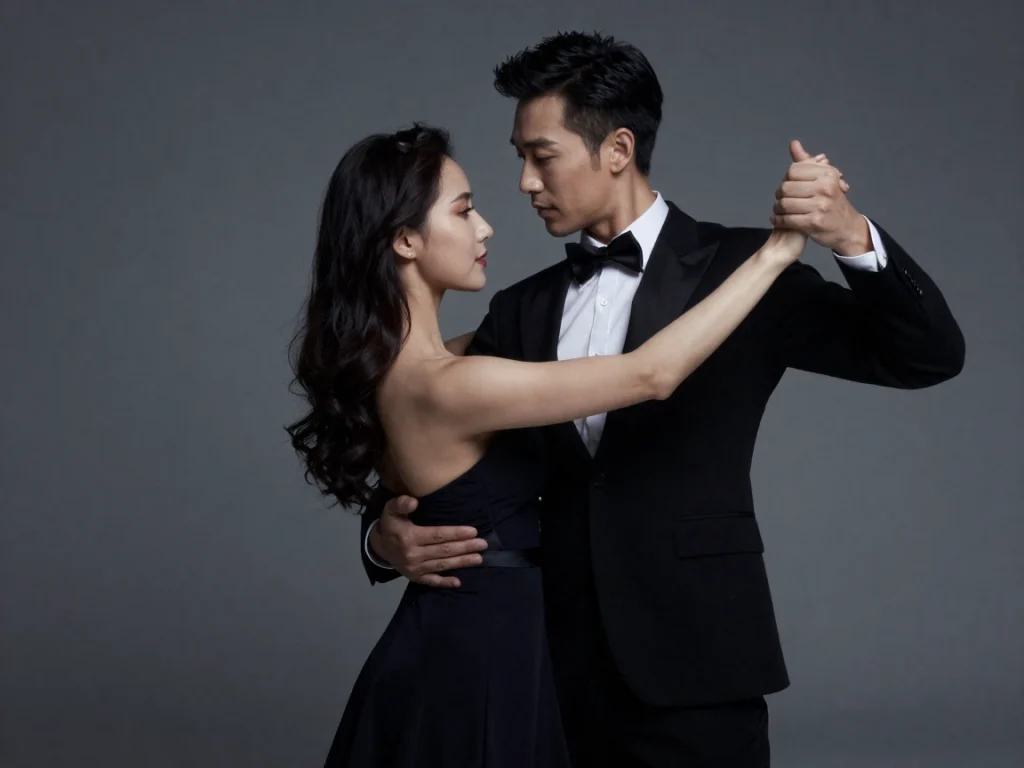
Place the subject on a rooftop terrace with a distant skyline, realistic railing scale, blue-hour light and subtle city bokeh. Preserve the subject.
Use this as a starting structure, then adapt scene, light and preservation details to your own source photo.
Replace the background with a city street at night, distant lights, soft bokeh, wet pavement reflections and coherent cool ambient light. Keep the subject unchanged.
Use this as a starting structure, then adapt scene, light and preservation details to your own source photo.
Use a cinematic neon street with magenta and blue practical lights, wet pavement, shallow depth and subtle colored rim light on the subject. Preserve identity and outfit.
Use this as a starting structure, then adapt scene, light and preservation details to your own source photo.
Crowd density and motion
Crowds can provide depth but can also create distracting faces or body fragments. Use soft background motion or bokeh when individual people are not important.
In “30 AI City, Night and Neon Background Prompts for Photos,” this section matters because urban and nighttime scenes with strong perspective and colored environmental light. Treat the original photo as the reference of record and compare the candidate against it rather than judging the generated scene by itself. Review source-photo clarity, scene plausibility, color temperature and reflections; a visually attractive background is still a weak edit when it changes the subject or breaks the physical logic of the photograph.
A practical test inside “30 AI City, Night and Neon Background Prompts for Photos” for crowd density and motion is to keep the same source image and create two controlled candidates that differ in only one important choice. Compare them at normal viewing size first, then zoom into boundaries, shadows and geometry. This isolates whether the improvement comes from the scene description, reference image, lighting instruction or source-photo quality instead of turning the workflow into random trial and error.
Replace the background with a premium hotel lobby, warm stone, brass details, soft indirect light and elegant depth. Keep the person unchanged.
Use this as a starting structure, then adapt scene, light and preservation details to your own source photo.
Place the subject in an elegant restaurant with warm pendant lights, dark wood, soft bokeh and realistic ambient warmth. Keep identity and outfit unchanged.
Use this as a starting structure, then adapt scene, light and preservation details to your own source photo.
Replace the background with a winter city street, soft snow, cool overcast light and warm distant shop lights. Preserve the subject.
Use this as a starting structure, then adapt scene, light and preservation details to your own source photo.
Use city references for composition
A reference image can establish skyline height, street layout and color palette more efficiently than a long text description.
In “30 AI City, Night and Neon Background Prompts for Photos,” this section matters because urban and nighttime scenes with strong perspective and colored environmental light. Treat the original photo as the reference of record and compare the candidate against it rather than judging the generated scene by itself. Review normal-size coherence, close-zoom defects, crop stability and unrelated changes; a visually attractive background is still a weak edit when it changes the subject or breaks the physical logic of the photograph.
A practical test inside “30 AI City, Night and Neon Background Prompts for Photos” for use city references for composition is to keep the same source image and create two controlled candidates that differ in only one important choice. Compare them at normal viewing size first, then zoom into boundaries, shadows and geometry. This isolates whether the improvement comes from the scene description, reference image, lighting instruction or source-photo quality instead of turning the workflow into random trial and error.
Use a spring street lined with flowering trees, soft daylight and shallow depth. Preserve face, hair, pose and outfit.
Use this as a starting structure, then adapt scene, light and preservation details to your own source photo.
Use a rainy downtown street with umbrellas in soft background blur, cool daylight and wet reflections. Keep the person unchanged.
Use this as a starting structure, then adapt scene, light and preservation details to your own source photo.
Replace the background with an upscale balcony at blue hour, city lights in the distance and soft cool ambient light. Preserve the subject.
Use this as a starting structure, then adapt scene, light and preservation details to your own source photo.
Disclosure for fictional locations or events
If the edit could be mistaken for proof that the person visited a location or attended an event, label or contextualize the image appropriately.
In “30 AI City, Night and Neon Background Prompts for Photos,” this section matters because urban and nighttime scenes with strong perspective and colored environmental light. Treat the original photo as the reference of record and compare the candidate against it rather than judging the generated scene by itself. Review intended use, visual accuracy, reproducibility and final review; a visually attractive background is still a weak edit when it changes the subject or breaks the physical logic of the photograph.
A practical test inside “30 AI City, Night and Neon Background Prompts for Photos” for disclosure for fictional locations or events is to keep the same source image and create two controlled candidates that differ in only one important choice. Compare them at normal viewing size first, then zoom into boundaries, shadows and geometry. This isolates whether the improvement comes from the scene description, reference image, lighting instruction or source-photo quality instead of turning the workflow into random trial and error.
Use a narrow neon-lit city alley, magenta and cyan signs without readable text, wet pavement and shallow cinematic depth. Preserve the subject.
Use this as a starting structure, then adapt scene, light and preservation details to your own source photo.
Replace the background with a wide modern avenue, distant taxis and buildings, blue-hour sky and natural street perspective. Keep the person unchanged.
Use this as a starting structure, then adapt scene, light and preservation details to your own source photo.
Place the subject in a softly lit historic square at night, warm facades, distant pedestrians and realistic cobblestone reflections. Preserve the subject.
Use this as a starting structure, then adapt scene, light and preservation details to your own source photo.
Related AvaClik guides
Use the realism guide for neon light integration, the reference-image guide for specific urban composition and the troubleshooting guide for warped architecture.
In “30 AI City, Night and Neon Background Prompts for Photos,” this section matters because urban and nighttime scenes with strong perspective and colored environmental light. Treat the original photo as the reference of record and compare the candidate against it rather than judging the generated scene by itself. Review subject preservation, camera geometry, light consistency and edge quality; a visually attractive background is still a weak edit when it changes the subject or breaks the physical logic of the photograph.
A practical test inside “30 AI City, Night and Neon Background Prompts for Photos” for related avaclik guides is to keep the same source image and create two controlled candidates that differ in only one important choice. Compare them at normal viewing size first, then zoom into boundaries, shadows and geometry. This isolates whether the improvement comes from the scene description, reference image, lighting instruction or source-photo quality instead of turning the workflow into random trial and error.
Frequently asked questions
These answers cover neon spill, wet reflections, city bokeh, readable signs and why nighttime backgrounds often expose lighting mismatch.
In “30 AI City, Night and Neon Background Prompts for Photos,” this section matters because urban and nighttime scenes with strong perspective and colored environmental light. Treat the original photo as the reference of record and compare the candidate against it rather than judging the generated scene by itself. Review face or product accuracy, perspective, contact shadows and background depth; a visually attractive background is still a weak edit when it changes the subject or breaks the physical logic of the photograph.
A practical test inside “30 AI City, Night and Neon Background Prompts for Photos” for frequently asked questions is to keep the same source image and create two controlled candidates that differ in only one important choice. Compare them at normal viewing size first, then zoom into boundaries, shadows and geometry. This isolates whether the improvement comes from the scene description, reference image, lighting instruction or source-photo quality instead of turning the workflow into random trial and error.
Final takeaway
City backgrounds succeed when perspective and lighting feel coherent. The skyline can be spectacular, but geometry near the subject must still look physically possible.
In “30 AI City, Night and Neon Background Prompts for Photos,” this section matters because urban and nighttime scenes with strong perspective and colored environmental light. Treat the original photo as the reference of record and compare the candidate against it rather than judging the generated scene by itself. Review source-photo clarity, scene plausibility, color temperature and reflections; a visually attractive background is still a weak edit when it changes the subject or breaks the physical logic of the photograph.
A practical test inside “30 AI City, Night and Neon Background Prompts for Photos” for final takeaway is to keep the same source image and create two controlled candidates that differ in only one important choice. Compare them at normal viewing size first, then zoom into boundaries, shadows and geometry. This isolates whether the improvement comes from the scene description, reference image, lighting instruction or source-photo quality instead of turning the workflow into random trial and error.
30 city and night prompts
Replace the background with an elegant European street, cream stone buildings, soft late-afternoon light and shallow background depth. Preserve the subject.
Adjust the scene to match your source image and keep subject-preservation constraints intact.
Use a modern downtown street with glass buildings, soft daylight, distant traffic and natural perspective. Keep identity, pose and outfit unchanged.
Adjust the scene to match your source image and keep subject-preservation constraints intact.
Place the subject on a rooftop terrace with a distant skyline, realistic railing scale, blue-hour light and subtle city bokeh. Preserve the subject.
Adjust the scene to match your source image and keep subject-preservation constraints intact.
Replace the background with a city street at night, distant lights, soft bokeh, wet pavement reflections and coherent cool ambient light. Keep the subject unchanged.
Adjust the scene to match your source image and keep subject-preservation constraints intact.
Use a cinematic neon street with magenta and blue practical lights, wet pavement, shallow depth and subtle colored rim light on the subject. Preserve identity and outfit.
Adjust the scene to match your source image and keep subject-preservation constraints intact.
Replace the background with a premium hotel lobby, warm stone, brass details, soft indirect light and elegant depth. Keep the person unchanged.
Adjust the scene to match your source image and keep subject-preservation constraints intact.
Place the subject in an elegant restaurant with warm pendant lights, dark wood, soft bokeh and realistic ambient warmth. Keep identity and outfit unchanged.
Adjust the scene to match your source image and keep subject-preservation constraints intact.
Replace the background with a winter city street, soft snow, cool overcast light and warm distant shop lights. Preserve the subject.
Adjust the scene to match your source image and keep subject-preservation constraints intact.
Use a spring street lined with flowering trees, soft daylight and shallow depth. Preserve face, hair, pose and outfit.
Adjust the scene to match your source image and keep subject-preservation constraints intact.
Use a rainy downtown street with umbrellas in soft background blur, cool daylight and wet reflections. Keep the person unchanged.
Adjust the scene to match your source image and keep subject-preservation constraints intact.
Replace the background with an upscale balcony at blue hour, city lights in the distance and soft cool ambient light. Preserve the subject.
Adjust the scene to match your source image and keep subject-preservation constraints intact.
Use a narrow neon-lit city alley, magenta and cyan signs without readable text, wet pavement and shallow cinematic depth. Preserve the subject.
Adjust the scene to match your source image and keep subject-preservation constraints intact.
Replace the background with a wide modern avenue, distant taxis and buildings, blue-hour sky and natural street perspective. Keep the person unchanged.
Adjust the scene to match your source image and keep subject-preservation constraints intact.
Place the subject in a softly lit historic square at night, warm facades, distant pedestrians and realistic cobblestone reflections. Preserve the subject.
Adjust the scene to match your source image and keep subject-preservation constraints intact.
Use a premium rooftop lounge with city lights, warm practical lamps and shallow depth. Keep identity, pose and outfit unchanged.
Adjust the scene to match your source image and keep subject-preservation constraints intact.
Replace the background with a clean modern metro platform, linear perspective, cool overhead light and distant motion blur. Preserve the subject.
Adjust the scene to match your source image and keep subject-preservation constraints intact.
Use a dark polished parking structure with directional strip lights, clean geometry and cinematic contrast. Keep the subject unchanged.
Adjust the scene to match your source image and keep subject-preservation constraints intact.
Place the subject near a wet city crosswalk at night, soft traffic bokeh, red and blue reflections and realistic cool ambient light. Preserve the subject.
Adjust the scene to match your source image and keep subject-preservation constraints intact.
Use an urban cafe terrace at night with warm table lamps, dark street background and gentle bokeh. Keep the person unchanged.
Adjust the scene to match your source image and keep subject-preservation constraints intact.
Replace the background with a high-end glass building lobby, polished stone, soft architectural light and realistic scale. Preserve the subject.
Adjust the scene to match your source image and keep subject-preservation constraints intact.
Use a cinematic entertainment-district street with glowing marquee lights without readable text, warm reflections and shallow depth. Preserve the person.
Adjust the scene to match your source image and keep subject-preservation constraints intact.
Place the subject on a quiet city street in light morning fog, muted buildings, cool soft daylight and subtle depth. Keep the subject unchanged.
Adjust the scene to match your source image and keep subject-preservation constraints intact.
Replace the background with a modern downtown street at golden hour, warm side light, long shadows and realistic building perspective. Preserve the subject.
Adjust the scene to match your source image and keep subject-preservation constraints intact.
Use a modern pedestrian bridge at night, clean linear lights, deep navy sky and realistic vanishing point. Keep the person unchanged.
Adjust the scene to match your source image and keep subject-preservation constraints intact.
Place the subject outside a luxury hotel entrance at night, warm doorway light, dark city background and subtle reflections. Preserve the subject.
Adjust the scene to match your source image and keep subject-preservation constraints intact.
Use an urban warehouse interior with concrete walls, large windows and moody directional light. Keep pose and outfit unchanged.
Adjust the scene to match your source image and keep subject-preservation constraints intact.
Replace the background with a high terrace at blue hour, distant skyline lights, realistic railing height and soft cool ambient light. Preserve the subject.
Adjust the scene to match your source image and keep subject-preservation constraints intact.
Use a city street with a distant tram in motion blur, warm street lamps and wet pavement reflections. Keep the person unchanged.
Adjust the scene to match your source image and keep subject-preservation constraints intact.
Place the subject in a clean contemporary plaza with geometric architecture, soft evening light and restrained pedestrian blur. Preserve the subject.
Adjust the scene to match your source image and keep subject-preservation constraints intact.
Use a quiet city street with warm bookstore windows, cool night ambient light and shallow background depth. Keep the subject unchanged.
Adjust the scene to match your source image and keep subject-preservation constraints intact.
More AvaClik background guides
- How to Change Product Photo Backgrounds With AI for Ecommerce
- AI Background Changer vs Background Remover: What’s the Difference?
- 50 AI Background Changer Prompts for Realistic Photo Edits
You can also compare this workflow with Background Removal vs Background Replacement when deciding whether you need transparency or a fully generated scene.
Try this in AvaClik
Try the workflow in AvaClik
Upload a photo you have permission to edit, make a change, check the result and refine it.
Try AvaClik AI Background Changer ↗