30 AI Studio Background Prompts for Portraits and Photos
Copy 30 AI studio background prompts for clean, editorial, business, beauty, fashion, gradient, textured and dramatic portrait backdrops.
On this page
Open the AvaClik tool connected to this guide and try it on your photo.
Copy 30 AI studio background prompts for clean, editorial, business, beauty, fashion, gradient, textured and dramatic portrait backdrops. This draft is designed for adult 18+ users working with images they are authorized to edit. AI background replacement can create fictional locations or contexts, so do not present a generated scene as documentary proof that a person visited a place, attended an event or endorsed a brand when that did not happen.
Quick answer
Studio prompts should define backdrop color or material, floor transition, light softness and how much depth or shadow the scene should contain. Simple geometry often produces the cleanest professional result.
In “30 AI Studio Background Prompts for Portraits and Photos,” this section matters because studio-specific background replacement with controlled surfaces and lighting. Treat the original photo as the reference of record and compare the candidate against it rather than judging the generated scene by itself. Review subject preservation, camera geometry, light consistency and edge quality; a visually attractive background is still a weak edit when it changes the subject or breaks the physical logic of the photograph.
A practical test inside “30 AI Studio Background Prompts for Portraits and Photos” for quick answer is to keep the same source image and create two controlled candidates that differ in only one important choice. Compare them at normal viewing size first, then zoom into boundaries, shadows and geometry. This isolates whether the improvement comes from the scene description, reference image, lighting instruction or source-photo quality instead of turning the workflow into random trial and error.
Clean neutral studios
Gray, white, cream and beige seamless backdrops are useful for headshots, profiles and catalog-style portraits because they keep attention on the subject.
In “30 AI Studio Background Prompts for Portraits and Photos,” this section matters because studio-specific background replacement with controlled surfaces and lighting. Treat the original photo as the reference of record and compare the candidate against it rather than judging the generated scene by itself. Review face or product accuracy, perspective, contact shadows and background depth; a visually attractive background is still a weak edit when it changes the subject or breaks the physical logic of the photograph.
A practical test inside “30 AI Studio Background Prompts for Portraits and Photos” for clean neutral studios is to keep the same source image and create two controlled candidates that differ in only one important choice. Compare them at normal viewing size first, then zoom into boundaries, shadows and geometry. This isolates whether the improvement comes from the scene description, reference image, lighting instruction or source-photo quality instead of turning the workflow into random trial and error.
Replace the background with a soft blush-to-mauve studio gradient, clean floor transition and diffused beauty light. Keep face, hair and pose unchanged.
Use this as a starting structure, then adapt scene, light and preservation details to your own source photo.
Use a deep charcoal studio with subtle warm rim light, low-key atmosphere and soft floor shadow. Preserve the person and clothing.
Use this as a starting structure, then adapt scene, light and preservation details to your own source photo.
Replace only the background with a clean white studio, even soft lighting and a subtle realistic contact shadow. Preserve all subject details.
Use this as a starting structure, then adapt scene, light and preservation details to your own source photo.
Dark editorial studios
Charcoal, black and deep colored backdrops can create a premium look when the subject already has directional or rim lighting.
In “30 AI Studio Background Prompts for Portraits and Photos,” this section matters because studio-specific background replacement with controlled surfaces and lighting. Treat the original photo as the reference of record and compare the candidate against it rather than judging the generated scene by itself. Review source-photo clarity, scene plausibility, color temperature and reflections; a visually attractive background is still a weak edit when it changes the subject or breaks the physical logic of the photograph.
A practical test inside “30 AI Studio Background Prompts for Portraits and Photos” for dark editorial studios is to keep the same source image and create two controlled candidates that differ in only one important choice. Compare them at normal viewing size first, then zoom into boundaries, shadows and geometry. This isolates whether the improvement comes from the scene description, reference image, lighting instruction or source-photo quality instead of turning the workflow into random trial and error.
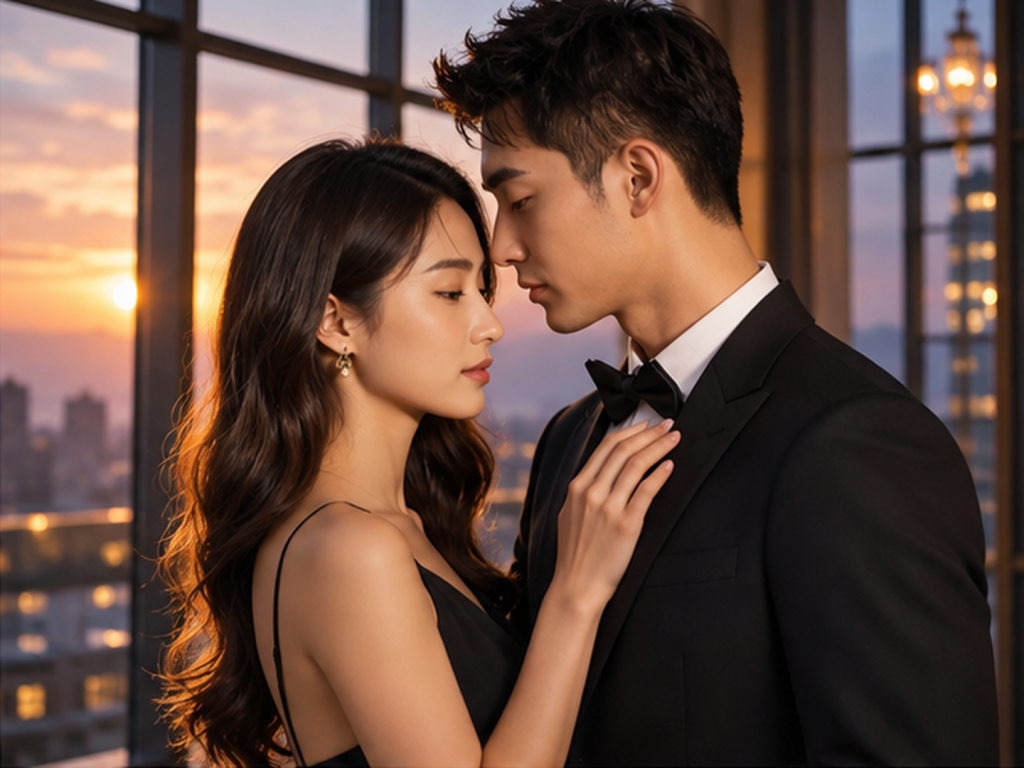
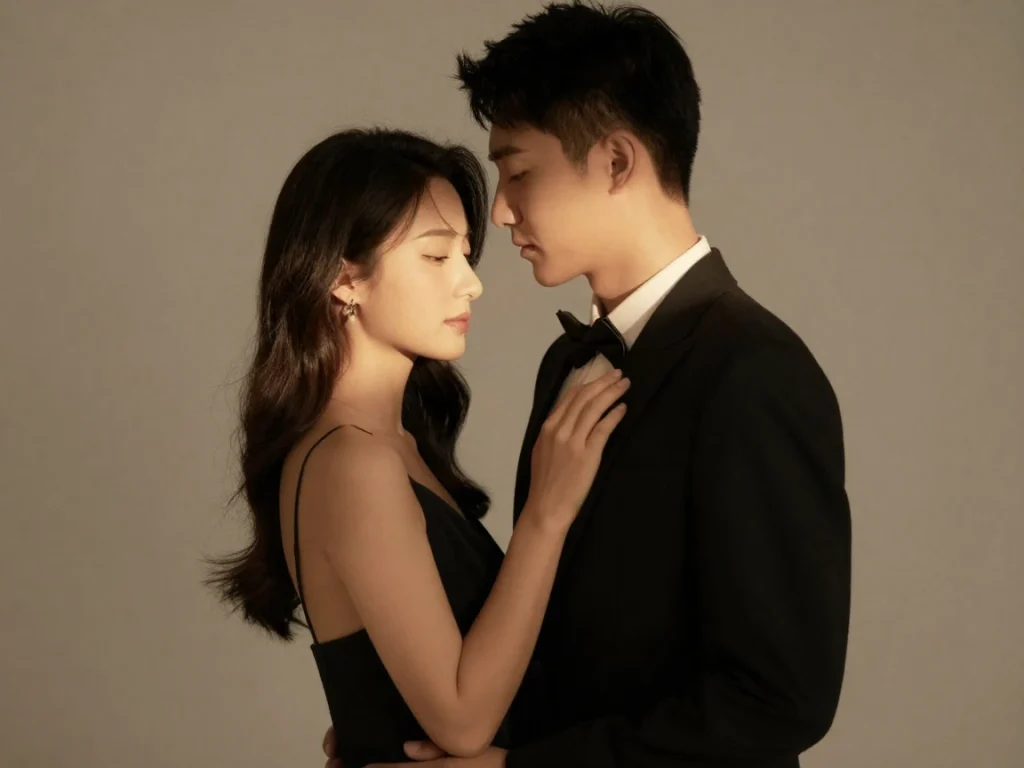
Use a matte black studio backdrop with controlled edge light and gentle separation around hair and shoulders. Keep the subject unchanged.
Use this as a starting structure, then adapt scene, light and preservation details to your own source photo.
Replace the background with an industrial loft, large windows, brick walls and soft natural daylight. Preserve the subject.
Use this as a starting structure, then adapt scene, light and preservation details to your own source photo.
Use a minimal editorial fashion set with geometric panels, controlled color palette and soft directional studio light. Preserve pose and clothing.
Use this as a starting structure, then adapt scene, light and preservation details to your own source photo.
Gradient backdrops
Soft gradients add visual depth without adding objects. Specify center-to-edge color transition and keep the floor relationship simple.
In “30 AI Studio Background Prompts for Portraits and Photos,” this section matters because studio-specific background replacement with controlled surfaces and lighting. Treat the original photo as the reference of record and compare the candidate against it rather than judging the generated scene by itself. Review normal-size coherence, close-zoom defects, crop stability and unrelated changes; a visually attractive background is still a weak edit when it changes the subject or breaks the physical logic of the photograph.
A practical test inside “30 AI Studio Background Prompts for Portraits and Photos” for gradient backdrops is to keep the same source image and create two controlled candidates that differ in only one important choice. Compare them at normal viewing size first, then zoom into boundaries, shadows and geometry. This isolates whether the improvement comes from the scene description, reference image, lighting instruction or source-photo quality instead of turning the workflow into random trial and error.
Replace the background with a clean beauty campaign set, soft pastel backdrop, diffused frontal light and minimal props. Keep identity and hair unchanged.
Use this as a starting structure, then adapt scene, light and preservation details to your own source photo.
Replace only the background with a smooth warm-beige wall, soft side light and subtle shadow. Keep the subject unchanged.
Use this as a starting structure, then adapt scene, light and preservation details to your own source photo.
Replace only the background with a deep navy wall, soft diffused light and natural subject separation. Preserve all subject details.
Use this as a starting structure, then adapt scene, light and preservation details to your own source photo.
Textured plaster and concrete
Subtle material texture can make a studio feel less synthetic. Avoid excessive cracks, patterns or highlights behind the face.
In “30 AI Studio Background Prompts for Portraits and Photos,” this section matters because studio-specific background replacement with controlled surfaces and lighting. Treat the original photo as the reference of record and compare the candidate against it rather than judging the generated scene by itself. Review intended use, visual accuracy, reproducibility and final review; a visually attractive background is still a weak edit when it changes the subject or breaks the physical logic of the photograph.
A practical test inside “30 AI Studio Background Prompts for Portraits and Photos” for textured plaster and concrete is to keep the same source image and create two controlled candidates that differ in only one important choice. Compare them at normal viewing size first, then zoom into boundaries, shadows and geometry. This isolates whether the improvement comes from the scene description, reference image, lighting instruction or source-photo quality instead of turning the workflow into random trial and error.
Replace the background with a seamless taupe studio, soft beauty light, gentle floor shadow and subtle vignette. Preserve the subject exactly.
Use this as a starting structure, then adapt scene, light and preservation details to your own source photo.
Use a matte terracotta seamless backdrop with soft side light and a clean floor transition. Keep the subject, outfit and crop unchanged.
Use this as a starting structure, then adapt scene, light and preservation details to your own source photo.
Replace the background with a dark-to-mid blue gradient studio, soft frontal fill and subtle rim light. Preserve the subject.
Use this as a starting structure, then adapt scene, light and preservation details to your own source photo.
Paper seamless backgrounds
Classic paper rolls work well because they provide a clean horizonless transition from wall to floor.
In “30 AI Studio Background Prompts for Portraits and Photos,” this section matters because studio-specific background replacement with controlled surfaces and lighting. Treat the original photo as the reference of record and compare the candidate against it rather than judging the generated scene by itself. Review subject preservation, camera geometry, light consistency and edge quality; a visually attractive background is still a weak edit when it changes the subject or breaks the physical logic of the photograph.
A practical test inside “30 AI Studio Background Prompts for Portraits and Photos” for paper seamless backgrounds is to keep the same source image and create two controlled candidates that differ in only one important choice. Compare them at normal viewing size first, then zoom into boundaries, shadows and geometry. This isolates whether the improvement comes from the scene description, reference image, lighting instruction or source-photo quality instead of turning the workflow into random trial and error.
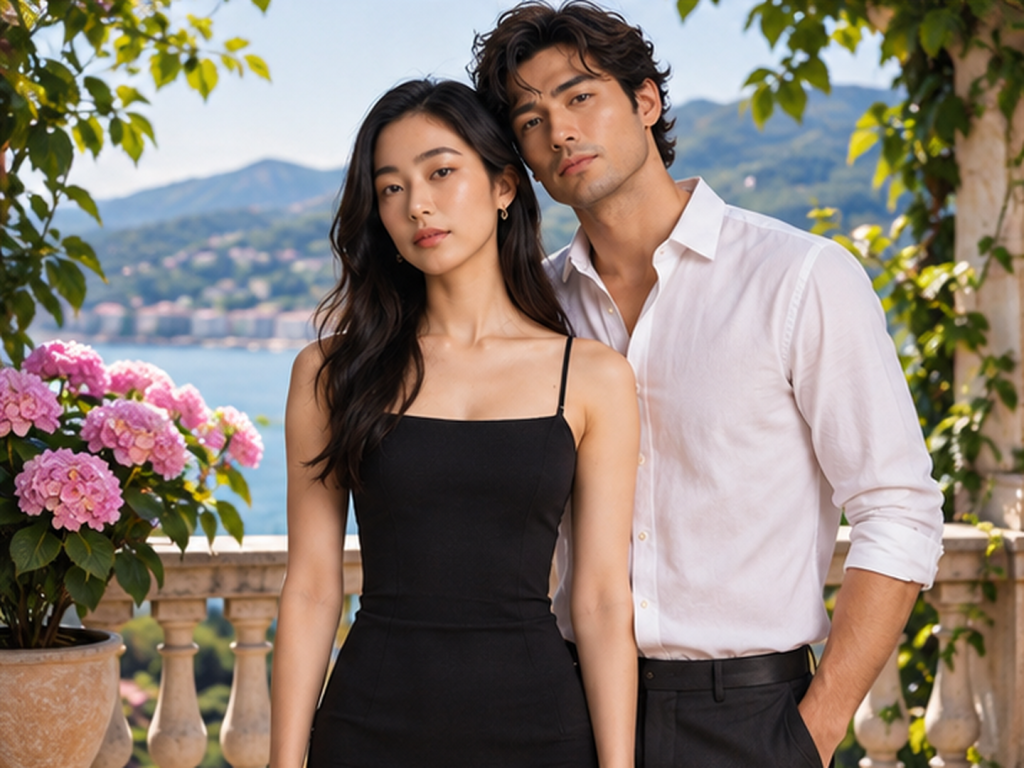
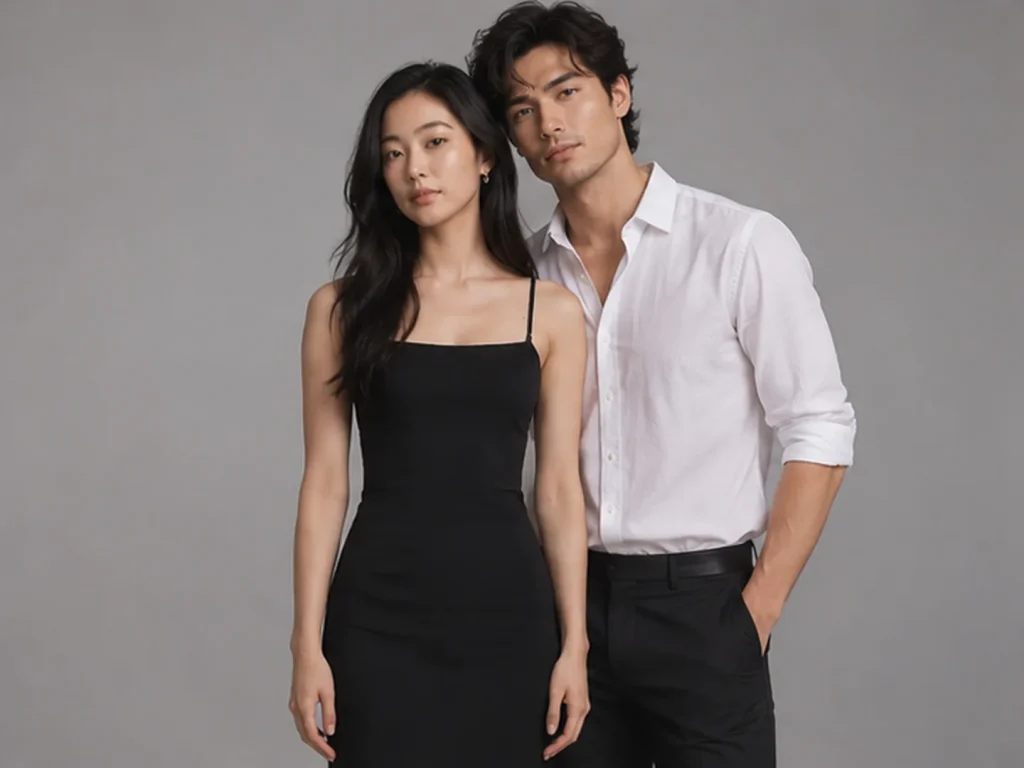
Use a soft lavender beauty backdrop with diffused frontal light and a faint shadow behind the shoulders. Keep identity and hair unchanged.
Use this as a starting structure, then adapt scene, light and preservation details to your own source photo.
Replace the background with a warm cream plaster wall, subtle texture, soft side daylight and realistic floor contact. Preserve the subject.
Use this as a starting structure, then adapt scene, light and preservation details to your own source photo.
Use a smooth dark-gray concrete wall with restrained texture and directional studio light. Keep the person unchanged.
Use this as a starting structure, then adapt scene, light and preservation details to your own source photo.
Beauty studio backgrounds
Beauty portraits benefit from clean backgrounds that do not compete with skin, makeup, hair or jewelry detail.
In “30 AI Studio Background Prompts for Portraits and Photos,” this section matters because studio-specific background replacement with controlled surfaces and lighting. Treat the original photo as the reference of record and compare the candidate against it rather than judging the generated scene by itself. Review face or product accuracy, perspective, contact shadows and background depth; a visually attractive background is still a weak edit when it changes the subject or breaks the physical logic of the photograph.
A practical test inside “30 AI Studio Background Prompts for Portraits and Photos” for beauty studio backgrounds is to keep the same source image and create two controlled candidates that differ in only one important choice. Compare them at normal viewing size first, then zoom into boundaries, shadows and geometry. This isolates whether the improvement comes from the scene description, reference image, lighting instruction or source-photo quality instead of turning the workflow into random trial and error.
Replace the background with a deep burgundy fashion backdrop, low-key studio light and clean separation around hair and shoulders. Preserve pose and outfit.
Use this as a starting structure, then adapt scene, light and preservation details to your own source photo.
Use a muted mint seamless backdrop, soft even light and gentle contact shadow. Keep the subject unchanged.
Use this as a starting structure, then adapt scene, light and preservation details to your own source photo.
Replace the background with a dark studio and one warm spotlight gradient on the wall, soft rim light and clean floor. Preserve the subject.
Use this as a starting structure, then adapt scene, light and preservation details to your own source photo.
Fashion editorial backgrounds
Fashion scenes can use stronger color, geometric panels or directional light while preserving the outfit and body pose.
In “30 AI Studio Background Prompts for Portraits and Photos,” this section matters because studio-specific background replacement with controlled surfaces and lighting. Treat the original photo as the reference of record and compare the candidate against it rather than judging the generated scene by itself. Review source-photo clarity, scene plausibility, color temperature and reflections; a visually attractive background is still a weak edit when it changes the subject or breaks the physical logic of the photograph.
A practical test inside “30 AI Studio Background Prompts for Portraits and Photos” for fashion editorial backgrounds is to keep the same source image and create two controlled candidates that differ in only one important choice. Compare them at normal viewing size first, then zoom into boundaries, shadows and geometry. This isolates whether the improvement comes from the scene description, reference image, lighting instruction or source-photo quality instead of turning the workflow into random trial and error.
Use a minimal cream editorial set with one large architectural arch, soft daylight and restrained geometry. Keep the person unchanged.
Use this as a starting structure, then adapt scene, light and preservation details to your own source photo.
Replace the background with a hand-painted neutral canvas backdrop, soft painterly texture and diffused portrait light. Preserve identity and clothing.
Use this as a starting structure, then adapt scene, light and preservation details to your own source photo.
Use a black-to-plum studio gradient, subtle magenta rim light and soft facial fill. Preserve the subject exactly.
Use this as a starting structure, then adapt scene, light and preservation details to your own source photo.
Business headshot studios
Professional portraits often need a neutral palette, soft depth and restrained light rather than dramatic set design.
In “30 AI Studio Background Prompts for Portraits and Photos,” this section matters because studio-specific background replacement with controlled surfaces and lighting. Treat the original photo as the reference of record and compare the candidate against it rather than judging the generated scene by itself. Review normal-size coherence, close-zoom defects, crop stability and unrelated changes; a visually attractive background is still a weak edit when it changes the subject or breaks the physical logic of the photograph.
A practical test inside “30 AI Studio Background Prompts for Portraits and Photos” for business headshot studios is to keep the same source image and create two controlled candidates that differ in only one important choice. Compare them at normal viewing size first, then zoom into boundaries, shadows and geometry. This isolates whether the improvement comes from the scene description, reference image, lighting instruction or source-photo quality instead of turning the workflow into random trial and error.
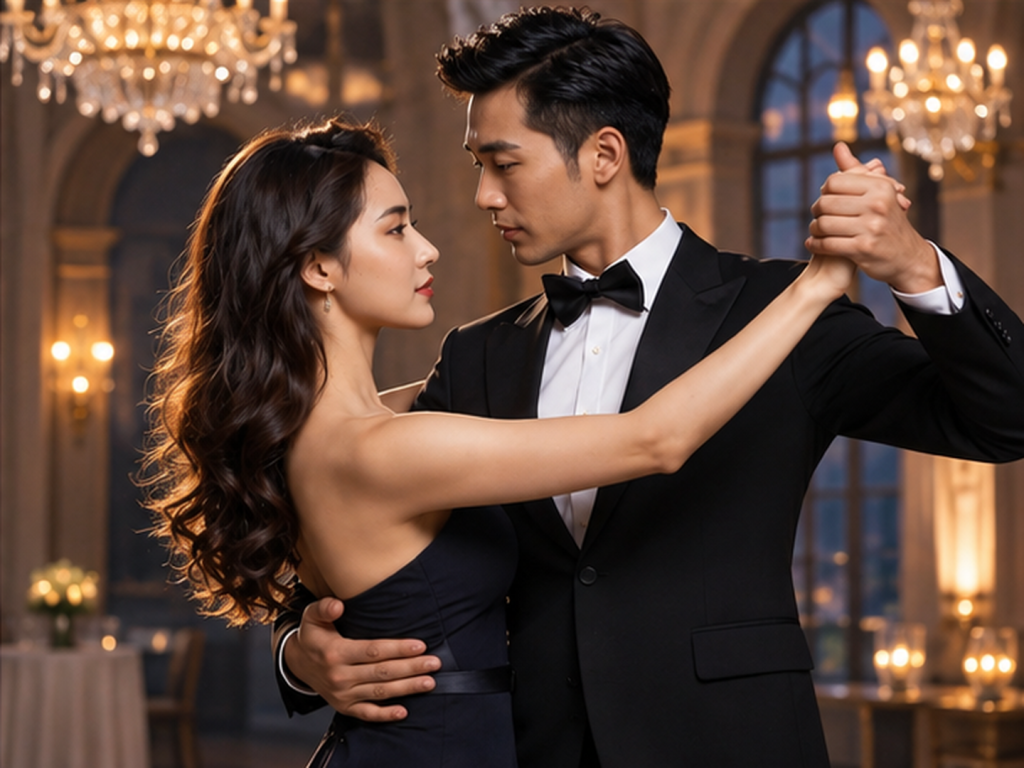
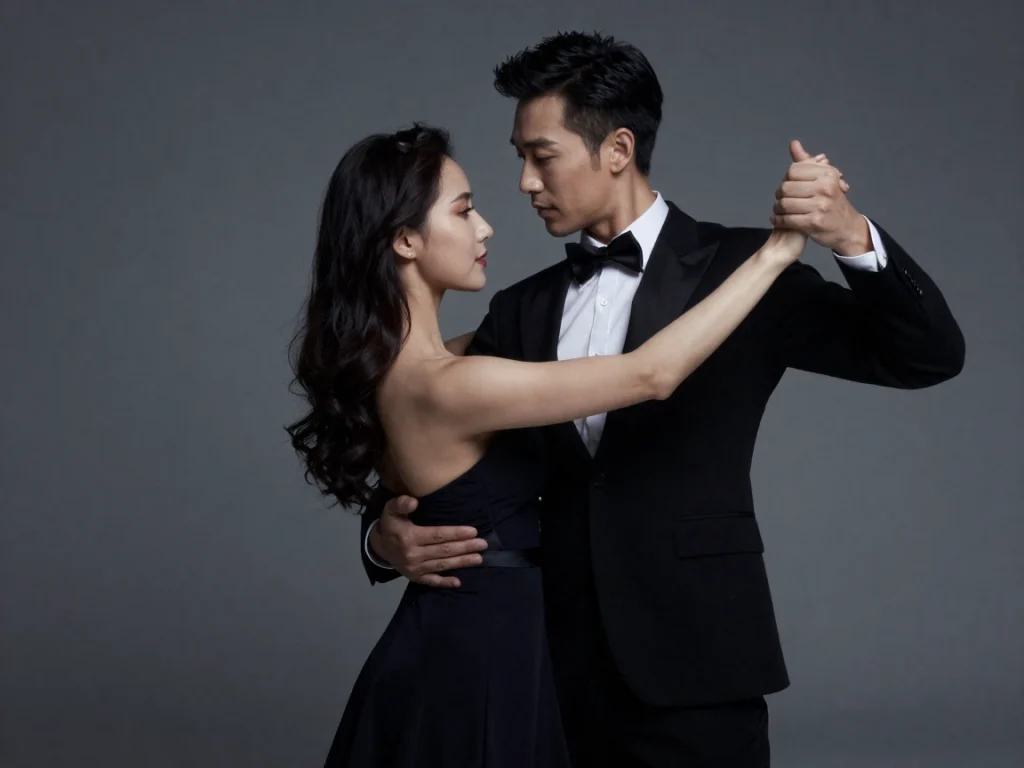
Replace only the background with a seamless medium-gray studio backdrop, soft front-left key light, subtle floor transition and natural contact shadow. Keep the person, face, hair, pose, outfit and crop unchanged.
Use this as a starting structure, then adapt scene, light and preservation details to your own source photo.
Replace the background with a warm cream seamless studio, soft diffused light, gentle shadow behind the subject and minimal visual texture. Preserve the subject exactly.
Use this as a starting structure, then adapt scene, light and preservation details to your own source photo.
Place the subject in a minimal contemporary art gallery with white walls, polished floor, soft ceiling light and restrained background detail. Preserve the subject.
Use this as a starting structure, then adapt scene, light and preservation details to your own source photo.
Warm luxury studios
Warm stone, beige plaster, wood accents and soft directional light can create a premium editorial environment without looking like a busy interior.
In “30 AI Studio Background Prompts for Portraits and Photos,” this section matters because studio-specific background replacement with controlled surfaces and lighting. Treat the original photo as the reference of record and compare the candidate against it rather than judging the generated scene by itself. Review intended use, visual accuracy, reproducibility and final review; a visually attractive background is still a weak edit when it changes the subject or breaks the physical logic of the photograph.
A practical test inside “30 AI Studio Background Prompts for Portraits and Photos” for warm luxury studios is to keep the same source image and create two controlled candidates that differ in only one important choice. Compare them at normal viewing size first, then zoom into boundaries, shadows and geometry. This isolates whether the improvement comes from the scene description, reference image, lighting instruction or source-photo quality instead of turning the workflow into random trial and error.
Replace the background with a soft blush-to-mauve studio gradient, clean floor transition and diffused beauty light. Keep face, hair and pose unchanged.
Use this as a starting structure, then adapt scene, light and preservation details to your own source photo.
Use a deep charcoal studio with subtle warm rim light, low-key atmosphere and soft floor shadow. Preserve the person and clothing.
Use this as a starting structure, then adapt scene, light and preservation details to your own source photo.
Replace only the background with a clean white studio, even soft lighting and a subtle realistic contact shadow. Preserve all subject details.
Use this as a starting structure, then adapt scene, light and preservation details to your own source photo.
Cool modern studios
Steel gray, cool blue or minimal architectural panels can support technology, fashion or modern profile imagery.
In “30 AI Studio Background Prompts for Portraits and Photos,” this section matters because studio-specific background replacement with controlled surfaces and lighting. Treat the original photo as the reference of record and compare the candidate against it rather than judging the generated scene by itself. Review subject preservation, camera geometry, light consistency and edge quality; a visually attractive background is still a weak edit when it changes the subject or breaks the physical logic of the photograph.
A practical test inside “30 AI Studio Background Prompts for Portraits and Photos” for cool modern studios is to keep the same source image and create two controlled candidates that differ in only one important choice. Compare them at normal viewing size first, then zoom into boundaries, shadows and geometry. This isolates whether the improvement comes from the scene description, reference image, lighting instruction or source-photo quality instead of turning the workflow into random trial and error.
Use a matte black studio backdrop with controlled edge light and gentle separation around hair and shoulders. Keep the subject unchanged.
Use this as a starting structure, then adapt scene, light and preservation details to your own source photo.
Replace the background with an industrial loft, large windows, brick walls and soft natural daylight. Preserve the subject.
Use this as a starting structure, then adapt scene, light and preservation details to your own source photo.
Use a minimal editorial fashion set with geometric panels, controlled color palette and soft directional studio light. Preserve pose and clothing.
Use this as a starting structure, then adapt scene, light and preservation details to your own source photo.
High-key and low-key setups
High-key backgrounds are bright and low contrast; low-key scenes are dark and dramatic. Match the subject exposure before choosing either style.
In “30 AI Studio Background Prompts for Portraits and Photos,” this section matters because studio-specific background replacement with controlled surfaces and lighting. Treat the original photo as the reference of record and compare the candidate against it rather than judging the generated scene by itself. Review face or product accuracy, perspective, contact shadows and background depth; a visually attractive background is still a weak edit when it changes the subject or breaks the physical logic of the photograph.
A practical test inside “30 AI Studio Background Prompts for Portraits and Photos” for high-key and low-key setups is to keep the same source image and create two controlled candidates that differ in only one important choice. Compare them at normal viewing size first, then zoom into boundaries, shadows and geometry. This isolates whether the improvement comes from the scene description, reference image, lighting instruction or source-photo quality instead of turning the workflow into random trial and error.
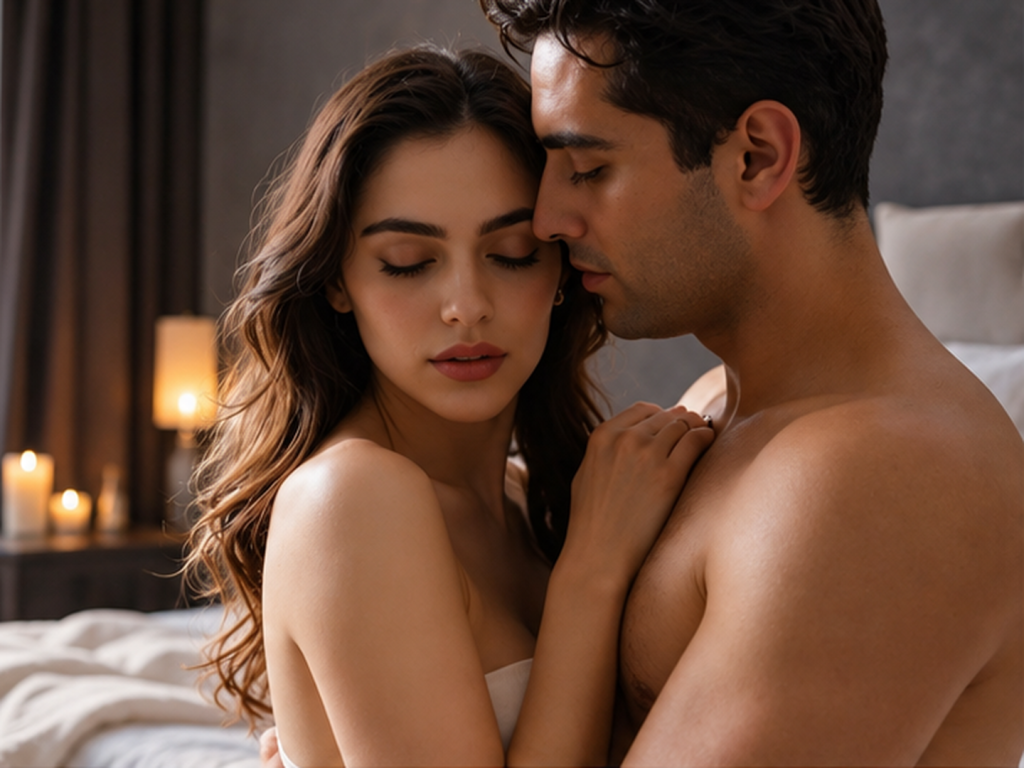
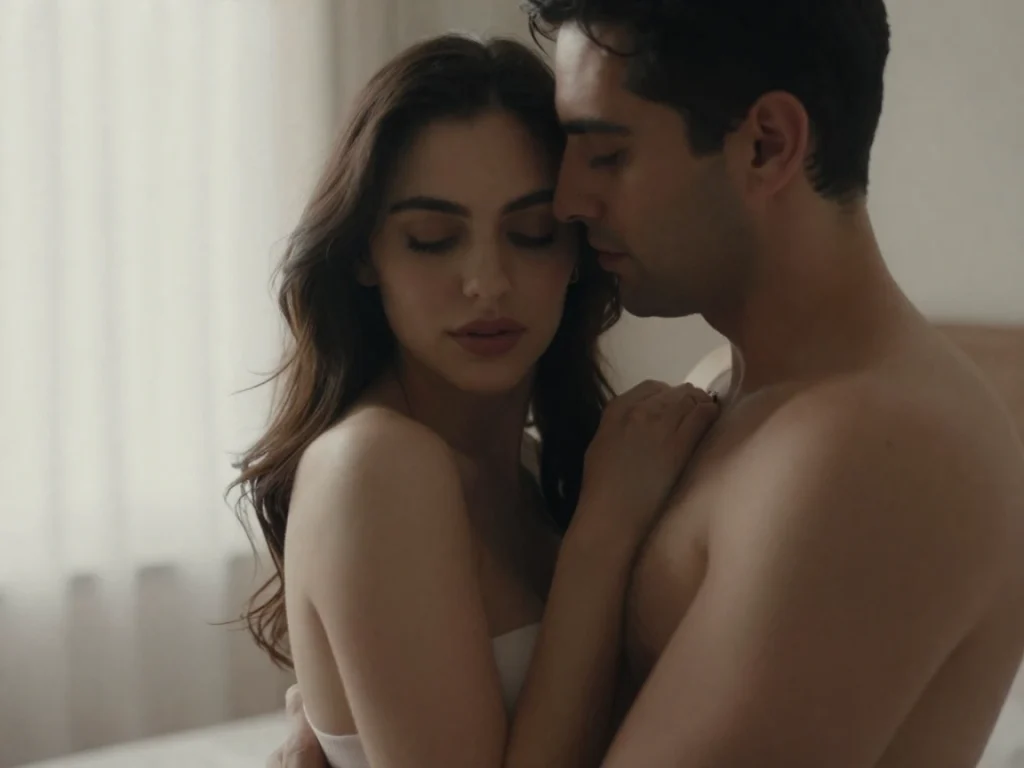
Replace the background with a clean beauty campaign set, soft pastel backdrop, diffused frontal light and minimal props. Keep identity and hair unchanged.
Use this as a starting structure, then adapt scene, light and preservation details to your own source photo.
Replace only the background with a smooth warm-beige wall, soft side light and subtle shadow. Keep the subject unchanged.
Use this as a starting structure, then adapt scene, light and preservation details to your own source photo.
Replace only the background with a deep navy wall, soft diffused light and natural subject separation. Preserve all subject details.
Use this as a starting structure, then adapt scene, light and preservation details to your own source photo.
Floor and shadow details
A studio replacement looks better when the feet or product sit on a believable floor with a soft contact shadow rather than floating against a flat color.
In “30 AI Studio Background Prompts for Portraits and Photos,” this section matters because studio-specific background replacement with controlled surfaces and lighting. Treat the original photo as the reference of record and compare the candidate against it rather than judging the generated scene by itself. Review source-photo clarity, scene plausibility, color temperature and reflections; a visually attractive background is still a weak edit when it changes the subject or breaks the physical logic of the photograph.
A practical test inside “30 AI Studio Background Prompts for Portraits and Photos” for floor and shadow details is to keep the same source image and create two controlled candidates that differ in only one important choice. Compare them at normal viewing size first, then zoom into boundaries, shadows and geometry. This isolates whether the improvement comes from the scene description, reference image, lighting instruction or source-photo quality instead of turning the workflow into random trial and error.
Replace the background with a seamless taupe studio, soft beauty light, gentle floor shadow and subtle vignette. Preserve the subject exactly.
Use this as a starting structure, then adapt scene, light and preservation details to your own source photo.
Use a matte terracotta seamless backdrop with soft side light and a clean floor transition. Keep the subject, outfit and crop unchanged.
Use this as a starting structure, then adapt scene, light and preservation details to your own source photo.
Replace the background with a dark-to-mid blue gradient studio, soft frontal fill and subtle rim light. Preserve the subject.
Use this as a starting structure, then adapt scene, light and preservation details to your own source photo.
How to adapt the prompts
Replace palette, texture and lighting while preserving face, pose, clothing and crop. Keep the backdrop request simple before adding creative details.
In “30 AI Studio Background Prompts for Portraits and Photos,” this section matters because studio-specific background replacement with controlled surfaces and lighting. Treat the original photo as the reference of record and compare the candidate against it rather than judging the generated scene by itself. Review normal-size coherence, close-zoom defects, crop stability and unrelated changes; a visually attractive background is still a weak edit when it changes the subject or breaks the physical logic of the photograph.
A practical test inside “30 AI Studio Background Prompts for Portraits and Photos” for how to adapt the prompts is to keep the same source image and create two controlled candidates that differ in only one important choice. Compare them at normal viewing size first, then zoom into boundaries, shadows and geometry. This isolates whether the improvement comes from the scene description, reference image, lighting instruction or source-photo quality instead of turning the workflow into random trial and error.
Use a soft lavender beauty backdrop with diffused frontal light and a faint shadow behind the shoulders. Keep identity and hair unchanged.
Use this as a starting structure, then adapt scene, light and preservation details to your own source photo.
Replace the background with a warm cream plaster wall, subtle texture, soft side daylight and realistic floor contact. Preserve the subject.
Use this as a starting structure, then adapt scene, light and preservation details to your own source photo.
Use a smooth dark-gray concrete wall with restrained texture and directional studio light. Keep the person unchanged.
Use this as a starting structure, then adapt scene, light and preservation details to your own source photo.
When a studio reference image helps
Use a reference when you need a particular wall texture, set geometry or campaign look across several images.
In “30 AI Studio Background Prompts for Portraits and Photos,” this section matters because studio-specific background replacement with controlled surfaces and lighting. Treat the original photo as the reference of record and compare the candidate against it rather than judging the generated scene by itself. Review intended use, visual accuracy, reproducibility and final review; a visually attractive background is still a weak edit when it changes the subject or breaks the physical logic of the photograph.
A practical test inside “30 AI Studio Background Prompts for Portraits and Photos” for when a studio reference image helps is to keep the same source image and create two controlled candidates that differ in only one important choice. Compare them at normal viewing size first, then zoom into boundaries, shadows and geometry. This isolates whether the improvement comes from the scene description, reference image, lighting instruction or source-photo quality instead of turning the workflow into random trial and error.
Replace the background with a deep burgundy fashion backdrop, low-key studio light and clean separation around hair and shoulders. Preserve pose and outfit.
Use this as a starting structure, then adapt scene, light and preservation details to your own source photo.
Use a muted mint seamless backdrop, soft even light and gentle contact shadow. Keep the subject unchanged.
Use this as a starting structure, then adapt scene, light and preservation details to your own source photo.
Replace the background with a dark studio and one warm spotlight gradient on the wall, soft rim light and clean floor. Preserve the subject.
Use this as a starting structure, then adapt scene, light and preservation details to your own source photo.
Related AvaClik guides
Use the 50-background prompt library for more scene categories, the portrait guide for people-focused workflow and the realism guide for shadow and light matching.
In “30 AI Studio Background Prompts for Portraits and Photos,” this section matters because studio-specific background replacement with controlled surfaces and lighting. Treat the original photo as the reference of record and compare the candidate against it rather than judging the generated scene by itself. Review subject preservation, camera geometry, light consistency and edge quality; a visually attractive background is still a weak edit when it changes the subject or breaks the physical logic of the photograph.
A practical test inside “30 AI Studio Background Prompts for Portraits and Photos” for related avaclik guides is to keep the same source image and create two controlled candidates that differ in only one important choice. Compare them at normal viewing size first, then zoom into boundaries, shadows and geometry. This isolates whether the improvement comes from the scene description, reference image, lighting instruction or source-photo quality instead of turning the workflow into random trial and error.
Frequently asked questions
These answers cover solid colors, gradients, floors, studio light, background blur and whether the new scene should change the subject exposure.
In “30 AI Studio Background Prompts for Portraits and Photos,” this section matters because studio-specific background replacement with controlled surfaces and lighting. Treat the original photo as the reference of record and compare the candidate against it rather than judging the generated scene by itself. Review face or product accuracy, perspective, contact shadows and background depth; a visually attractive background is still a weak edit when it changes the subject or breaks the physical logic of the photograph.
A practical test inside “30 AI Studio Background Prompts for Portraits and Photos” for frequently asked questions is to keep the same source image and create two controlled candidates that differ in only one important choice. Compare them at normal viewing size first, then zoom into boundaries, shadows and geometry. This isolates whether the improvement comes from the scene description, reference image, lighting instruction or source-photo quality instead of turning the workflow into random trial and error.
Final takeaway
The best studio background is usually the one that supports the subject instead of demonstrating how complicated the AI scene can be.
In “30 AI Studio Background Prompts for Portraits and Photos,” this section matters because studio-specific background replacement with controlled surfaces and lighting. Treat the original photo as the reference of record and compare the candidate against it rather than judging the generated scene by itself. Review source-photo clarity, scene plausibility, color temperature and reflections; a visually attractive background is still a weak edit when it changes the subject or breaks the physical logic of the photograph.
A practical test inside “30 AI Studio Background Prompts for Portraits and Photos” for final takeaway is to keep the same source image and create two controlled candidates that differ in only one important choice. Compare them at normal viewing size first, then zoom into boundaries, shadows and geometry. This isolates whether the improvement comes from the scene description, reference image, lighting instruction or source-photo quality instead of turning the workflow into random trial and error.
30 studio prompts
Replace only the background with a seamless medium-gray studio backdrop, soft front-left key light, subtle floor transition and natural contact shadow. Keep the person, face, hair, pose, outfit and crop unchanged.
Adjust the scene to match your source image and keep subject-preservation constraints intact.
Replace the background with a warm cream seamless studio, soft diffused light, gentle shadow behind the subject and minimal visual texture. Preserve the subject exactly.
Adjust the scene to match your source image and keep subject-preservation constraints intact.
Place the subject in a minimal contemporary art gallery with white walls, polished floor, soft ceiling light and restrained background detail. Preserve the subject.
Adjust the scene to match your source image and keep subject-preservation constraints intact.
Replace the background with a soft blush-to-mauve studio gradient, clean floor transition and diffused beauty light. Keep face, hair and pose unchanged.
Adjust the scene to match your source image and keep subject-preservation constraints intact.
Use a deep charcoal studio with subtle warm rim light, low-key atmosphere and soft floor shadow. Preserve the person and clothing.
Adjust the scene to match your source image and keep subject-preservation constraints intact.
Replace only the background with a clean white studio, even soft lighting and a subtle realistic contact shadow. Preserve all subject details.
Adjust the scene to match your source image and keep subject-preservation constraints intact.
Use a matte black studio backdrop with controlled edge light and gentle separation around hair and shoulders. Keep the subject unchanged.
Adjust the scene to match your source image and keep subject-preservation constraints intact.
Replace the background with an industrial loft, large windows, brick walls and soft natural daylight. Preserve the subject.
Adjust the scene to match your source image and keep subject-preservation constraints intact.
Use a minimal editorial fashion set with geometric panels, controlled color palette and soft directional studio light. Preserve pose and clothing.
Adjust the scene to match your source image and keep subject-preservation constraints intact.
Replace the background with a clean beauty campaign set, soft pastel backdrop, diffused frontal light and minimal props. Keep identity and hair unchanged.
Adjust the scene to match your source image and keep subject-preservation constraints intact.
Replace only the background with a smooth warm-beige wall, soft side light and subtle shadow. Keep the subject unchanged.
Adjust the scene to match your source image and keep subject-preservation constraints intact.
Replace only the background with a deep navy wall, soft diffused light and natural subject separation. Preserve all subject details.
Adjust the scene to match your source image and keep subject-preservation constraints intact.
Replace the background with a seamless taupe studio, soft beauty light, gentle floor shadow and subtle vignette. Preserve the subject exactly.
Adjust the scene to match your source image and keep subject-preservation constraints intact.
Use a matte terracotta seamless backdrop with soft side light and a clean floor transition. Keep the subject, outfit and crop unchanged.
Adjust the scene to match your source image and keep subject-preservation constraints intact.
Replace the background with a dark-to-mid blue gradient studio, soft frontal fill and subtle rim light. Preserve the subject.
Adjust the scene to match your source image and keep subject-preservation constraints intact.
Use a soft lavender beauty backdrop with diffused frontal light and a faint shadow behind the shoulders. Keep identity and hair unchanged.
Adjust the scene to match your source image and keep subject-preservation constraints intact.
Replace the background with a warm cream plaster wall, subtle texture, soft side daylight and realistic floor contact. Preserve the subject.
Adjust the scene to match your source image and keep subject-preservation constraints intact.
Use a smooth dark-gray concrete wall with restrained texture and directional studio light. Keep the person unchanged.
Adjust the scene to match your source image and keep subject-preservation constraints intact.
Replace the background with a deep burgundy fashion backdrop, low-key studio light and clean separation around hair and shoulders. Preserve pose and outfit.
Adjust the scene to match your source image and keep subject-preservation constraints intact.
Use a muted mint seamless backdrop, soft even light and gentle contact shadow. Keep the subject unchanged.
Adjust the scene to match your source image and keep subject-preservation constraints intact.
Replace the background with a dark studio and one warm spotlight gradient on the wall, soft rim light and clean floor. Preserve the subject.
Adjust the scene to match your source image and keep subject-preservation constraints intact.
Use a minimal cream editorial set with one large architectural arch, soft daylight and restrained geometry. Keep the person unchanged.
Adjust the scene to match your source image and keep subject-preservation constraints intact.
Replace the background with a hand-painted neutral canvas backdrop, soft painterly texture and diffused portrait light. Preserve identity and clothing.
Adjust the scene to match your source image and keep subject-preservation constraints intact.
Use a black-to-plum studio gradient, subtle magenta rim light and soft facial fill. Preserve the subject exactly.
Adjust the scene to match your source image and keep subject-preservation constraints intact.
More AvaClik background guides
- 30 AI Nature and Travel Background Prompts for Photo Editing
- How to Change Product Photo Backgrounds With AI for Ecommerce
- How to Fix Bad AI Background Changes: Halos, Shadows, Scale & Perspective
You can also compare this workflow with Background Removal vs Background Replacement when deciding whether you need transparency or a fully generated scene.
Try this in AvaClik
Try the workflow in AvaClik
Upload a photo you have permission to edit, make a change, check the result and refine it.
Try AvaClik AI Background Changer ↗