AI Background Changer for Portraits: Studio, Lifestyle and Creative Scenes
Change portrait backgrounds with AI for headshots, studio, lifestyle and creative scenes while preserving identity, hair, clothing, pose and natural lighting.
On this page
Open the AvaClik tool connected to this guide and try it on your photo.
Change portrait backgrounds with AI for headshots, studio, lifestyle and creative scenes while preserving identity, hair, clothing, pose and natural lighting. This draft is designed for adult 18+ users working with images they are authorized to edit. AI background replacement can create fictional locations or contexts, so do not present a generated scene as documentary proof that a person visited a place, attended an event or endorsed a brand when that did not happen.
Quick answer
For portraits, preserve identity first and choose a background that supports the existing crop, pose and light. Studio, office, lifestyle and creative scenes each require different levels of perspective and relighting.
In “AI Background Changer for Portraits: Studio, Lifestyle and Creative Scenes,” this section matters because people-focused background replacement for portraits and headshots. Treat the original photo as the reference of record and compare the candidate against it rather than judging the generated scene by itself. Review subject preservation, camera geometry, light consistency and edge quality; a visually attractive background is still a weak edit when it changes the subject or breaks the physical logic of the photograph.
A practical test inside “AI Background Changer for Portraits: Studio, Lifestyle and Creative Scenes” for quick answer is to keep the same source image and create two controlled candidates that differ in only one important choice. Compare them at normal viewing size first, then zoom into boundaries, shadows and geometry. This isolates whether the improvement comes from the scene description, reference image, lighting instruction or source-photo quality instead of turning the workflow into random trial and error.
Headshots need restrained backgrounds
Professional profiles usually benefit from neutral color, soft depth and minimal visual clutter so the face remains the strongest element.
In “AI Background Changer for Portraits: Studio, Lifestyle and Creative Scenes,” this section matters because people-focused background replacement for portraits and headshots. Treat the original photo as the reference of record and compare the candidate against it rather than judging the generated scene by itself. Review face or product accuracy, perspective, contact shadows and background depth; a visually attractive background is still a weak edit when it changes the subject or breaks the physical logic of the photograph.
A practical test inside “AI Background Changer for Portraits: Studio, Lifestyle and Creative Scenes” for headshots need restrained backgrounds is to keep the same source image and create two controlled candidates that differ in only one important choice. Compare them at normal viewing size first, then zoom into boundaries, shadows and geometry. This isolates whether the improvement comes from the scene description, reference image, lighting instruction or source-photo quality instead of turning the workflow into random trial and error.
Studio portraits allow controlled color
Use seamless, gradient or textured backdrops when you want a polished look without inventing a full environment.
In “AI Background Changer for Portraits: Studio, Lifestyle and Creative Scenes,” this section matters because people-focused background replacement for portraits and headshots. Treat the original photo as the reference of record and compare the candidate against it rather than judging the generated scene by itself. Review source-photo clarity, scene plausibility, color temperature and reflections; a visually attractive background is still a weak edit when it changes the subject or breaks the physical logic of the photograph.
A practical test inside “AI Background Changer for Portraits: Studio, Lifestyle and Creative Scenes” for studio portraits allow controlled color is to keep the same source image and create two controlled candidates that differ in only one important choice. Compare them at normal viewing size first, then zoom into boundaries, shadows and geometry. This isolates whether the improvement comes from the scene description, reference image, lighting instruction or source-photo quality instead of turning the workflow into random trial and error.
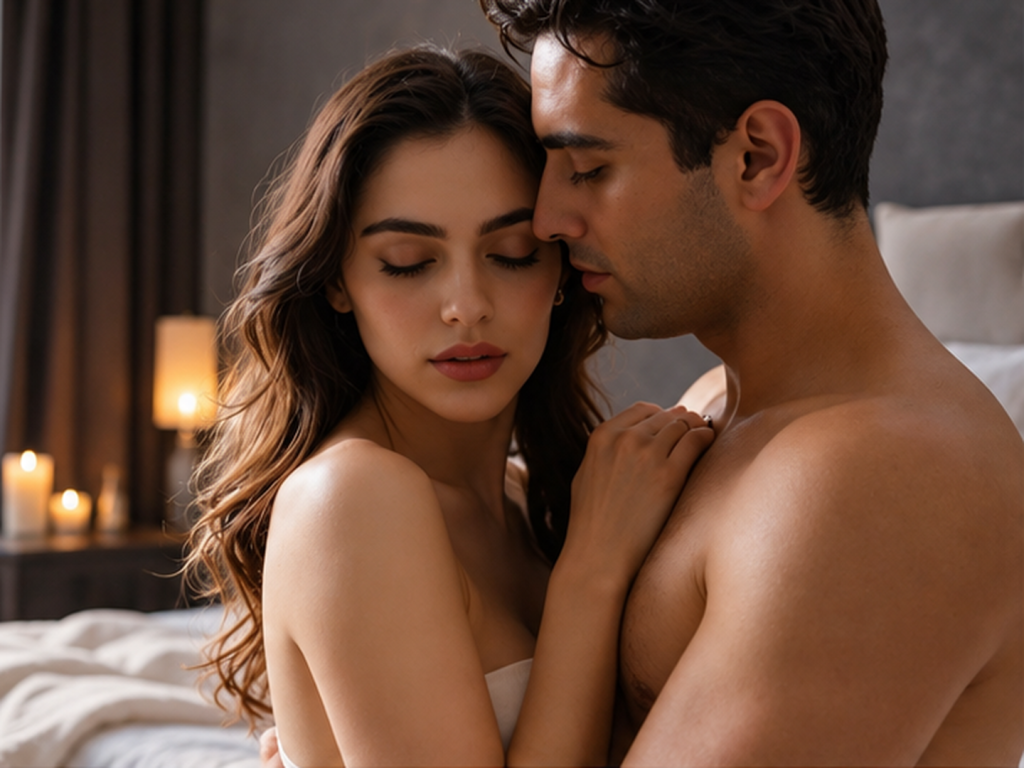
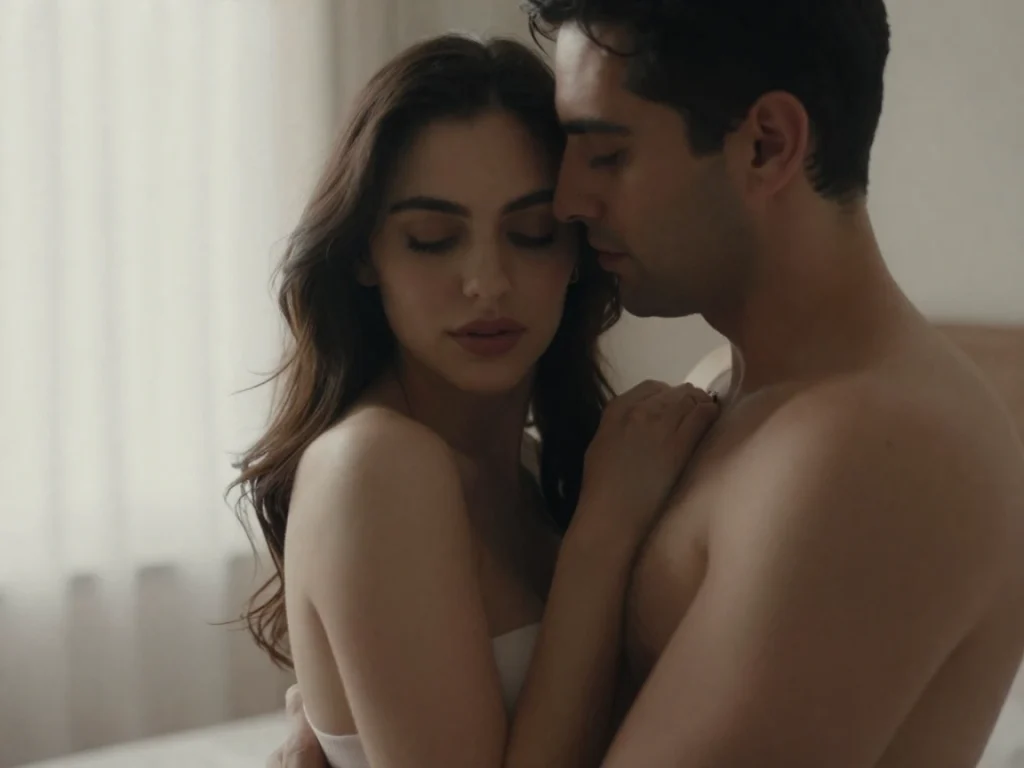
Lifestyle portraits need believable space
Rooms, cafes and outdoor scenes require floor, wall, furniture and background depth that make sense around the subject.
In “AI Background Changer for Portraits: Studio, Lifestyle and Creative Scenes,” this section matters because people-focused background replacement for portraits and headshots. Treat the original photo as the reference of record and compare the candidate against it rather than judging the generated scene by itself. Review normal-size coherence, close-zoom defects, crop stability and unrelated changes; a visually attractive background is still a weak edit when it changes the subject or breaks the physical logic of the photograph.
A practical test inside “AI Background Changer for Portraits: Studio, Lifestyle and Creative Scenes” for lifestyle portraits need believable space is to keep the same source image and create two controlled candidates that differ in only one important choice. Compare them at normal viewing size first, then zoom into boundaries, shadows and geometry. This isolates whether the improvement comes from the scene description, reference image, lighting instruction or source-photo quality instead of turning the workflow into random trial and error.
Preserve face and expression
Compare identity before judging whether the new room or landscape is attractive. Portrait background edits should not quietly redesign the person.
In “AI Background Changer for Portraits: Studio, Lifestyle and Creative Scenes,” this section matters because people-focused background replacement for portraits and headshots. Treat the original photo as the reference of record and compare the candidate against it rather than judging the generated scene by itself. Review intended use, visual accuracy, reproducibility and final review; a visually attractive background is still a weak edit when it changes the subject or breaks the physical logic of the photograph.
A practical test inside “AI Background Changer for Portraits: Studio, Lifestyle and Creative Scenes” for preserve face and expression is to keep the same source image and create two controlled candidates that differ in only one important choice. Compare them at normal viewing size first, then zoom into boundaries, shadows and geometry. This isolates whether the improvement comes from the scene description, reference image, lighting instruction or source-photo quality instead of turning the workflow into random trial and error.
Preserve hair and edge detail
Hair is a high-value boundary in portraits. Check flyaways, curls, ears and shoulders after any major background color change.
In “AI Background Changer for Portraits: Studio, Lifestyle and Creative Scenes,” this section matters because people-focused background replacement for portraits and headshots. Treat the original photo as the reference of record and compare the candidate against it rather than judging the generated scene by itself. Review subject preservation, camera geometry, light consistency and edge quality; a visually attractive background is still a weak edit when it changes the subject or breaks the physical logic of the photograph.
A practical test inside “AI Background Changer for Portraits: Studio, Lifestyle and Creative Scenes” for preserve hair and edge detail is to keep the same source image and create two controlled candidates that differ in only one important choice. Compare them at normal viewing size first, then zoom into boundaries, shadows and geometry. This isolates whether the improvement comes from the scene description, reference image, lighting instruction or source-photo quality instead of turning the workflow into random trial and error.
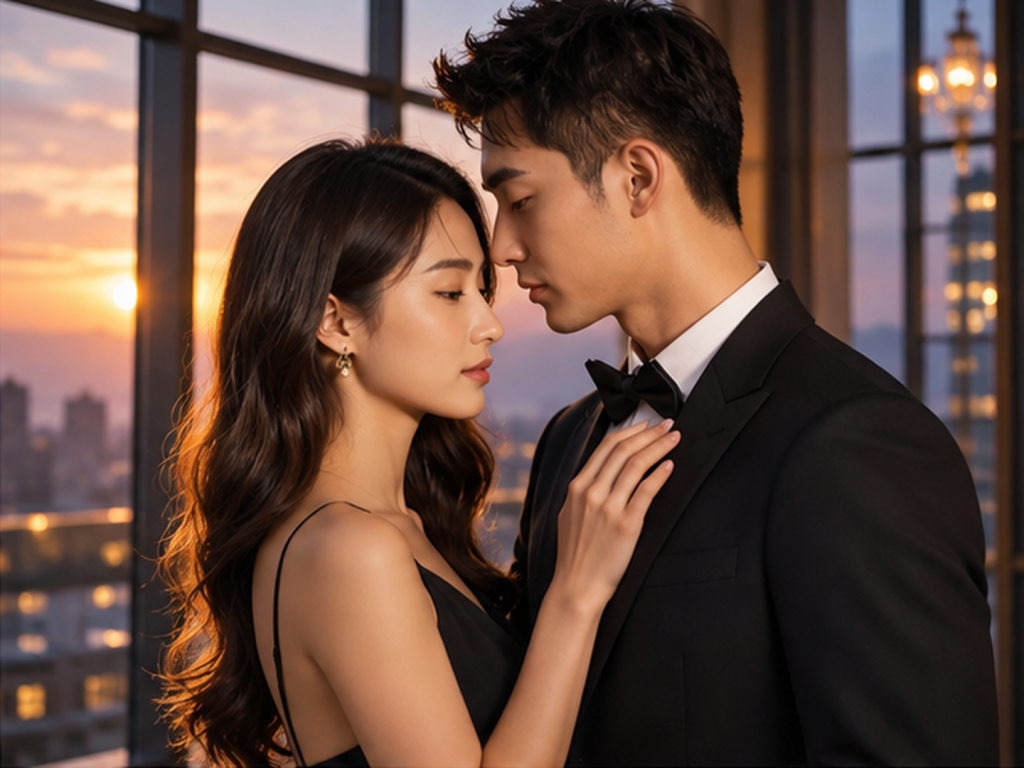
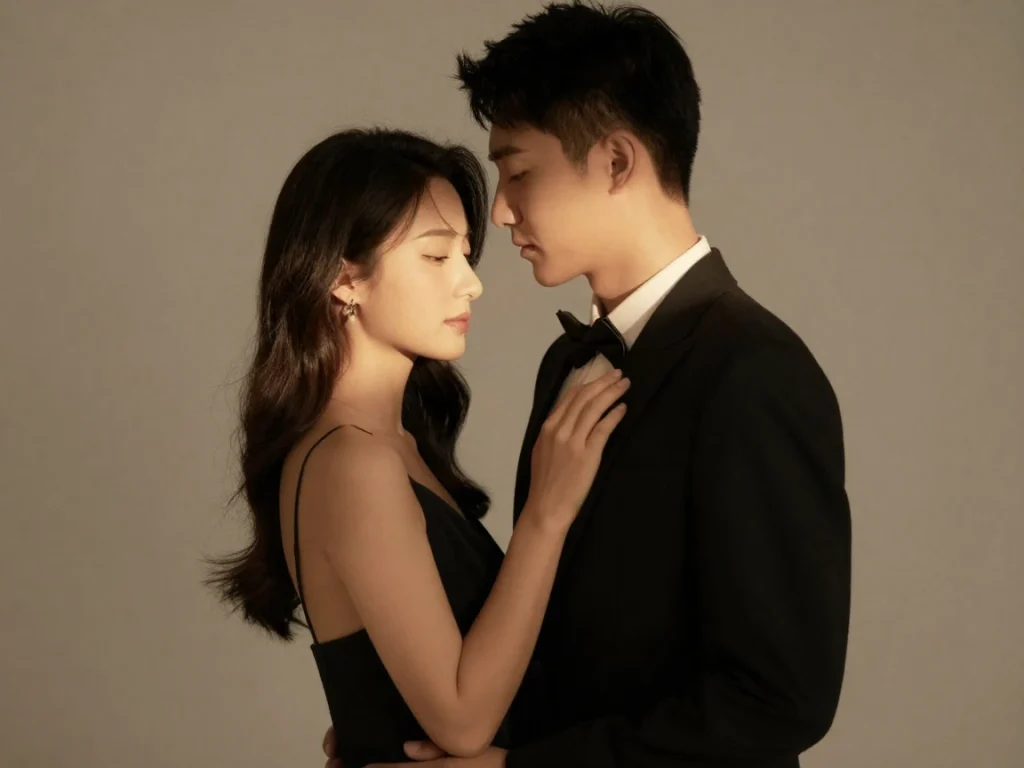
Match skin lighting to the new scene
Warm room light, cool office light and sunset environments affect skin and hair differently. Environmental integration should not erase natural facial detail.
In “AI Background Changer for Portraits: Studio, Lifestyle and Creative Scenes,” this section matters because people-focused background replacement for portraits and headshots. Treat the original photo as the reference of record and compare the candidate against it rather than judging the generated scene by itself. Review face or product accuracy, perspective, contact shadows and background depth; a visually attractive background is still a weak edit when it changes the subject or breaks the physical logic of the photograph.
A practical test inside “AI Background Changer for Portraits: Studio, Lifestyle and Creative Scenes” for match skin lighting to the new scene is to keep the same source image and create two controlled candidates that differ in only one important choice. Compare them at normal viewing size first, then zoom into boundaries, shadows and geometry. This isolates whether the improvement comes from the scene description, reference image, lighting instruction or source-photo quality instead of turning the workflow into random trial and error.
Keep wardrobe consistent
A background edit should not change neckline, jacket, jewelry or accessories unless that is a separate intentional edit.
In “AI Background Changer for Portraits: Studio, Lifestyle and Creative Scenes,” this section matters because people-focused background replacement for portraits and headshots. Treat the original photo as the reference of record and compare the candidate against it rather than judging the generated scene by itself. Review source-photo clarity, scene plausibility, color temperature and reflections; a visually attractive background is still a weak edit when it changes the subject or breaks the physical logic of the photograph.
A practical test inside “AI Background Changer for Portraits: Studio, Lifestyle and Creative Scenes” for keep wardrobe consistent is to keep the same source image and create two controlled candidates that differ in only one important choice. Compare them at normal viewing size first, then zoom into boundaries, shadows and geometry. This isolates whether the improvement comes from the scene description, reference image, lighting instruction or source-photo quality instead of turning the workflow into random trial and error.
Use background blur with purpose
A softly blurred office or city can look natural behind a sharp portrait, but artificial blur around hair can reveal a poor mask.
In “AI Background Changer for Portraits: Studio, Lifestyle and Creative Scenes,” this section matters because people-focused background replacement for portraits and headshots. Treat the original photo as the reference of record and compare the candidate against it rather than judging the generated scene by itself. Review normal-size coherence, close-zoom defects, crop stability and unrelated changes; a visually attractive background is still a weak edit when it changes the subject or breaks the physical logic of the photograph.
A practical test inside “AI Background Changer for Portraits: Studio, Lifestyle and Creative Scenes” for use background blur with purpose is to keep the same source image and create two controlled candidates that differ in only one important choice. Compare them at normal viewing size first, then zoom into boundaries, shadows and geometry. This isolates whether the improvement comes from the scene description, reference image, lighting instruction or source-photo quality instead of turning the workflow into random trial and error.
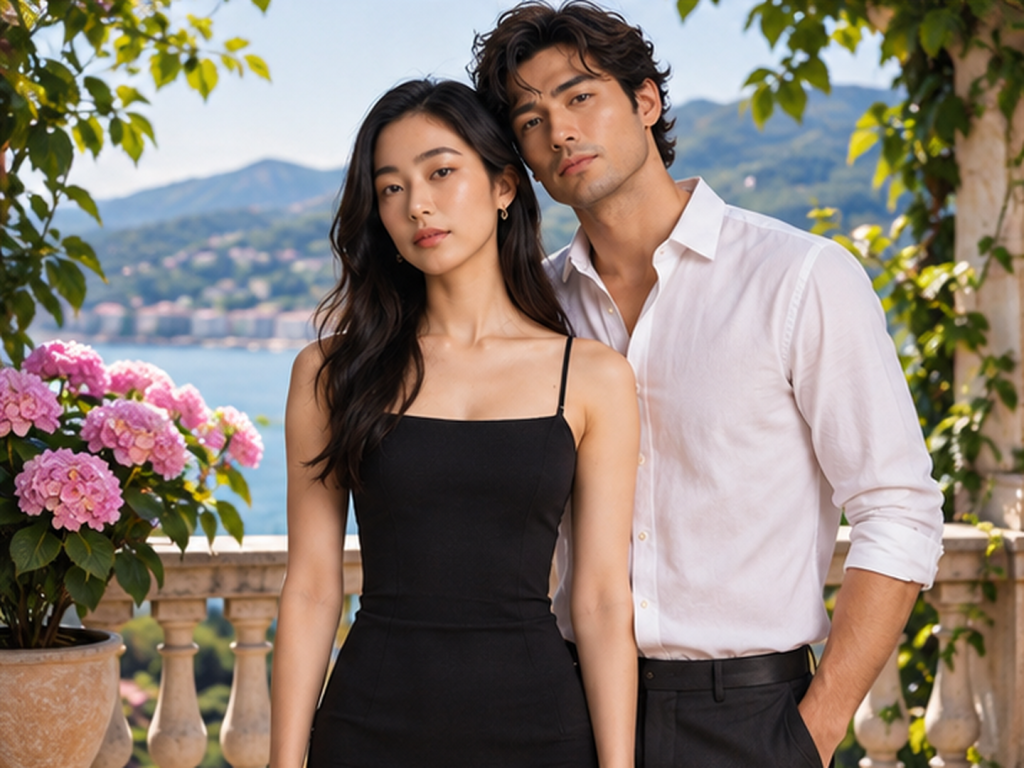
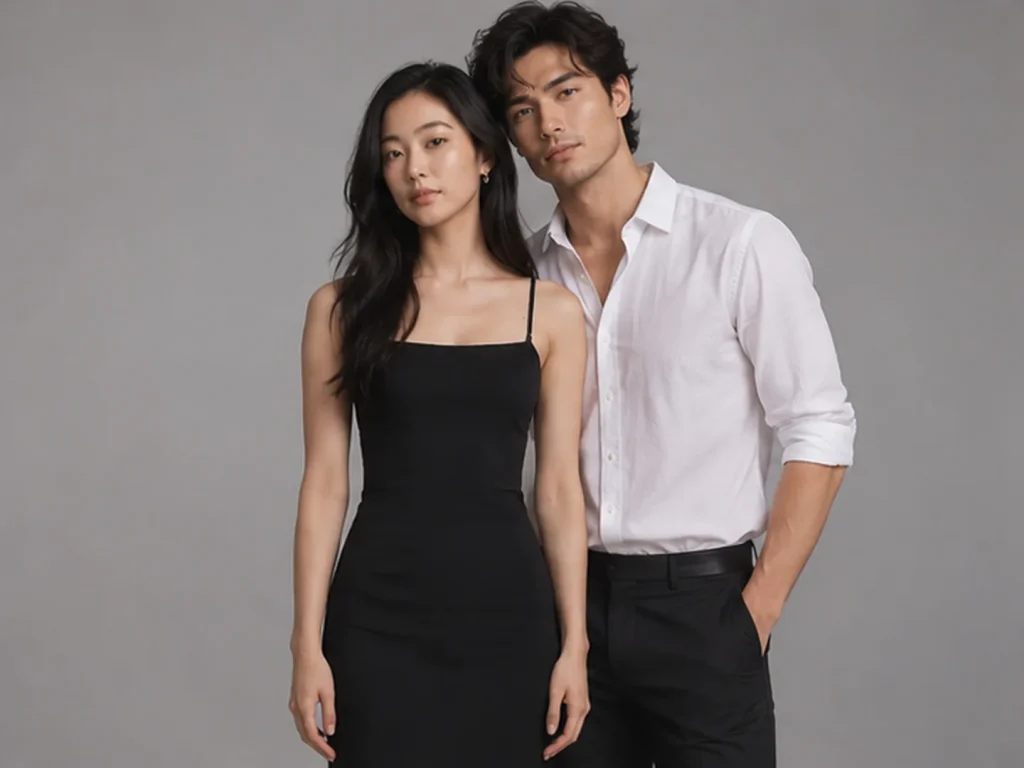
Watch shoulder and neck transitions
These areas often sit against the background and can show halos, duplicated edges or mismatched color spill.
In “AI Background Changer for Portraits: Studio, Lifestyle and Creative Scenes,” this section matters because people-focused background replacement for portraits and headshots. Treat the original photo as the reference of record and compare the candidate against it rather than judging the generated scene by itself. Review intended use, visual accuracy, reproducibility and final review; a visually attractive background is still a weak edit when it changes the subject or breaks the physical logic of the photograph.
A practical test inside “AI Background Changer for Portraits: Studio, Lifestyle and Creative Scenes” for watch shoulder and neck transitions is to keep the same source image and create two controlled candidates that differ in only one important choice. Compare them at normal viewing size first, then zoom into boundaries, shadows and geometry. This isolates whether the improvement comes from the scene description, reference image, lighting instruction or source-photo quality instead of turning the workflow into random trial and error.
Choose scenes that fit the pose
A seated portrait should have believable furniture or crop logic; a full-body standing portrait needs a floor and plausible body scale.
In “AI Background Changer for Portraits: Studio, Lifestyle and Creative Scenes,” this section matters because people-focused background replacement for portraits and headshots. Treat the original photo as the reference of record and compare the candidate against it rather than judging the generated scene by itself. Review subject preservation, camera geometry, light consistency and edge quality; a visually attractive background is still a weak edit when it changes the subject or breaks the physical logic of the photograph.
A practical test inside “AI Background Changer for Portraits: Studio, Lifestyle and Creative Scenes” for choose scenes that fit the pose is to keep the same source image and create two controlled candidates that differ in only one important choice. Compare them at normal viewing size first, then zoom into boundaries, shadows and geometry. This isolates whether the improvement comes from the scene description, reference image, lighting instruction or source-photo quality instead of turning the workflow into random trial and error.
Use creative scenes without implying real events
A cinematic or travel background can be fun, but do not present the generated setting as documentary proof of where the person actually was.
In “AI Background Changer for Portraits: Studio, Lifestyle and Creative Scenes,” this section matters because people-focused background replacement for portraits and headshots. Treat the original photo as the reference of record and compare the candidate against it rather than judging the generated scene by itself. Review face or product accuracy, perspective, contact shadows and background depth; a visually attractive background is still a weak edit when it changes the subject or breaks the physical logic of the photograph.
A practical test inside “AI Background Changer for Portraits: Studio, Lifestyle and Creative Scenes” for use creative scenes without implying real events is to keep the same source image and create two controlled candidates that differ in only one important choice. Compare them at normal viewing size first, then zoom into boundaries, shadows and geometry. This isolates whether the improvement comes from the scene description, reference image, lighting instruction or source-photo quality instead of turning the workflow into random trial and error.
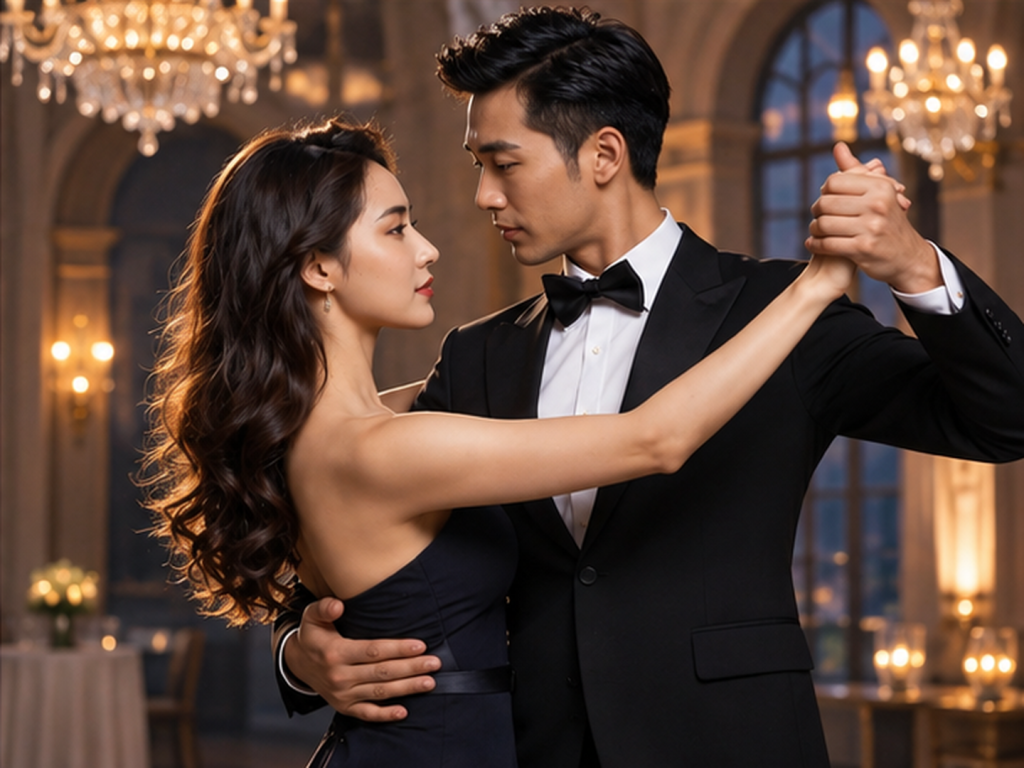
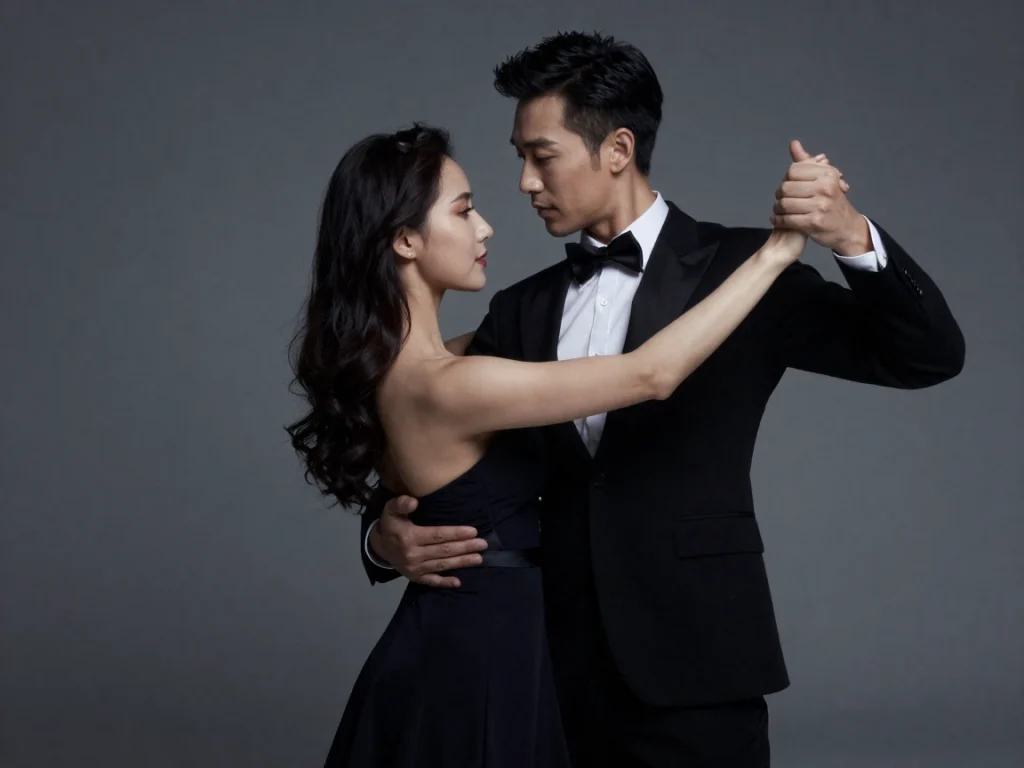
Build variants from one clean source
Once the subject is preserved well, create several scene options from the same original rather than repeatedly editing generated outputs.
In “AI Background Changer for Portraits: Studio, Lifestyle and Creative Scenes,” this section matters because people-focused background replacement for portraits and headshots. Treat the original photo as the reference of record and compare the candidate against it rather than judging the generated scene by itself. Review source-photo clarity, scene plausibility, color temperature and reflections; a visually attractive background is still a weak edit when it changes the subject or breaks the physical logic of the photograph.
A practical test inside “AI Background Changer for Portraits: Studio, Lifestyle and Creative Scenes” for build variants from one clean source is to keep the same source image and create two controlled candidates that differ in only one important choice. Compare them at normal viewing size first, then zoom into boundaries, shadows and geometry. This isolates whether the improvement comes from the scene description, reference image, lighting instruction or source-photo quality instead of turning the workflow into random trial and error.
Compare backgrounds at the final use size
Profile icons, website hero images and print portraits expose different levels of detail and background complexity.
In “AI Background Changer for Portraits: Studio, Lifestyle and Creative Scenes,” this section matters because people-focused background replacement for portraits and headshots. Treat the original photo as the reference of record and compare the candidate against it rather than judging the generated scene by itself. Review normal-size coherence, close-zoom defects, crop stability and unrelated changes; a visually attractive background is still a weak edit when it changes the subject or breaks the physical logic of the photograph.
A practical test inside “AI Background Changer for Portraits: Studio, Lifestyle and Creative Scenes” for compare backgrounds at the final use size is to keep the same source image and create two controlled candidates that differ in only one important choice. Compare them at normal viewing size first, then zoom into boundaries, shadows and geometry. This isolates whether the improvement comes from the scene description, reference image, lighting instruction or source-photo quality instead of turning the workflow into random trial and error.
Keep the original portrait available
The original is the reference for face, hair, outfit and pose. Use it to judge every variant.
In “AI Background Changer for Portraits: Studio, Lifestyle and Creative Scenes,” this section matters because people-focused background replacement for portraits and headshots. Treat the original photo as the reference of record and compare the candidate against it rather than judging the generated scene by itself. Review intended use, visual accuracy, reproducibility and final review; a visually attractive background is still a weak edit when it changes the subject or breaks the physical logic of the photograph.
A practical test inside “AI Background Changer for Portraits: Studio, Lifestyle and Creative Scenes” for keep the original portrait available is to keep the same source image and create two controlled candidates that differ in only one important choice. Compare them at normal viewing size first, then zoom into boundaries, shadows and geometry. This isolates whether the improvement comes from the scene description, reference image, lighting instruction or source-photo quality instead of turning the workflow into random trial and error.
Related AvaClik guides
Use the studio prompts for clean headshots, the city and nature guides for location changes, and troubleshooting for face or edge drift.
In “AI Background Changer for Portraits: Studio, Lifestyle and Creative Scenes,” this section matters because people-focused background replacement for portraits and headshots. Treat the original photo as the reference of record and compare the candidate against it rather than judging the generated scene by itself. Review subject preservation, camera geometry, light consistency and edge quality; a visually attractive background is still a weak edit when it changes the subject or breaks the physical logic of the photograph.
A practical test inside “AI Background Changer for Portraits: Studio, Lifestyle and Creative Scenes” for related avaclik guides is to keep the same source image and create two controlled candidates that differ in only one important choice. Compare them at normal viewing size first, then zoom into boundaries, shadows and geometry. This isolates whether the improvement comes from the scene description, reference image, lighting instruction or source-photo quality instead of turning the workflow into random trial and error.
Frequently asked questions
These answers cover headshot backgrounds, blur, hair edges, seated portraits and how much relighting is acceptable.
In “AI Background Changer for Portraits: Studio, Lifestyle and Creative Scenes,” this section matters because people-focused background replacement for portraits and headshots. Treat the original photo as the reference of record and compare the candidate against it rather than judging the generated scene by itself. Review face or product accuracy, perspective, contact shadows and background depth; a visually attractive background is still a weak edit when it changes the subject or breaks the physical logic of the photograph.
A practical test inside “AI Background Changer for Portraits: Studio, Lifestyle and Creative Scenes” for frequently asked questions is to keep the same source image and create two controlled candidates that differ in only one important choice. Compare them at normal viewing size first, then zoom into boundaries, shadows and geometry. This isolates whether the improvement comes from the scene description, reference image, lighting instruction or source-photo quality instead of turning the workflow into random trial and error.
Final takeaway
A portrait background should support the person, not compete with them. Preserve identity, match the photographic logic and choose the simplest scene that communicates the intended mood.
In “AI Background Changer for Portraits: Studio, Lifestyle and Creative Scenes,” this section matters because people-focused background replacement for portraits and headshots. Treat the original photo as the reference of record and compare the candidate against it rather than judging the generated scene by itself. Review source-photo clarity, scene plausibility, color temperature and reflections; a visually attractive background is still a weak edit when it changes the subject or breaks the physical logic of the photograph.
A practical test inside “AI Background Changer for Portraits: Studio, Lifestyle and Creative Scenes” for final takeaway is to keep the same source image and create two controlled candidates that differ in only one important choice. Compare them at normal viewing size first, then zoom into boundaries, shadows and geometry. This isolates whether the improvement comes from the scene description, reference image, lighting instruction or source-photo quality instead of turning the workflow into random trial and error.
More AvaClik background guides
- AI Background Changer vs Background Remover: What’s the Difference?
- How to Change a Photo Background With AI: Complete Guide
- How to Change a Background Without Changing the Person, Face or Outfit
You can also compare this workflow with Background Removal vs Background Replacement when deciding whether you need transparency or a fully generated scene.
Try this in AvaClik
Try the workflow in AvaClik
Upload a photo you have permission to edit, make a change, check the result and refine it.
Try AvaClik AI Background Changer ↗