Best Photos for AI Background Changing: Framing, Light & Subject Edges
Choose better source photos for AI background replacement by checking framing, subject edges, hair, lighting, pose, floor contact and available scene space.
On this page
Open the AvaClik tool connected to this guide and try it on your photo.
Choose better source photos for AI background replacement by checking framing, subject edges, hair, lighting, pose, floor contact and available scene space. This draft is designed for adult 18+ users working with images they are authorized to edit. AI background replacement can create fictional locations or contexts, so do not present a generated scene as documentary proof that a person visited a place, attended an event or endorsed a brand when that did not happen.
Quick answer
The best source shows one clear subject, readable edges, enough resolution, visible pose and lighting that can plausibly fit the new scene. Leave enough space in the frame for the replacement environment to make visual sense.
In “Best Photos for AI Background Changing: Framing, Light & Subject Edges,” this section matters because source-photo selection before background replacement. Treat the original photo as the reference of record and compare the candidate against it rather than judging the generated scene by itself. Review subject preservation, camera geometry, light consistency and edge quality; a visually attractive background is still a weak edit when it changes the subject or breaks the physical logic of the photograph.
A practical test inside “Best Photos for AI Background Changing: Framing, Light & Subject Edges” for quick answer is to keep the same source image and create two controlled candidates that differ in only one important choice. Compare them at normal viewing size first, then zoom into boundaries, shadows and geometry. This isolates whether the improvement comes from the scene description, reference image, lighting instruction or source-photo quality instead of turning the workflow into random trial and error.
Clear separation between subject and background helps
Hair and clothing that contrast with the original background are easier to preserve than boundaries that disappear into similar colors or motion blur.
In “Best Photos for AI Background Changing: Framing, Light & Subject Edges,” this section matters because source-photo selection before background replacement. Treat the original photo as the reference of record and compare the candidate against it rather than judging the generated scene by itself. Review face or product accuracy, perspective, contact shadows and background depth; a visually attractive background is still a weak edit when it changes the subject or breaks the physical logic of the photograph.
A practical test inside “Best Photos for AI Background Changing: Framing, Light & Subject Edges” for clear separation between subject and background helps is to keep the same source image and create two controlled candidates that differ in only one important choice. Compare them at normal viewing size first, then zoom into boundaries, shadows and geometry. This isolates whether the improvement comes from the scene description, reference image, lighting instruction or source-photo quality instead of turning the workflow into random trial and error.
Use enough resolution for hair and accessories
A tiny compressed face can still look okay in a thumbnail, but fine hair, earrings and fabric edges may collapse when the background is rebuilt.
In “Best Photos for AI Background Changing: Framing, Light & Subject Edges,” this section matters because source-photo selection before background replacement. Treat the original photo as the reference of record and compare the candidate against it rather than judging the generated scene by itself. Review source-photo clarity, scene plausibility, color temperature and reflections; a visually attractive background is still a weak edit when it changes the subject or breaks the physical logic of the photograph.
A practical test inside “Best Photos for AI Background Changing: Framing, Light & Subject Edges” for use enough resolution for hair and accessories is to keep the same source image and create two controlled candidates that differ in only one important choice. Compare them at normal viewing size first, then zoom into boundaries, shadows and geometry. This isolates whether the improvement comes from the scene description, reference image, lighting instruction or source-photo quality instead of turning the workflow into random trial and error.

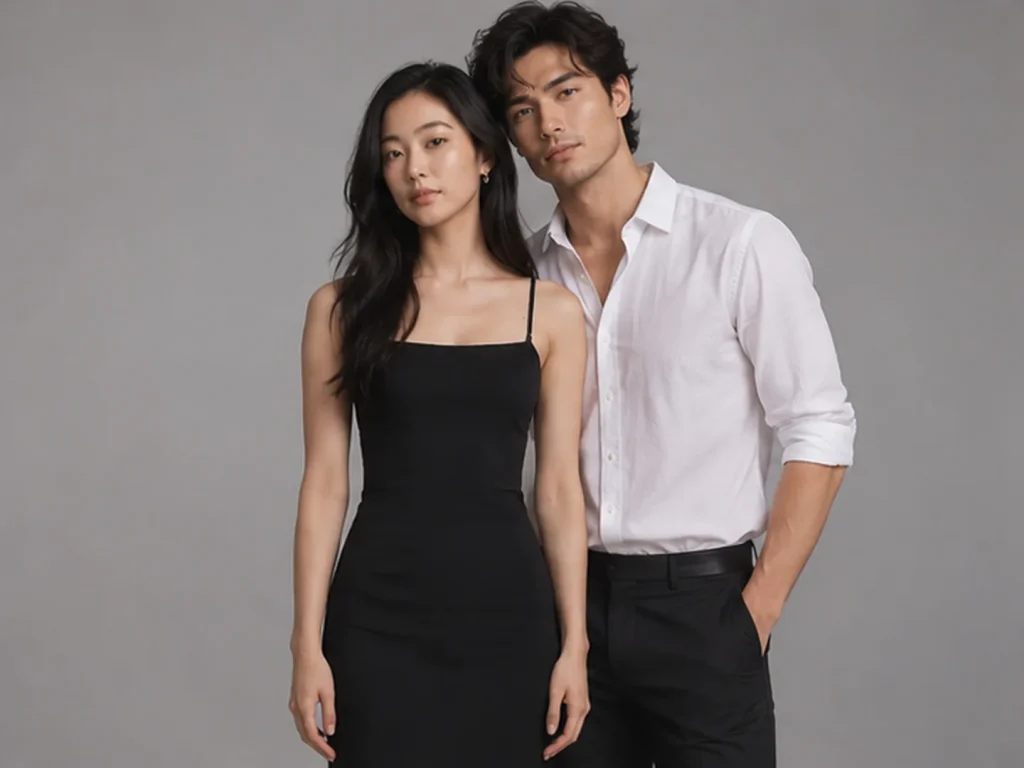
Front, three-quarter and full-body photos create different needs
Portrait crops emphasize hair and shoulders. Full-body photos add floor contact, feet, shadows and perspective, making source selection more demanding.
In “Best Photos for AI Background Changing: Framing, Light & Subject Edges,” this section matters because source-photo selection before background replacement. Treat the original photo as the reference of record and compare the candidate against it rather than judging the generated scene by itself. Review normal-size coherence, close-zoom defects, crop stability and unrelated changes; a visually attractive background is still a weak edit when it changes the subject or breaks the physical logic of the photograph.
A practical test inside “Best Photos for AI Background Changing: Framing, Light & Subject Edges” for front, three-quarter and full-body photos create different needs is to keep the same source image and create two controlled candidates that differ in only one important choice. Compare them at normal viewing size first, then zoom into boundaries, shadows and geometry. This isolates whether the improvement comes from the scene description, reference image, lighting instruction or source-photo quality instead of turning the workflow into random trial and error.
Visible ground is useful for standing subjects
When feet are visible, a clear floor or ground plane helps the model understand where the new surface should meet the person.
In “Best Photos for AI Background Changing: Framing, Light & Subject Edges,” this section matters because source-photo selection before background replacement. Treat the original photo as the reference of record and compare the candidate against it rather than judging the generated scene by itself. Review intended use, visual accuracy, reproducibility and final review; a visually attractive background is still a weak edit when it changes the subject or breaks the physical logic of the photograph.
A practical test inside “Best Photos for AI Background Changing: Framing, Light & Subject Edges” for visible ground is useful for standing subjects is to keep the same source image and create two controlled candidates that differ in only one important choice. Compare them at normal viewing size first, then zoom into boundaries, shadows and geometry. This isolates whether the improvement comes from the scene description, reference image, lighting instruction or source-photo quality instead of turning the workflow into random trial and error.
Avoid heavy motion blur
Blurred boundaries leave the model guessing which pixels belong to the subject. This is especially noticeable around hands, hair and loose clothing.
In “Best Photos for AI Background Changing: Framing, Light & Subject Edges,” this section matters because source-photo selection before background replacement. Treat the original photo as the reference of record and compare the candidate against it rather than judging the generated scene by itself. Review subject preservation, camera geometry, light consistency and edge quality; a visually attractive background is still a weak edit when it changes the subject or breaks the physical logic of the photograph.
A practical test inside “Best Photos for AI Background Changing: Framing, Light & Subject Edges” for avoid heavy motion blur is to keep the same source image and create two controlled candidates that differ in only one important choice. Compare them at normal viewing size first, then zoom into boundaries, shadows and geometry. This isolates whether the improvement comes from the scene description, reference image, lighting instruction or source-photo quality instead of turning the workflow into random trial and error.
Watch transparent and reflective materials
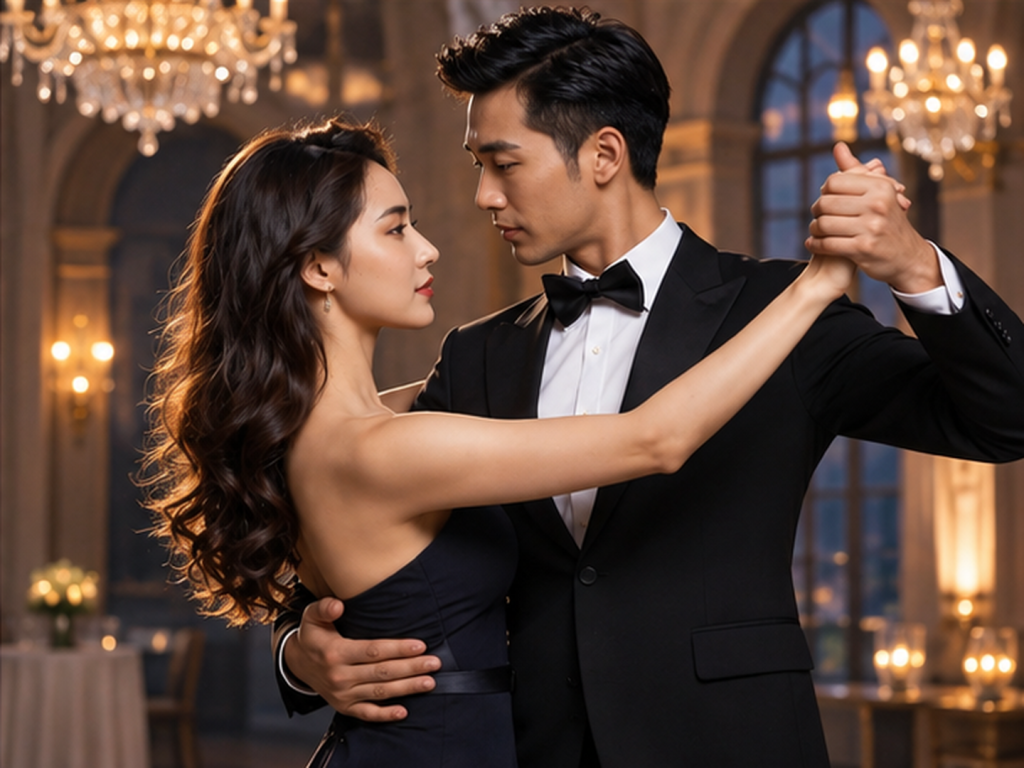
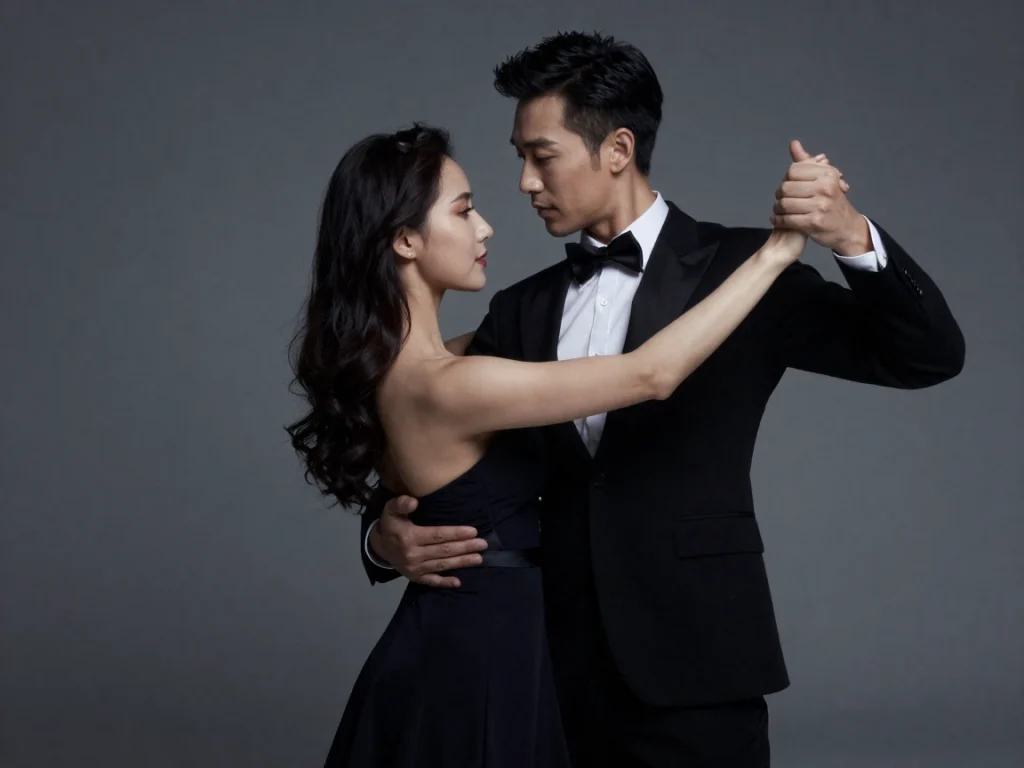
Veils, glass, glossy jackets, jewelry and translucent fabric depend on the old environment. They may need extra review when the scene changes.
In “Best Photos for AI Background Changing: Framing, Light & Subject Edges,” this section matters because source-photo selection before background replacement. Treat the original photo as the reference of record and compare the candidate against it rather than judging the generated scene by itself. Review face or product accuracy, perspective, contact shadows and background depth; a visually attractive background is still a weak edit when it changes the subject or breaks the physical logic of the photograph.
A practical test inside “Best Photos for AI Background Changing: Framing, Light & Subject Edges” for watch transparent and reflective materials is to keep the same source image and create two controlled candidates that differ in only one important choice. Compare them at normal viewing size first, then zoom into boundaries, shadows and geometry. This isolates whether the improvement comes from the scene description, reference image, lighting instruction or source-photo quality instead of turning the workflow into random trial and error.
Choose lighting that can fit the intended scene
A hard noon-sun portrait is harder to place into a dim candlelit room than a softly lit subject. You can still try, but more relighting is required.
In “Best Photos for AI Background Changing: Framing, Light & Subject Edges,” this section matters because source-photo selection before background replacement. Treat the original photo as the reference of record and compare the candidate against it rather than judging the generated scene by itself. Review source-photo clarity, scene plausibility, color temperature and reflections; a visually attractive background is still a weak edit when it changes the subject or breaks the physical logic of the photograph.
A practical test inside “Best Photos for AI Background Changing: Framing, Light & Subject Edges” for choose lighting that can fit the intended scene is to keep the same source image and create two controlled candidates that differ in only one important choice. Compare them at normal viewing size first, then zoom into boundaries, shadows and geometry. This isolates whether the improvement comes from the scene description, reference image, lighting instruction or source-photo quality instead of turning the workflow into random trial and error.
Leave breathing room around the subject
A crop that cuts tightly against hair, elbows or feet limits how much the scene can change without feeling cramped.
In “Best Photos for AI Background Changing: Framing, Light & Subject Edges,” this section matters because source-photo selection before background replacement. Treat the original photo as the reference of record and compare the candidate against it rather than judging the generated scene by itself. Review normal-size coherence, close-zoom defects, crop stability and unrelated changes; a visually attractive background is still a weak edit when it changes the subject or breaks the physical logic of the photograph.
A practical test inside “Best Photos for AI Background Changing: Framing, Light & Subject Edges” for leave breathing room around the subject is to keep the same source image and create two controlled candidates that differ in only one important choice. Compare them at normal viewing size first, then zoom into boundaries, shadows and geometry. This isolates whether the improvement comes from the scene description, reference image, lighting instruction or source-photo quality instead of turning the workflow into random trial and error.
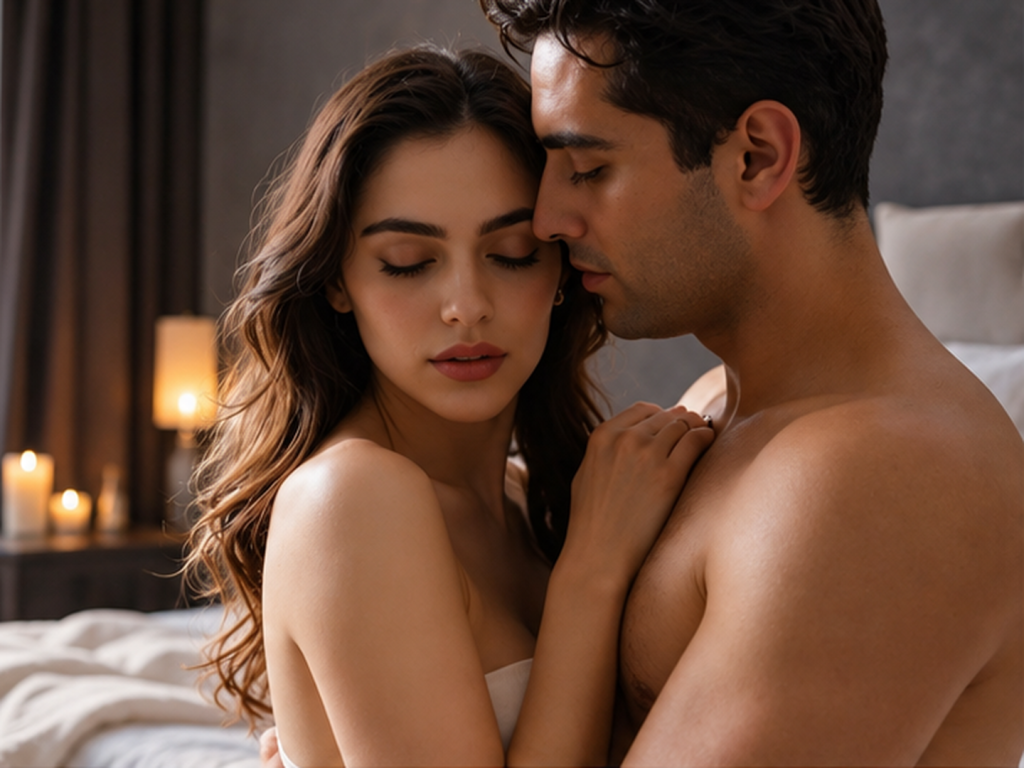
Single-subject photos are easiest to control
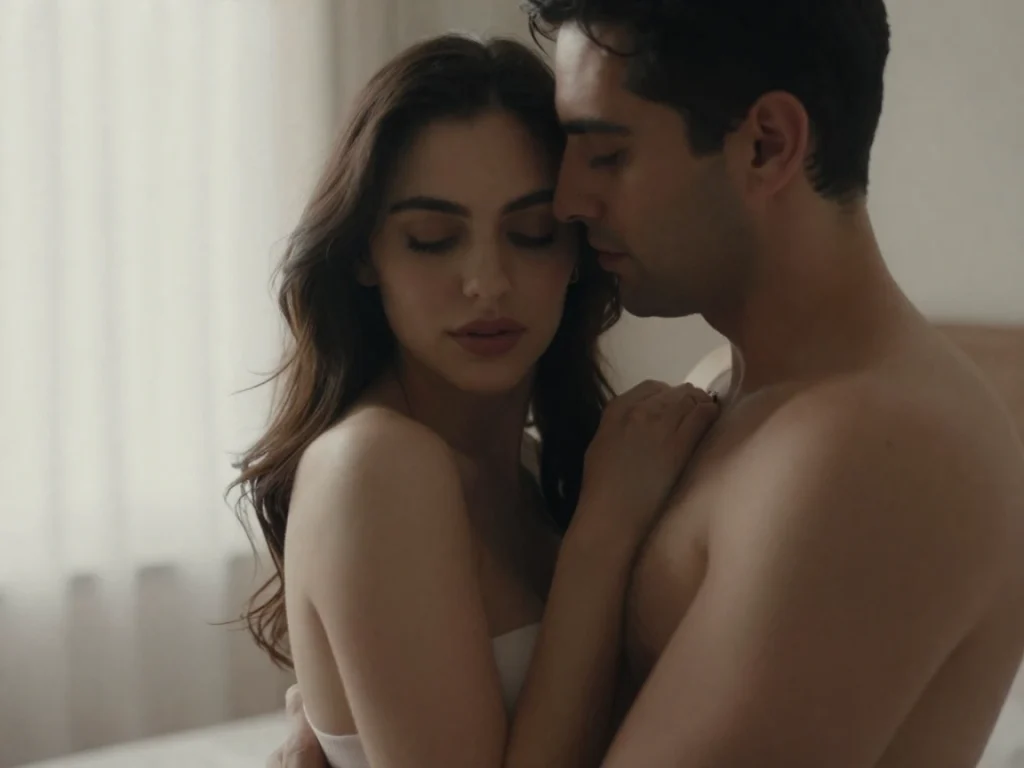
Multiple people create more edges, overlaps and shadows. If the goal is one portrait background, start with one clear person.
In “Best Photos for AI Background Changing: Framing, Light & Subject Edges,” this section matters because source-photo selection before background replacement. Treat the original photo as the reference of record and compare the candidate against it rather than judging the generated scene by itself. Review intended use, visual accuracy, reproducibility and final review; a visually attractive background is still a weak edit when it changes the subject or breaks the physical logic of the photograph.
A practical test inside “Best Photos for AI Background Changing: Framing, Light & Subject Edges” for single-subject photos are easiest to control is to keep the same source image and create two controlled candidates that differ in only one important choice. Compare them at normal viewing size first, then zoom into boundaries, shadows and geometry. This isolates whether the improvement comes from the scene description, reference image, lighting instruction or source-photo quality instead of turning the workflow into random trial and error.
Avoid busy foreground objects unless they must stay
Plants, chairs, railings and tables in front of the person can become ambiguous when the background changes. Decide whether they belong to the subject or the environment.
In “Best Photos for AI Background Changing: Framing, Light & Subject Edges,” this section matters because source-photo selection before background replacement. Treat the original photo as the reference of record and compare the candidate against it rather than judging the generated scene by itself. Review subject preservation, camera geometry, light consistency and edge quality; a visually attractive background is still a weak edit when it changes the subject or breaks the physical logic of the photograph.
A practical test inside “Best Photos for AI Background Changing: Framing, Light & Subject Edges” for avoid busy foreground objects unless they must stay is to keep the same source image and create two controlled candidates that differ in only one important choice. Compare them at normal viewing size first, then zoom into boundaries, shadows and geometry. This isolates whether the improvement comes from the scene description, reference image, lighting instruction or source-photo quality instead of turning the workflow into random trial and error.
Use clean product photos for commercial scenes
For products, sharp edges, accurate labels and a clear support surface matter more than dramatic pose. Preserve product shape before adding lifestyle context.
In “Best Photos for AI Background Changing: Framing, Light & Subject Edges,” this section matters because source-photo selection before background replacement. Treat the original photo as the reference of record and compare the candidate against it rather than judging the generated scene by itself. Review face or product accuracy, perspective, contact shadows and background depth; a visually attractive background is still a weak edit when it changes the subject or breaks the physical logic of the photograph.
A practical test inside “Best Photos for AI Background Changing: Framing, Light & Subject Edges” for use clean product photos for commercial scenes is to keep the same source image and create two controlled candidates that differ in only one important choice. Compare them at normal viewing size first, then zoom into boundaries, shadows and geometry. This isolates whether the improvement comes from the scene description, reference image, lighting instruction or source-photo quality instead of turning the workflow into random trial and error.
Check face and clothing before upload
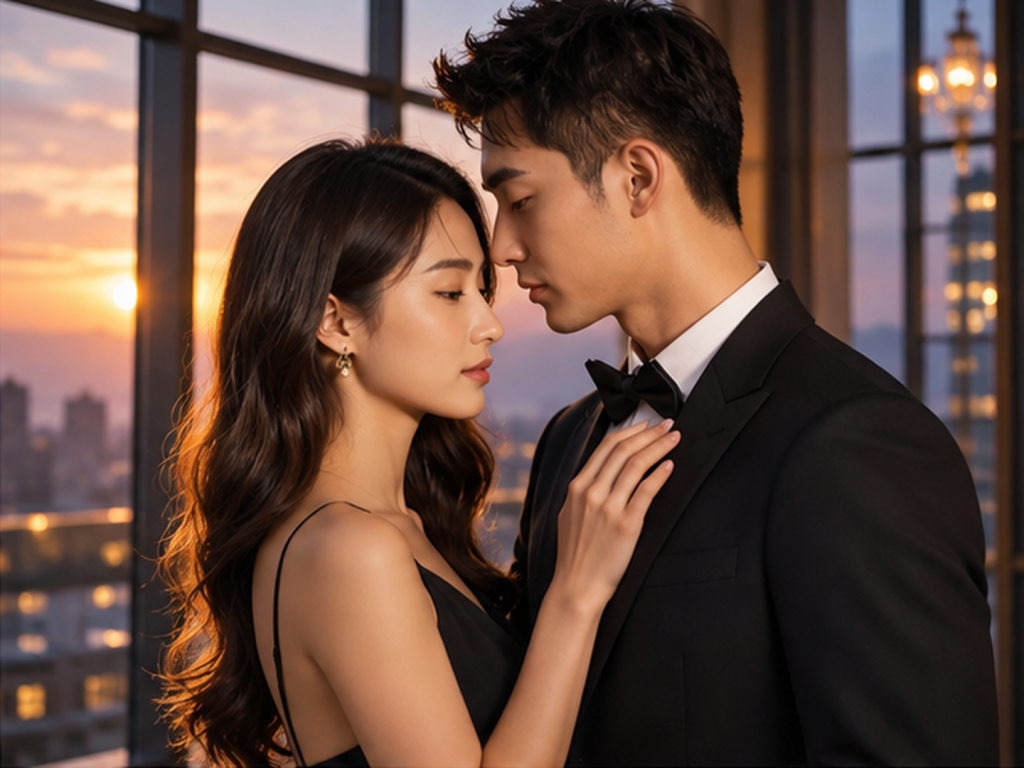
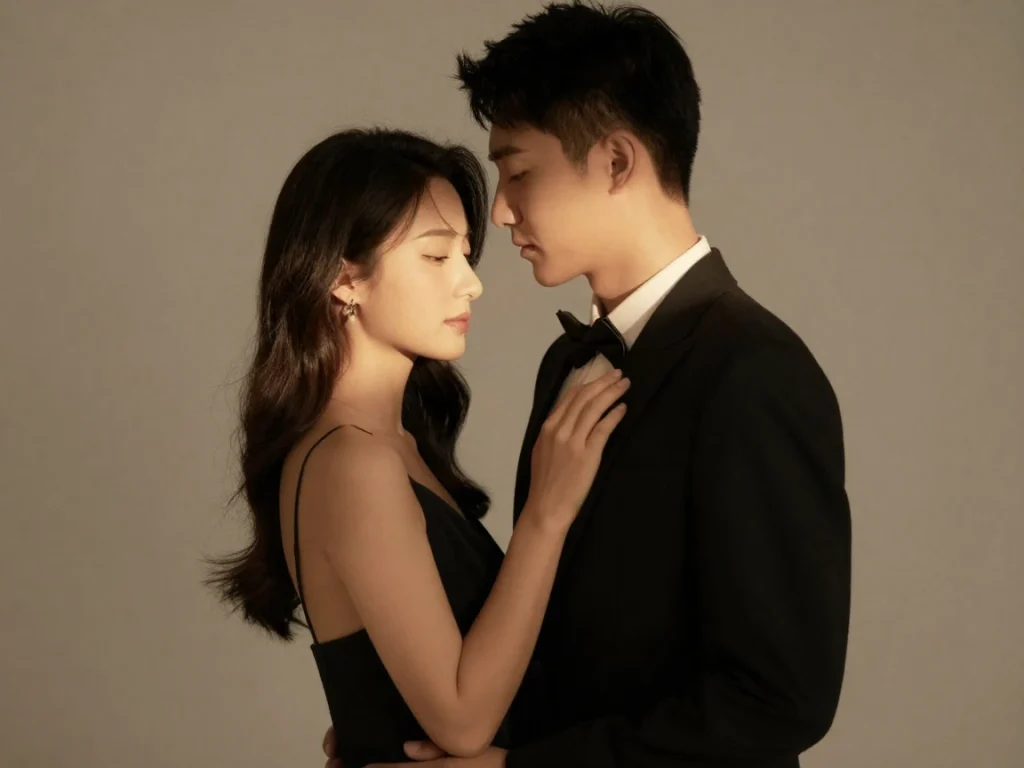
If the source already has compression artifacts, clipped highlights or heavy beauty filters, the new scene will not fix those problems reliably.
In “Best Photos for AI Background Changing: Framing, Light & Subject Edges,” this section matters because source-photo selection before background replacement. Treat the original photo as the reference of record and compare the candidate against it rather than judging the generated scene by itself. Review source-photo clarity, scene plausibility, color temperature and reflections; a visually attractive background is still a weak edit when it changes the subject or breaks the physical logic of the photograph.
A practical test inside “Best Photos for AI Background Changing: Framing, Light & Subject Edges” for check face and clothing before upload is to keep the same source image and create two controlled candidates that differ in only one important choice. Compare them at normal viewing size first, then zoom into boundaries, shadows and geometry. This isolates whether the improvement comes from the scene description, reference image, lighting instruction or source-photo quality instead of turning the workflow into random trial and error.
Match the source aspect ratio to the intended final use
A portrait source works naturally for profile and social layouts. A wide marketing scene may require more room or later outpainting rather than background change alone.
In “Best Photos for AI Background Changing: Framing, Light & Subject Edges,” this section matters because source-photo selection before background replacement. Treat the original photo as the reference of record and compare the candidate against it rather than judging the generated scene by itself. Review normal-size coherence, close-zoom defects, crop stability and unrelated changes; a visually attractive background is still a weak edit when it changes the subject or breaks the physical logic of the photograph.
A practical test inside “Best Photos for AI Background Changing: Framing, Light & Subject Edges” for match the source aspect ratio to the intended final use is to keep the same source image and create two controlled candidates that differ in only one important choice. Compare them at normal viewing size first, then zoom into boundaries, shadows and geometry. This isolates whether the improvement comes from the scene description, reference image, lighting instruction or source-photo quality instead of turning the workflow into random trial and error.
Create a short preflight test
Before spending time on elaborate prompts, run one simple studio or plain-scene replacement to see whether the subject edges hold up.
In “Best Photos for AI Background Changing: Framing, Light & Subject Edges,” this section matters because source-photo selection before background replacement. Treat the original photo as the reference of record and compare the candidate against it rather than judging the generated scene by itself. Review intended use, visual accuracy, reproducibility and final review; a visually attractive background is still a weak edit when it changes the subject or breaks the physical logic of the photograph.
A practical test inside “Best Photos for AI Background Changing: Framing, Light & Subject Edges” for create a short preflight test is to keep the same source image and create two controlled candidates that differ in only one important choice. Compare them at normal viewing size first, then zoom into boundaries, shadows and geometry. This isolates whether the improvement comes from the scene description, reference image, lighting instruction or source-photo quality instead of turning the workflow into random trial and error.
Related AvaClik guides
Use the complete guide for workflow, the keep-person-same guide for preservation, and troubleshooting for halos or broken edges.
In “Best Photos for AI Background Changing: Framing, Light & Subject Edges,” this section matters because source-photo selection before background replacement. Treat the original photo as the reference of record and compare the candidate against it rather than judging the generated scene by itself. Review subject preservation, camera geometry, light consistency and edge quality; a visually attractive background is still a weak edit when it changes the subject or breaks the physical logic of the photograph.
A practical test inside “Best Photos for AI Background Changing: Framing, Light & Subject Edges” for related avaclik guides is to keep the same source image and create two controlled candidates that differ in only one important choice. Compare them at normal viewing size first, then zoom into boundaries, shadows and geometry. This isolates whether the improvement comes from the scene description, reference image, lighting instruction or source-photo quality instead of turning the workflow into random trial and error.
Frequently asked questions
These answers cover selfies, group photos, full-body images, transparent fabrics and whether a higher-resolution file always gives a better result.
In “Best Photos for AI Background Changing: Framing, Light & Subject Edges,” this section matters because source-photo selection before background replacement. Treat the original photo as the reference of record and compare the candidate against it rather than judging the generated scene by itself. Review face or product accuracy, perspective, contact shadows and background depth; a visually attractive background is still a weak edit when it changes the subject or breaks the physical logic of the photograph.
A practical test inside “Best Photos for AI Background Changing: Framing, Light & Subject Edges” for frequently asked questions is to keep the same source image and create two controlled candidates that differ in only one important choice. Compare them at normal viewing size first, then zoom into boundaries, shadows and geometry. This isolates whether the improvement comes from the scene description, reference image, lighting instruction or source-photo quality instead of turning the workflow into random trial and error.
Final takeaway
A strong source photo reduces the number of problems the AI must solve. Clear boundaries, usable light and sensible framing are more valuable than an elaborate background idea built on a weak input.
In “Best Photos for AI Background Changing: Framing, Light & Subject Edges,” this section matters because source-photo selection before background replacement. Treat the original photo as the reference of record and compare the candidate against it rather than judging the generated scene by itself. Review source-photo clarity, scene plausibility, color temperature and reflections; a visually attractive background is still a weak edit when it changes the subject or breaks the physical logic of the photograph.
A practical test inside “Best Photos for AI Background Changing: Framing, Light & Subject Edges” for final takeaway is to keep the same source image and create two controlled candidates that differ in only one important choice. Compare them at normal viewing size first, then zoom into boundaries, shadows and geometry. This isolates whether the improvement comes from the scene description, reference image, lighting instruction or source-photo quality instead of turning the workflow into random trial and error.
More AvaClik background guides
- How to Make AI Background Changes Look Natural and Realistic
- 30 AI Nature and Travel Background Prompts for Photo Editing
- AI Background Changer for Portraits: Studio, Lifestyle and Creative Scenes
You can also compare this workflow with Background Removal vs Background Replacement when deciding whether you need transparency or a fully generated scene.

Try this in AvaClik
Try the workflow in AvaClik
Upload a photo you have permission to edit, make a change, check the result and refine it.
Try AvaClik AI Background Changer ↗