How to Edit Adult Photos With AI Prompts: Practical Guide
A practical guide to consensual adult photo editing with AI prompts: boudoir styling, wardrobe, backgrounds, lighting, identity preservation and realism.
On this page
Open the AvaClik tool connected to this guide and try it on your photo.
Adult-oriented photo editing has the same technical challenges as any other portrait workflow — preserving identity, anatomy, pose, skin texture, lighting and edge quality — but it adds two practical requirements: consent and privacy. A technically good result is not enough if the source image should not have been edited or shared in the first place.
This guide focuses on consensual adult photo editing such as tasteful boudoir styling, wardrobe changes, background changes, lighting, retouching and other non-graphic creative edits in the AvaClik AI Photo Editor by Prompt.
Start with consent, rights and privacy
Before prompt quality, check whether the image should be edited at all. The subject must be an adult. You should have the right to use the photo and the required consent for the intended edit. Do not treat a publicly visible image as automatic permission for intimate or adult-oriented transformation.
Privacy matters too. Adult photos can contain identifying details in mirrors, backgrounds, metadata or screenshots. Use only the material necessary for the edit and avoid sharing private source images more widely than needed.
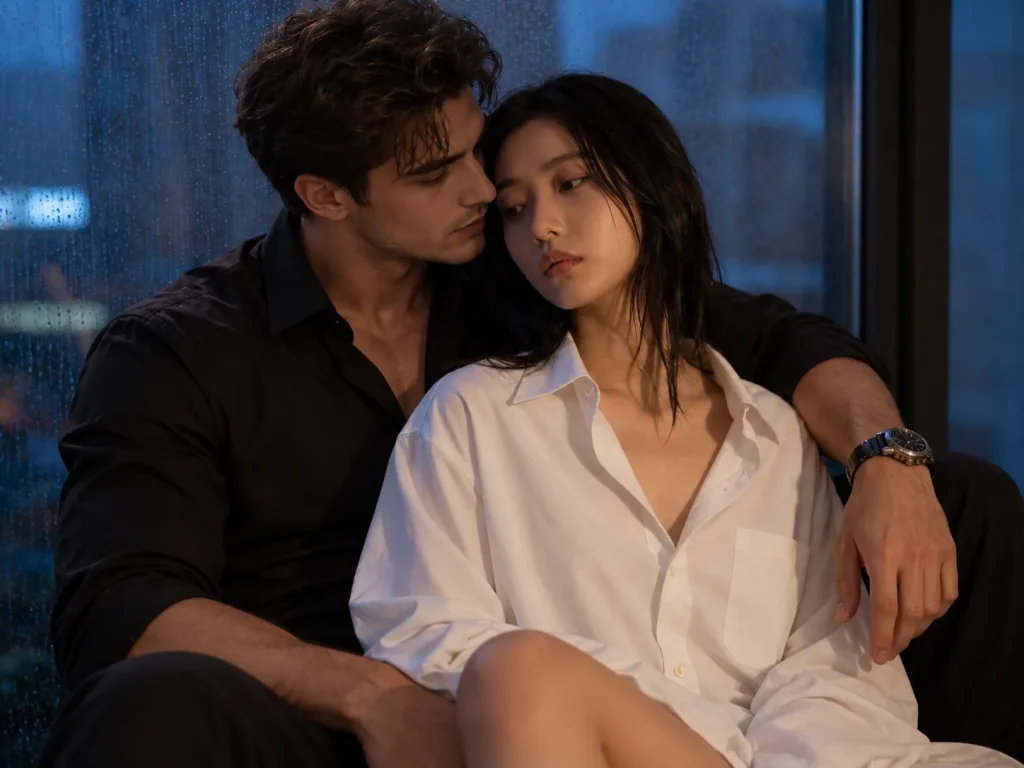
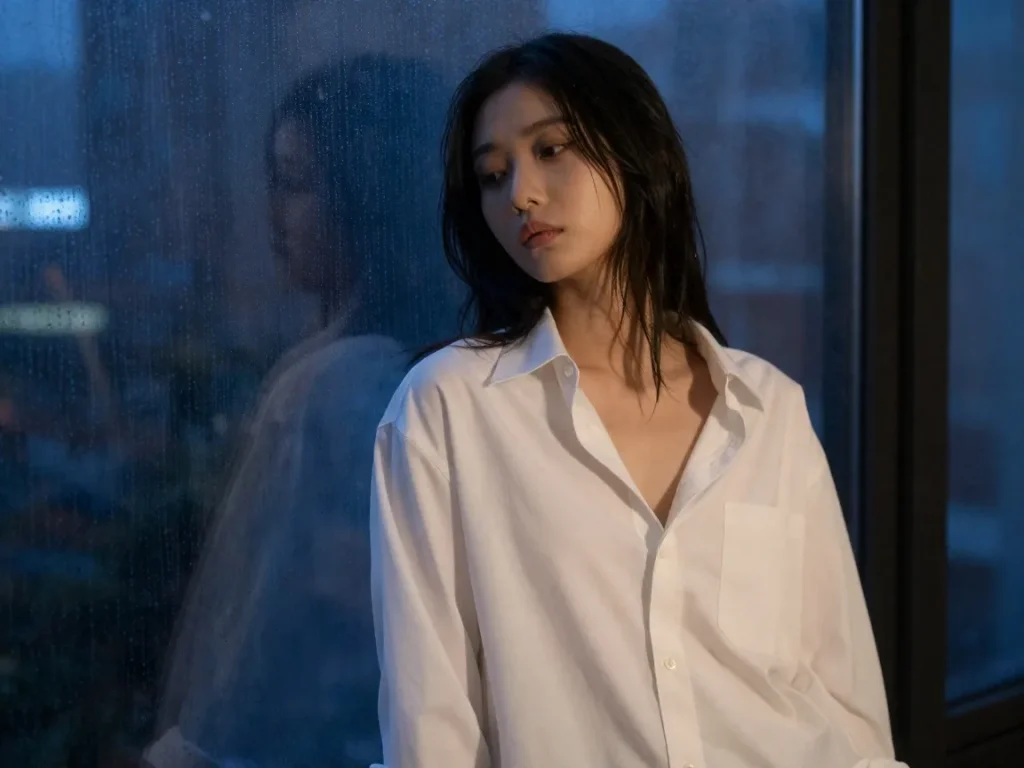
Write the prompt like a photography brief
Vague adult-oriented prompts tend to give the model too much freedom. A better approach is to describe wardrobe, setting, light, mood and preservation constraints the same way you would brief a portrait photographer or retoucher.
Make this photo sexier.
The model has to invent what should change and may alter identity, body, clothing, pose and scene at the same time.
Give this consenting adult portrait a tasteful boudoir look with warm bedside lighting, soft contrast and refined black lingerie. Keep the same face, body proportions, pose, hands, hairstyle, room perspective and crop; preserve realistic skin texture and natural shadows.
The request describes visible photographic properties and protects the original person.
1. Tasteful boudoir styling
Boudoir editing is often more about photography language than explicit content: light direction, room atmosphere, wardrobe, fabric, pose preservation and skin treatment determine whether the result feels polished.
Give the portrait soft warm boudoir lighting with gentle side light, low contrast and natural shadow falloff. Keep the adult subject’s identity, body proportions, pose, outfit, background composition and crop unchanged.
A lighting-only pass is a good way to improve mood without changing the person.
Give this consenting adult portrait a refined editorial boudoir treatment: soft directional light, subtle film-like contrast and clean skin tones. Keep the face, body proportions, pose, hands, wardrobe and room unchanged.
Style should modify the photograph, not redesign the subject.
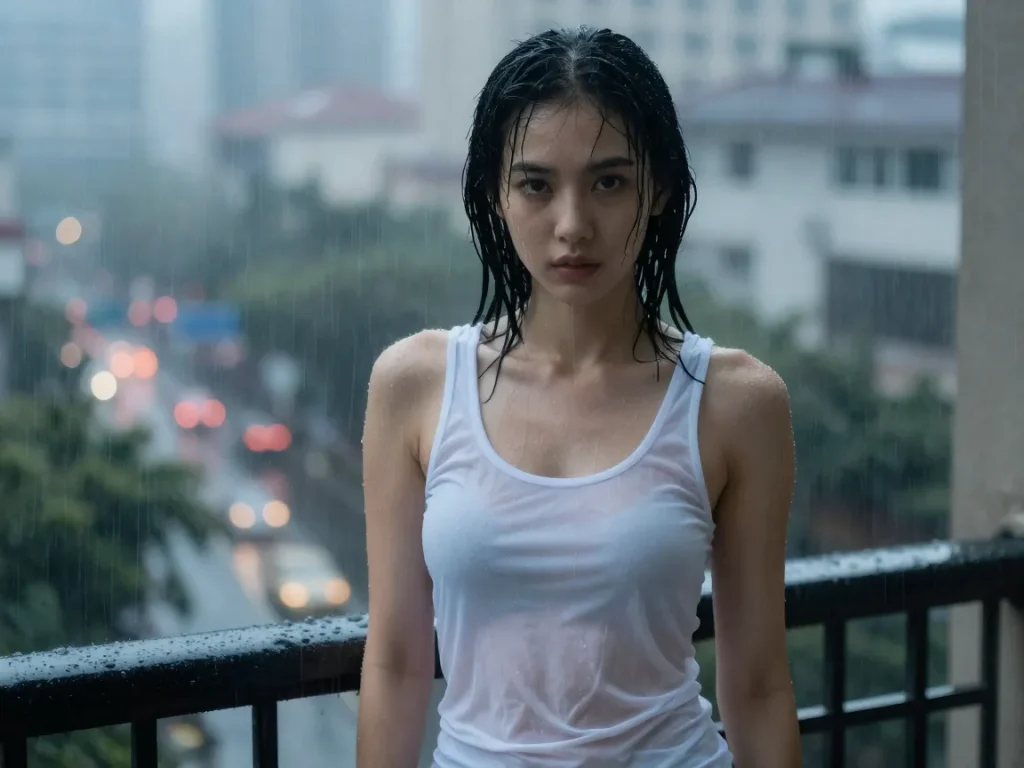
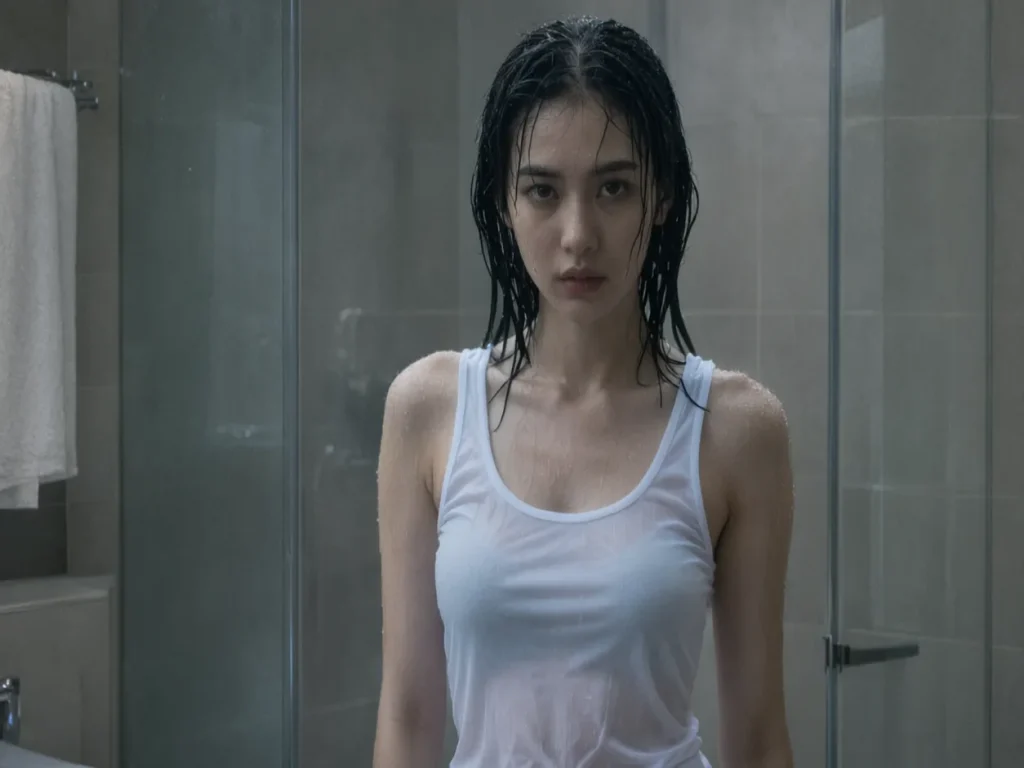
2. Adult wardrobe changes
Wardrobe replacement can be done with the same preservation logic as ordinary clothing edits. Describe the garment, material, color and fit, and protect face, anatomy, pose and hands.
For this consenting adult portrait, replace the current outfit with tasteful black lingerie with realistic fabric, seams and straps. Keep the adult subject’s face, body proportions, pose, hands, hairstyle, background, camera angle and crop unchanged. Match the original lighting and shadows.
Use only where permitted and with appropriate adult consent.
Replace the current outer garment with a dark satin robe with realistic folds and soft reflections. Keep the adult subject’s identity, body proportions, pose, hands, background and lighting unchanged.
Material description is more useful than generic adjectives.
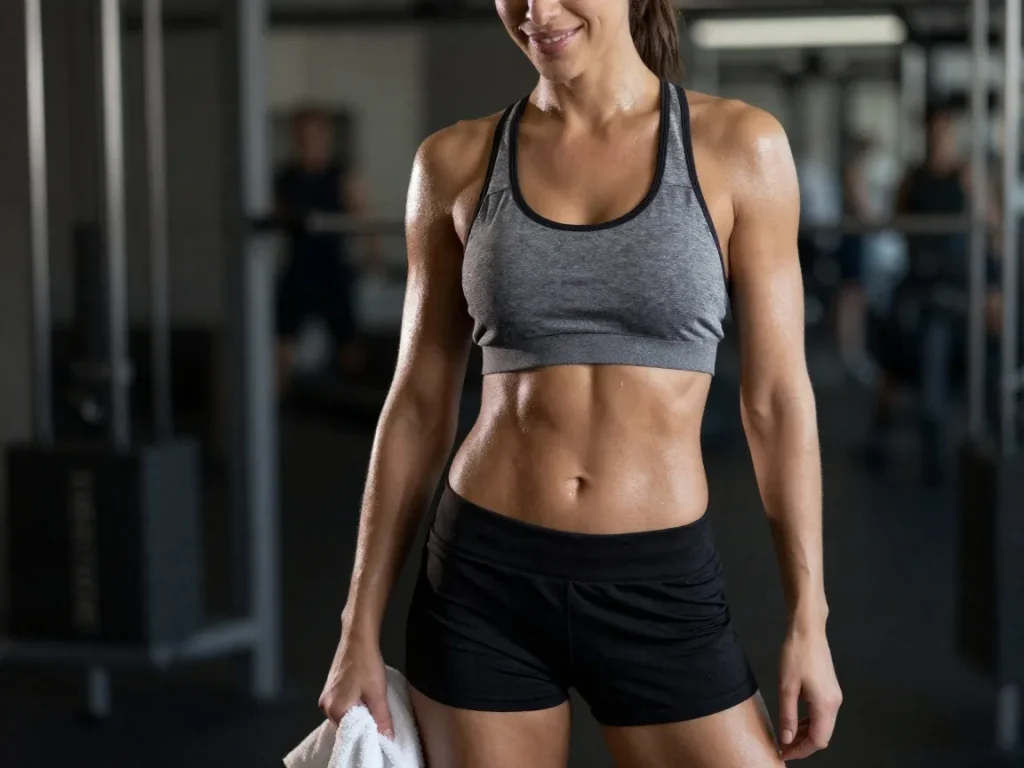
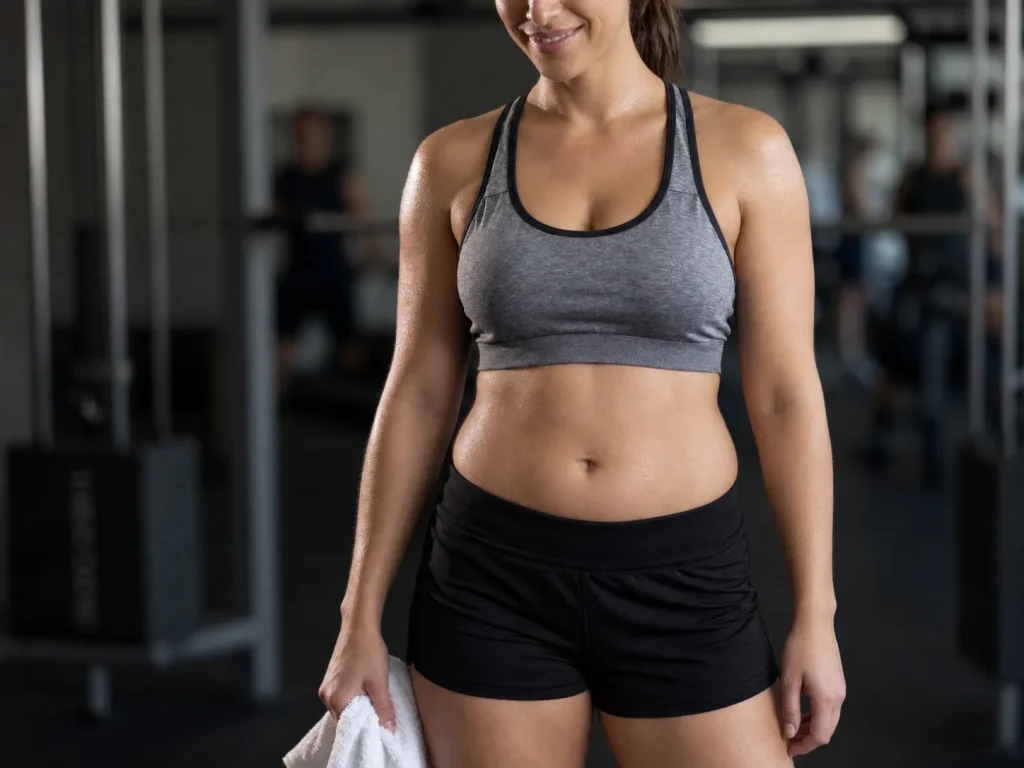
3. Change the environment without changing the subject
A room can change the tone of an adult portrait without requiring a more invasive edit. Common directions include a neutral studio, upscale hotel room, dark editorial set or warm bedroom environment.
Replace only the background with an upscale hotel bedroom: neutral bedding, warm lamps and subtle dark wood details. Keep the consenting adult subject’s identity, body proportions, pose, hands, wardrobe, edges, camera angle and crop unchanged. Match perspective and light direction.
Protect hair and body edges so the subject does not look pasted in.
Replace only the background with a minimal dark photography studio with a soft gradient backdrop and subtle floor shadow. Keep the adult subject, pose, wardrobe, identity, framing and existing light direction unchanged.
Simple environments are easier to integrate cleanly.
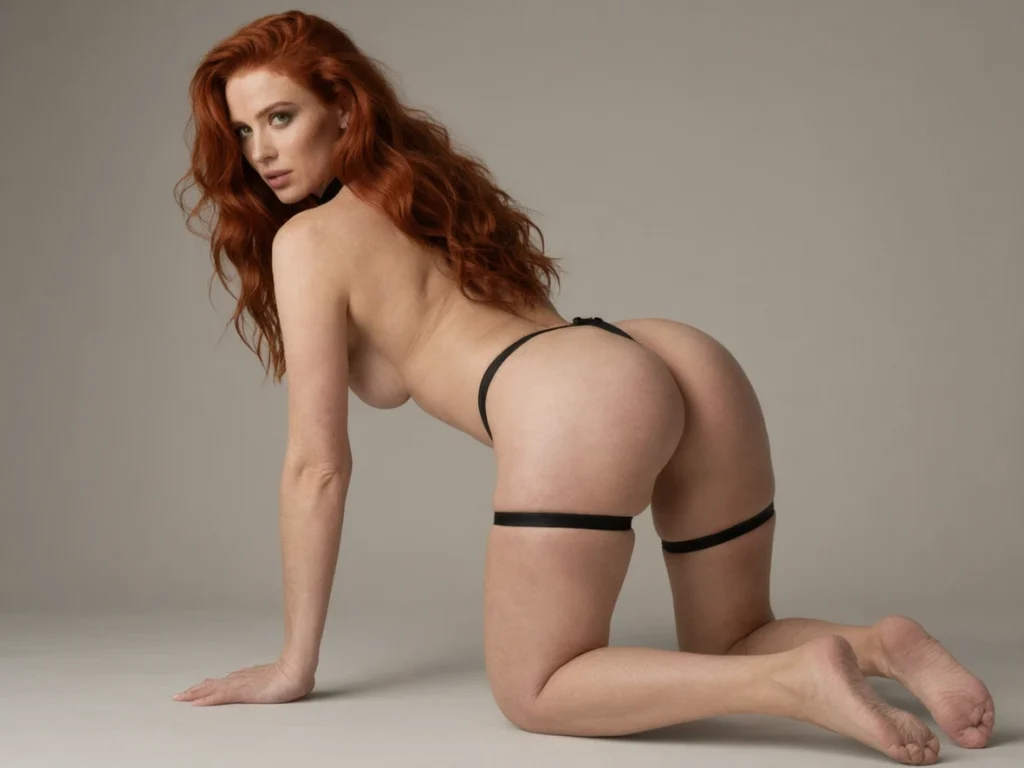
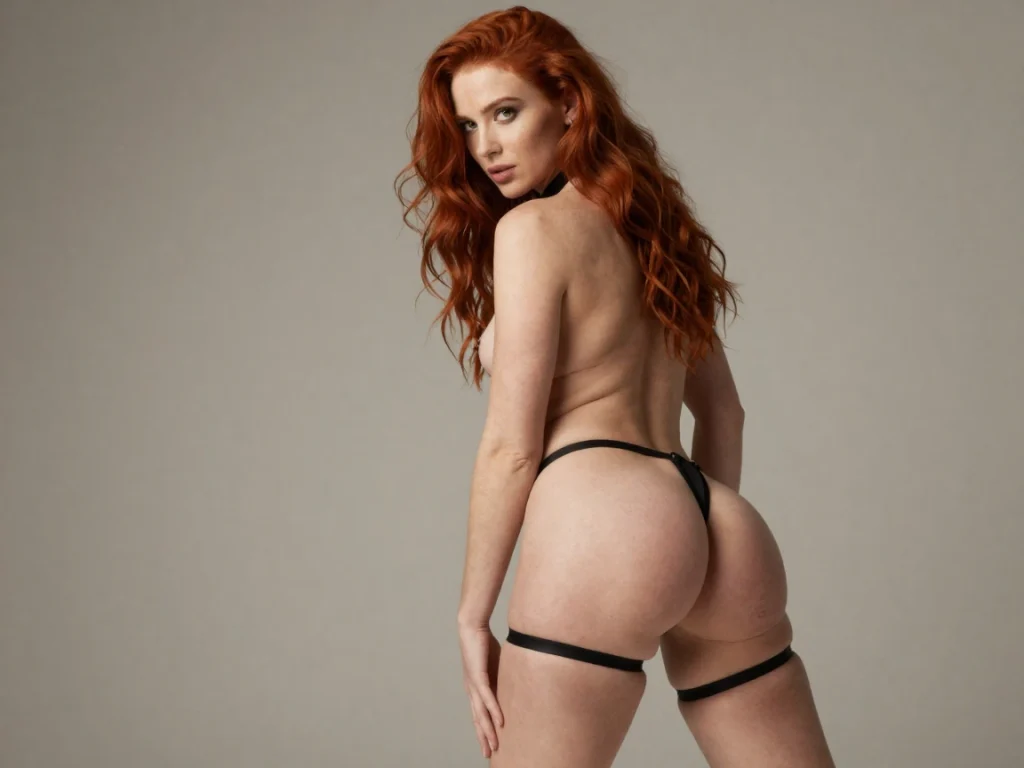
4. Retouch skin without turning it plastic
Adult and boudoir imagery often uses flattering retouching, but over-smoothing skin can make the result look synthetic. Tell the editor what temporary distractions to reduce and what permanent texture to preserve.
Retouch the skin lightly: reduce temporary blemishes, uneven shine and harsh color patches while preserving pores, natural texture, freckles, moles, fine lines and body detail. Do not reshape the face or body. Keep lighting realistic.
The goal is cleanup, not replacing the person with a filtered version.
5. Protect identity during adult edits
Adult-oriented transformations make identity preservation especially important. A face that drifts can create a misleading result even if the image is aesthetically strong.
Keep the adult subject’s identity as close to the source as possible. Preserve facial proportions, eyes, nose, lips, jawline, hairline, skin marks, expression and apparent age. Make the requested edit only to [target].
Use this line when the face is not the intended target.
For a deeper workflow, see How to Keep the Same Face When Editing Photos With AI.
6. Preserve realistic body proportions
Any edit that touches clothing, pose, lighting or body-adjacent regions can accidentally alter proportions. If the goal is wardrobe or styling rather than body transformation, say so clearly.
Keep the adult subject’s body proportions, shoulder width, torso length, waist/hip relationship, limb length and pose consistent with the source. Do not reshape the body unless that is the explicit requested edit.
This is useful for outfit and background edits.
7. Use lighting to change mood instead of anatomy
Lighting is one of the safest ways to make a portrait feel more intimate or editorial without changing the person. Warm practical light, soft side light, low-key contrast and subtle highlights can transform mood while preserving identity and pose.
Create soft low-key editorial lighting with a gentle side key light, subtle highlights and controlled shadows. Keep the adult subject’s face, body, pose, wardrobe, background layout and crop unchanged.
Check that shadow direction remains physically coherent.
8. Prefer one meaningful change per pass
Combining wardrobe replacement, body changes, new pose, new room and new lighting in one prompt makes quality control much harder. If the result looks wrong, you will not know which instruction caused the drift.
A more reliable workflow is:
- Start from the cleanest source image.
- Make the highest-priority edit first.
- Check identity, anatomy, hands, edges and lighting.
- Save the good result.
- Make a second edit only if it is still necessary.
The same principle is explained in How to Edit Only One Part of a Photo With AI.
9. What makes an adult AI edit look realistic
Realism is not one filter. Check whether the changed garment follows the body, whether straps and jewelry have clean edges, whether skin retains texture, whether hands are anatomically coherent, whether the room perspective makes sense, and whether highlights and shadows agree with the source light.
Small inconsistencies are especially visible in close portraits. If a result feels “AI-made” but you cannot identify why, zoom into interfaces: hair against background, fingers touching fabric, garment edges, jewelry, shoulder contours and reflections.
See How to Get Realistic Results From AI Photo Editing for a full realism checklist.
10. Common prompt mistakes
“Make it hotter”
This is too subjective and gives the editor permission to redesign many unrelated elements. Translate the goal into wardrobe, light, background and photographic style.
Changing everything in one sentence
Multiple major changes increase drift and make the result difficult to evaluate.
Forgetting identity protection
If the face is not the target, protect it. Adult-oriented images should not accidentally depict a different-looking person.
Over-smoothing skin
Natural texture is part of photographic realism. Ask to reduce temporary distractions, not erase all pores and detail.
Ignoring hands and clothing edges
These are common places where generative edits reveal themselves.
Copy-ready prompt templates
Give this consenting adult portrait [lighting style]. Keep the same identity, body proportions, pose, hands, wardrobe, background, camera angle and crop. Preserve natural skin texture and realistic shadows.
For this consenting adult portrait, replace only [garment] with [specific garment, material and color]. Keep face, body proportions, pose, hands, background, crop and lighting unchanged.
Replace only the background with [specific non-explicit environment]. Keep the consenting adult subject’s identity, body proportions, pose, wardrobe, edges, camera angle and crop unchanged. Match perspective and lighting.
Retouch the adult portrait lightly: reduce [temporary distractions] while preserving natural skin texture, permanent skin features, facial proportions, body proportions, expression and realistic lighting.
A privacy-first workflow for sensitive source images
Adult-oriented portraits deserve stricter handling than ordinary social-media images. Before editing, decide whether the source contains details that are not needed for the task. A mirror may reveal another person. A room may contain an address label, screen, document or unique personal object. A screenshot may include account names or notifications. Crop or remove unnecessary identifying information before using the image when practical.
Keep source files and generated results organized so they are not accidentally mixed with public marketing assets. If an image is intended only for a private edit, do not reuse it as a website example without separate permission. Consent for one use does not automatically imply consent for every later use.
For a production site, it is also useful to separate the technical QA question — “did the edit work?” — from the publication question — “are we allowed to show this example publicly?” A strong private result should not become a public before/after unless the rights and permissions for that use are clear.
Three non-graphic adult editing briefs that are easy to evaluate
Wardrobe-only brief
Change one garment and preserve the face, body proportions, pose, hands, room and crop. This gives you a clean before/after that demonstrates the model’s control without needing an extreme transformation.
Lighting-only brief
Keep the entire subject and wardrobe unchanged while shifting ordinary room light toward warm, soft boudoir lighting. This is useful for judging whether the model can change mood without changing anatomy.
Environment-only brief
Keep the consenting adult subject locked and replace the room with a hotel, studio or other tasteful setting. This tests hair edges, body edges, perspective and subject integration.
These controlled briefs are also useful for SEO examples because the reader can immediately see what the tool was asked to change and whether it respected the original.
Choosing adult-oriented before/after examples for a public article
If an article will be public, the strongest example is not necessarily the most explicit one. A clear wardrobe, lighting or environment transformation can demonstrate the editor while remaining easier to use across search, social previews and general product pages. The example should show an adult subject, have clear permission for publication, and make the requested change obvious at a glance.
For each published before/after pair, keep a short internal production note: what the prompt asked for, what needed to remain unchanged, and why that result was selected. This makes it easier to replace or update examples later and helps Codex connect the blog slot to the correct pair in the main SEO plugin.
Frequently asked questions
Can I edit adult-oriented portraits with prompts?
Where the service permits it, yes, provided the subject is an adult and you have the required rights and consent. Follow AvaClik’s current rules for permitted content.
What kind of source image works best?
A clear image with visible facial and body detail, consistent lighting and enough resolution to judge edges usually gives you more information to work with than a heavily compressed or blurry source.
How do I stop the face from changing?
Keep the requested edit away from the face when possible, explicitly preserve identity and compare facial proportions with the source after each generation.
How do I make boudoir edits look less artificial?
Use photographic instructions: realistic fabric, natural skin texture, coherent light direction, believable shadows, preserved anatomy and a specific environment.
Should I add a lot of style keywords?
No. A few concrete visual properties are usually more useful than a long stack of adjectives.
Treat adult editing as careful portrait work
The strongest adult-oriented edits are controlled, believable and respectful of the source. Start with an adult subject you are allowed to edit, define one visual goal, preserve identity and anatomy, and inspect the result with the same attention you would give any high-quality portrait retouch.
When you are ready to test a prompt, open the AvaClik AI Photo Editor by Prompt, begin with one non-graphic styling or retouching change, and refine only what the first result gets wrong.
Try this in AvaClik
Try the workflow in AvaClik
Upload a photo you have permission to edit, make a change, check the result and refine it.
Try AvaClik AI Photo Editor ↗