AI Hairstyle Changer vs Hair Color Changer: What’s the Difference?
Understand when to use hairstyle editing, hair-color editing or both, and why separating shape and color often gives clearer comparisons.
On this page
Open the AvaClik tool connected to this guide and try it on your photo.
Hair shape and hair color are related visually but they answer different questions. A hairstyle change alters the geometry of the hair around the face and shoulders; a color change should preserve that geometry and modify only the visible shade and tonal pattern.
Quick answer
Use hairstyle editing when you want a different cut, length, fringe, texture or volume. Use color editing when the haircut is already right and you only want a new shade. For a major makeover, test shape first and color second.
What hairstyle editing changes
Haircut editing can modify length, fringe, parting, curl pattern, silhouette and how hair overlaps the face, ears, neck and shoulders. Review what hairstyle editing changes both at normal viewing size and at close zoom. At normal size, inspect the hairstyle silhouette and whether it suits the portrait. At close zoom, inspect the hairline, roots, fine strands, ear boundaries, neck, clothing overlap and any background pattern near the hair. The two views reveal different classes of problems.
Haircut editing can modify length, fringe, parting, curl pattern, silhouette and how hair overlaps the face, ears, neck and shoulders. For AI Hairstyle Changer vs Hair Color Changer: What’s the Difference?, judge this detail in relation to the original portrait rather than as an isolated beauty effect. Hair geometry sits next to the face, ears, neck and clothing, so a locally attractive result can still be wrong if it changes identity, head angle or scene lighting. Keep the purpose of the edit narrow and compare the result with the source at the same zoom.
What hair-color editing changes
Color editing should preserve shape while changing shade, warmth, highlights or root treatment. For a publishable example in AI Hairstyle Changer vs Hair Color Changer: What’s the Difference?, keep the before and after framing consistent. A fair comparison should not secretly improve the portrait by changing crop, exposure, makeup or face shape at the same time. That matters for readers because they should be able to see what the hairstyle operation itself contributed.
Color editing should preserve shape while changing shade, warmth, highlights or root treatment. A practical way to evaluate what hair-color editing changes is to identify what should change and what should remain stable before generating. With AI hairstyle changer vs hair color changer, the change may be hair length, fringe, texture or color, while facial features, expression, makeup, camera perspective and background are often preservation targets. This simple split makes failures much easier to diagnose.
- Color editing should preserve shape while changing shade
- warmth
- highlights or root treatment
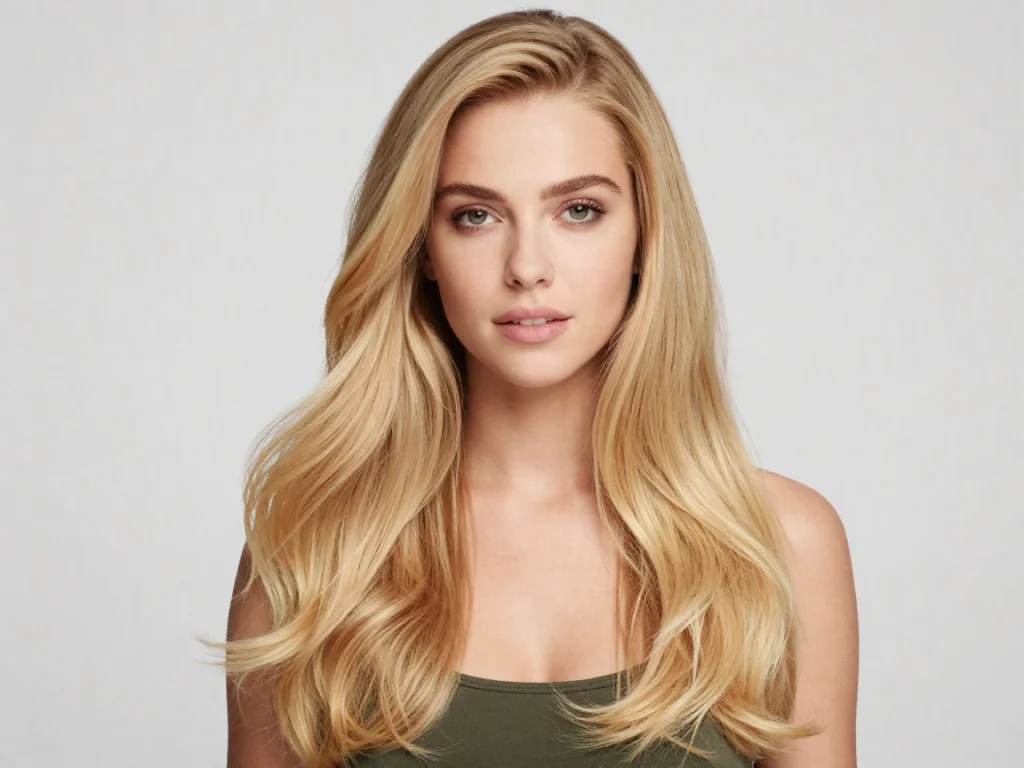
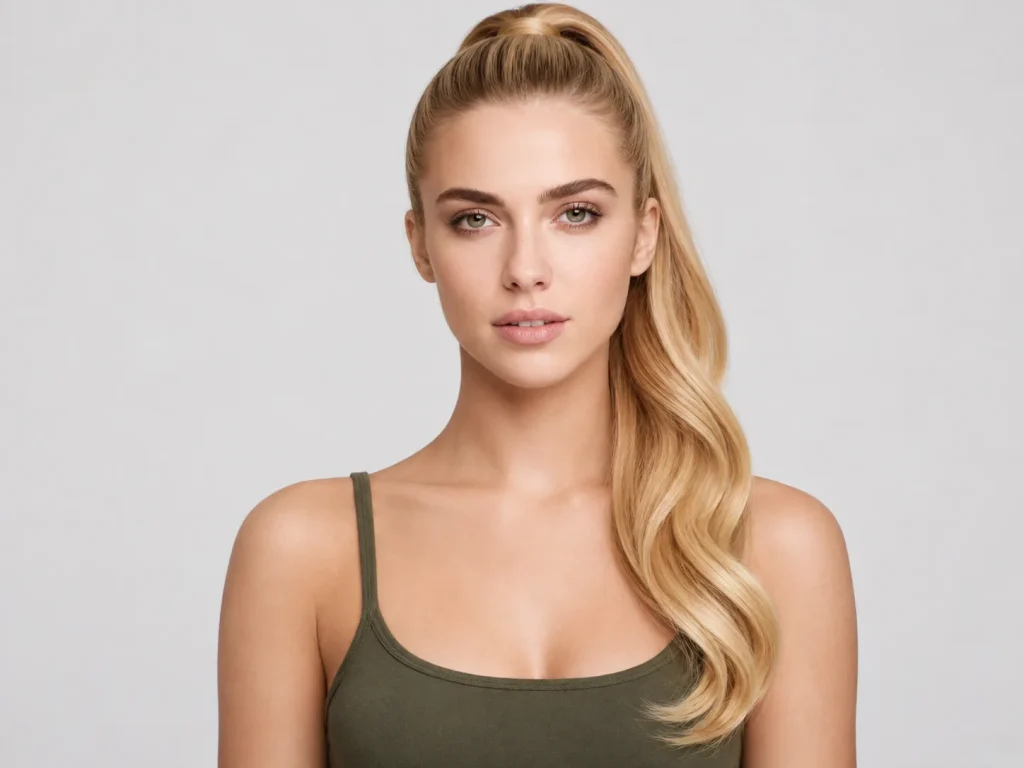
Why hairstyle changes carry more geometry risk
Because new hair occupies different pixels, it can affect hairline, ears, clothing and background edges more than a color-only edit. For AI Hairstyle Changer vs Hair Color Changer: What’s the Difference?, judge this detail in relation to the original portrait rather than as an isolated beauty effect. Hair geometry sits next to the face, ears, neck and clothing, so a locally attractive result can still be wrong if it changes identity, head angle or scene lighting. Keep the purpose of the edit narrow and compare the result with the source at the same zoom.
Because new hair occupies different pixels, it can affect hairline, ears, clothing and background edges more than a color-only edit. When testing why hairstyle changes carry more geometry risk, save multiple candidates instead of forcing one weak image through many correction passes. Hair contains thousands of small edges and tonal transitions, so one version may preserve identity better while another handles strands, ears or shoulder overlap more cleanly. Comparing candidates is often faster than repeatedly repairing a poor starting point.
Why separating variables makes comparison easier
If the cut and shade change at the same time, you may prefer one result without knowing whether the reason is color or shape. A practical way to evaluate why separating variables makes comparison easier is to identify what should change and what should remain stable before generating. With AI hairstyle changer vs hair color changer, the change may be hair length, fringe, texture or color, while facial features, expression, makeup, camera perspective and background are often preservation targets. This simple split makes failures much easier to diagnose.
If the cut and shade change at the same time, you may prefer one result without knowing whether the reason is color or shape. Review why separating variables makes comparison easier both at normal viewing size and at close zoom. At normal size, inspect the hairstyle silhouette and whether it suits the portrait. At close zoom, inspect the hairline, roots, fine strands, ear boundaries, neck, clothing overlap and any background pattern near the hair. The two views reveal different classes of problems.
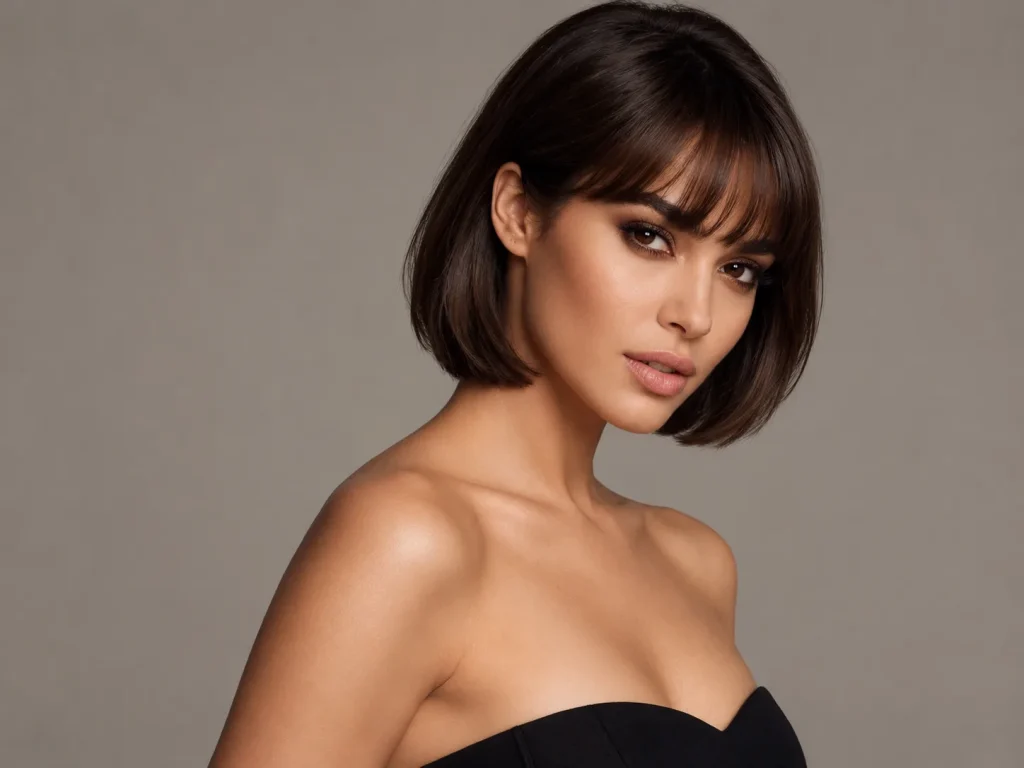
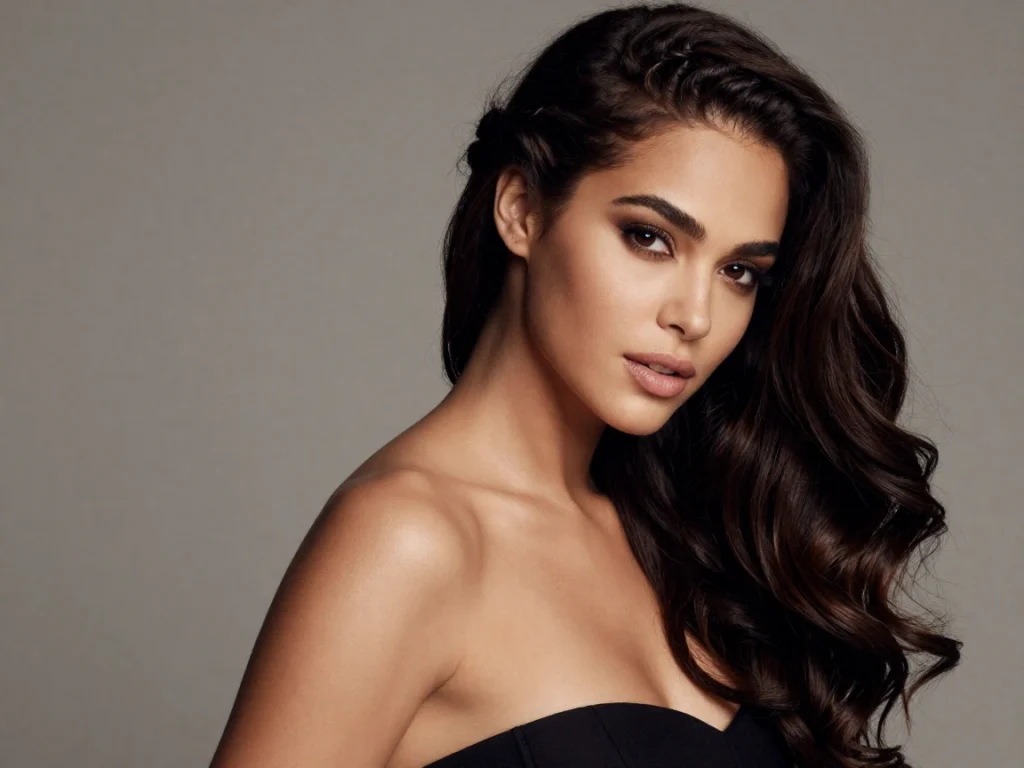
A two-stage makeover workflow
Pick the haircut silhouette first using the original color. Then test several shades on the winning haircut. When testing a two-stage makeover workflow, save multiple candidates instead of forcing one weak image through many correction passes. Hair contains thousands of small edges and tonal transitions, so one version may preserve identity better while another handles strands, ears or shoulder overlap more cleanly. Comparing candidates is often faster than repeatedly repairing a poor starting point.
Pick the haircut silhouette first using the original color. Then test several shades on the winning haircut. For a publishable example in AI Hairstyle Changer vs Hair Color Changer: What’s the Difference?, keep the before and after framing consistent. A fair comparison should not secretly improve the portrait by changing crop, exposure, makeup or face shape at the same time. That matters for readers because they should be able to see what the hairstyle operation itself contributed.
How reference photos fit
A reference photo is especially useful for hairstyle shape; color can be described separately if the reference shade is not the goal. Review how reference photos fit both at normal viewing size and at close zoom. At normal size, inspect the hairstyle silhouette and whether it suits the portrait. At close zoom, inspect the hairline, roots, fine strands, ear boundaries, neck, clothing overlap and any background pattern near the hair. The two views reveal different classes of problems.
A reference photo is especially useful for hairstyle shape; color can be described separately if the reference shade is not the goal. For AI Hairstyle Changer vs Hair Color Changer: What’s the Difference?, judge this detail in relation to the original portrait rather than as an isolated beauty effect. Hair geometry sits next to the face, ears, neck and clothing, so a locally attractive result can still be wrong if it changes identity, head angle or scene lighting. Keep the purpose of the edit narrow and compare the result with the source at the same zoom.
Identity preservation
Both tools should preserve facial features, but hairstyle edits interact more directly with forehead, ears and head outline. For a publishable example in AI Hairstyle Changer vs Hair Color Changer: What’s the Difference?, keep the before and after framing consistent. A fair comparison should not secretly improve the portrait by changing crop, exposure, makeup or face shape at the same time. That matters for readers because they should be able to see what the hairstyle operation itself contributed.
Both tools should preserve facial features, but hairstyle edits interact more directly with forehead, ears and head outline. A practical way to evaluate identity preservation is to identify what should change and what should remain stable before generating. With AI hairstyle changer vs hair color changer, the change may be hair length, fringe, texture or color, while facial features, expression, makeup, camera perspective and background are often preservation targets. This simple split makes failures much easier to diagnose.
Lighting affects color judgments
Warm and cool scene lighting can make the same hair shade look different. Compare color edits under the original lighting. For AI Hairstyle Changer vs Hair Color Changer: What’s the Difference?, judge this detail in relation to the original portrait rather than as an isolated beauty effect. Hair geometry sits next to the face, ears, neck and clothing, so a locally attractive result can still be wrong if it changes identity, head angle or scene lighting. Keep the purpose of the edit narrow and compare the result with the source at the same zoom.
Warm and cool scene lighting can make the same hair shade look different. Compare color edits under the original lighting. When testing lighting affects color judgments, save multiple candidates instead of forcing one weak image through many correction passes. Hair contains thousands of small edges and tonal transitions, so one version may preserve identity better while another handles strands, ears or shoulder overlap more cleanly. Comparing candidates is often faster than repeatedly repairing a poor starting point.
Common use cases
Haircut try-on is useful for salon discussion; hair color try-on is useful for comparing brunette, blonde, copper or creative shades. A practical way to evaluate common use cases is to identify what should change and what should remain stable before generating. With AI hairstyle changer vs hair color changer, the change may be hair length, fringe, texture or color, while facial features, expression, makeup, camera perspective and background are often preservation targets. This simple split makes failures much easier to diagnose.
Haircut try-on is useful for salon discussion; hair color try-on is useful for comparing brunette, blonde, copper or creative shades. Review common use cases both at normal viewing size and at close zoom. At normal size, inspect the hairstyle silhouette and whether it suits the portrait. At close zoom, inspect the hairline, roots, fine strands, ear boundaries, neck, clothing overlap and any background pattern near the hair. The two views reveal different classes of problems.
Which tool should you use?
Choose based on the one question you want the image to answer. If you are asking two questions, split them into two passes. When testing which tool should you use?, save multiple candidates instead of forcing one weak image through many correction passes. Hair contains thousands of small edges and tonal transitions, so one version may preserve identity better while another handles strands, ears or shoulder overlap more cleanly. Comparing candidates is often faster than repeatedly repairing a poor starting point.
Choose based on the one question you want the image to answer. If you are asking two questions, split them into two passes. For a publishable example in AI Hairstyle Changer vs Hair Color Changer: What’s the Difference?, keep the before and after framing consistent. A fair comparison should not secretly improve the portrait by changing crop, exposure, makeup or face shape at the same time. That matters for readers because they should be able to see what the hairstyle operation itself contributed.
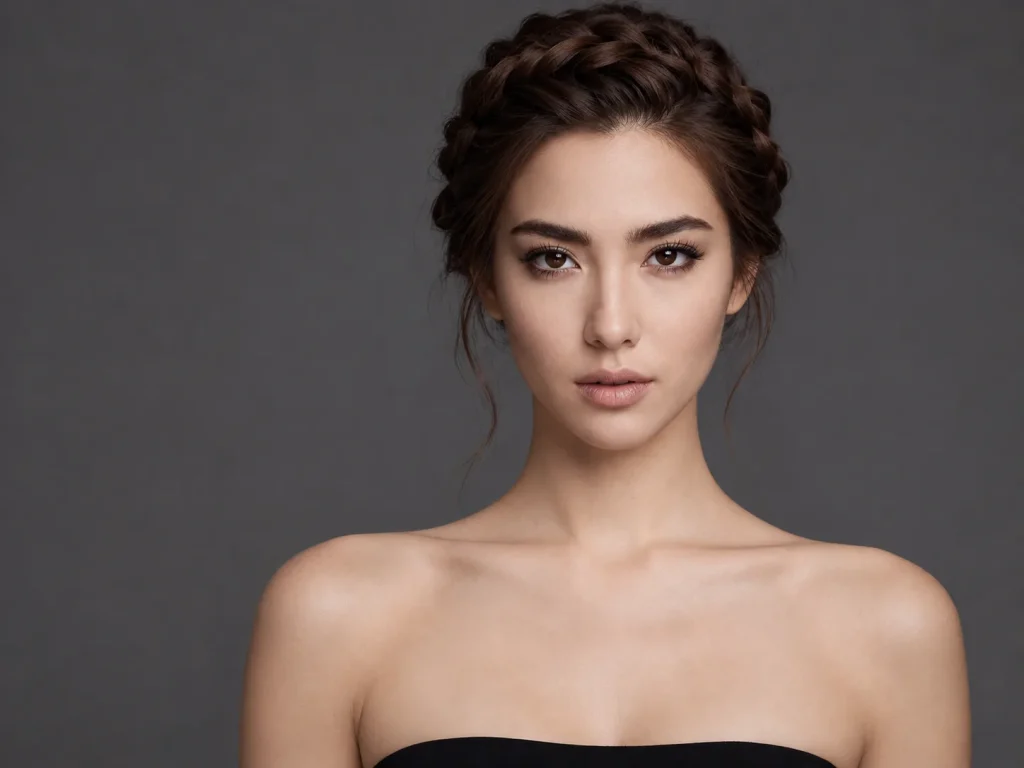
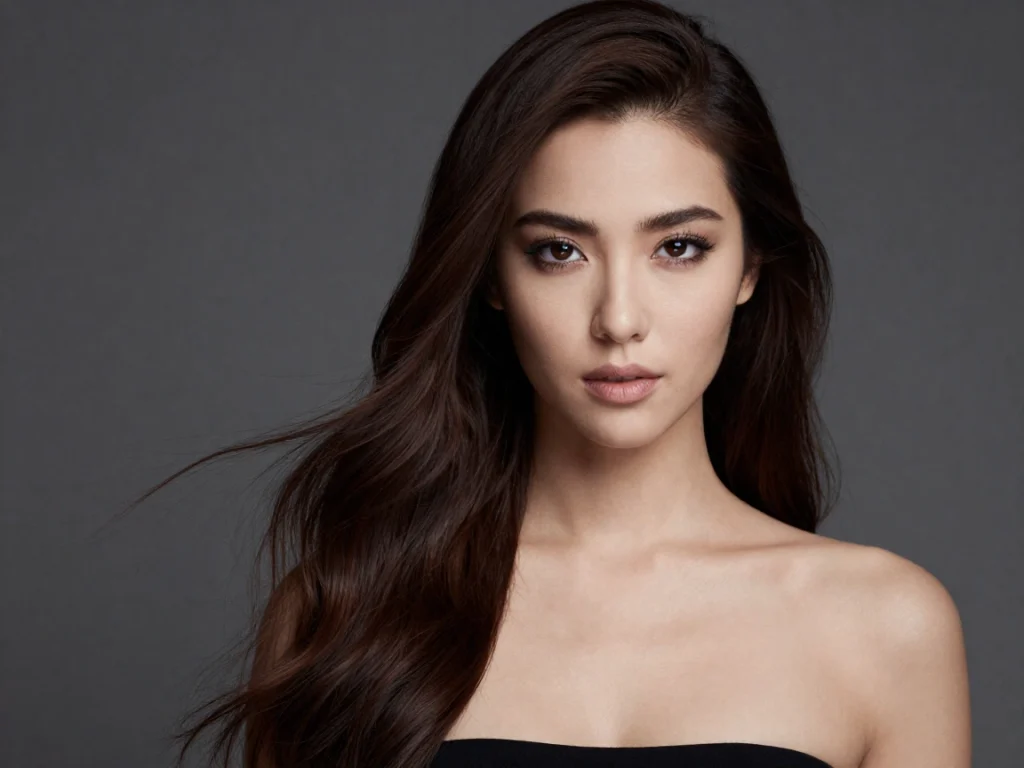
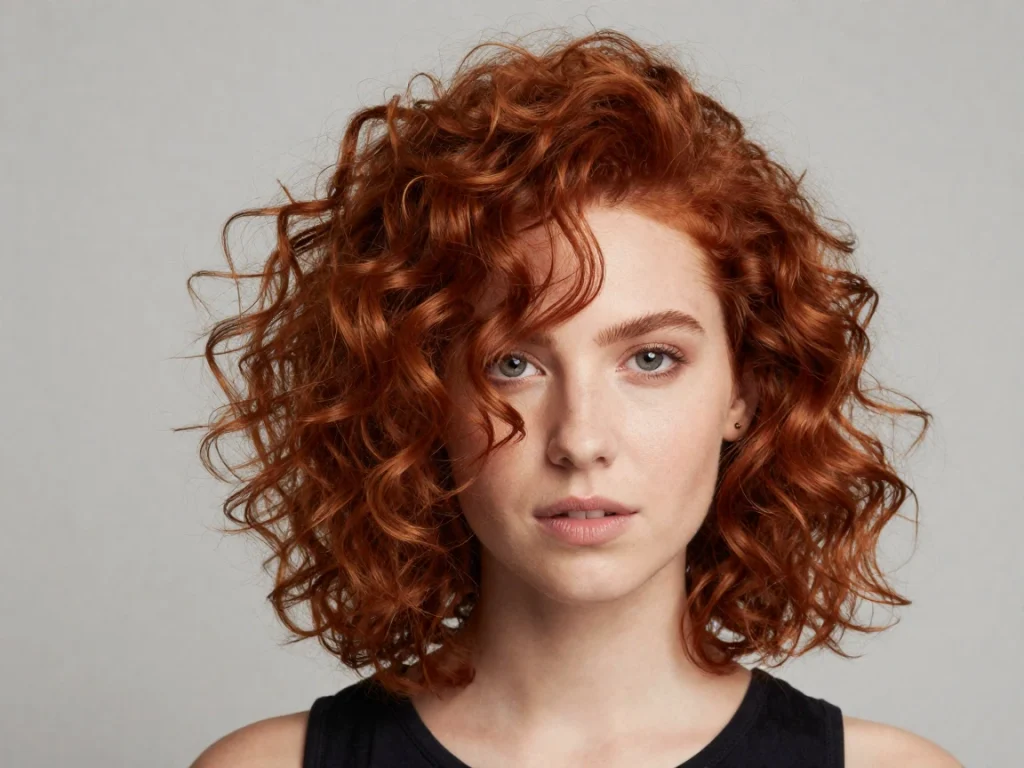
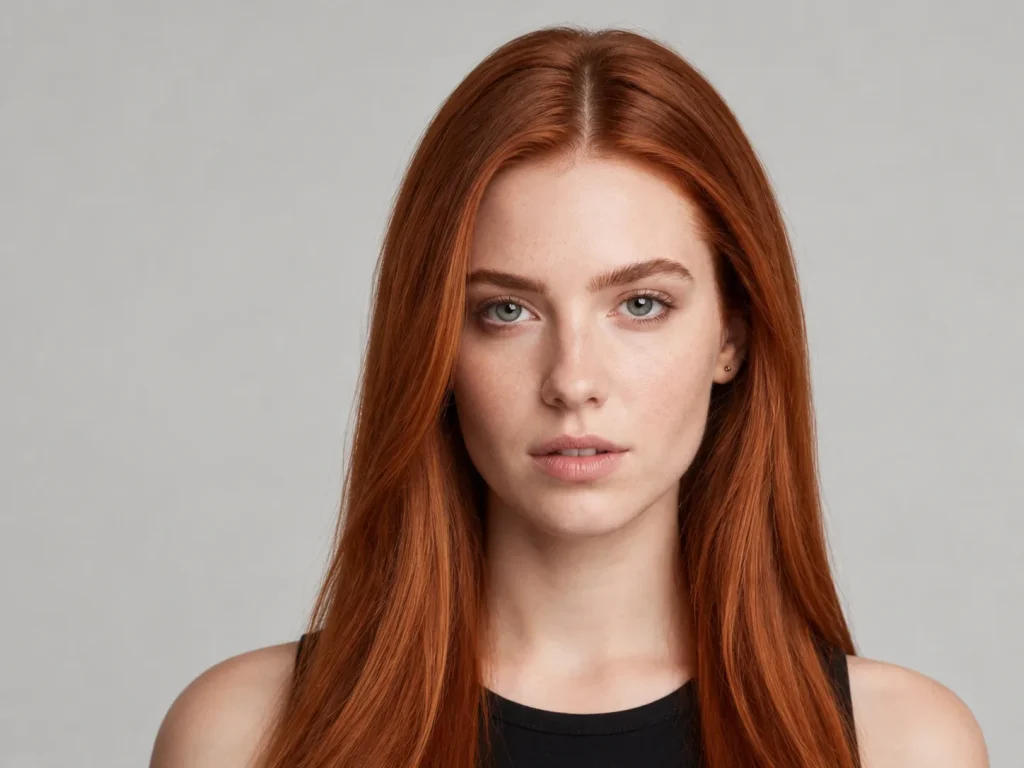
Ready-to-copy examples
Use these as starting points. Keep the preservation clause when identity matters, and change only the hairstyle attributes that are relevant to your photo.
Change only the hairstyle to a shoulder-length layered bob. Keep the original hair color, face, makeup and lighting unchanged.Keep the exact same haircut, length, parting, texture and volume. Change only the hair color to a natural cool dark brown while preserving face and lighting.A practical step-by-step workflow
Use the same controlled sequence whenever you test AI hairstyle changer vs hair color changer. Starting from the original image each time makes comparisons cleaner and prevents small identity or texture changes from accumulating across revisions.
- 1. Choose the clearest source portrait available and keep the full head visible.
- 2. Decide the one main hair decision you want to test: shape, length, fringe, texture, reference style or color.
- 3. Preserve the face, expression, skin tone, makeup, head angle, outfit, lighting and background unless they are intentionally part of the edit.
- 4. Generate several candidates and compare silhouette first, then inspect hairline, ears, neck and strand boundaries at full size.
- 5. If a result drifts, retry from the original with a narrower instruction instead of stacking unrelated corrections onto the altered image.
Before exporting the example for AI Hairstyle Changer vs Hair Color Changer: What’s the Difference?, compare it with the original at the same crop and zoom. The final hairstyle should read as part of the same person and photograph, with stable identity, believable boundaries and no unrelated changes introduced just to make the new hair look polished.
Common mistakes to avoid
- Changing haircut, hair color, makeup and lighting at the same time when you only want to compare one variable.
- Using a cropped or heavily blurred portrait and then judging fine hairline detail as if the source contained it.
- Accepting a stylish result without checking whether the face, forehead, ears, jewelry or background changed.
- Treating a reference image as a promise of exact reproduction instead of guidance that must adapt to the base person.
- Using an AI salon preview as a guarantee of how real hair will behave after cutting, coloring or styling.
Related AvaClik hairstyle guides
Use these related guides when the next question is about source-photo quality, prompts, identity preservation, reference images or fixing a result that looks artificial.
- How to Change Your Hairstyle in a Photo With AI: Complete Guide
- 50 AI Hairstyle Prompts for Realistic Hair Makeovers
- How to Change Hairstyle Without Changing Your Face
- Best Photos for AI Hairstyle Try-On: Angle, Lighting & Hairline
Frequently asked questions
Will an AI hairstyle preview look exactly like a real haircut?
No. It is a visual preview. Real results depend on hair density, texture, growth pattern, styling, products and the work of the stylist.
Should I use a front-facing photo?
A clear front or gentle three-quarter portrait is usually easiest because the face, hairline and overall head shape are visible.
Can AvaClik keep my original hair color?
Yes. The hairstyle workflow can keep the original shade or use another color, but always review the result for changes near the hairline and face.
Can I use a reference hairstyle photo?
Yes. AvaClik supports a second image as a hairstyle reference. Treat it as guidance rather than a guarantee of pixel-for-pixel copying.
Try the hairstyle in AvaClik
Open AvaClik AI Hairstyle Changer to test the workflow from AI Hairstyle Changer vs Hair Color Changer: What’s the Difference?. Use a photo you have the right to edit, choose a ready-made style or hairstyle reference, set hair color only when it is part of the test, and inspect the result carefully before saving.
Try this in AvaClik
Try the workflow in AvaClik
Upload a photo you have permission to edit, make a change, check the result and refine it.
Try AvaClik AI Hairstyle Changer ↗