AvaClik Fast vs Super AI Image Quality: Which Mode Should You Use?
A practical guide to choosing between the current AvaClik Fast and Super 2K generation options, including iteration strategy, final-detail review and cost awareness.
On this page
Open the AvaClik tool connected to this guide and try it on your photo.
A practical guide to choosing between the current AvaClik Fast and Super 2K generation options, including iteration strategy, final-detail review and cost awareness.
Quick answer
For AvaClik Fast vs Super AI image quality, start with a short visual brief that makes the main subject, physical setting, framing and lighting explicit. Generate a simple version first, judge the large structural decisions, and only then spend extra detail or higher-quality generations on a composition that already works.
The important distinction in “AvaClik Fast vs Super AI Image Quality: Which Mode Should You Use?” is that a text-to-image model invents the entire frame. It is not recovering a hidden real photograph. Faces, hands, clothing folds, background signs and small objects are synthetic choices, so the final image should be reviewed as generated media rather than assumed to be accurate evidence of anything real.
What the current AvaClik interface shows
In “AvaClik Fast vs Super AI Image Quality: Which Mode Should You Use?,” what the current avaclik interface shows deserves a separate review because viewers notice facial inconsistencies immediately. Check eye direction, eyelid shape, mouth geometry, hairline continuity and skin texture together. A technically sharp image can still feel synthetic if those features do not agree with the same pose and light.
When reviewing this part of “AvaClik Fast vs Super AI Image Quality: Which Mode Should You Use?,” ask what a photographer or art director would be able to point to in the finished frame. If the instruction cannot be checked visually, rewrite it into something observable: a light source, a camera angle, a physical material, a pose relationship or a defined background element.
Before publishing the “What the current AvaClik interface shows” section of “AvaClik Fast vs Super AI Image Quality: Which Mode Should You Use?,” replace its placeholder with a real AvaClik example that demonstrates this decision. The example should make the difference visible at a glance, use only adult content allowed by the service, and include enough of the frame for readers to judge composition rather than showing a cropped detail with no context.
| Mode | Current UI | Practical role |
|---|---|---|
| Fast | Shown as 2 tokens in the supplied page | Prompt and composition iteration |
| Super | Shown as 2K · 10 tokens in the supplied page | Higher-resolution final candidate review |
Verify these values in the live AvaClik interface immediately before publication; pricing and model settings can change.
Use Fast while the idea is still changing
Within “AvaClik Fast vs Super AI Image Quality: Which Mode Should You Use?,” use fast while the idea is still changing is best treated as a workflow decision rather than a universal quality ranking. The current AvaClik generator interface shows a Fast option and a Super 2K option; verify token pricing in the live UI before publication because product costs can change. Use lower-cost iterations while subject, framing or lighting are still moving, then use higher quality when the composition is worth inspecting closely.
For a production-style workflow, save the prompt and note what changed between iterations. That makes use fast while the idea is still changing reproducible: if a later version is worse, you can return to the stronger composition instead of trying to remember which combination of words produced it.
Before publishing the “Use Fast while the idea is still changing” section of “AvaClik Fast vs Super AI Image Quality: Which Mode Should You Use?,” replace its placeholder with a real AvaClik example that demonstrates this decision. The example should make the difference visible at a glance, use only adult content allowed by the service, and include enough of the frame for readers to judge composition rather than showing a cropped detail with no context.


Use Super when composition is already working
Within “AvaClik Fast vs Super AI Image Quality: Which Mode Should You Use?,” use super when composition is already working is best treated as a workflow decision rather than a universal quality ranking. The current AvaClik generator interface shows a Fast option and a Super 2K option; verify token pricing in the live UI before publication because product costs can change. Use lower-cost iterations while subject, framing or lighting are still moving, then use higher quality when the composition is worth inspecting closely.
Keep the first experiment conservative. A clear single subject, simple scene and readable pose make it easier to judge use super when composition is already working. Once the core image is stable, add atmosphere and secondary detail without changing every constraint at the same time.
Before publishing the “Use Super when composition is already working” section of “AvaClik Fast vs Super AI Image Quality: Which Mode Should You Use?,” replace its placeholder with a real AvaClik example that demonstrates this decision. The example should make the difference visible at a glance, use only adult content allowed by the service, and include enough of the frame for readers to judge composition rather than showing a cropped detail with no context.
Resolution does not fix a weak prompt
Within “AvaClik Fast vs Super AI Image Quality: Which Mode Should You Use?,” resolution does not fix a weak prompt is best treated as a workflow decision rather than a universal quality ranking. The current AvaClik generator interface shows a Fast option and a Super 2K option; verify token pricing in the live UI before publication because product costs can change. Use lower-cost iterations while subject, framing or lighting are still moving, then use higher quality when the composition is worth inspecting closely.
A practical test is to generate two versions where only this decision changes. Keep the subject, setting and camera language stable, then compare which version has more coherent geometry, clearer visual hierarchy and fewer artifacts. This isolates whether resolution does not fix a weak prompt actually helped instead of confusing the result with several simultaneous prompt changes.
Before publishing the “Resolution does not fix a weak prompt” section of “AvaClik Fast vs Super AI Image Quality: Which Mode Should You Use?,” replace its placeholder with a real AvaClik example that demonstrates this decision. The example should make the difference visible at a glance, use only adult content allowed by the service, and include enough of the frame for readers to judge composition rather than showing a cropped detail with no context.
Why iteration cost matters
In “AvaClik Fast vs Super AI Image Quality: Which Mode Should You Use?,” the section “Why iteration cost matters” focuses on a decision that materially changes the generated frame. Treat it as one controllable variable: describe it clearly, keep the rest of the visual brief stable, and compare the result against the exact outcome the section is trying to improve.
When reviewing this part of “AvaClik Fast vs Super AI Image Quality: Which Mode Should You Use?,” ask what a photographer or art director would be able to point to in the finished frame. If the instruction cannot be checked visually, rewrite it into something observable: a light source, a camera angle, a physical material, a pose relationship or a defined background element.
Before publishing the “Why iteration cost matters” section of “AvaClik Fast vs Super AI Image Quality: Which Mode Should You Use?,” replace its placeholder with a real AvaClik example that demonstrates this decision. The example should make the difference visible at a glance, use only adult content allowed by the service, and include enough of the frame for readers to judge composition rather than showing a cropped detail with no context.


Compare face detail at the same viewing size
In “AvaClik Fast vs Super AI Image Quality: Which Mode Should You Use?,” compare face detail at the same viewing size deserves a separate review because viewers notice facial inconsistencies immediately. Check eye direction, eyelid shape, mouth geometry, hairline continuity and skin texture together. A technically sharp image can still feel synthetic if those features do not agree with the same pose and light.
For a production-style workflow, save the prompt and note what changed between iterations. That makes compare face detail at the same viewing size reproducible: if a later version is worse, you can return to the stronger composition instead of trying to remember which combination of words produced it.
Before publishing the “Compare face detail at the same viewing size” section of “AvaClik Fast vs Super AI Image Quality: Which Mode Should You Use?,” replace its placeholder with a real AvaClik example that demonstrates this decision. The example should make the difference visible at a glance, use only adult content allowed by the service, and include enough of the frame for readers to judge composition rather than showing a cropped detail with no context.
Check hands before upgrading quality
Within “AvaClik Fast vs Super AI Image Quality: Which Mode Should You Use?,” check hands before upgrading quality is best treated as a workflow decision rather than a universal quality ranking. The current AvaClik generator interface shows a Fast option and a Super 2K option; verify token pricing in the live UI before publication because product costs can change. Use lower-cost iterations while subject, framing or lighting are still moving, then use higher quality when the composition is worth inspecting closely.
Keep the first experiment conservative. A clear single subject, simple scene and readable pose make it easier to judge check hands before upgrading quality. Once the core image is stable, add atmosphere and secondary detail without changing every constraint at the same time.
Before publishing the “Check hands before upgrading quality” section of “AvaClik Fast vs Super AI Image Quality: Which Mode Should You Use?,” replace its placeholder with a real AvaClik example that demonstrates this decision. The example should make the difference visible at a glance, use only adult content allowed by the service, and include enough of the frame for readers to judge composition rather than showing a cropped detail with no context.
Use Fast to test aspect ratio
For “AvaClik Fast vs Super AI Image Quality: Which Mode Should You Use?,” use fast to test aspect ratio changes the space the model has to solve the scene. A vertical frame gives a standing subject room from head to feet; a wide frame gives the environment more visual weight. Decide the ratio before refining pose and background, because a later crop can remove the very details the prompt asked the model to compose.
A practical test is to generate two versions where only this decision changes. Keep the subject, setting and camera language stable, then compare which version has more coherent geometry, clearer visual hierarchy and fewer artifacts. This isolates whether use fast to test aspect ratio actually helped instead of confusing the result with several simultaneous prompt changes.
Before publishing the “Use Fast to test aspect ratio” section of “AvaClik Fast vs Super AI Image Quality: Which Mode Should You Use?,” replace its placeholder with a real AvaClik example that demonstrates this decision. The example should make the difference visible at a glance, use only adult content allowed by the service, and include enough of the frame for readers to judge composition rather than showing a cropped detail with no context.
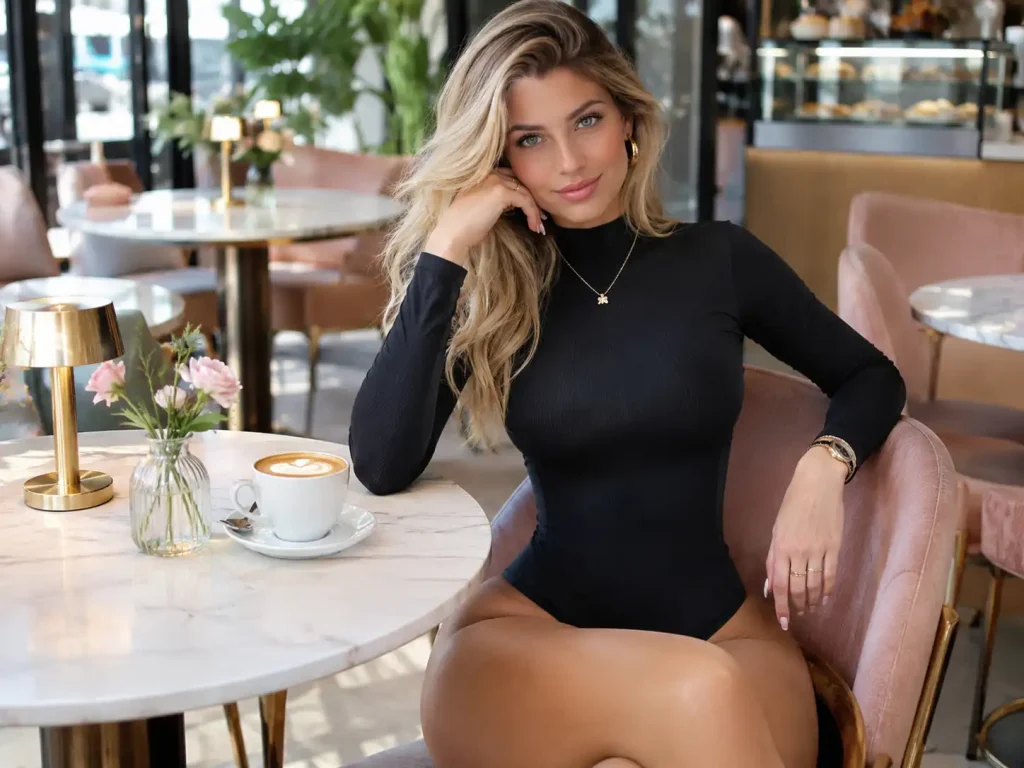

Use Super for final texture review
Within “AvaClik Fast vs Super AI Image Quality: Which Mode Should You Use?,” use super for final texture review is best treated as a workflow decision rather than a universal quality ranking. The current AvaClik generator interface shows a Fast option and a Super 2K option; verify token pricing in the live UI before publication because product costs can change. Use lower-cost iterations while subject, framing or lighting are still moving, then use higher quality when the composition is worth inspecting closely.
When reviewing this part of “AvaClik Fast vs Super AI Image Quality: Which Mode Should You Use?,” ask what a photographer or art director would be able to point to in the finished frame. If the instruction cannot be checked visually, rewrite it into something observable: a light source, a camera angle, a physical material, a pose relationship or a defined background element.
Before publishing the “Use Super for final texture review” section of “AvaClik Fast vs Super AI Image Quality: Which Mode Should You Use?,” replace its placeholder with a real AvaClik example that demonstrates this decision. The example should make the difference visible at a glance, use only adult content allowed by the service, and include enough of the frame for readers to judge composition rather than showing a cropped detail with no context.
Portraits vs wide scenes
For “AvaClik Fast vs Super AI Image Quality: Which Mode Should You Use?,” portraits vs wide scenes should define camera distance before decorative style. A close portrait prioritizes face detail; a full-body frame forces the model to solve feet, floor contact and more clothing geometry; a wide frame asks it to construct a believable environment as well as the person.
For a production-style workflow, save the prompt and note what changed between iterations. That makes portraits vs wide scenes reproducible: if a later version is worse, you can return to the stronger composition instead of trying to remember which combination of words produced it.
Before publishing the “Portraits vs wide scenes” section of “AvaClik Fast vs Super AI Image Quality: Which Mode Should You Use?,” replace its placeholder with a real AvaClik example that demonstrates this decision. The example should make the difference visible at a glance, use only adult content allowed by the service, and include enough of the frame for readers to judge composition rather than showing a cropped detail with no context.
When Fast may already be enough
Within “AvaClik Fast vs Super AI Image Quality: Which Mode Should You Use?,” when fast may already be enough is best treated as a workflow decision rather than a universal quality ranking. The current AvaClik generator interface shows a Fast option and a Super 2K option; verify token pricing in the live UI before publication because product costs can change. Use lower-cost iterations while subject, framing or lighting are still moving, then use higher quality when the composition is worth inspecting closely.
Keep the first experiment conservative. A clear single subject, simple scene and readable pose make it easier to judge when fast may already be enough. Once the core image is stable, add atmosphere and secondary detail without changing every constraint at the same time.
Before publishing the “When Fast may already be enough” section of “AvaClik Fast vs Super AI Image Quality: Which Mode Should You Use?,” replace its placeholder with a real AvaClik example that demonstrates this decision. The example should make the difference visible at a glance, use only adult content allowed by the service, and include enough of the frame for readers to judge composition rather than showing a cropped detail with no context.
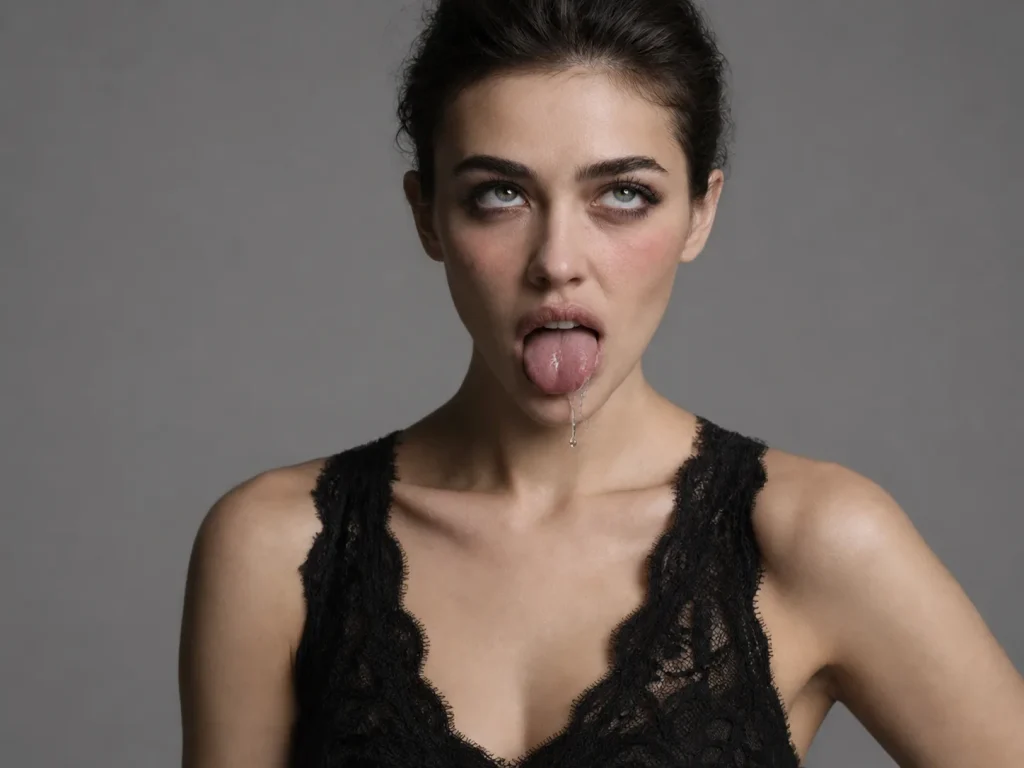
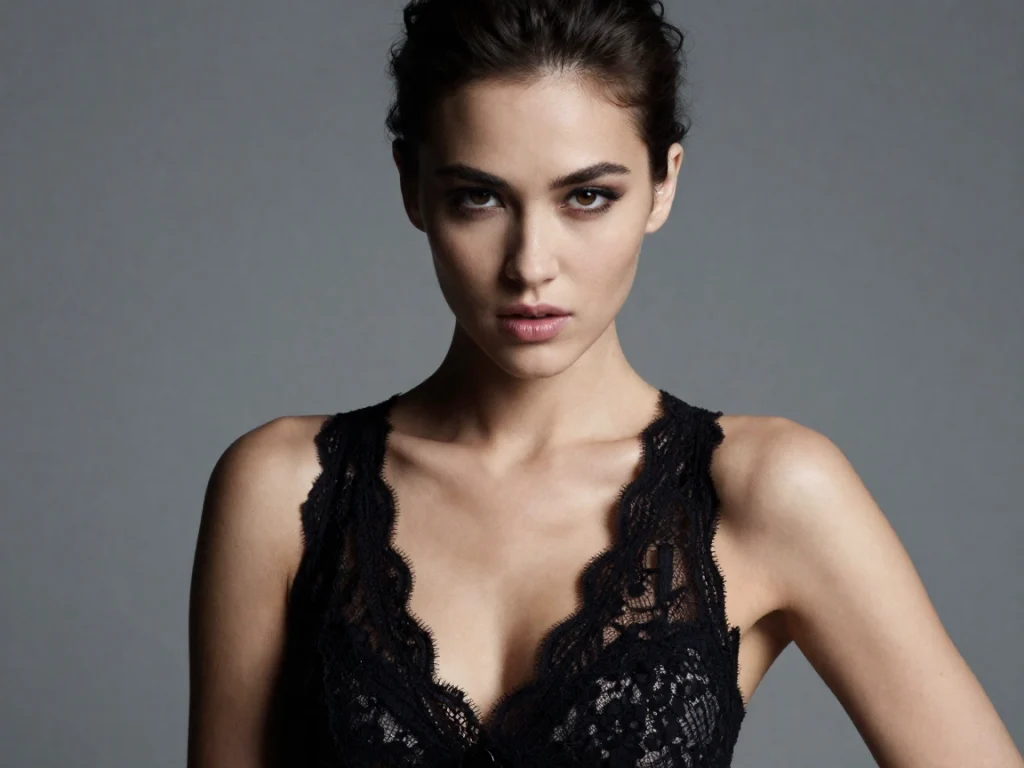
When Super is worth the extra generation cost
Within “AvaClik Fast vs Super AI Image Quality: Which Mode Should You Use?,” when super is worth the extra generation cost is best treated as a workflow decision rather than a universal quality ranking. The current AvaClik generator interface shows a Fast option and a Super 2K option; verify token pricing in the live UI before publication because product costs can change. Use lower-cost iterations while subject, framing or lighting are still moving, then use higher quality when the composition is worth inspecting closely.
A practical test is to generate two versions where only this decision changes. Keep the subject, setting and camera language stable, then compare which version has more coherent geometry, clearer visual hierarchy and fewer artifacts. This isolates whether when super is worth the extra generation cost actually helped instead of confusing the result with several simultaneous prompt changes.
Before publishing the “When Super is worth the extra generation cost” section of “AvaClik Fast vs Super AI Image Quality: Which Mode Should You Use?,” replace its placeholder with a real AvaClik example that demonstrates this decision. The example should make the difference visible at a glance, use only adult content allowed by the service, and include enough of the frame for readers to judge composition rather than showing a cropped detail with no context.
Do not confuse resolution with factual detail
Within “AvaClik Fast vs Super AI Image Quality: Which Mode Should You Use?,” do not confuse resolution with factual detail is best treated as a workflow decision rather than a universal quality ranking. The current AvaClik generator interface shows a Fast option and a Super 2K option; verify token pricing in the live UI before publication because product costs can change. Use lower-cost iterations while subject, framing or lighting are still moving, then use higher quality when the composition is worth inspecting closely.
When reviewing this part of “AvaClik Fast vs Super AI Image Quality: Which Mode Should You Use?,” ask what a photographer or art director would be able to point to in the finished frame. If the instruction cannot be checked visually, rewrite it into something observable: a light source, a camera angle, a physical material, a pose relationship or a defined background element.
Before publishing the “Do not confuse resolution with factual detail” section of “AvaClik Fast vs Super AI Image Quality: Which Mode Should You Use?,” replace its placeholder with a real AvaClik example that demonstrates this decision. The example should make the difference visible at a glance, use only adult content allowed by the service, and include enough of the frame for readers to judge composition rather than showing a cropped detail with no context.
A practical two-stage workflow
In the context of “AvaClik Fast vs Super AI Image Quality: Which Mode Should You Use?,” a practical two-stage workflow should remove age ambiguity rather than rely on vague beauty language. Use clearly adult descriptors such as “adult woman in her 30s” or “adult man in his late 20s” when age framing matters, and avoid terms that could be read as underage.
For a production-style workflow, save the prompt and note what changed between iterations. That makes a practical two-stage workflow reproducible: if a later version is worse, you can return to the stronger composition instead of trying to remember which combination of words produced it.
Before publishing the “A practical two-stage workflow” section of “AvaClik Fast vs Super AI Image Quality: Which Mode Should You Use?,” replace its placeholder with a real AvaClik example that demonstrates this decision. The example should make the difference visible at a glance, use only adult content allowed by the service, and include enough of the frame for readers to judge composition rather than showing a cropped detail with no context.
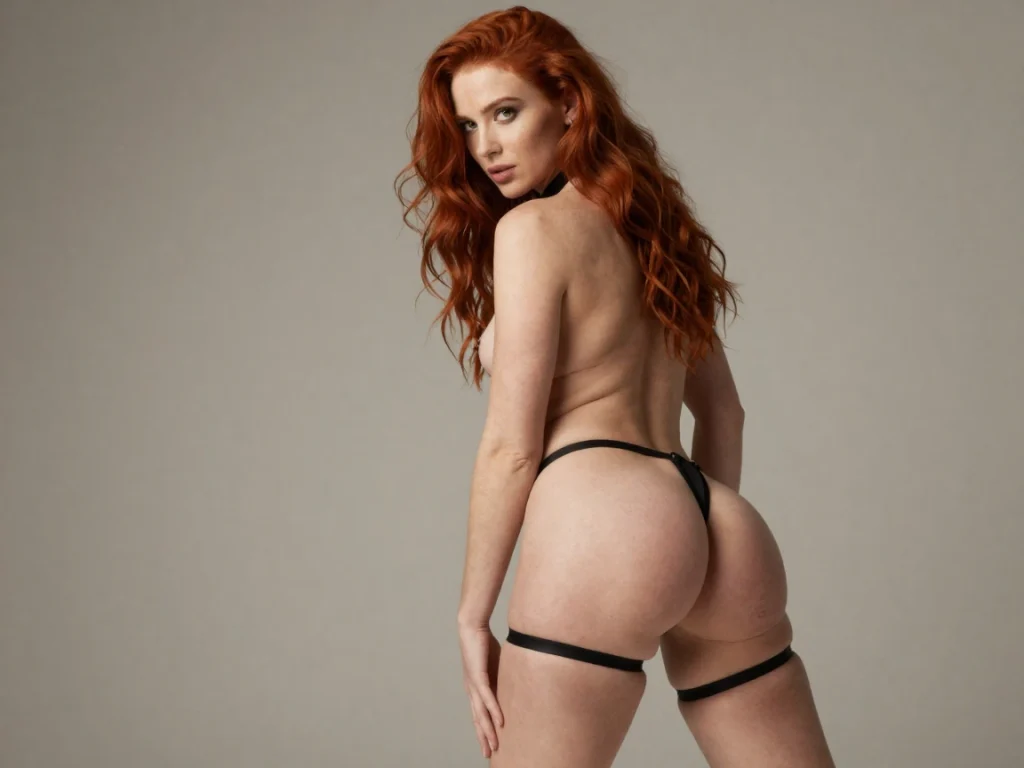
Quality-mode checklist
Within “AvaClik Fast vs Super AI Image Quality: Which Mode Should You Use?,” quality-mode checklist is best treated as a workflow decision rather than a universal quality ranking. The current AvaClik generator interface shows a Fast option and a Super 2K option; verify token pricing in the live UI before publication because product costs can change. Use lower-cost iterations while subject, framing or lighting are still moving, then use higher quality when the composition is worth inspecting closely.
Keep the first experiment conservative. A clear single subject, simple scene and readable pose make it easier to judge quality-mode checklist. Once the core image is stable, add atmosphere and secondary detail without changing every constraint at the same time.
Before publishing the “Quality-mode checklist” section of “AvaClik Fast vs Super AI Image Quality: Which Mode Should You Use?,” replace its placeholder with a real AvaClik example that demonstrates this decision. The example should make the difference visible at a glance, use only adult content allowed by the service, and include enough of the frame for readers to judge composition rather than showing a cropped detail with no context.
Related AvaClik guides
In “AvaClik Fast vs Super AI Image Quality: Which Mode Should You Use?,” the section “Related AvaClik guides” focuses on a decision that materially changes the generated frame. Treat it as one controllable variable: describe it clearly, keep the rest of the visual brief stable, and compare the result against the exact outcome the section is trying to improve.
A practical test is to generate two versions where only this decision changes. Keep the subject, setting and camera language stable, then compare which version has more coherent geometry, clearer visual hierarchy and fewer artifacts. This isolates whether related avaclik guides actually helped instead of confusing the result with several simultaneous prompt changes.
Before publishing the “Related AvaClik guides” section of “AvaClik Fast vs Super AI Image Quality: Which Mode Should You Use?,” replace its placeholder with a real AvaClik example that demonstrates this decision. The example should make the difference visible at a glance, use only adult content allowed by the service, and include enough of the frame for readers to judge composition rather than showing a cropped detail with no context.
Frequently asked questions
In “AvaClik Fast vs Super AI Image Quality: Which Mode Should You Use?,” the section “Frequently asked questions” focuses on a decision that materially changes the generated frame. Treat it as one controllable variable: describe it clearly, keep the rest of the visual brief stable, and compare the result against the exact outcome the section is trying to improve.
When reviewing this part of “AvaClik Fast vs Super AI Image Quality: Which Mode Should You Use?,” ask what a photographer or art director would be able to point to in the finished frame. If the instruction cannot be checked visually, rewrite it into something observable: a light source, a camera angle, a physical material, a pose relationship or a defined background element.
Before publishing the “Frequently asked questions” section of “AvaClik Fast vs Super AI Image Quality: Which Mode Should You Use?,” replace its placeholder with a real AvaClik example that demonstrates this decision. The example should make the difference visible at a glance, use only adult content allowed by the service, and include enough of the frame for readers to judge composition rather than showing a cropped detail with no context.
Final takeaway
In “AvaClik Fast vs Super AI Image Quality: Which Mode Should You Use?,” the section “Final takeaway” focuses on a decision that materially changes the generated frame. Treat it as one controllable variable: describe it clearly, keep the rest of the visual brief stable, and compare the result against the exact outcome the section is trying to improve.
For a production-style workflow, save the prompt and note what changed between iterations. That makes final takeaway reproducible: if a later version is worse, you can return to the stronger composition instead of trying to remember which combination of words produced it.
Before publishing the “Final takeaway” section of “AvaClik Fast vs Super AI Image Quality: Which Mode Should You Use?,” replace its placeholder with a real AvaClik example that demonstrates this decision. The example should make the difference visible at a glance, use only adult content allowed by the service, and include enough of the frame for readers to judge composition rather than showing a cropped detail with no context.
More AvaClik image-generation guides
- 40 AI Background & Setting Prompts for Adult Portraits
- Responsible NSFW AI Image Generation: Adults, Consent & Synthetic Media
- How to Make NSFW AI Images Look Photorealistic


Try this in AvaClik
Try the workflow in AvaClik
Describe an image of an adult, choose quality and framing, check the result and refine the prompt.
Try AvaClik NSFW AI Image Generator ↗